
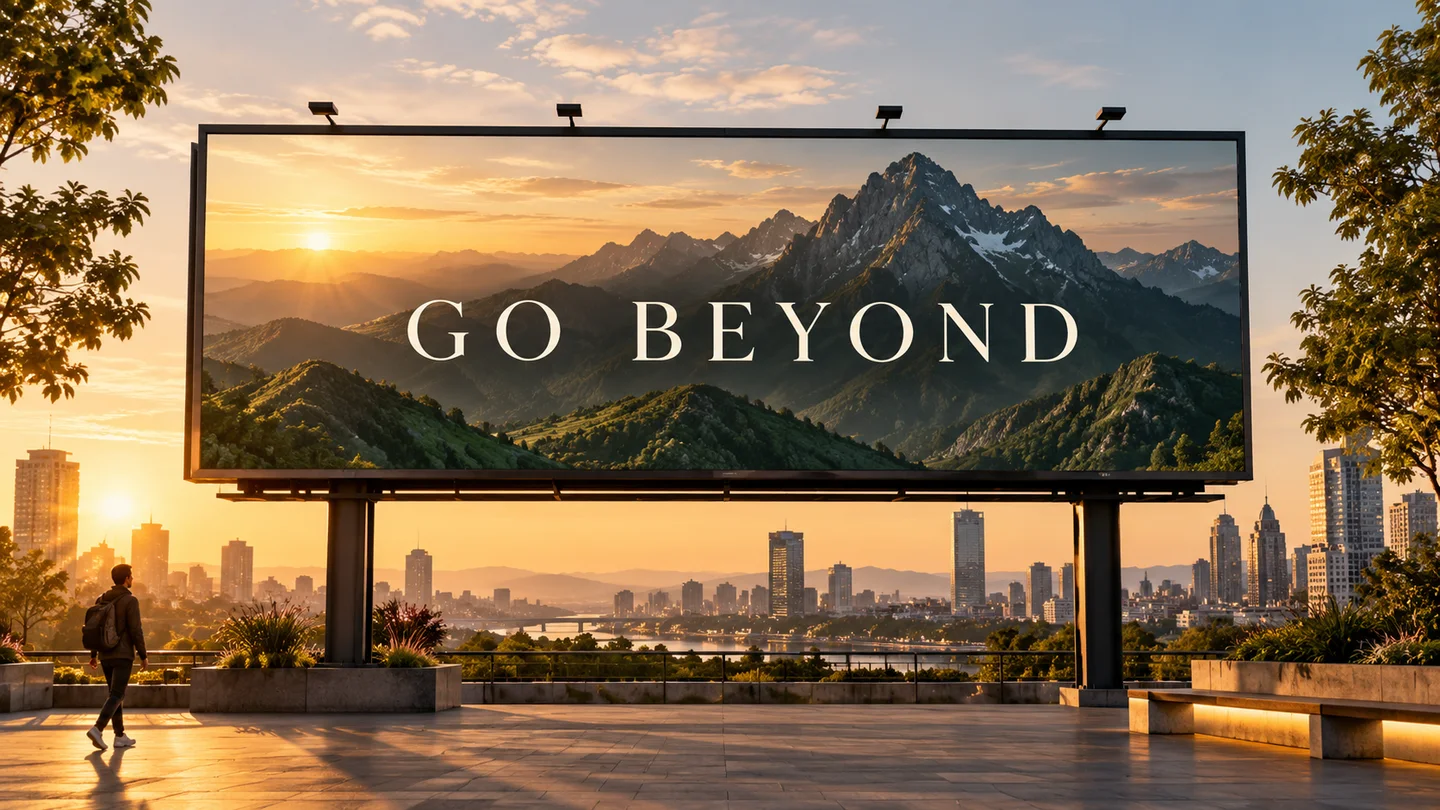
Campanhas, embalagens e criativos de marca
Gere lançamentos de produtos, anúncios sociais, pôsteres e conceitos de embalagens com hierarquia mais clara e maior fidelidade de texto.
Geração de imagem OpenAI
Crie a partir de texto, refine imagens existentes e combine referências com o modelo de imagem padrão recomendado da OpenAI para novos fluxos de trabalho de produção.
Buscar inspiração
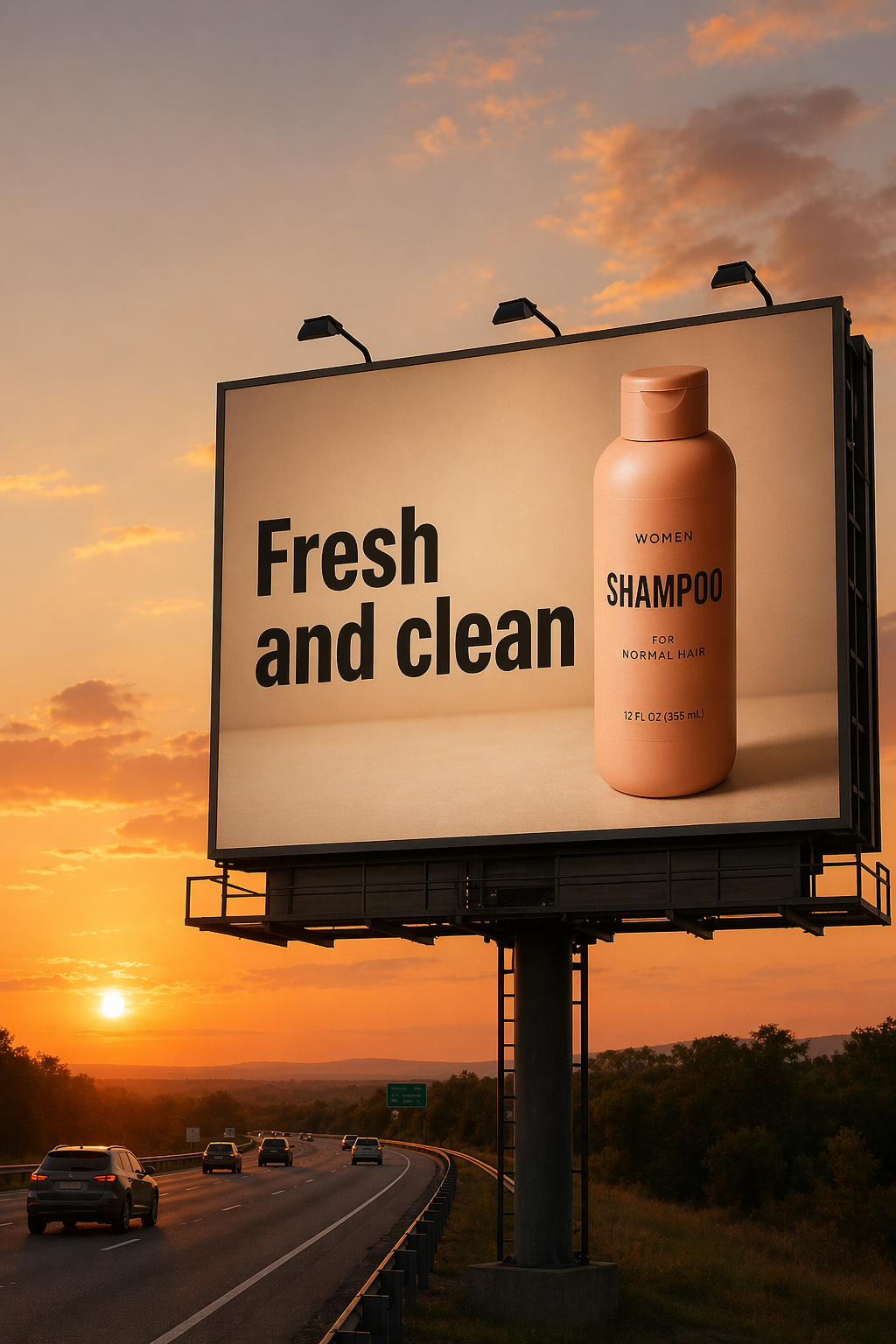
Veja exemplos de Imagem para imagem no espaço de trabalho do Meta Muse Video
Explore exemplos oficiais de GPT Image 2 em edição precisa, tipografia, composição, trabalho de produto e narrativa visual.
Projetado para trabalhos onde qualidade visual, edições precisas, texto legível e menos repetições são importantes.
Gere lançamentos de produtos, anúncios sociais, pôsteres e conceitos de embalagens com hierarquia mais clara e maior fidelidade de texto.
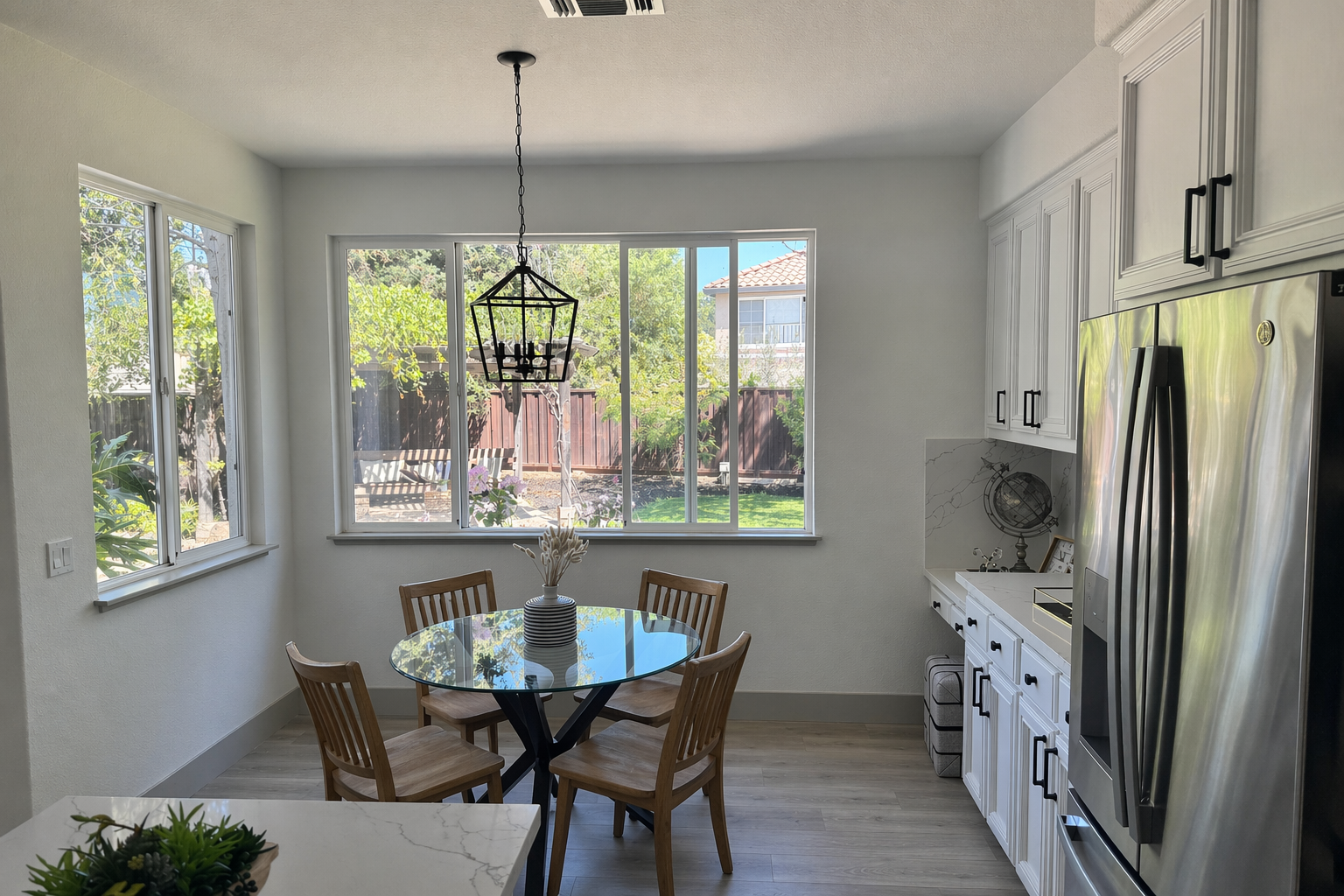
Troque objetos, restaure a iluminação, prepare maquetes e preserve detalhes de produtos ou identidade em alterações direcionadas.
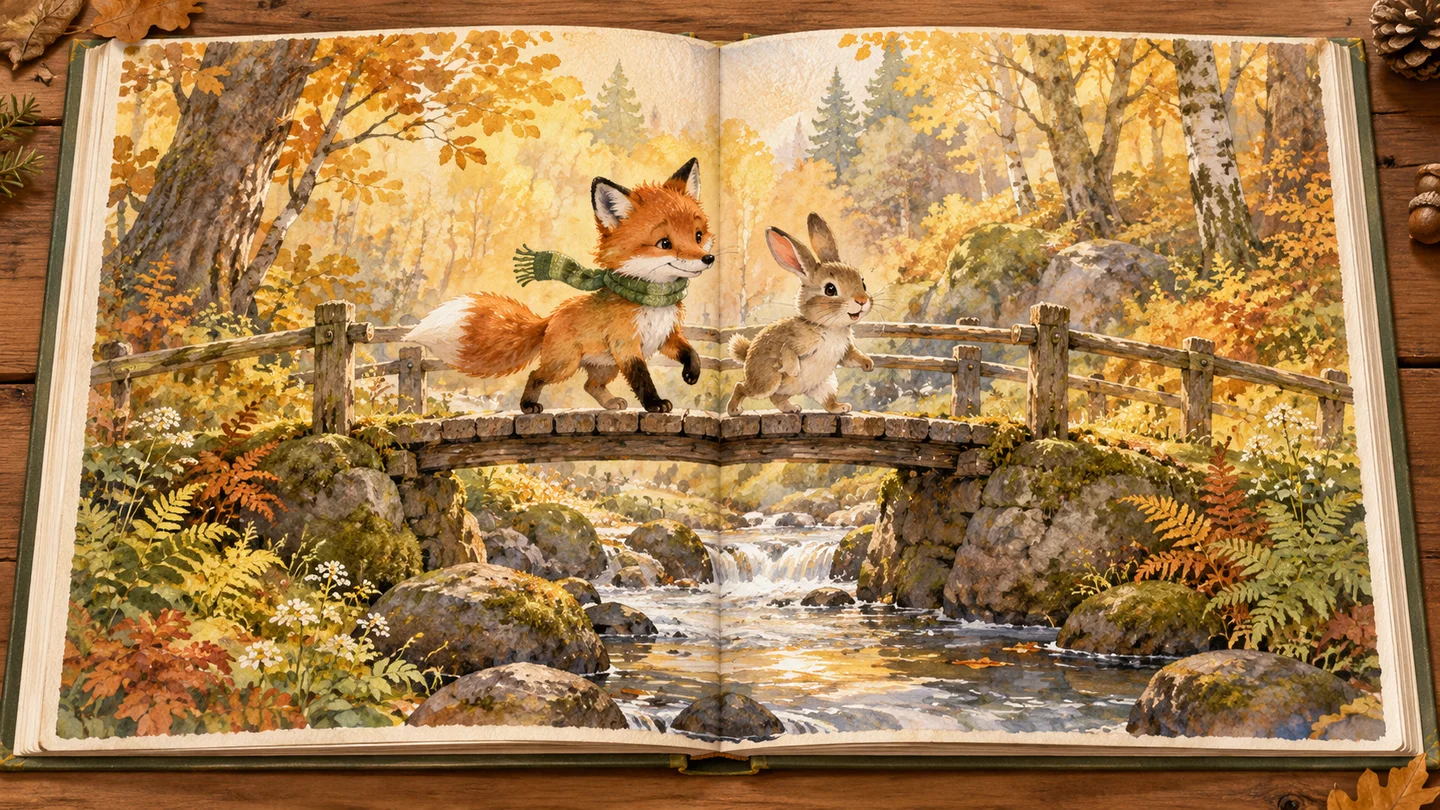
Crie âncoras de ilustração consistentes, cenas cinematográficas, gráficos educacionais e sequências de imagens baseadas em histórias.
02Padrão recomendado
Uma qualidade de primeira passagem mais forte ajuda as equipes a gastar menos tempo reexecutando prompts e mais tempo refinando o ativo final.
Diga ao modelo o que mudar e o que deve permanecer fixo. Preserve a identidade, a geometria, o ângulo da câmera, a iluminação e os detalhes da marca enquanto faz edições direcionadas.
Crie pôsteres, conceitos de embalagens, infográficos e layouts de campanha com renderização de texto mais robusta. O texto e o posicionamento exatos ainda podem se beneficiar da iteração.
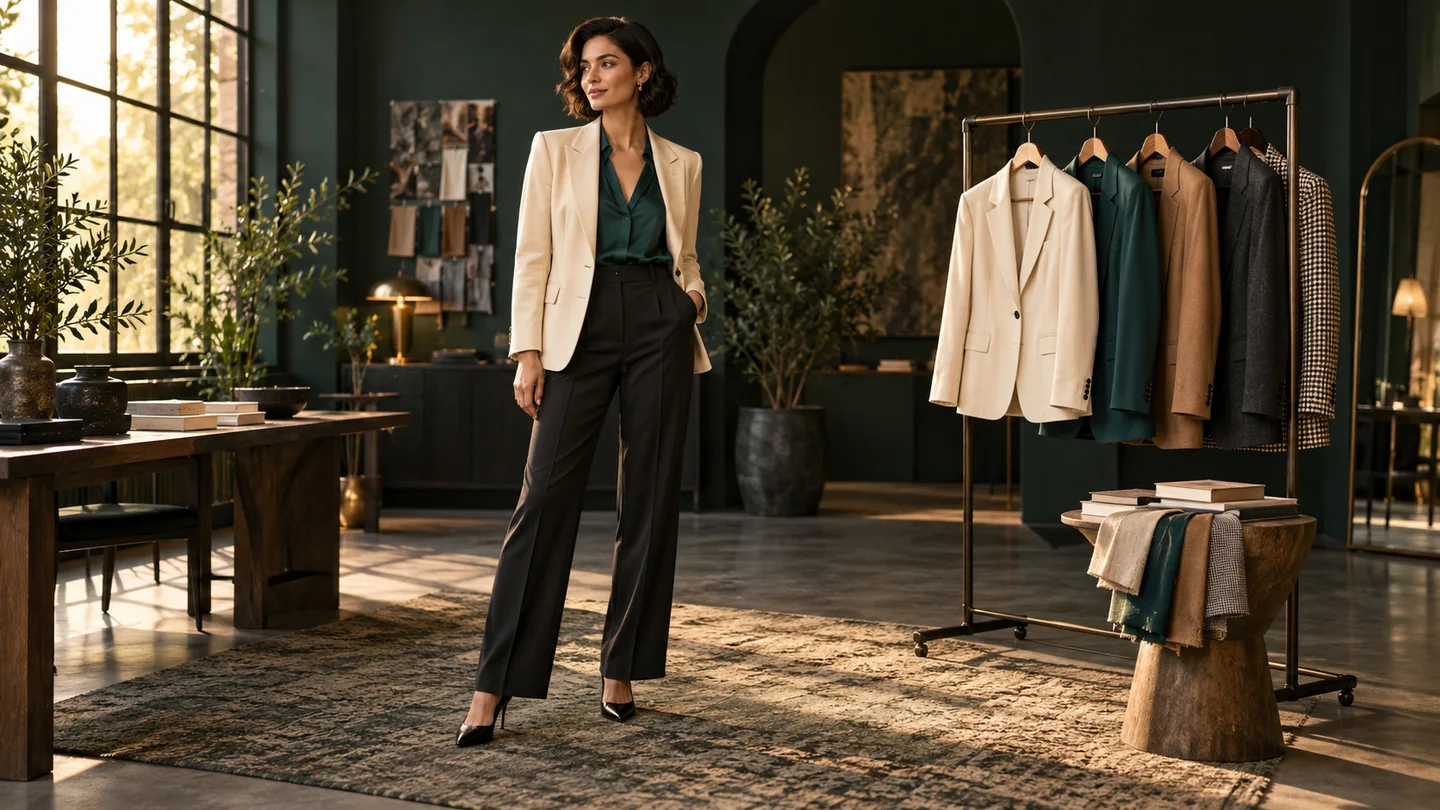
Passe da geração de tela em branco para a composição de múltiplas imagens, maquetes de produtos, transferência de estilo, experimentação virtual e edições de cenas sensíveis à identidade.
Um modelo de imagem versátil para ativos voltados para o cliente, fluxos com muita edição e criativos sensíveis à marca.
Use qualidade inferior para rascunhos rápidos e, em seguida, mude para média ou alta quando o ativo final precisar de mais polimento.
Qualidade baixa, média ou alta
Descreva as alterações direcionadas em linguagem simples, preservando as partes da imagem que já funcionam.
Controle de linguagem natural
Revise os créditos necessários no gerador e pague somente ao criar uma imagem.
Custo de crédito transparente
Melhor confiabilidade de geração e edição pode reduzir a revisão manual e execuções repetidas em ativos de produção.
Menos tentativas
Crie dimensões quadradas, retrato, paisagem, widescreen e outras dimensões válidas para campanhas e sistemas de conteúdo.
Proporções flexíveis
Lide com recursos visuais de produtos, campanhas baseadas em texto, composição, arte de histórias e edições precisas no mesmo espaço de trabalho.
Geração mais edição
Comece com um objetivo claro, separe as alterações dos invariantes e refine uma decisão de cada vez.
Descreva uma nova imagem ou carregue uma ou mais referências para edição e composição controladas.
Especifique cena, assunto, estilo, texto exato e uso pretendido. Para edições, liste o que deve mudar e o que deve permanecer intacto.
Revise o texto, a identidade, as bordas e o layout. Faça pequenas alterações de acompanhamento em vez de sobrecarregar um prompt.
Respostas atuais baseadas na documentação oficial de geração de imagens da OpenAI.
Mais para explorar
Experimente outro modelo de imagem para sua próxima ideia visual.
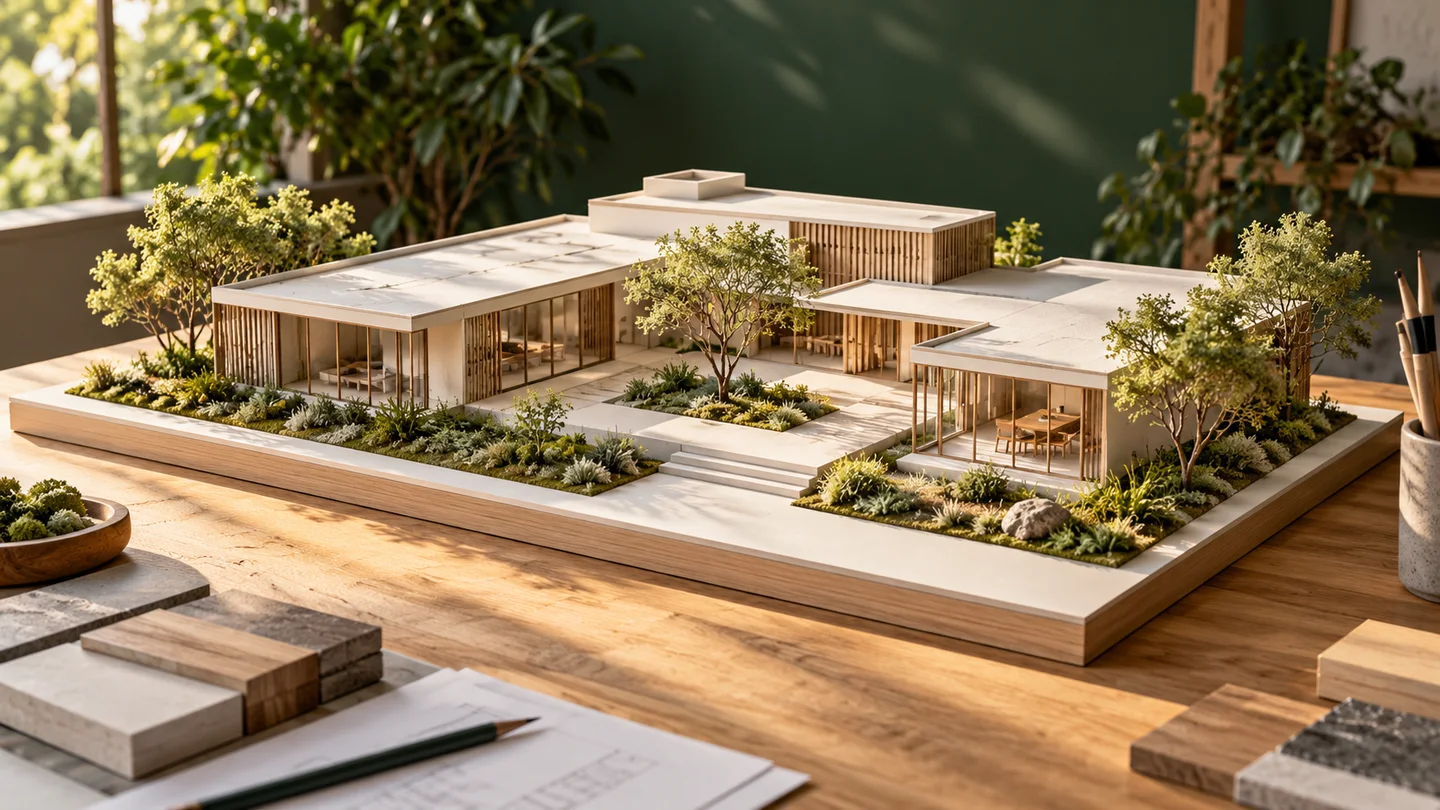
Nano Banana
Transforme um texto ou uma imagem de referência em uma nova direção visual.
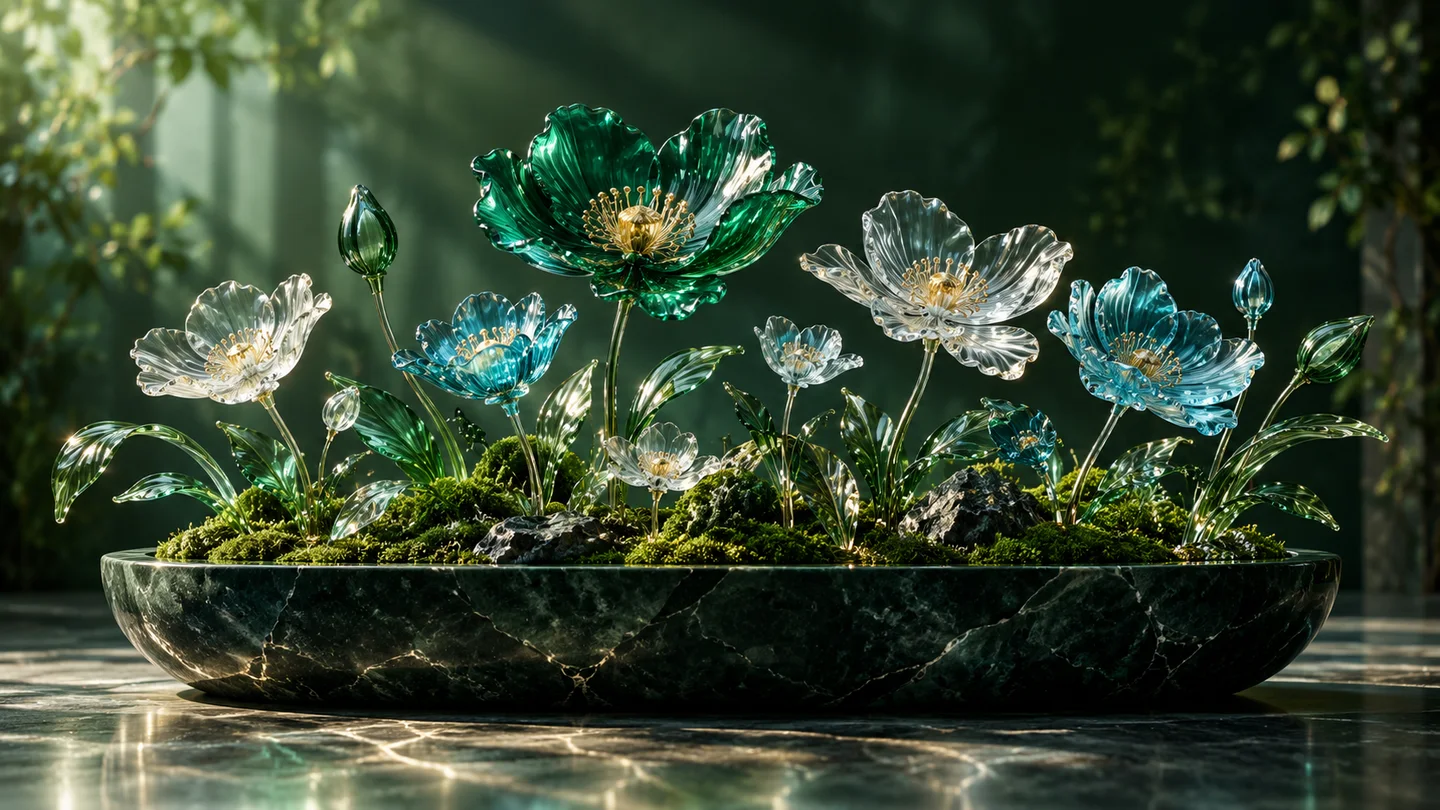
Nano Banana 2
Explore geração e edição de imagens em um só espaço criativo.
Nano Banana Pro
Dê forma a conceitos detalhados, imagens editoriais e campanhas.
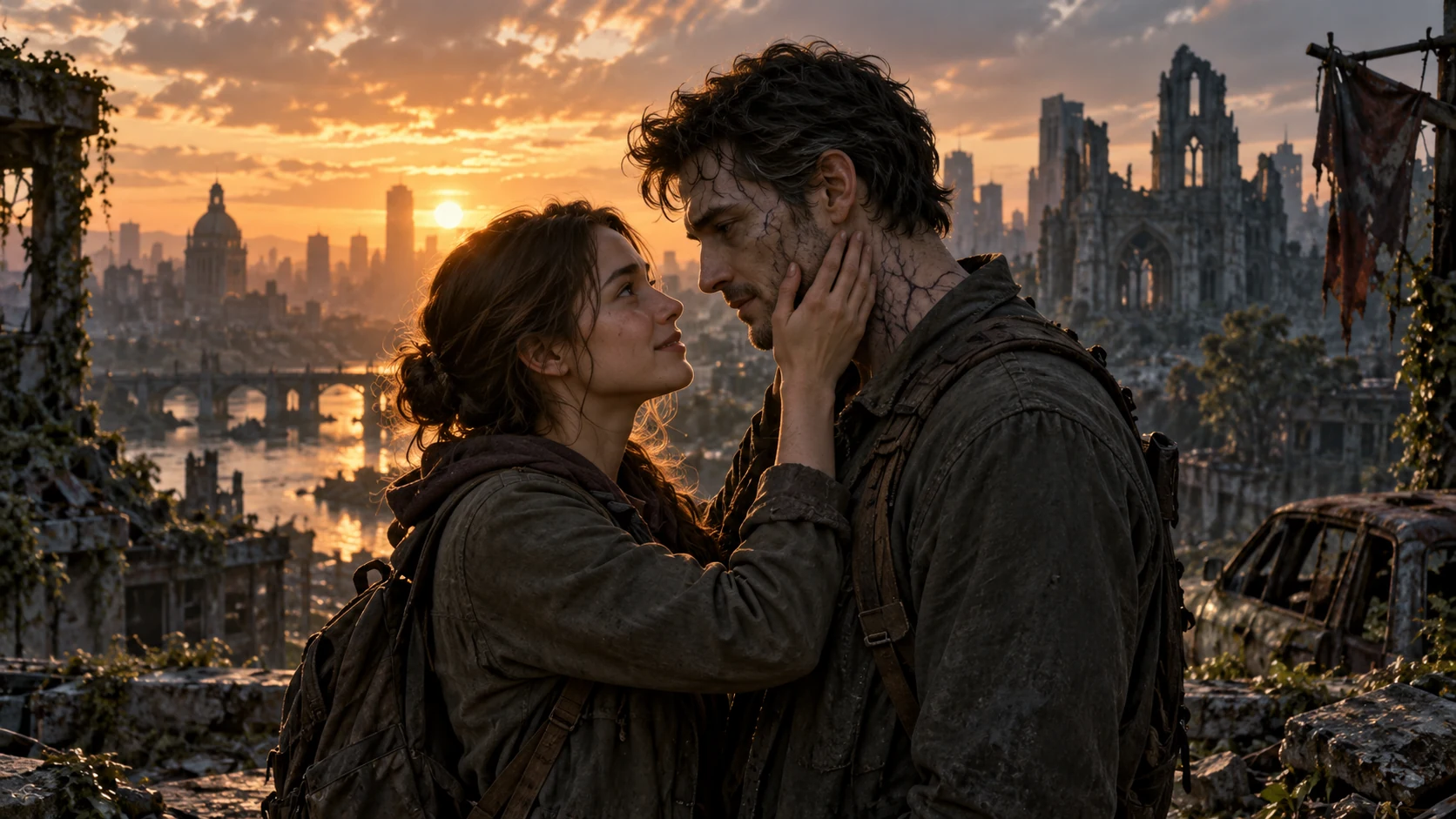
AI Zombie Love Story
Crie uma história de amor zumbi com duas fotos
Comece com um prompt ou imagem de referência, mantenha os detalhes importantes e refine o resultado em um espaço de trabalho.