00:08
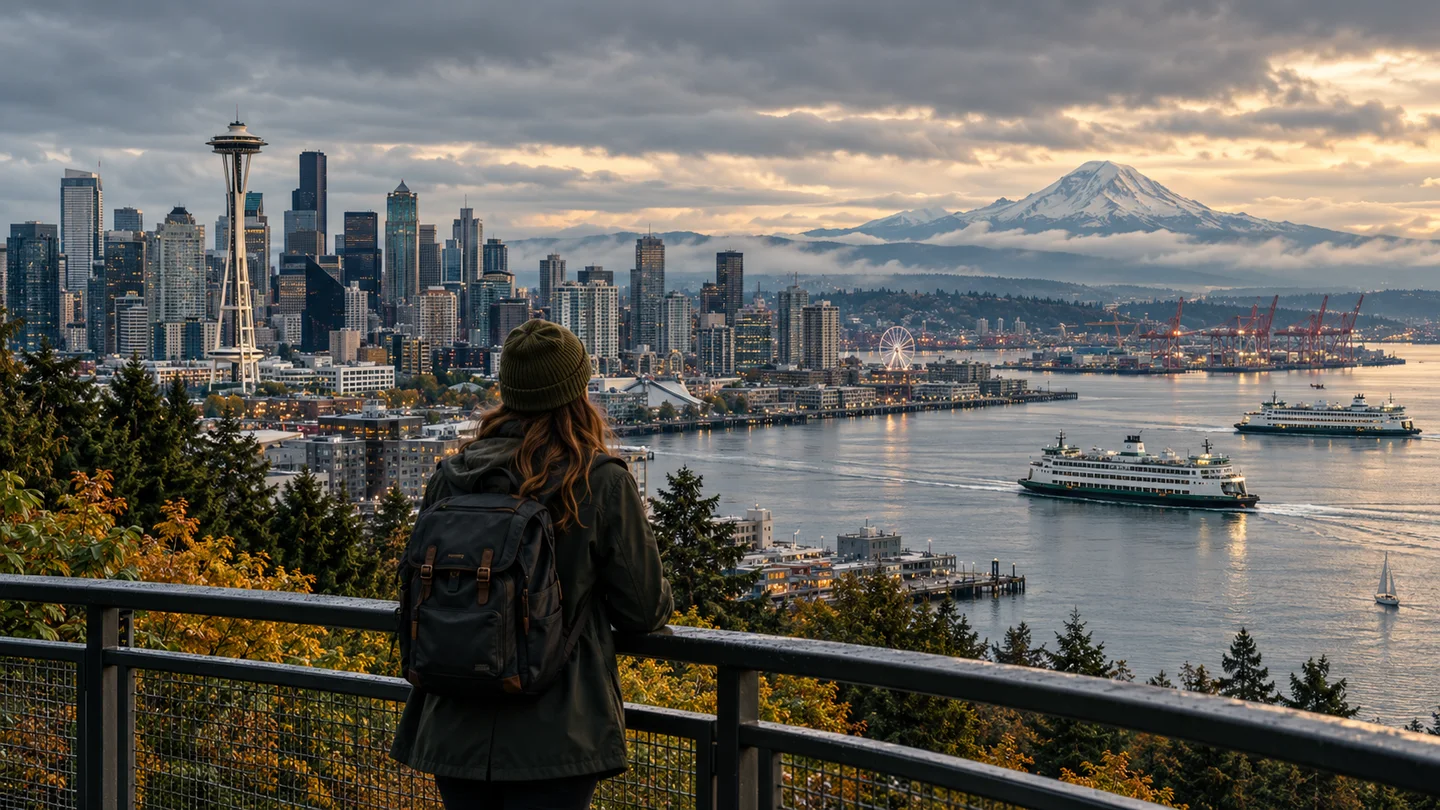
Kinematographische Bewegung
KameraSprache leiten
Beschreibe die Aufnahme, das Verhalten der Linse, den Kamerabewegungsfluss und den Tempo des Handelns in einfachen Worten.
xAI Video-Generierung
Verwandle eine beschriebene Szene oder ein Startbild in ein kurzes, filmisches Video. Steuere Kamerabewegung, physische Aktion, Atmosphäre, Dialog und Ton mit einem präzisen Prompt.
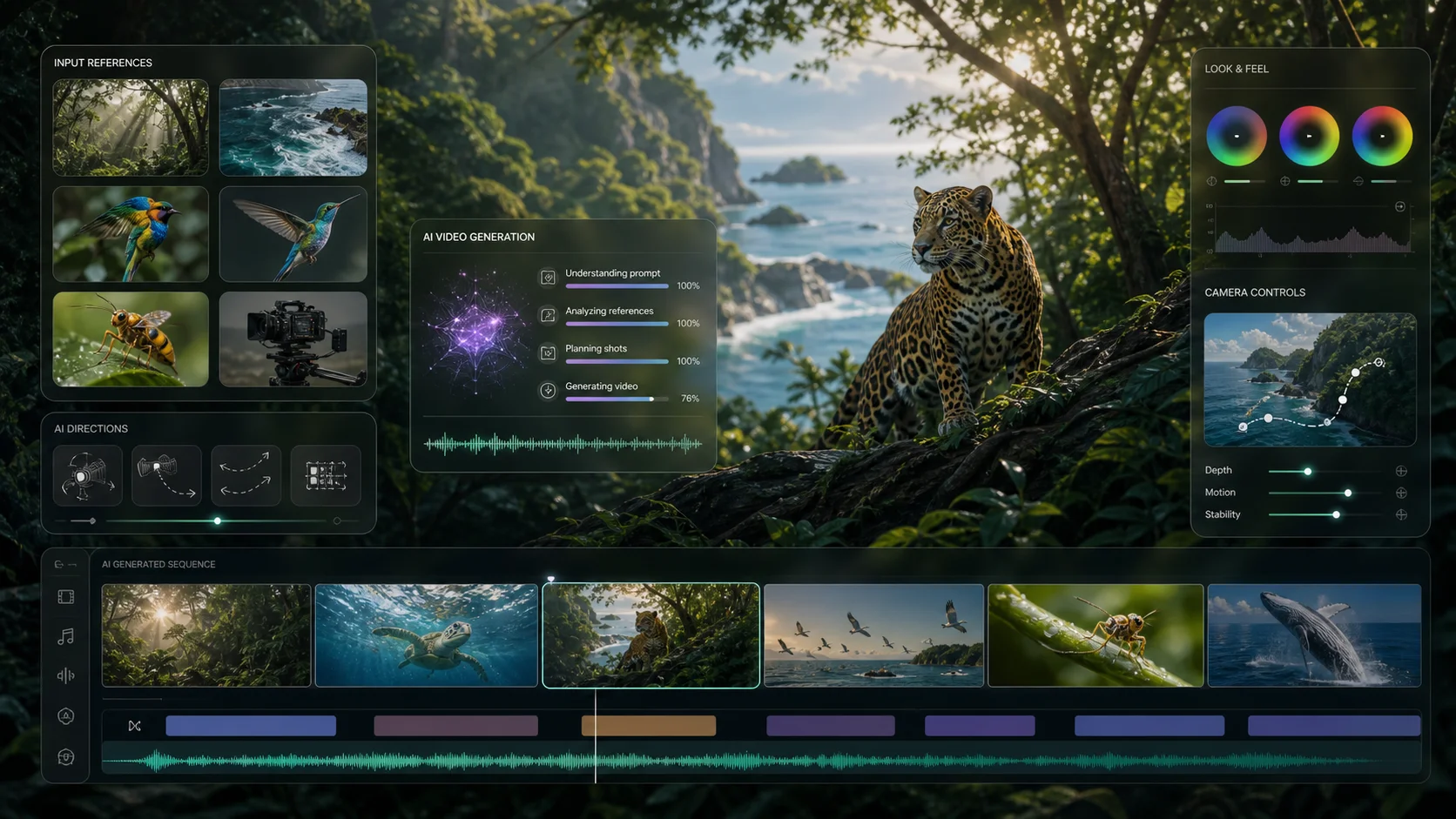
Beispielausgaben für Text zu Video finden Sie im Meta Muse Video-Arbeitsbereich
Grok Imagine im Einsatz
Erkunde kinematographische Bewegungen, Charakterleistungen und Tonbewusste Momente in verschiedenen visuellen Stilen.
Kinematographische Bewegung
Beschreibe die Aufnahme, das Verhalten der Linse, den Kamerabewegungsfluss und den Tempo des Handelns in einfachen Worten.
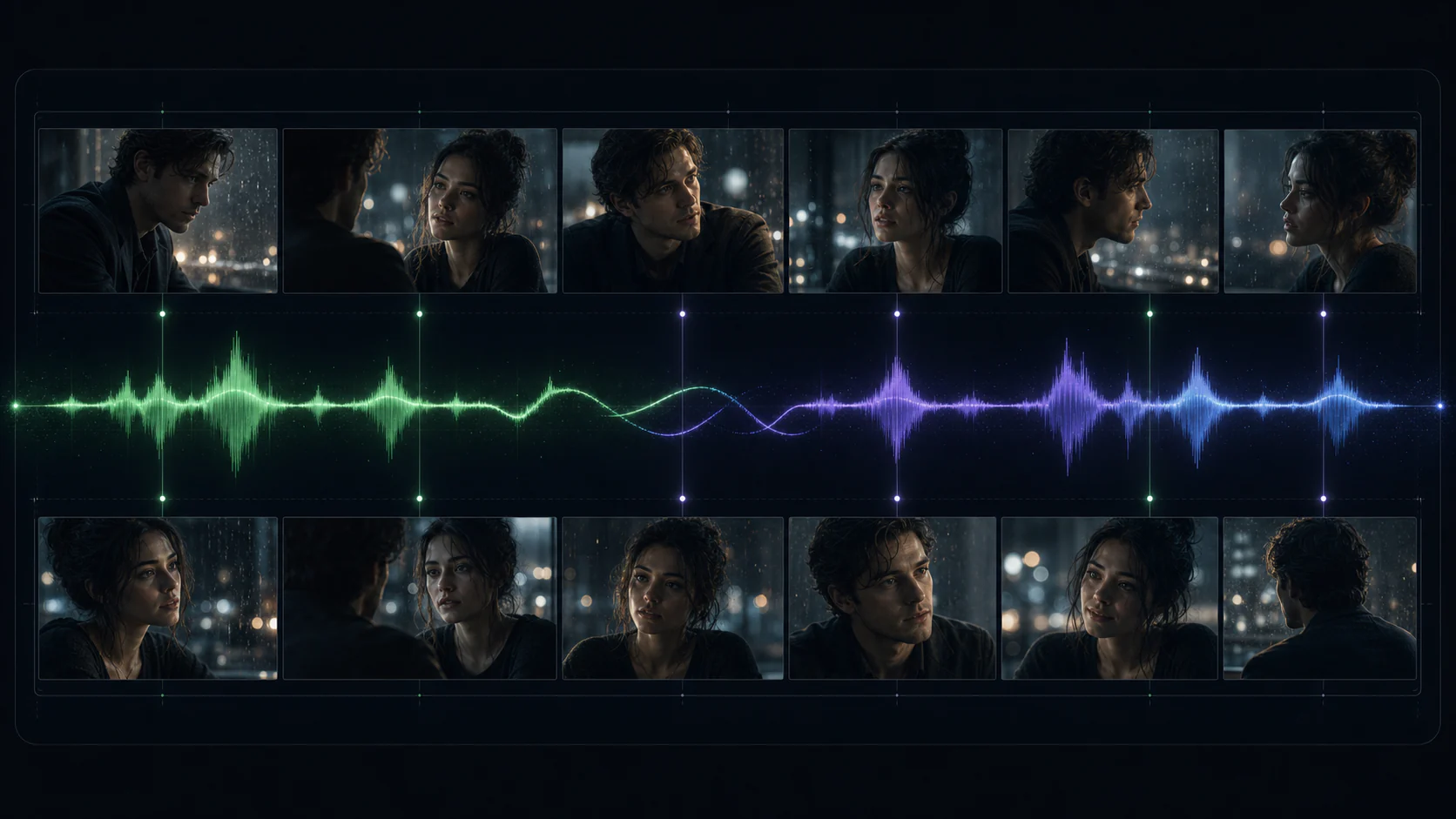
Charakter-Ausdruck
Erstelle kurze Charaktermomente mit kohärenter Bewegung, Ambiente und akustischen Hinweisen für gesprochene oder umgebende Geräusche.
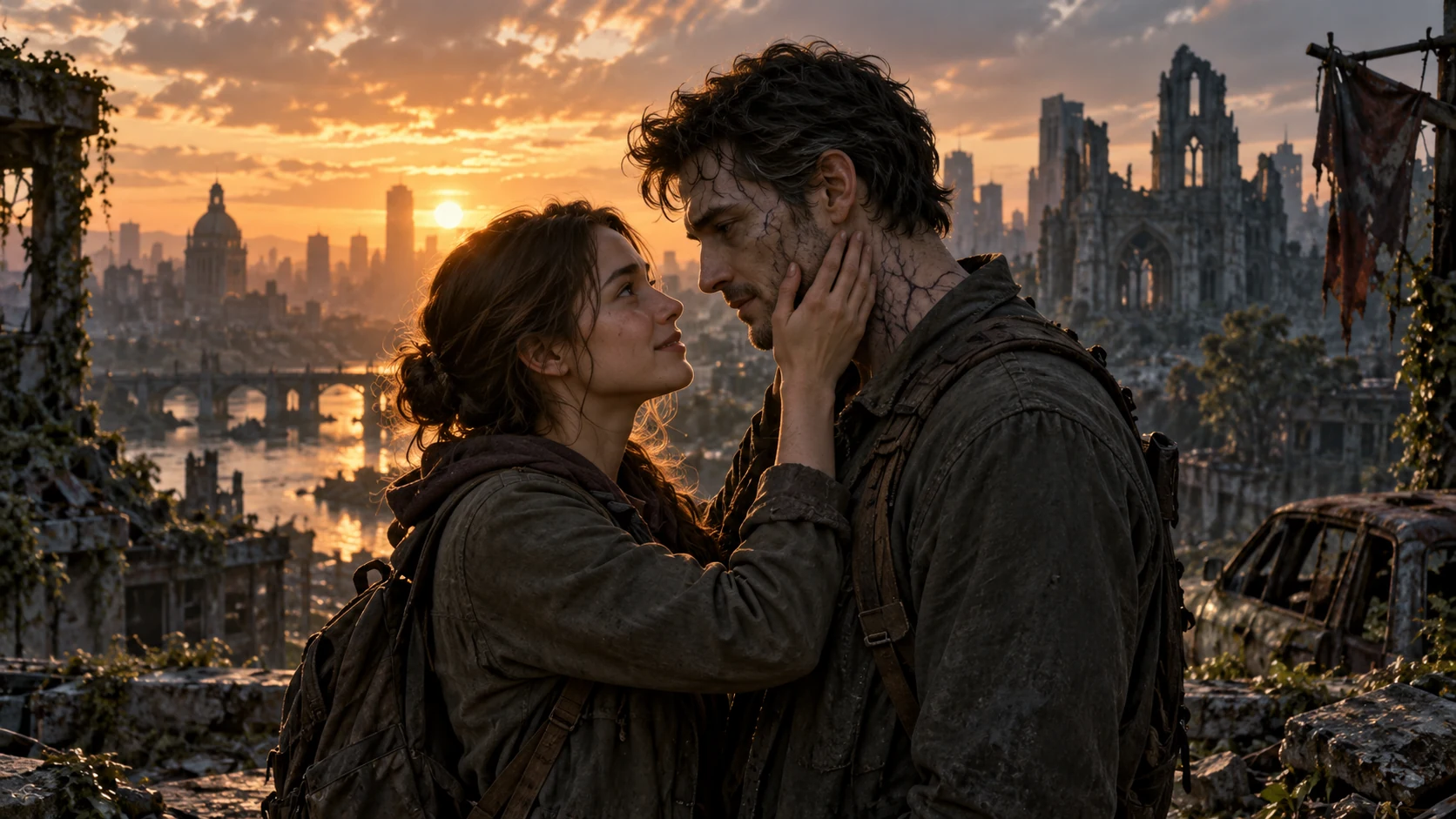
Stilistische Kontinuität
Animiere eine starke Startposition, während du den Subjekt, das Licht, die Komposition und die visuelle Identität beibehältst.
Beispiele werden aus der öffentlichen Grok Imagine-Galerie des Anbieters entnommen. Die Ergebnisse variieren je nach Prompt, Quellbild und Verfügbarkeit des Anbieters.
Grok Imagine Video 1.5-Fähigkeiten
Der Grok-Workflow kombiniert flexible Zeitsteuerung mit Text-zu-Video- und Bild-zu-Video-Erstellung, sodass ein kompakter Prompt die gesamte Aufnahme steuern kann.
Langsame Push-In, niedriger Winkel, subtile Handbewegung
Das Gewebe fängt den Wind auf, als das Subjekt sich dreht
Entferntes Stadtgetriebe, Schritte, ein ruhiges Geräusch
Bewegung
Erstelle überzeugendere Charakteraktionen, Objektbewegungen und Übergänge zwischen den Momenten.
Bild in Video
Verwende ein Öffnungsbild, um die Identität, Komposition, Textur und Beleuchtung des Themas zu verankern.
Natürliche Tonlage
Beschreibe das Ambiente, Effekte oder Dialoge gleichzeitig mit der visuellen Aktion und nicht als Nachsatz.
6 Verhältnisse
Wähle auto, Quadrat, Landschaft, Porträt oder 3:2, um das gewünschte Platzierungsziel zu erreichen.
02Schlüsselmerkmale
Erzeuge Bewegung, Ton und visuelle Kontinuität gemeinsam in einem fokussierten kreativen Workflow.
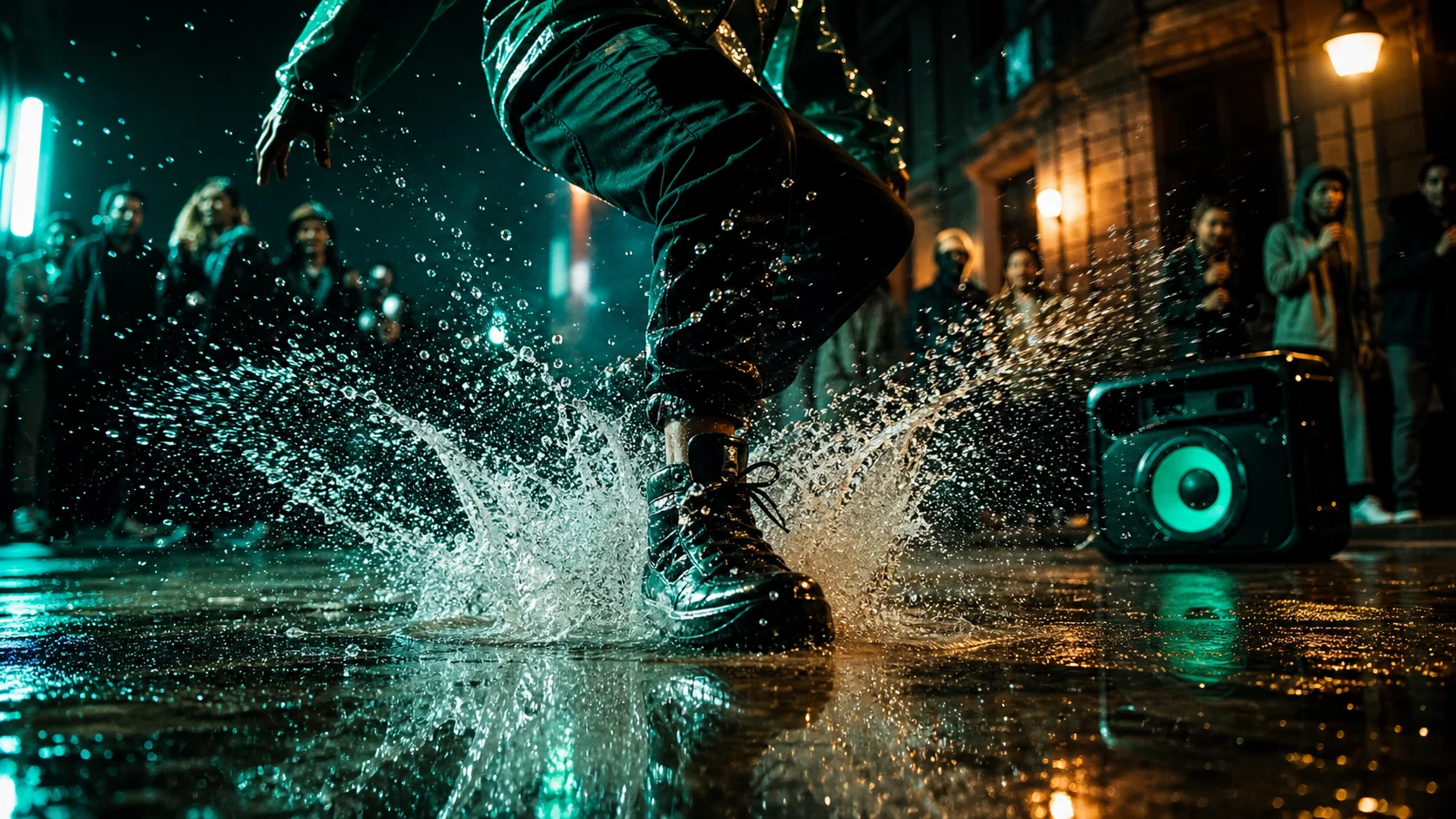
Effekte, Ambiente und Dialoge werden mit dem Bild generiert, während klarere Sprachsynchrönisierung sicherstellt, dass jedes hörbare Element an seinem visuellen Ort eintrifft.
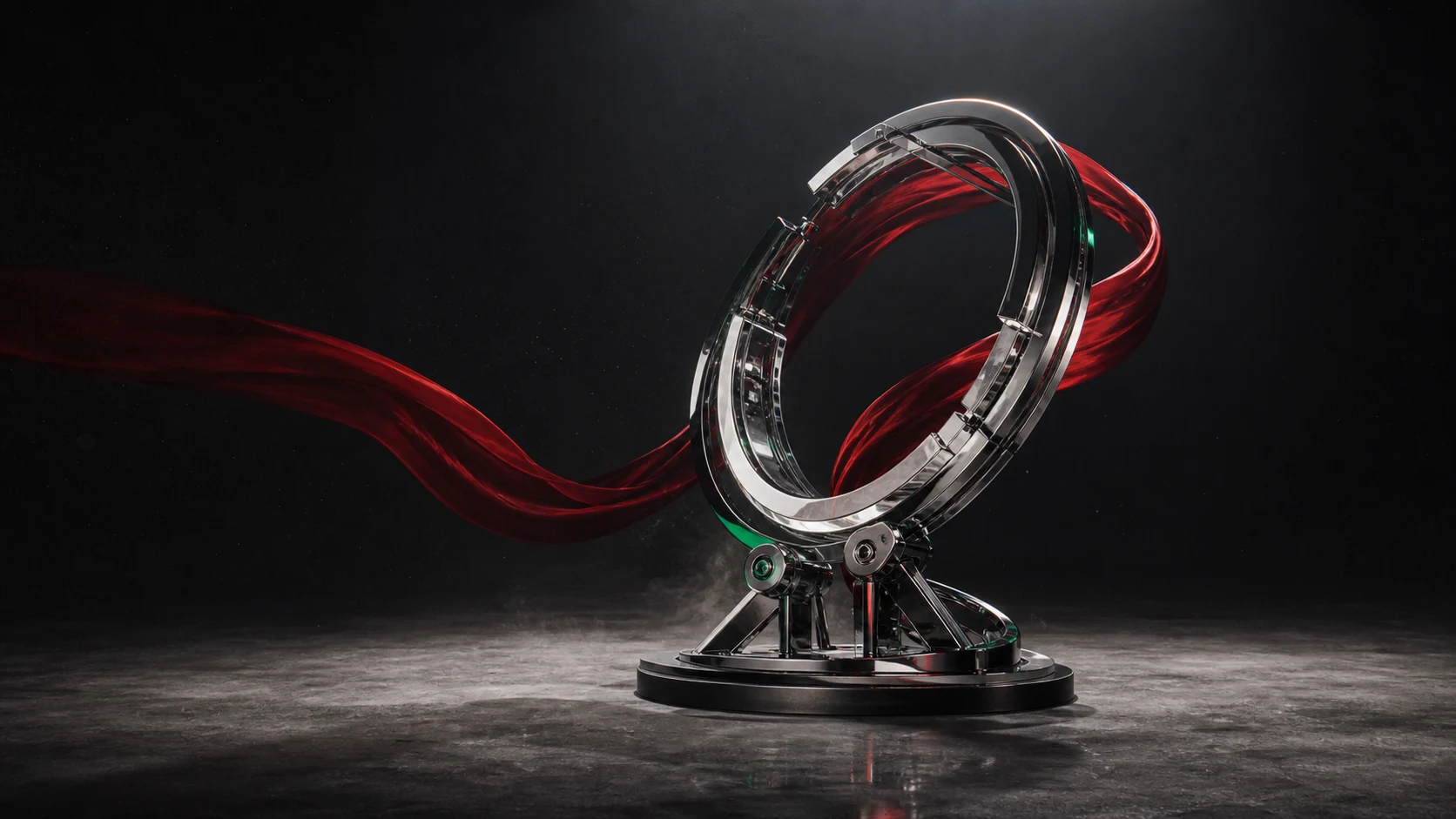
Die Bewegung bleibt im Clip kohärenter, was Charakteraktionen und Objekteinflüsse glaubhafter Gewicht, Kontinuität und physische Dynamik verleiht.
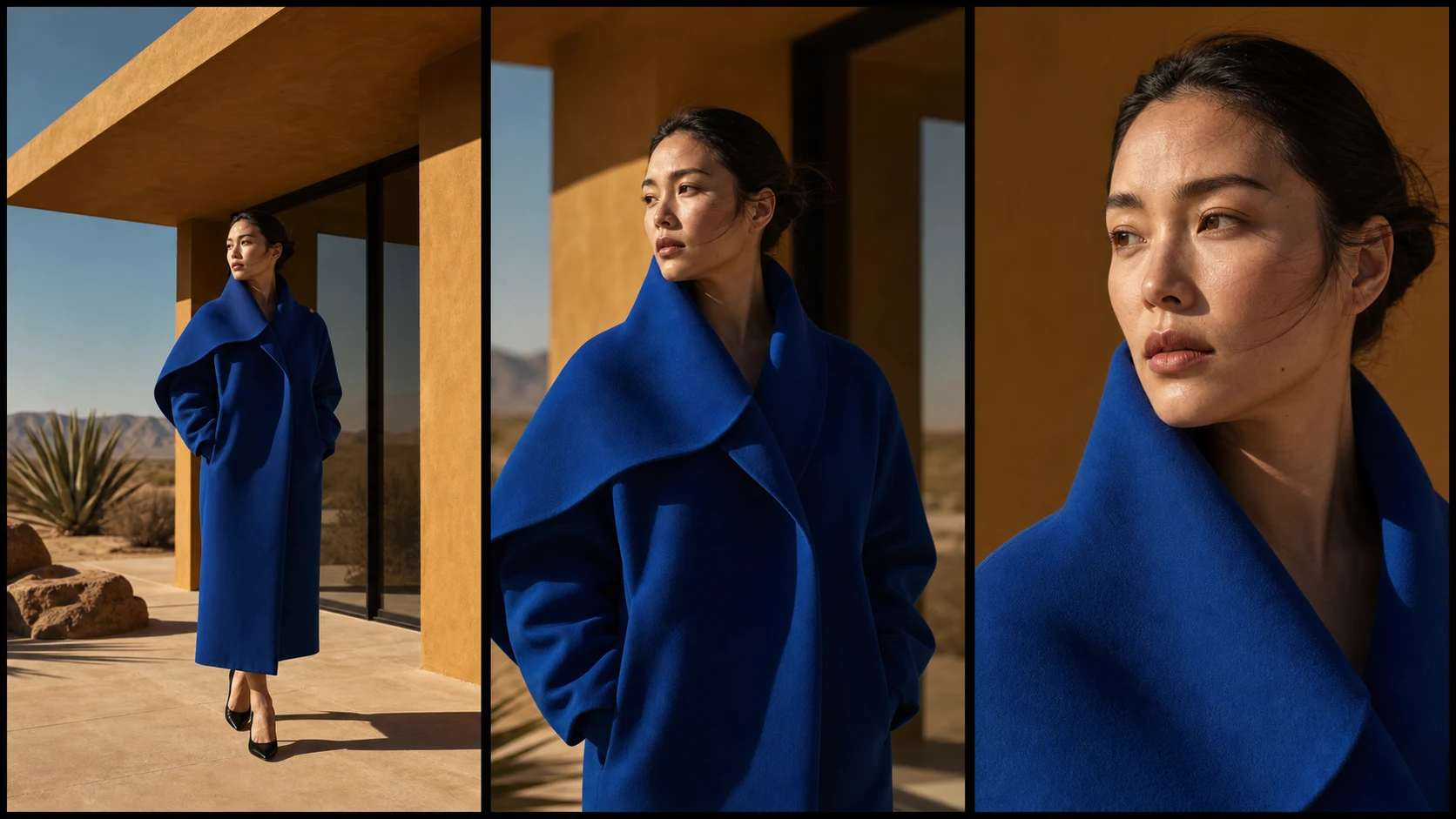
Bewegungskamera, Tempo, Stimmung und Ton von einem einzigen Bild aus direkt steuern, während der Detailinhalt, die Komposition und das Beleuchtungsbild des Objekts erhalten bleiben.
Verwenden Sie Grok Imagine Video 1.5, wenn ein Konzept Bewegung, Zeitung und Stimmung vor einer vollständigen Produktionskommitment benötigt.
Prototypen von Produktszenen, markenbezogenen Welten und kurzen Werbe-Shots in Landschafts-, Quadrat- oder Hochformat.
Wandeln Sie eine kompakte Szenendeklaration oder ein illustriertes Schlüsselbild in einen charaktergetriebenen Moment mit natürlicher Ton um.
Test die Kamerarichtung, das Blocking und den Pacing von einem Stillbild aus, bevor Sie in eine längere Bearbeitung übergehen.
Beginnen Sie mit der stärksten kreativen Restriktion, fügen Sie dann nur die Bewegungs- und Tonanregungen hinzu, die das Bild formen.
Schritt 1
Starten Sie mit einem geschriebenen Szenario oder laden Sie ein klares Eröffnungsbild hoch, wenn Komposition und Subjektsidentität zählen.
Schritt 2
Beschreiben Sie das Thema, die Handlung, die Kamerabewegung, die Atmosphäre, den Dialog und den Ton in der Reihenfolge, wie sie sich abspielen.
Schritt 3
Wählen Sie 480p oder 720p, eine Dauer von einer bis fünfzehn Sekunden sowie das Verhältnis der Breite zu der Höhe für Ihre Zielplatform.
Bewegen Sie sich von einer visuellen Idee zu einem zeitlich abgestimmten, tonbewussten Videoentwurf in einem praktischen Arbeitsbereich.
Bewerten Sie Bewegung, Zeit und Atmosphäre zusammen anstatt jedes frühe Konzept manuell zu zusammensetzen.
Eines Generierungsvorgangs
Verwenden Sie klare Szenenbeschreibungen für Kamera, Aktion, Tempo und Ton, ohne einen nodebasierten Workflow erlernen zu müssen.
Natürliche Sprache verwenden
Die Creditverwendung wird mit der ausgewählten Auflösung und Dauer aktualisiert, bevor die Generierung eingereicht wird.
Credits am Anfang anzeigen
Generieren Sie auf 720p für eine präsentationssichere Konzeptpräsentation oder auf 480p, wenn schnelle Iterationen zählen.
Bis zu 720p
Verwenden Sie Text für offene Ideen oder ein Quellbild, um eine bestimmte kreative Richtung beizubehalten.
Text- oder Bild-Eingabe
Wählen Sie eine Dauer, die für einen schnellen Bewegungsuntersuchung, ein Produkt-Reveal oder eine vollständige kurze Szene passt.
1-15 Sekunden Steuerung
Wichtige Details auf Grundlage der Veröffentlichungsinformationen von xAI und der in diesem Generator verfügbaren Funktionen.
Mehr entdecken
Entdecke weitere Videomodelle für deine nächste Szene.
Erstelle ein kurzes Video aus einer Szenenbeschreibung oder animiere ein sorgfältig gesteuertes Startbild mit Grok Imagine Video 1.5.