
Dialog00:10
Charakterdialog
Beschreiben Sie, wer spricht, was er sagt und wie die Kamera reagiert, um eine kurze Szene um eine synchronisierte Linie herum aufzubauen.
 Kuaishou Kling-Videogenerierung
Bild und Ton gemeinsam erstellen. Beginnen Sie mit einer geschriebenen Szene oder einem einzelnen Bild und erstellen Sie dann ein kurzes Video mit kohärenter Bewegung, Dialogen, Atmosphäre, Musik und synchronen Effekten.
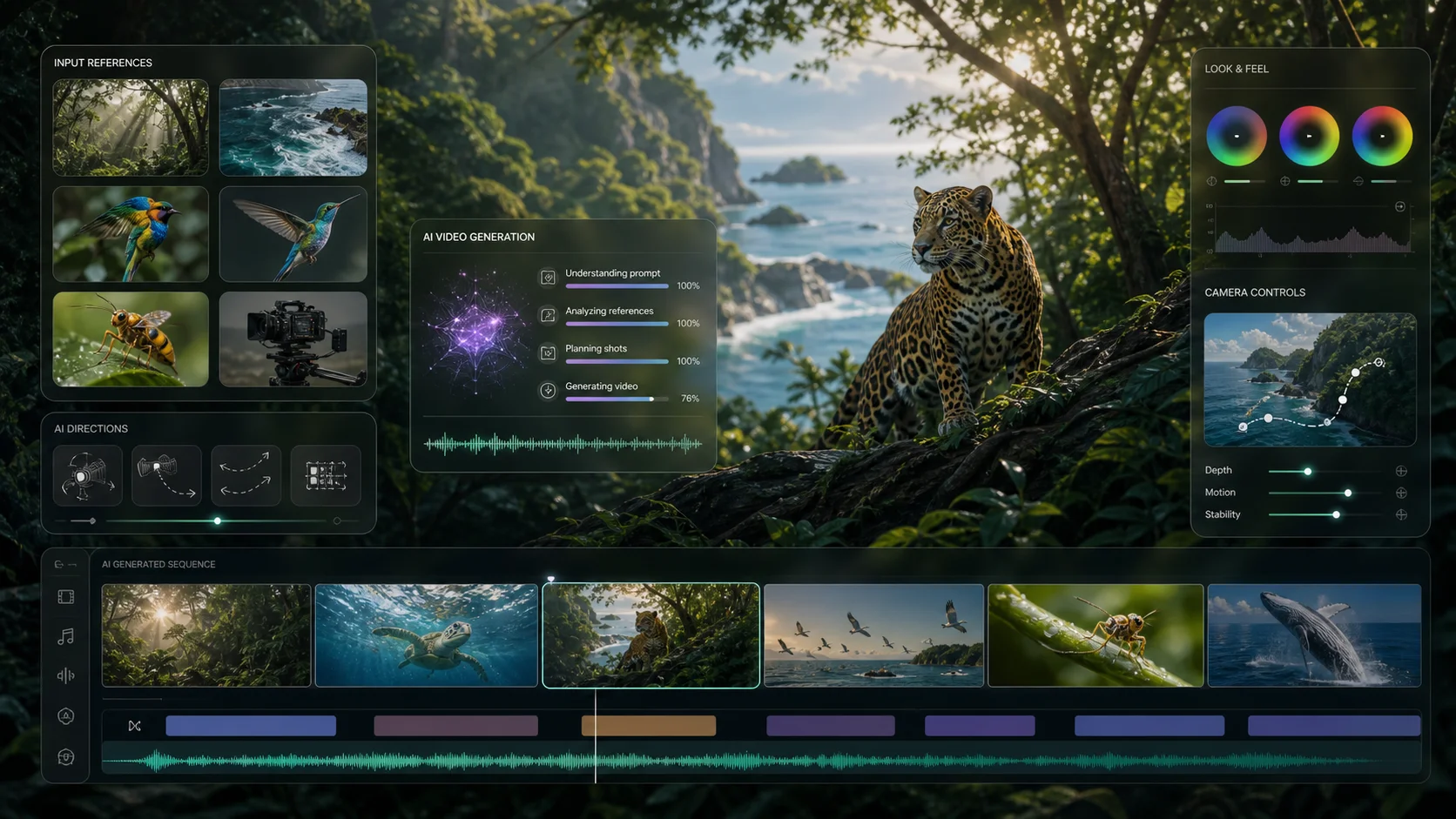
Beispielausgaben für Text zu Video finden Sie im Meta Muse Video-Arbeitsbereich
Audiovisuelle Anweisungen
Verwenden Sie einen Produktionsauftrag, um Handlung, Kamerabewegung, gesprochene Zeilen, Atmosphäre und Tonhinweise zu leiten. Die folgenden Beispiele veranschaulichen geeignete kreative Richtungen für den Workflow.
Beschreiben Sie, wer spricht, was er sagt und wie die Kamera reagiert, um eine kurze Szene um eine synchronisierte Linie herum aufzubauen.
Kombinieren Sie kontrollierte Produktbewegungen mit Voice-Over, taktiler Geräuschkulisse und einem klaren kommerziellen Beat in einem Briefing für eine Generation.
Direkter Gesang, Rhythmus, Umgebungstextur und visuelle Aktion sorgen zusammen für ausdrucksstarke Kurzformmomente.
Beispiele für kreative Arbeitsabläufe dienen der Inspiration und werden nicht als native Kling-Ausgaben beansprucht. Die Ergebnisse variieren je nach Eingabeaufforderung, Bild und Anbieterverfügbarkeit.
Kling 2.6-Funktionen
Kling 2.6 wurde entwickelt, um kurze Videos und nativen Ton zusammen zu erzeugen und so die Lücke zwischen einem visuellen Entwurf und einem bearbeitungsfertigen kreativen Konzept zu verringern.
Stimme und Sprechweise
Ein ruhiger Erzähler stellt das Produkt auf Englisch vor.
Action und Foley
Genau beim Schließen des Deckels ertönt ein leises Klicken.
Musik und Ambiente
Ein warmer Raumklang und ein verhaltener elektronischer Puls steigen im Schlussbild auf.
Rede
Direkt gesprochene Zeilen, Erzählung, Gesang oder Rap, mit Unterstützung für die Spracherzeugung auf Chinesisch und Englisch.
Audio
Fügen Sie Umgebungsgeräusche, Musik und Effekte neben der sichtbaren Aktion in dieselbe Szenenbeschreibung ein.
Natives A/V
Generieren Sie Ton und Bild als ein Ergebnis, sodass wichtige Audioereignisse der Bedeutung und dem Timing der Szene folgen können.
5 / 10 Sek
Wählen Sie fünf Sekunden für einen kompakten visuellen Takt oder zehn Sekunden, wenn Dialog und Action mehr Raum benötigen.
Veröffentlichungskontext vom Dezember 2025
Kling 2.6 erschien als audiovisuelle Workflow-Version. Im Gegensatz zum üblichen Prozess, stummes Filmmaterial zu erstellen und es später zu synchronisieren, wurden Stimme, Effekte, Atmosphäre und sichtbare Aktion in einem koordinierten Generationsdurchgang zusammengefasst.
Lesen Sie die offizielle Veröffentlichung von KuaishouDie Veröffentlichung ersetzte die bekannte stille Render-dann-Dub-Sequenz durch gleichzeitige audiovisuelle Erzeugung. Text oder ein Bild des ersten Frames könnten direkt zu einem Clip führen, der sichtbare Action, Stimme, Soundeffekte und Atmosphäre enthält.
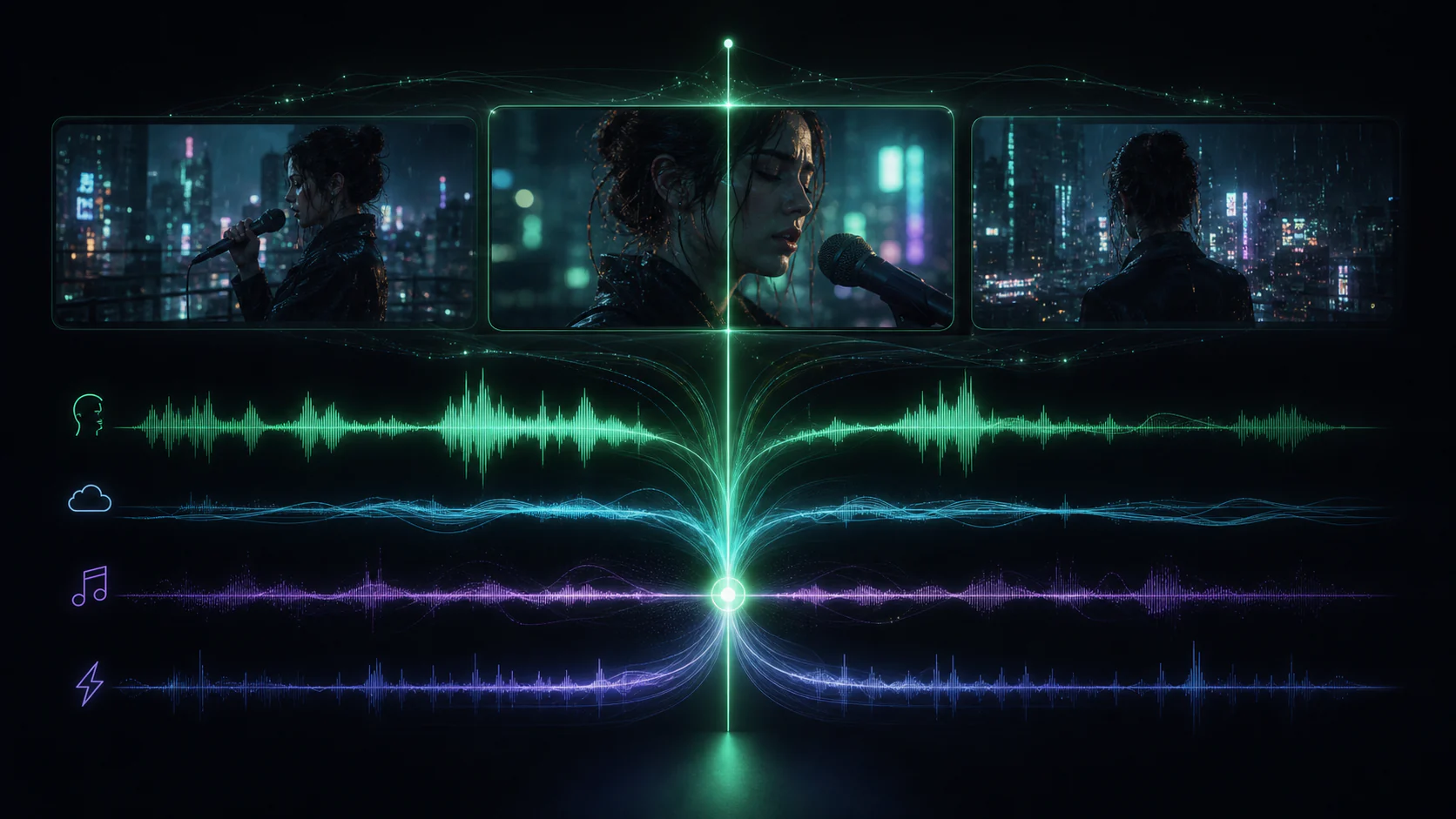
Kling 2.6 betonte die tiefe semantische Ausrichtung: Stimmrhythmus, Umgebungsgeräusche und visuelle Bewegungen wurden so erzeugt, dass sie miteinander korrespondierten. Damit wurde eine häufige Schwäche separater Arbeitsabläufe angegangen – Audio, das plausibel klingt, aber im falschen Moment ankommt.
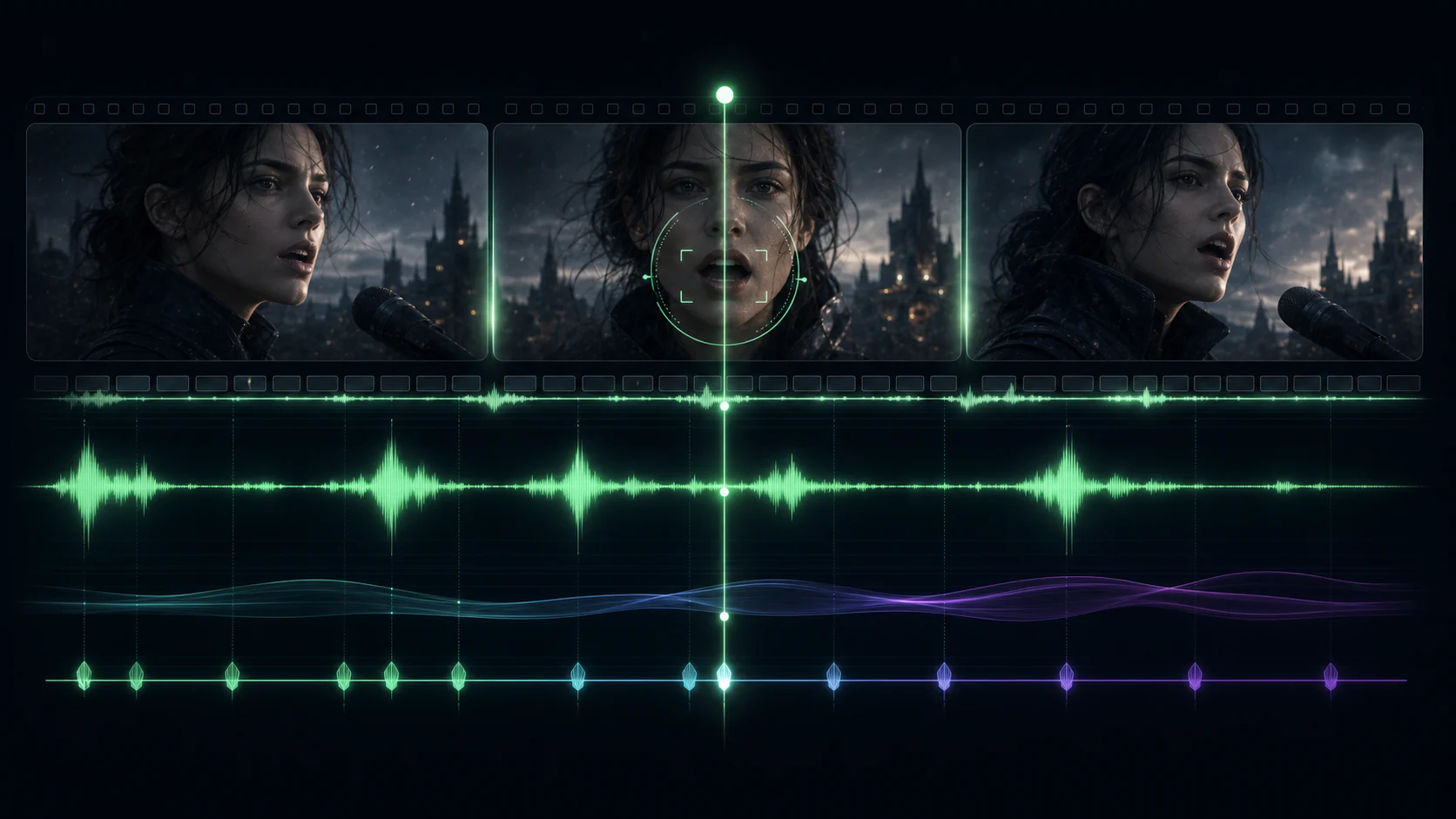
Bei der Markteinführung unterstützte Kling 2.6 die Spracherzeugung in Chinesisch und Englisch sowie Dialoge, Erzählungen, Gesang, Rap, Atmosphäre und gemischte Effekte. Der Dialog mit mehreren Charakteren eröffnete Formate wie Interviews und Drehbuchszenen, die in reinen Soundeffekt-Workflows umständlich waren.
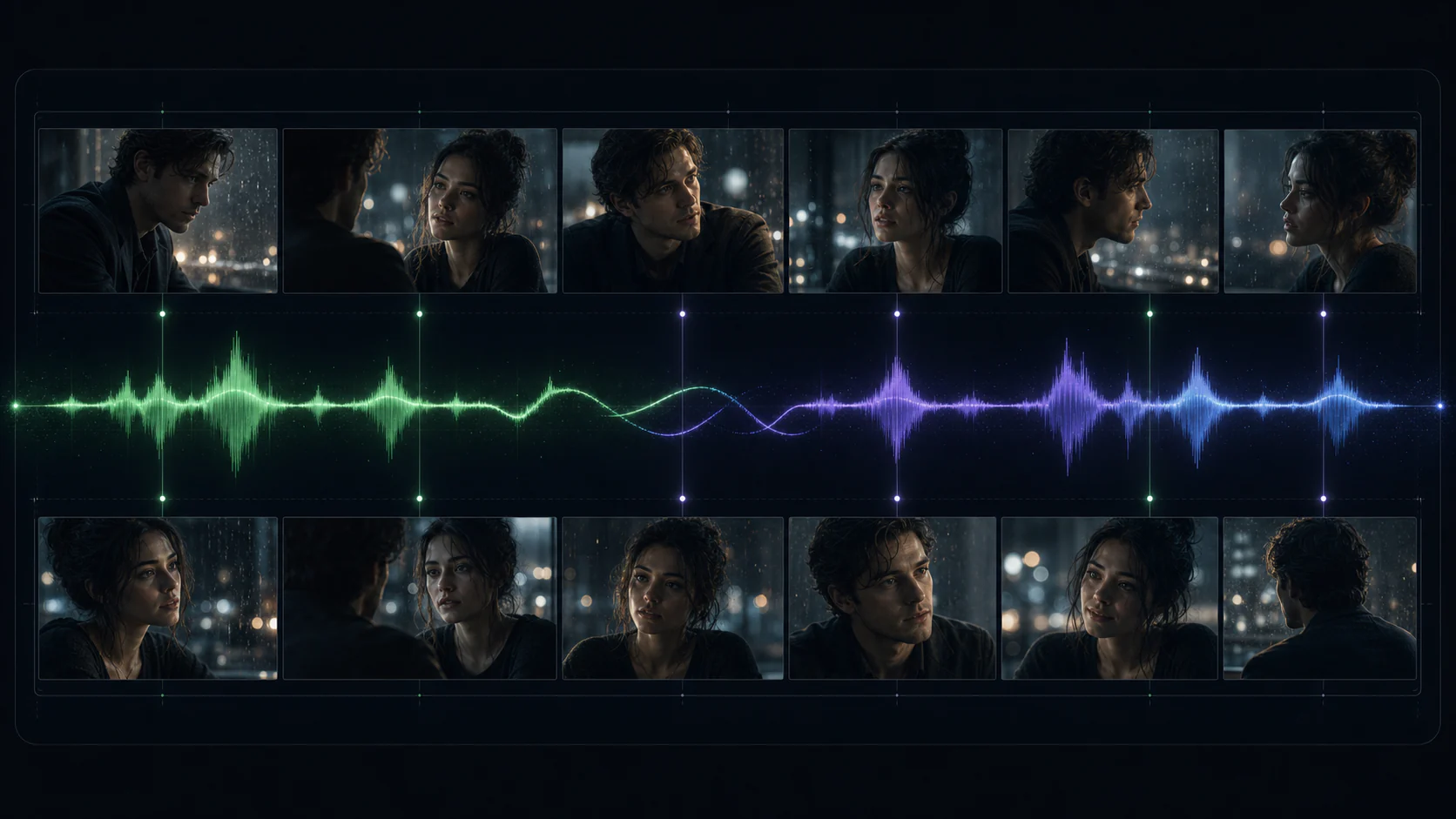
Diese Vergleiche fassen die von Kuaishou bei der Veröffentlichung angekündigten Funktionen zusammen. Die Ausgabe und die verfügbaren Steuerelemente können je nach Route des verbundenen Anbieters variieren.
Verwenden Sie es, wenn der Soundtrack ab dem ersten Bild Teil der Idee ist und keine separate Postproduktionsaufgabe darstellt.
Erstellen Sie Prototypen von Produktfilmen, Markendialogen und vertonten Werbespots, bevor Sie sich auf den kompletten Dreh einlassen.
Erstellen Sie kompakte Erzählbeats für vertikale, quadratische oder querformatige soziale Platzierungen mit nativem Sound.
Animieren Sie ein Keyvisual und beschreiben Sie gleichzeitig Kamerabewegung, taktilen Ton, Atmosphäre und Voice-Over in einer Aufforderung.
Behandeln Sie die Eingabeaufforderung wie eine kompakte Regieanweisung: Definieren Sie den Rahmen, die Aktion und jeden Ton, auf den es ankommt.
Schritt 1
Erstellen Sie eine Szene aus einer schriftlichen Aufforderung oder laden Sie einen starken Eröffnungsrahmen hoch, um das Thema und die Komposition zu verankern.
Schritt 2
Beschreiben Sie Aktion, Kamera, Dialog, Stimme, Atmosphäre, Musik und Effekte in der Reihenfolge, in der sie sich entfalten sollen.
Schritt 3
Wählen Sie einen fünf- oder zehnsekündigen Clip aus, überprüfen Sie die Synchronisierung und verfeinern Sie dann jeweils einen Timing- oder Performance-Hinweis.
Bewegen Sie sich in einem fokussierten Workflow von einem Szenenbriefing zu einem kompletten kurzen audiovisuellen Konzept.
Entdecken Sie, wie eine Szene aussieht und klingt, ohne für jedes frühe Konzept einen separaten Audioschnitt zu erstellen.
Bild und Ton zusammen
Schreiben Sie visuelle Aktions- und Tonhinweise in einer einzigen lesbaren Eingabeaufforderung, anstatt getrennte Durchgänge zu koordinieren.
Ein Regieauftrag
Der Generator zeigt vor dem Start die benötigten Credits für die gewählte Dauer von fünf oder zehn Sekunden an.
Credits am Anfang anzeigen
Fügen Sie Dialoge, Erzählungen, Musik, Atmosphäre und Effekte hinzu, während die visuelle Szene erstellt wird.
Native Audioerzeugung
Verwenden Sie Text für eine offene Ideenfindung oder ein Bild, wenn Thema, Stil und Komposition einen festen Ausgangspunkt benötigen.
Text oder Bild des ersten Frames
Wählen Sie eine kompakte Aufnahme oder geben Sie Dialogen und Action mehr Raum, ohne den Kern-Workflow zu ändern.
5- und 10-Sekunden-Formate
Wichtige Modellfakten basierend auf der Veröffentlichung von Kuaishou und dem verfügbaren Anbieter-Workflow.
Mehr entdecken
Entdecke weitere Videomodelle für deine nächste Szene.
Wan 2.5
Entdecke Text-zu-Video und Bild-zu-Video für deine nächste Szene.
Grok Imagine
Verwandle visuelle Ideen mit Text- und Bildeingaben in kurze Clips.
AI Face Dance
Lade ein klares Porträt für ein Face-Dance-Video hoch. Wähle Bildformat, Länge und Qualität und prüfe vor dem Start die Credits.
NEON Duo Dance
Erstelle mit dir und einem Freund einen von NEON inspirierten Duotanz. Lade ein Foto pro Person hoch, wähle Einstellungen und prüfe die Credits. Aussehen und Bewegung können variieren.
Beschreiben Sie Handlung und Ton in einem gemeinsamen Briefing oder animieren Sie mit Kling 2.6 ein Startbild mit nativem Audio.