
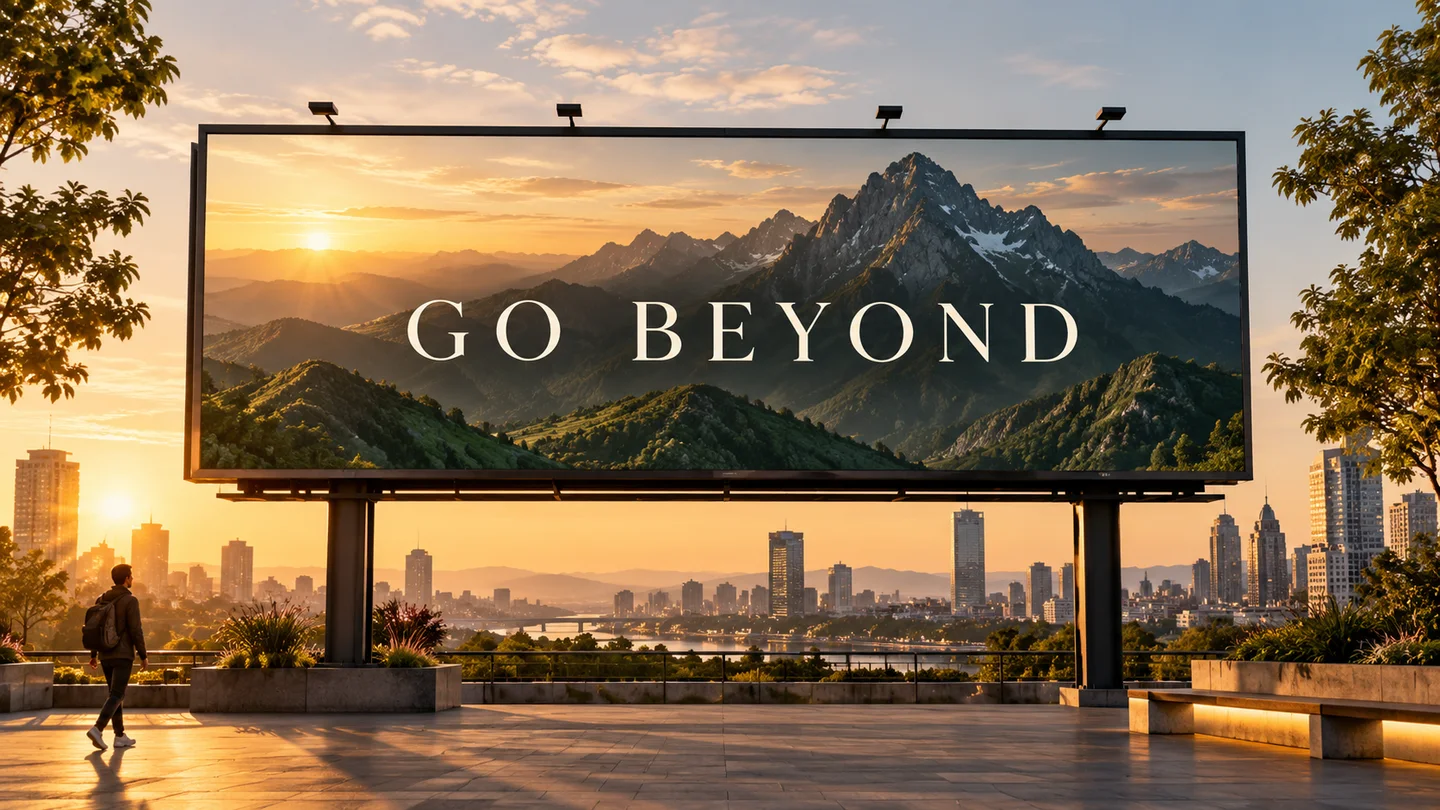
Campañas, packaging y creatividad de marca.
Genere lanzamientos de productos, anuncios sociales, carteles y conceptos de empaque con una jerarquía más clara y una mayor fidelidad del texto.
Generación de imágenes OpenAI
Cree a partir de texto, refine imágenes existentes y combine referencias con el modelo de imagen predeterminado recomendado por OpenAI para nuevos flujos de trabajo de producción.
Inspírame
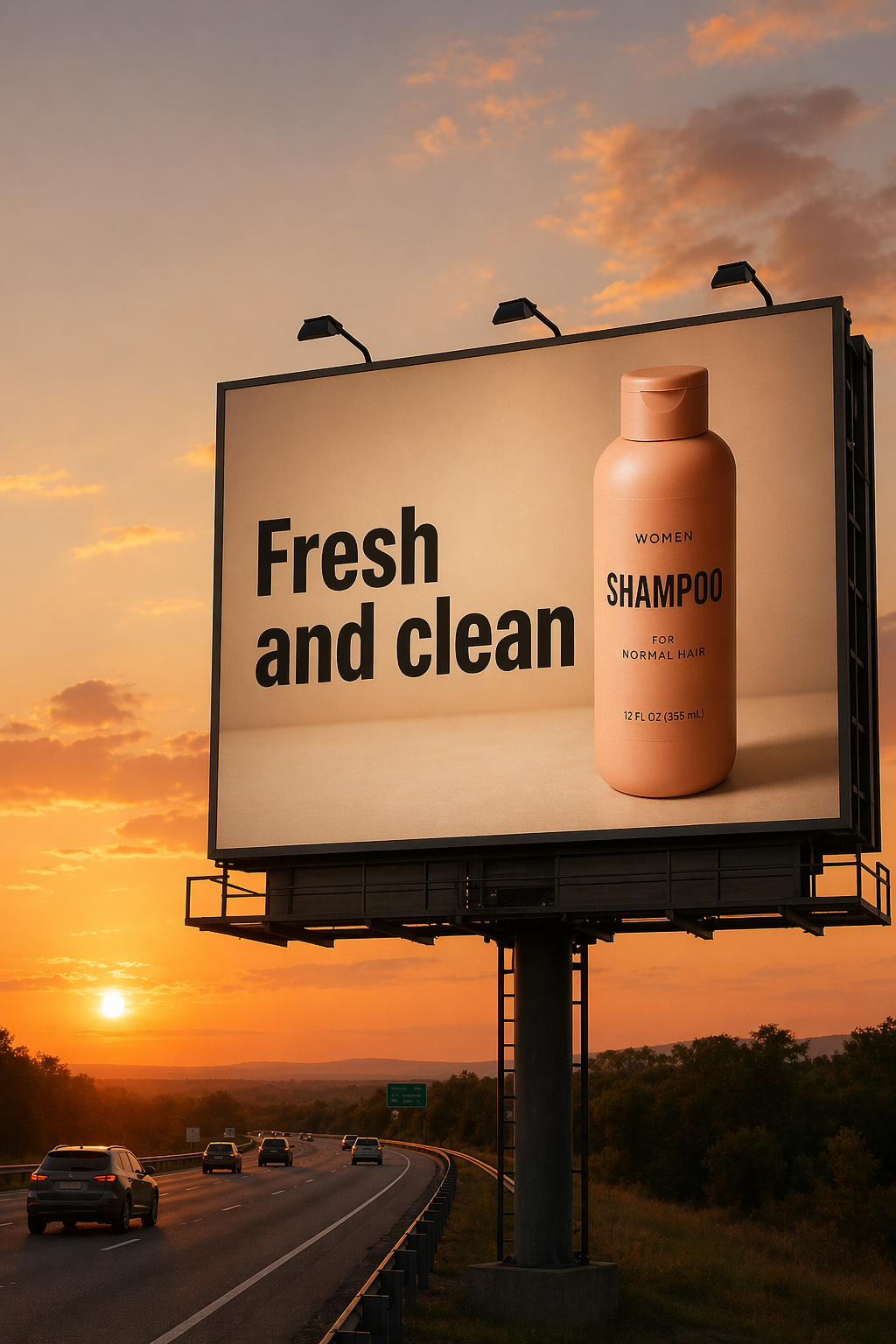
Descubre resultados de muestra de Imagen a imagen en el espacio de trabajo de Meta Muse Video
Explore ejemplos oficiales de GPT Image 2 sobre edición precisa, tipografía, composición, trabajo de producto y narración visual.
Diseñado para trabajos en los que importan la calidad visual, las ediciones precisas, el texto legible y menos repeticiones.
Genere lanzamientos de productos, anuncios sociales, carteles y conceptos de empaque con una jerarquía más clara y una mayor fidelidad del texto.
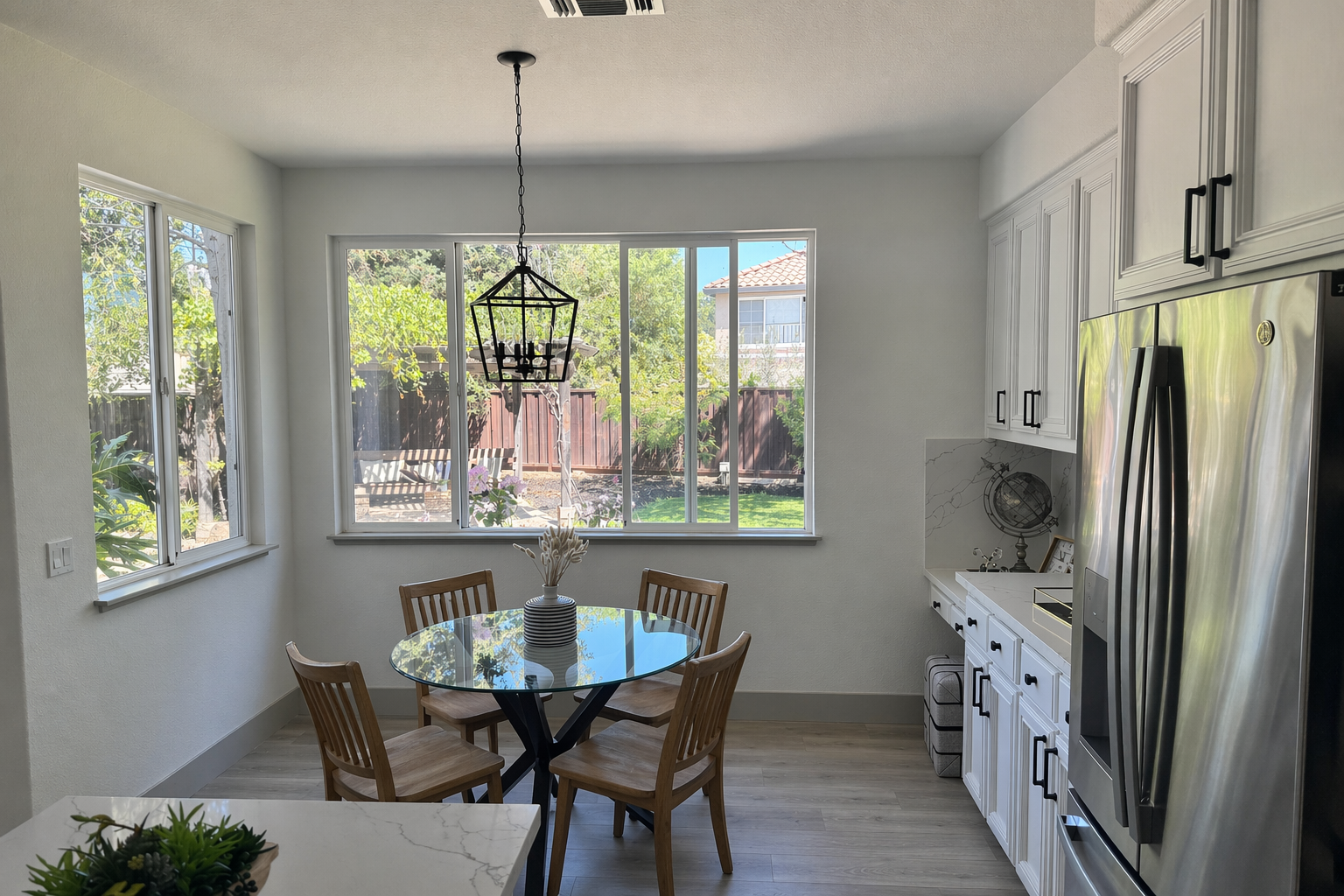
Intercambie objetos, restablezca la iluminación, prepare maquetas y conserve los detalles de identidad o del producto en los cambios específicos.
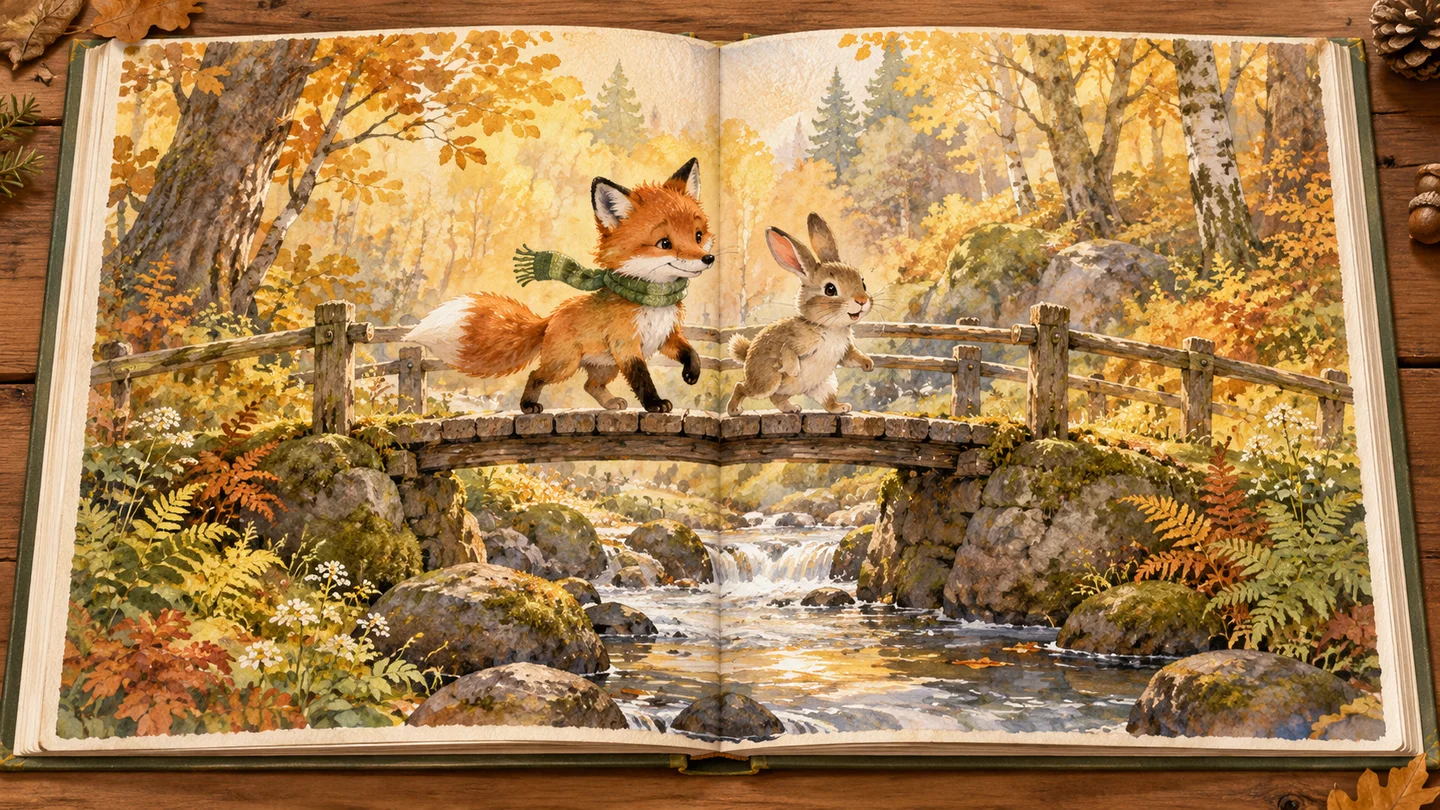
Cree anclajes de ilustraciones consistentes, escenas cinematográficas, gráficos educativos y secuencias de imágenes basadas en historias.
02Valor predeterminado recomendado
Una calidad más sólida en el primer paso ayuda a los equipos a dedicar menos tiempo a volver a ejecutar las indicaciones y más tiempo a perfeccionar el activo final.
Dígale al modelo qué cambiar y qué debe permanecer fijo. Conserve la identidad, la geometría, el ángulo de la cámara, la iluminación y los detalles de la marca mientras realiza ediciones específicas.
Cree carteles, conceptos de empaque, infografías y diseños de campañas con una representación de texto más sólida. La redacción y ubicación exactas aún pueden beneficiarse de la iteración.
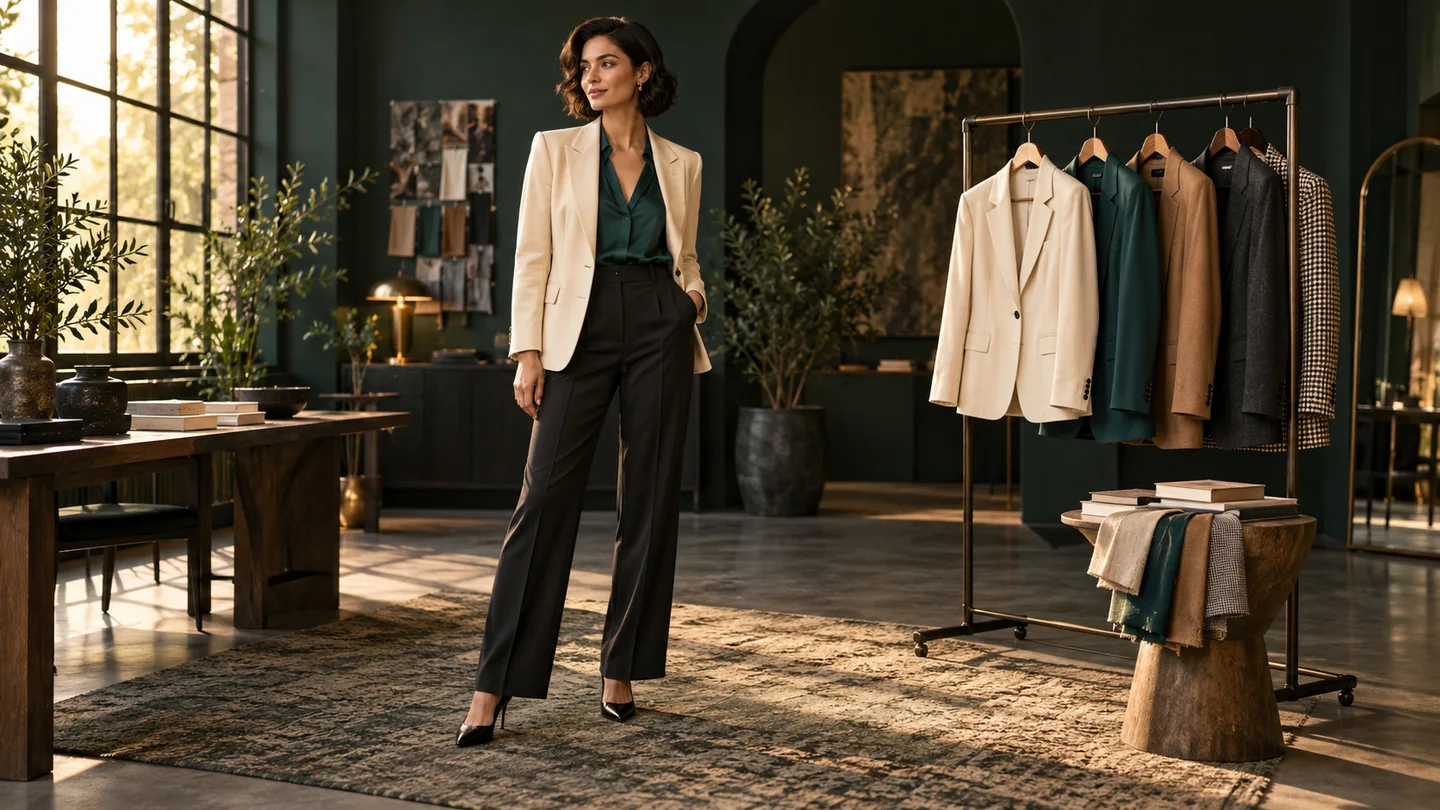
Pase de la generación de lienzos en blanco a la composición de múltiples imágenes, maquetas de productos, transferencia de estilos, pruebas virtuales y ediciones de escenas sensibles a la identidad.
Un modelo de imagen versátil para activos orientados al cliente, flujos con mucha edición y creatividad sensible a la marca.
Utilice una calidad más baja para borradores rápidos y luego pase a media o alta cuando el recurso final necesite más pulido.
Calidad baja, media o alta
Describe los cambios específicos en un lenguaje sencillo conservando las partes de la imagen que ya funcionan.
Control del lenguaje natural
Revisa los créditos requeridos en el generador y paga solo cuando creas una imagen.
Costo de crédito transparente
Una mejor confiabilidad de generación y edición puede reducir la revisión manual y las ejecuciones repetidas en los activos de producción.
Menos reintentos
Cree dimensiones cuadradas, verticales, horizontales, de pantalla ancha y otras dimensiones válidas para campañas y sistemas de contenido.
Relaciones de aspecto flexibles
Maneje imágenes de productos, campañas basadas en texto, composición, arte de historias y ediciones de precisión desde el mismo espacio de trabajo.
Generación más edición
Comience con un objetivo claro, separe los cambios de los invariantes y perfeccione una decisión a la vez.
Describe una nueva imagen o sube una o más referencias para una edición y composición controladas.
Especifique escena, tema, estilo, texto exacto y uso previsto. Para ediciones, enumere lo que debería cambiar y lo que debe permanecer intacto.
Revise el texto, la identidad, los bordes y el diseño. Realice pequeños cambios de seguimiento en lugar de sobrecargar un mensaje.
Respuestas actuales basadas en la documentación oficial de generación de imágenes de OpenAI.
Más por descubrir
Prueba otro modelo de imagen para tu próxima idea visual.
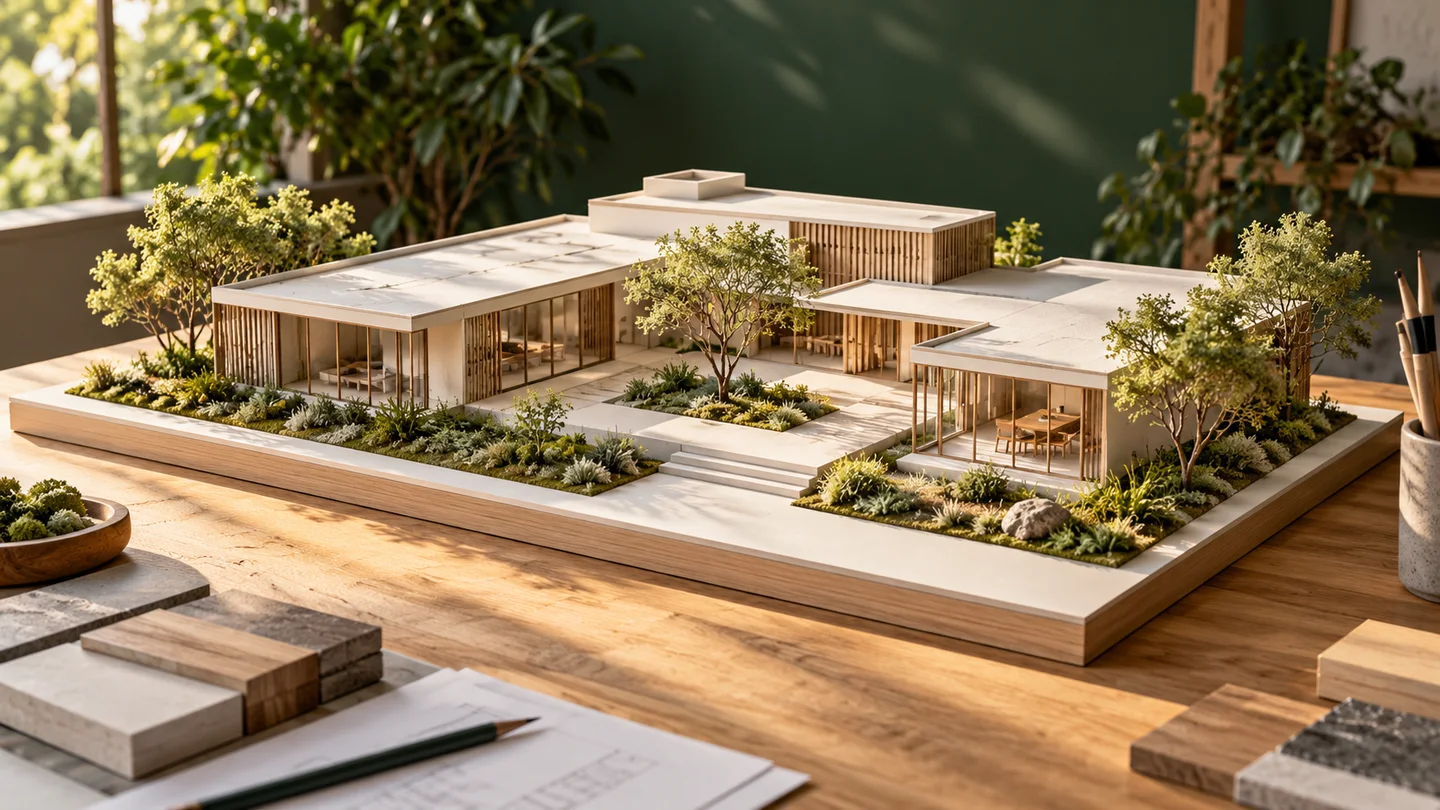
Nano Banana
Convierte un texto o una imagen de referencia en una nueva propuesta visual.
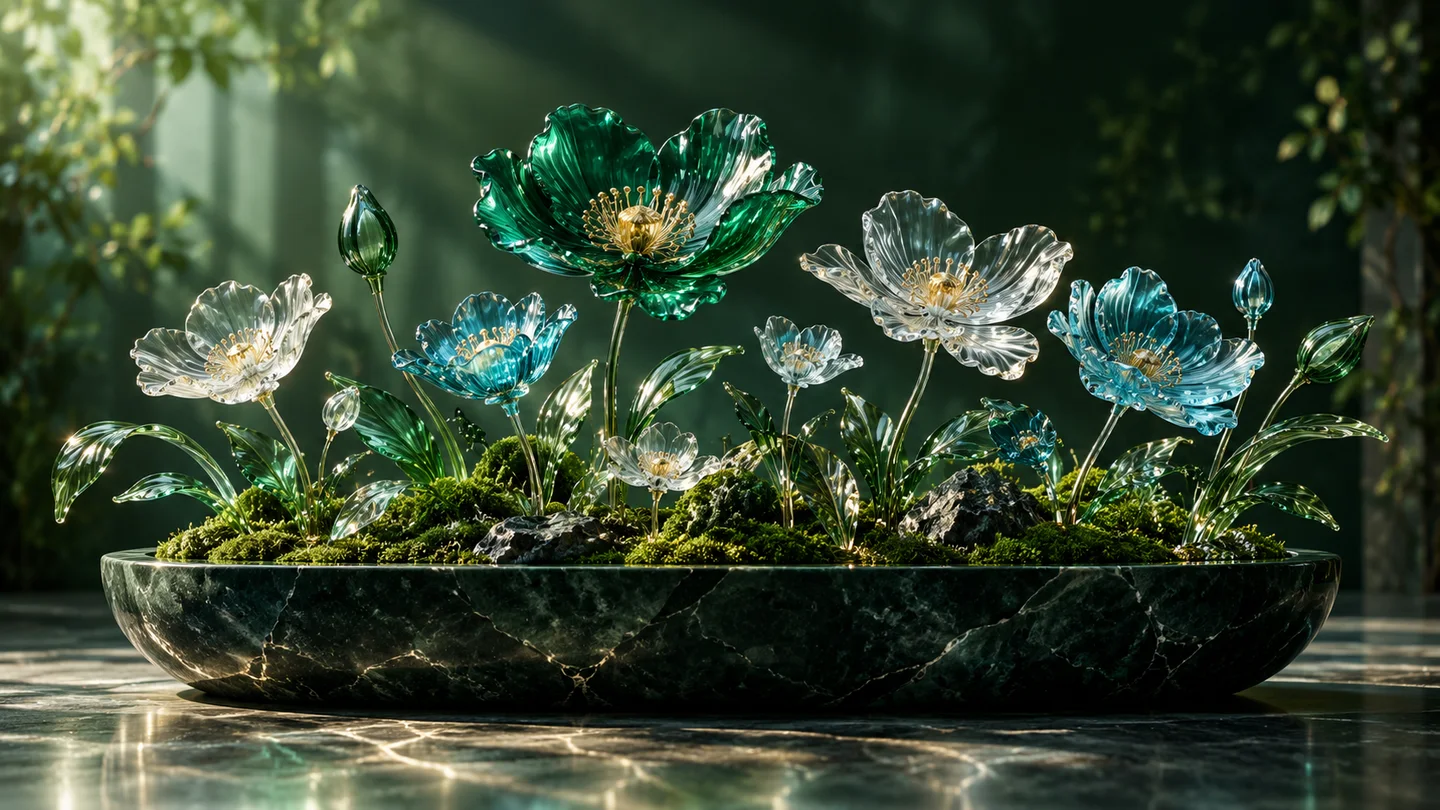
Nano Banana 2
Explora la generación y edición de imágenes en un mismo espacio creativo.
Nano Banana Pro
Da forma a conceptos detallados, imágenes editoriales y campañas.
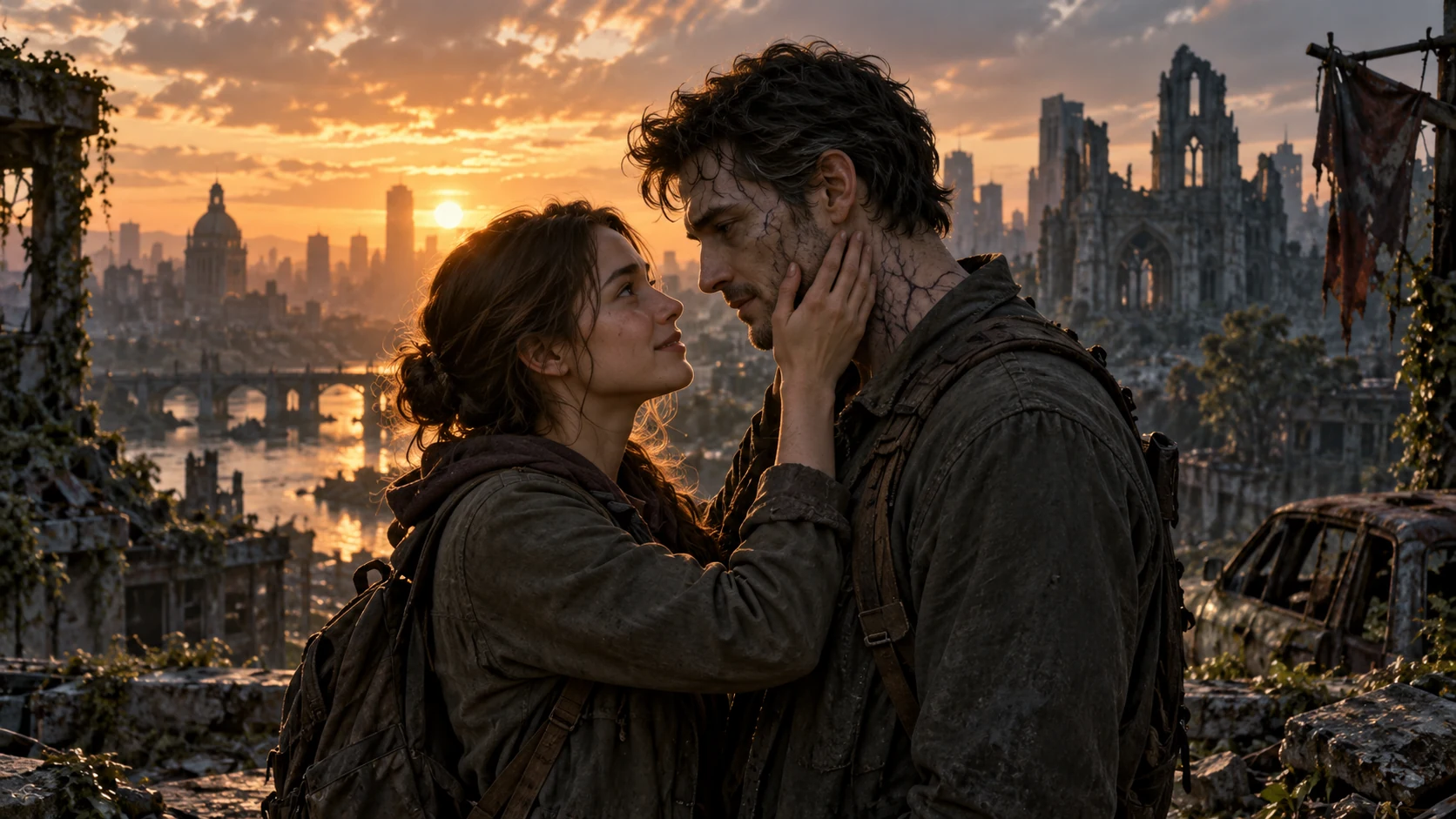
AI Zombie Love Story
Crea una historia de amor zombi con dos fotos
Empieza con un prompt o una imagen de referencia, conserva los detalles importantes y perfecciona el resultado en un solo espacio de trabajo.