
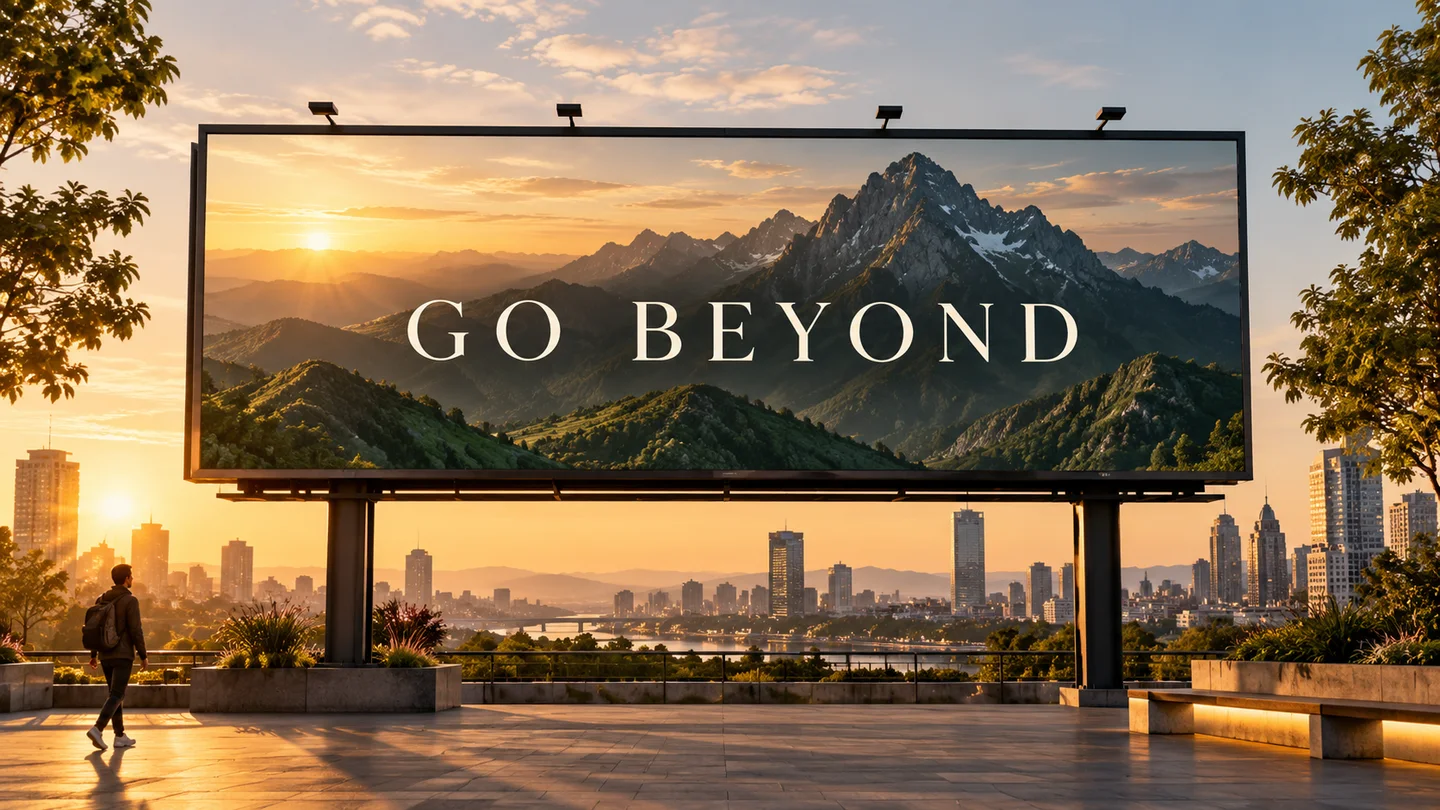
Campagnes, emballages et création de marque
Générez des lancements de produits, des publicités sociales, des affiches et des concepts d'emballage avec une hiérarchie plus claire et une fidélité de copie plus forte.
Génération d'images OpenAI
Créez à partir de texte, affinez des images existantes et combinez des références avec le modèle d'image par défaut recommandé par OpenAI pour les nouveaux flux de production.
Inspirez-vous
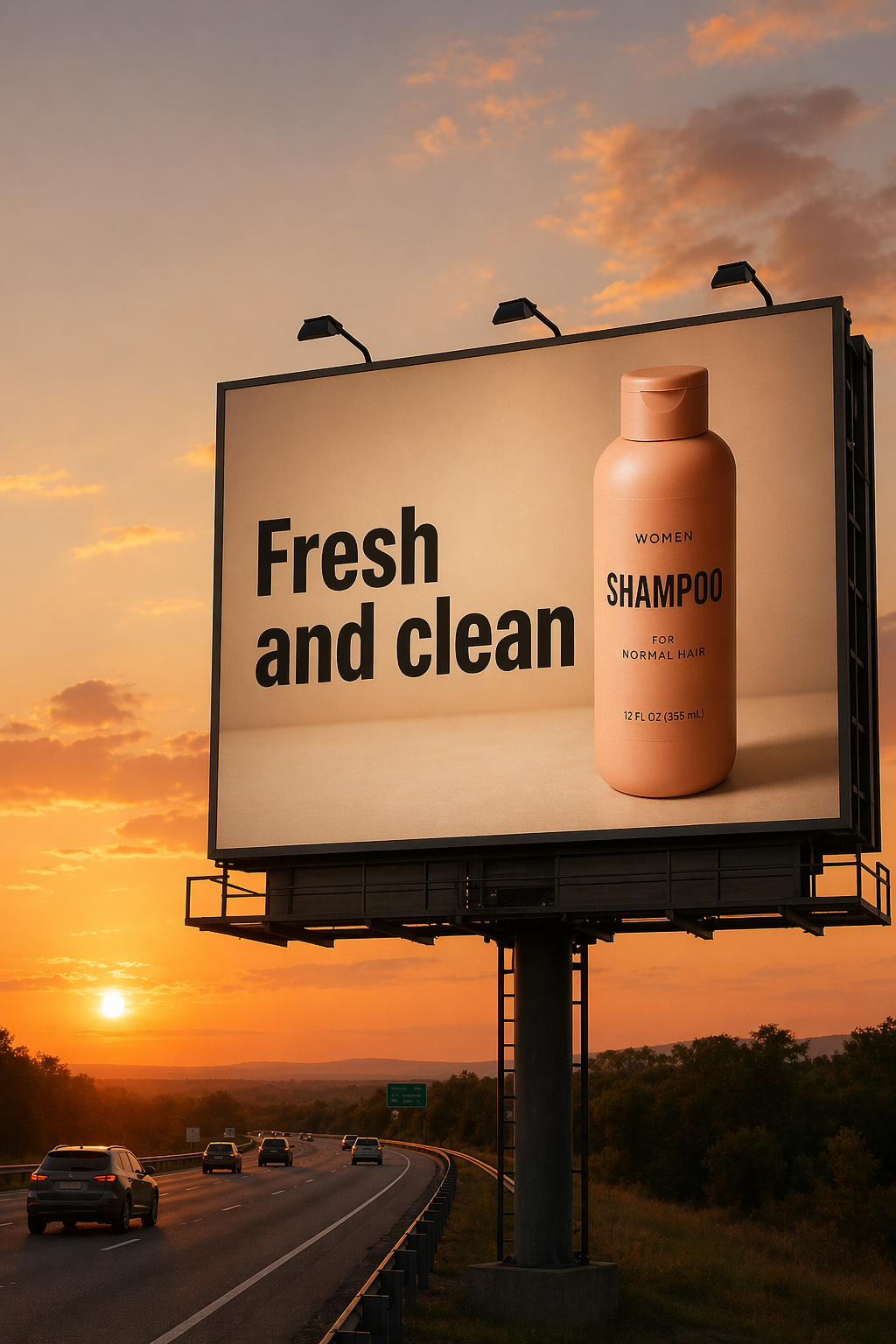
Voir des exemples de sorties pour Image vers image dans l'espace de travail Meta Muse Video.
Explorez des exemples officiels de GPT Image 2 à travers l'édition précise, la typographie, la composition, le travail sur les produits et la narration visuelle.
Conçu pour les projets où la qualité visuelle, la précision des retouches, la lisibilité du texte et la réduction du nombre d’essais comptent.
Générez des lancements de produits, des publicités sociales, des affiches et des concepts d'emballage avec une hiérarchie plus claire et une fidélité de copie plus forte.
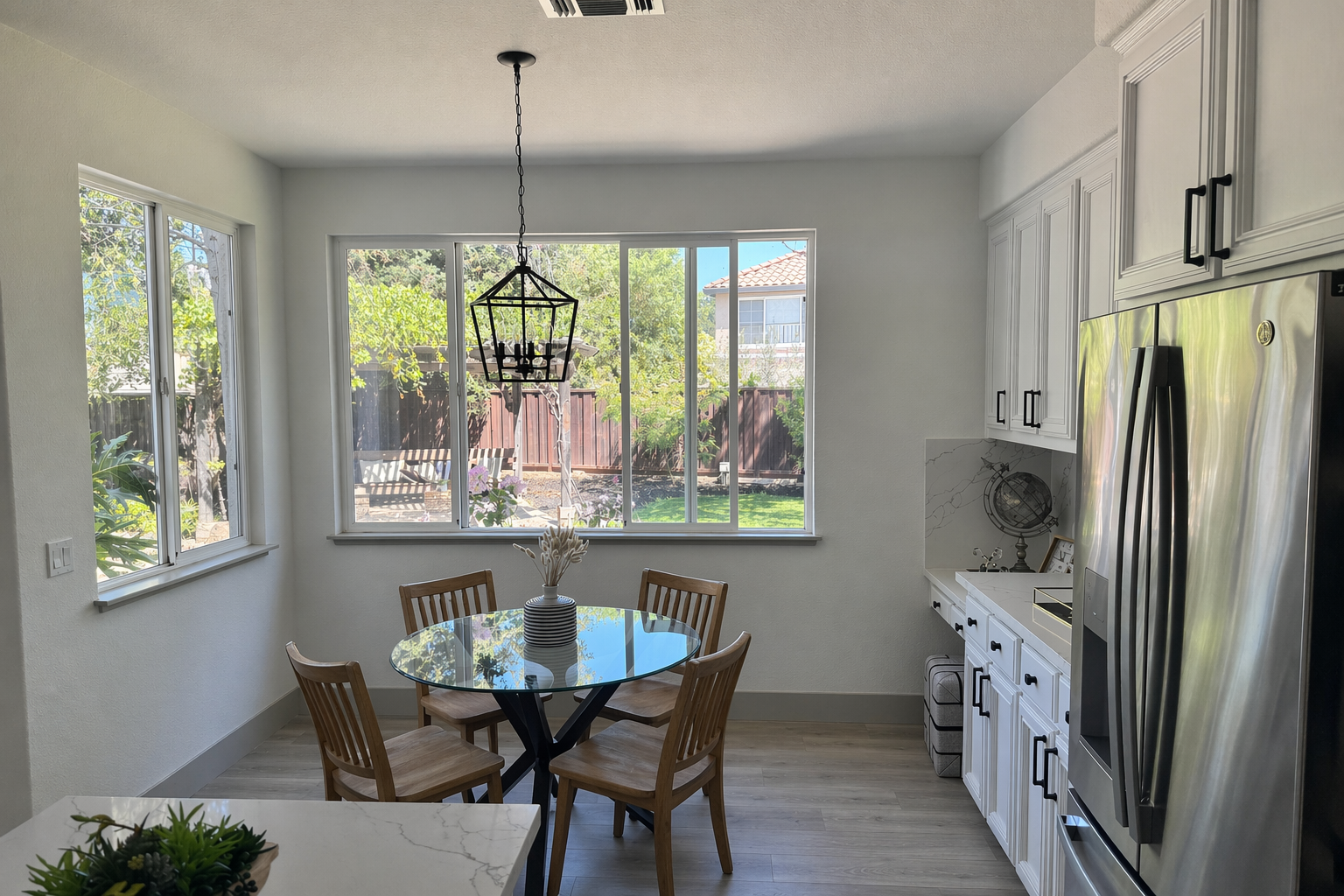
Échangez des objets, réorganisez l'éclairage, préparez des maquettes et préservez les détails du produit ou de l'identité lors de changements ciblés.
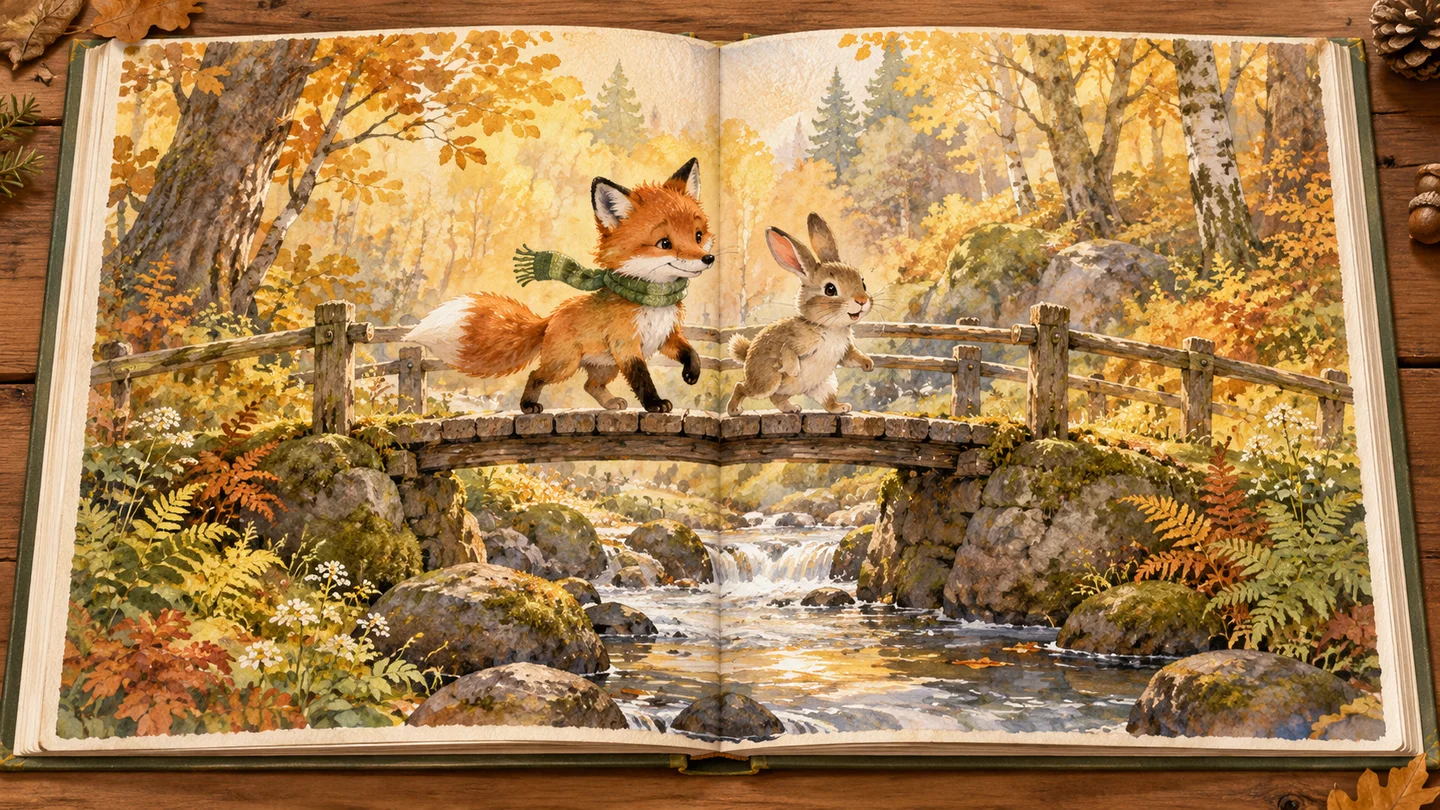
Créez des ancres d'illustration cohérentes, des scènes cinématographiques, des graphiques éducatifs et des séquences d'images basées sur une histoire.
02Valeur par défaut recommandée
Une qualité de premier passage plus élevée permet aux équipes de passer moins de temps à réexécuter les invites et plus de temps à affiner l'élément final.
Dites au modèle ce qu'il faut changer et ce qui doit rester fixe. Préservez l’identité, la géométrie, l’angle de la caméra, l’éclairage et les détails de la marque tout en effectuant des modifications ciblées.
Créez des affiches, des concepts d'emballage, des infographies et des mises en page de campagne avec un rendu de texte plus performant. La formulation et le placement exacts peuvent encore bénéficier d’une itération.
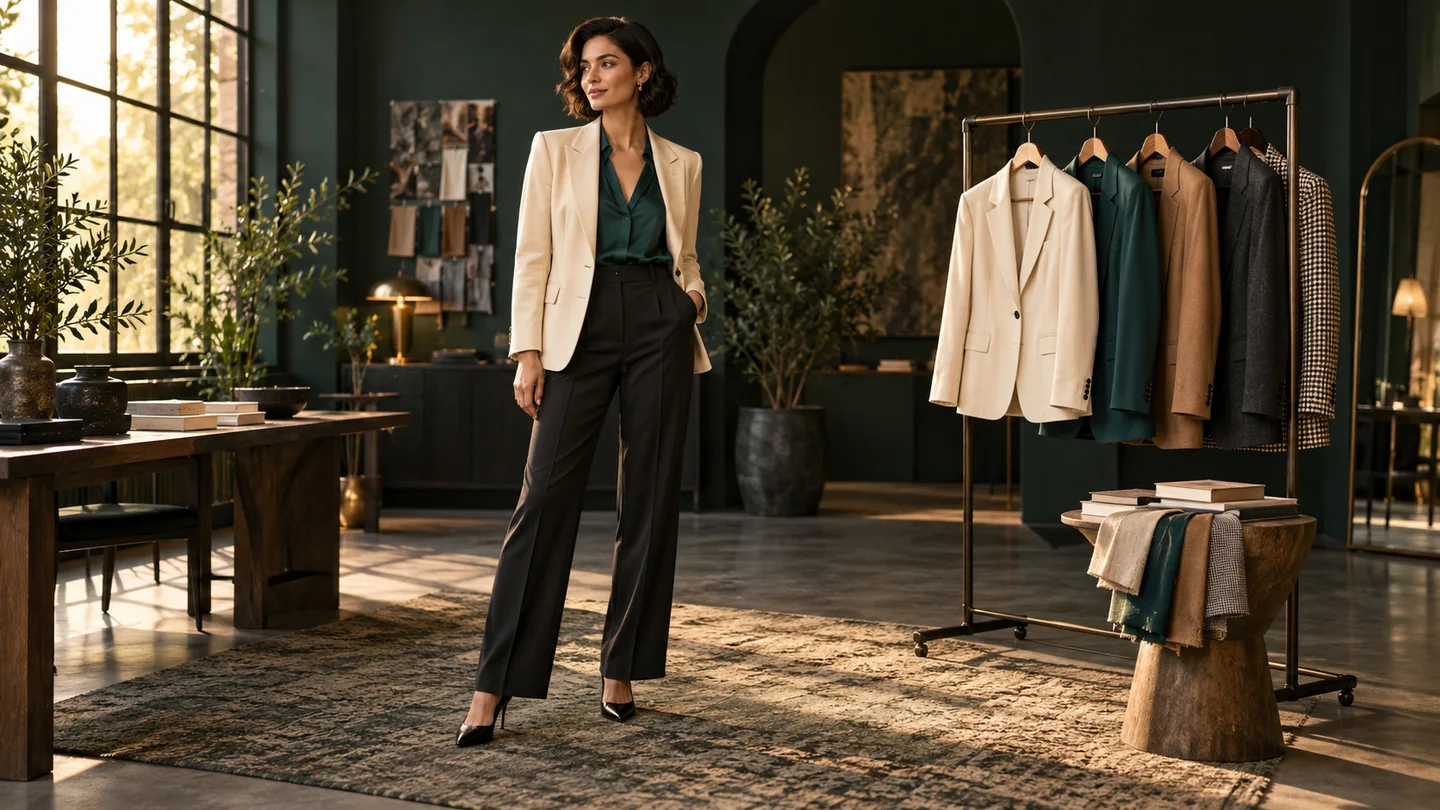
Passez de la génération de toiles vierges à la composition multi-images, aux maquettes de produits, au transfert de style, aux essais virtuels et aux modifications de scènes sensibles à l'identité.
Un modèle d'image polyvalent pour les ressources destinées aux clients, les flux nécessitant beaucoup d'édition et les créations sensibles à la marque.
Utilisez une qualité inférieure pour les brouillons rapides, puis passez à une qualité moyenne ou élevée lorsque l'élément final a besoin d'être plus peaufiné.
Qualité faible, moyenne ou élevée
Décrivez les changements ciblés dans un langage simple tout en préservant les parties de l'image qui fonctionnent déjà.
Contrôle du langage naturel
Vérifiez les crédits requis dans le générateur et payez uniquement lorsque vous créez une image.
Coût du crédit transparent
Une meilleure fiabilité de génération et d’édition peut réduire les révisions manuelles et les exécutions répétées sur les actifs de production.
Moins de tentatives
Créez des dimensions carrées, portrait, paysage, écran large et autres dimensions valides pour les campagnes et les systèmes de contenu.
Rapports d'aspect flexibles
Gérez les visuels des produits, les campagnes textuelles, la composition, l'art de l'histoire et les modifications précises à partir du même espace de travail.
Génération et édition
Commencez par un objectif clair, séparez les changements des invariants et affinez une décision à la fois.
Décrivez une nouvelle image ou téléchargez une ou plusieurs références pour une édition et une composition contrôlées.
Spécifiez la scène, le sujet, le style, le texte exact et l'utilisation prévue. Pour les modifications, répertoriez ce qui doit changer et ce qui doit rester inchangé.
Vérifiez le texte, l'identité, les bords et la mise en page. Apportez de petites modifications de suivi au lieu de surcharger une seule invite.
Réponses actuelles basées sur la documentation officielle de génération d'images d'OpenAI.
À découvrir aussi
Essayez un autre modèle d’image pour votre prochaine idée visuelle.
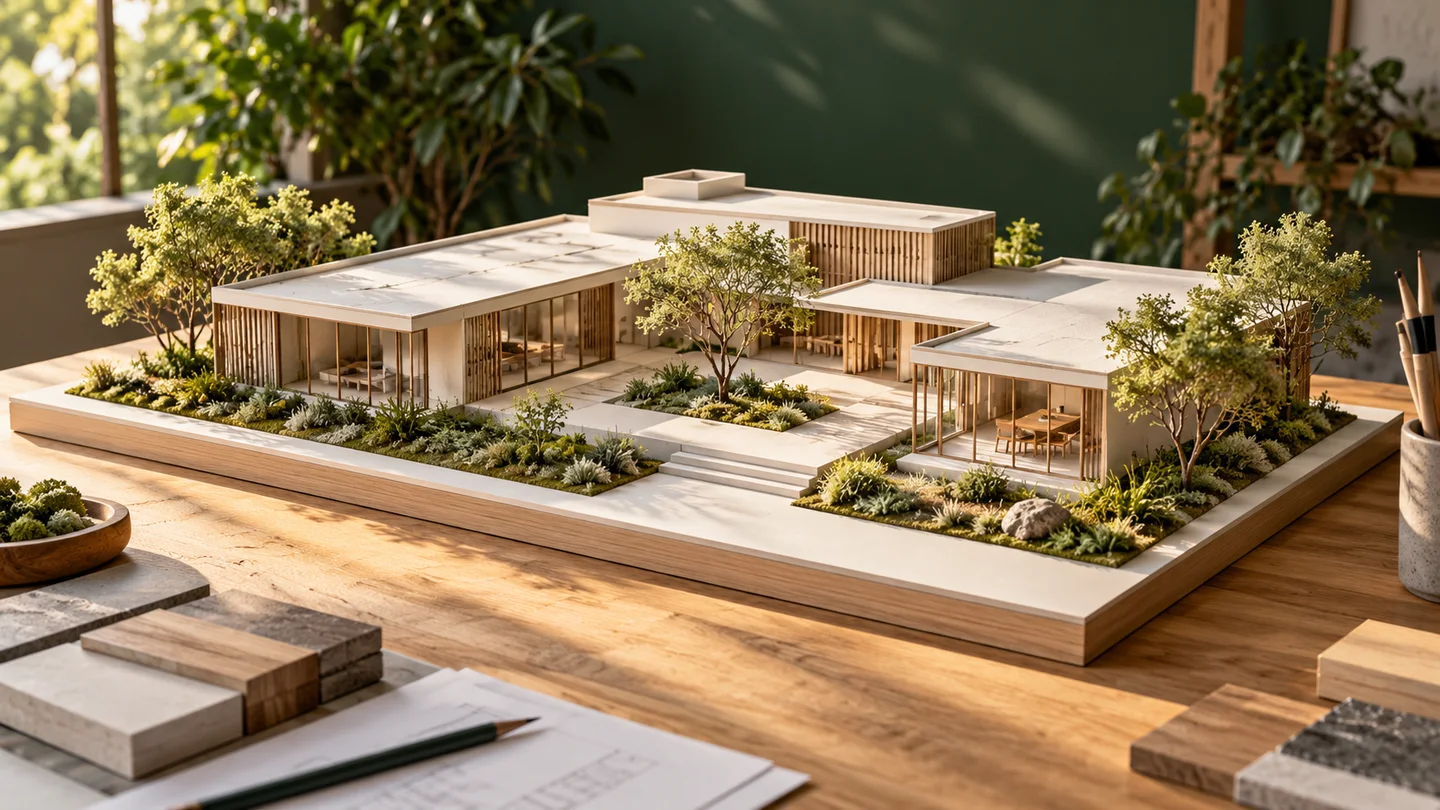
Nano Banana
Transformez un texte ou une image de référence en une nouvelle piste visuelle.
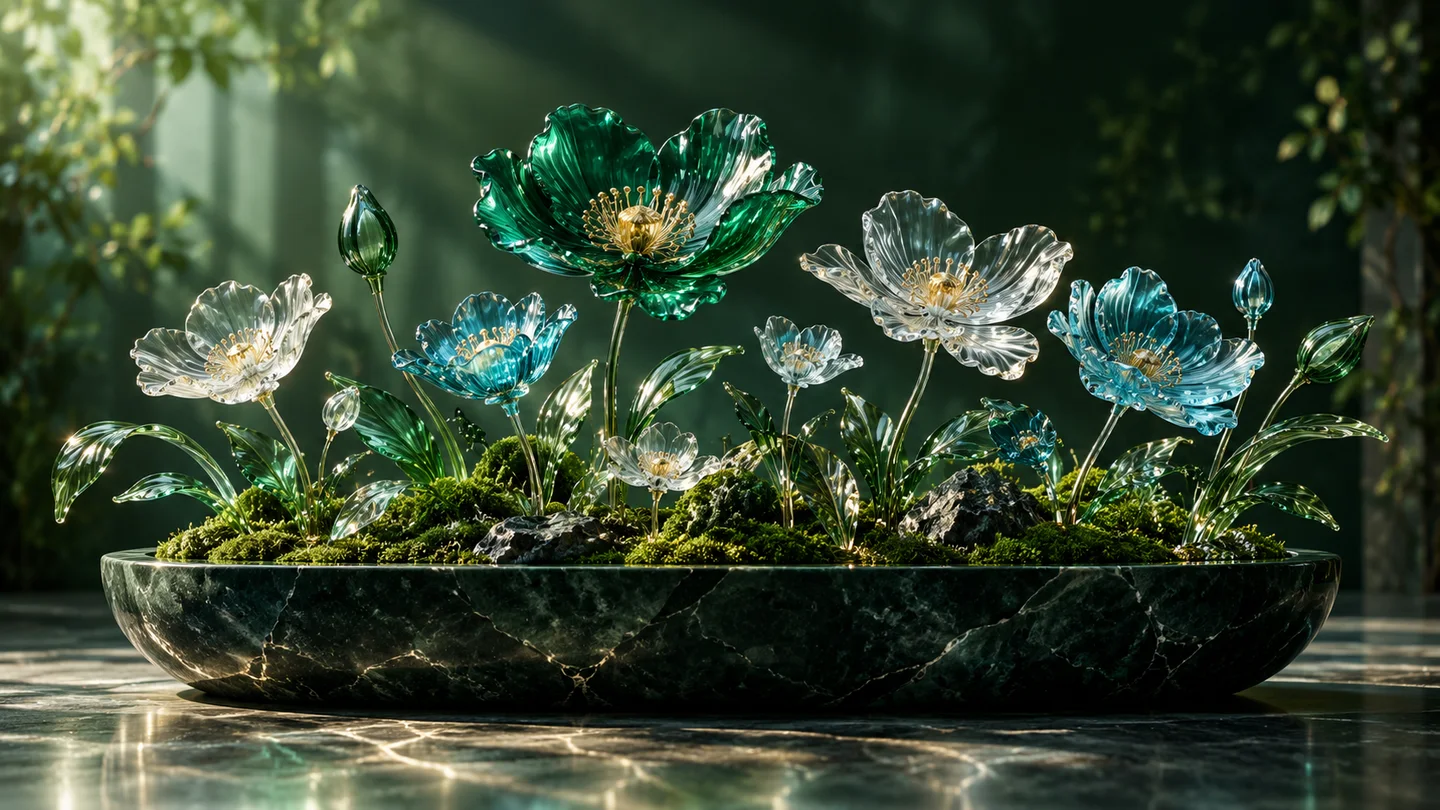
Nano Banana 2
Explorez la création et la retouche d’images dans un même espace créatif.
Nano Banana Pro
Façonnez des concepts détaillés, des visuels éditoriaux et des campagnes.
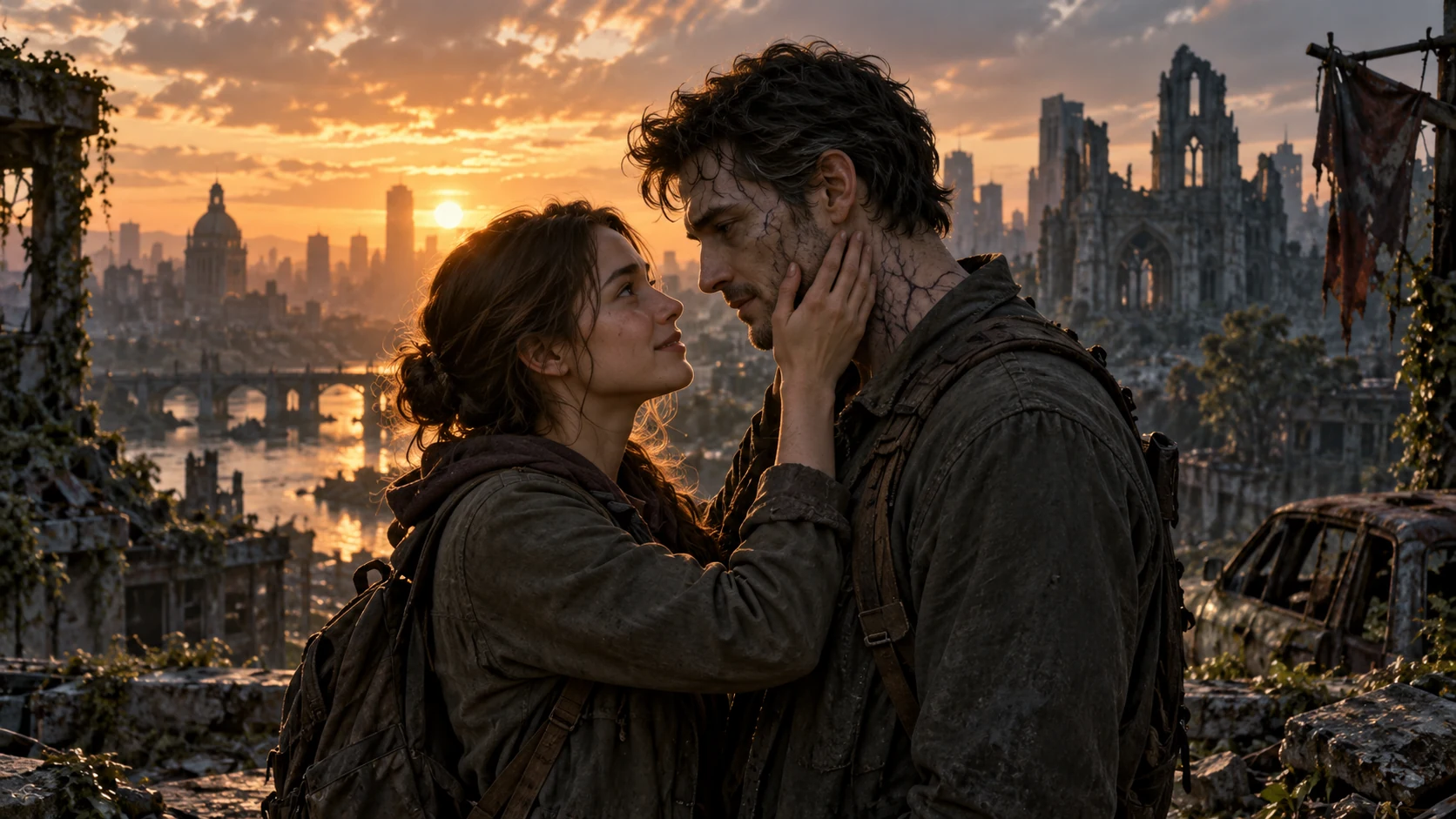
AI Zombie Love Story
Créez une histoire d’amour zombie avec deux photos
Partez d'une invite ou d'une image de référence, conservez les détails importants et affinez le résultat dans un seul espace de travail.