AI Feet Generator for Photo Completion, Art References, and Shoe Mockups

Upload a portrait, character image, or product photo and generate realistic feet with consistent anatomy, skin tone, and lighting. Use AI to complete cropped images, build footwear mockups, and create clean foot references online.

AI Feet Generator

Click or drag to upload

Aspect Ratio
Resolution

Preview

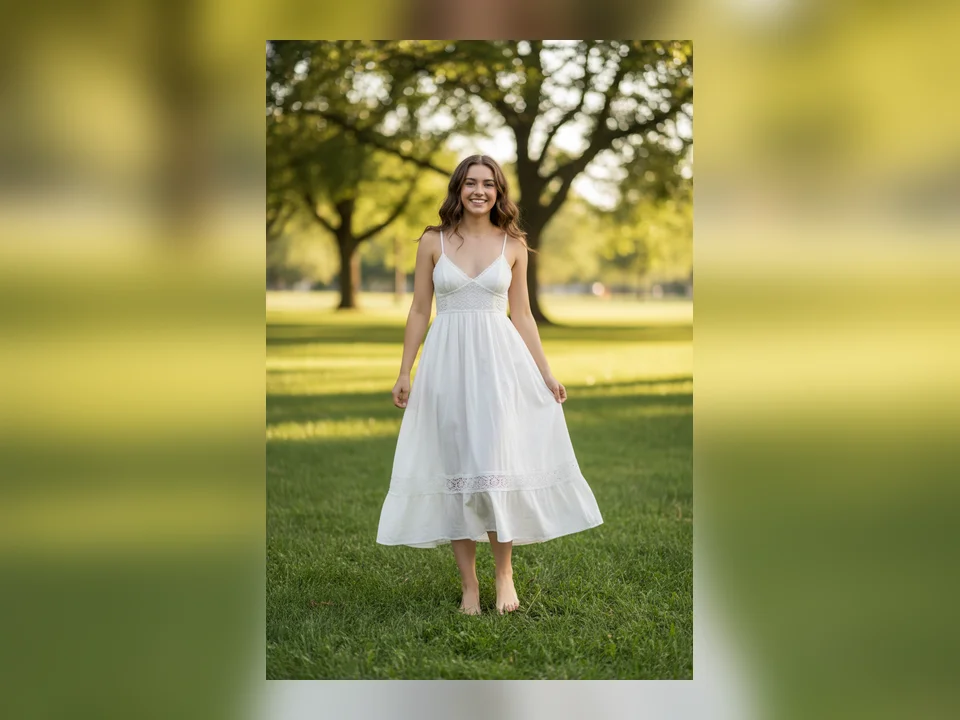
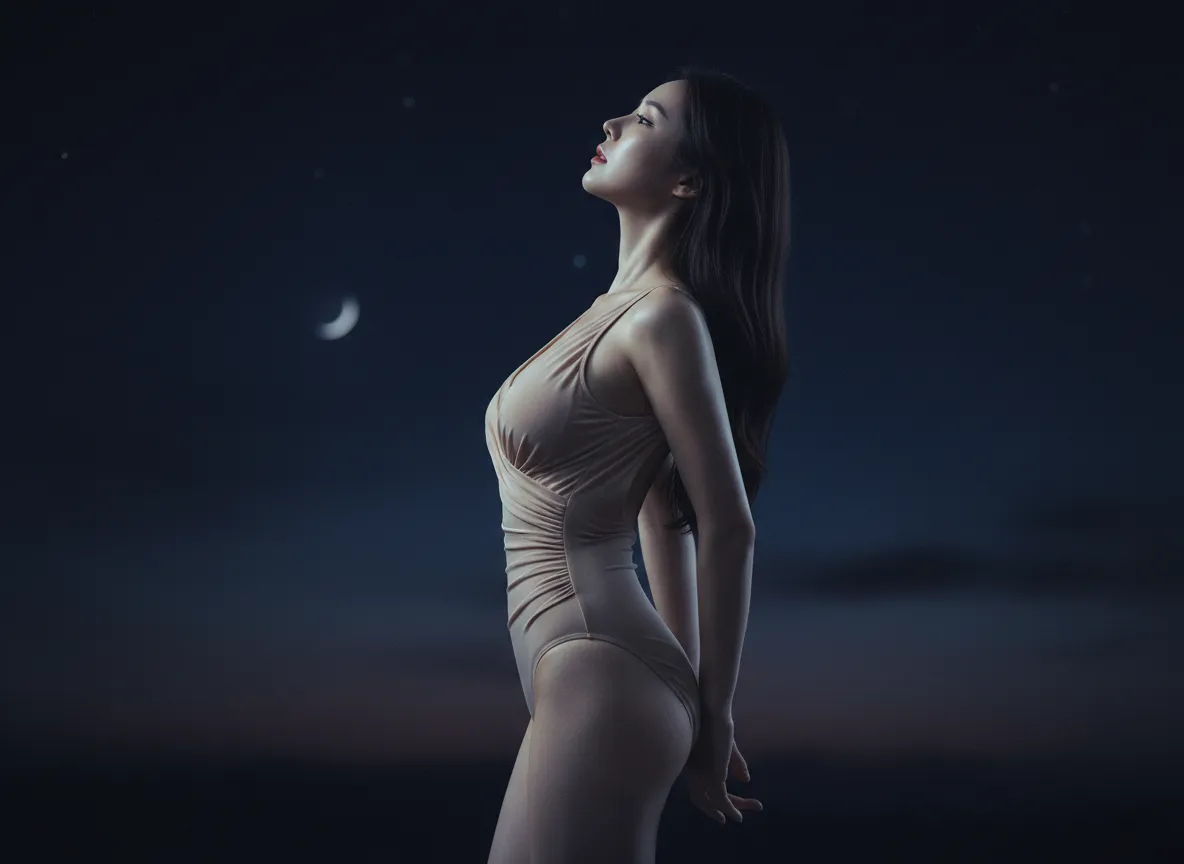
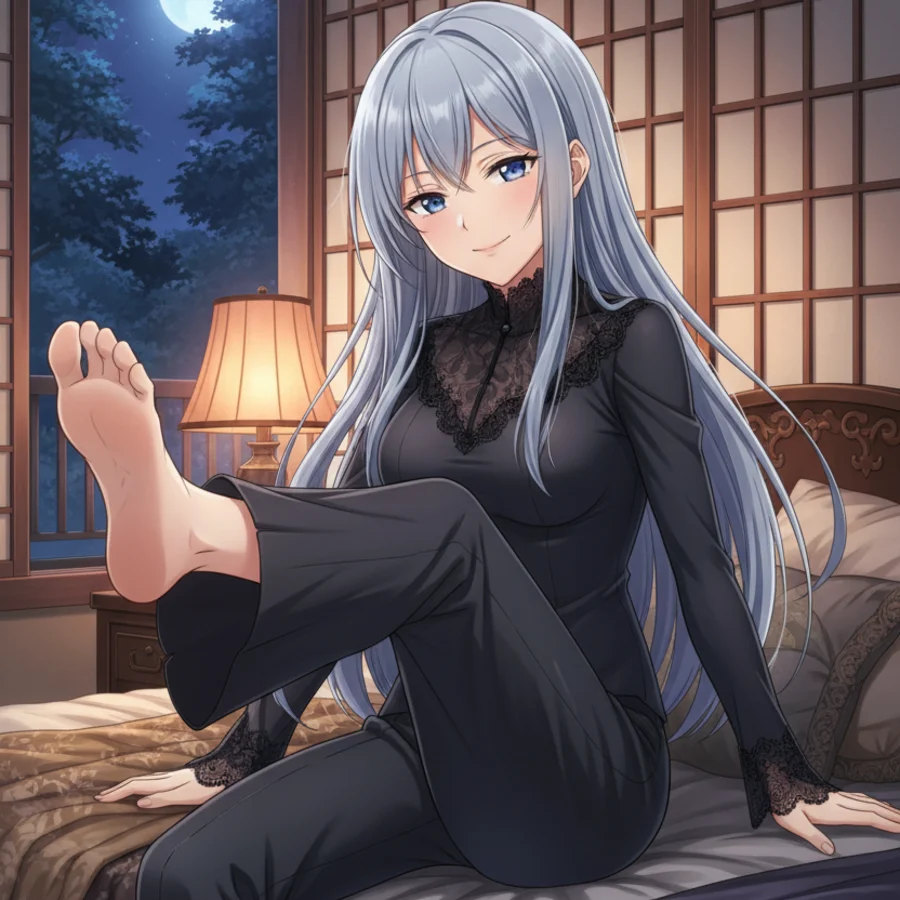
AI Feet Generator example with realistic foot completion
What Is It

What Is an AI Feet Generator?

An AI feet generator is an online tool that creates or completes realistic feet inside an existing image within seconds. It helps you extend cropped portraits, repair lower-body framing, generate anatomy-aware foot references, and produce shoe mockups without manual retouching. MuseVideo focuses on consistent body proportions, natural toe count, clean skin texture, and lighting that matches the rest of the photo, making the workflow useful for artists, ecommerce teams, footwear brands, and creators.

Examples

Before and After: Realistic Foot Completion Examples

See how this AI feet generator completes missing feet from photos, improves anatomy consistency, and creates cleaner visuals for art, fashion, and footwear work.

Before
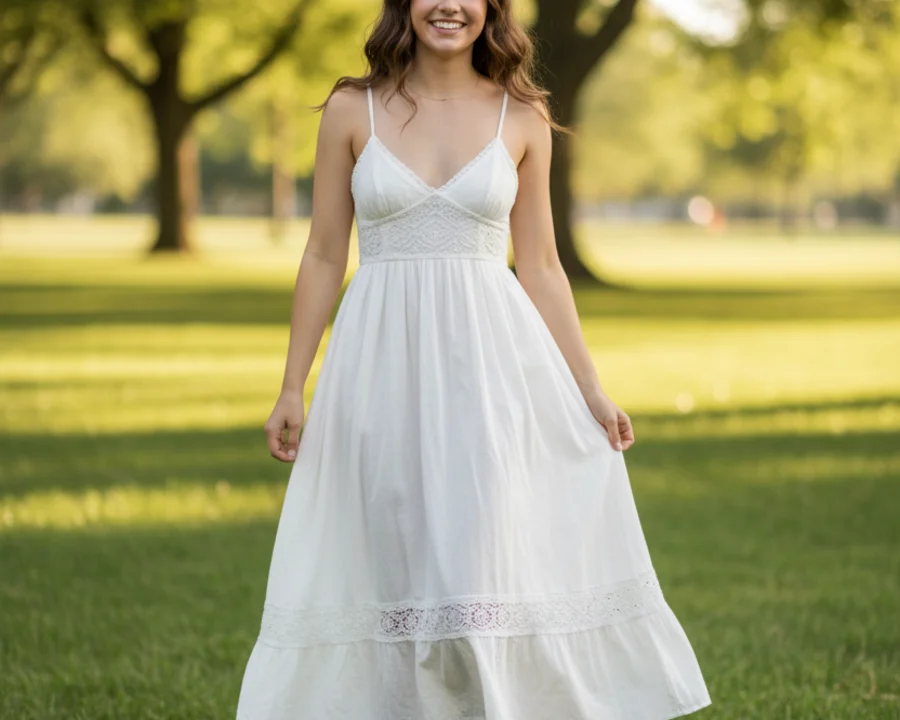
Example 1: source image before AI feet generation
After
Example 1: image after AI feet generation and completion
AI Feet Generator

AI Feet Generator Features

Build realistic foot completions, anatomy references, and footwear-ready images with photo-aware generation designed for creators and ecommerce teams.

Complete Hidden or Cropped Feet Naturally
AI Feet Generator

Complete Hidden or Cropped Feet Naturally

Extend portraits, lifestyle shots, and product images with feet that follow the original pose, body direction, and framing instead of looking pasted on or disconnected.

  • Lower-body completion from photo
  • Consistent pose and perspective
  • Natural image extension
  • Cleaner full-body framing
Generate Anatomy-Aware Feet with Better Proportions
AI Feet Generator

Generate Anatomy-Aware Feet with Better Proportions

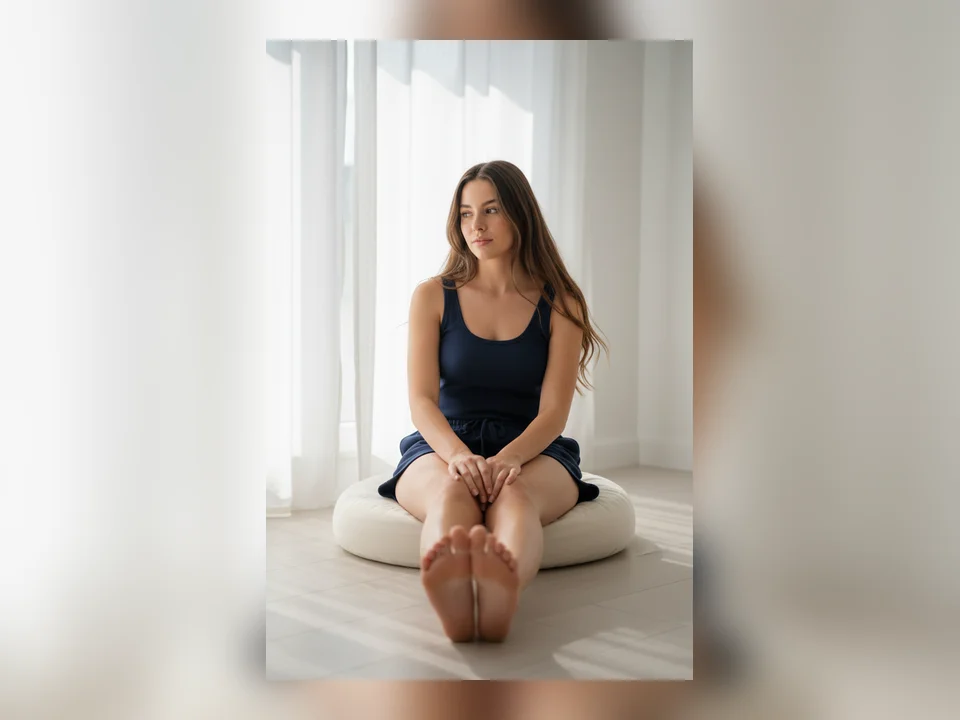
The generator is built around realistic toe count, arch curvature, ankle structure, and heel shape so outputs work better for references, mockups, and polished visual assets.

  • Five toes per foot
  • Natural ankle alignment
  • Accurate arch and heel shape
  • Reduced distortion artifacts
Match Skin Tone, Lighting, and Style
AI Feet Generator

Match Skin Tone, Lighting, and Style

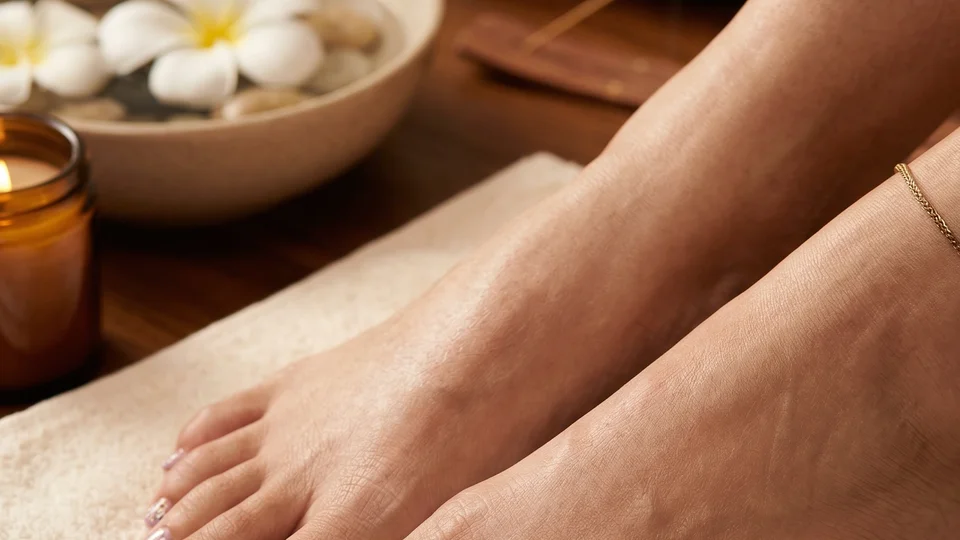
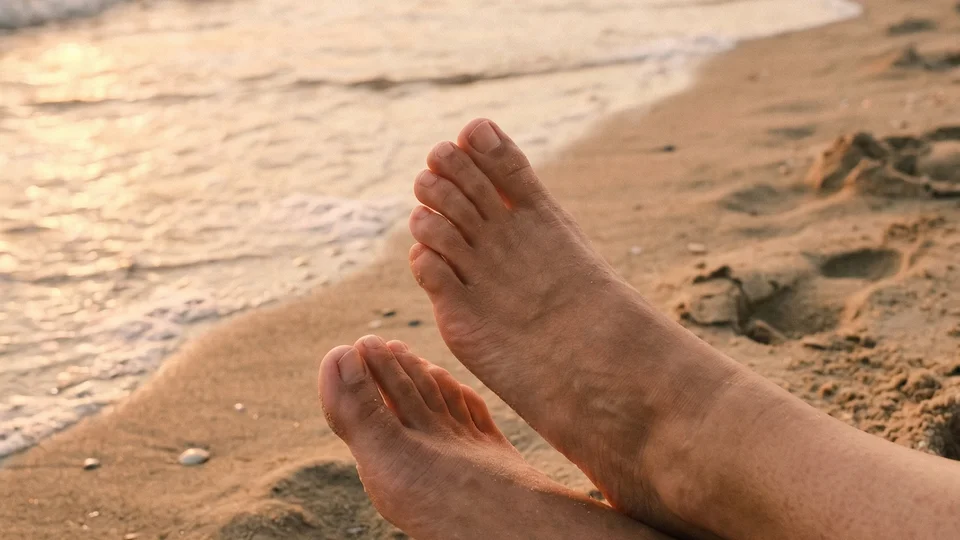
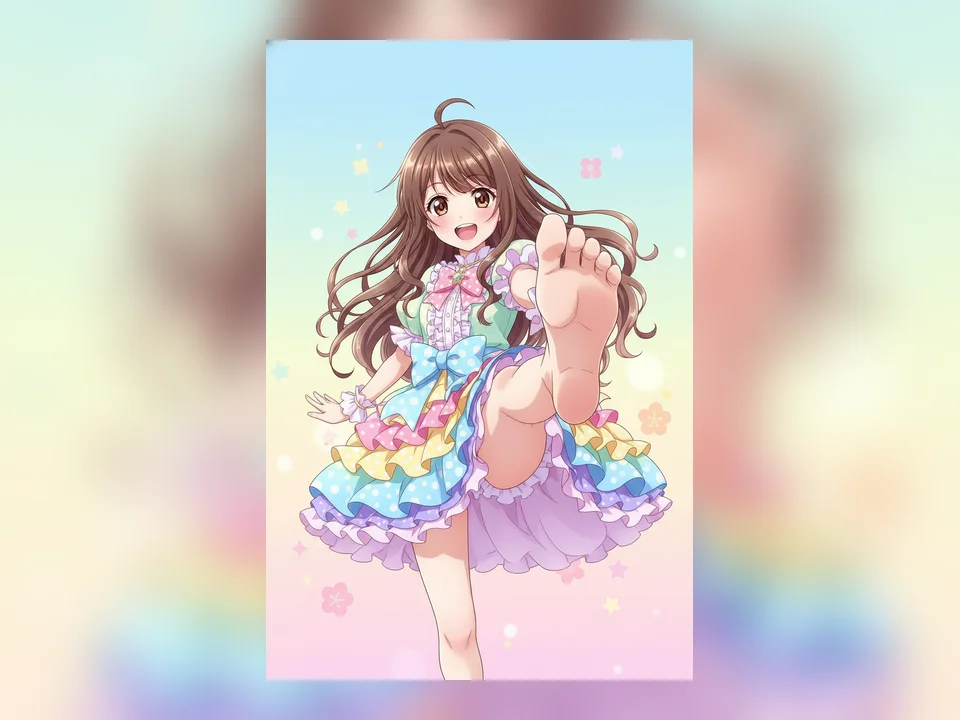
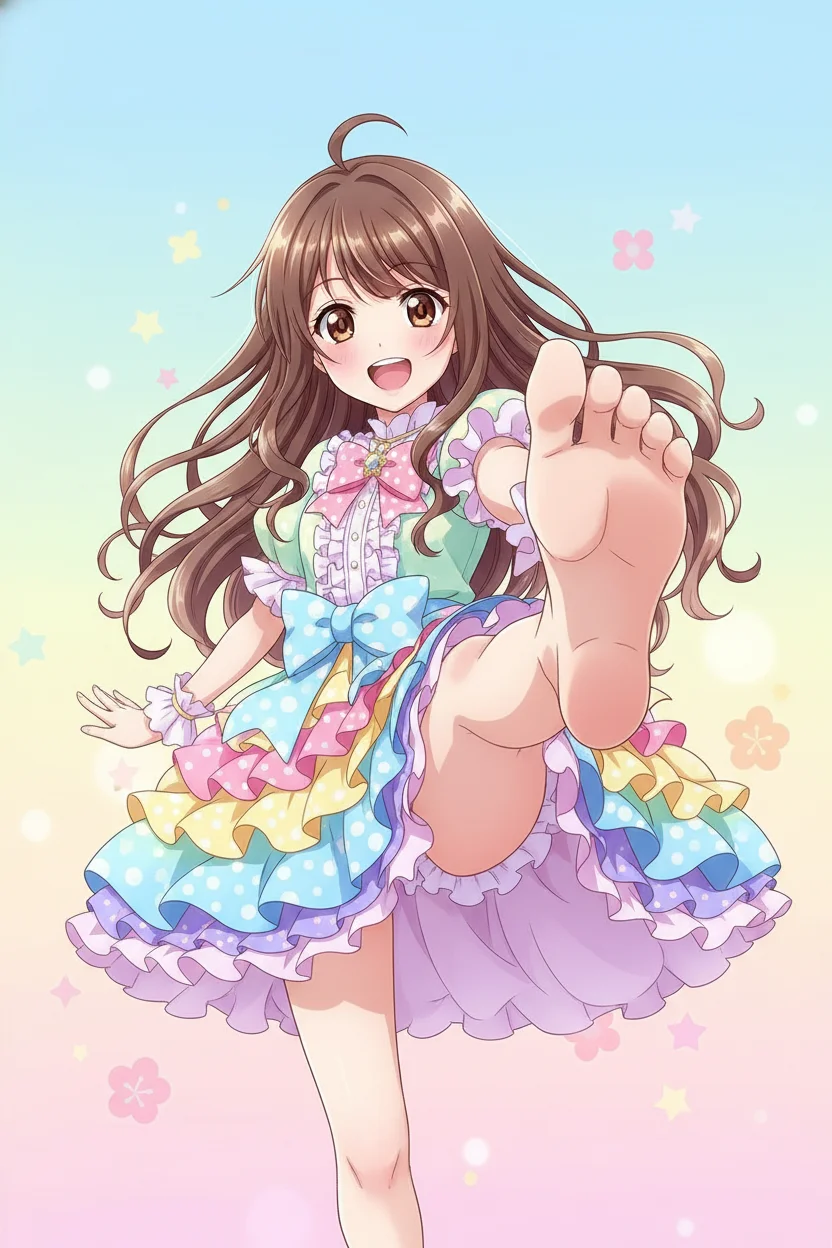
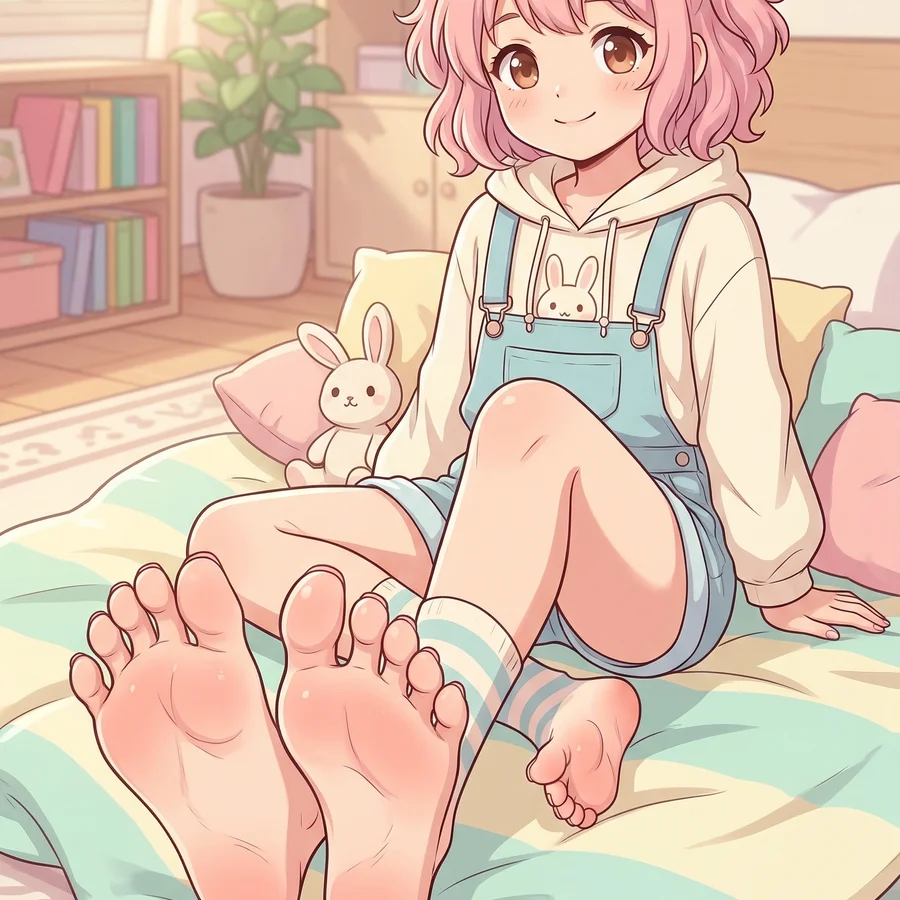
Keep the generated feet aligned with the rest of the image whether you need realistic barefoot completion, fashion-editorial styling, anime feet, beach scenes, or spa visuals.

  • Consistent skin tone mapping
  • Lighting-aware completion
  • Realistic and stylized presets
  • Scene-appropriate output
Built for Artists, Ecommerce, and Creators
AI Feet Generator

Built for Artists, Ecommerce, and Creators

Use one workflow to generate foot references for illustration, footwear mockups for product pages, beauty and wellness visuals, and polished lifestyle content without rebuilding the image by hand.

  • Footwear mockup ready
  • Art reference friendly
  • Beauty and lifestyle use cases
  • Fast online workflow

Why Choose This AI Foot Generator

Photo Completion That Looks Natural

Complete cropped portraits and partially framed bodies with feet that align with the original pose, perspective, and lower-body flow.

Useful for Footwear Mockups and Product Visuals

Generate cleaner shoe presentations, catalog images, and ecommerce creatives with more believable foot anatomy and placement.

No Manual Retouching Required

Skip complex masking, compositing, and anatomy fixes. Upload one image and let the generator handle the completion work.

Fast Iteration for Creative Teams

Create multiple versions quickly when you need to compare pose, style, or product presentation across campaigns and concepts.

Flexible Output for Social, Catalog, and Web

Export square, vertical, and landscape versions for landing pages, online stores, pitch decks, and social content.

More Variations from One Source Photo

Turn a single image into multiple brand-safe creative options for art reference, fashion mockups, beach scenes, or lifestyle visuals.

How to Generate Realistic Feet from a Photo

Upload an image, choose the style that fits your use case, and export an anatomy-aware result in minutes.

Upload a Portrait, Product Photo, or Character Image

1. Upload a Portrait, Product Photo, or Character Image

Start with an image where the pose, framing, or lower-body direction is reasonably clear.

Visible legs, balanced lighting, and clean subject edges help the AI complete feet more naturally.

Choose a Feet Style Preset

2. Choose a Feet Style Preset

Pick Realistic Barefoot, Shoe Mockup, Anime Feet, Beach Scene, Spa / Wellness, Fashion Editorial, or Urban Lifestyle.

Use realistic presets for photo completion and product work, or switch to stylized looks for illustration and creative content.

Generate, Compare, and Download

3. Generate, Compare, and Download

Create multiple options, compare anatomy and lighting consistency, and export the image that best fits your workflow.

Try different models, aspect ratios, and resolutions for art references, ecommerce images, and branded campaigns.

Artists and Creators Use AI Foot Completion for Cleaner Visuals

Artists, designers, and ecommerce teams use anatomy-aware foot completion to move faster and reduce manual fixes.

We use it to prototype shoe mockups faster. The foot proportions feel much cleaner than our previous AI workflows, which saves review time.

Maya Patel

Maya Patel

Footwear Designer

AI Feet Generator FAQ

Answers about photo completion, anatomy accuracy, commercial use, and supported creative workflows.

An AI feet generator creates or completes feet inside an image. It can help extend cropped portraits, build foot references, or generate cleaner visuals for footwear and lifestyle content.

Create Realistic Feet from Photos with AI

Complete hidden feet, build shoe mockups, and generate clean art references in a brand-safe workflow.