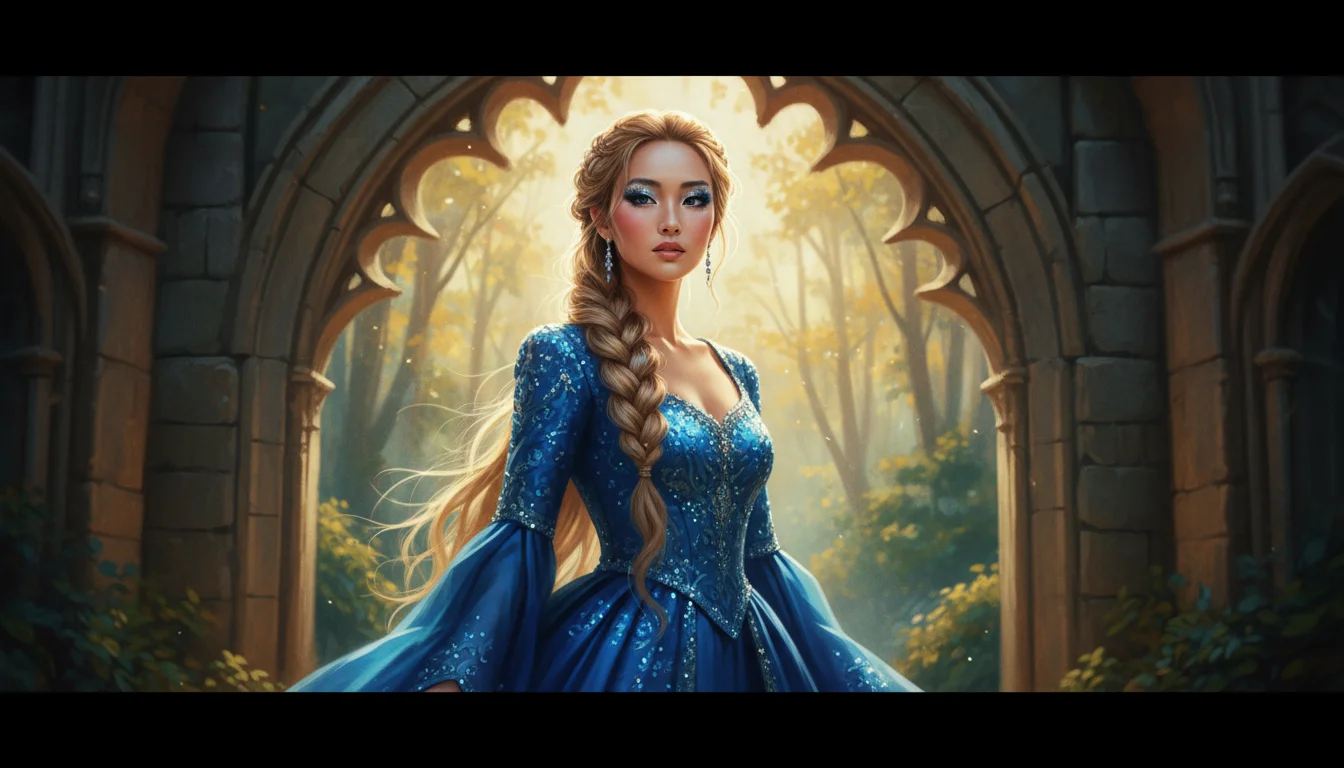
E-commerce Product Photography
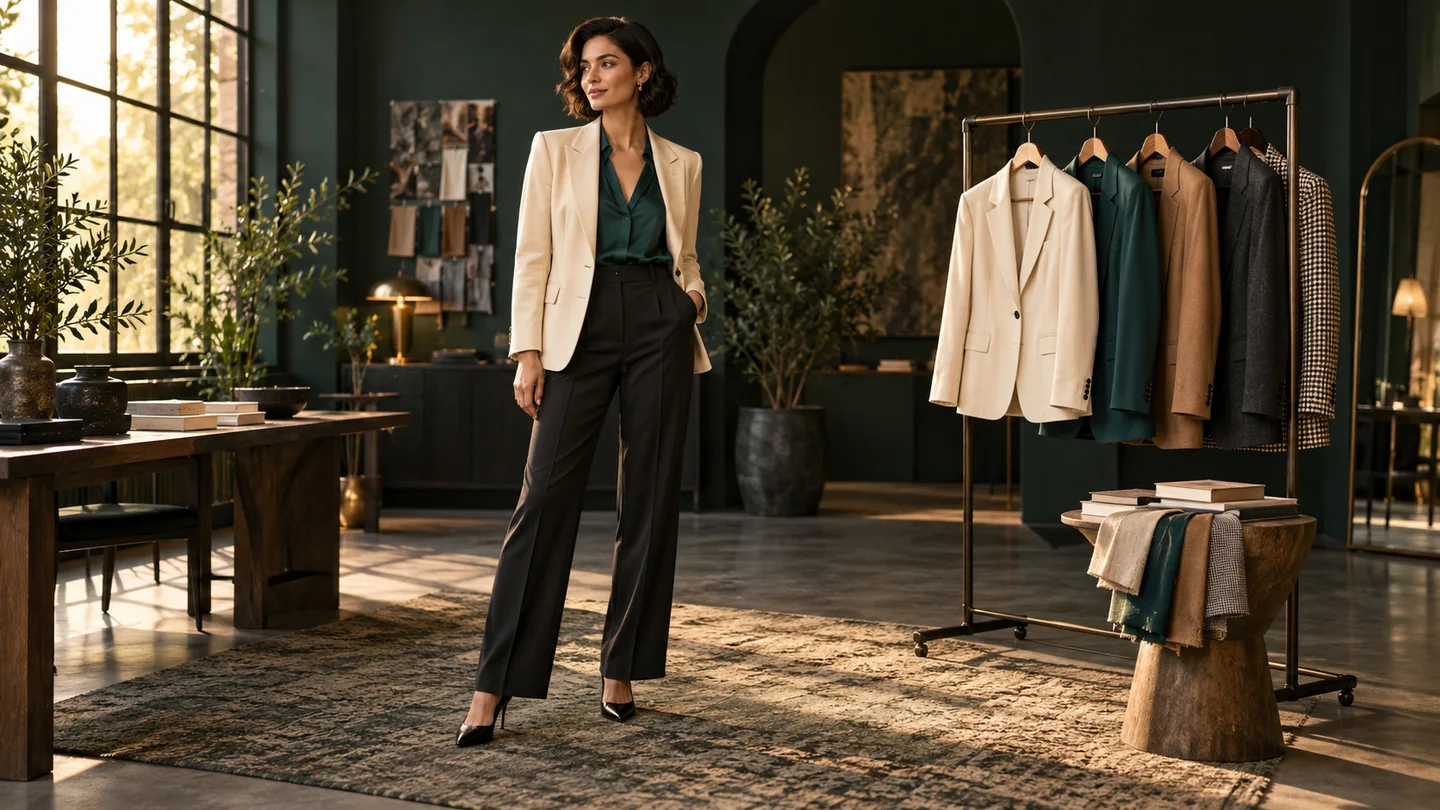
Turn product photos into lifestyle concepts, swap plain backgrounds for real-world settings, and create more options for Amazon or Shopify listings.
Generate new images or edit photos with Google's Nano Banana model family. Choose a model, upload reference images, and describe changes in plain language—no complex editing software required.
Get inspired
See sample outputs for Image to Image in the Meta Muse Video workspace
Nano Banana is Google's Gemini family of AI image generation and editing models. Use text prompts and reference images to create new visuals, refine details, and explore different styles in one workflow.
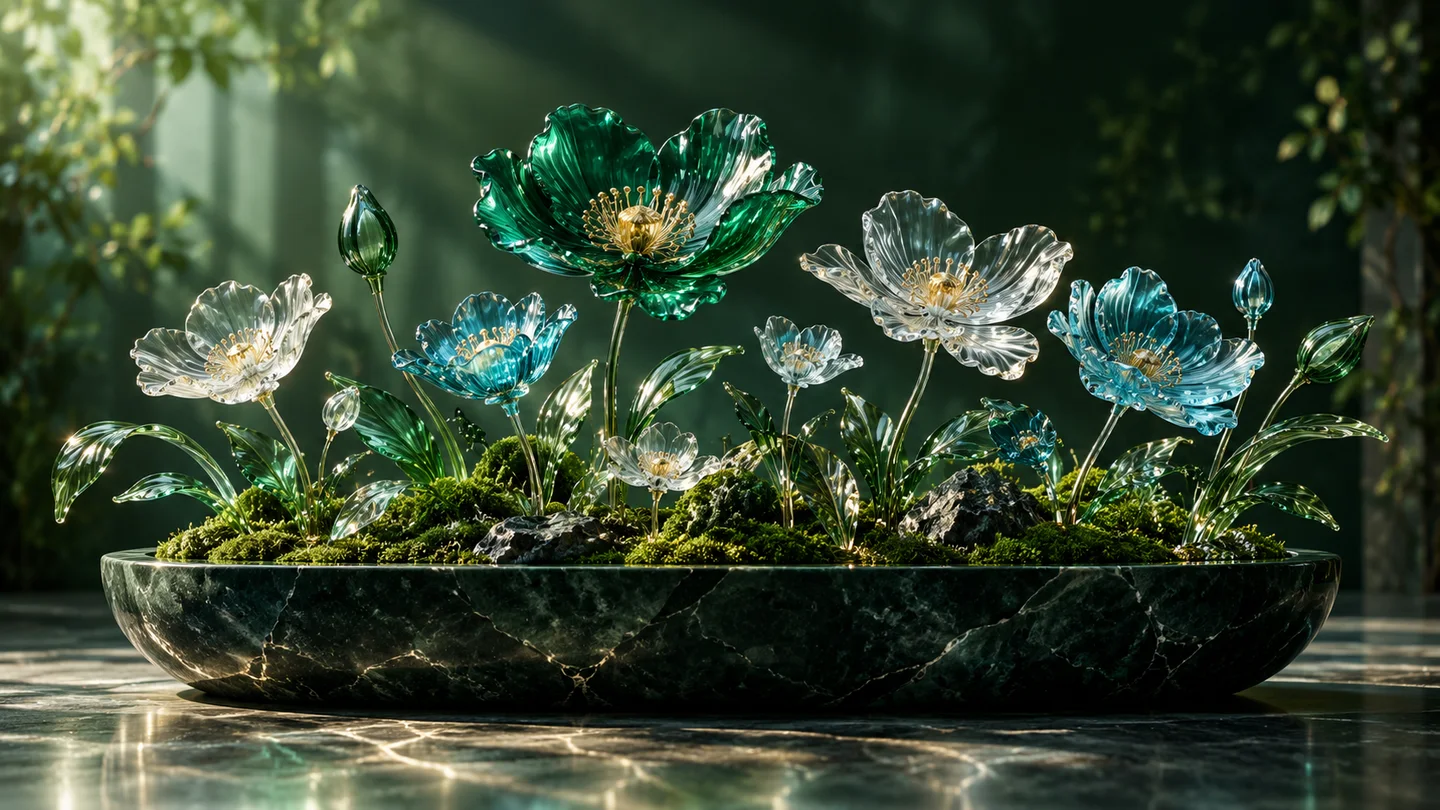
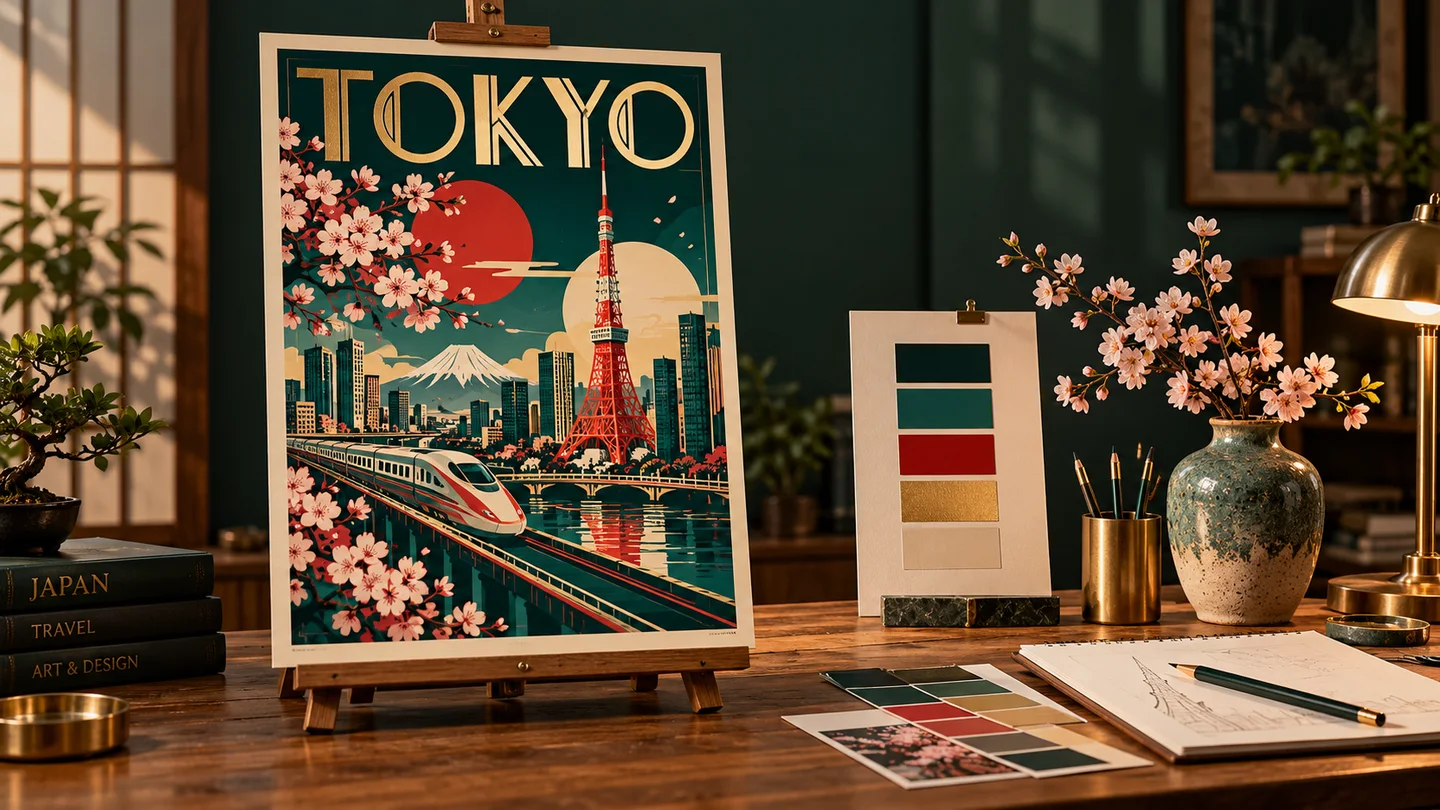
Explore product images, consistent characters, 3D concepts, posters, and more.
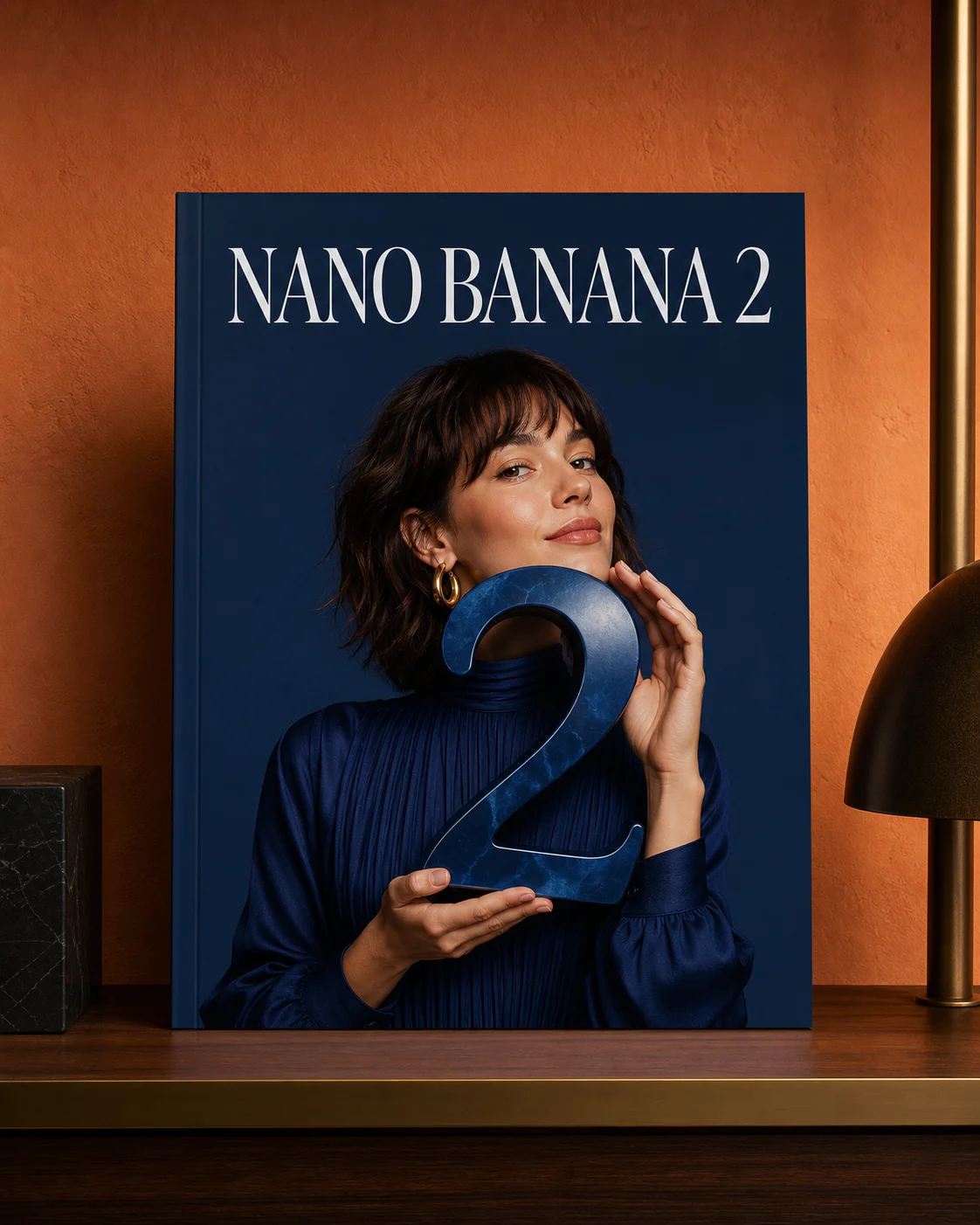
Turn product photos into lifestyle concepts, swap plain backgrounds for real-world settings, and create more options for Amazon or Shopify listings.
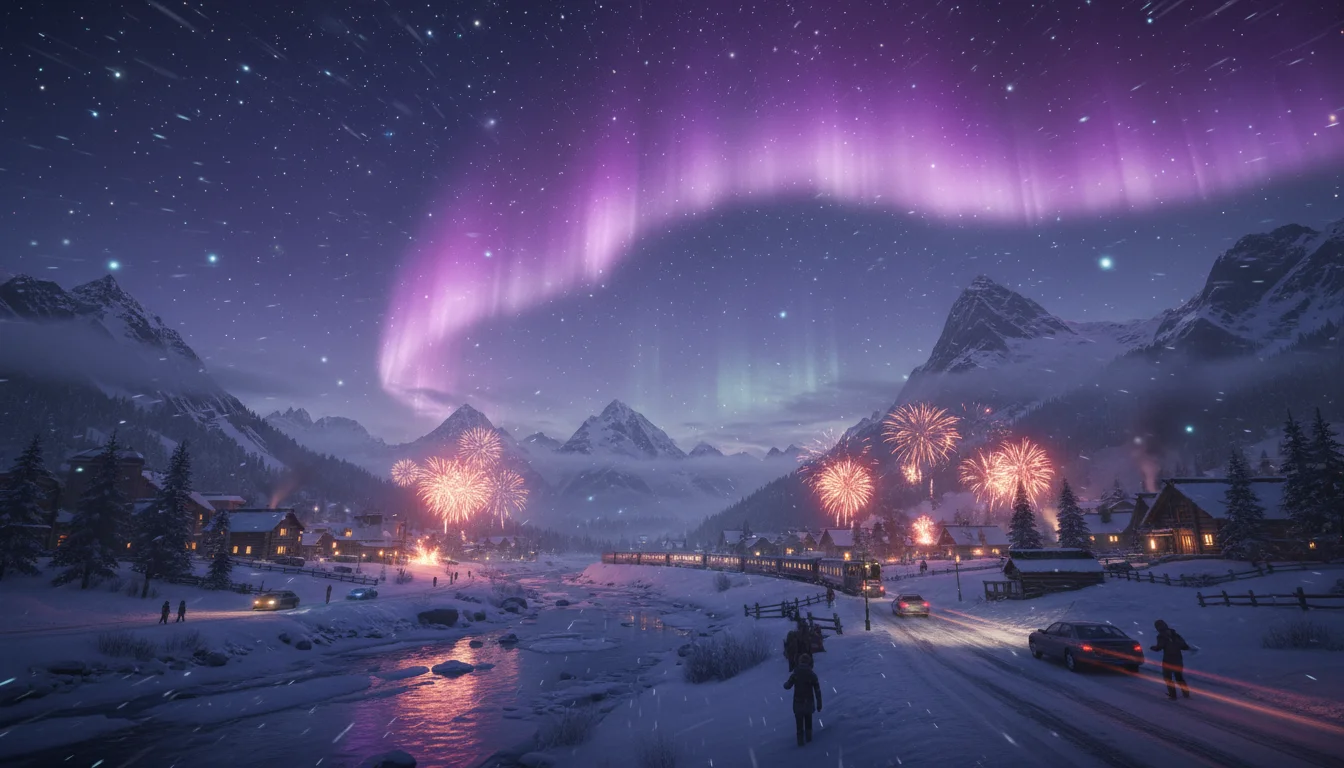
Build a recognizable character across different outfits, locations, and poses by combining reference images with clear editing prompts.
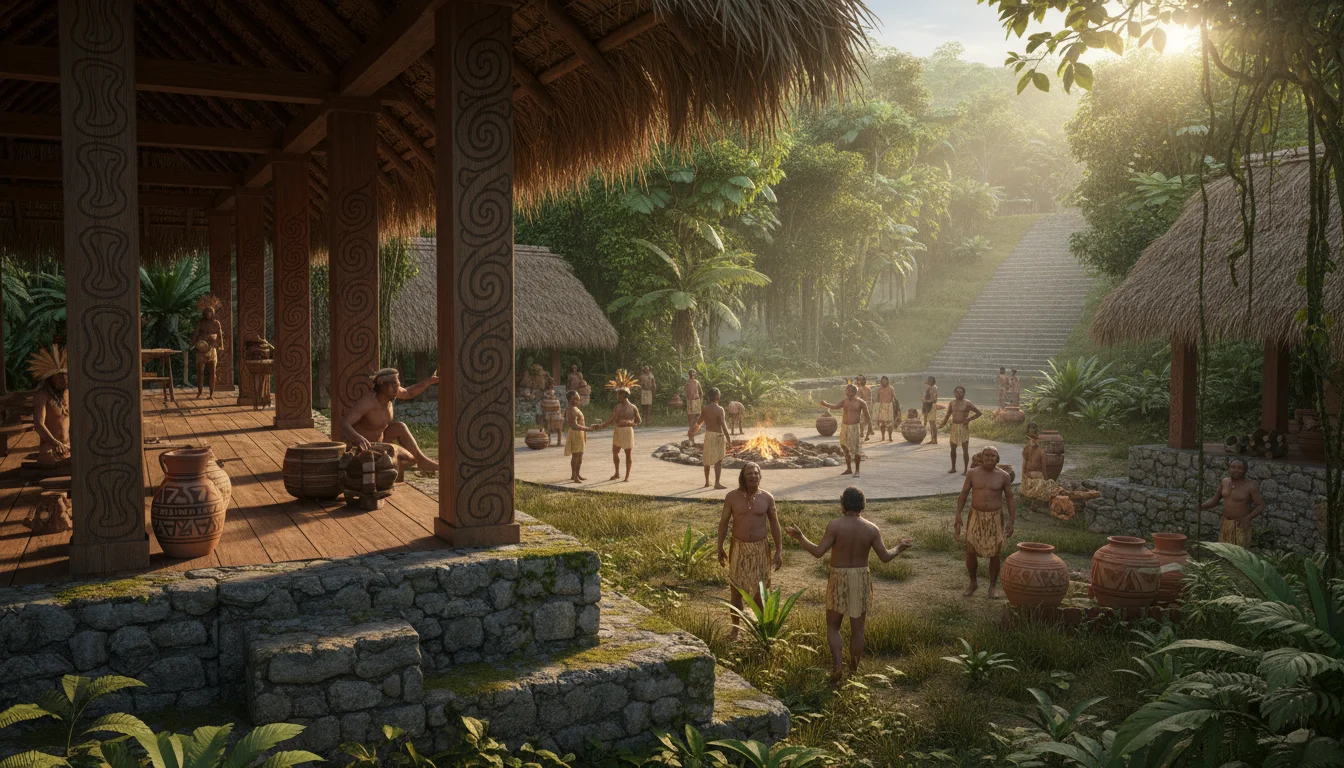
Turn 2D characters into 3D figurine and game-asset concepts. Describe materials, lighting, and rendering style to explore a visual direction.
02Core Capabilities
Keep subjects recognizable, blend reference images, and create visual text with natural-language prompts.
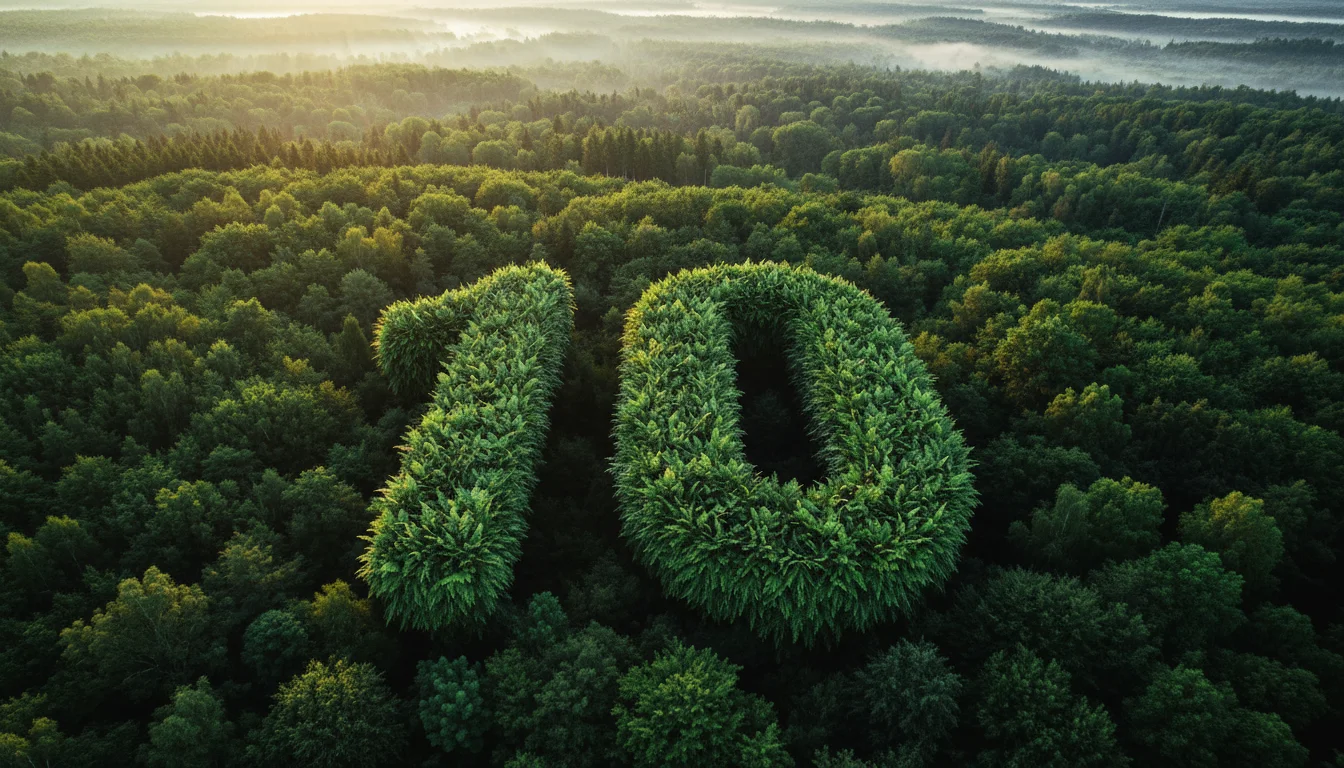
Use a reference image to help preserve faces and identity while changing scenes, outfits, or styles—useful for brand mascots and recurring characters.
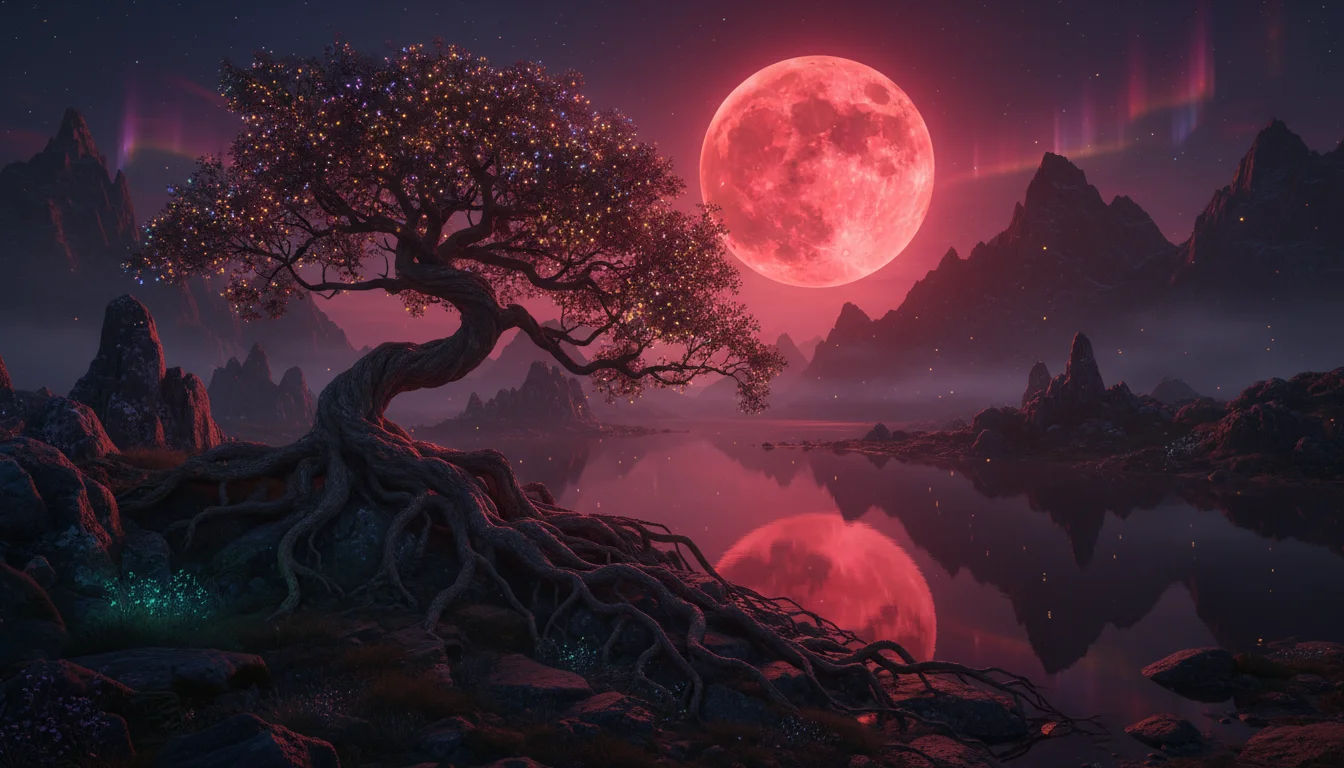
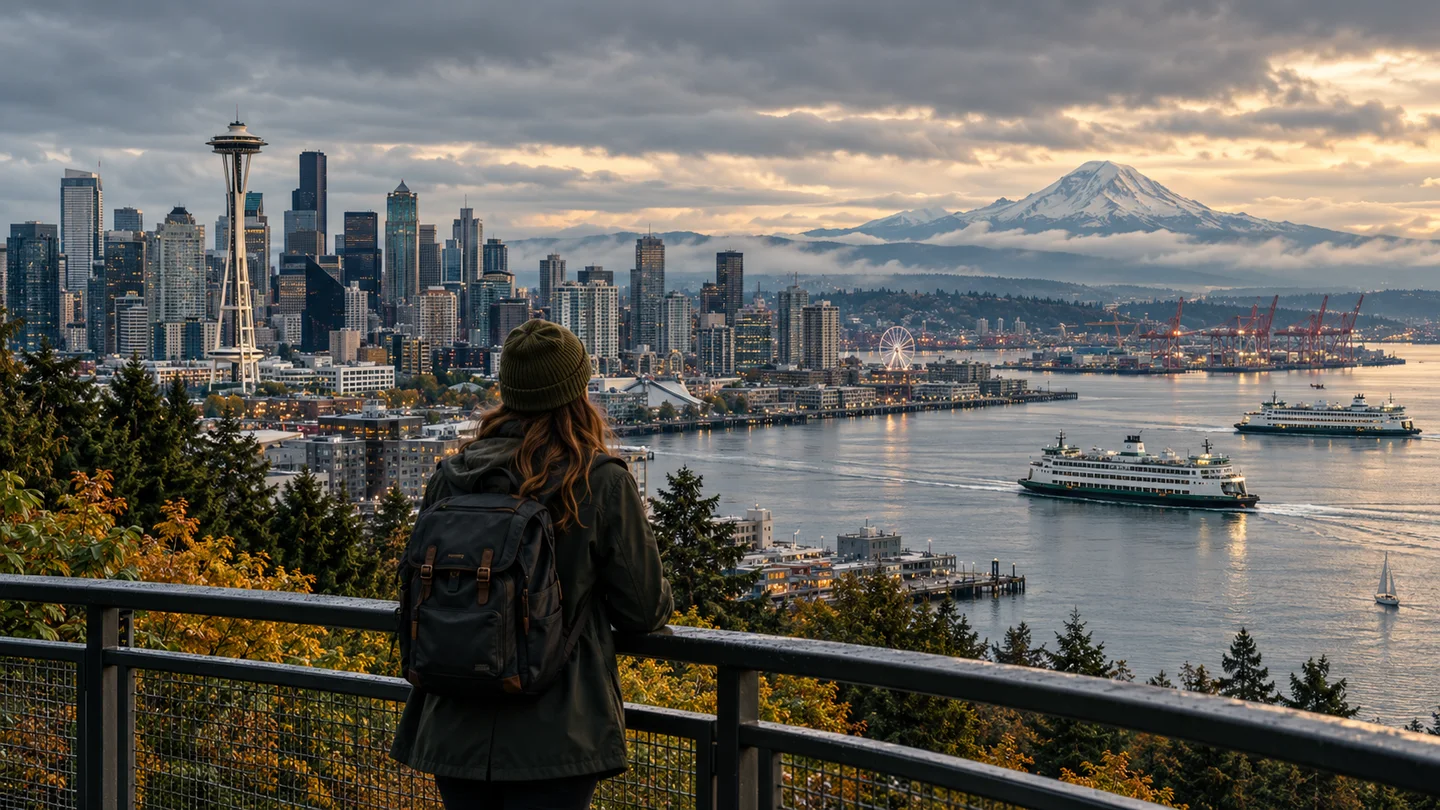
Combine products with new backgrounds, bring subjects into different environments, or transfer colors and textures between reference images.
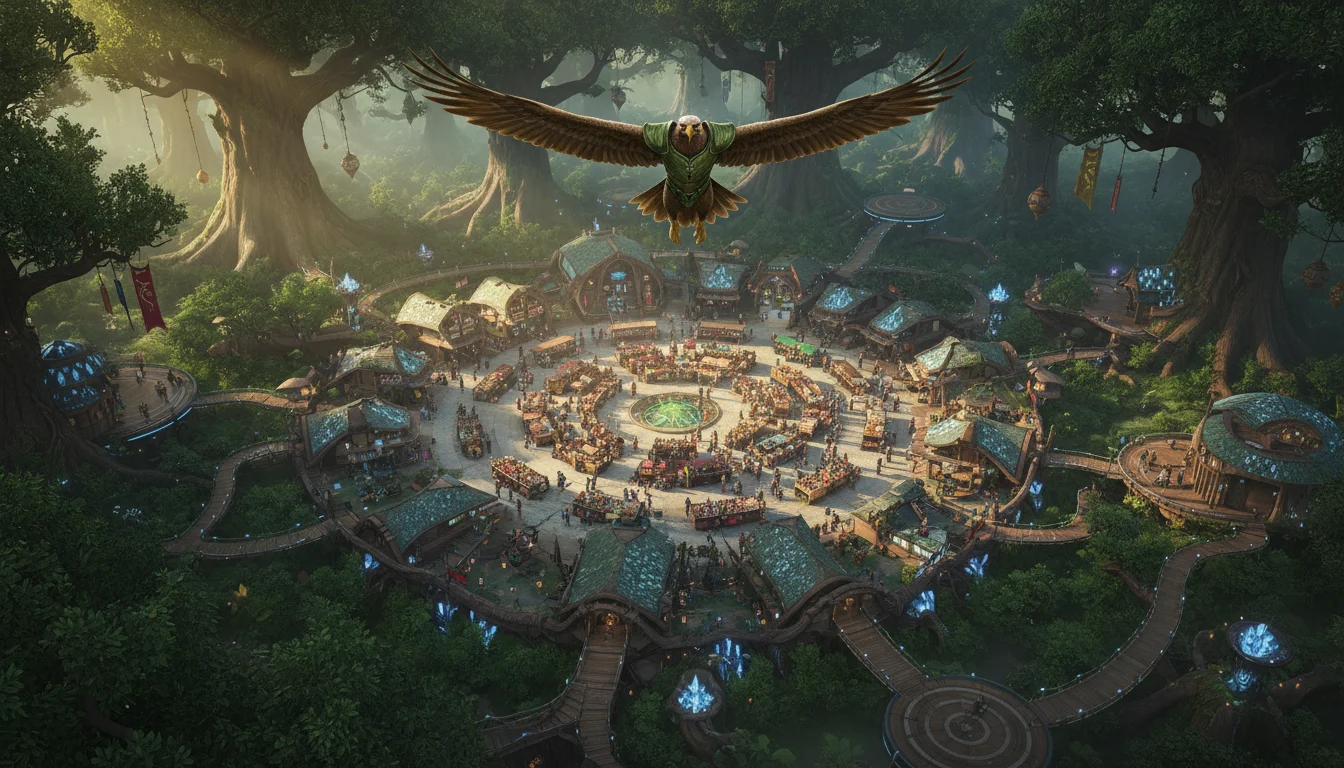
Design posters, signs, title cards, and social graphics that include text as part of the composition. Review spelling before publishing.
Create, edit, and compare ideas in one browser-based workflow—no design software or API setup required.
Generate a visual direction, adjust your prompt, and compare new versions without rebuilding the project in a traditional editor.
Fast Iteration
No masks or Photoshop layers. Type 'remove the background', 'make the shirt red', or 'change the lighting to sunset' to describe the result you want.
Chat to Edit
See the required credits before you generate, then choose the model and workflow that fit the image you want to create.
Flexible Credits
Use reference images and follow-up prompts to refine a subject while keeping the overall character, product, or scene recognizable.
Visual Consistency
Move from anime and illustration to product photography and 3D rendering by describing the look, materials, lighting, and composition.
Style Control
Turn ideas into downloadable visuals for social posts, product concepts, ads, storyboards, and other creative workflows.
Practical Outputs
Choose a generation mode, add a prompt or reference image, then review and refine the result.
Start from scratch with a text prompt, or drag & drop a photo to use as a reference. No complex setup needed.
Forget layers. Just tell the AI what to do: 'make it anime style', 'add a coffee cup', or 'change lighting to sunset'. It's as easy as chatting.
Review the generated image, download the result you like, or update your prompt and create another version.
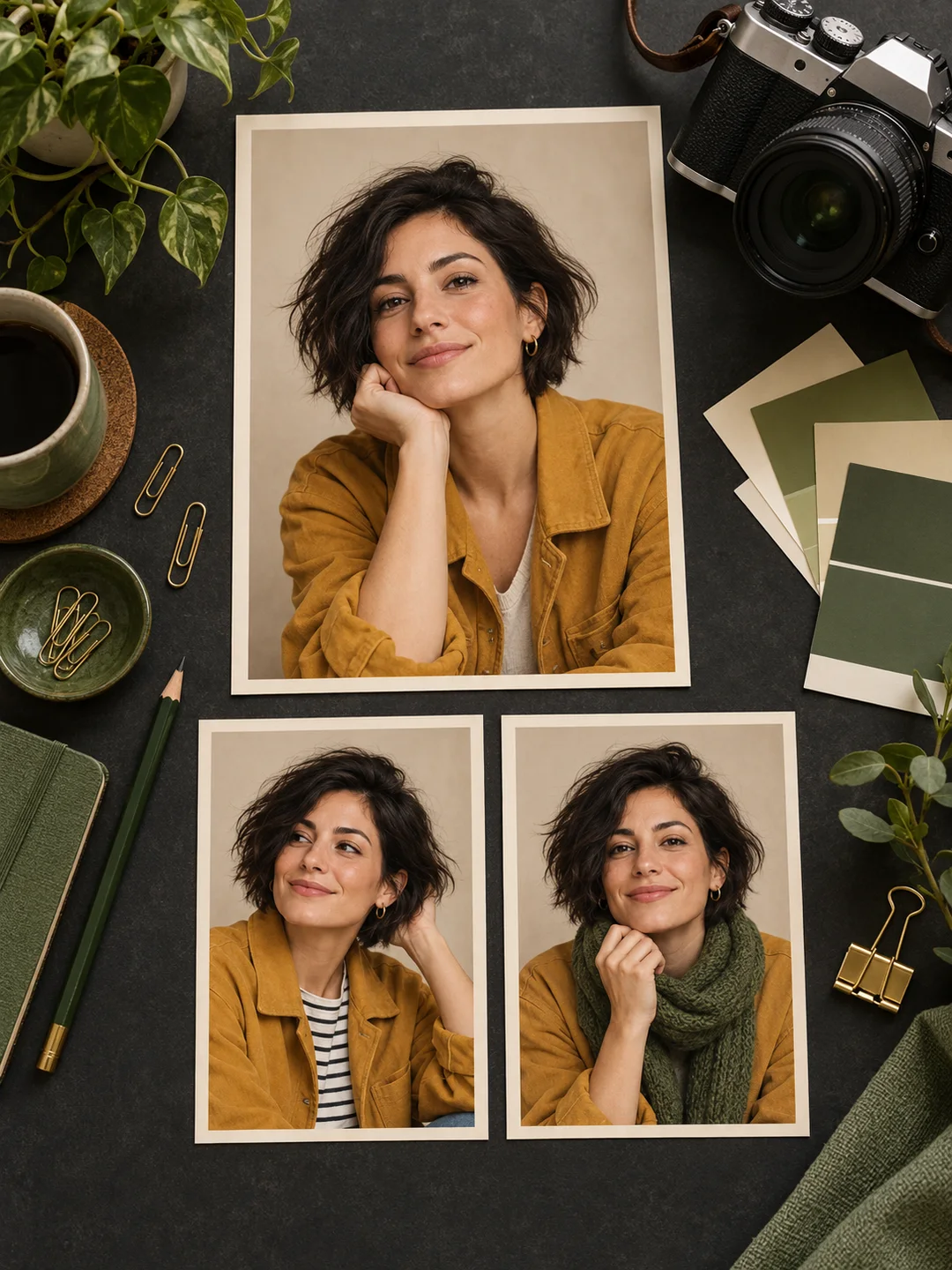
Make it anime style
Answers about Google's Gemini image model family and using it on MuseVideo
More to explore
Try another image model for your next visual idea.
Choose a model, describe your idea, and turn prompts or reference images into a visual you can refine and download.