
Dialogue00:10
Character Dialogue
Describe who speaks, what they say, and how the camera reacts to build a short scene around a synchronized line.
 Kuaishou Kling video generation
Generate the picture and soundtrack together. Start from a written scene or a single image, then create a short video with coherent motion, dialogue, ambience, music, and effects in sync.
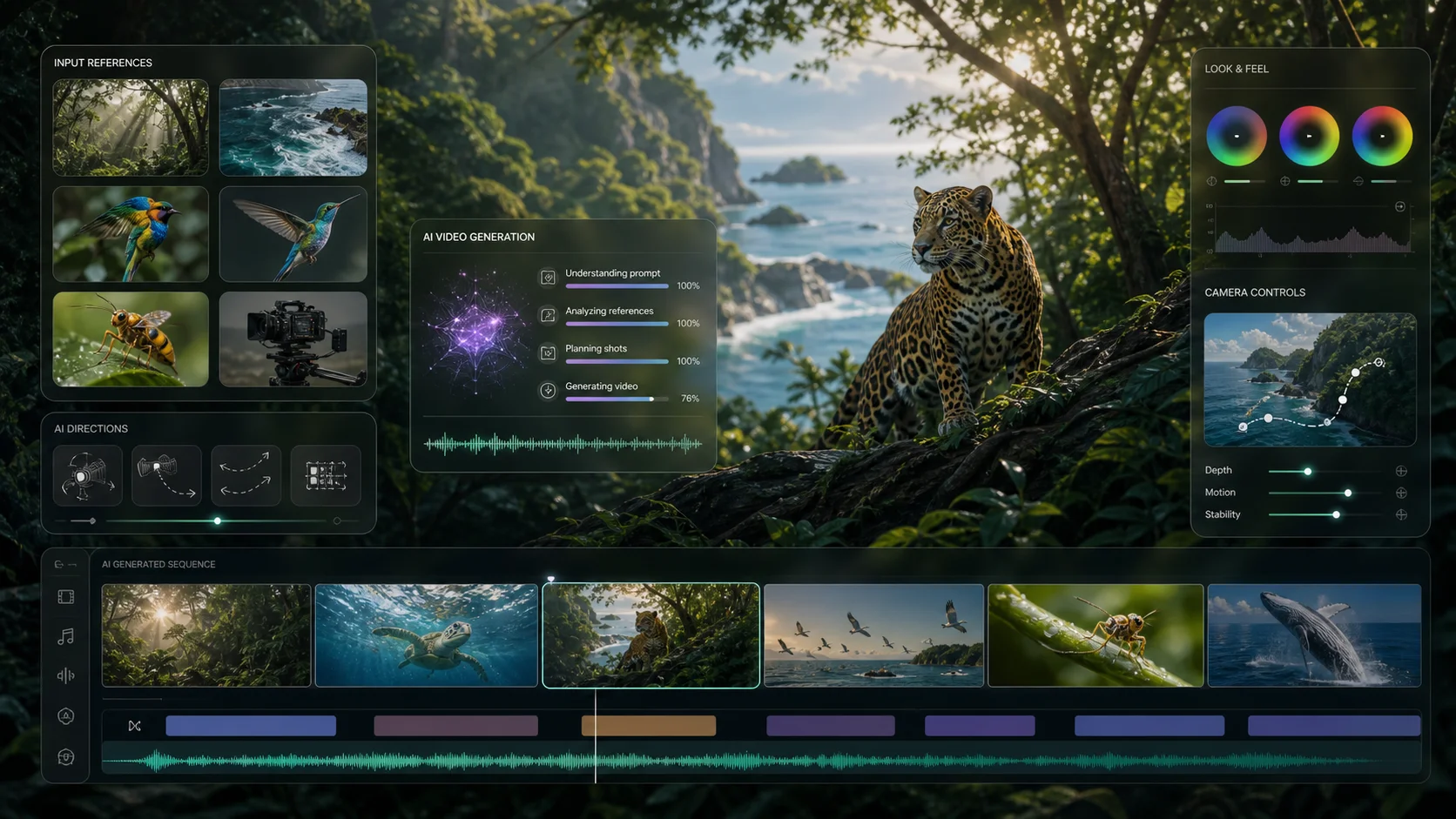
See sample outputs for Text to Video in the Meta Muse Video workspace
Audio-visual directions
Use one production brief to direct action, camera movement, spoken lines, atmosphere, and sound cues. The examples below illustrate suitable creative directions for the workflow.
Describe who speaks, what they say, and how the camera reacts to build a short scene around a synchronized line.
Pair controlled product motion with voice-over, tactile foley, and a clear commercial beat in one generation brief.
Direct singing, rhythm, ambient texture, and visual action together for expressive short-form moments.
Creative workflow examples shown for inspiration and are not claimed as native Kling outputs. Results vary by prompt, image, and provider availability.
Kling 2.6 capabilities
Kling 2.6 is designed to generate short video and native sound together, reducing the gap between a visual draft and an edit-ready creative concept.
Voice direction
A calm narrator introduces the product in English.
Action and foley
A soft click lands precisely as the lid closes.
Music and ambience
Warm room tone and a restrained electronic pulse rise into the final frame.
Speech
Direct spoken lines, narration, singing, or rap, with support for Chinese and English voice generation.
Audio
Include ambient sound, music, and effects alongside the visible action in the same scene description.
Native A/V
Generate sound and visuals as one result so key audio events can follow the meaning and timing of the scene.
5 / 10 sec
Choose five seconds for a compact visual beat or ten seconds when dialogue and action need more room.
December 2025 release context
Kling 2.6 arrived as an audio-visual workflow release. Against the common process of generating silent footage and dubbing it later, it brought voice, effects, ambience, and visible action into one coordinated generation pass.
Read Kuaishou's official releaseThe release replaced the familiar silent-render-then-dub sequence with simultaneous audio-visual generation. Text or a first-frame image could lead directly to a clip containing visible action, voice, sound effects, and atmosphere.
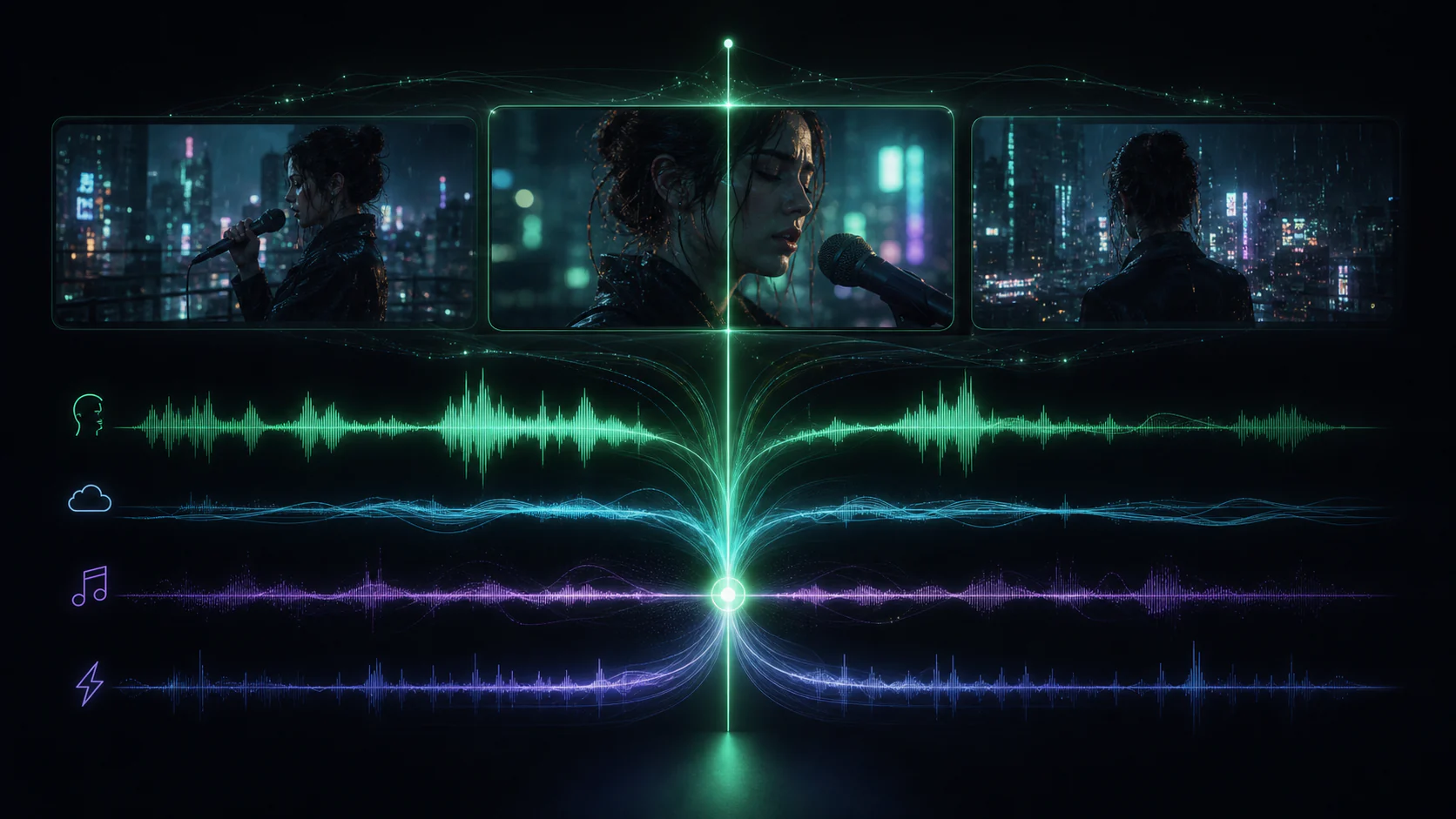
Kling 2.6 emphasized deep semantic alignment: voice rhythm, ambient sound, and visual movement were generated to correspond with one another. That targeted a frequent weakness of separate workflows—audio that sounds plausible but lands at the wrong moment.
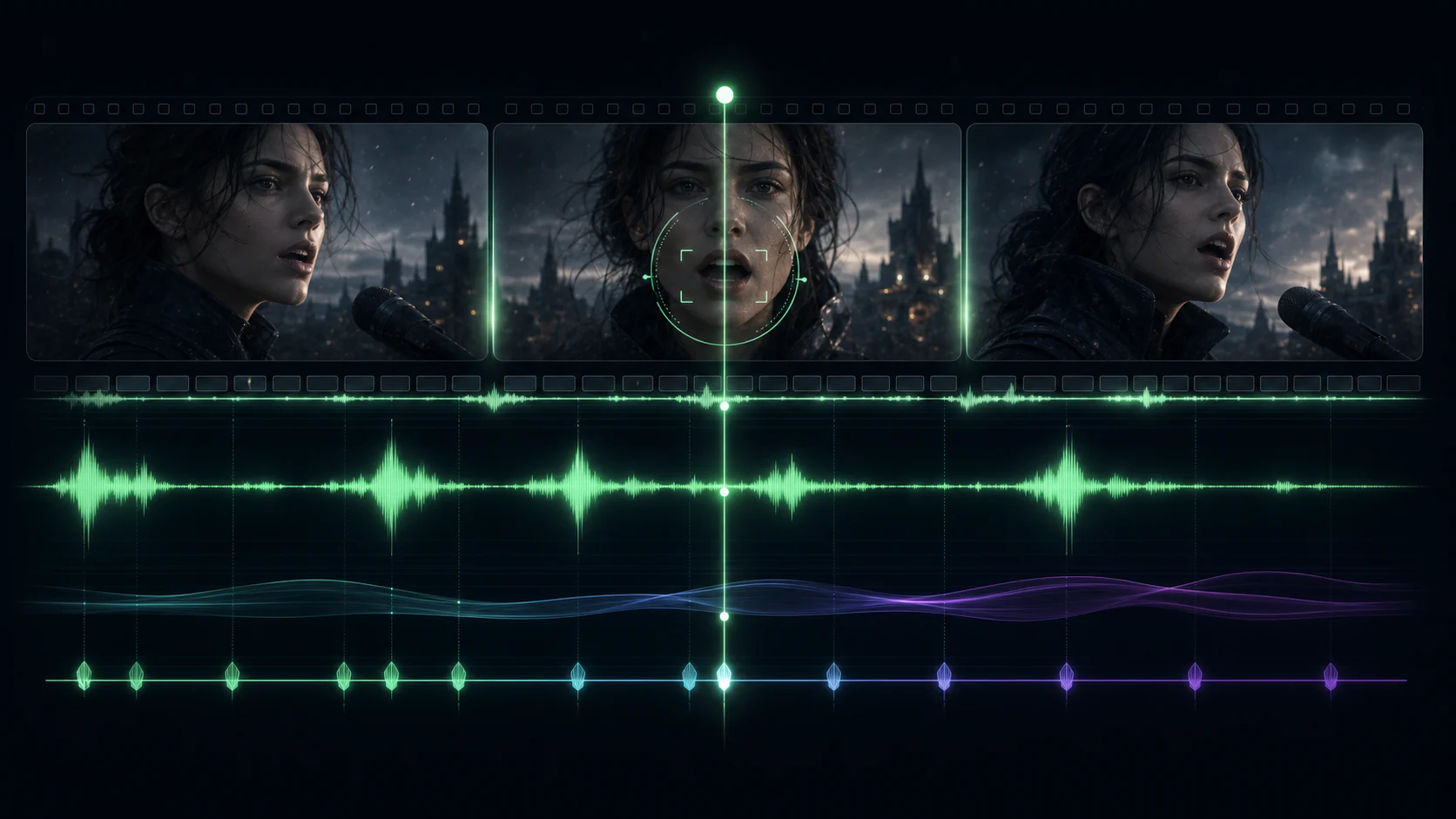
At launch, Kling 2.6 supported Chinese and English voice generation plus dialogue, narration, singing, rap, ambience, and mixed effects. Multi-character dialogue opened formats such as interviews and scripted scenes that were awkward in sound-effects-only workflows.
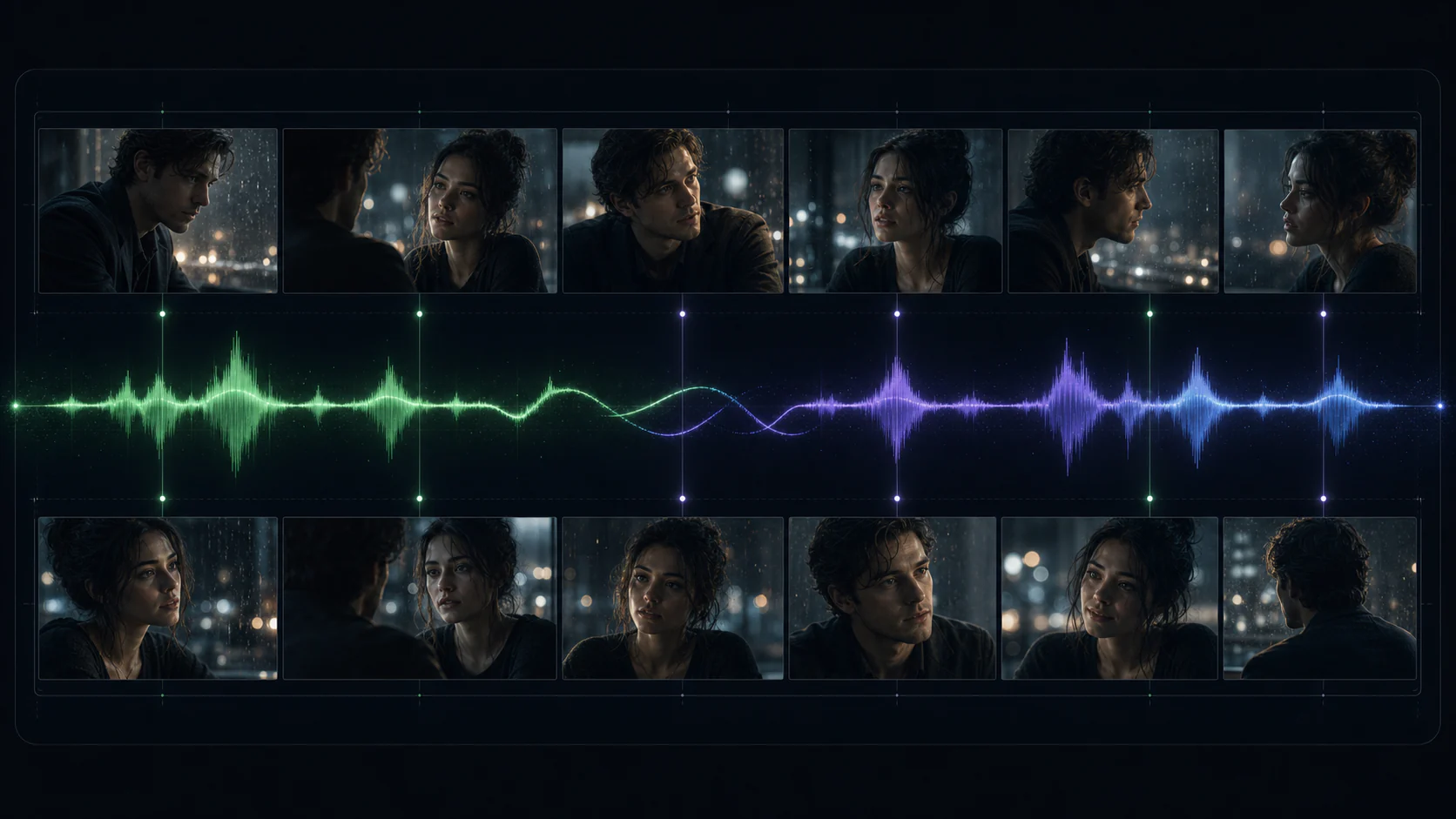
These comparisons summarize capabilities announced by Kuaishou at release. Output and available controls can vary with the connected provider route.
Use it when the soundtrack is part of the idea from the first frame, not a separate post-production task.
Prototype product films, branded dialogue, and sound-led commercial moments before committing to a complete shoot.
Create compact narrative beats for vertical, square, or landscape social placements with native sound.
Animate a key visual while describing camera motion, tactile sound, atmosphere, and voice-over in one prompt.
Treat the prompt like a compact director's brief: define the frame, the action, and every sound that matters.
Step 1
Build a scene from a written prompt, or upload one strong opening frame to anchor the subject and composition.
Step 2
Describe action, camera, dialogue, voice, ambience, music, and effects in the order they should unfold.
Step 3
Choose a five or ten-second clip, review synchronization, then refine one timing or performance cue at a time.
Move from a scene brief to a complete short audio-visual concept in one focused workflow.
Explore how a scene looks and sounds without building a separate audio edit for every early concept.
Picture and sound together
Write visual action and sound cues in a single readable prompt instead of coordinating disconnected passes.
One director's brief
The generator displays the required credits for the selected five or ten-second duration before you start.
Credits shown up front
Add dialogue, narration, music, ambience, and effects while the visual scene is being generated.
Native audio generation
Use text for open-ended ideation or an image when subject, style, and composition need a fixed starting point.
Text or first-frame image
Choose a compact shot or give dialogue and action more space without changing the core workflow.
5 and 10-second formats
Key model facts based on Kuaishou's release and the available provider workflow.
More to explore
Explore other video models for your next scene.
Wan 2.5
Explore text-to-video and image-to-video for your next scene.
Grok Imagine
Turn visual ideas into short clips with text and image inputs.
AI Face Dance
Upload one clear portrait to create a face dance video. Choose the framing, length, and quality, then review the credits before generating.
NEON Duo Dance
Bring you and a friend into a NEON-inspired duo dance. Add one photo per person, choose your settings, and review the credits before generating. Movement and likeness can vary.
Write the action and soundtrack as one brief, or animate a keyframe with native audio using Kling 2.6.