
Playful reaction
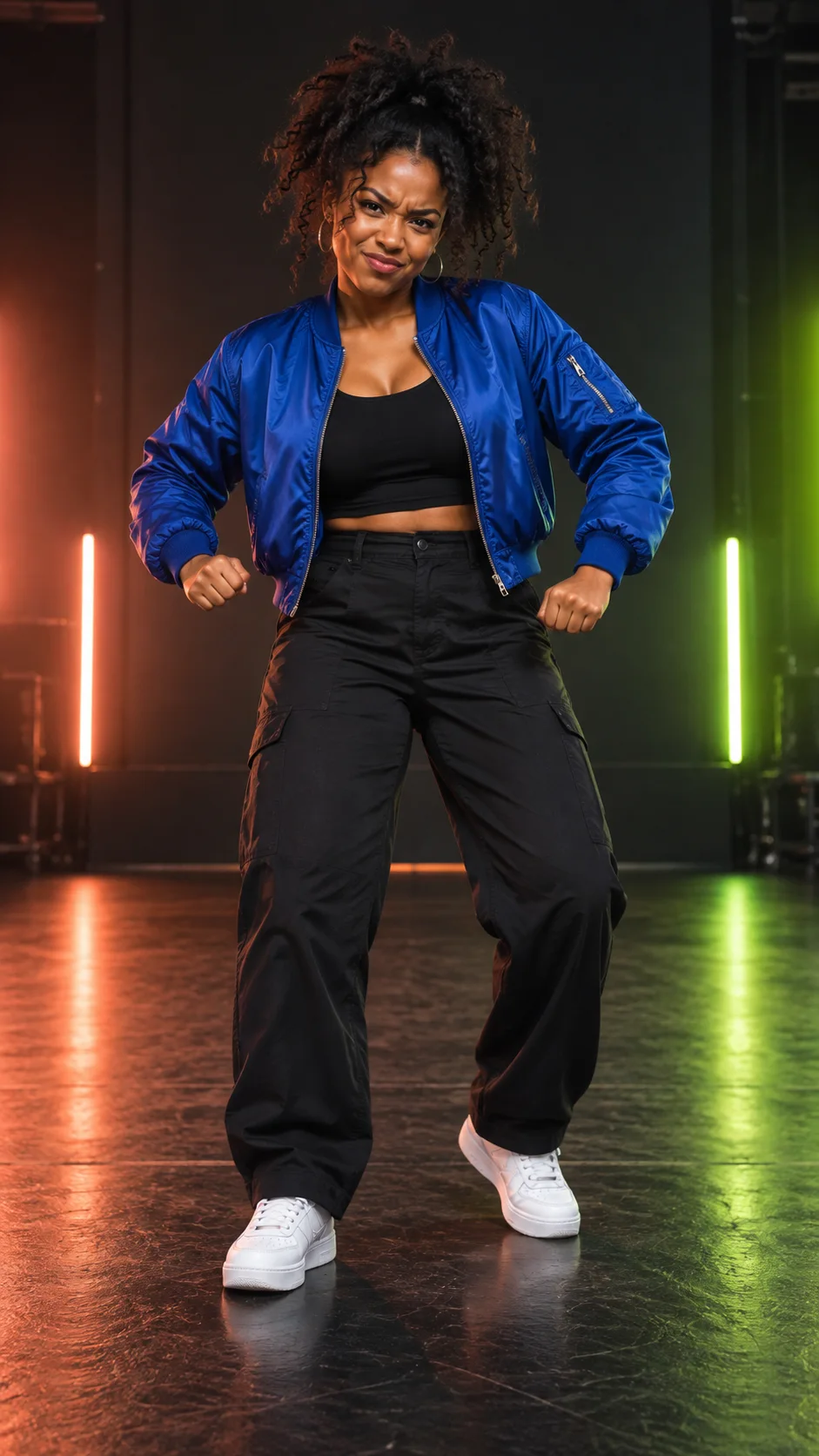
An exaggerated stern expression and a short stomp for a playful reaction.
Try Angry Dance filter with one clear adult photo. Review the credits, choose your settings, then generate, preview, and download an expressive AI dance video.
One photo. Choose length and quality.
JPEG, PNG, or WebP · up to 10 MB each
A dance prompt is ready to use. Fine-tune it in Advanced settings if needed.
Generate audio
Include model-generated sound when available.
The model uses this prompt for every video in the batch. Results can vary.
Angry Dance filter is a photo-to-video effect linked to TikTok posts that pair an exaggerated angry face with energetic, stomping dance moves.
MuseVideo uses your photo and an editable prompt to create an AI interpretation of that style. No single original creator or fixed song has been verified, and this tool does not reproduce a specific choreography.
Create Angry Dance filter Video Now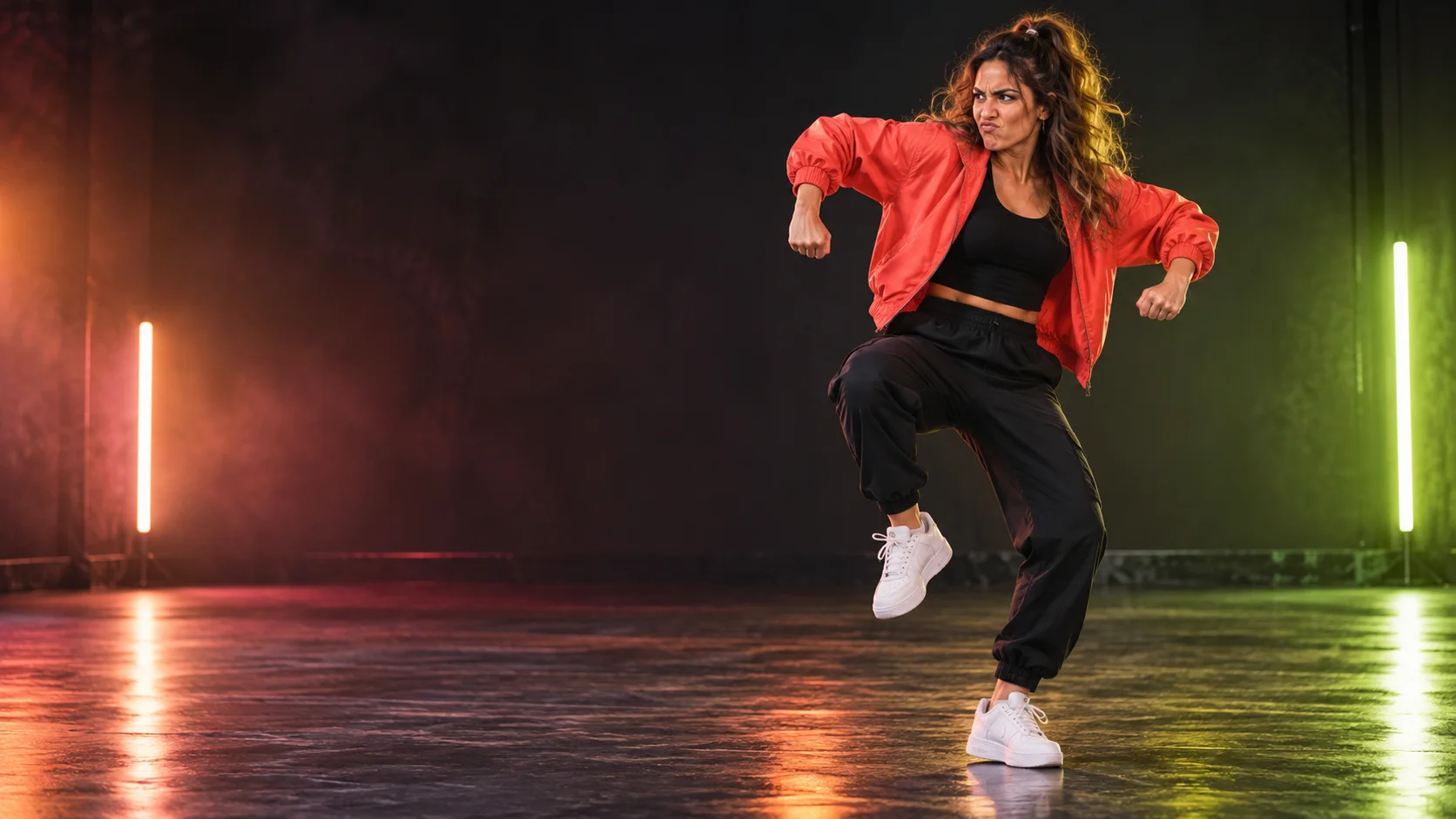
Browse four Angry Dance filter ideas and use each prompt as a starting point for your own clip.
An exaggerated stern expression and a short stomp for a playful reaction.
A consenting adult turns a mock-angry pose into a birthday greeting.
A single dancer framed vertically for a short social video.
A steady full-body view with clear footwork and a simple backdrop.
02Creative Controls
Shape the expression, movement, and framing with one photo and an editable prompt.
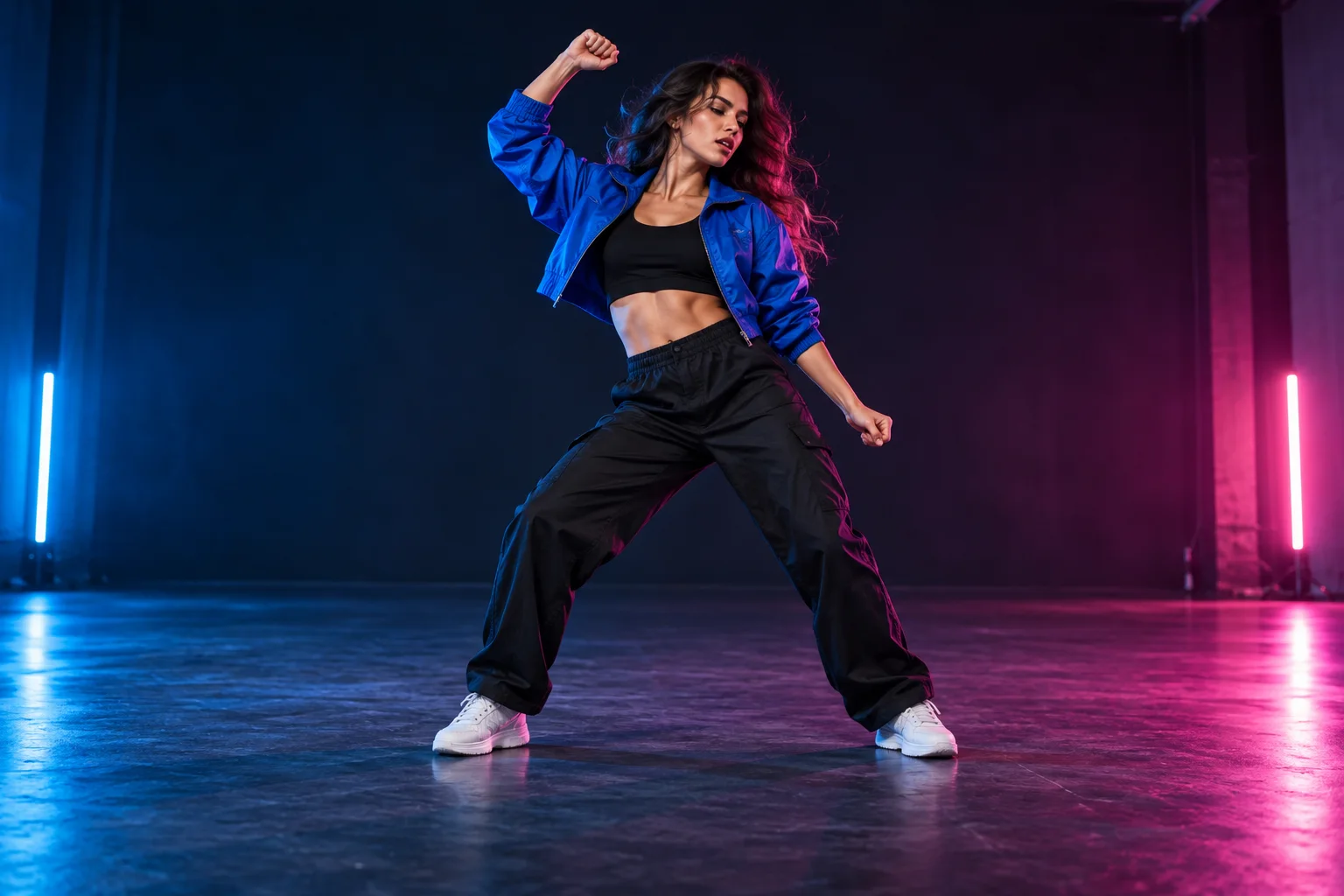
Choose one adult with a clear face and visible body. The model uses the photo as an appearance reference, so likeness can vary.
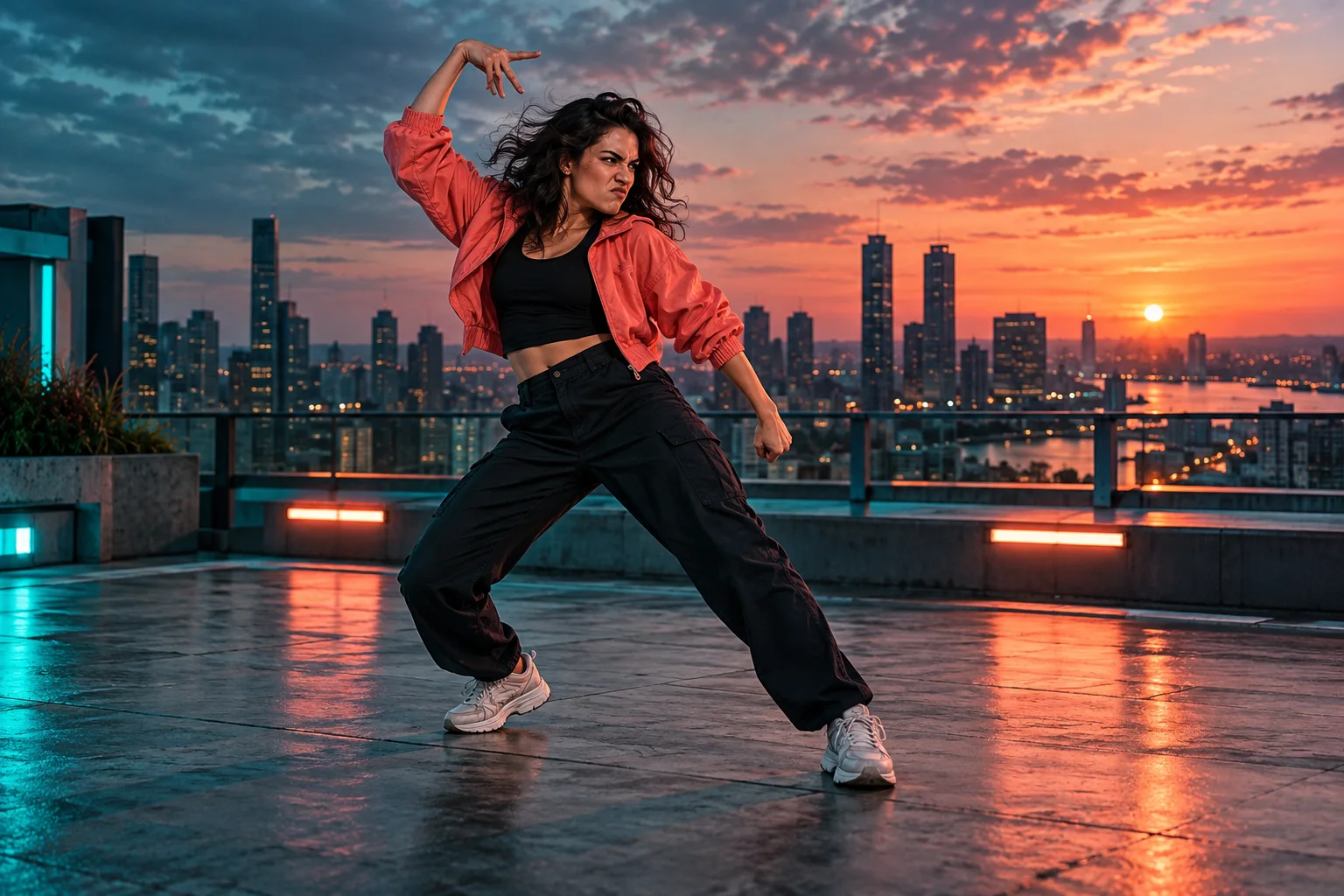
Keep the prepared angry-expression dance prompt, or change the camera, lighting, and movement. Exact choreography is not guaranteed.
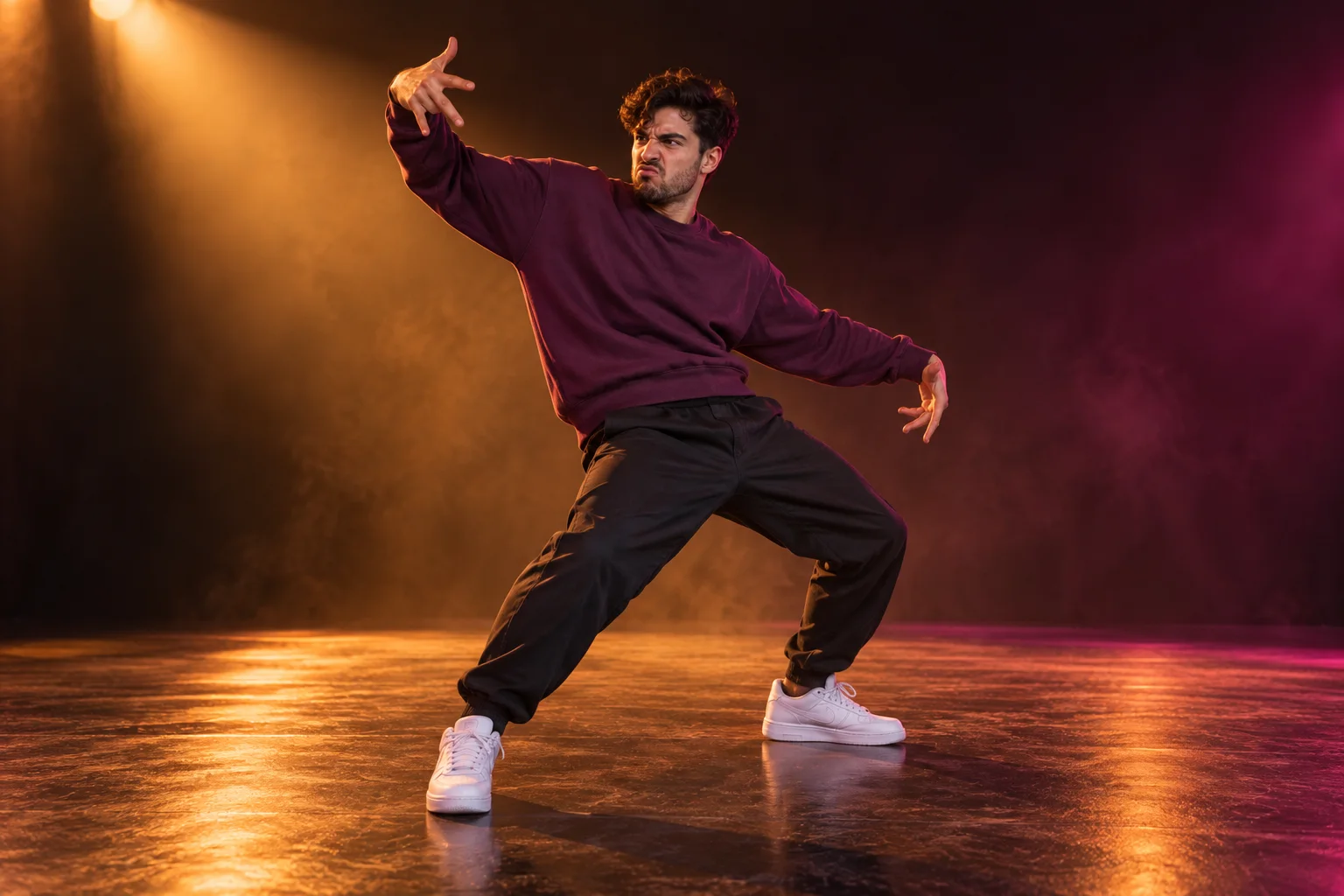
The browser checks pixel size and image shape. It cannot detect blur, verify faces, or confirm your permission.
Choose a photo, review credits, generate a clip, and check the result before sharing.
Upload one photo of a consenting adult.
One-photo start
Change the prepared direction in Advanced settings.
Editable prompt
Review the total for your settings before submitting.
Visible credit cost
Ask the model to preserve recognizable features; results vary.
Appearance reference
Choose 1–4 clips; each consumes the displayed credits.
Up to four variations
Check faces, hands, feet, movement, and sound before downloading.
Preview before sharing
Upload one adult photo, generate your AI dance video, then preview and download it.
Upload one JPEG, PNG, or WebP photo up to 10 MB, or choose an image from your Assets Library. Use a clear photo of an adult you have permission to process.
Keep or edit the prepared prompt, then select the model, duration, resolution, aspect ratio, optional audio, and 1–4 clips. Check the total credits, then sign in with a paid plan or eligible top-up to generate.
Review the movement and likeness, then download the video. To join the trend, search “Angry Dance filter” on TikTok or Reels, add a sound you have permission to use, and publish.
Answers about photos, sound, credits, and responsible sharing.
More to explore
Find another way to turn music and portraits into a video.
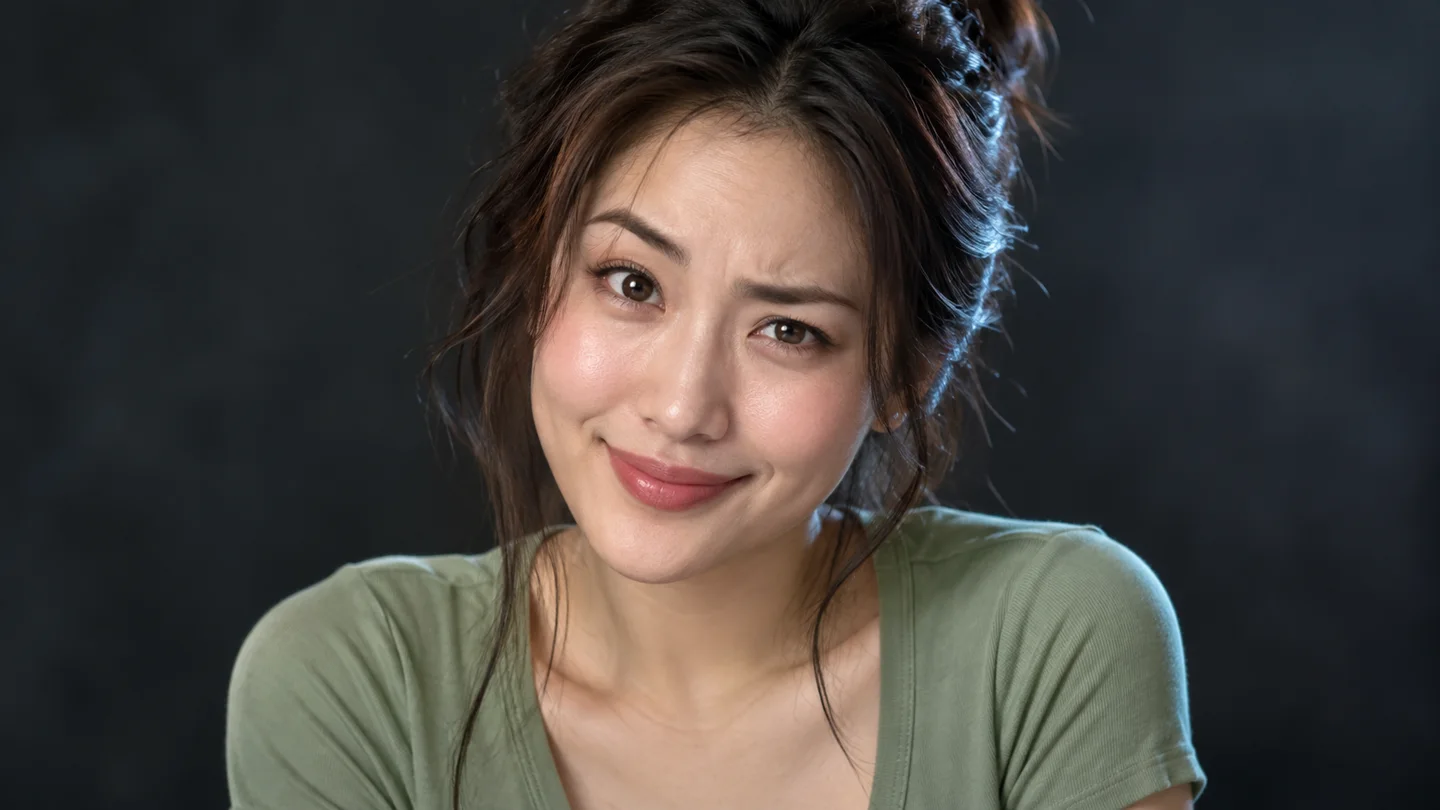
AI Face Dance
Upload one clear portrait to create a face dance video. Choose the framing, length, and quality, then review the credits before generating.
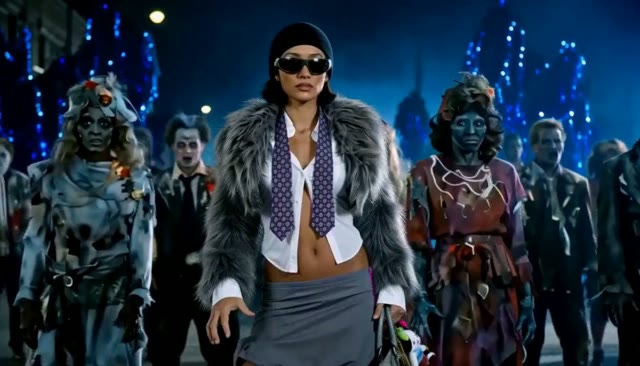
AI Thriller Dance
Turn one character photo into a zombie-inspired dance video.
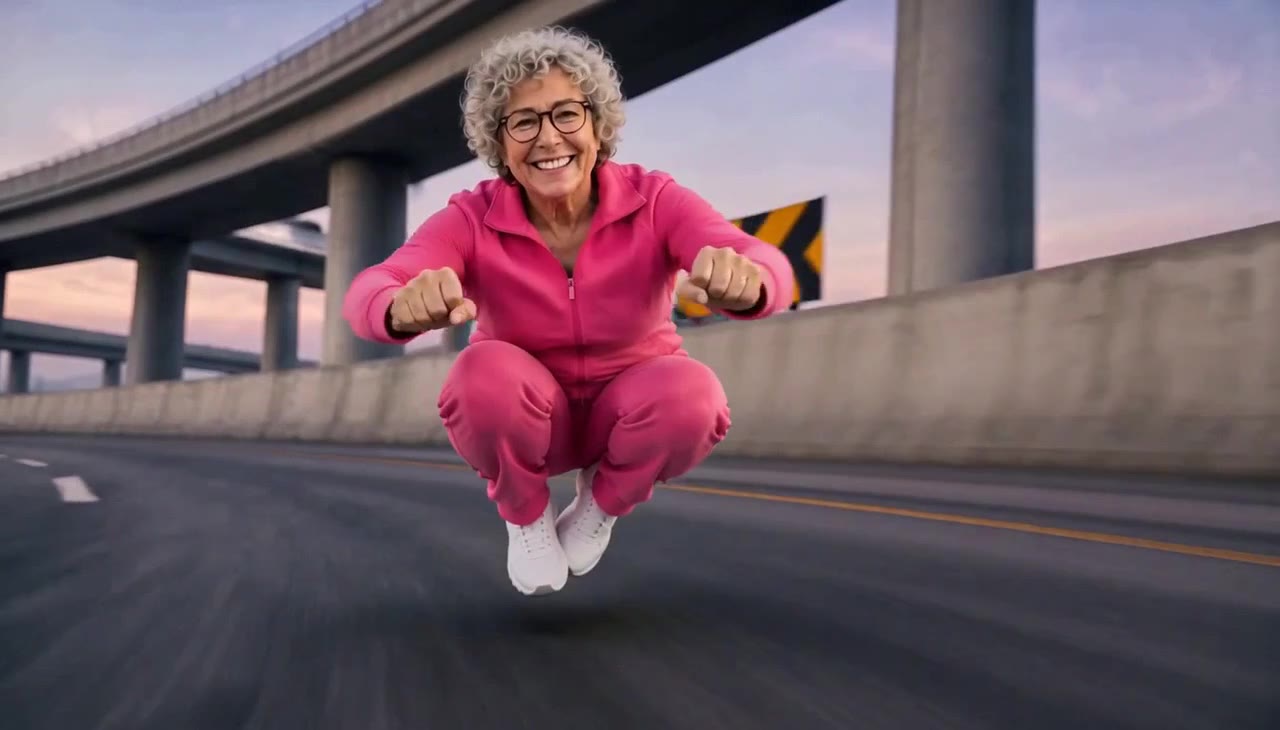
Crazy Frog AI
Turn rider and chaser photos into an AI chase video.
AI Zombie Love Story
Create a zombie love story video from two photos
Upload one adult photo, review the prompt and credits, then generate an expressive AI dance clip you can preview and download.