• MuseVideoMuseVideo
Explore
  • Home
  • All Tools
  • Image Models
  • Video Models
  • AI Effects
Create
  • AI Image Generator
  • AI Video Generator
  • AI Music Video
Workspace
  • My Creations
  • Pricing
Meta Muse VideoMeta Muse Video
  • Home
  • AI Video

    Video Models

    • Wan 2.5Wan 2.5Alibaba
    • Kling 2.6Kling 2.6Kuaishou
    • Grok ImagineGrok
  • AI Image

    Image Models

    • Nano BananaGoogle
    • Nano Banana 2Google
    • Nano Banana ProGoogle
    • GPT Image 2GPT Image 2OpenAI
  • AI Music
    AI Music Video
  • AI Effects

    AI Effects

    Crazy Frog AICrazy Frog AIAI Face DanceAI Face DanceNEON Duo DanceNEON Duo DanceAI Thriller DanceAI Thriller DanceAI Zombie Love StoryAI Zombie Love StoryHotel Lobby AIHotel Lobby AIMigos AI Video GeneratorMigos AI Video Generator
  • Pricing
Sign up for free
  1. Home
  2. AI Effects
  3. Crazy Frog AI

Crazy Frog AI: Turn Two Photos into a Chase

Create a Crazy Frog AI video with you as the rider and a friend as the chaser. Upload one photo per person, customize the scene, and preview your clip before downloading. Movement and likeness can vary.

Crazy Frog AI

Upload two photos to cast the leading rider and the chaser.

Cast your rider and chaser0/2

JPEG, PNG, or WebP · up to 10 MB each

Aspect ratio
Auto selects 16:9 based on your photo.
Resolution

Generate audio

Include model-generated sound when available.

Number of videos

Choose 1–4 variations. Each uses credits.

Advanced settings
8 seconds

The model uses this prompt for every video in the batch. Results can vary.

Use Image 1 as the appearance reference for an adult rider and Image 2 for an adult chaser. Create a playful Crazy Frog-inspired chase on a fictional empty city street. The rider glides forward in an invisible-moped riding pose; the chaser follows behind on a stylized hovering vehicle. Keep the two people distinct, preserve recognizable faces and clothing, and use a steady side-tracking wide shot. No identity swaps, extra people, collisions, injuries, or scene cuts. Create original sound only if audio is enabled; do not reproduce an existing song. Use both uploaded photos as character references and keep their facial features recognizable where possible. Keep the scene suitable for a general audience.
Required credits320 credits
External chase demo · Source: CrazyFrogAI

What is Crazy Frog AI?

Put two people into an imaginary chase

Crazy Frog AI is a photo-to-video effect inspired by the invisible-moped chase. This tool uses two character photos and an editable prompt to create a new interpretation. It does not transfer a fixed video routine or include the original song.

Create Crazy Frog AI Video
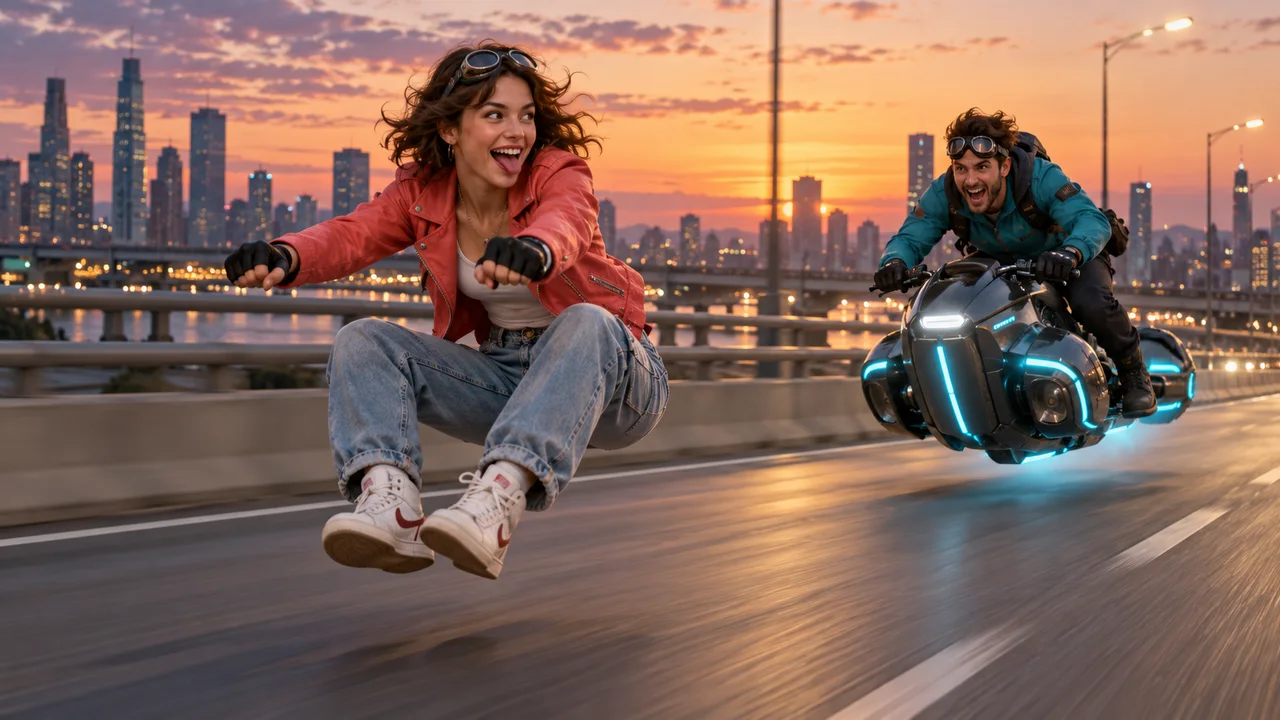
A coral-jacket rider on an invisible moped with a teal-jacket chaser on a hover-bike
AI-generated illustration of the chase concept; not a generated video result.
  • Two Photos
  • Rider & Chaser
  • Prepared Prompt
  • Optional Audio

Explore Crazy Frog AI video examples

Four external chase references from CrazyFrogAI, showing different casts and settings. These are not MuseVideo results. Use a scene prompt to create your own interpretation.

Chocolate factory escape

A rider in a yellow jacket races past candy pillars as a chocolatier follows on a hover-bike.

Source: CrazyFrogAI

A chase through the pixel world

A suited rider and a chaser in red take the invisible-moped chase into a pixel game world.

Source: CrazyFrogAI

Halloween night pursuit

A grandmother in pink meets a pumpkin-helmet chaser on a moonlit graveyard road.

Source: CrazyFrogAI

Inside a circuit board

A pink-haired rider and a chrome robot travel through a world of glowing circuits.

Source: CrazyFrogAI

Put your cast in an invisible motorcycle chase

Choose two people and give the chase a personal setting.
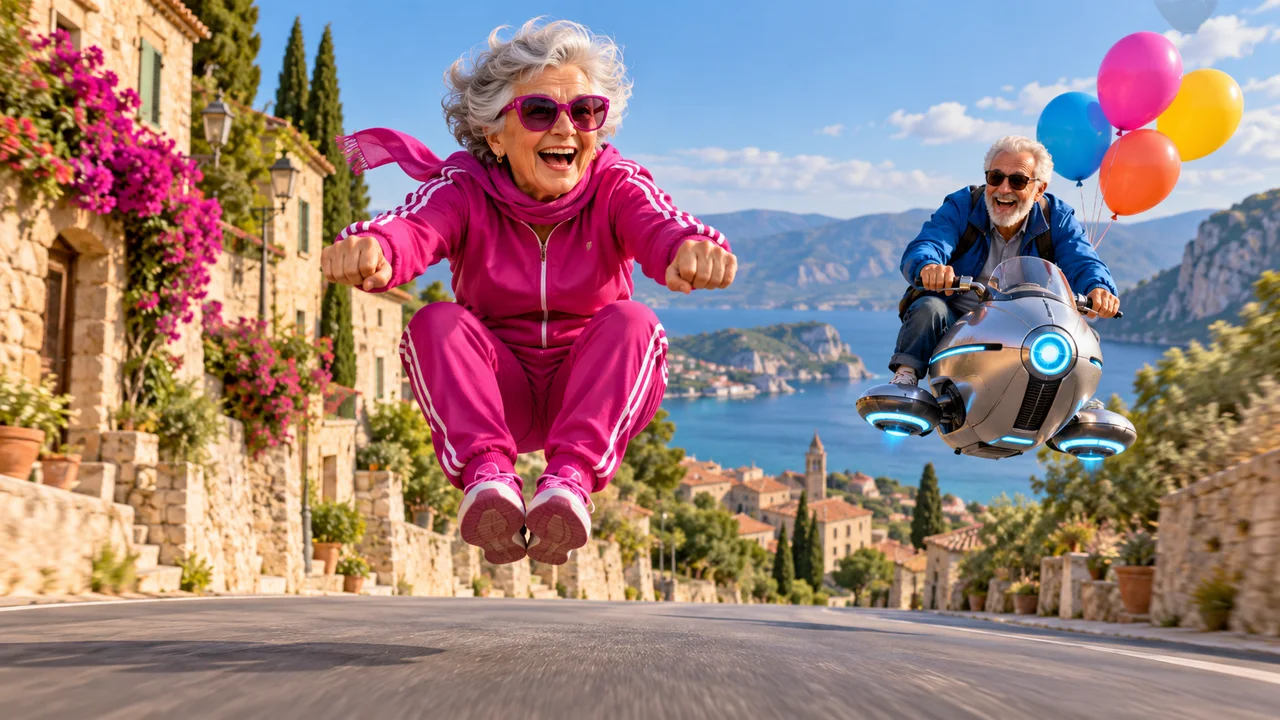
An older pair in a birthday chase with a hover-bike and balloons

A personal video greeting

Choose a lighthearted scene for a birthday message, then check both characters before sending it.
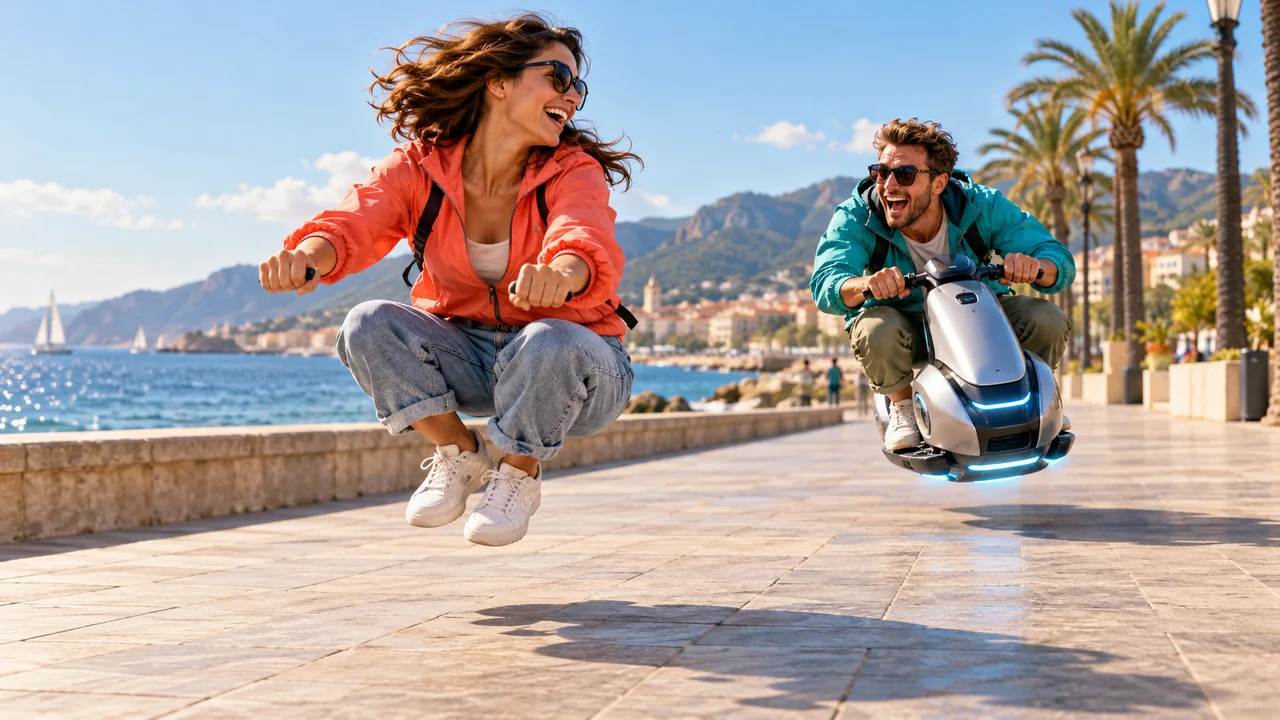
Two friends in a playful invisible-moped chase beside the sea

A playful clip with a friend

Turn two individual portraits into a fictional rider-and-chaser scene without filming a stunt.
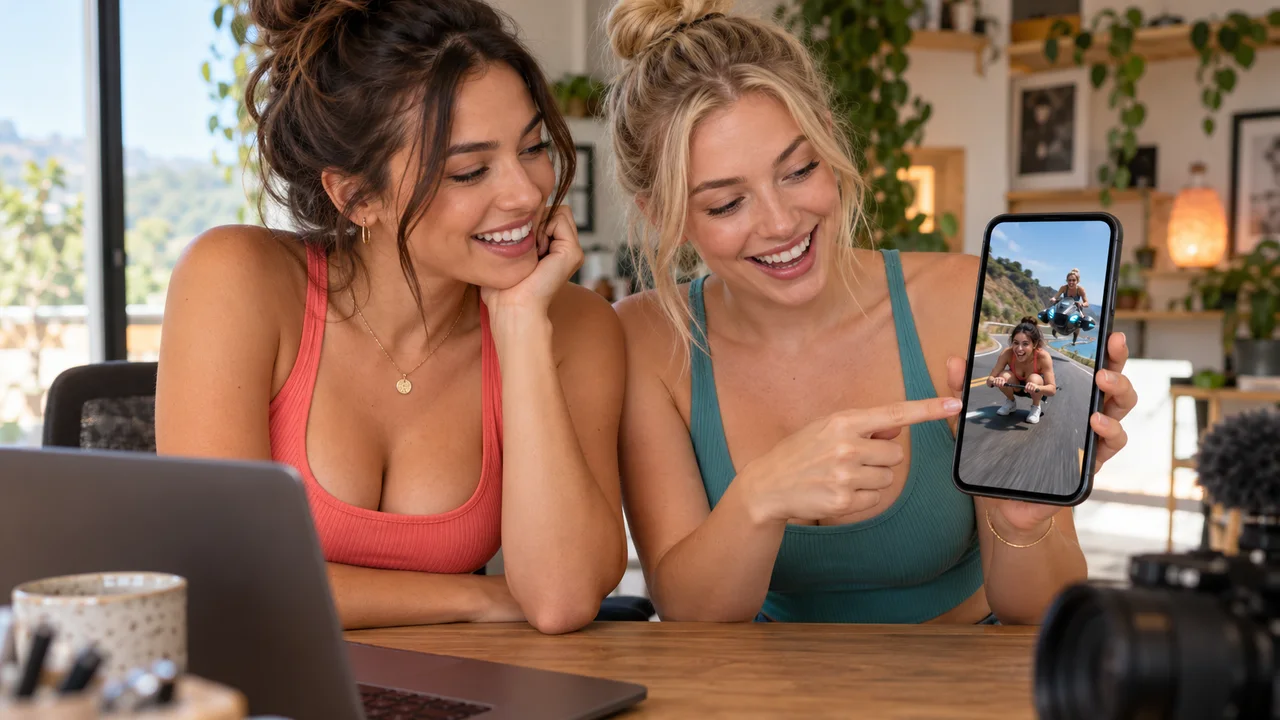
Two creators reviewing an imaginary moped chase on a smartphone

A short clip for TikTok or Reels

Choose your output format and review the framing and sound before publishing to your social account.

02Creative Controls

Customize your Crazy Frog Race AI video

Control the character references, prompt, and output settings.

A coral-jacket rider on an invisible moped with a teal-jacket chaser on a hover-bike

Cast yourself and a friend in the chase

Photo 1 guides the lead rider and photo 2 the character behind. Distinct outfits can help keep the references easy to tell apart.
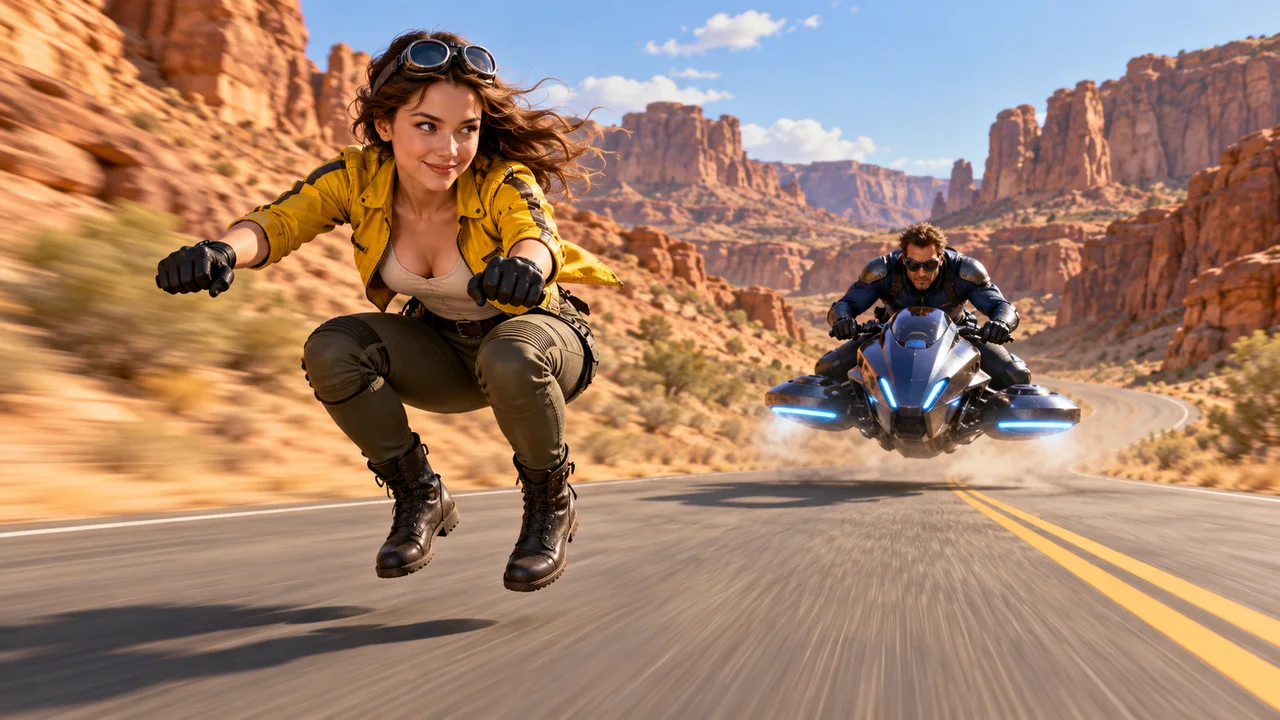
Two adults chase along a desert canyon road on an invisible moped and a hover-bike

Set the scene for your short video

Adjust the setting, camera, and movement in Advanced settings. The model interprets your directions; exact motion is not guaranteed.
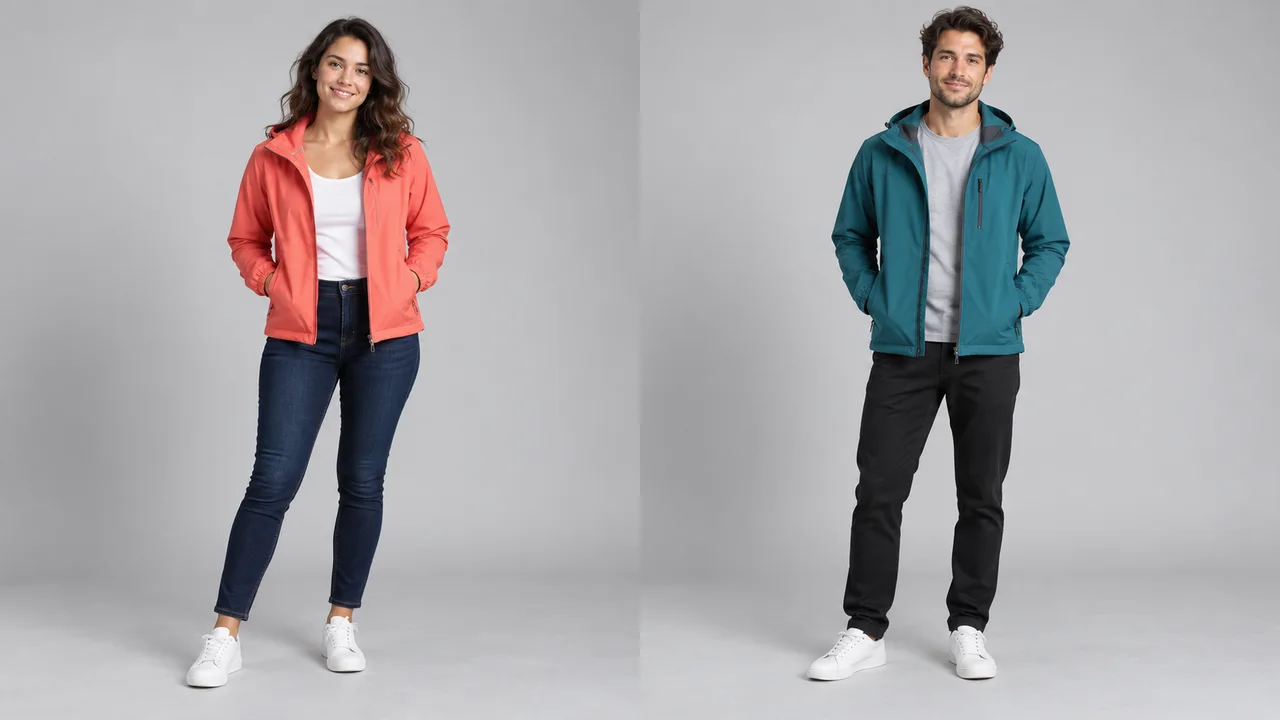
Separate full-body reference photos of two adults in coral and teal jackets

Keep both character references clear

Use one person per photo with a visible face and outfit. Browser checks assess image dimensions, not blur or face identity.

Create Crazy Frog AI Video

From character photos to a shareable clip

Upload, review credits, generate, and preview before downloading.

Two character references

Add one photo for the rider and one for the chaser.

Editable scene prompt

Choose the setting and movement for your own interpretation.

Visible credit total

Review the cost for the selected settings before submitting.

Distinct character roles

Ask for consistent appearances and check the result for identity changes.

Up to four variations

Choose 1–4 videos. Each uses the displayed per-video credits.

Preview before sharing

Check faces, movement, framing, and sound before downloading.

Create Crazy Frog AI Video

How to make a Crazy Frog AI video online

Prepare two photos and follow three steps.

  1. Step 1: Upload a photo for each character

    Add two JPEG, PNG, or WebP images, up to 10 MB each, or choose them from your Assets Library. Use one person per photo.

  2. Step 2: Customize the chase and review credits

    Keep or edit the chase prompt. Choose the available duration, format, resolution, audio, and number of clips, then review the total.

  3. Step 3: Generate, preview, and download your clip

    Sign in with a paid plan or eligible top-up. Preview the finished clip and download it. Check an existing task instead of submitting it again.
Create Crazy Frog AI Video
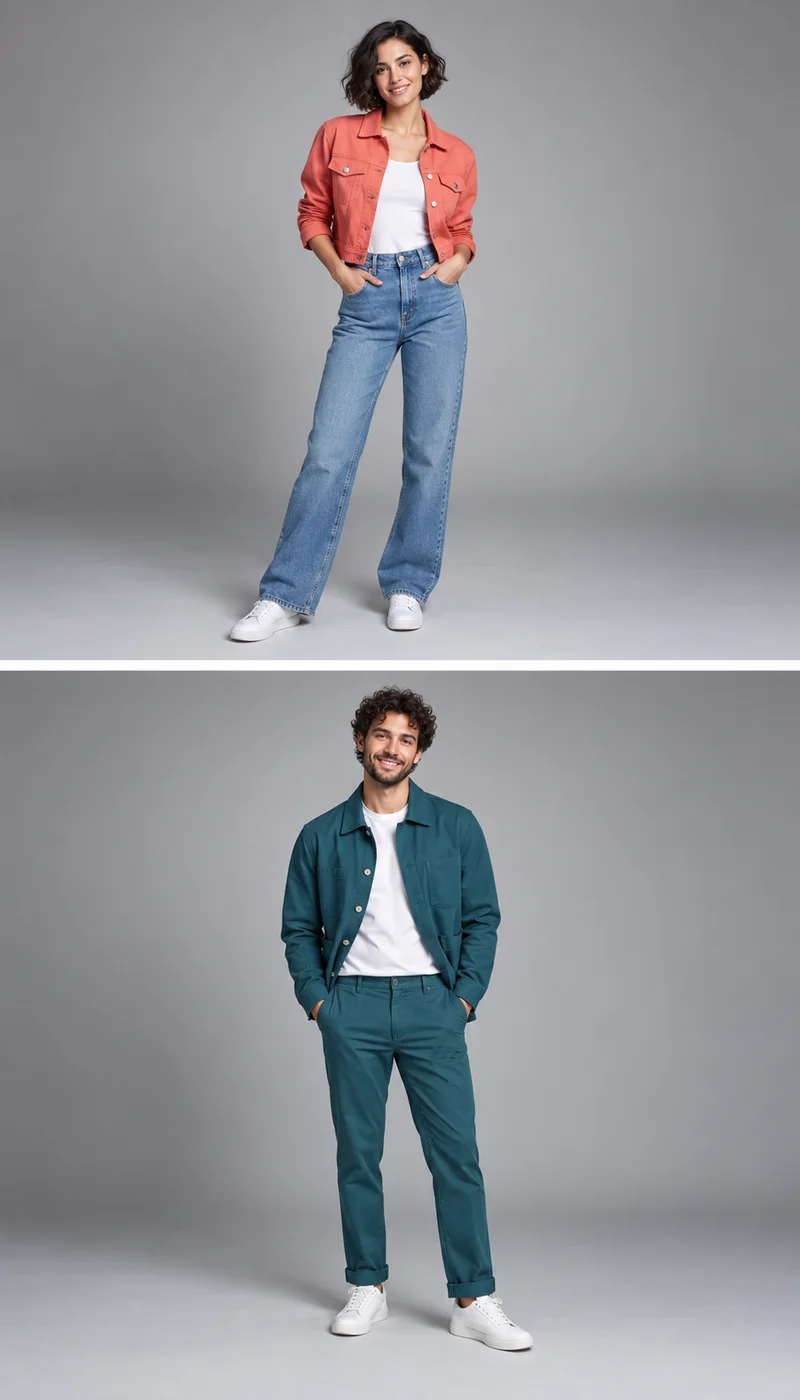
Crazy Frog AI — Two stacked full-body portraits, one person per photo, for the rider and chaser
AI-generated photo examples. Upload two separate images, with one person in each.

Crazy Frog AI: photos, prompts, and credits

Photos, prompts, audio, credits, and the limits of AI generation.

Upload one clear photo of yourself as the rider and a separate photo of the chaser. Keep or edit the prepared chase prompt, select your settings, and review the credits. Generate and preview the clip before downloading; facial likeness and movement can vary.

Video generation requires a paid plan or eligible top-up and uses credits. Viewing the examples is free, but does not include a generated clip. The total depends on duration, resolution, and number of videos. Review the displayed credits before submission; each variation contributes to the total.

A Crazy Frog AI prompt is already prepared for your two photos; no reference video upload is needed. Open Advanced settings to adjust the road, background, camera, and movement. Keep Image 1 as the rider and Image 2 as the chaser. The prompt guides new motion, not fixed choreography.

This tool creates chase videos from photos, not a Crazy Frog AI song, voice cover, or remix. The Generate audio switch lets you request optional model-generated sound or turn it off. It does not provide the original Crazy Frog recording. Preview the finished sound before sharing.

The air bike effect shows a rider crouching on an invisible moped while a chaser follows on a hovering vehicle. Our prompt describes that visual idea using your two character photos. The model creates its own motion, so an exact stunt, backflip, or reference-video sequence is not guaranteed.

This workflow needs two separate photos, with one person in each: Photo 1 is the rider and Photo 2 is the chaser. Use JPEG, PNG, or WebP files up to 10 MB each, with clear faces and visible outfits. More video variations do not require more character photos.

The Demo and four showcase videos are external CrazyFrogAI references with source links and their original watermarks. Page illustrations were separately generated for MuseVideo. These examples are not outputs from this generator. Your clip follows your photos and prompt, so its movement, background, and likeness can differ.

Your photos are uploaded and sent to the generation provider as character references for your request. Use photos you have permission to process, with one person in each image. Review the Privacy Policy for data practices. This page does not promise immediate deletion or private storage beyond that policy.

Read the Privacy Policy

More to explore

Explore more tools

View All Tools

Find another way to turn music and portraits into a video.
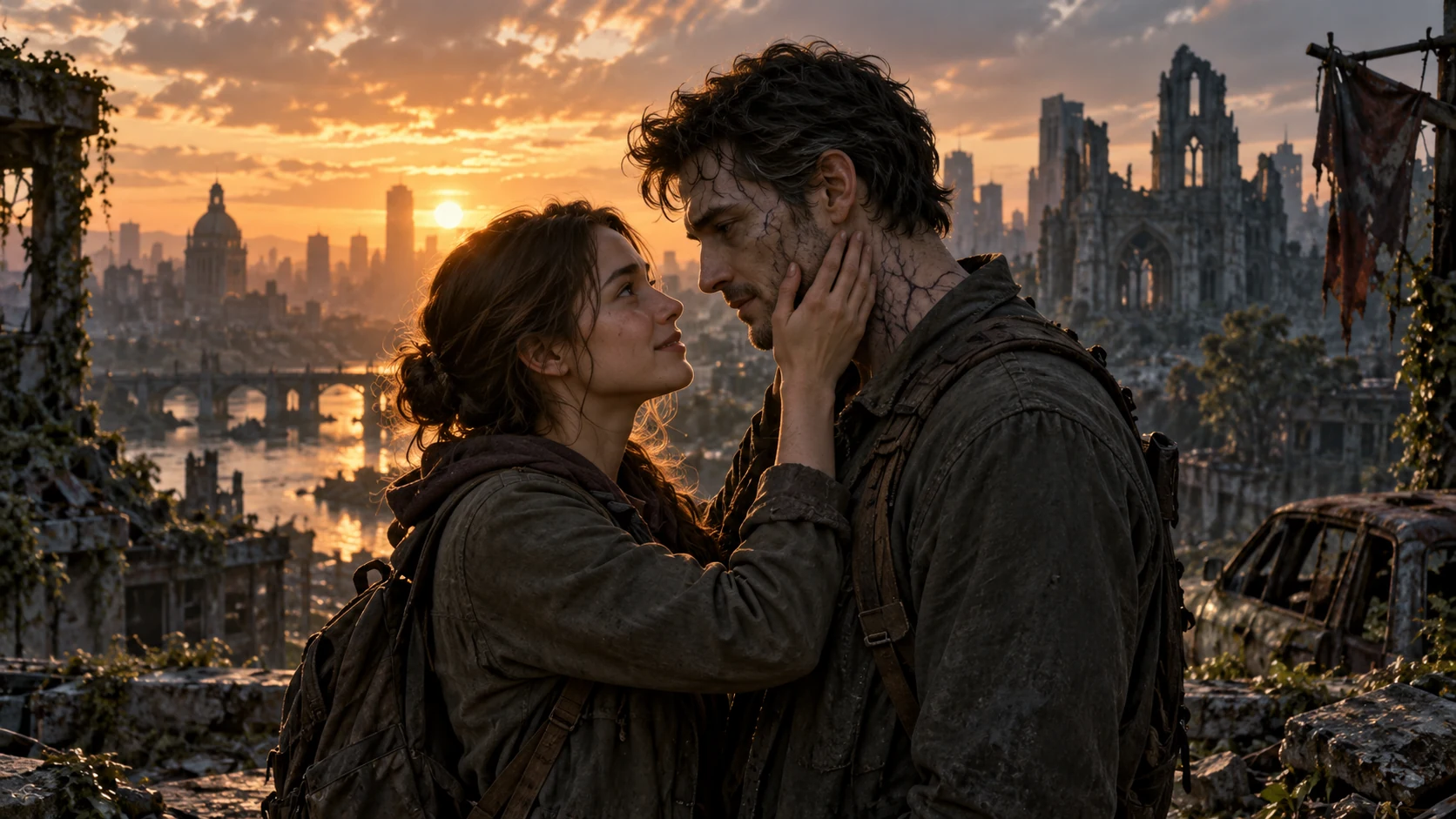
  • AI Zombie Love Story

    AI Zombie Love Story

    Create a zombie love story video from two photos
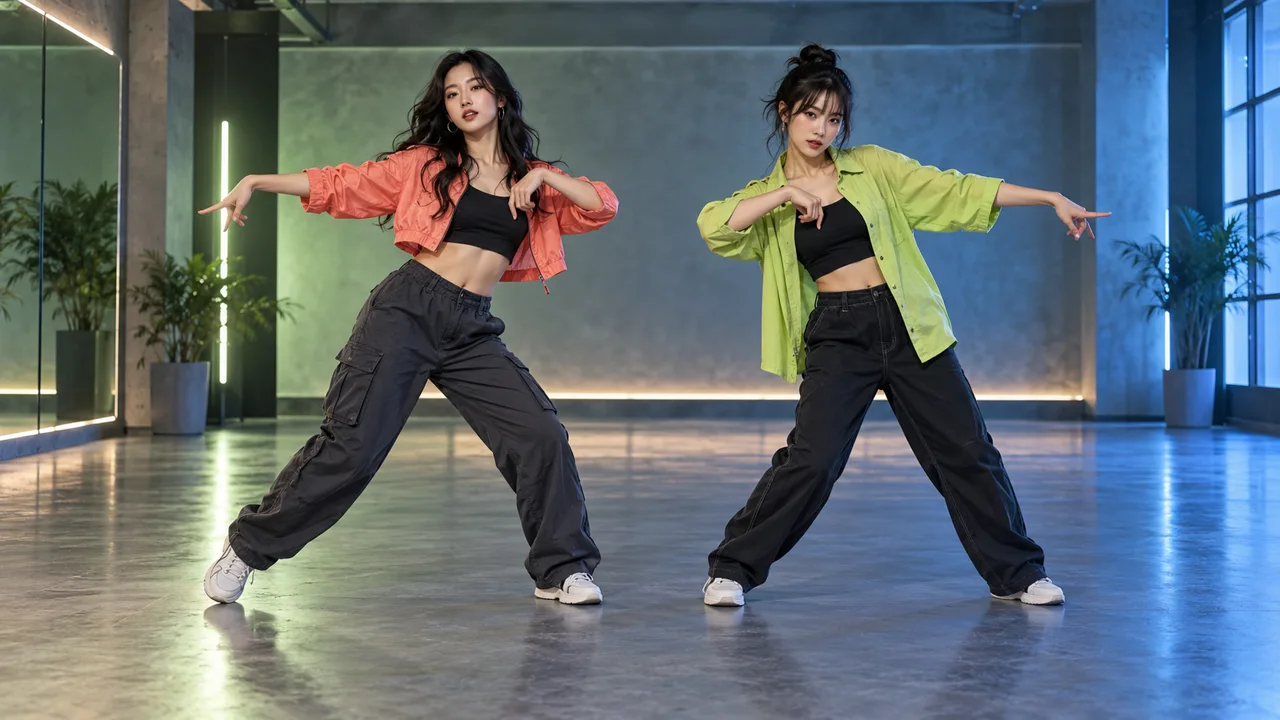
  • NEON Duo Dance

    NEON Duo Dance

    Bring you and a friend into a NEON-inspired duo dance. Add one photo per person, choose your settings, and review the credits before generating. Movement and likeness can vary.
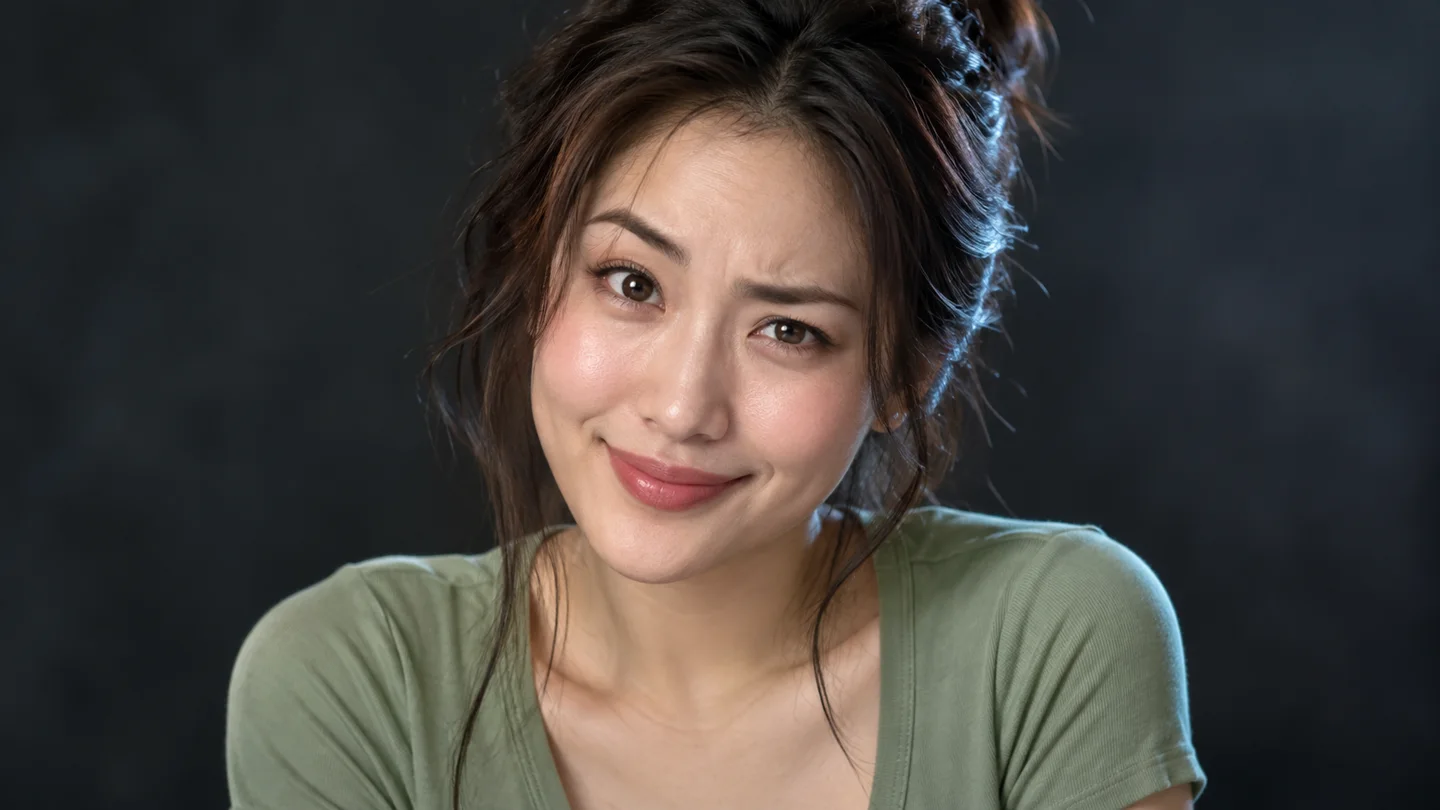
  • AI Face Dance

    AI Face Dance

    Upload one clear portrait to create a face dance video. Choose the framing, length, and quality, then review the credits before generating.
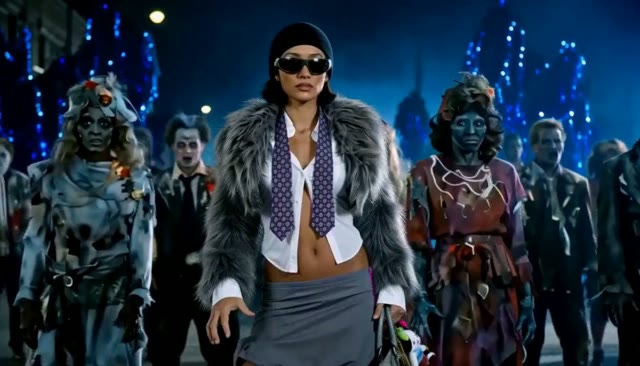
  • A lead dancer in sunglasses with a zombie crowd on a blue-lit night street

    AI Thriller Dance

    Turn one character photo into a zombie-inspired dance video.

Put your duo in the chase

Create a Crazy Frog AI chase video from two individual photos. Assign a rider and a chaser, edit the scene prompt, and review the credit total before generating. Movement and likeness can vary.

Create Crazy Frog AI Video
Meta Muse VideoMeta Muse Video

Meta Muse Video - Native multimodal image & video creation

support@musevideo.ai

Tools

  • All Tools
  • Image Models
  • Video Models
  • AI Effects
  • Crazy Frog AI
  • AI Thriller Dance
  • NEON Duo Dance
  • AI Face Dance
  • AI Zombie Love Story
  • AI Music Video
  • Hotel Lobby AI
  • Migos AI Video Generator

Image Creation

  • Text to Image
  • Image Edit

Google Image Models

  • Nano Banana
  • Nano Banana 2
  • Nano Banana Pro
  • GPT Image 2

Video Creation

  • Text to Video
  • Image to Video
  • Wan 2.5
  • Kling 2.6
  • Grok Imagine

Support

  • Pricing
  • About
  • Contact

Legal

  • Privacy Policy
  • Terms of Service
  • Cookie Policy

© 2026 Meta Muse Video All Rights Reserved.

Pricingsupport@musevideo.ai