00:05
Product Motion
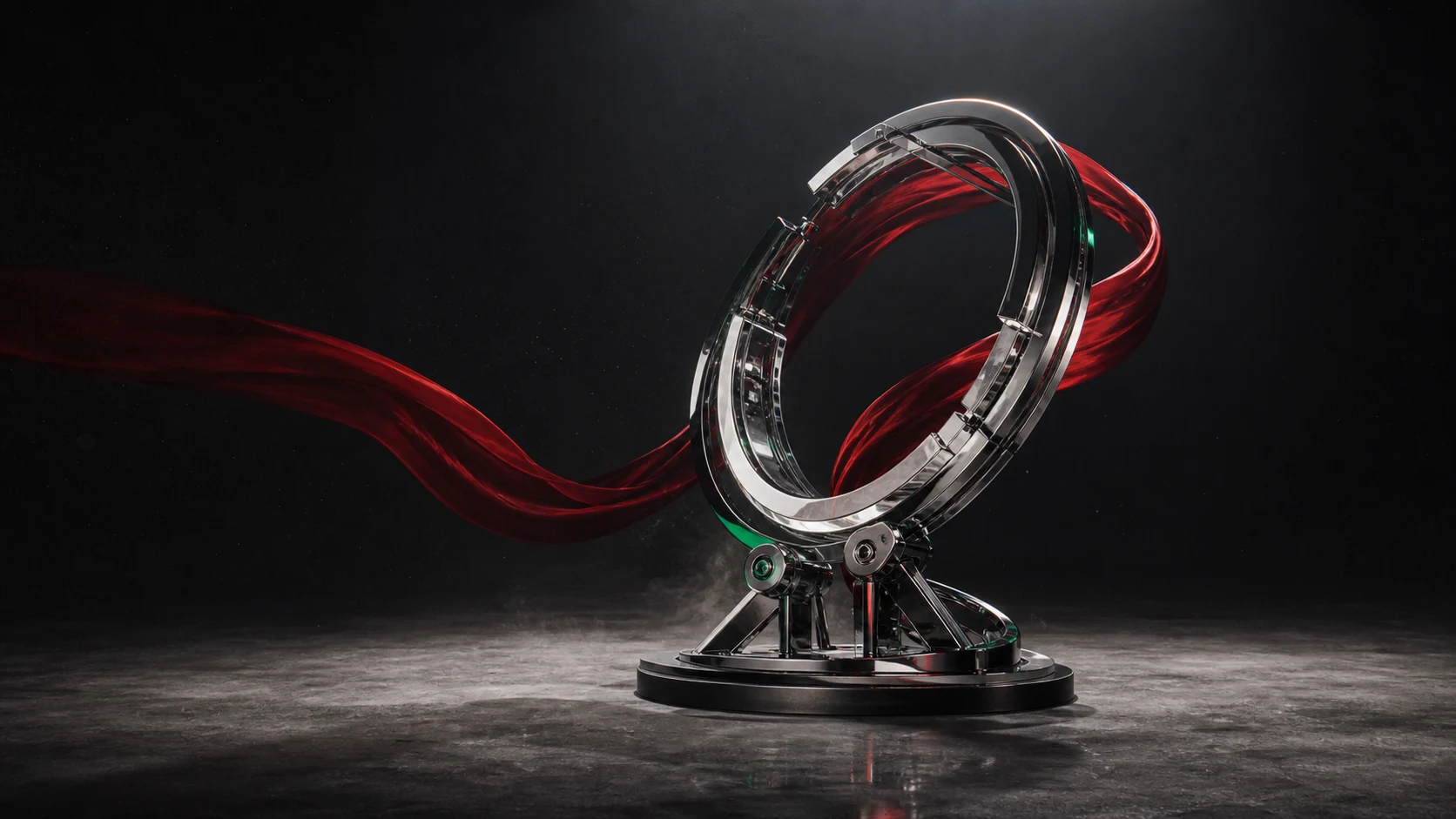
Turn a clean product frame into an atmospheric commercial shot with deliberate camera movement.
Alibaba Wan video generation
Turn a written scene or a single image into a polished video with coherent motion, strong prompt following, and native audio-visual synchronization.
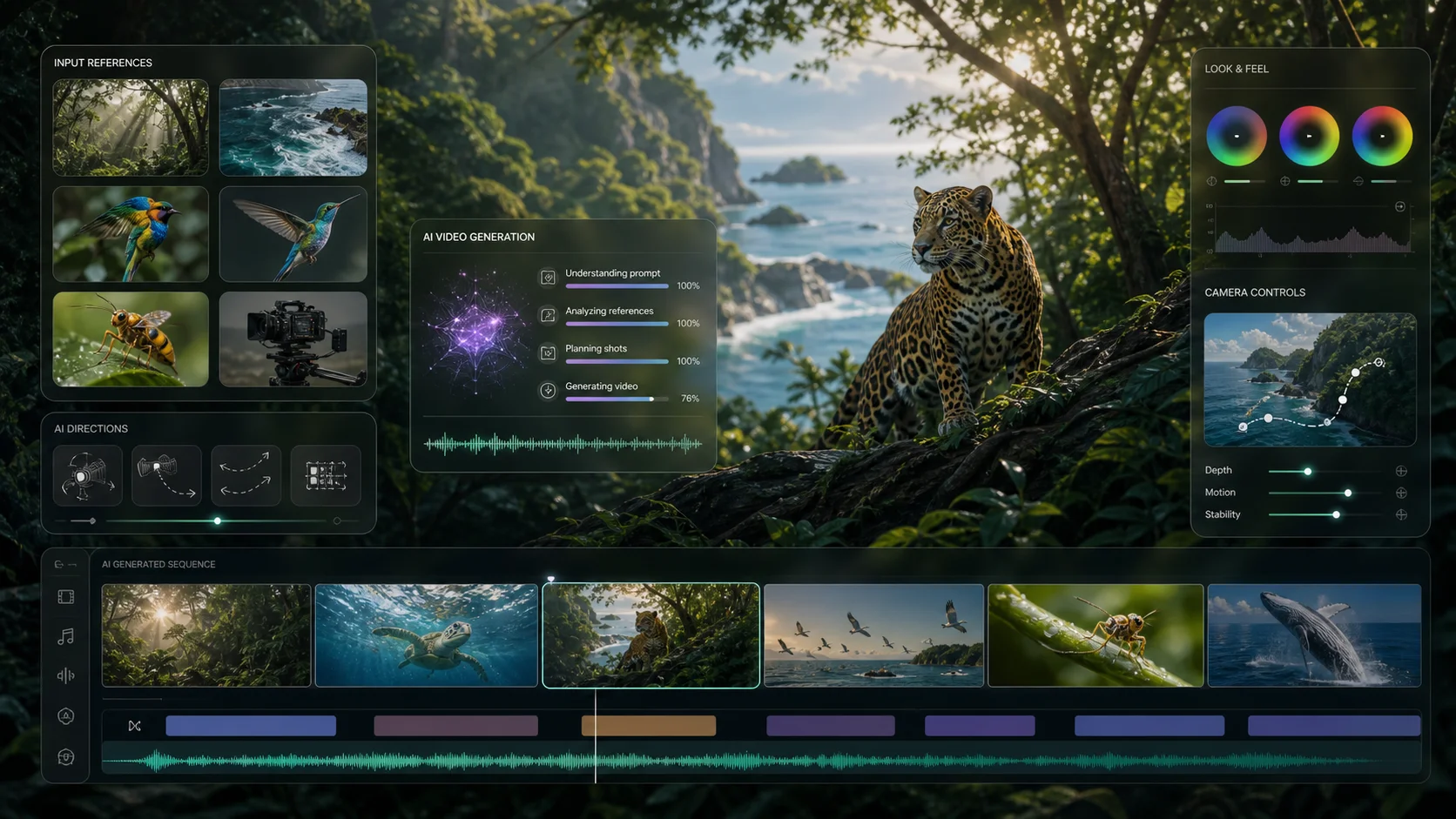
See sample outputs for Text to Video in the Meta Muse Video workspace
Motion directions
Explore the kinds of product motion, character moments, and imaginative scenes you can build with a focused video prompt or first-frame image.
Turn a clean product frame into an atmospheric commercial shot with deliberate camera movement.
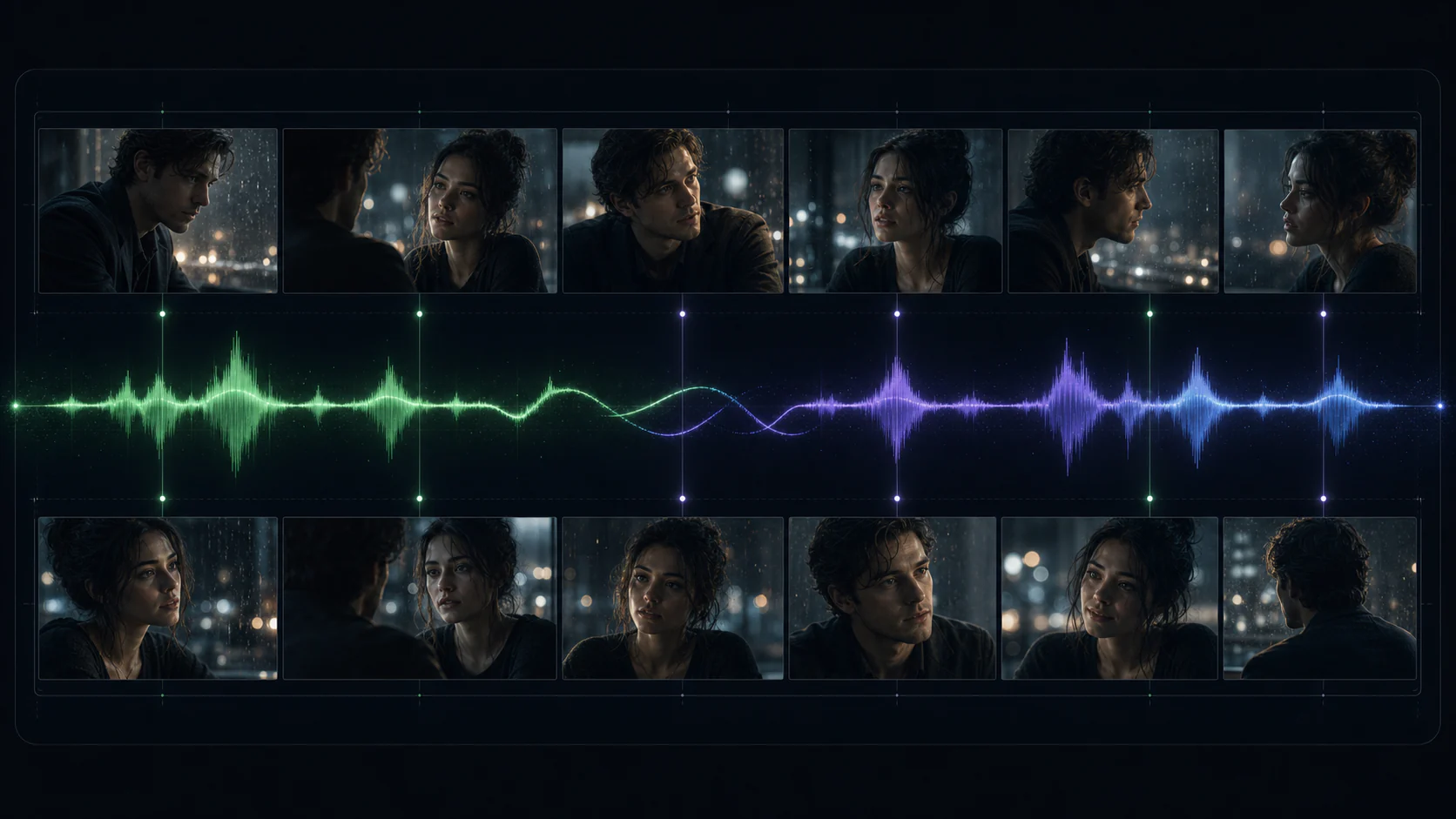
Add natural expression, environmental motion, and camera language to a character-led scene.
Translate detailed visual direction into dynamic fantasy, VFX, and story-driven moments.
Creative workflow examples shown for inspiration. Generated results vary by prompt, input, and selected settings.
Wan 2.5 capabilities
Wan 2.5 combines text, visual, and audio understanding to keep the action, camera, and soundtrack aligned across a complete short clip.
Describe subject, action, environment, camera, lighting, and mood in one production-ready brief.
Create a complete short-form beat with more room for action development and camera movement.
Generate motion and sound as an aligned result instead of treating audio as a separate afterthought.
Choose the available resolution and aspect ratio that fit ads, social feeds, and cinematic layouts.
November 2025 release context
Wan 2.5 was more than a routine quality refresh. Compared with the earlier Wan 2.2 video line, its launch connected sound to the generated scene, doubled the available shot length, and pushed control toward commercial production needs.
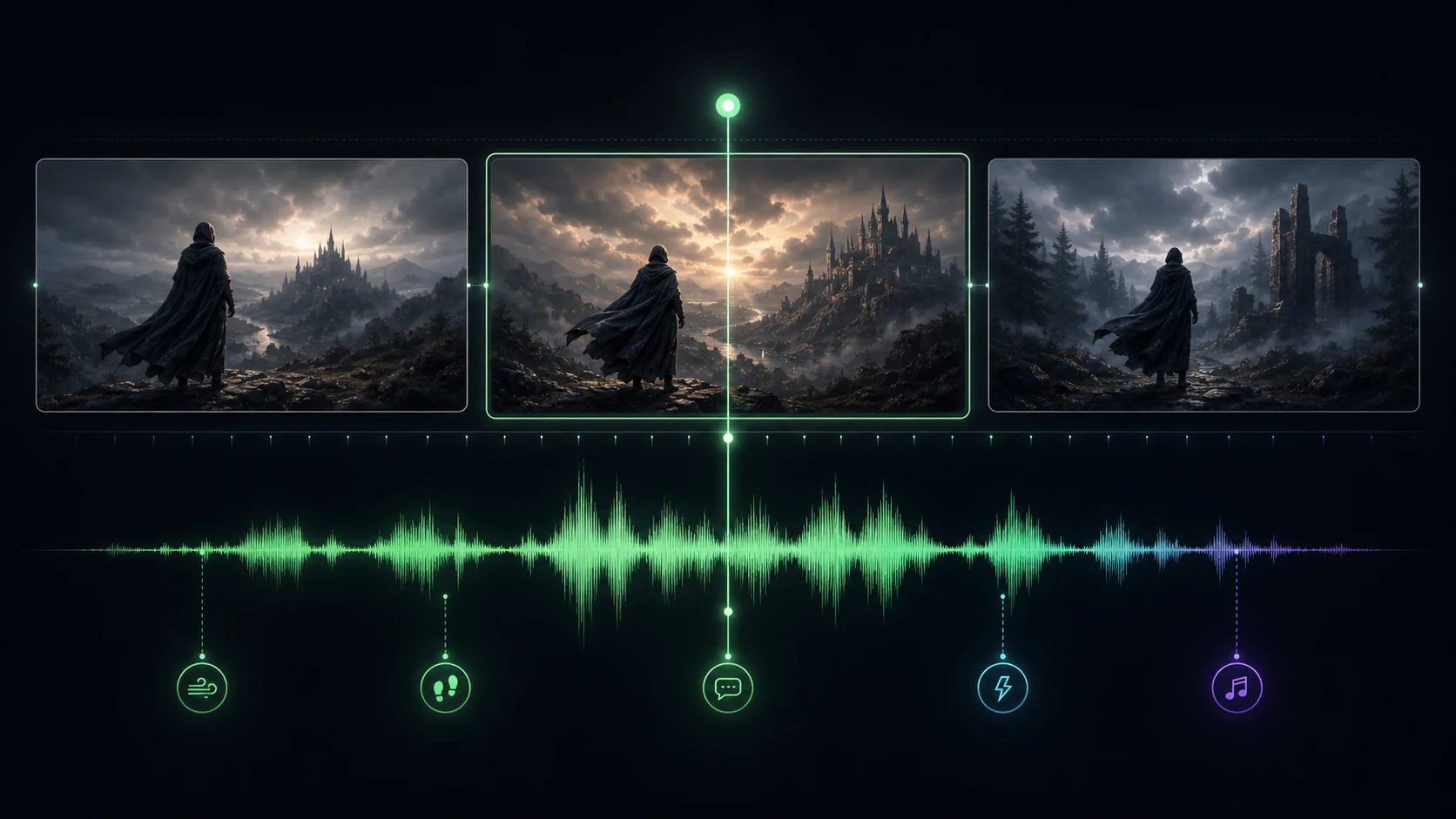
Read the Alibaba Cloud launch overviewWan 2.2's standard text-to-video and image-to-video models produced silent clips. Wan 2.5 introduced synchronized audio generation, allowing motion and sound to be conceived as one result instead of two disconnected production passes.
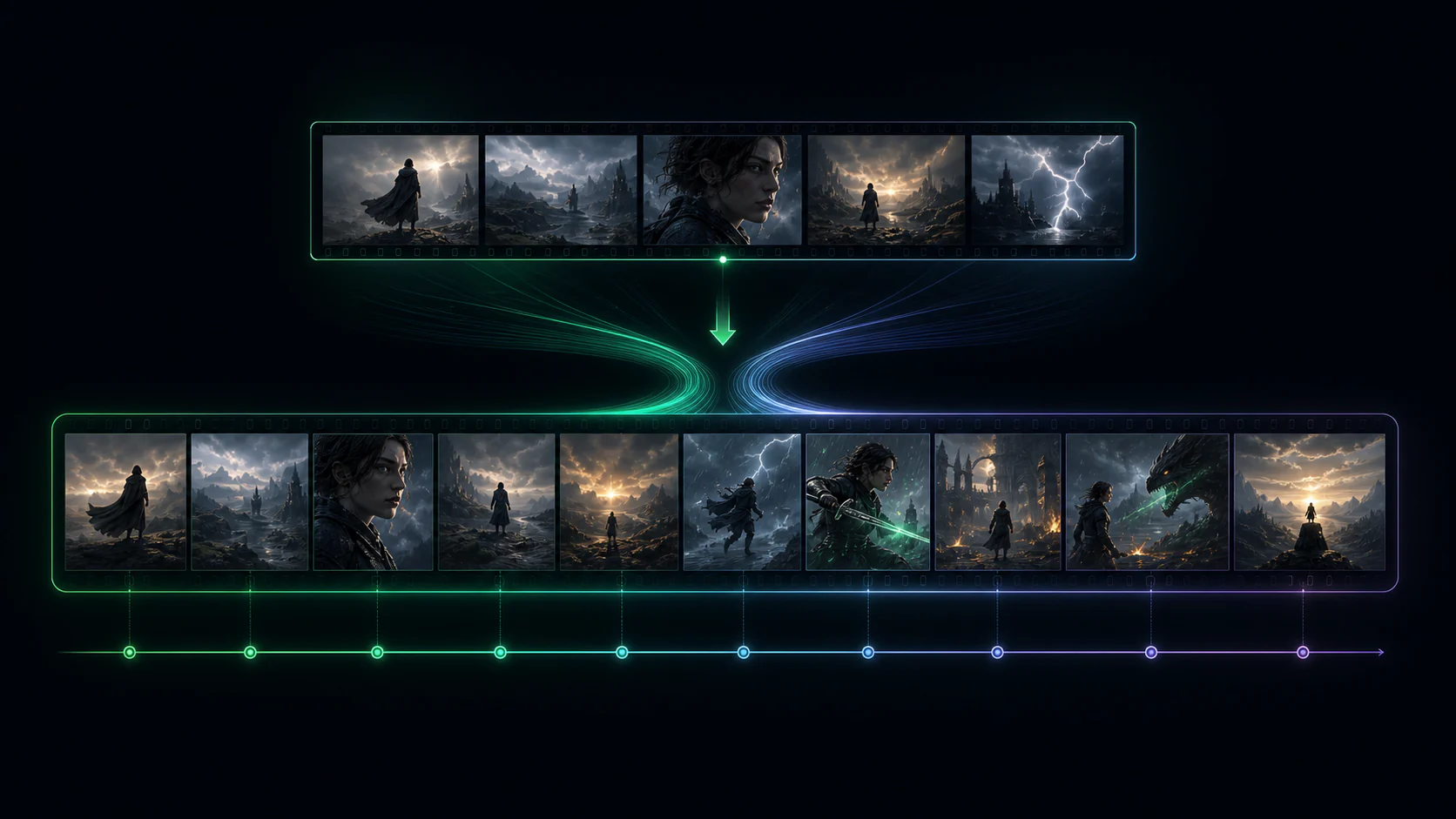
Earlier Wan 2.2 general video routes were fixed at five seconds. Wan 2.5 added a ten-second option, making it easier to stage a complete camera move, product reveal, or short narrative action without immediately stitching clips together.
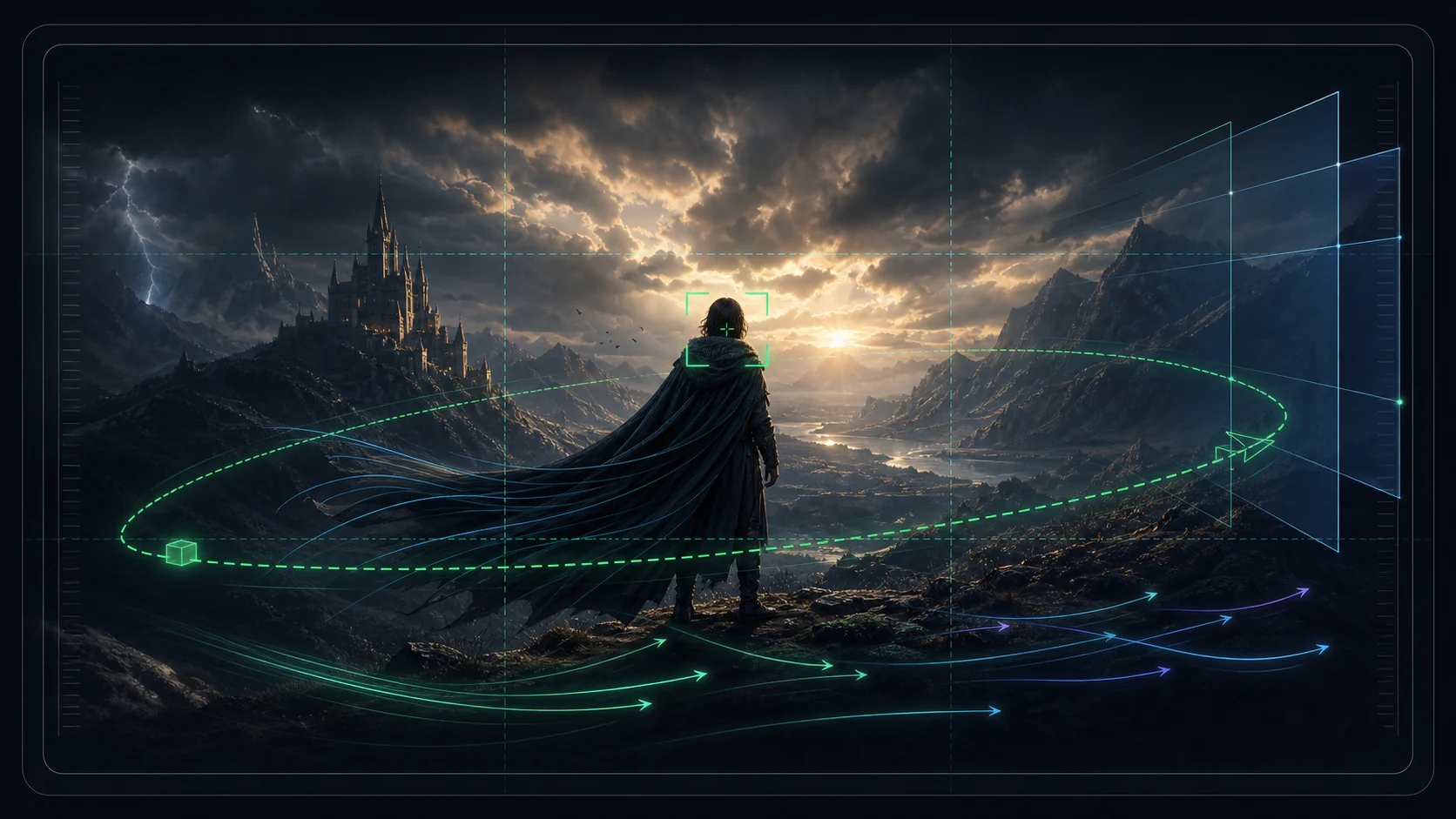
Alibaba's launch materials grouped stronger instruction adherence, improved motion, superior image quality, and more controllable multimodal input as one production-focused step forward—aimed at film, advertising, and repeatable commercial workflows.
These comparisons describe the model capabilities announced at launch. Controls exposed in this generator can vary with the connected provider route.
Use it when a still concept needs convincing motion, clear direction, and a complete audio-visual beat.
Prototype launch films, pack shots, fashion moments, and branded social assets without a full production setup.
Create vertical, square, or landscape story beats for social campaigns, teasers, and narrative sequences.
Start with your approved keyframe, then add controlled subject motion, camera movement, and atmosphere.
Give the model one readable scene, choose the delivery format, then refine the motion instead of rewriting everything.
Step 1
Write a complete scene prompt, or upload a strong first frame that establishes subject, composition, and visual style.
Step 2
Choose the aspect ratio, resolution, and clip duration that match the destination and the amount of action.
Step 3
Review camera motion, subject consistency, and audio alignment. Tighten one instruction at a time for the next version.
Move from a static idea to a shareable short clip in one focused generation workflow.
Test visual concepts and camera directions before committing to a full shoot or long edit.
One prompt to motion
Use a written scene when exploring, or a first-frame image when composition must stay anchored.
Text or image input
See the required credits for the selected resolution and duration before starting a video.
Credits shown before generation
Generate at the resolution that matches quick drafts, social publishing, or higher-fidelity review.
Up to 1080p
Plan compositions for widescreen stories, vertical feeds, and square campaign placements.
Landscape, portrait, or square
Use synchronized audio-visual generation to establish a more complete short-form scene.
Unified motion and sound
Key model facts based on Alibaba Cloud documentation and the available provider workflow.
More to explore
Explore other video models for your next scene.
Write the scene or upload a keyframe, choose the format, and create a synchronized short video with Wan 2.5.