
Friends in an orange studio
Two performers trade lines at vintage microphones against a bright orange backdrop.
Make an AI Rap Duo video from two portraits or one shared photo. Choose a stage and theme, check credits, then generate a clip with optional AI audio.
Two portraits or one shared photo. One rap performance.
JPEG, PNG, or WebP · up to 10 MB each
The model uses this prompt for every video in the batch. Results can vary.
Two familiar faces, one shared rap scene.
AI Rap Duo is a photo-to-video tool for two-person rap performances. Upload a separate portrait for each adult, or one photo that shows both. The selected model uses your faces, stage, and theme to create a new clip. Showcase clips are creative references; your result depends on your photos and settings.
Create AI Rap Duo Video Now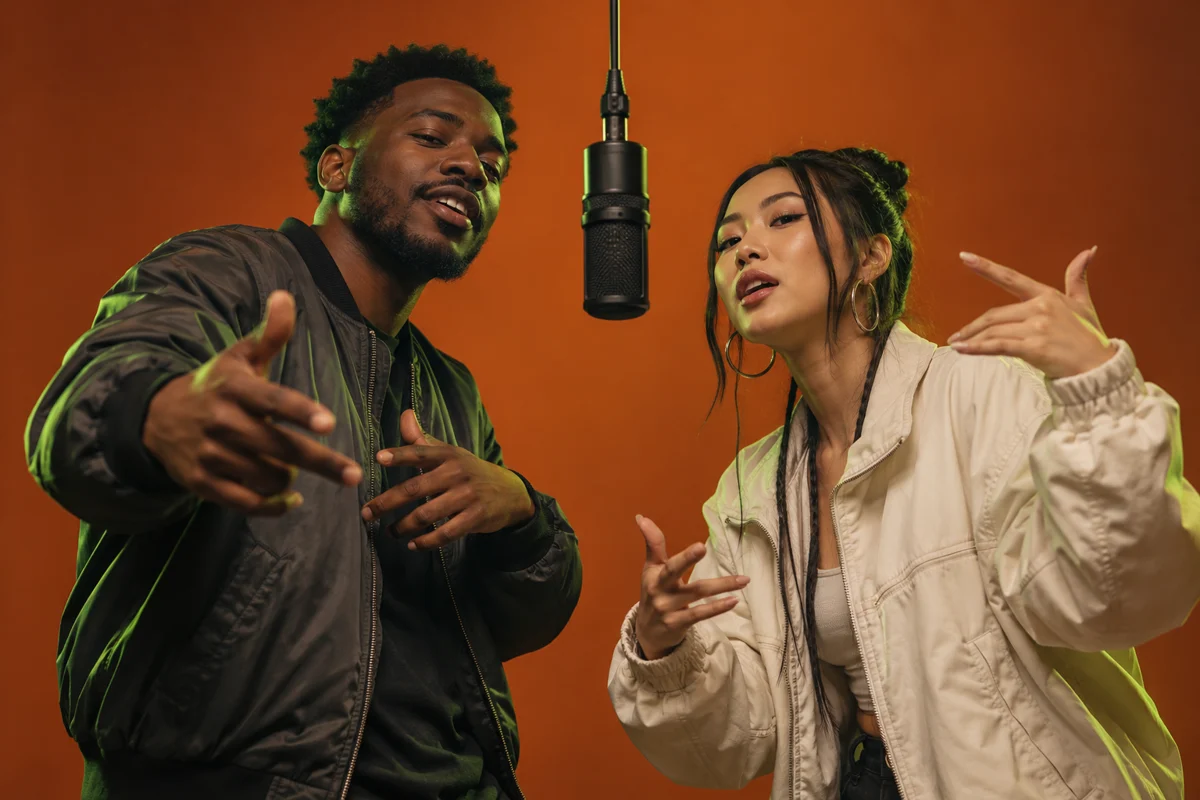
Browse four duo scenes in these reference clips. Choose a prompt, add your photos, and create your own version. These clips are visual references, not videos generated on MuseVideo.
Two performers trade lines at vintage microphones against a bright orange backdrop.
A two-person performance framed by chandeliers and a warmly lit hotel corridor.
Two older performers bring playful energy to a nighttime street performance.
Two performers share a microphone in a booth lit with blue and pink neon.
02Creative Controls
Give each performer a role, choose a setting, and shape the performance.
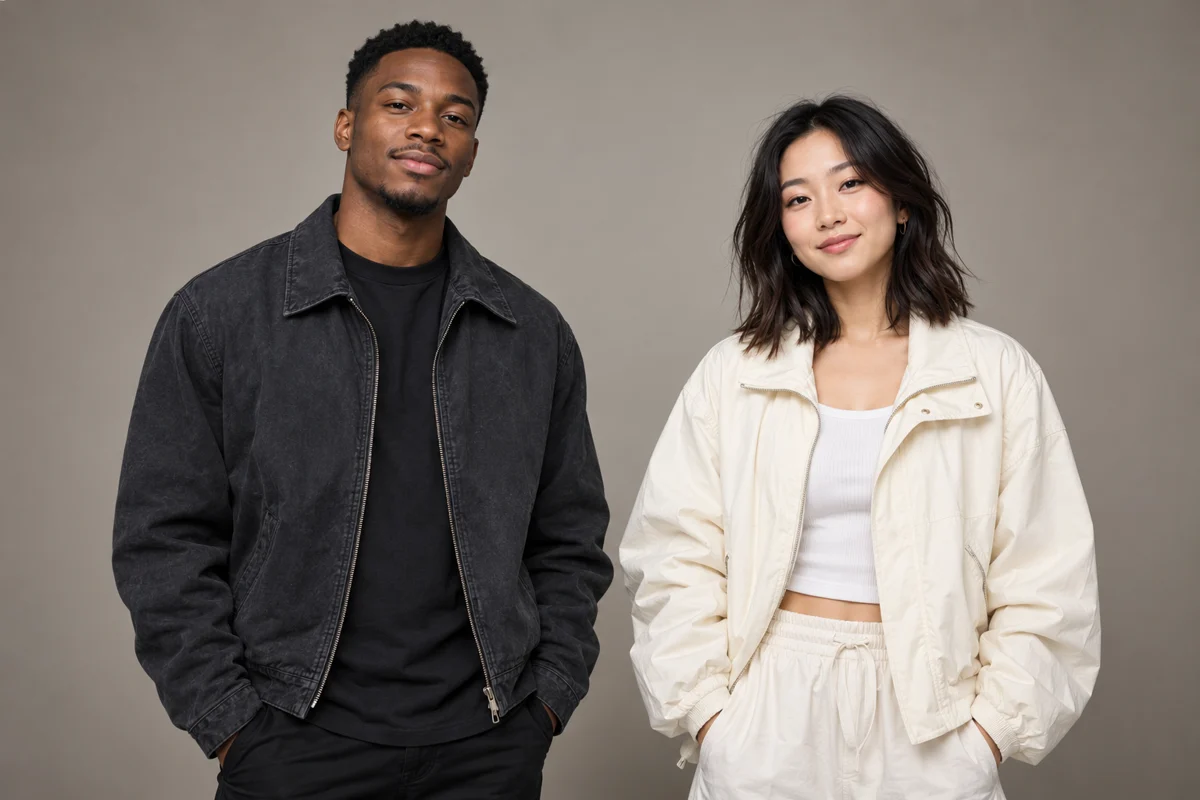
Create one shared scene without filming together. Upload two portraits to assign a left and a right performer, or use one photo of both. Check both faces in the result, since likeness can vary between clips.
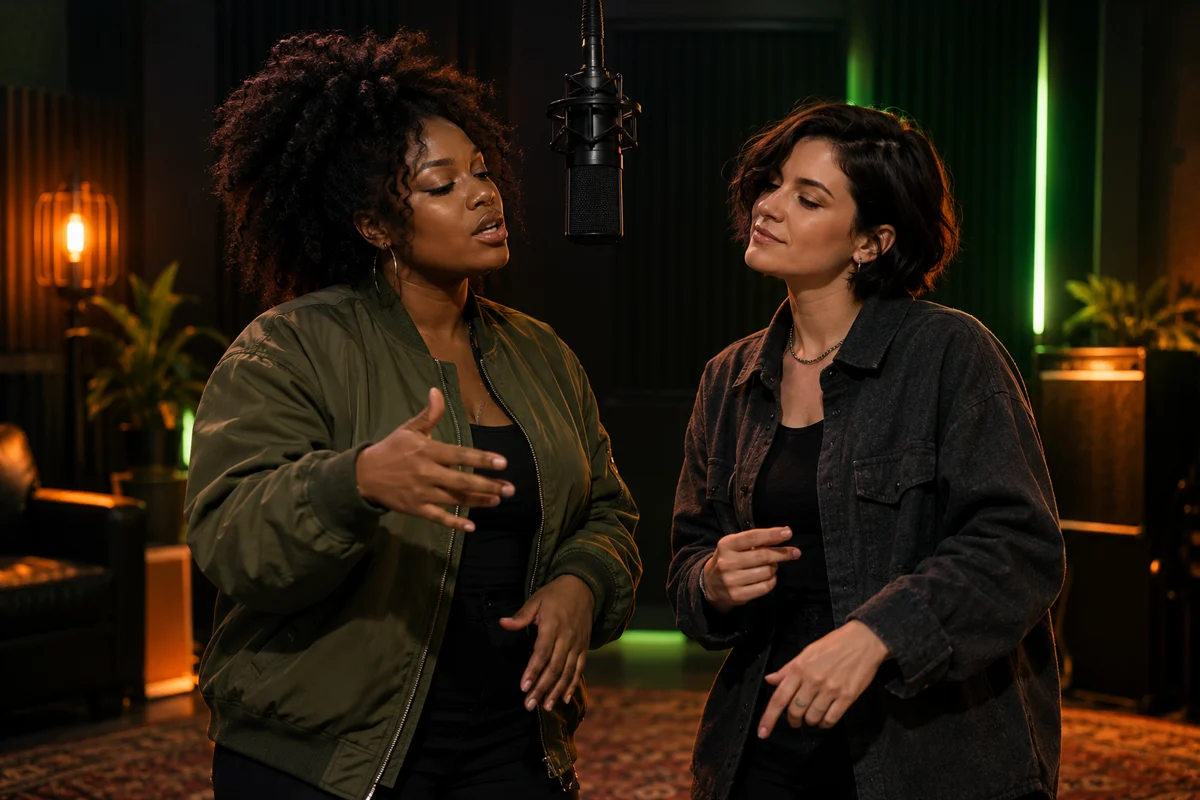
Pick an orange studio, grand lobby, recording booth, or street cypher. Add a theme or edit the prompt to shape verse handoffs, gestures, and framing. Exact choreography, lyrics, and word-level lip sync are not guaranteed.
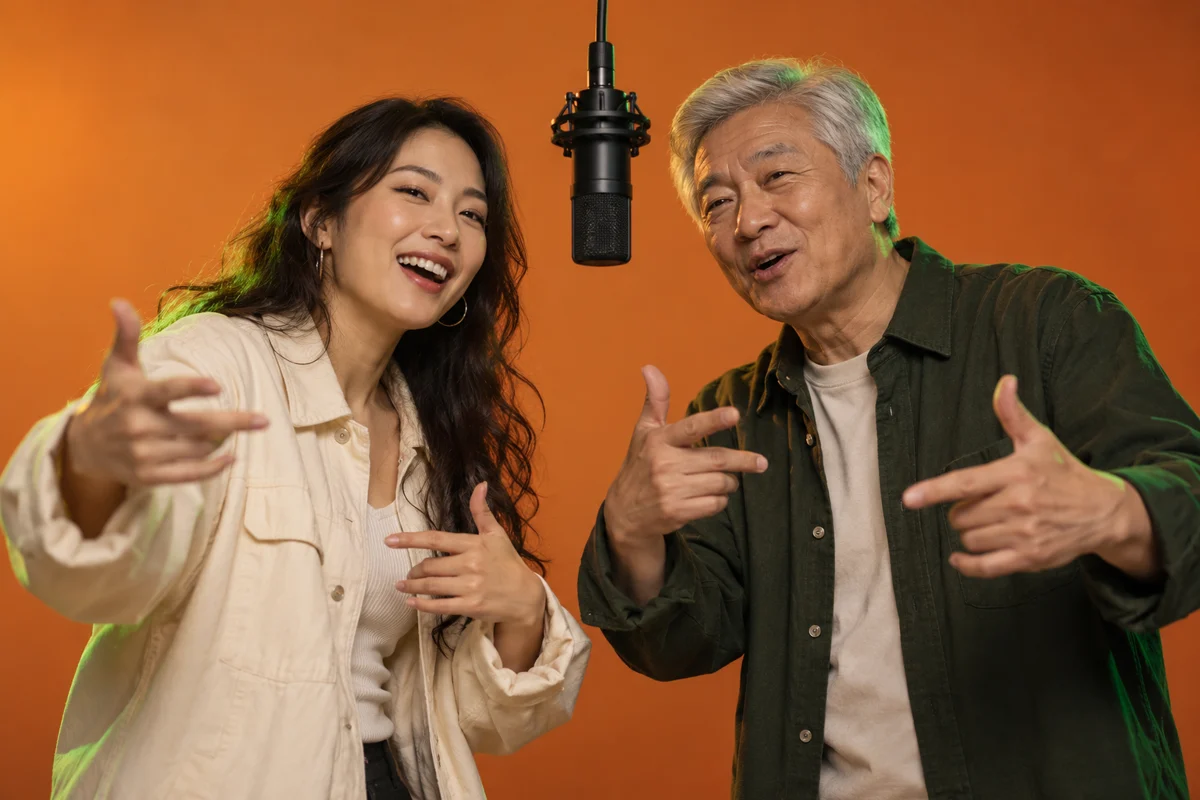
Turn a shared memory or occasion into a theme for two adults. Turn on Generate audio for model-made sound, then check both performers and the sound before downloading. Existing trend songs are not included.
Use familiar faces and a personal theme, then review the full clip before sharing.
Use a photo of each consenting adult to plan a performance together, even when you cannot film in the same place.
Two-photo collaboration
Start with a birthday or anniversary idea, then add names or a shared story to guide the rap scene.
Your occasion and story
Review the total credits for your model, duration, resolution, and clip count before you submit a birthday greeting or social post.
Credits shown before generation
Keep left and right identities explicit, then review faces, hands, and verse handoffs before sending a collaboration clip.
Two distinct roles
Choose vertical 9:16 for a social post, or pick wide 16:9 or square 1:1 for other uses. Generate one to four variations.
Vertical, wide, or square
Review the complete video and any generated sound before downloading. Use only music you have permission to share when you post the clip.
Review and download
Upload your photos, choose the scene, and download a clip you have reviewed.
Choose Two photos for one reference per person, or One photo of both for a side-by-side group image. Upload JPEG, PNG, or WebP files up to 10 MB each. Keep both consenting adults clearly visible. The browser checks file type, size, and dimensions, not faces or consent.
Pick the aspect ratio, resolution, and one to four clips. Open Advanced settings to adjust the model, duration, audio, stage, and optional theme. Sign in with a paid plan or eligible top-up, check the credit total, then select Create AI Rap Duo.
Follow the task status while your video generates. Check both faces, the left and right roles, gestures, and any generated sound across the full clip. Download it after review, and use only audio you have permission to share.
Photos, music, pricing, and what to expect from your video.
More to explore
Find another way to turn music and portraits into a video.
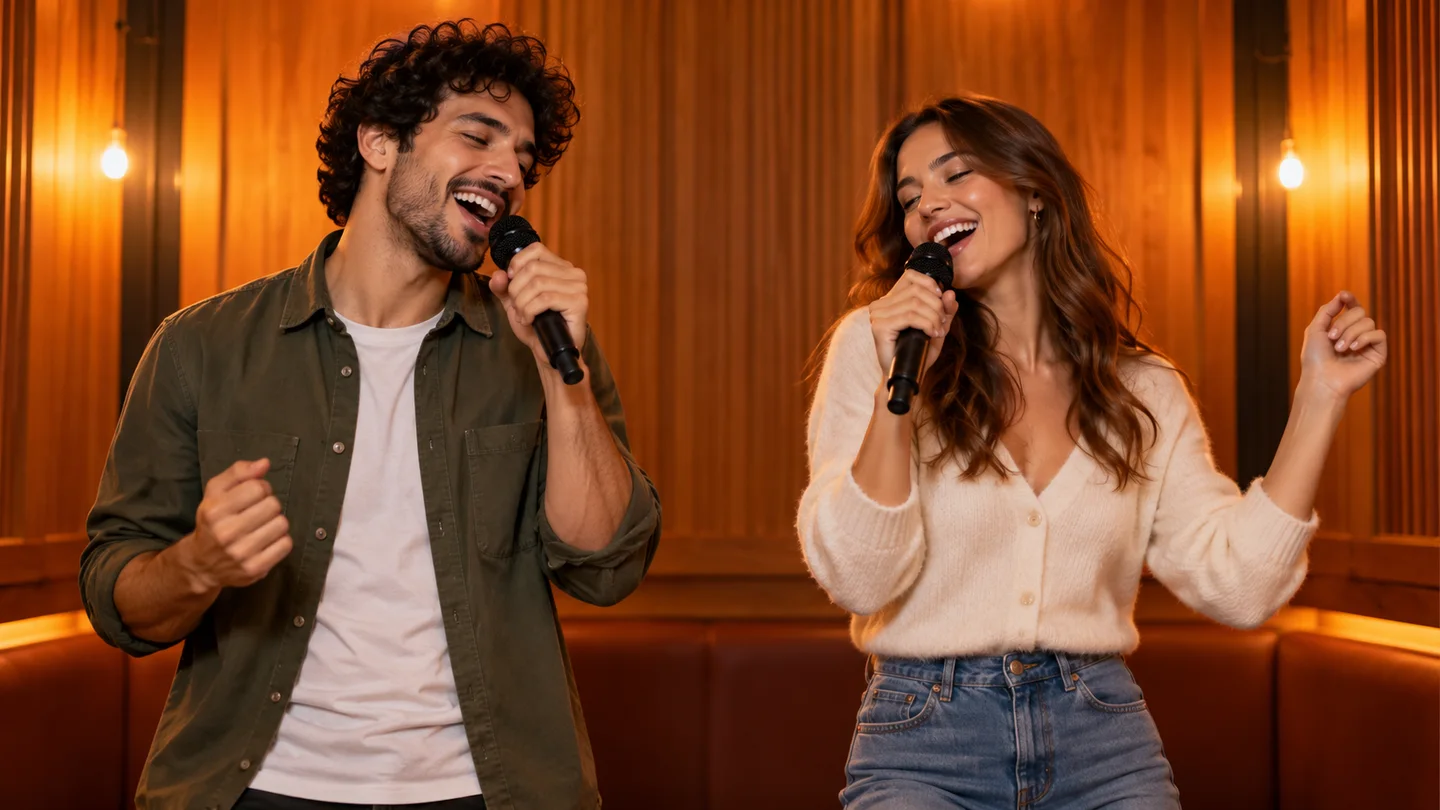
Hotel Lobby AI
Create a singing duet from two portrait photos.
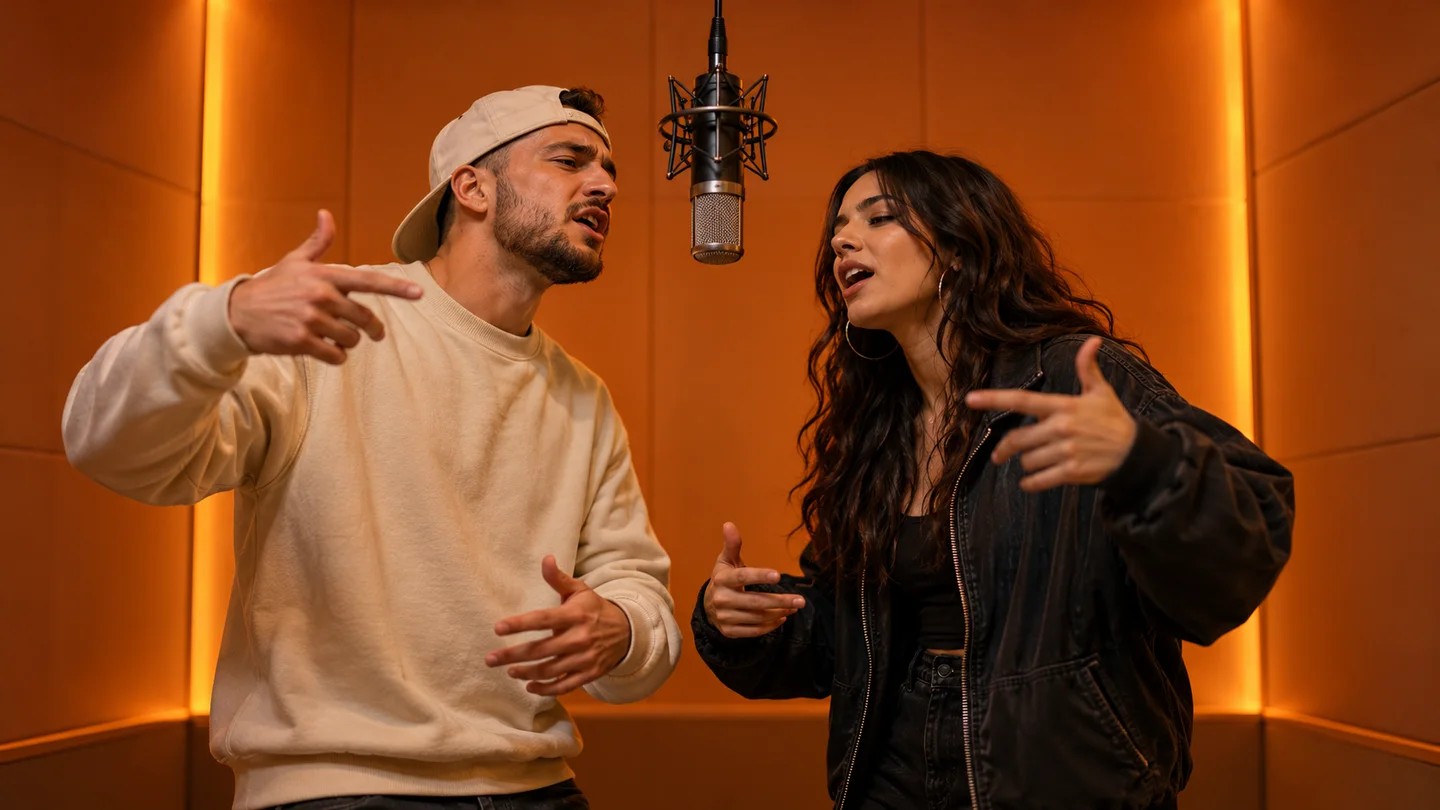
Migos AI Video Generator
Turn two portraits into a shared rap performance.
AI Music Video
Explore song-led visuals and music video creation.
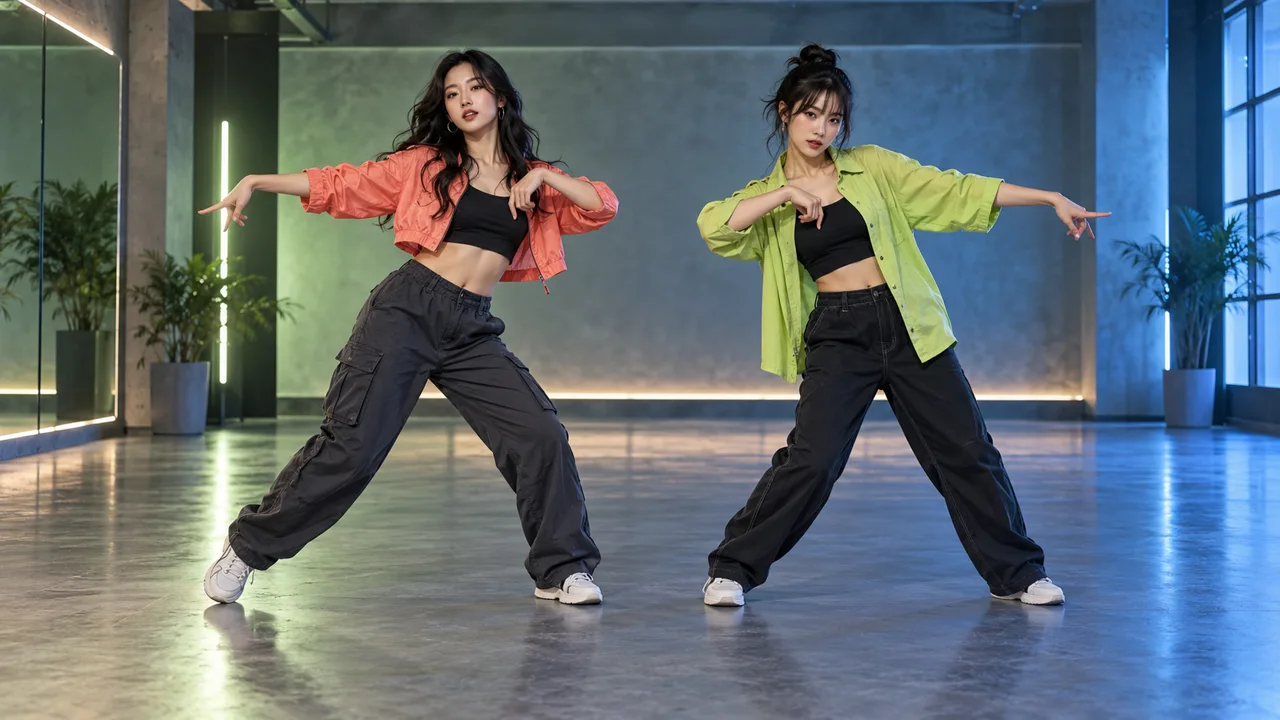
NEON Duo Dance
Bring you and a friend into a NEON-inspired duo dance. Add one photo per person, choose your settings, and review the credits before generating. Movement and likeness can vary.
Choose your photo mode, stage, and theme. Check the credit total, then create an AI Rap Duo video you can preview and download.