
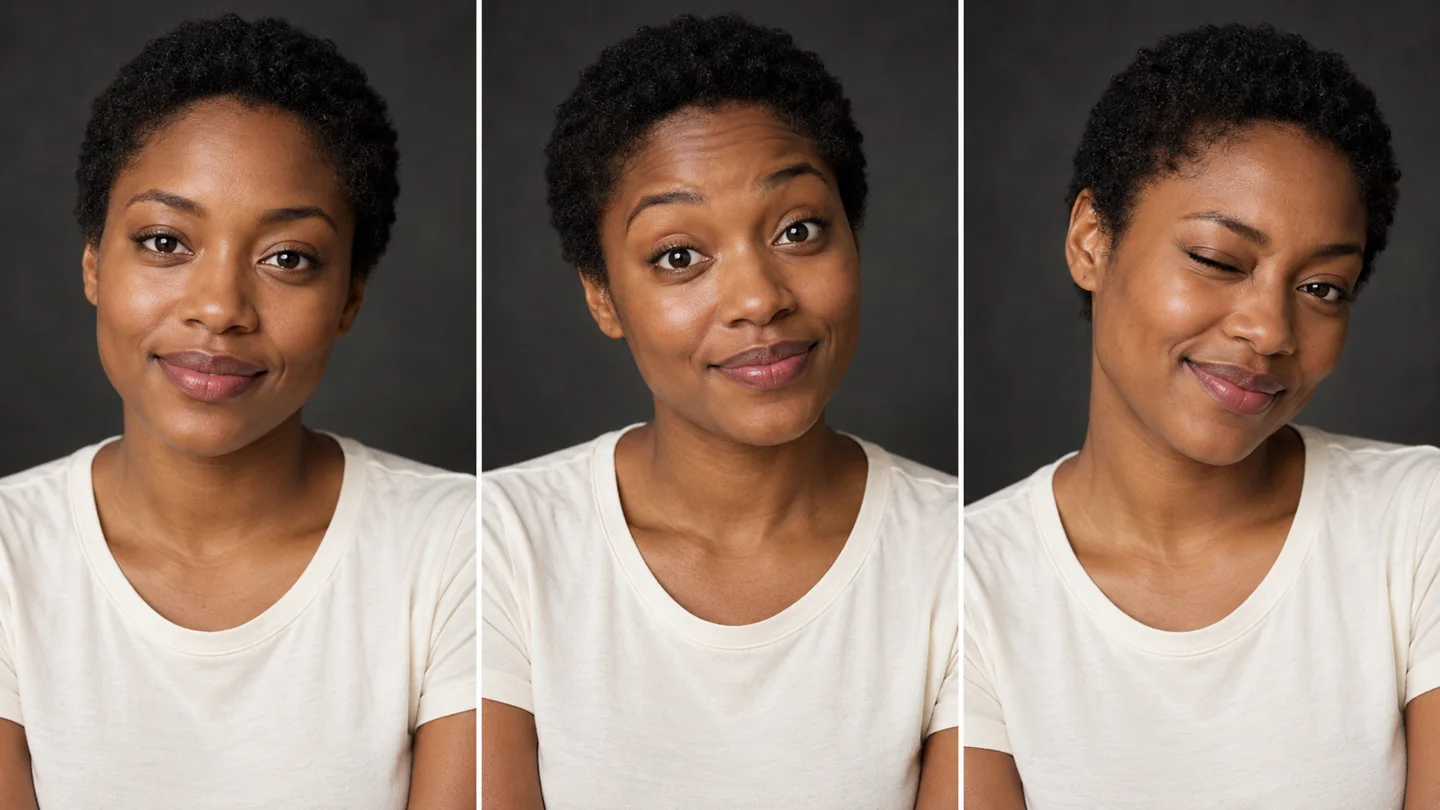
Close-up expression change
Watch raised eyebrows, blinks and a surprised look in a tight portrait crop.
Source: SuperMaker AIUse AI Face Dance in your browser to animate one portrait with smiles, blinks, eyebrow lifts and gentle head tilts. Choose your settings, check the credit cost, then generate and download your clip.
Generate audio
Include model-generated sound when available.
Auto selects 16:9 based on your photo.
The model uses this prompt for every video in the batch. Results can vary.
Watch this external face-animation reference. It is not a MuseVideo-generated result; your output may differ.
Video source: SuperMaker AIUpload one portrait and choose your settings. Completed videos will appear here.
One portrait, expressive facial motion
AI Face Dance turns a still portrait into a short facial animation guided by your prompt. Ask for smiles, blinks, eyebrow lifts and gentle head tilts. Use it for a personal reaction clip or a social post. It does not transfer a fixed dance routine or an uploaded song.
Create AI Face Dance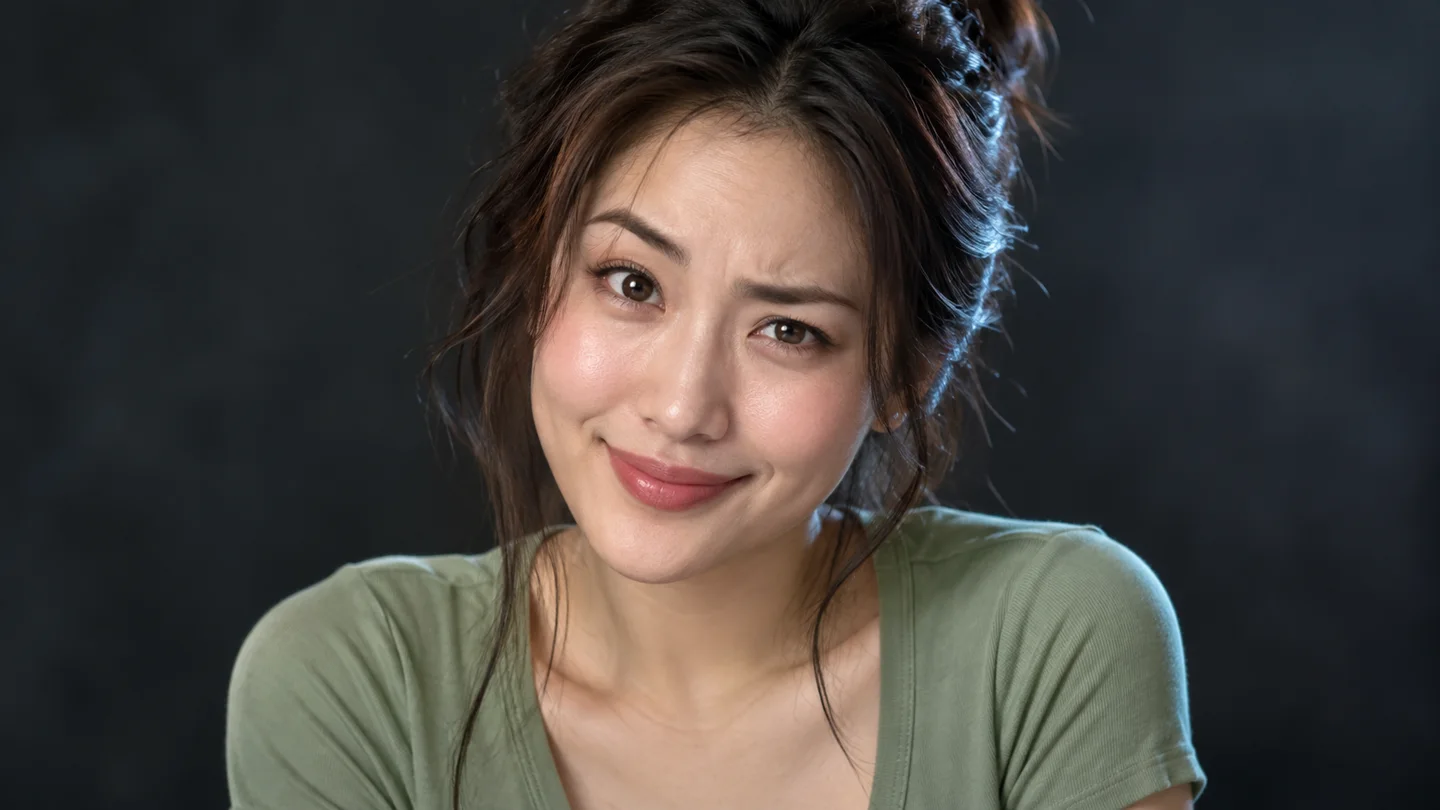
Four reference videos from SuperMaker AI, each linked to its source. They show facial movement, not MuseVideo outputs, so your results can look different.
Watch raised eyebrows, blinks and a surprised look in a tight portrait crop.
Source: SuperMaker AIA café scene combines a cheerful smile, gentle head tilts and restrained hand gestures.
Source: SuperMaker AIA centered outdoor portrait shows how a small change in the eyes and smile shifts the mood.
Source: SuperMaker AIA close outdoor portrait pairs mouth movement and head tilts with a playful look.
Source: SuperMaker AIStart with your own portrait or an image you have permission to use.
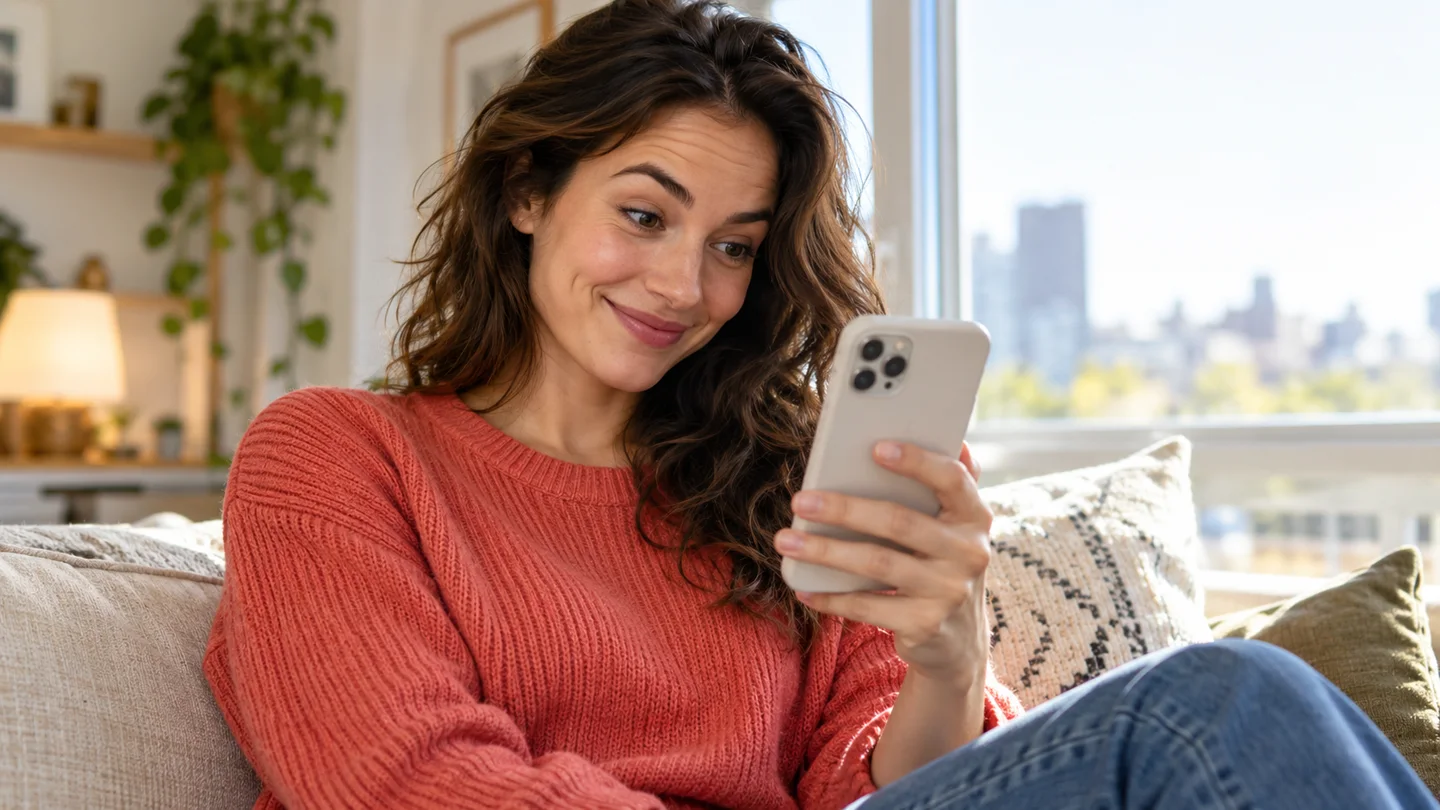
Make a short animated selfie for a birthday message or a group chat. Describe a surprised look or a warm smile, then preview the clip before you share it.
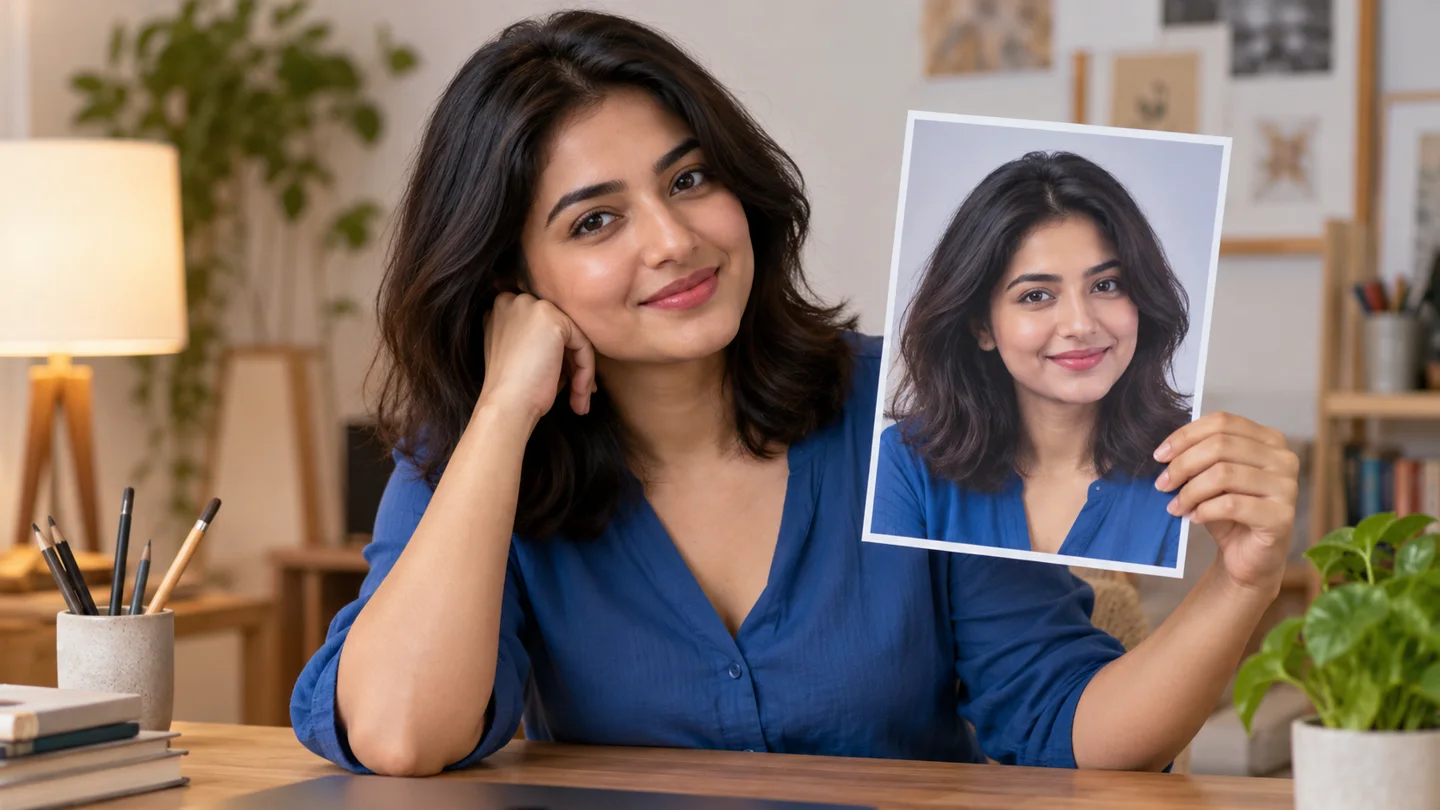
Social media teams can animate an authorized spokesperson portrait to test a friendly smile or a curious look. Compare variations and check the likeness before using a clip in a campaign.
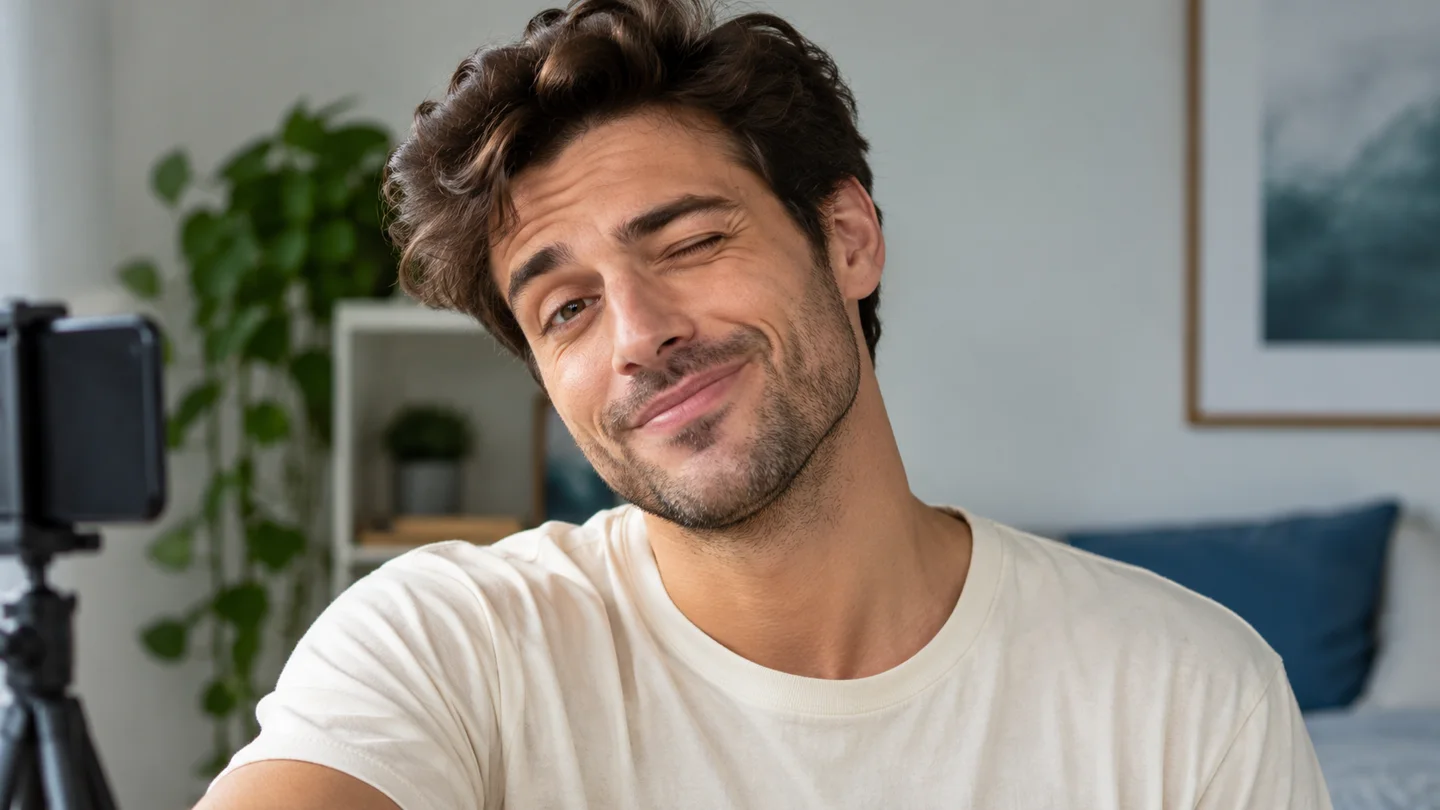
Choose 9:16 for a vertical portrait video, add a facial-expression prompt, then generate the clip and check the framing before you post it to TikTok or Instagram Reels.
Creative Controls
Start with a clear portrait and a short direction. Each generation can vary.
Use one portrait as the identity reference, with a close, steady camera. Check the face in each clip before you share it, because likeness can vary.
Open Advanced settings to describe a smile, a blink or a head tilt. A short facial-animation prompt sets the mood, so you do not need a motion-reference video.
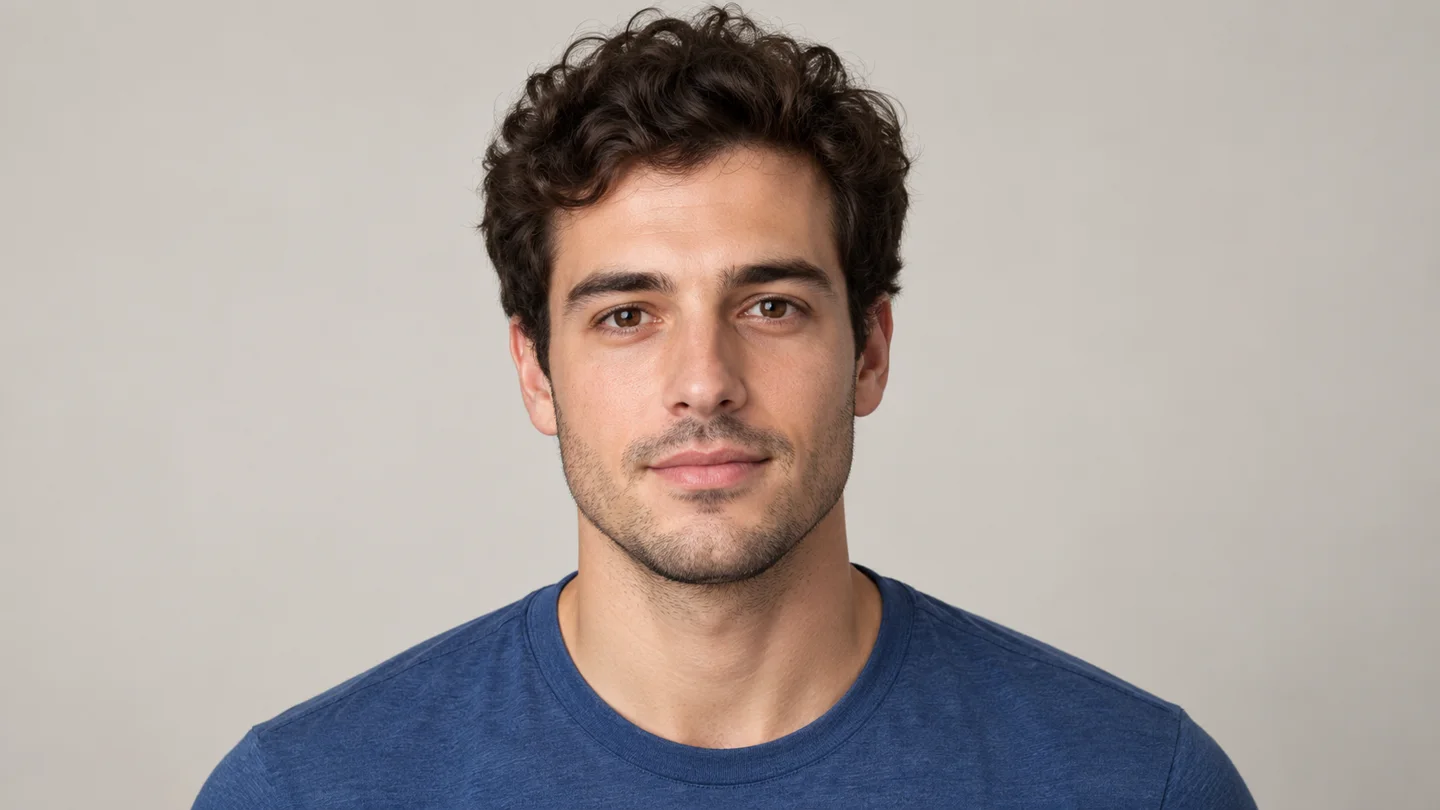
Use a well-lit, front-facing photo where the eyes, eyebrows and mouth are visible. Avoid sunglasses and group photos so the model has one clear subject.
Keep your portrait, prompt, credit total and preview in one browser workflow.
Add one clear portrait to begin. No video or audio file is needed.
Use the prepared facial-motion direction, or change it to fit your idea.
The total for your settings appears before you submit the task.
The model uses the face in your portrait as the reference. Likeness can still vary between clips.
Choose 1–4 clips and see the total credits for the whole batch.
Check the expressions, framing, motion and audio in each result before you download it.
Upload a portrait, choose your settings, then preview and download the video.
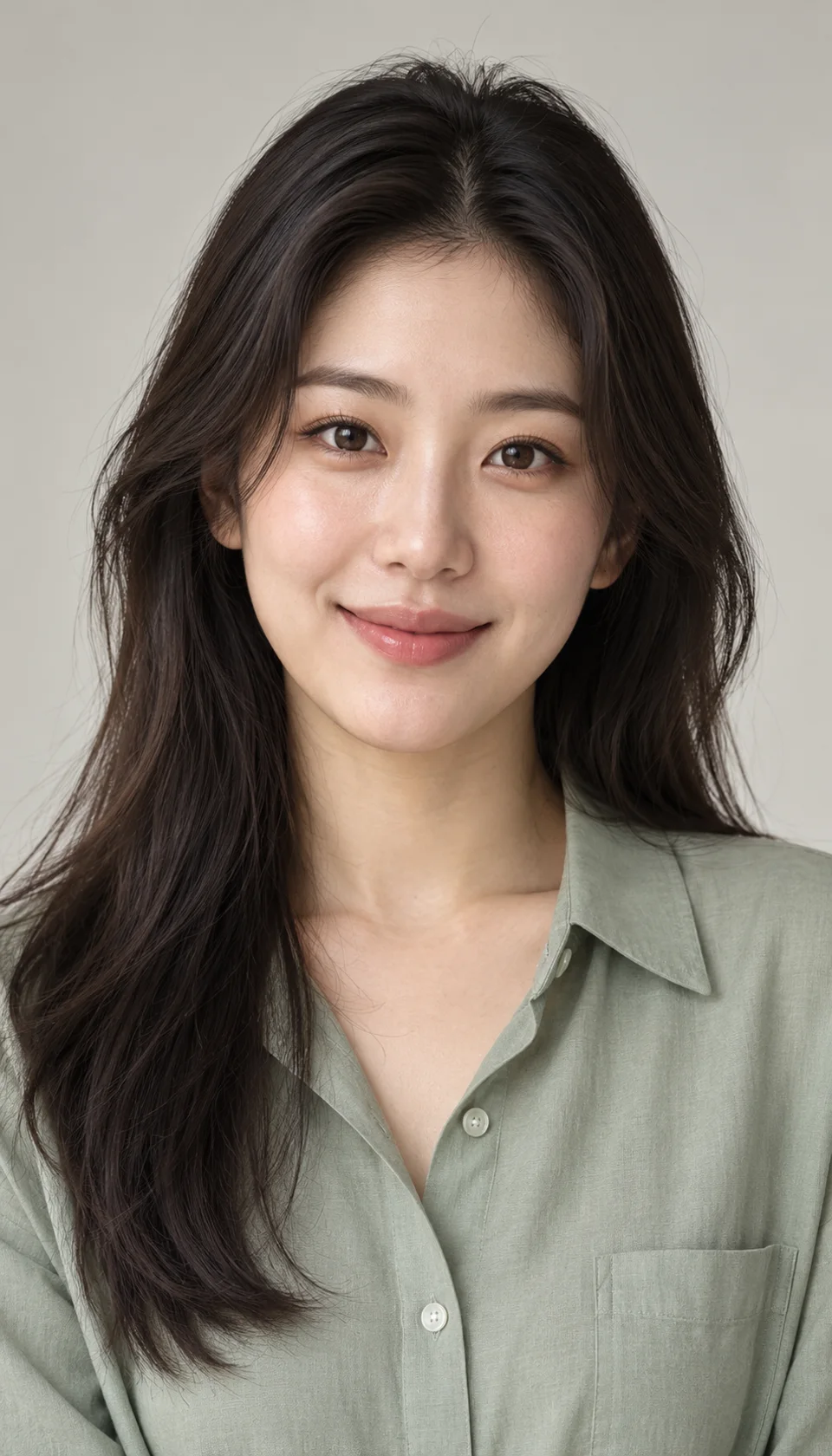
Upload one JPEG, PNG or WebP portrait up to 10 MB, or pick a saved image from your Assets Library. Use a well-lit face with visible eyes and mouth.
Keep the default facial-motion prompt or edit it in Advanced settings. Pick the duration, resolution, aspect ratio, optional audio and 1–4 clips. Check the total credit cost before you generate.
Sign in and make sure your plan or credits cover video generation. Preview the face, motion and sound, then download your clip. If a task is still processing, check it instead of submitting it again.
Answers about portrait uploads, credits, audio and how facial animation works.
More to explore
Explore related portrait animation, dance effects, and video tools for your next clip.
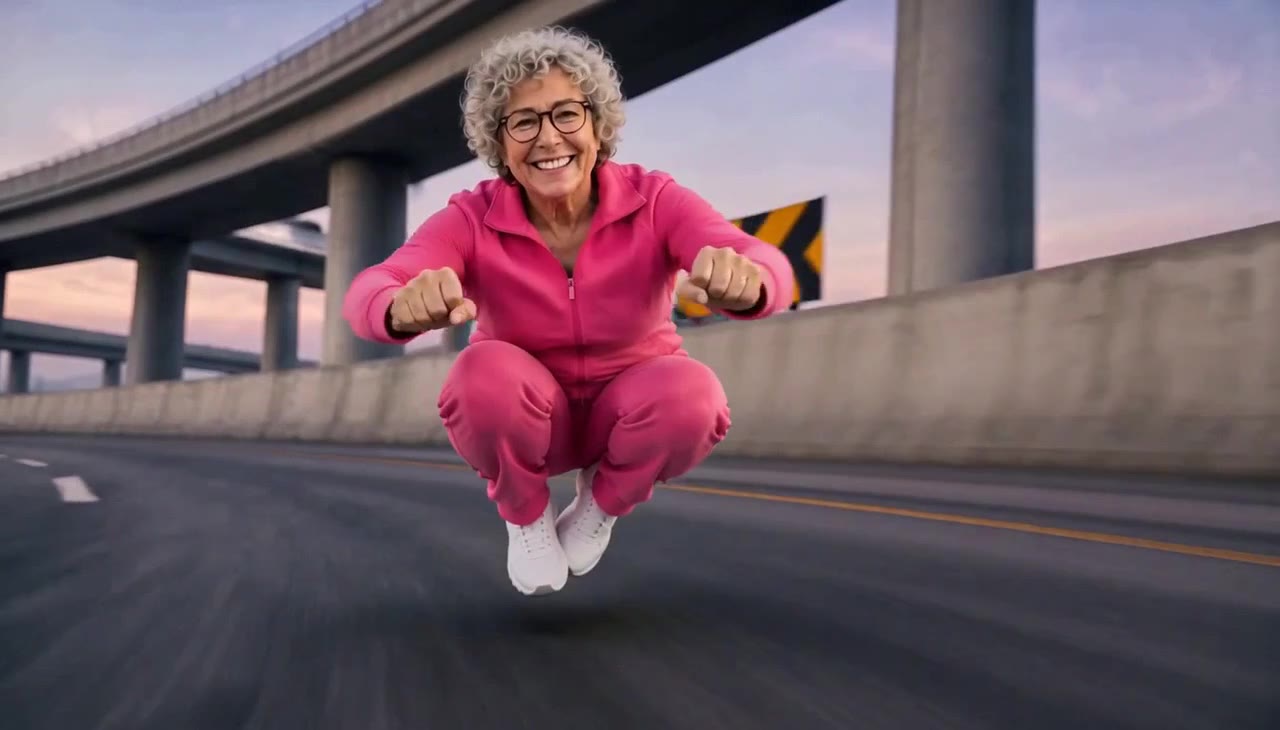
Crazy Frog AI
Turn rider and chaser photos into an AI chase video.
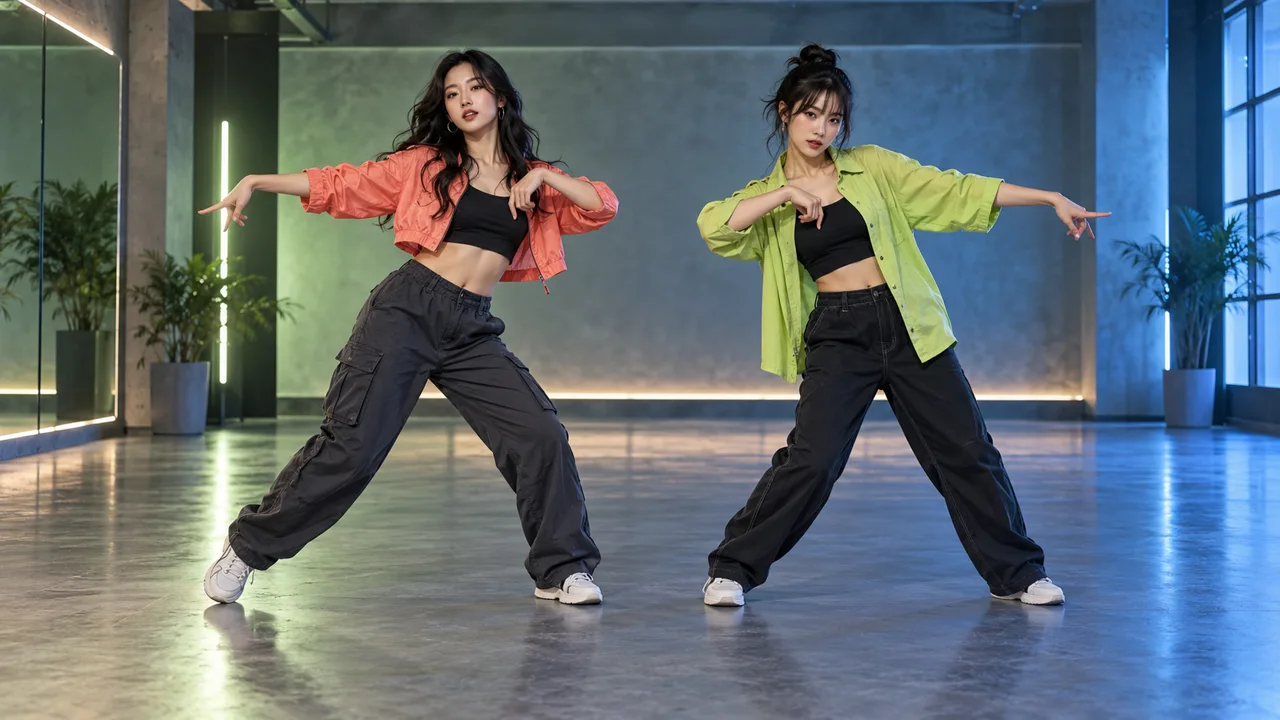
NEON Duo Dance
Bring you and a friend into a NEON-inspired duo dance. Add one photo per person, choose your settings, and review the credits before generating. Movement and likeness can vary.
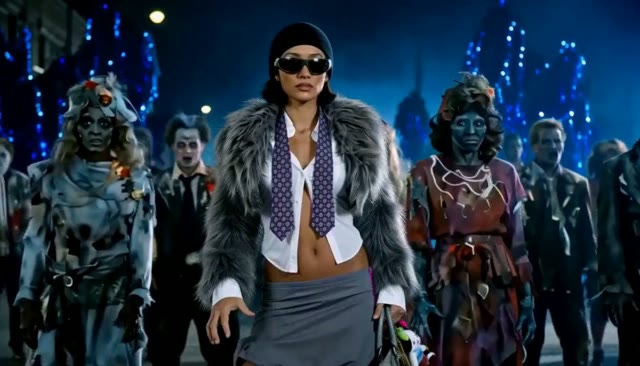
AI Thriller Dance
Turn one character photo into a zombie-inspired dance video.
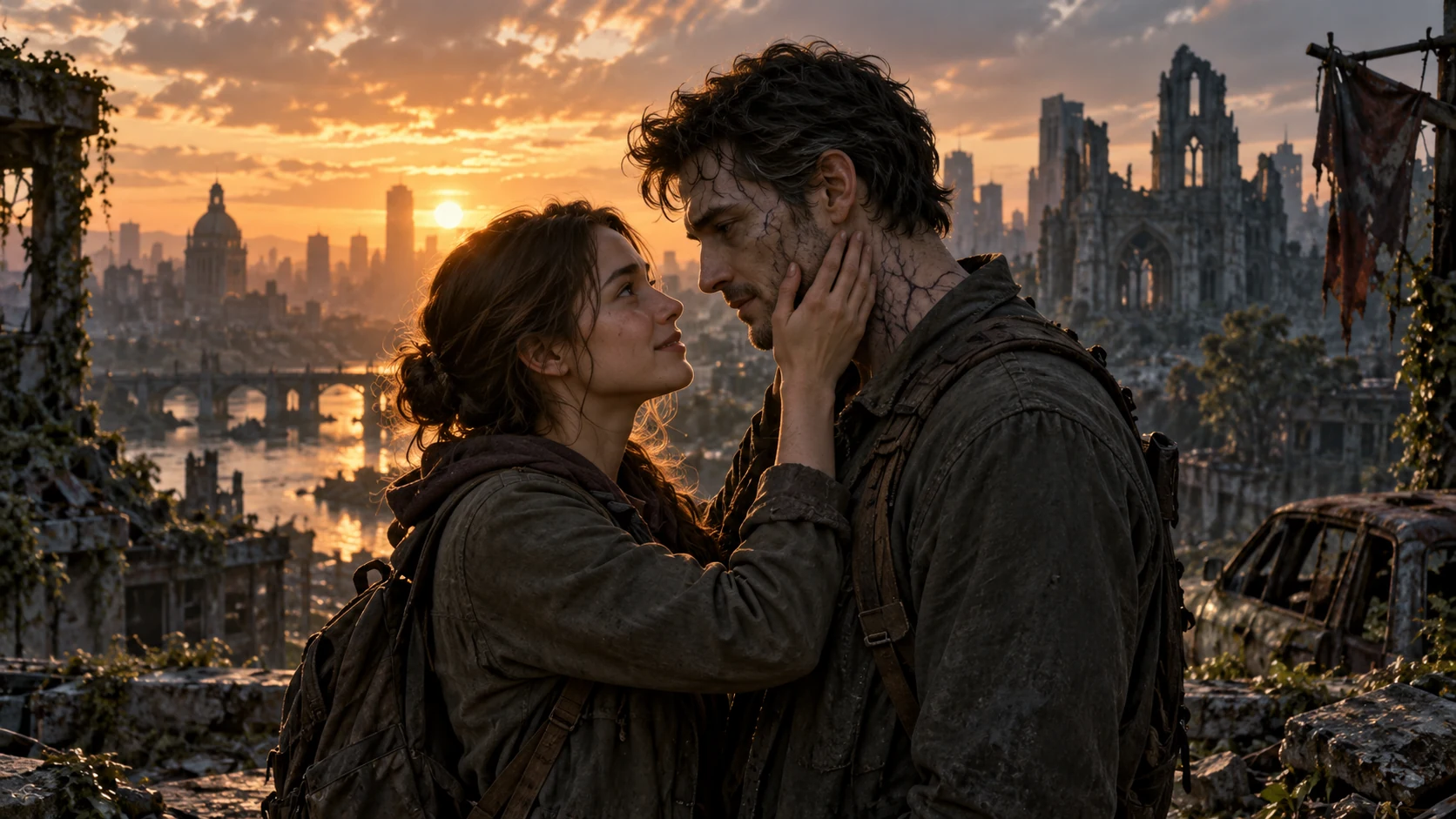
AI Zombie Love Story
Create a zombie love story video from two photos
Upload one portrait, choose a facial-motion direction and check the credit total. Preview your face dance before you download it.