Friends
Cast a friend in your two-photo rap duet
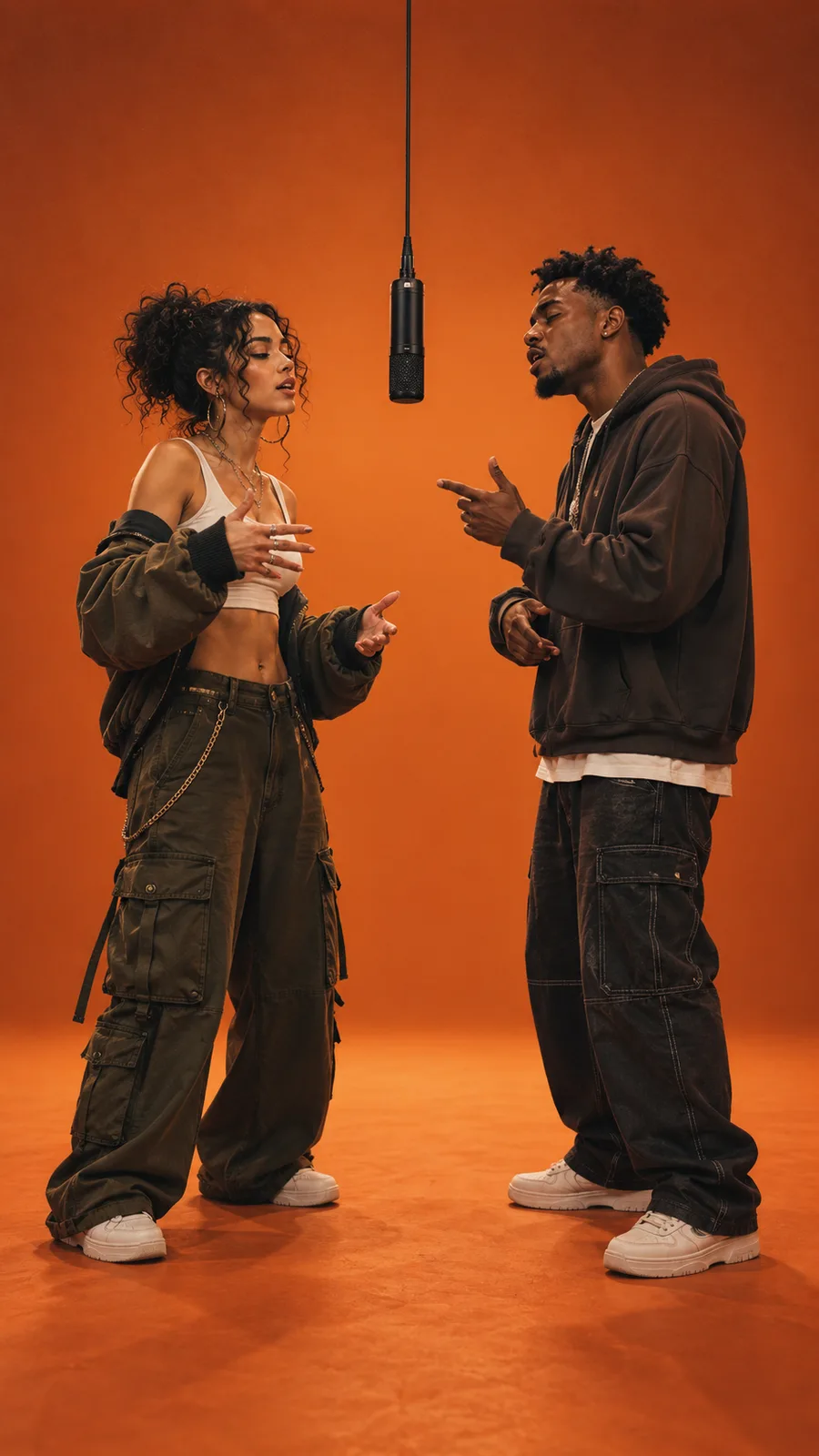
Give each person a dedicated side so expressions, outfits, and reactions remain easy to follow.
Two photos. One rap duet.
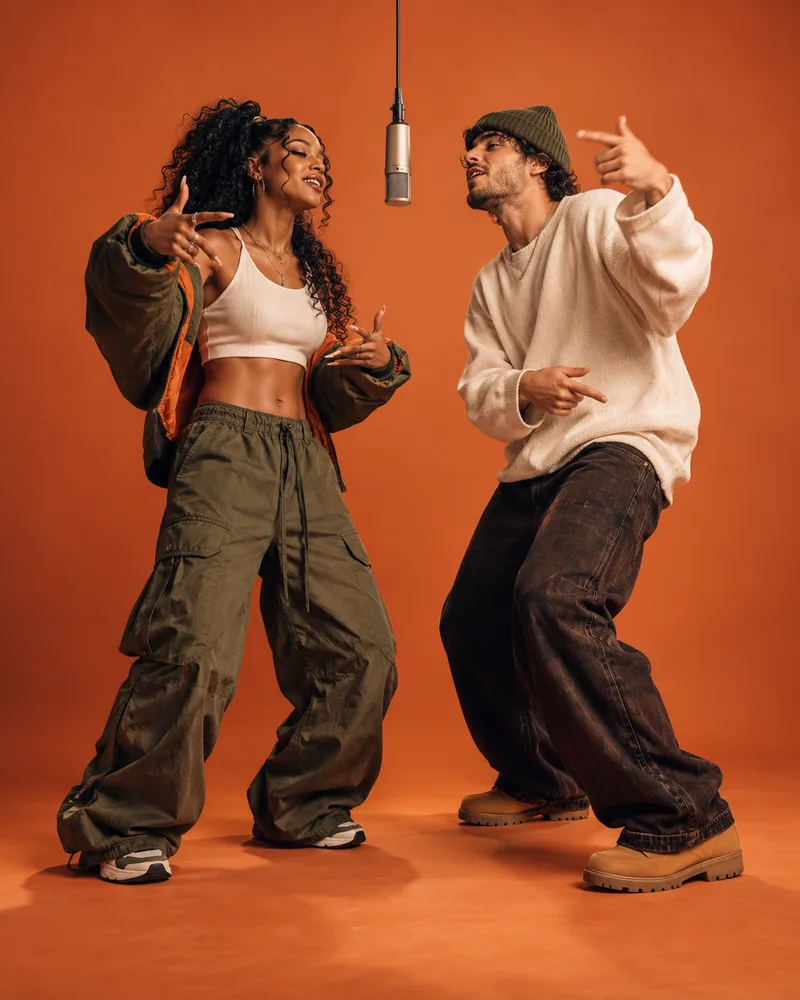
Create the Migos AI video trend with two photos and a fixed orange performance booth. Assign one subject to each side, choose 4–15 seconds, and generate a vertical duet without writing a prompt or editing a timeline.
One effect, many casting ideas
The Migos AI video trend turns two source photos into a staged orange-booth performance. Use the two roles for friends, creators, pets, or original characters while keeping each subject visually distinct.
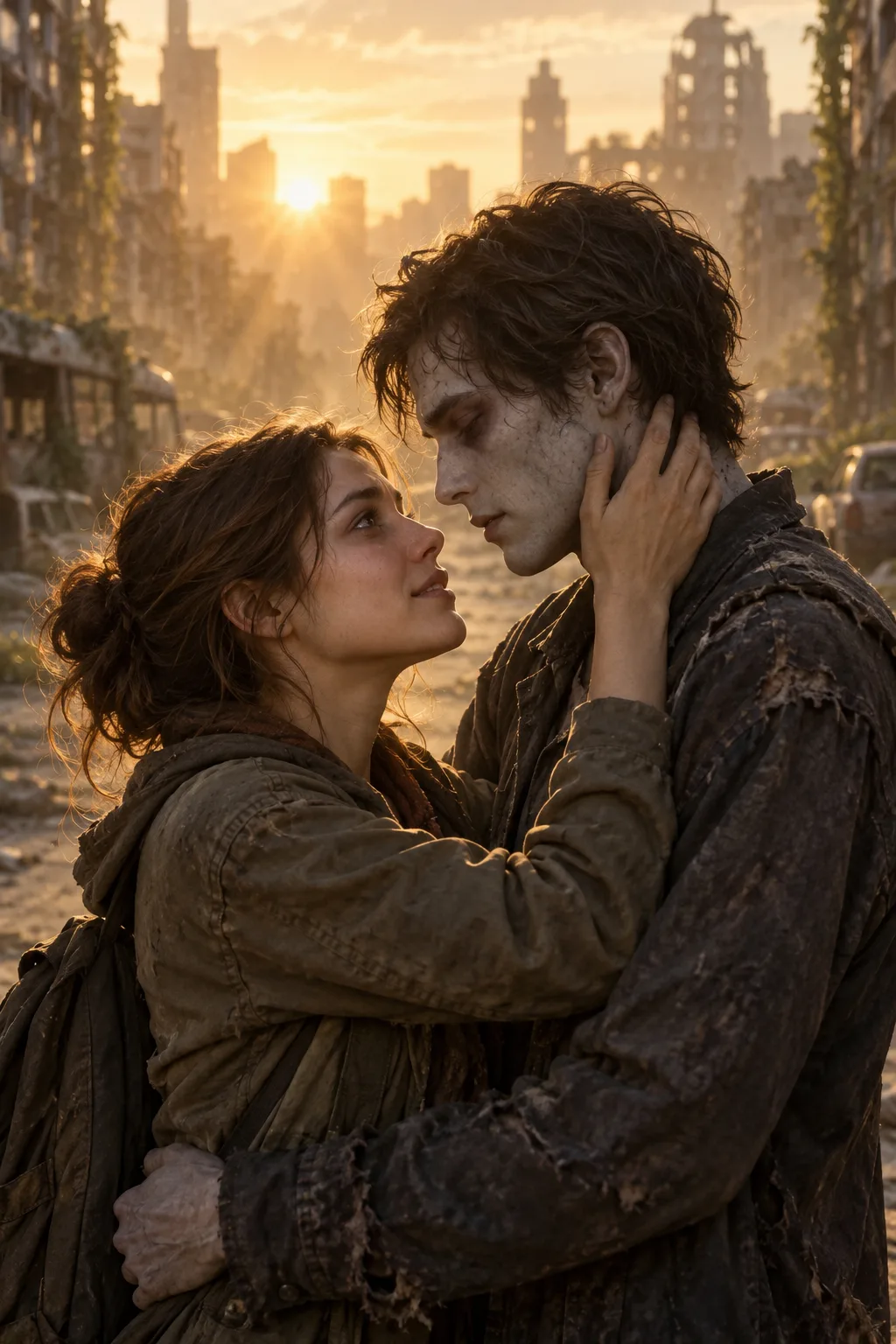
Friends
Give each person a dedicated side so expressions, outfits, and reactions remain easy to follow.
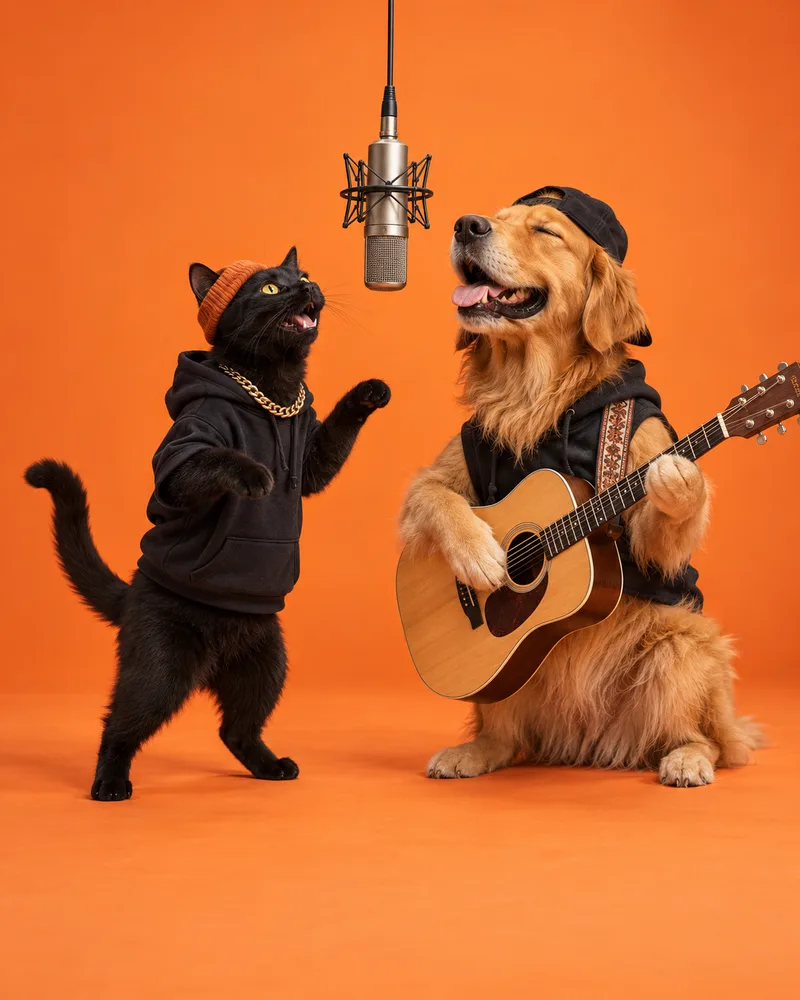
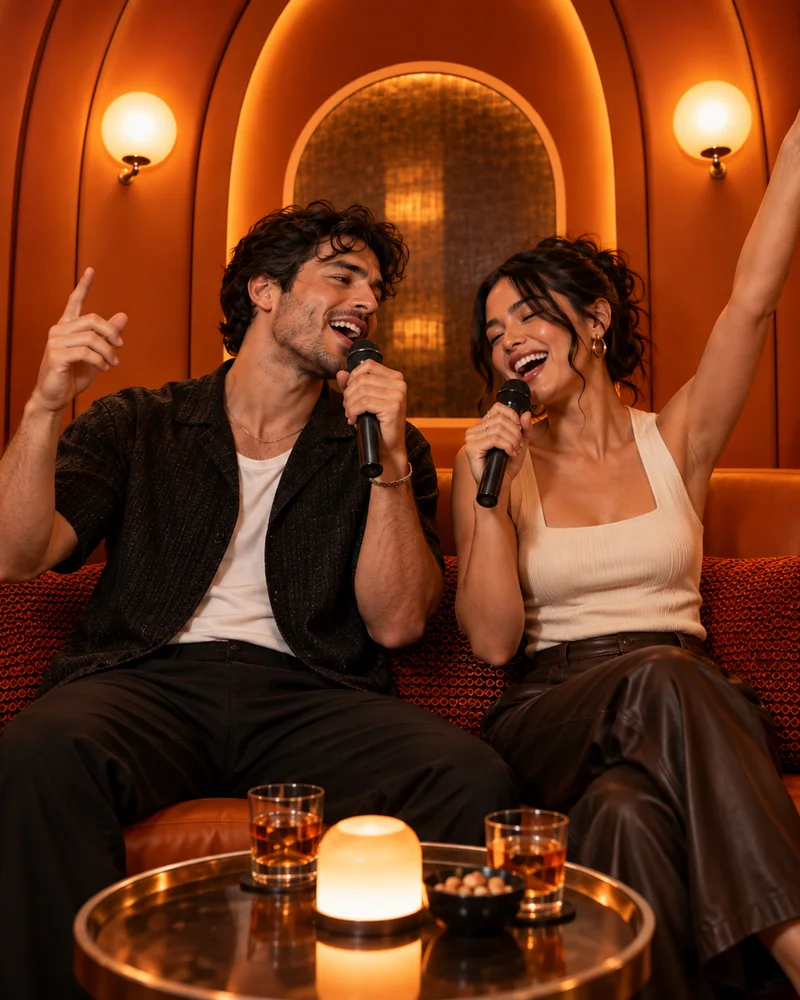
Pets
Use clean animal portraits to create an unexpected duo against the minimal booth backdrop.
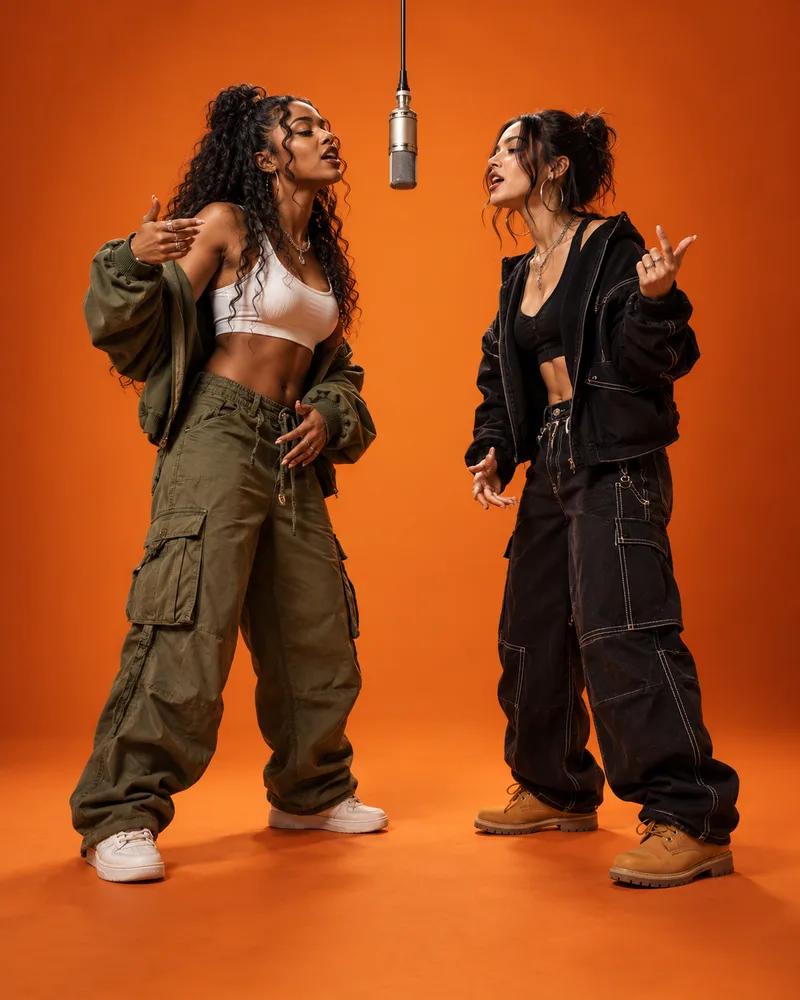
Creators
Plan the left and right casting before generation, then review both identities across the full clip.
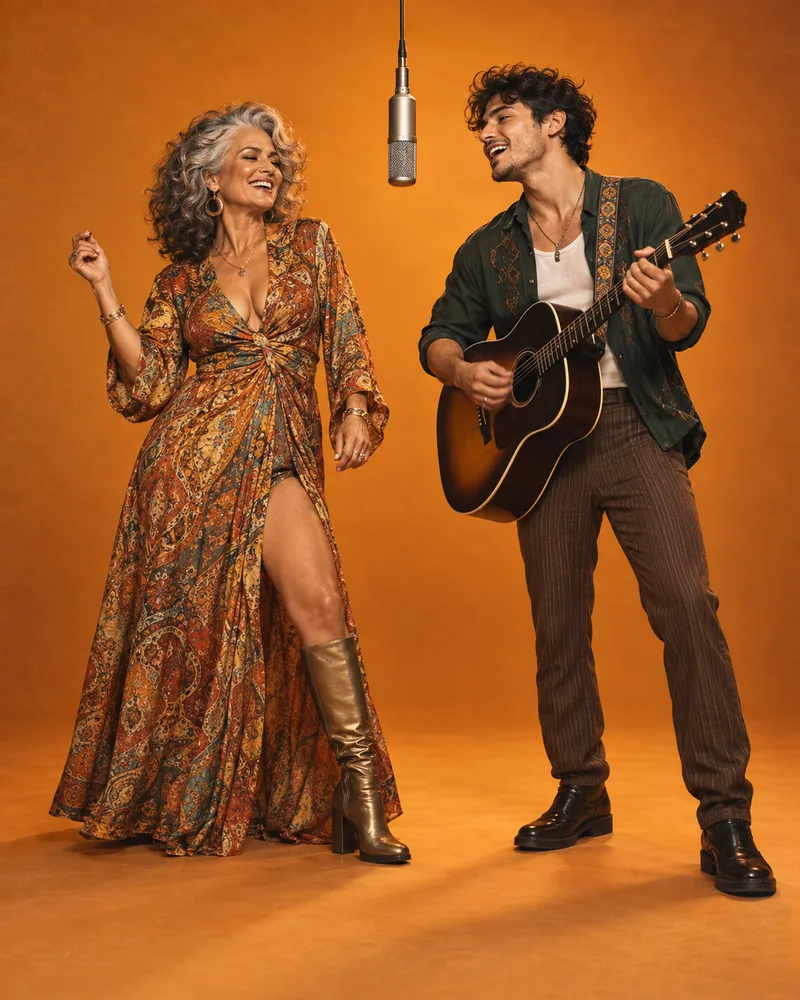
Identity-aware casting
A fixed full-body shot, hanging microphone, and alternating rap performances.
Identity-aware casting
Dedicated upload slots make the role assignment explicit before rendering. The fixed camera and simple booth reduce background distractions, helping you focus on face consistency, side order, and performance motion.
Separate portraits prevent the model from having to identify the intended person inside a crowded group photo.
The first upload leads from the left while the second performer remains assigned to the right.
Check for face drift, side swaps, crop problems, unwanted text, and motion artifacts before sharing.
Three-step workflow
A clear casting order and deliberate source photos replace prompt writing and manual video editing.
Choose front-facing images with one visible subject, even light, and enough of the body in frame.
Keep the 9:16 format for short-form feeds, then choose any duration from 4 to 15 seconds.
Watch both identities through the full Migos AI video, then download the result for your chosen platform.
Source-photo checklist
The photos do not need identical lighting or framing, but each one should make its intended subject easy to recognize.
Create responsibly
Migos is referenced to describe the recognizable internet trend. MuseVideo is not affiliated with the artists. Upload only images you may use, review every generated frame, and secure separate permission for any music added before publishing.
Questions creators ask
Answers about the trend, two-photo workflow, role order, credits, source photos, music rights, and failed generations.
The Migos AI video trend is a two-subject clip inspired by the orange performance booth associated with the Hotel Lobby visual. A generator maps two source photos to left and right performers, then creates a vertical rap-duet scene. It is an internet effect description, not an official Migos product.
Upload one clear image for the left performer and another for the right. Choose a duration between 4 and 15 seconds, select an output resolution, and start the generation. When processing finishes, review the full vertical clip for identity consistency, side order, crops, and motion artifacts before downloading it.
You can choose both source images, set duration and quality, and inspect the orange-booth effect before purchasing credits. Rendering a personalized clip requires the credit amount shown on the action button and access to the supported video model. Available subscriptions and one-time credit packs are listed on the pricing page.
The first upload is assigned to the left performer, and the second upload is assigned to the right performer. Each slot remains labeled while you configure the clip, so you can replace either photo independently. Confirm the casting order before starting a generation because the template preserves that visual arrangement.
Use separate JPG, PNG, or WebP files with one clearly visible subject in each image. Front-facing faces, even lighting, natural detail, and similar framing help the model preserve both identities. Avoid group shots, covered faces, heavy blur, aggressive filters, tiny subjects, and files larger than 10 MB.
The generator does not provide rights to the original Hotel Lobby recording or other third-party music. Review the silent or generated result, then add audio through a platform library or another source where you hold the necessary permission. Music availability and usage rules can differ by service, region, account, and post type.
Yes. The two reference slots can use pets, illustrated characters, or other subjects you are allowed to upload. Clear portraits with one subject per image usually create easier-to-read casting. Results vary because the model must translate each reference into a full-body performance, so inspect identity and anatomy before sharing.
Confirmed provider failures release the credits reserved for that generation. If a job continues after you leave, its task identifier remains in the same browser for your signed-in account. Return to this page and use the resume action to check the existing job rather than submitting and paying for a duplicate render.
More to explore
Find another way to turn music and portraits into a video.
Your duo is ready to cast
Upload two clear photos, confirm who performs on each side, and generate an original vertical orange-booth duet for your next short-form post.