
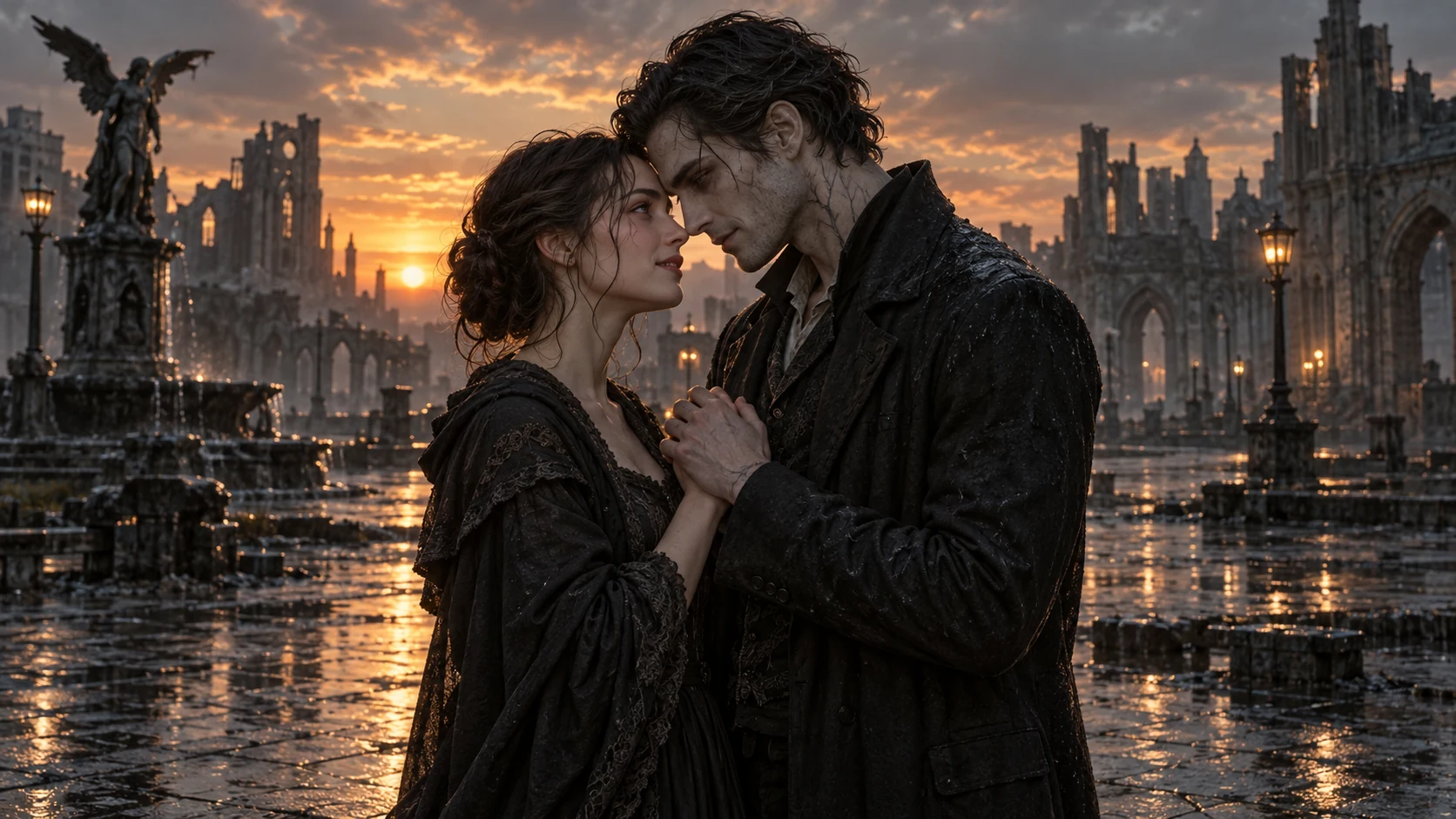
Zombie Love Story for Couples and Friends
Use two portraits to guide one emotional scene for a vertical Reel, TikTok, or Short. A fixed multi-shot plot and exact likeness are not guaranteed.
Make an AI Zombie Love Story from two portraits. Describe one shared scene, choose the undead look and camera shot, and check the prompt and credit cost before you generate. One-photo and text-only zombie videos are available too.
First: human survivor. Second: infected partner. Each photo guides one character.
JPEG, PNG, or WebP · up to 10 MB each
Generate audio
Include model-generated sound when available.
Number of videos
Choose 1–4 variations. Each uses credits.
The model uses this prompt for every video in the batch. Results can vary.
This is a sample video, not your result. Your clip will look different.
Bring your own characters into a cinematic love scene
Give two familiar faces a love story set after the world has fallen apart. Upload the human survivor first and the infected partner second, and the AI Zombie Love Story generator uses your portraits as references for their reunion. Clear photos help define each character, while the aspect ratio and optional audio shape the final clip. Generate up to four variations and keep the moment that moves you most.
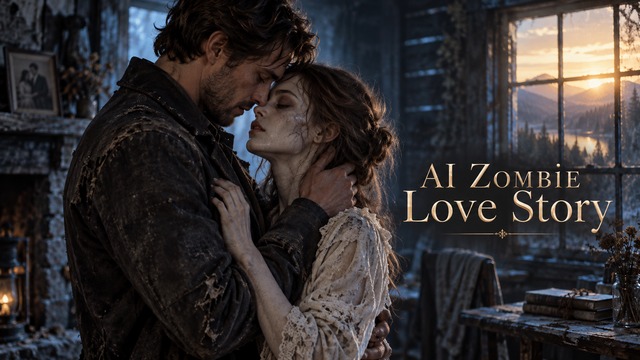
Watch a sample AI Zombie Love Story and other undead clips, then pick a prompt to start your own scene. Results vary.
Start with two portraits for a shared love scene, or try a one-photo transformation or a text-only apocalypse clip.
Use two portraits to guide one emotional scene for a vertical Reel, TikTok, or Short. A fixed multi-shot plot and exact likeness are not guaranteed.
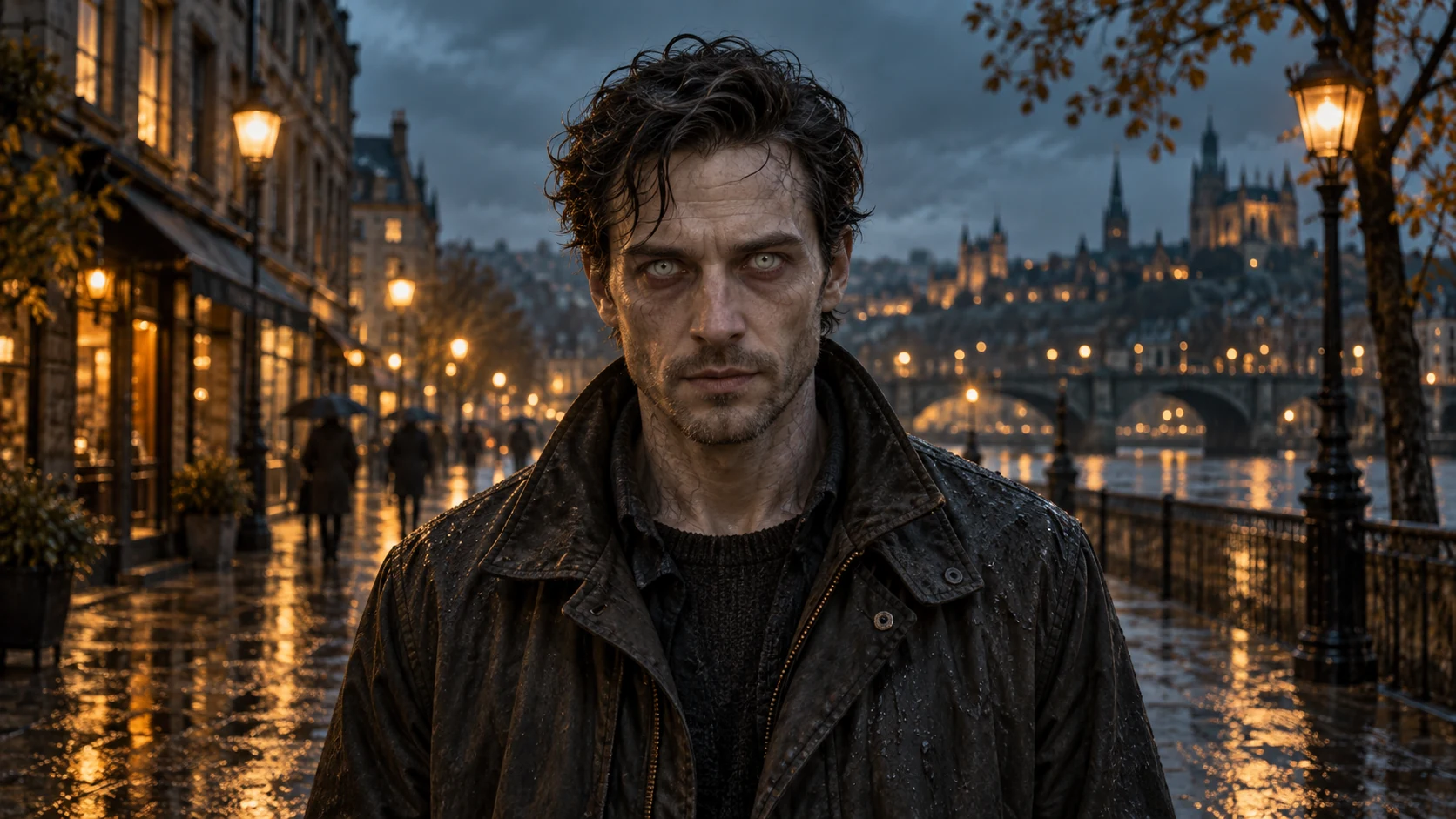
Turn one clear selfie into a short, non-graphic zombie reveal for your Halloween post. Ask the model to keep your features recognizable.
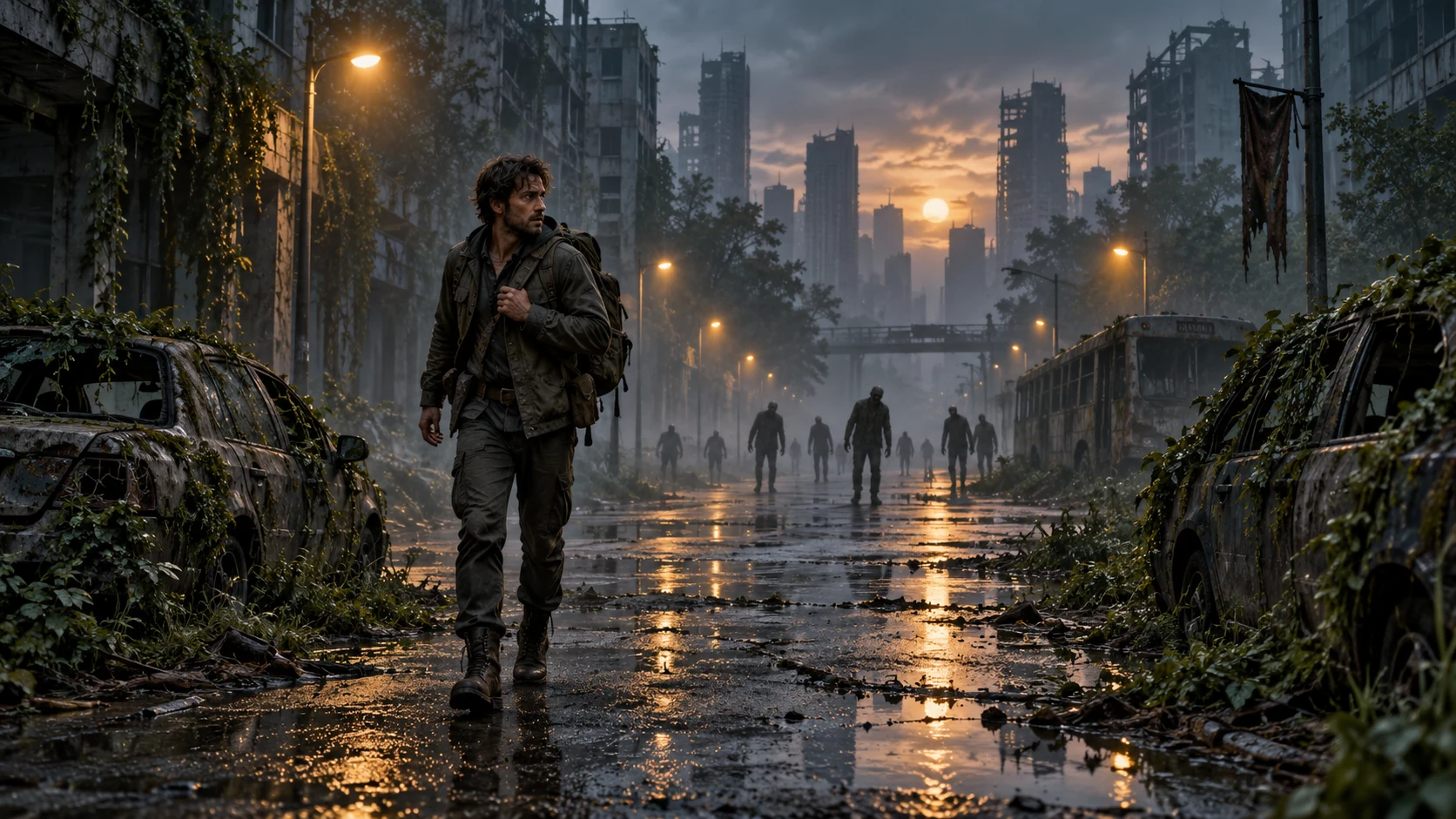
Write a text prompt for a foggy street, distant undead silhouettes, and one camera move to draft a horror short-film shot without a source photo.
02Creative Controls
Pick your input, check your photos, and read the exact prompt that will guide your video.
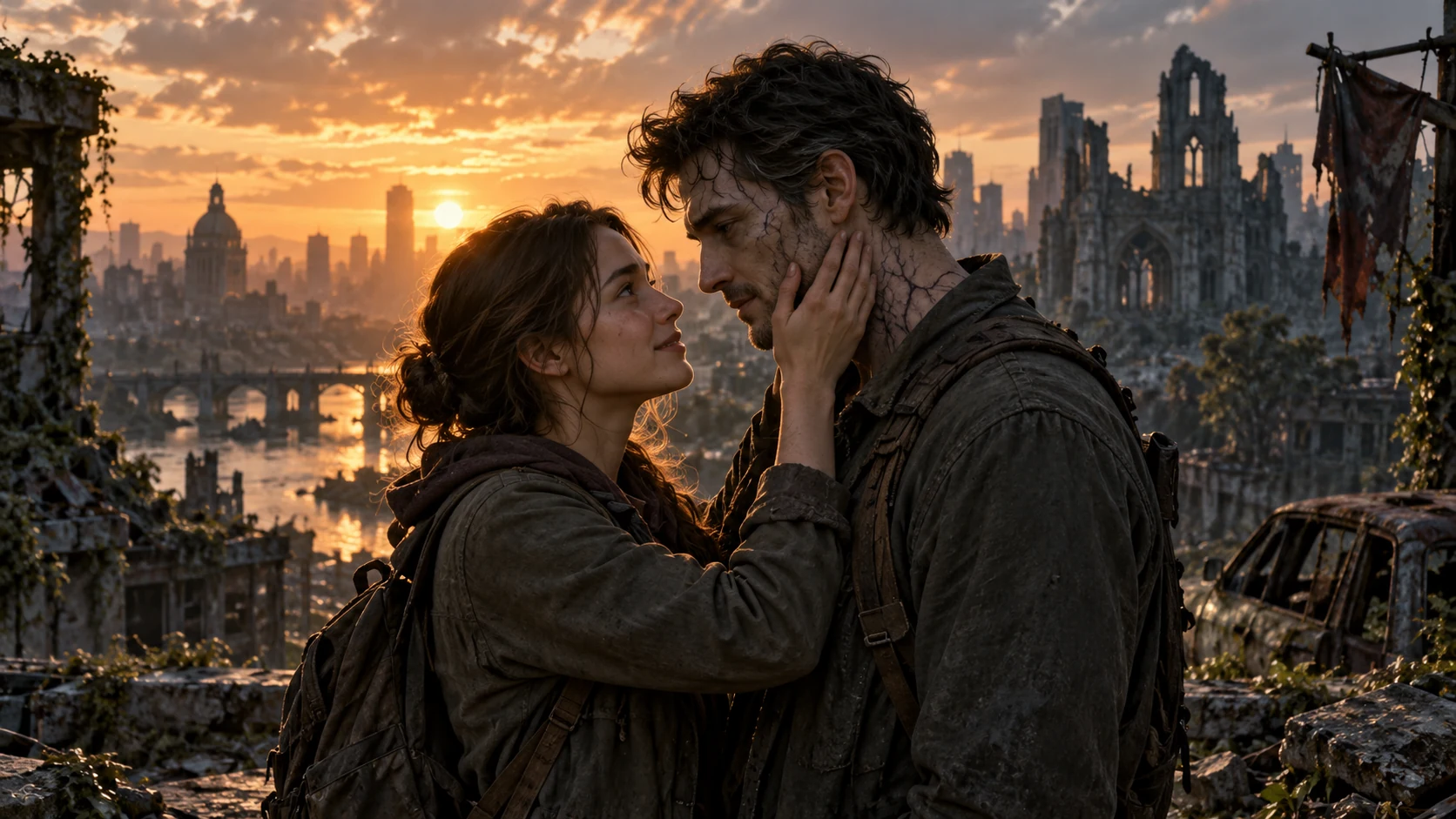
Upload one portrait for each person and describe a single shared scene. Preview the final prompt and photo checks before you spend credits. Choose Auto or one of six aspect ratios, 480p to 4K, optional audio, and up to four variations.
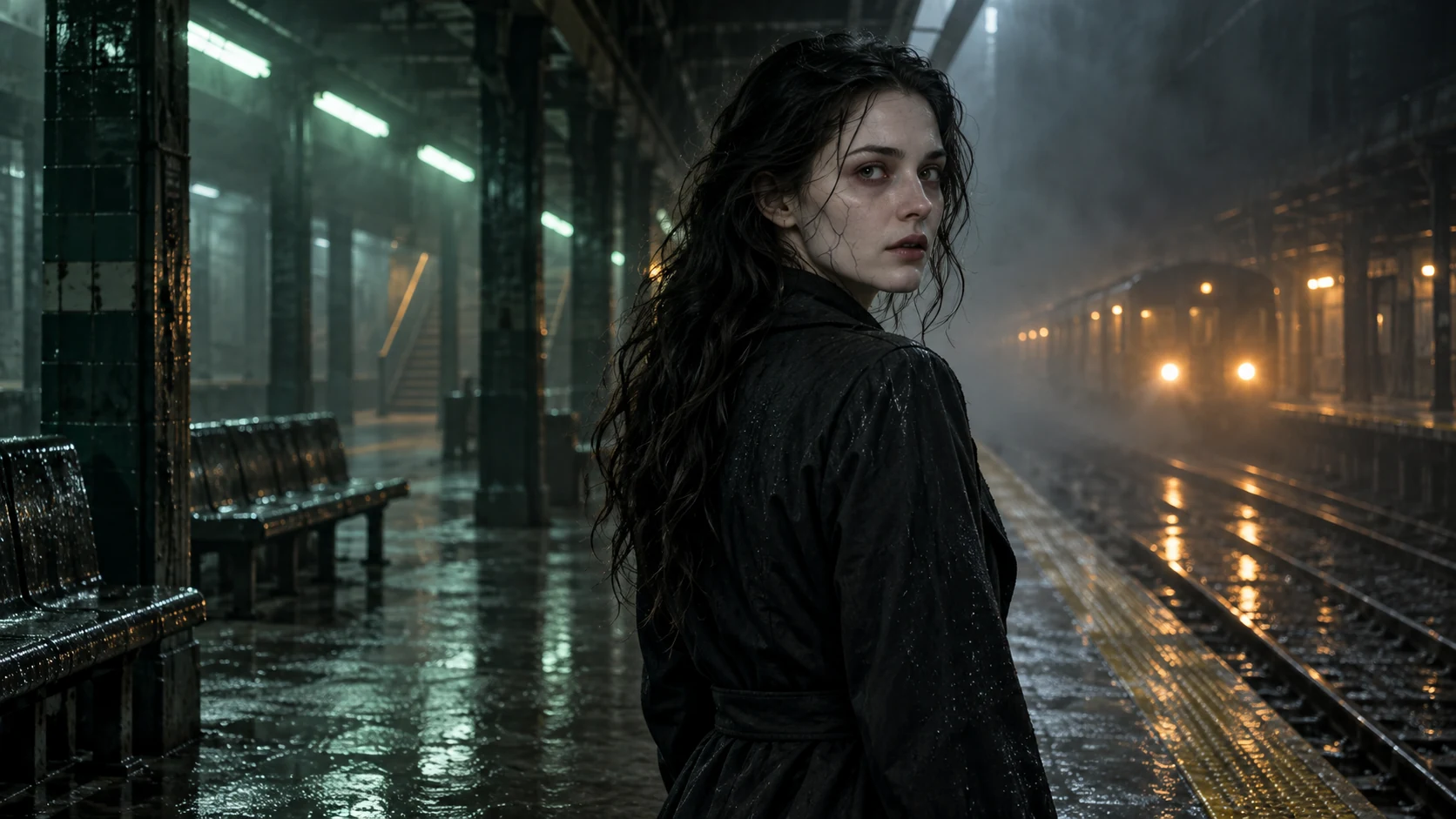
Choose a subtle, cinematic, or eerie look and a close-up, medium, or wide shot. Preview the exact prompt text sent to the model before you use credits.
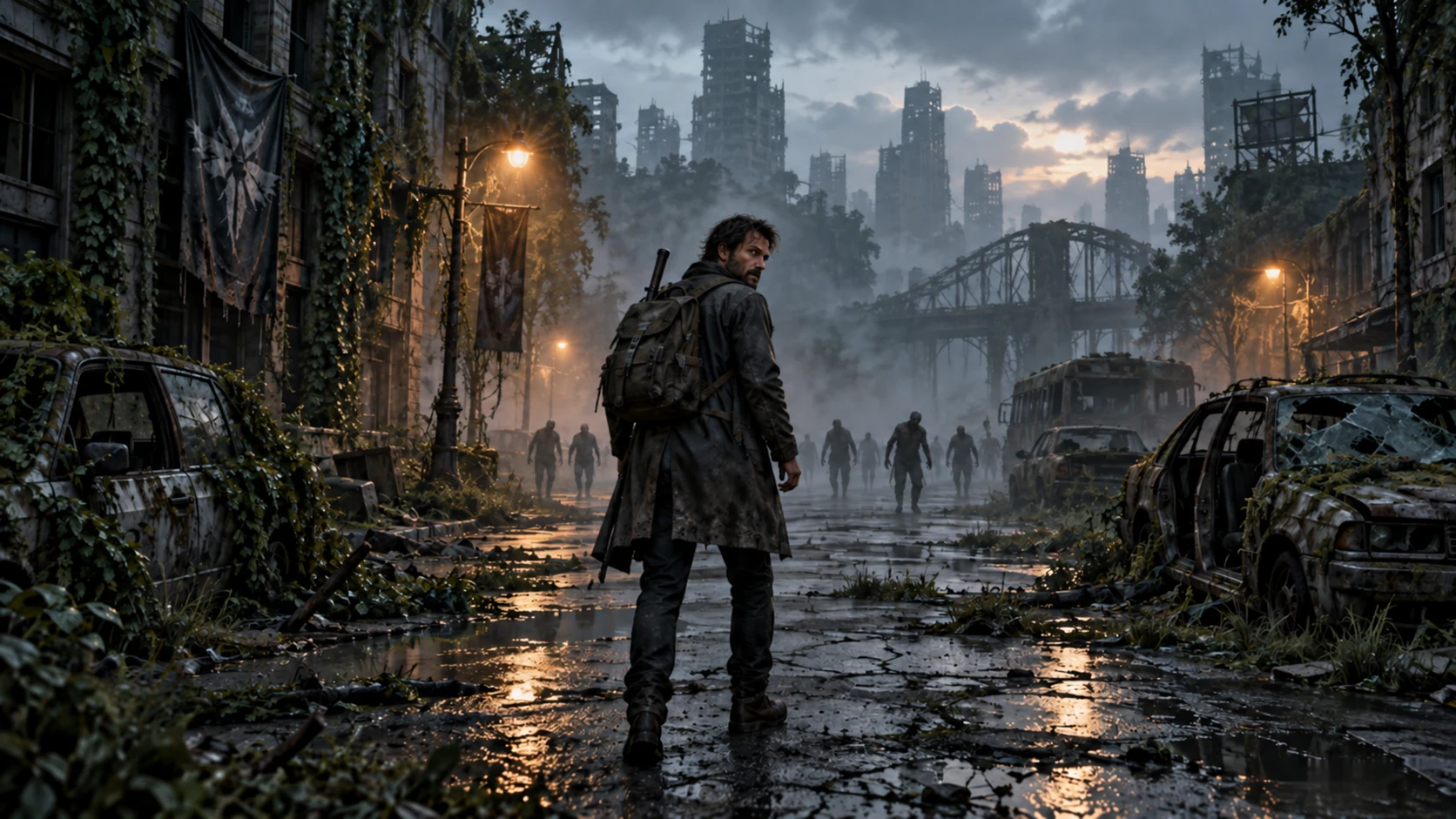
Your browser checks each photo’s pixel size before upload. A warning appears if the photo is small or its shape differs a lot from your chosen 9:16, 16:9, or 1:1 output.
Turn photos or a written scene into a horror-inspired video or portrait, right in your browser.
Use two photos to build one short zombie love scene, with no timeline editing.
Two-Photo Start
Start from a sample zombie scene, then change the subject, movement, lighting, and framing to fit your clip.
Prompt Control
The credit cost for your chosen model, duration, and resolution is shown before you submit a zombie video task.
Visible Cost
Start with a clear photo and turn on the face-preservation option to help keep your character recognizable. Results vary by model.
Character Reference
Move between a single-photo transformation, a two-photo love story, and a text-only apocalypse scene without leaving the page.
Creative Range
Watch the finished zombie video or portrait, then download it for your short-form post or concept board.
Usable Output
Upload two portraits, describe one shared scene, then review the prompt and credit cost before generating.
Choose Zombie Love Story, then upload one clear portrait for each person. Your browser shows photo size and cropping warnings before upload.
Edit a sample prompt or write your own scene, then select the undead look and camera shot. Review the final prompt before you generate.
Choose the duration, aspect ratio, and resolution, then check the credit cost. Generate the clip, preview it, and download the video you want to keep.
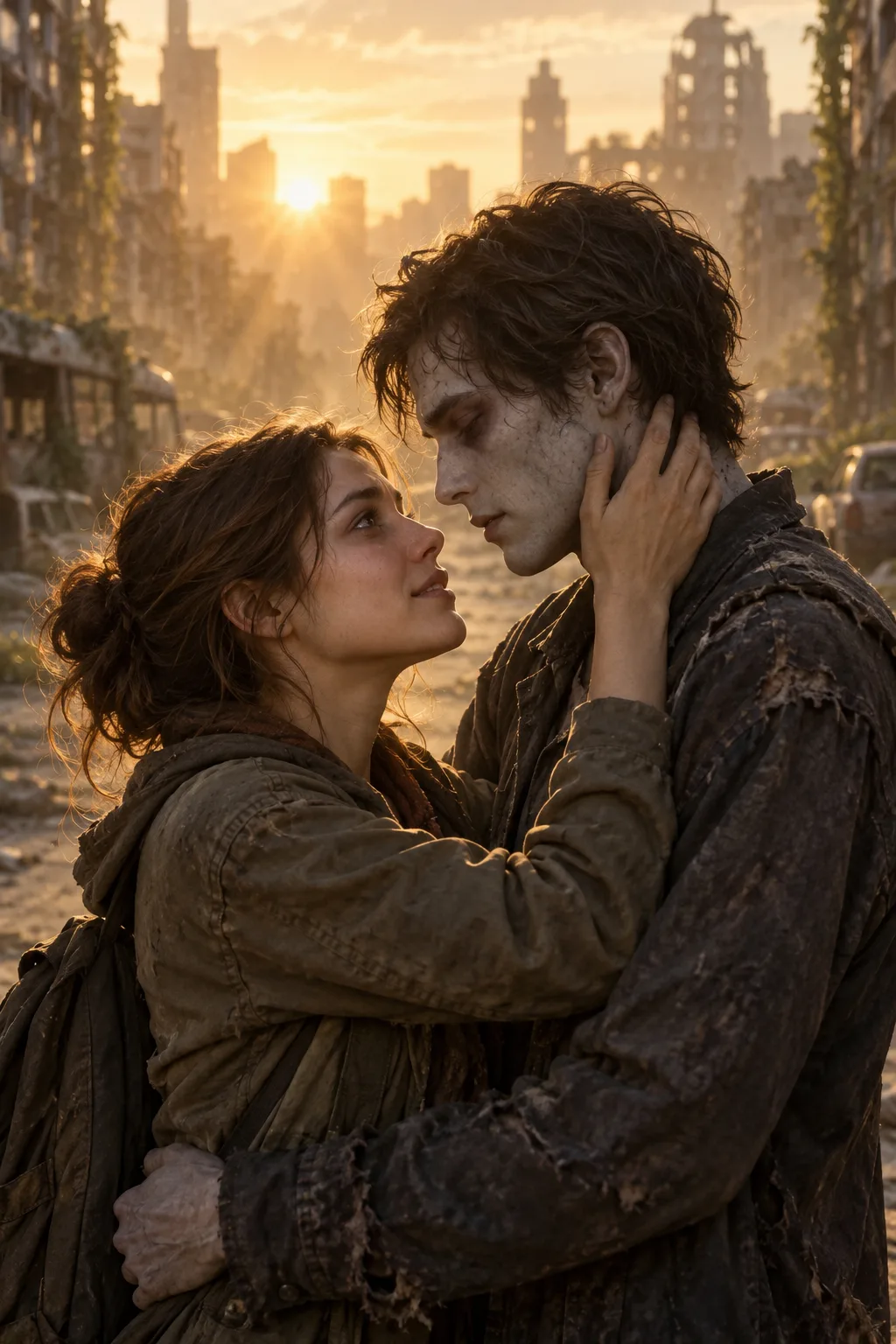
Answers about source photos, two-person scenes, vertical video, credits, and privacy.
More to explore
Explore image and video tools for your next character or scene.
GPT Image 2
Create images from a prompt or rework an existing image.
Grok Imagine
Turn visual ideas into short clips with text and image inputs.
Hotel Lobby AI
Create a singing duet from two portrait photos.
Migos AI Video Generator
Turn two portraits into a shared rap performance.
AI Music Video
Explore song-led visuals and music video creation.
Upload two portraits, describe your shared scene, choose the undead look and shot, and check the credit cost before you generate.