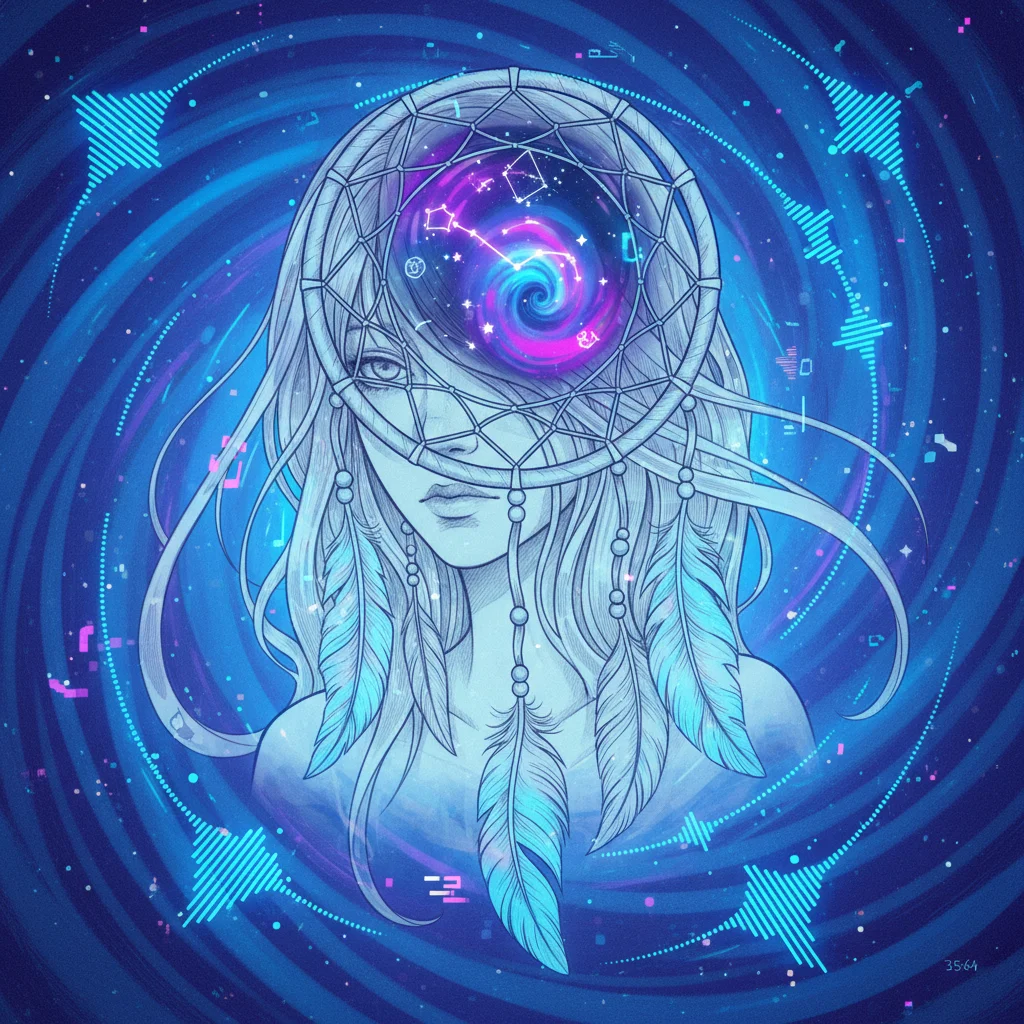
Celestial Dream Key Visual
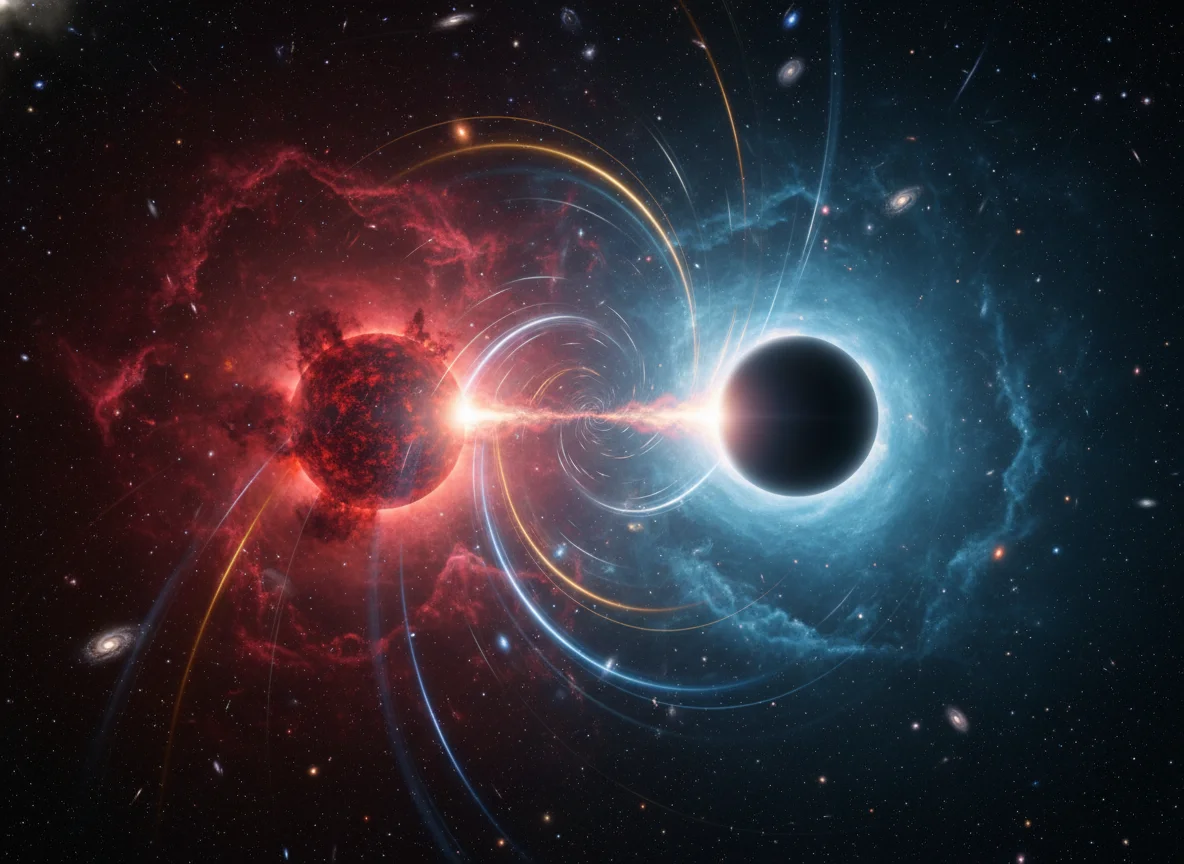
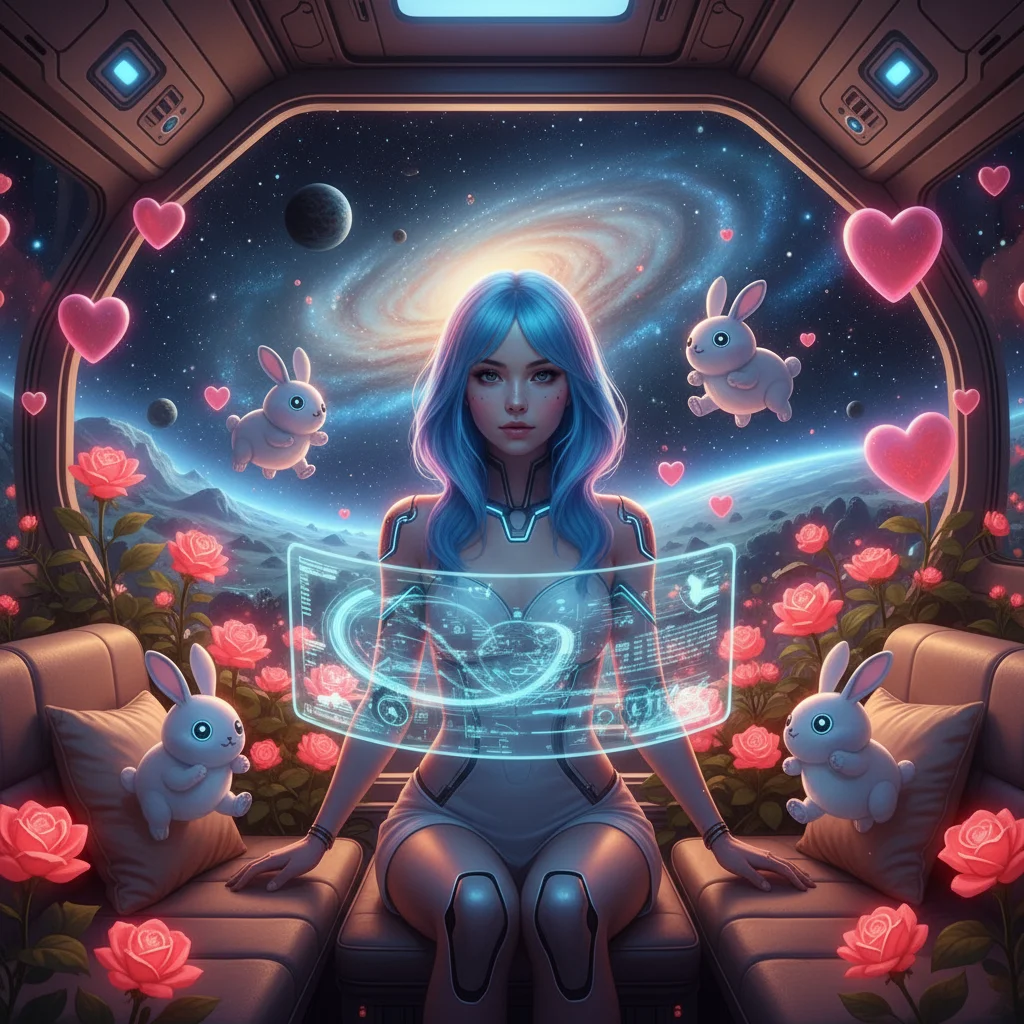
For meditation/astrology brands, podcast covers, and landing pages—a cyber-blue portrait with a galaxy swirl that conveys mystique and calm; ideal as a homepage hero or album art.
Experience Seedream 4.0, the power of Bytedance's model. Generate consistent game characters, edit photos with text, and create stunning visuals in seconds. No credit card required.
Click / Drag / Paste an image to image reference
Max 10MB • JPEG, PNG, WebP
Upload up to 10 images; extra files are ignored
Quick Prompts
From fashion editorials to product mockups, explore what MuseVideo text to image rendering creates from a single prompt.
For meditation/astrology brands, podcast covers, and landing pages—a cyber-blue portrait with a galaxy swirl that conveys mystique and calm; ideal as a homepage hero or album art.
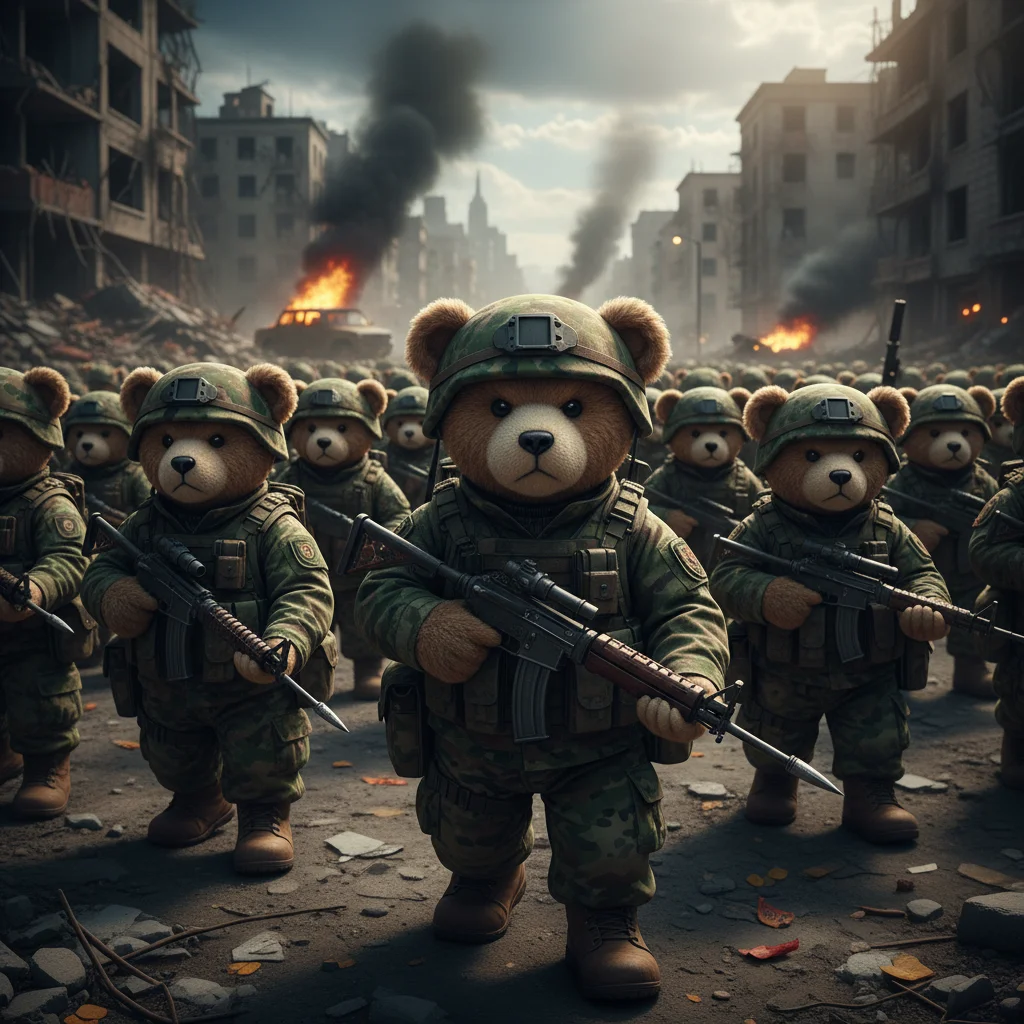
Teddy plush troops in a war-torn street create a striking “cute × hardcore” clash; suited for anti-war/anti-violence campaigns, streetwear or toy launches, and high-engagement social posts.
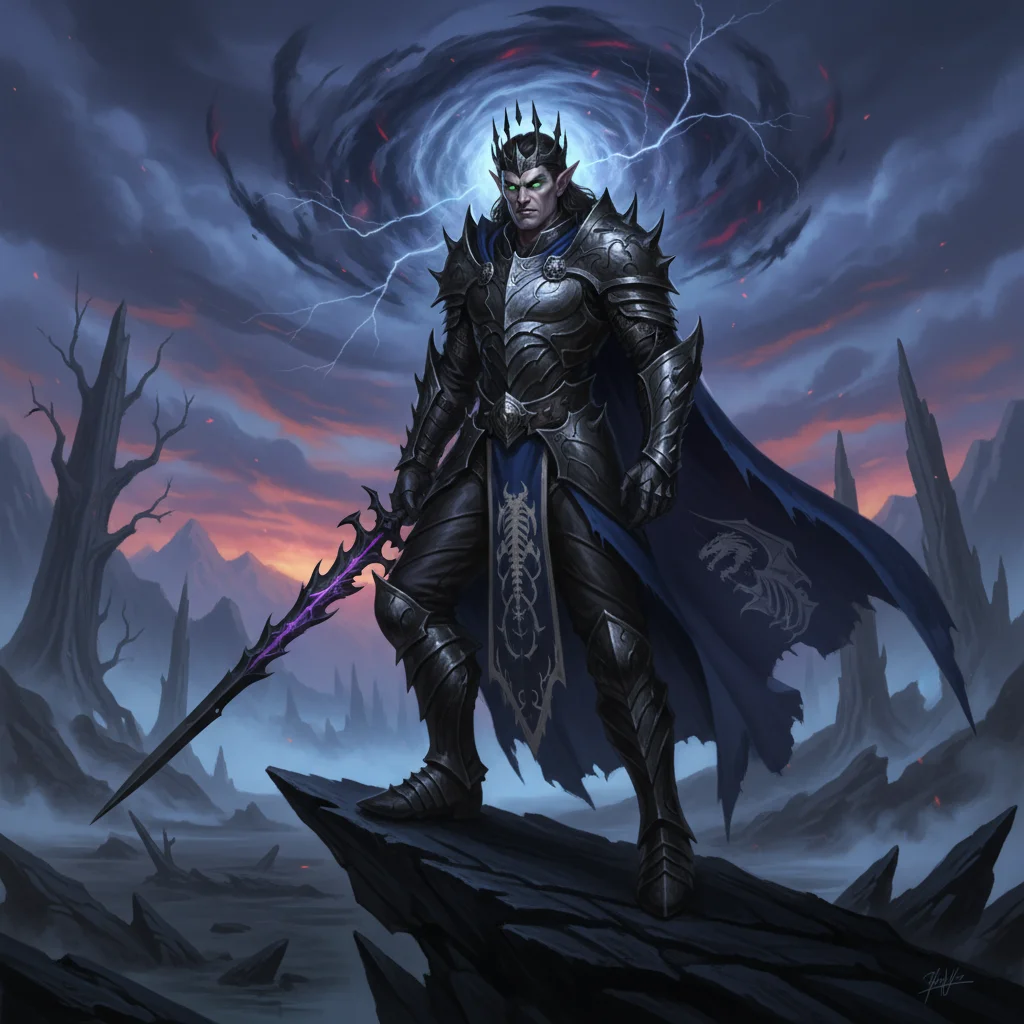
Obsidian-armored knight beneath a storm vortex—perfect for RPG hero concepts, novel covers, tabletop/TCG cards, or esports posters; a strong base for multi-skin colorways.
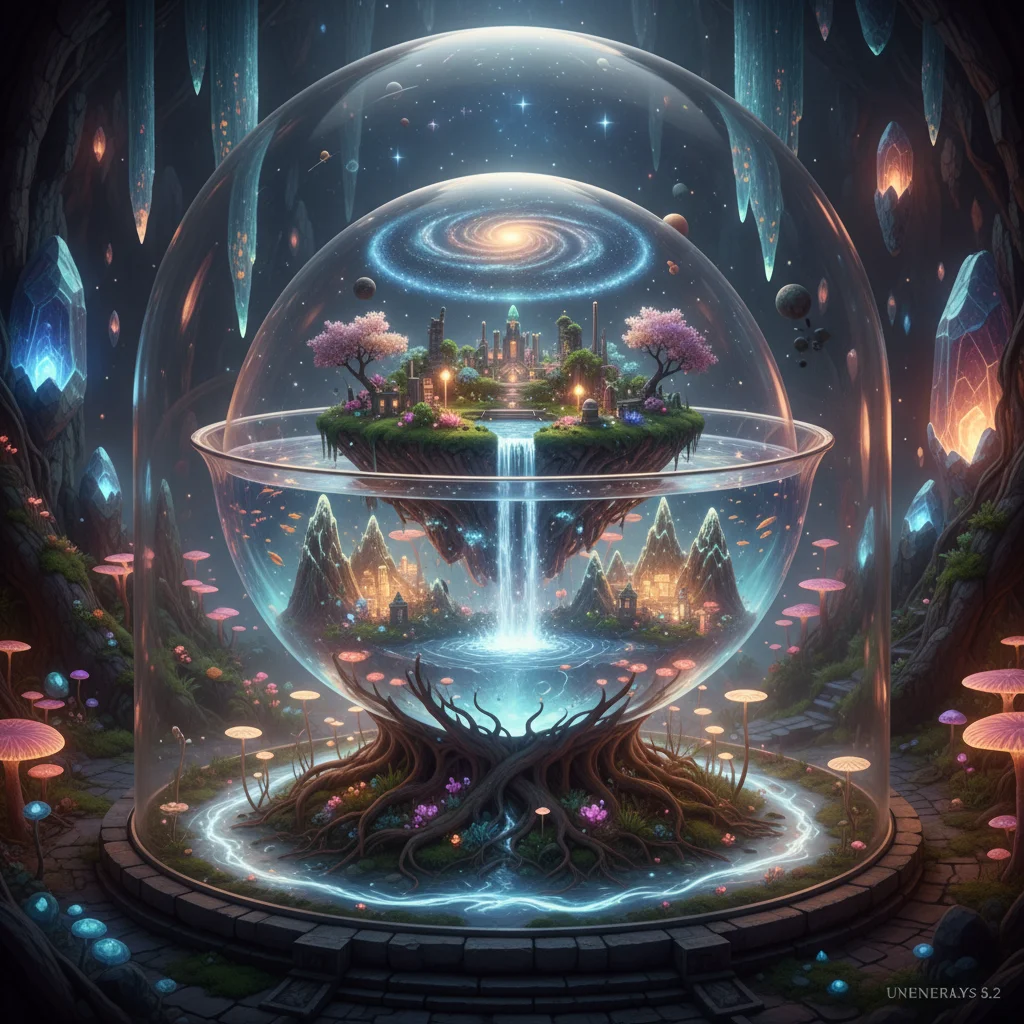
A crystal-dome world with tiered islands and waterfalls—great for world-building decks, city/tourism visions, museum/expo displays, or pitch-deck backgrounds with high information density.
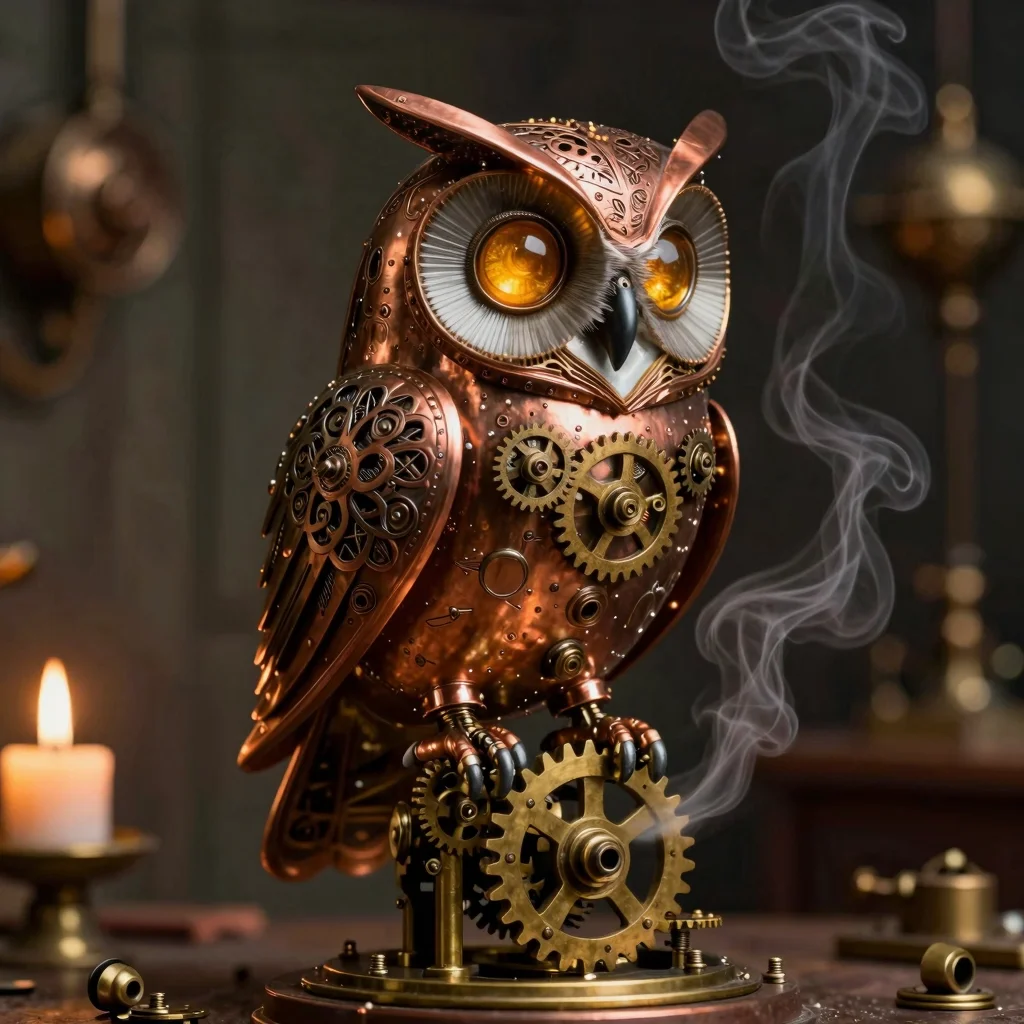
A hyper-detailed clockwork owl crafted from copper and bronze gears—ideal for fantasy game assets, collectible art prints, or premium merchandise visuals.
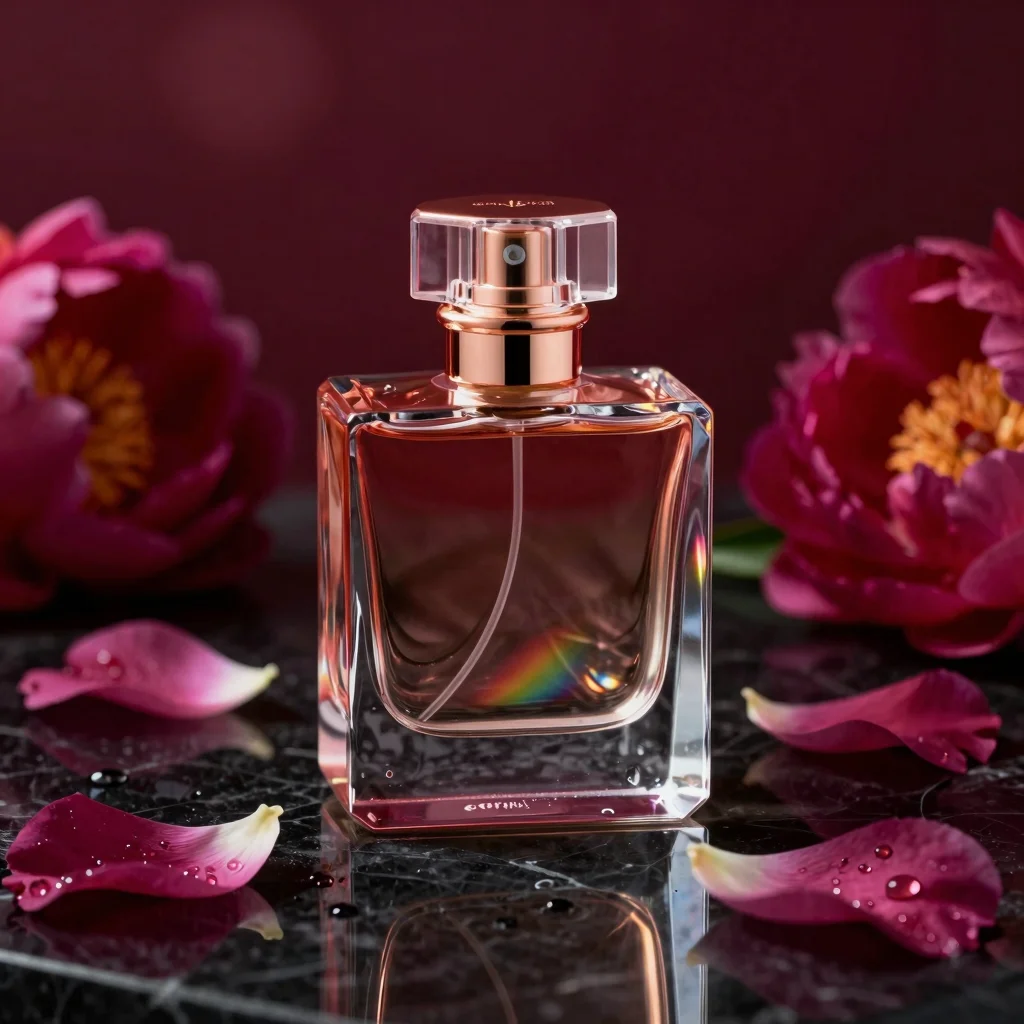
Crystal perfume bottle with prismatic refractions on black marble—perfect for e-commerce hero images, brand campaigns, and social media ads.
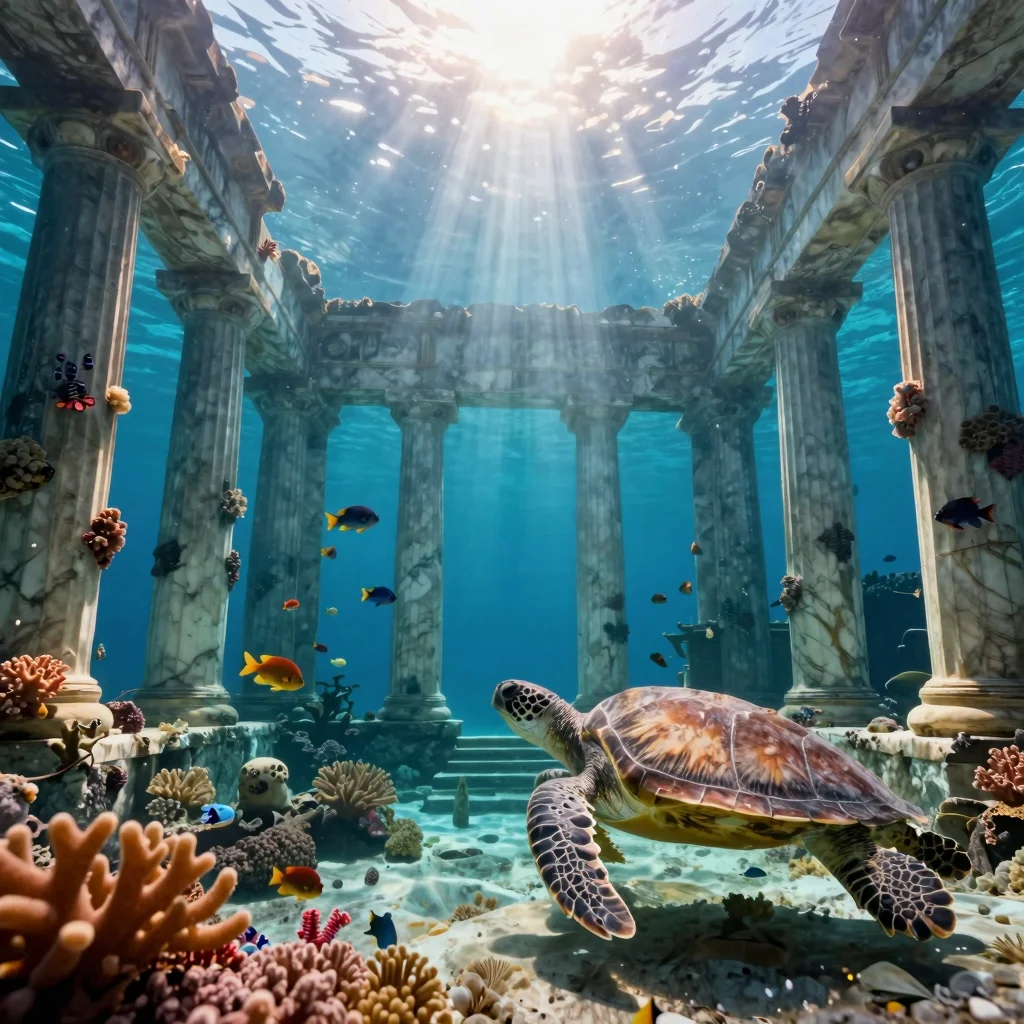
Sunken Greek temple with bioluminescent coral and god rays—great for game environment concepts, book covers, or immersive wallpaper art.
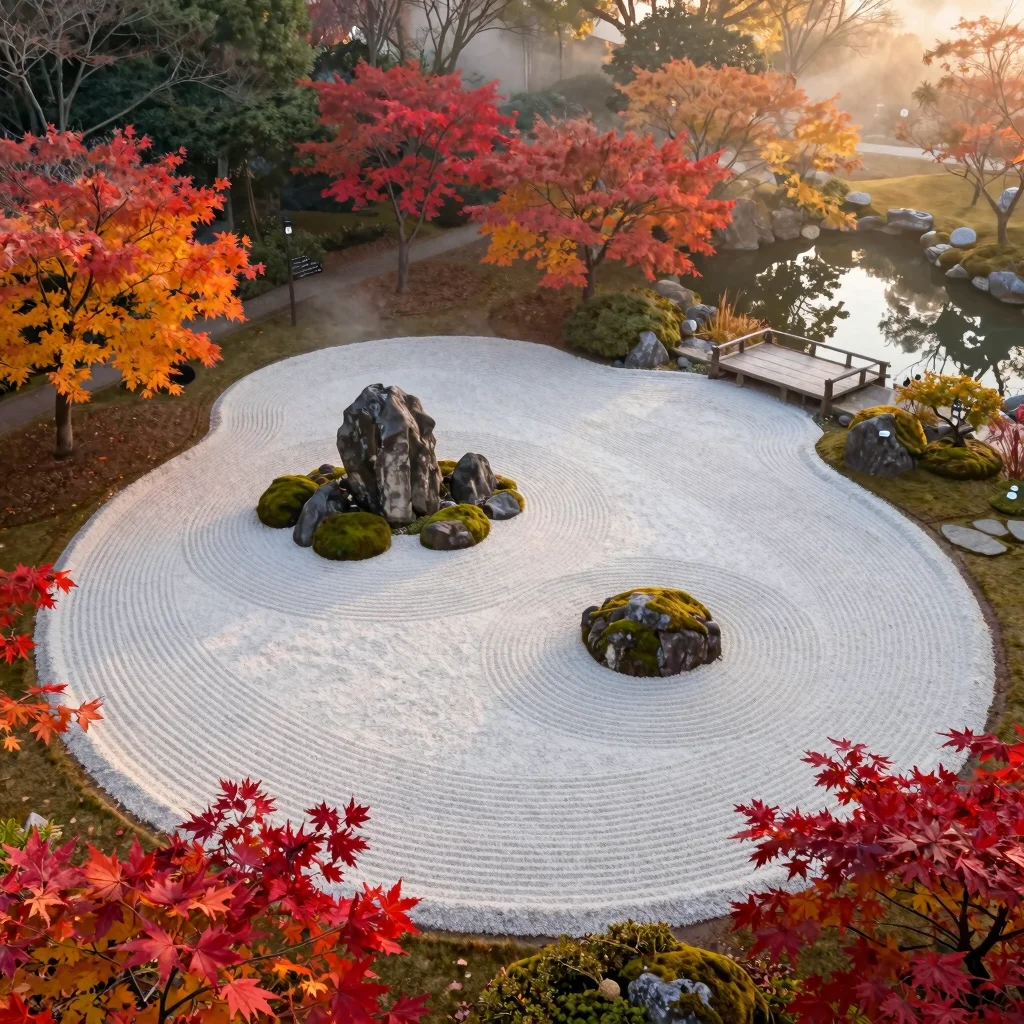
Drone-view autumn zen garden with raked sand patterns and maple foliage—suited for meditation apps, travel branding, or premium desktop wallpapers.
See why creators are switching to Bytedance Seedream 4.0 for their daily workflow.

Generate campaign visuals that actually match your brand guide. Create 10 Instagram posts with consistent colors and fonts in minutes.
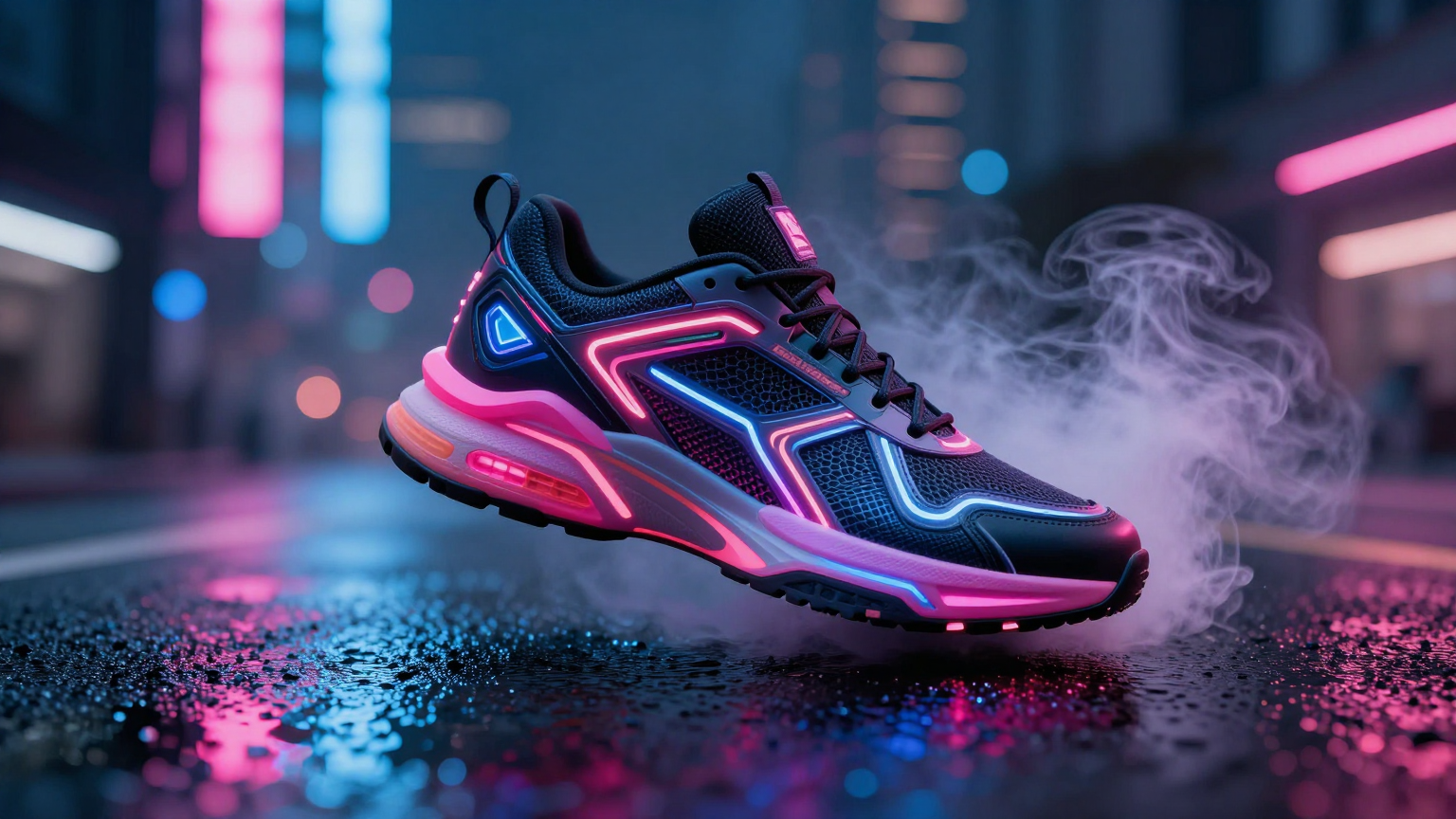
Turn one product photo into endless lifestyle scenes. Put your sneaker on a city street, in a gym, or on Mars without an expensive photoshoot.
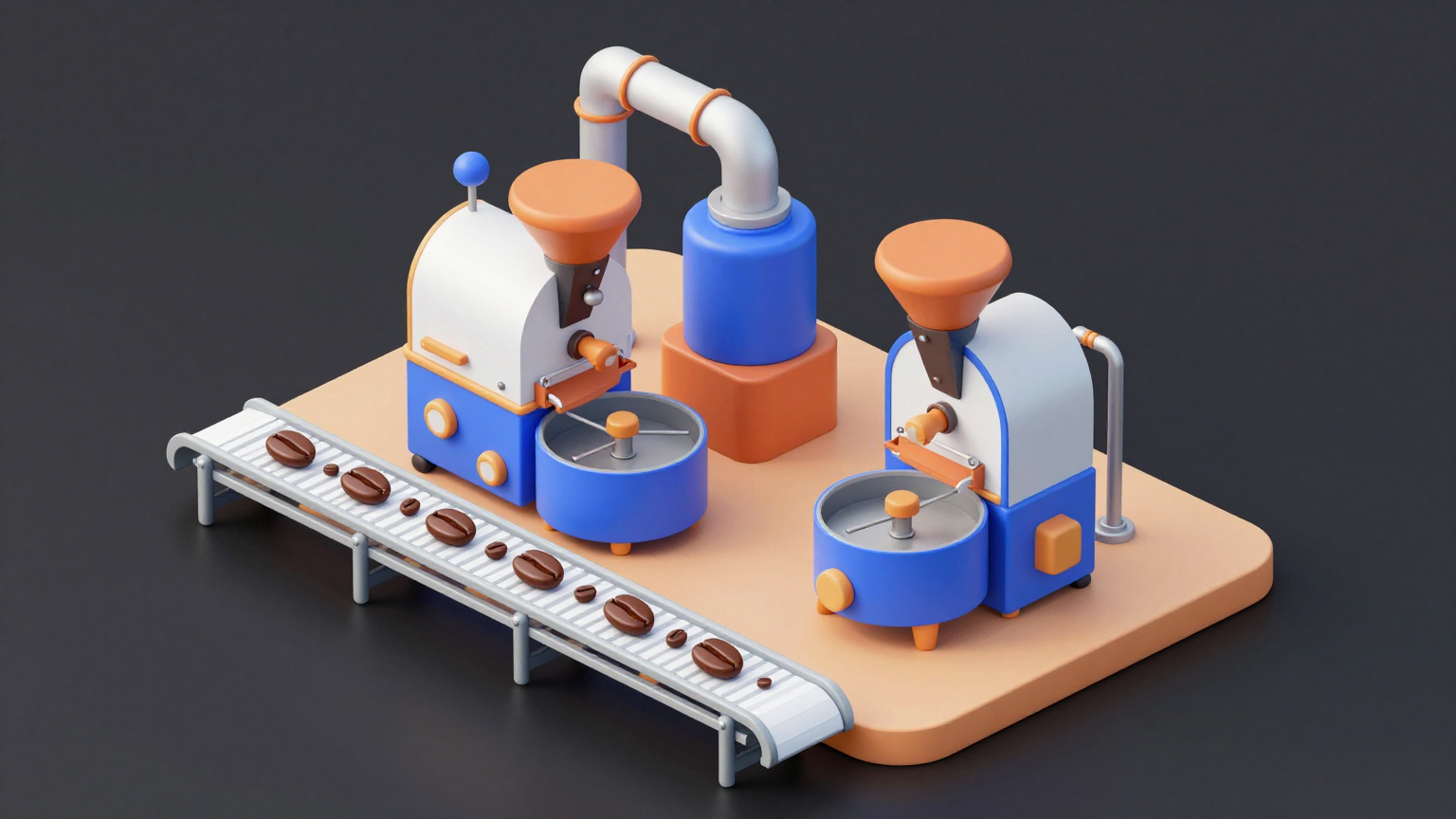
Turn complex prompts into clear, logical diagrams and flowcharts. Seedream 4.0 understands structure, making it perfect for educational content.
02Breakthrough AI
Generate and edit in one place. No complex workflows, just pure creativity.
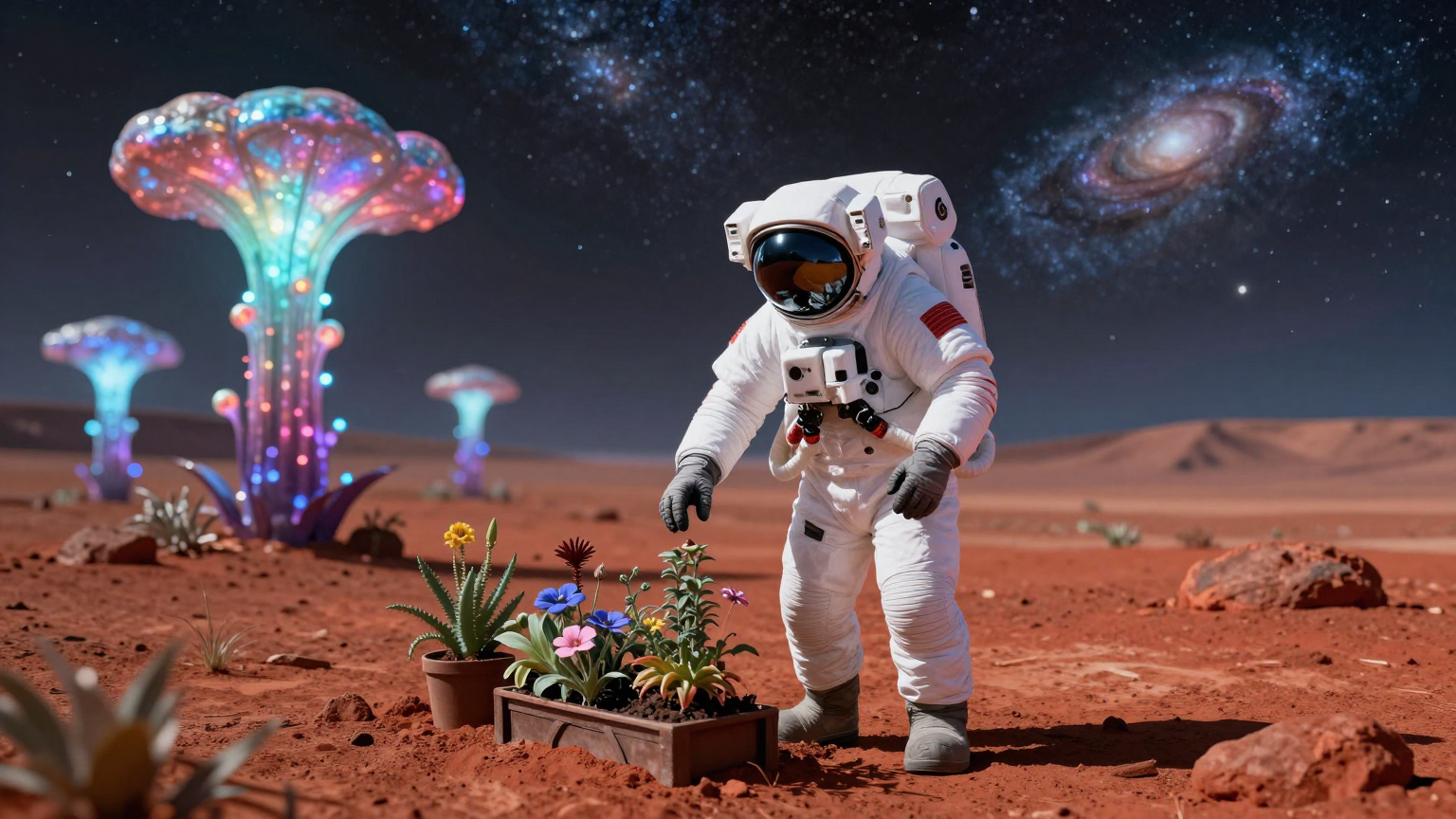
Don't switch tools. Generate a stunning 4K image and edit it instantly. Just type 'change lighting' or 'remove glasses' to refine your art.

Finally, an AI that can spell. Seedream 4.0 renders accurate text for posters, logos, and diagrams, understanding complex layouts better than other models.
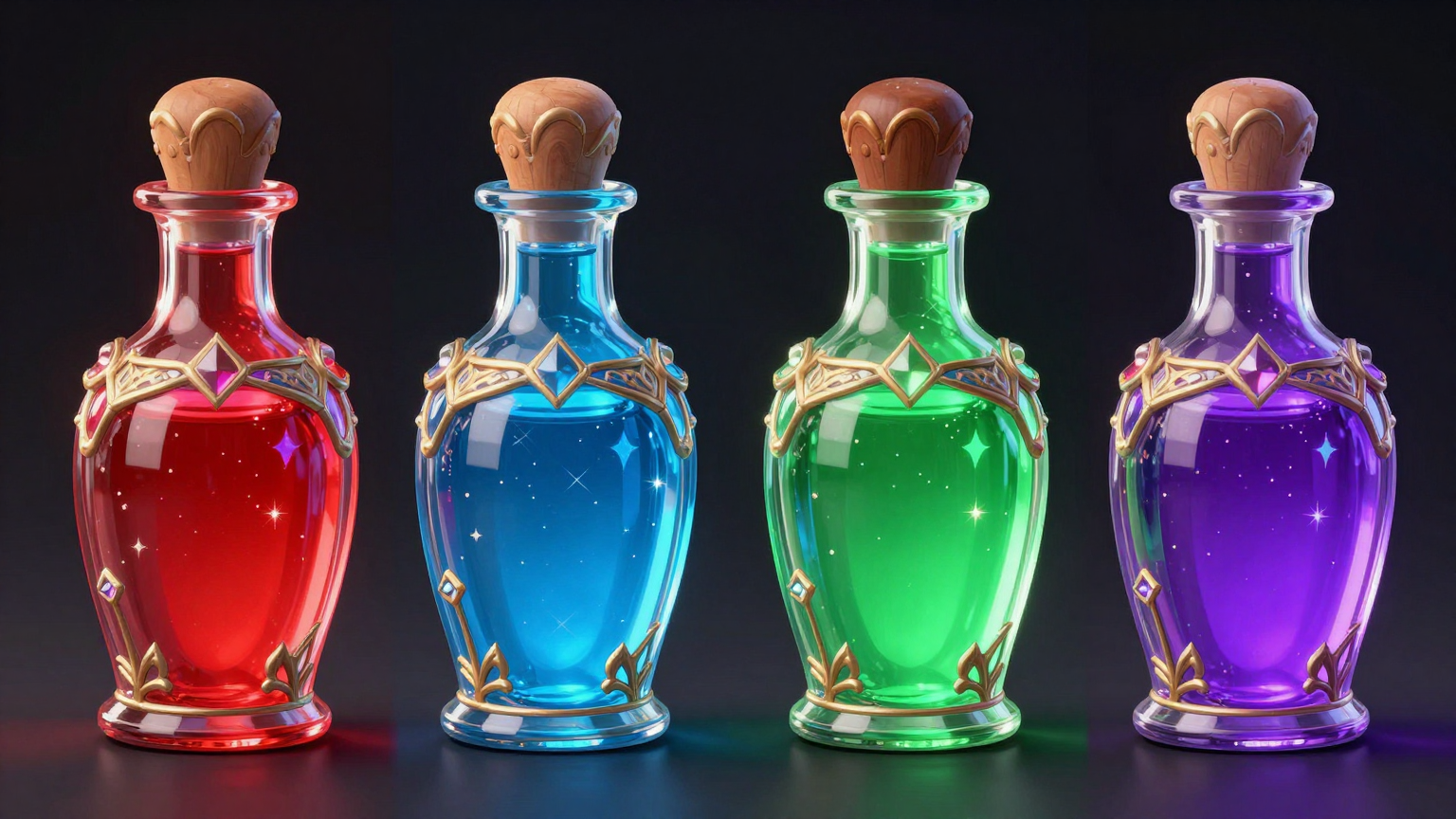
Need 15 poses of the same character? Seedream 4.0 keeps the face, outfit, and style 100% consistent across every single image. Perfect for game assets.
Faster, smarter, and easier to use than traditional AI tools.
Don't wait. Seedream 4.0 is optimized for speed, delivering high-quality 4K visuals in seconds.
No masks, no Photoshop layers. Just type 'change shirt to blue', and the AI understands exactly what you mean.
Explore more ideas. Generate 4-15 image variations in a single batch to find the perfect shot faster.
Seedream 4.0 outperforms competitors in consistency and prompt adherence, ranked highly by the AI community.
Text-to-Image, Image-to-Image, and Editing all in one powerful model. Stop paying for multiple subscriptions.
Create assets that are safe for your business. High resolution, consistent, and watermark-free exports.
Start creating professional AI art in minutes.
Describe what you want to see. Be specific about the character, setting, and text you want to appear.
Watch Seedream 4.0 bring your idea to life. Use simple text commands to edit details instantly (e.g., 'add a hat').
Download your masterpieces in native 4K resolution, ready for social media or print.
Everything you need to know about this Bytedance AI model.
Turn your text into reality instantly. Experience the next-gen AI art generator.
Try Nano Banana 2 — AI Image Generator Powered by Gemini 2.5 Flash
Free to Try · No Credit Card Required