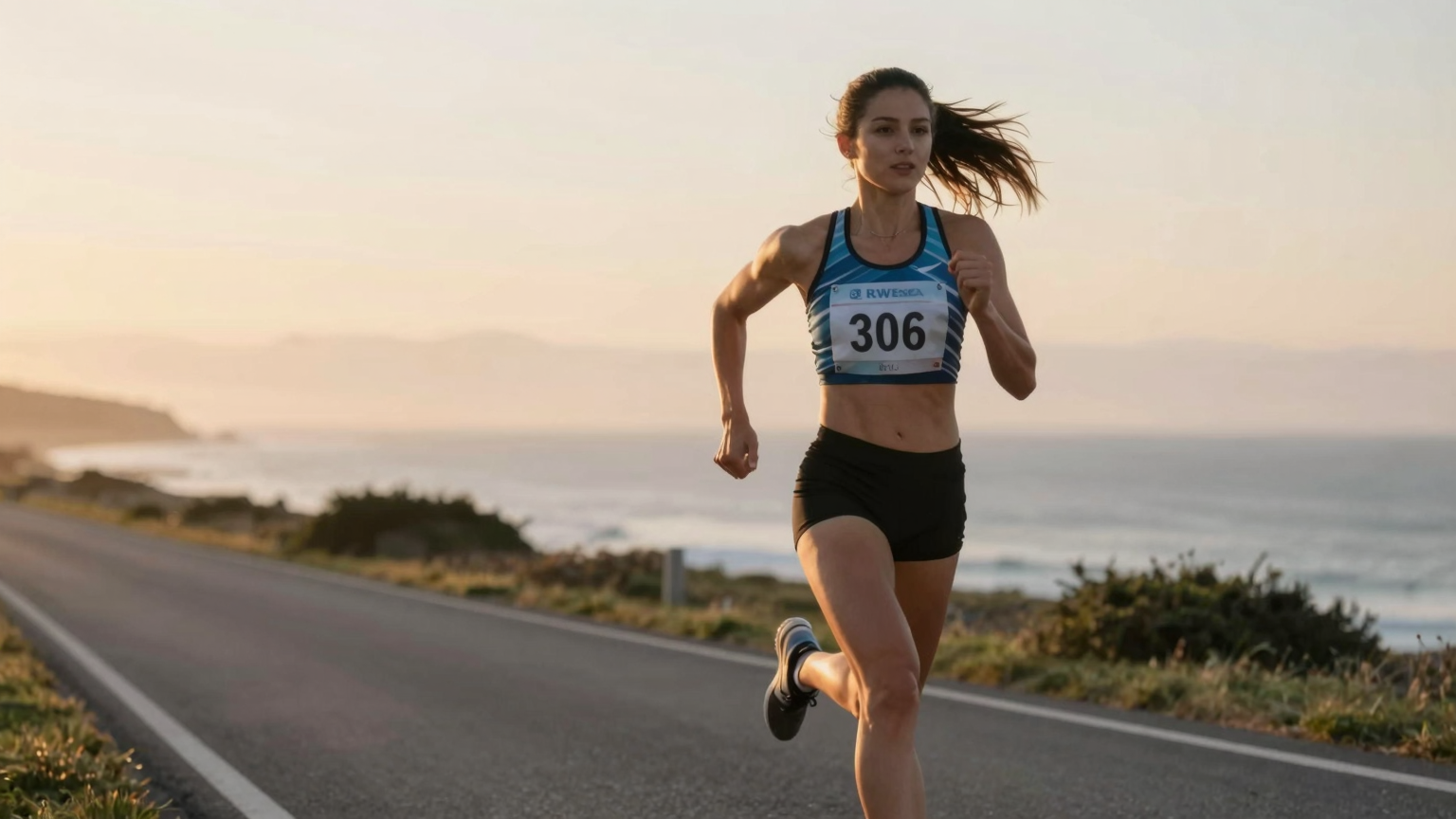
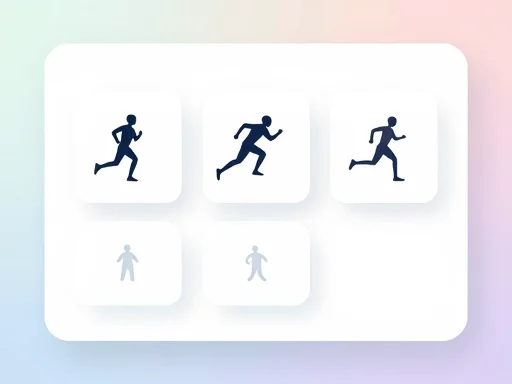
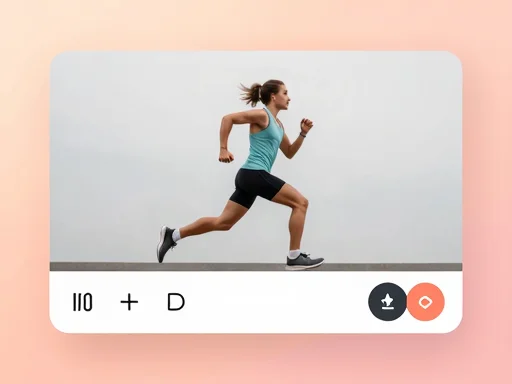
Our AI doesn't just move limbs—it understands human biomechanics. The model analyzes posture, stride rhythm, arm swing, and center-of-gravity shifts to create lifelike acceleration and balance. Every frame captures the subtle weight transfer from heel strike to toe-off, the natural counter-rotation of shoulders and hips, and the rhythmic breathing motion that makes running feel alive.
Image-to-Video Consistency Across Frames
Identity preservation is our top priority. The AI locks facial features, clothing textures, skin tones, and body proportions from the first frame to the last. No more flickering faces, morphing outfits, or warping limbs. Your subject looks exactly like themselves throughout the entire running sequence, creating a seamless, professional-quality video that plays like a continuous shot.
Style-Aware AI Run Video
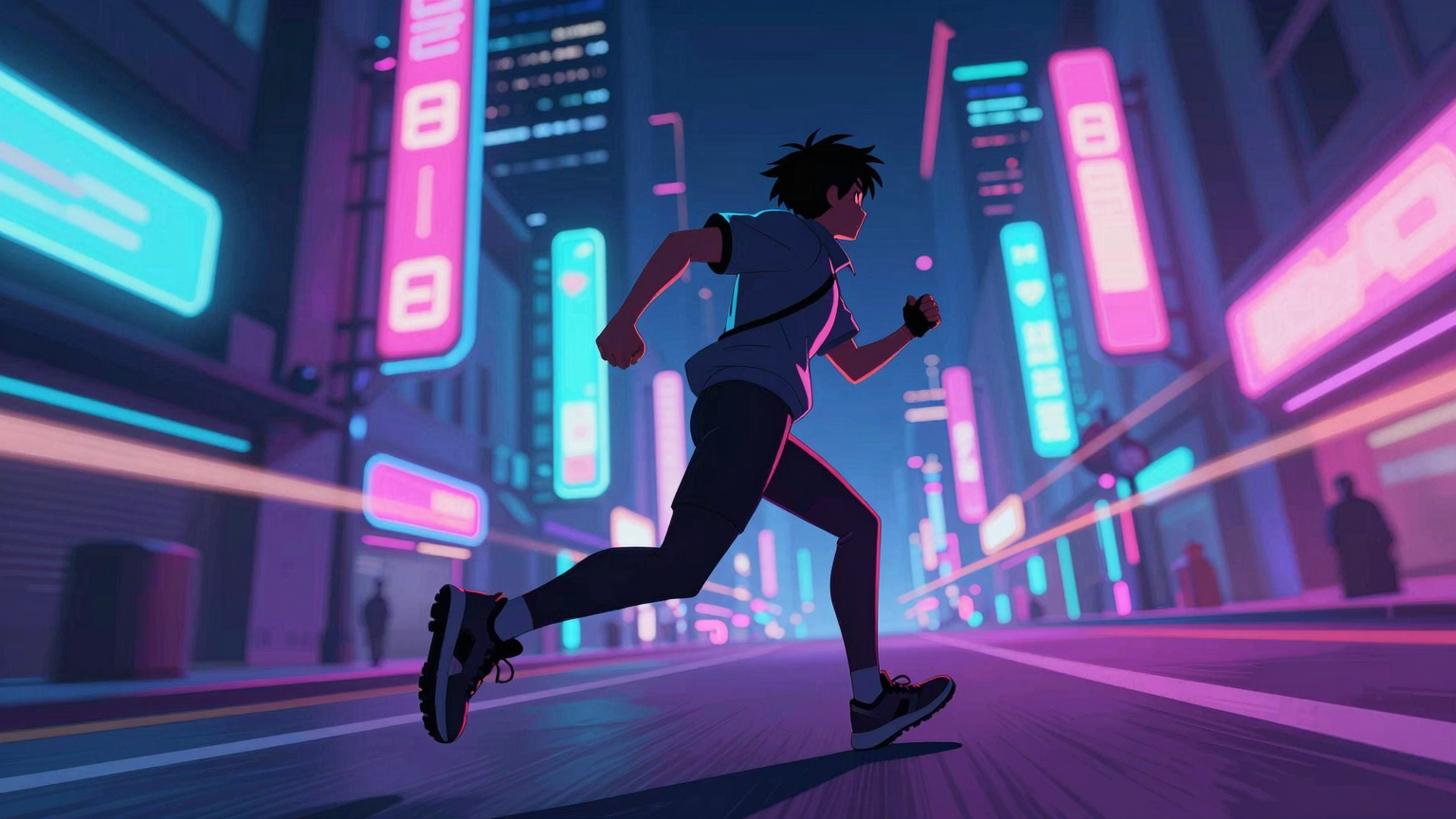
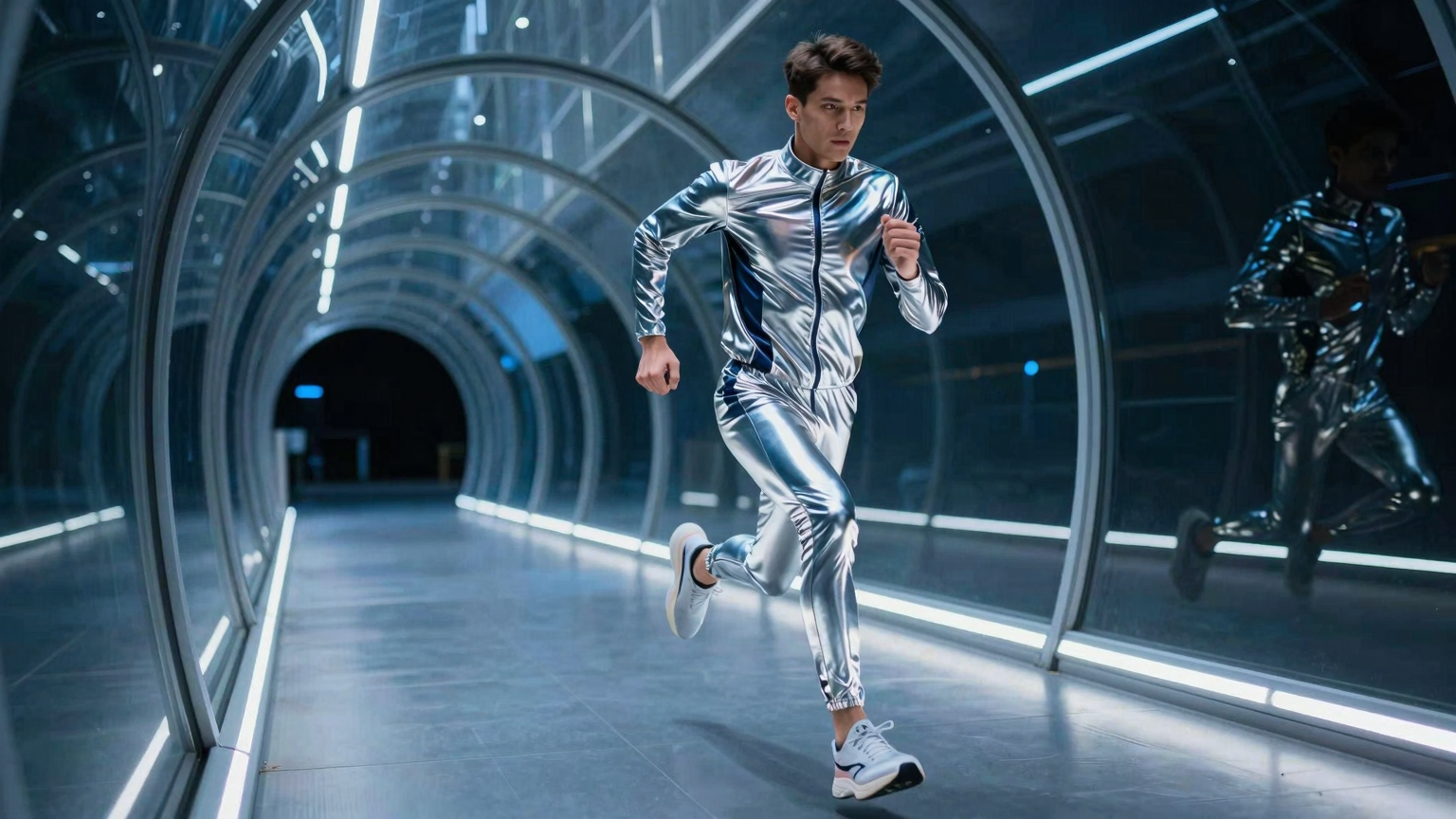
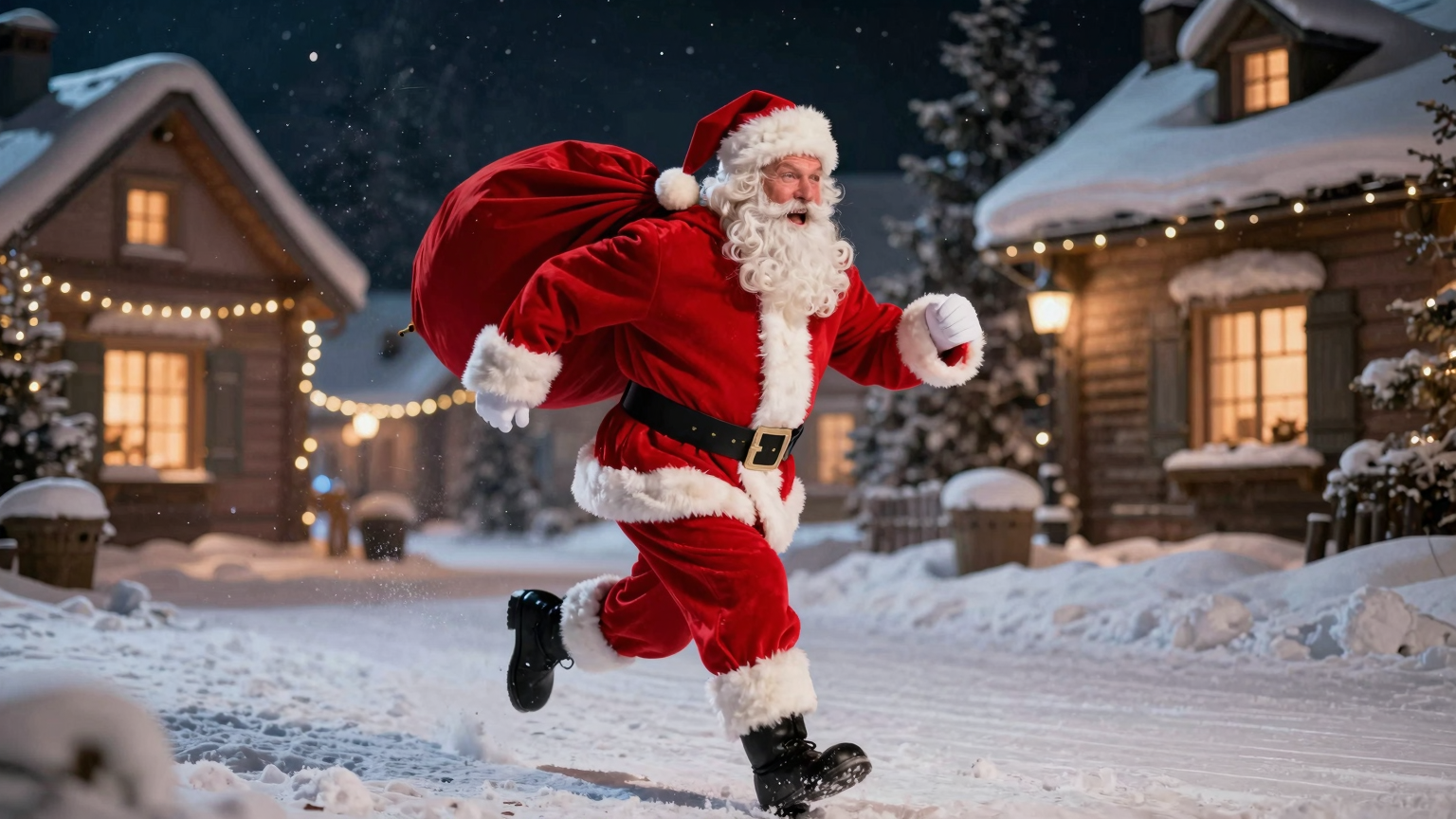
Whether you're working with professional photography, digital avatars, anime characters, or hand-drawn illustrations, our AI adapts to your visual style. It preserves the original aesthetic—color grading, line work, shading techniques—while generating motion that feels native to that style. Create cinematic sports footage, playful cartoon runs, or experimental art pieces all from the same tool.
Fast Generation with Minimal Input
Forget complex rigging, tedious keyframing, or expensive motion capture setups. With our AI Running Video Generator, you need just one image and one click. The entire running animation is synthesized in minutes, not hours or days. Perfect for rapid prototyping, social media content drops, A/B testing different subjects, or high-volume production workflows where speed matters.
Why Choose Our AI Running Video Generator?
Natural Running Motion
Turn any photo into a believable running sequence—jogging, sprinting, or slow motion—without filming. The model tracks posture, stride rhythm, and balance so the motion feels athletic instead of robotic. Great for fitness reels, product demos, or storyboards where authentic form matters.
Built for Virality
Cinematic energy and smooth pacing help your clips earn watch time. Perfect for TikTok, Reels, Shorts, or meme-style edits when you need a hook in the first seconds. Add text overlays or sounds and the AI keeps motion readable so captions, stickers, and transitions stay crisp for higher completion rates.
Zero Editing Needed
Upload one image, pick a run style, and generate. No rigging, no keyframes, no motion-capture cleanup—anyone on the team can ship a polished running video in minutes. Great for marketers, founders, and social managers who need fast iterations without opening a timeline or learning 3D tools.
Ready in Minutes, Not Days
Upload one image, choose the run style, and generate. No rigging, no keyframes, no motion capture. Perfect for rapid social drops, A/B tests, or pitching concepts under tight deadlines. Your video is created in minutes; queue status and retries keep you moving.
One Click, Any Aspect Ratio
Export vertical for TikTok/Reels, square for feeds, or widescreen for decks and YouTube. Resolution and duration presets make it easy to match platform specs without manual re-edits. 9:16, 1:1, 16:9 ready-to-post files with no extra software.
Creativity That’s Affordable
Premium-looking running videos at a fraction of production cost. Use daily credits to try ideas, then scale with paid credits when you’re ready to publish.
How to Create Realistic Running Clips in 3 Steps
Upload, configure, and generate in three steps.
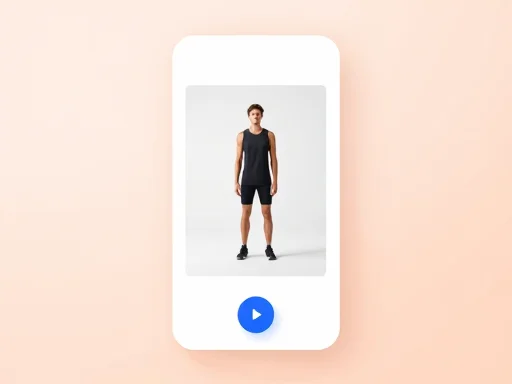
1. Upload a Full-Body Photo
Choose a clear image with the full body visible, including legs and arms.
Higher resolution works best. Aim for 1024x1024 or larger, avoid heavy cropping, and keep backgrounds simple for cleaner matting.
2. Pick Motion & Format
Select duration, aspect ratio, and the running style you want.
Try jog, sprint, or marathon styles. Perfect for track, trail, or road scenes. Set 3–6s for social posts.
3. Generate & Download
Create the clip and share it on TikTok, Reels, or your website.
Watch the live status, then download MP4/WebM. If you want a new vibe, tweak the prompt or style and regenerate in minutes.
What Users Say About This AI Running Video Generator
Join thousands of creators, marketers, and fitness professionals who use this AI running video generator for their content.
As someone who writes visual stories, I often struggle to convey action using static images. AI running video completely changed that. I can illustrate movement, urgency, and emotion with a single image. The image to video process is simple, yet the AI running video output adds depth to my narratives.
Sophia Nguyen
Visual Storyteller
Common Questions About AI Run Animation
Everything you need to know about creating running clips with AI.
Upload a clear, full-body photo, choose your duration and aspect ratio, then click Generate. Our AI analyzes body posture and limb positions to create a natural running animation, delivering a polished MP4 in minutes.