AI Winter Snow Photo Generator for Realistic Snow Effects

Add realistic snow to portraits, couple photos, and holiday visuals with AI. Upload one image, choose a winter style, and generate a cinematic snow photo online.

AI Winter Snow Photo

Click or drag to upload

Aspect Ratio

Preview

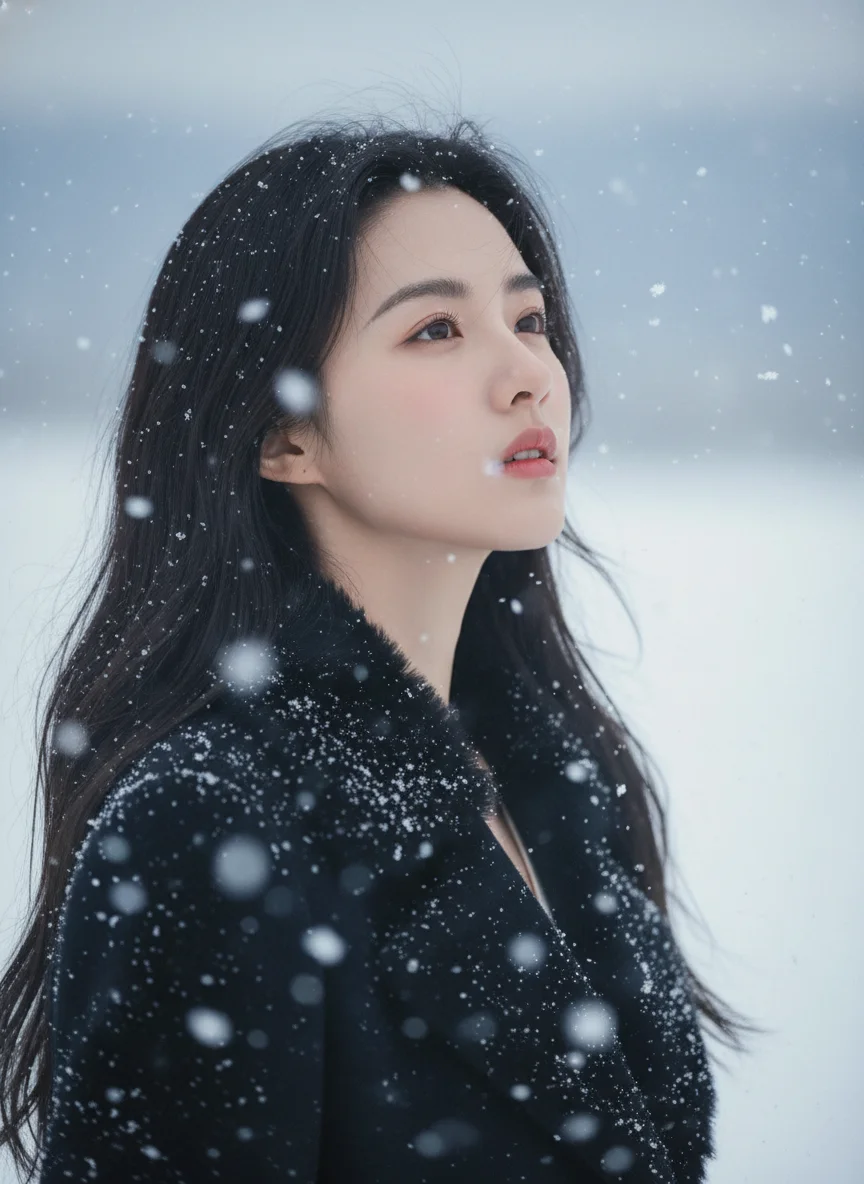
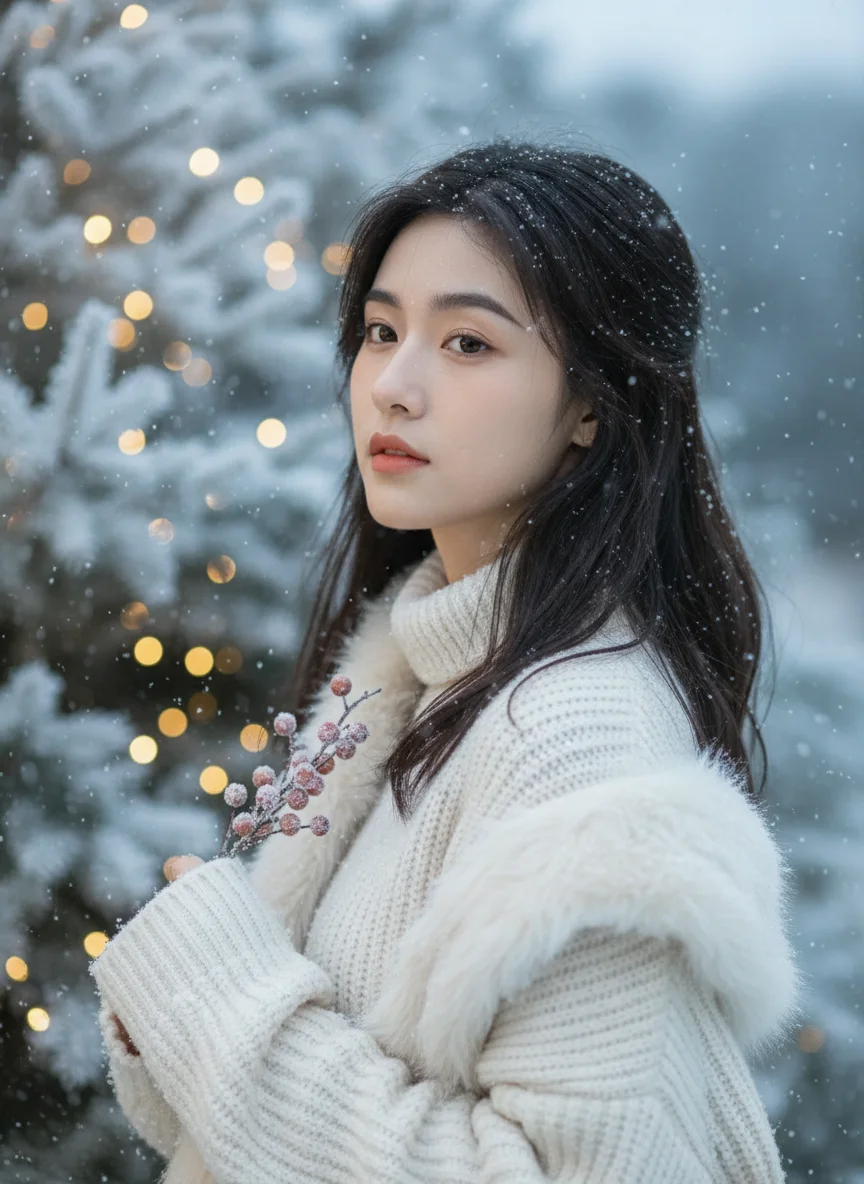
AI winter snow photo example with realistic snowfall
What Is It

What Is an AI Winter Snow Photo Generator?

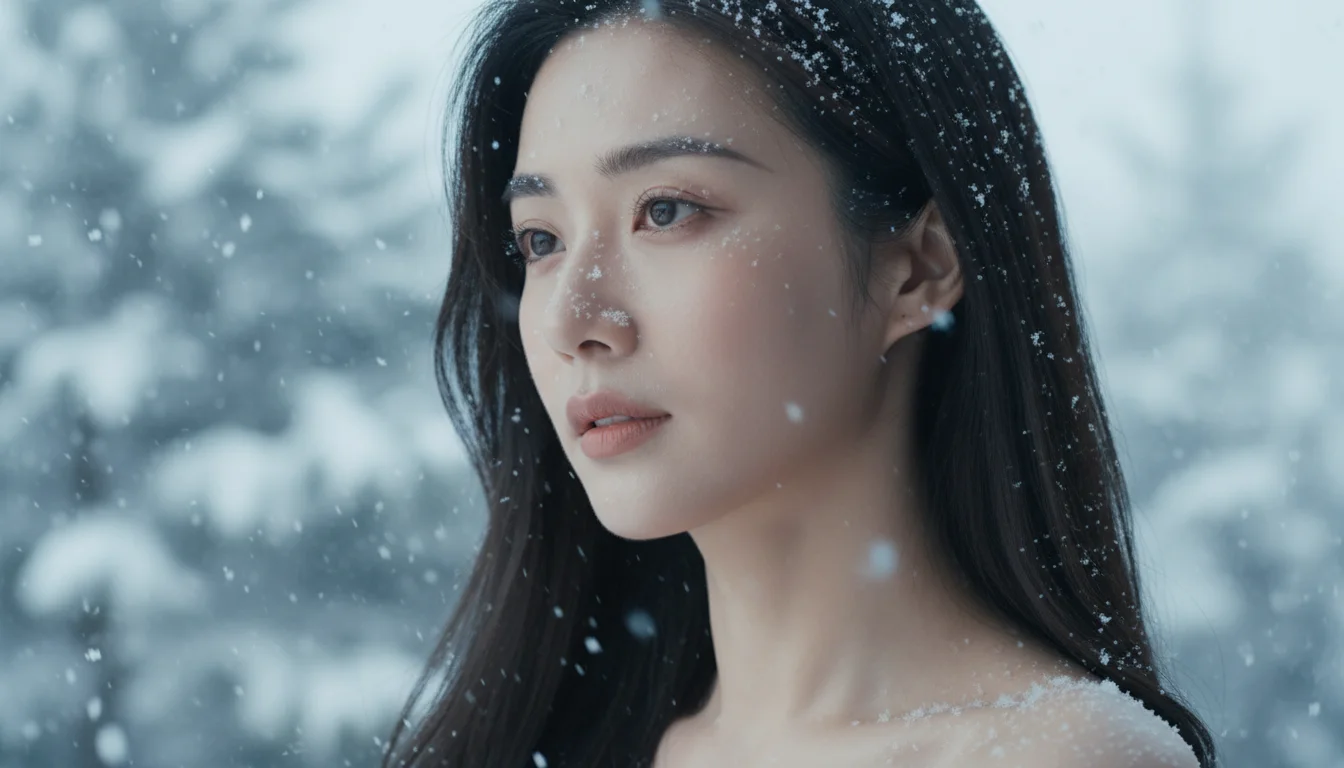
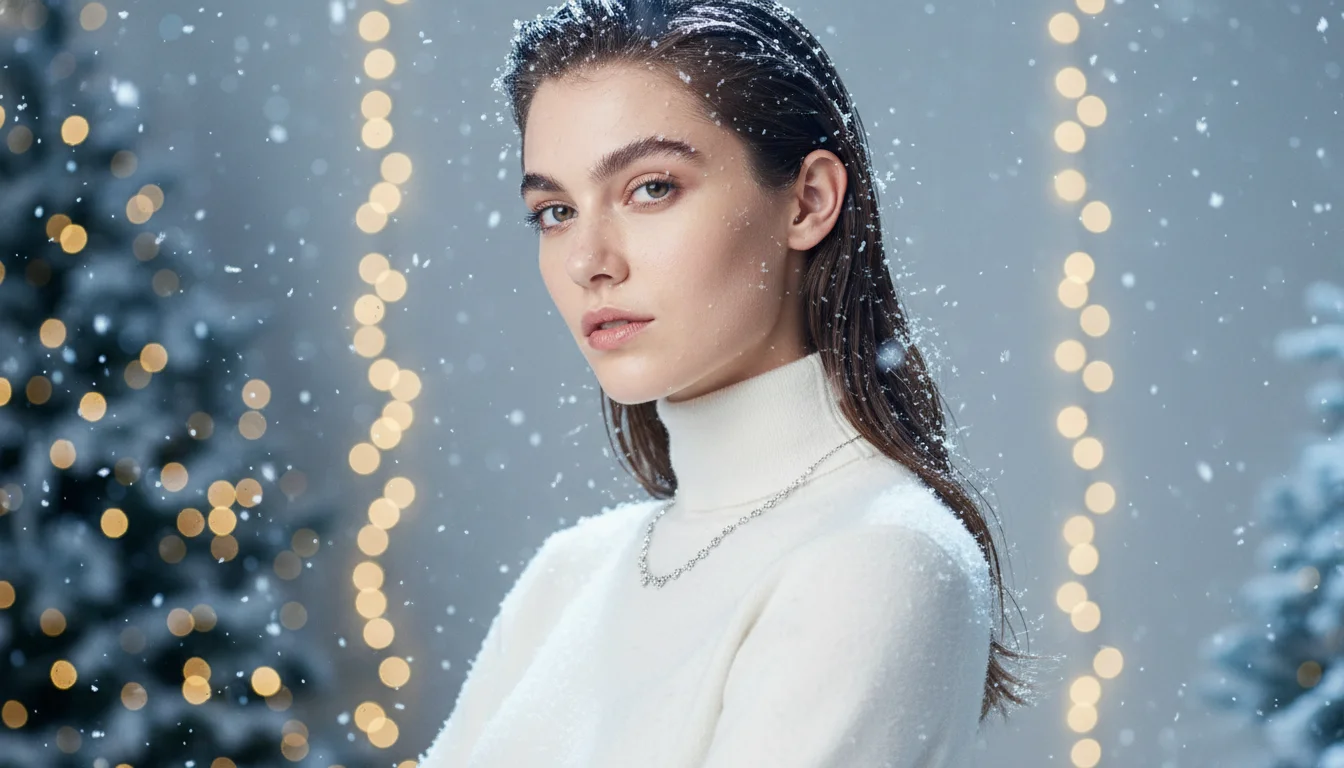
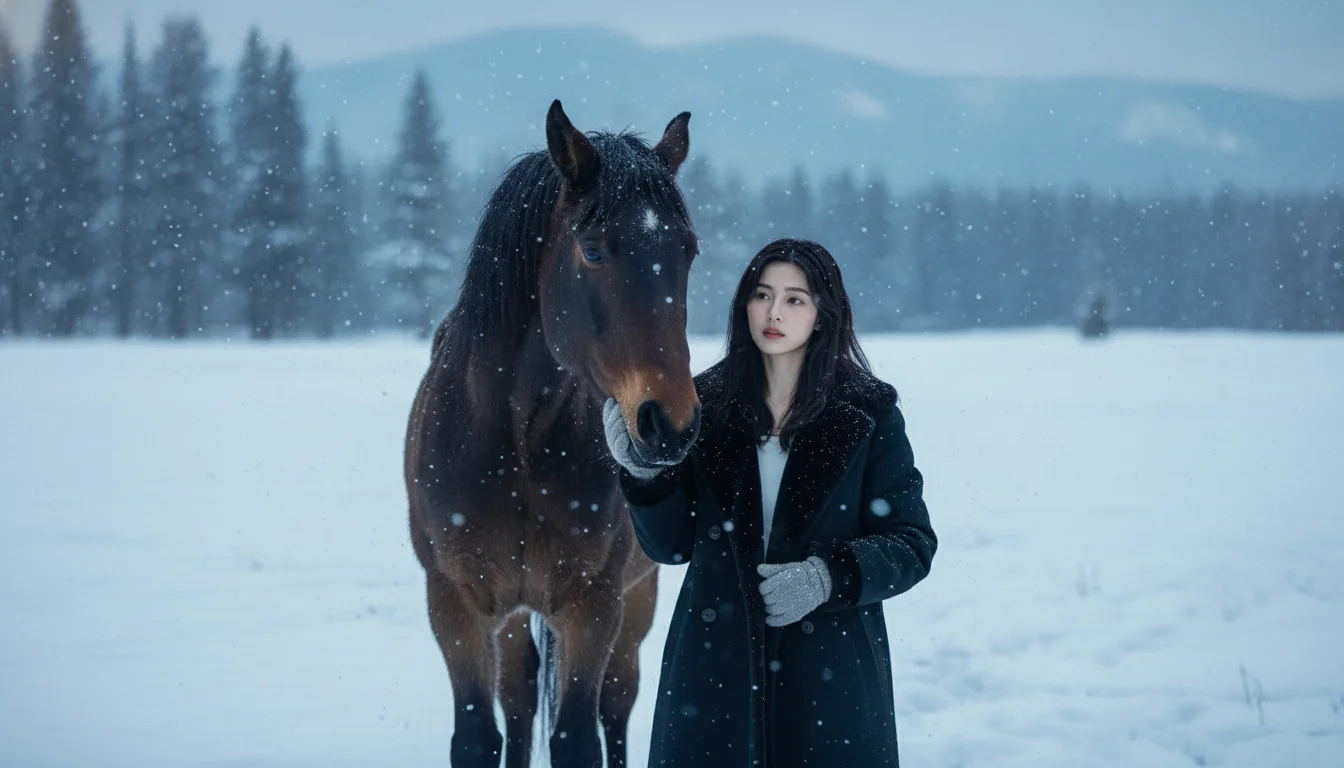
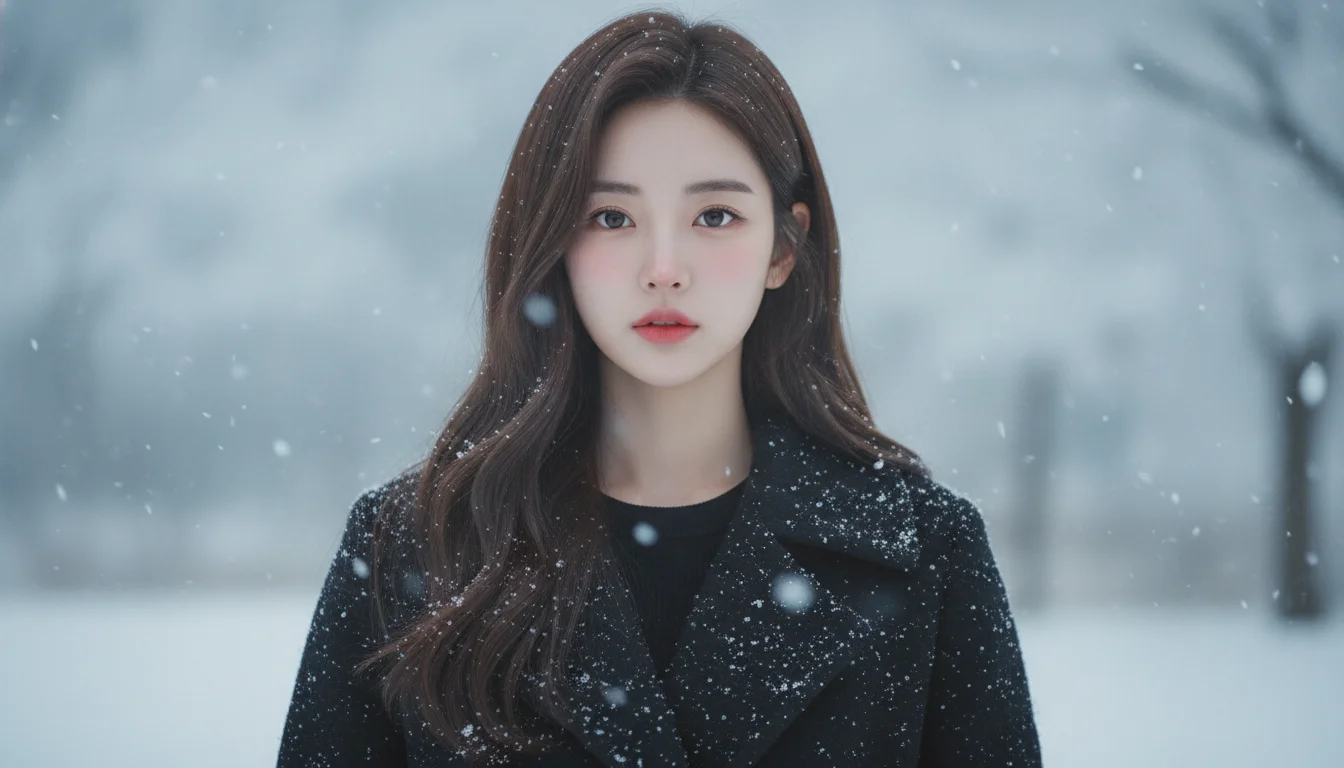
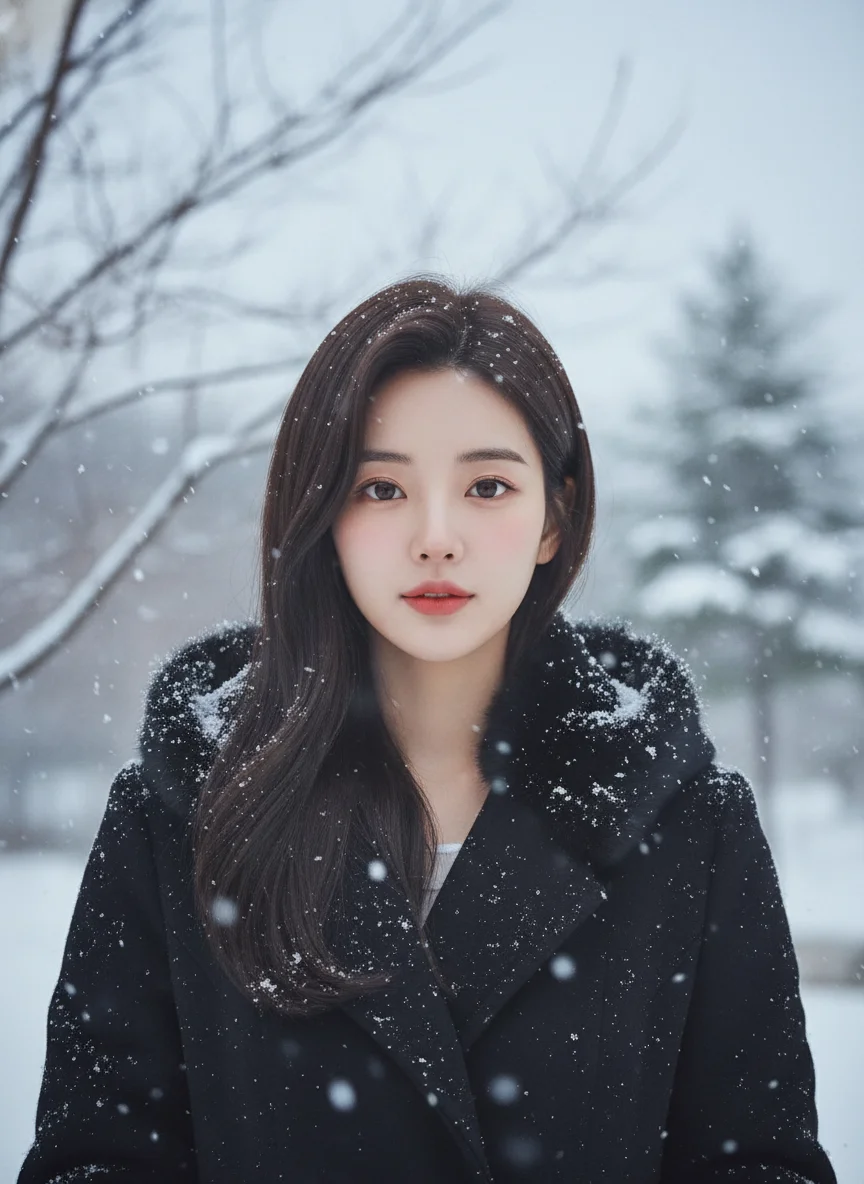
An AI winter snow photo generator is a tool that turns a regular portrait, couple photo, or holiday image into a snowy winter scene. It adds realistic snowfall, cool color grading, and cinematic winter light while keeping faces, clothing, and composition recognizable. Upload one image, choose your style and snowfall intensity, and create a winter-ready result for social posts, holiday cards, or seasonal profile updates.

Examples

AI Winter Snow Photo Examples Before and After

See how this AI snow photo generator adds realistic snow effects, winter light, and cinematic mood to portraits and holiday images.

Before
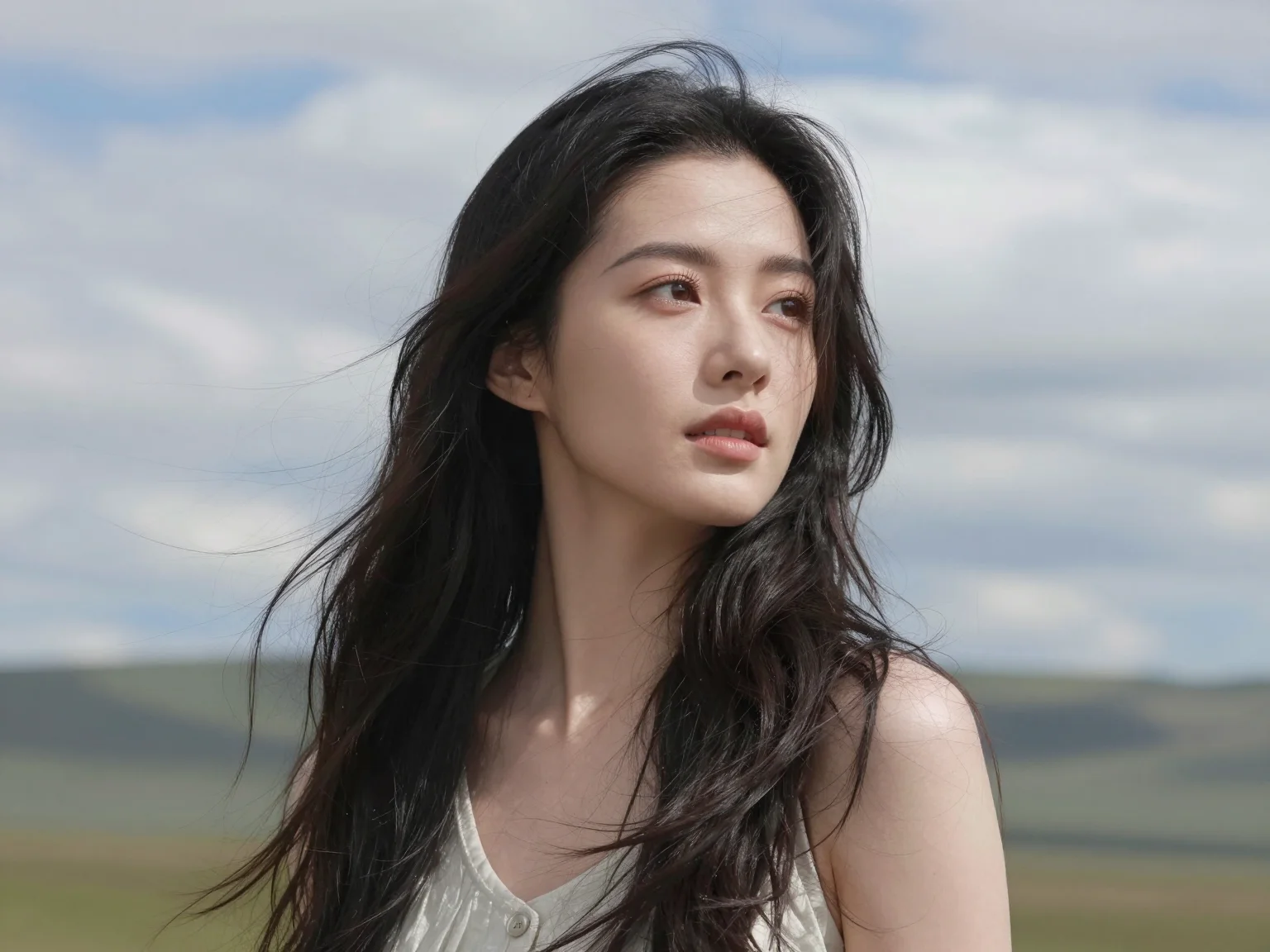
Example 1: portrait photo before AI winter snow effect
After
Example 1: portrait photo after AI winter snow effect with realistic snowfall
Before
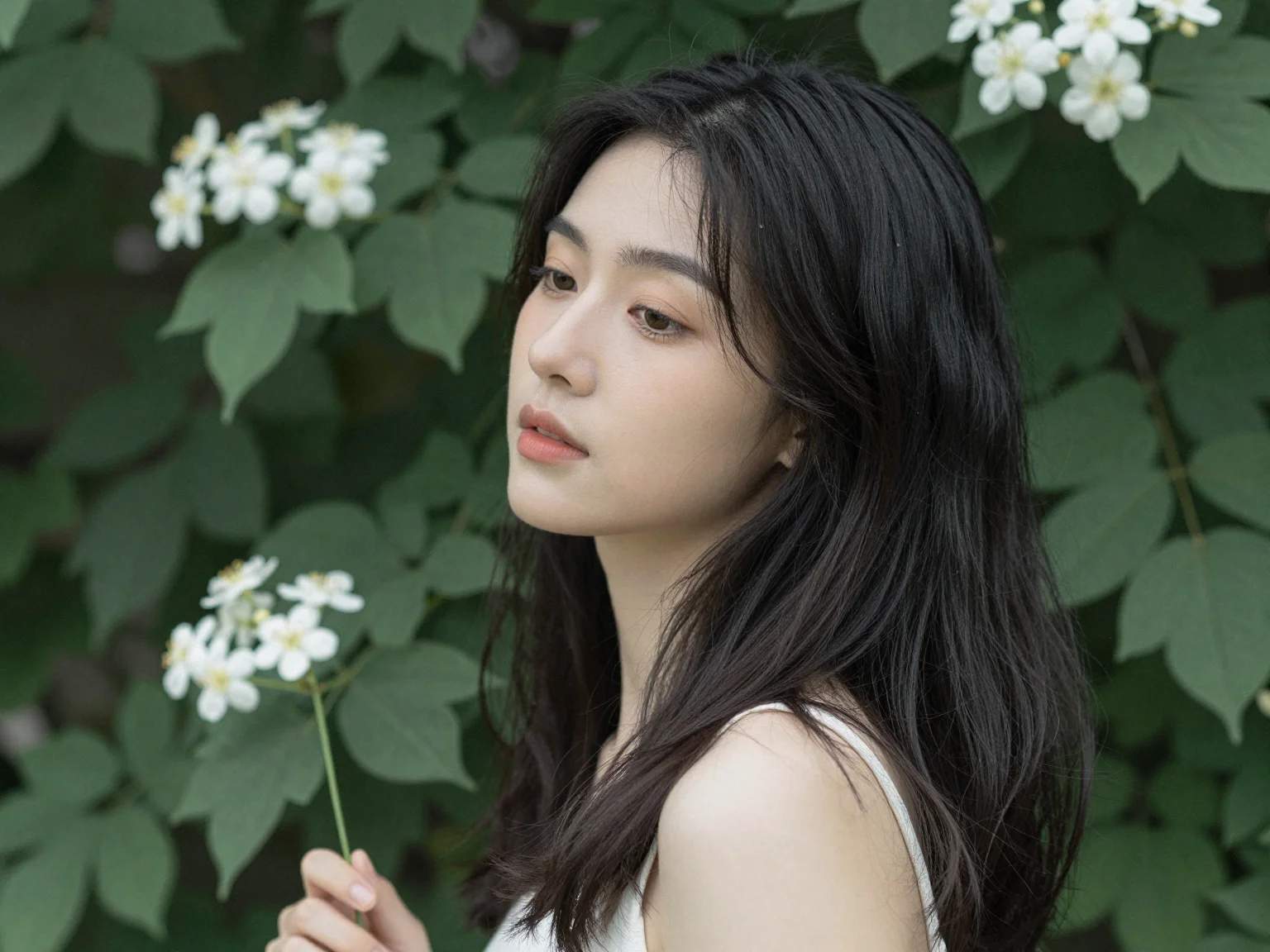
Example 2: portrait photo before AI winter snow effect
After
Example 2: portrait photo after AI winter snow effect with realistic snowfall
AI Winter Snow Photo

AI Snow Photo Generator Features

Create realistic winter snow effects for portraits, couple photos, holiday cards, and social posts with depth-aware flakes and flexible style control.

Depth-Aware Snow Effects for Portrait Photos
AI Winter Snow Photo

Depth-Aware Snow Effects for Portrait Photos

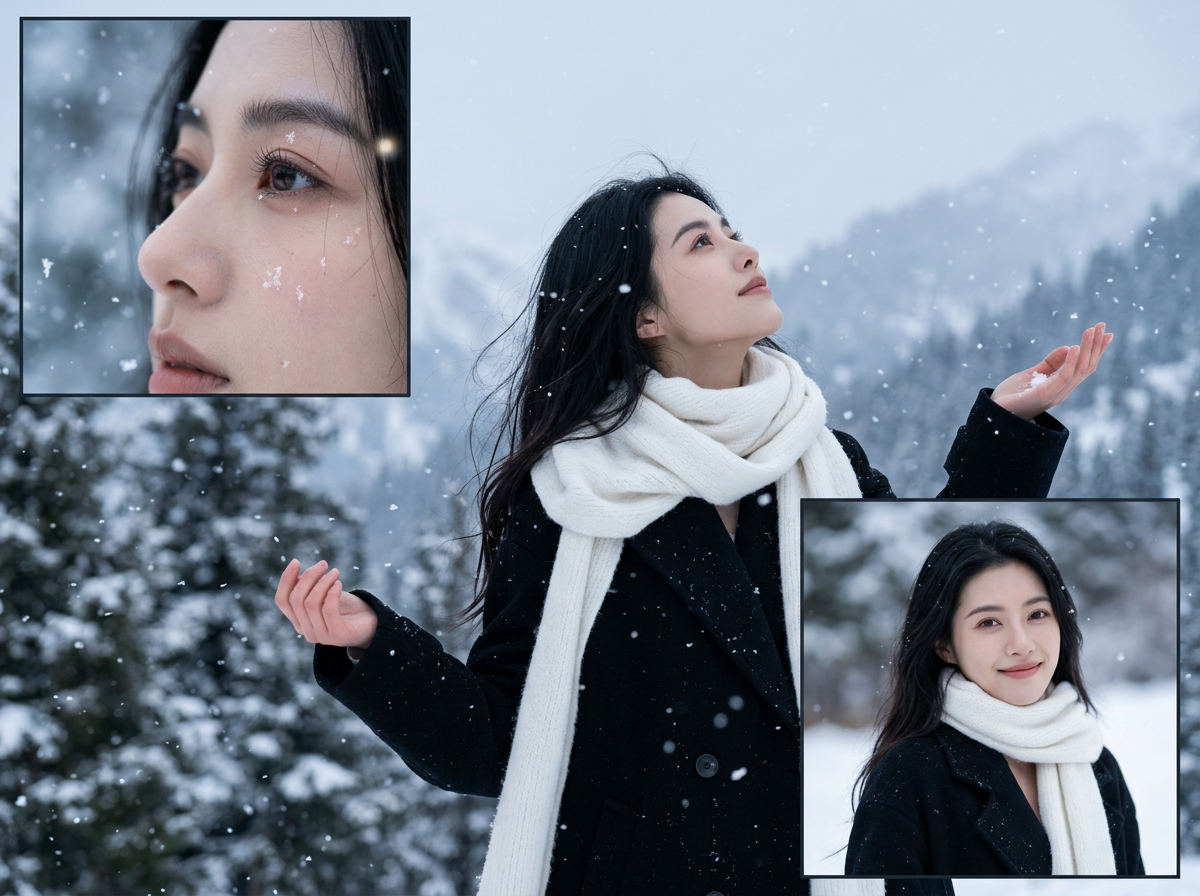
The AI places larger flakes in the foreground and lighter snowfall in the distance, so portraits, couple photos, and profile images keep a natural sense of depth.

  • Foreground/background snow separation
  • Natural flake scale by depth
  • Subject-first composition
  • Balanced atmospheric density
Keep Faces, Hair, and Clothing Consistent
AI Winter Snow Photo

Keep Faces, Hair, and Clothing Consistent

This AI winter snow photo generator preserves facial identity, skin tone, hair texture, and clothing detail while adding realistic snow effects to portraits and holiday images.

  • Stable facial identity
  • Clothing texture preservation
  • Consistent color mapping
  • Low artifact transitions
Choose Realistic or Cinematic Winter Style
AI Winter Snow Photo

Choose Realistic or Cinematic Winter Style

Switch between realistic snowfall, dreamy winter mood, and cinematic winter photo looks without changing the subject pose or the original composition.

  • Cinematic cool-tone grading
  • K-drama / dreamy style compatibility
  • Portrait and landscape support
  • Natural highlight and shadow control
Generate Winter Photo Effects Online Fast
AI Winter Snow Photo

Generate Winter Photo Effects Online Fast

Upload one image, choose snow style and intensity, then download a winter-ready result for Instagram posts, holiday cards, TikTok covers, and seasonal profile photos.

  • Single image input
  • No editing skills required
  • Quick iteration loop
  • Ready for high-volume content

Why Use This AI Winter Snow Photo Generator

Realistic Snow Effects for Portraits

Add believable snowfall, winter haze, and cool seasonal light to portraits, couple photos, and holiday images without manual overlays.

Built for Instagram, TikTok, and Holiday Posts

Create winter photo effects for Instagram feeds, TikTok covers, Reels thumbnails, and festive social campaigns.

Add Snow to Photos Without Photoshop

Upload one image and generate a polished winter snow photo without layer masks, compositing, or advanced editing skills.

Fast Online Workflow for Seasonal Content

Move from upload to final image quickly when you need snowy profile pictures, holiday cards, or last-minute winter campaign visuals.

Flexible Crops for Social and Web

Export images for 9:16 stories, 1:1 posts, and 16:9 banners so one AI winter snow photo can fit multiple channels.

More Winter Variations with Less Manual Editing

Generate multiple winter snow looks from one photo and compare style, mood, and snowfall intensity before publishing.

How to Add Snow to Photos with AI

Upload a portrait or holiday image, choose your winter look, and generate realistic snow effects in minutes.

Upload a Portrait, Couple Photo, or Holiday Image

1. Upload a Portrait, Couple Photo, or Holiday Image

Start with a clear image where the main subject is easy to recognize.

Sharp faces, clean edges, and balanced lighting help the AI winter snow photo generator create more realistic snow effects.

Choose Snow Style and Intensity

2. Choose Snow Style and Intensity

Pick a realistic, dreamy, cinematic, or K-drama winter look, then set light, medium, or heavy snowfall.

Use lighter snow for profile photos and heavier snow for dramatic holiday posts, winter cards, or cinematic portraits.

Generate and Download Your AI Winter Snow Photo

3. Generate and Download Your AI Winter Snow Photo

Create your result, compare different looks, and export the version that fits your platform.

Test multiple variations for Instagram posts, TikTok covers, couple photos, and seasonal branding.

Creators Love AI Winter Snow Photo

See how teams and creators use winter aesthetics to boost engagement and storytelling.

This effect gives my portraits instant winter mood without losing face detail. It's now part of my seasonal campaign workflow.

Sophia Nguyen

Sophia Nguyen

Visual Storyteller

AI Winter Snow Photo Generator FAQ

Answers about realistic snow effects, portraits, styles, and online winter photo editing.

An AI winter snow photo generator is an online tool that turns a regular photo into a snowy winter scene. It adds falling snow, cool lighting, and seasonal atmosphere while keeping the subject recognizable, which makes it useful for portraits, couple photos, holiday posts, and profile images.

Create an AI Winter Snow Photo Online

Add realistic snow effects to portraits, profile images, and holiday content without Photoshop.