Meta Muse VideoMeta Muse Video
  • ホーム
  • AIモデル
    • Nano BananaGoogle
    • Nano Banana 2Google
    • Nano Banana ProGoogle
    • GPT Image 2OpenAI
  • 料金
  • ツール
    • テキストから画像

      テキストの説明から画像を生成する

    • 画像編集

      画像を編集および強化する

    • テキストから動画

      テキストプロンプトからビデオを作成する

    • 画像から動画

      画像をアニメーションにしてビデオに変換する

  • マイ作品
無料でサインアップ

OpenAI image generation

GPT Image 2: High-Fidelity AI Image Generation and Editing

Create from text, refine existing images, and combine references with OpenAI's recommended default image model for new production workflows.

モデルを選択
画像をアップロードする *0/10
0

インスピレーションを得る

アスペクト比
画像プレビュー
サンプルギャラリー

Meta Muse Video ワークスペースで画像から画像のサンプル出力を参照してください。

What You Can Create with GPT Image 2

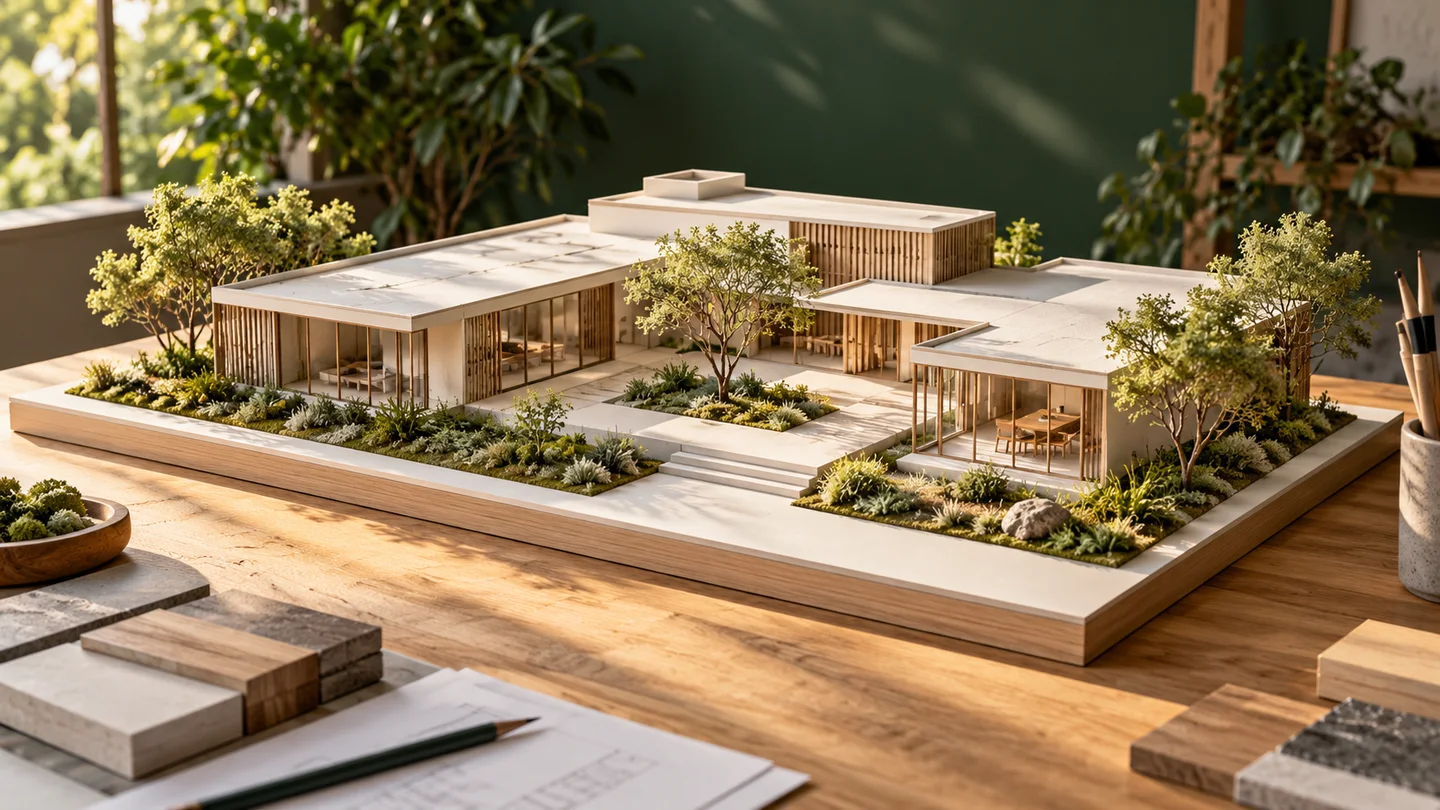
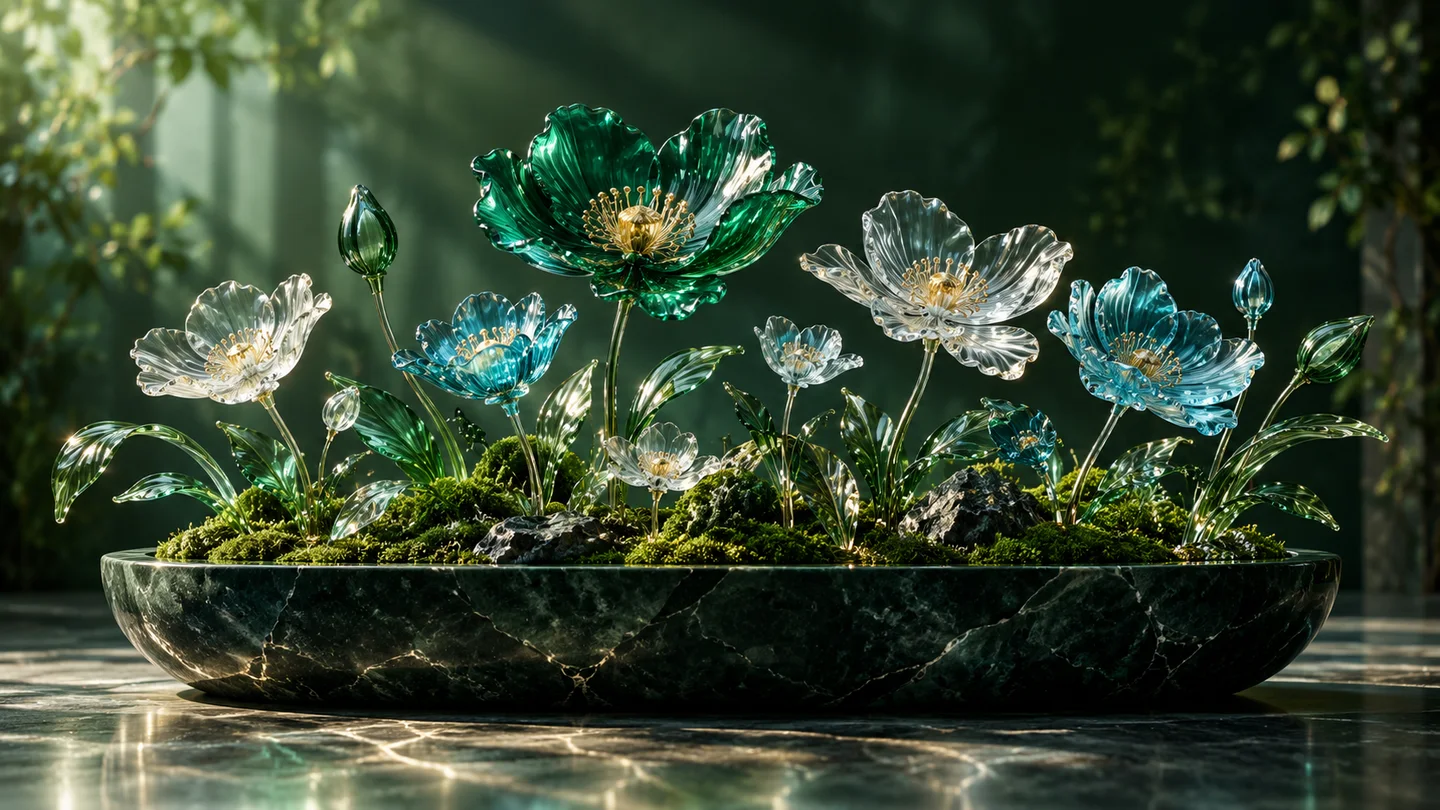
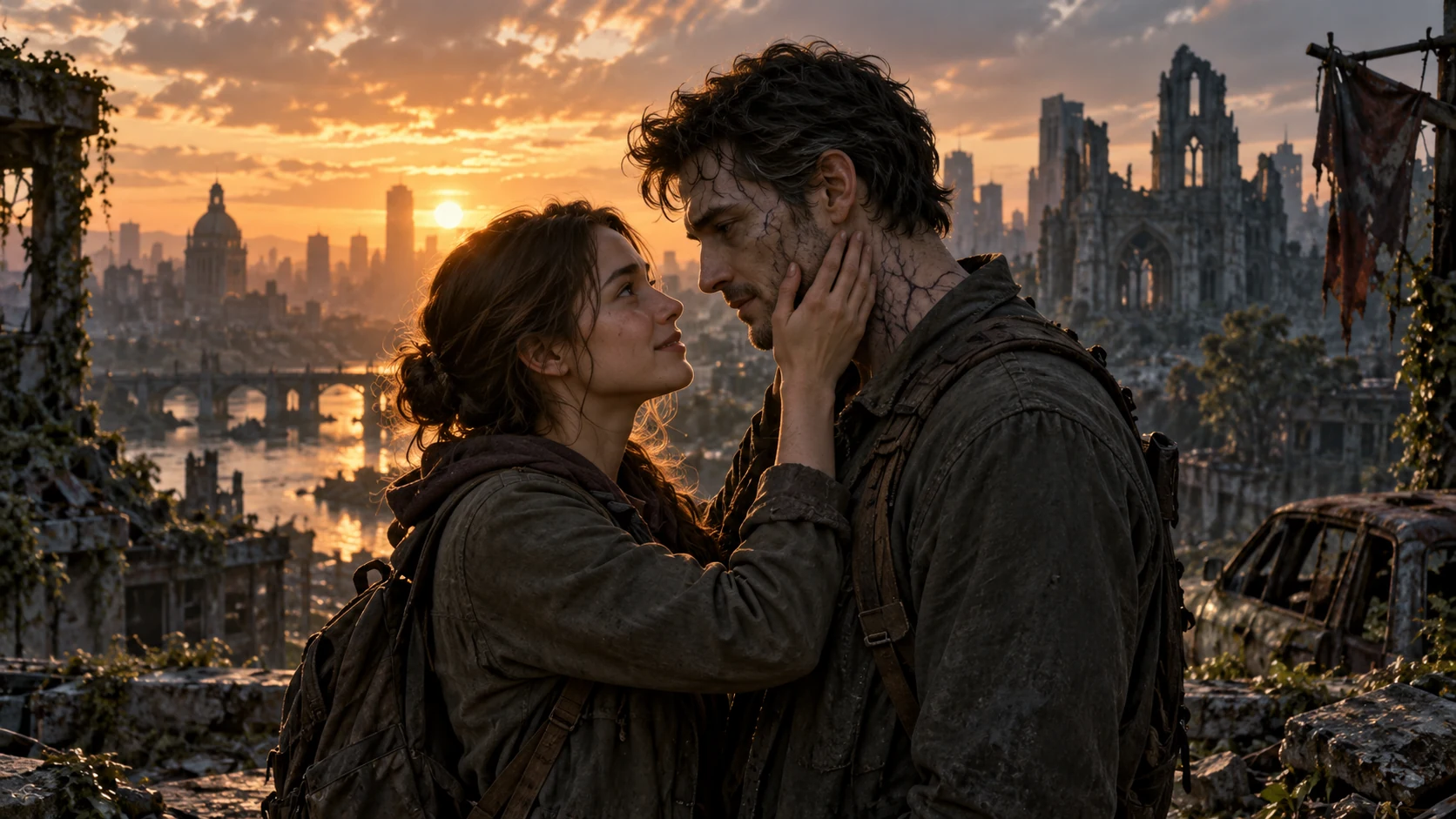
Explore official GPT Image 2 examples across precise editing, typography, compositing, product work, and visual storytelling.

High-Value GPT Image 2 Use Cases

Designed for work where visual quality, precise edits, readable text, and fewer reruns matter.

Campaigns, Packaging, and Brand Creative

Campaigns, Packaging, and Brand Creative

Generate product launches, social ads, posters, and packaging concepts with clearer hierarchy and stronger copy fidelity.

Precision Editing and Product Visualization

Precision Editing and Product Visualization

Swap objects, restage lighting, prepare mockups, and preserve product or identity details across targeted changes.

Editorial and Visual Storytelling

Editorial and Visual Storytelling

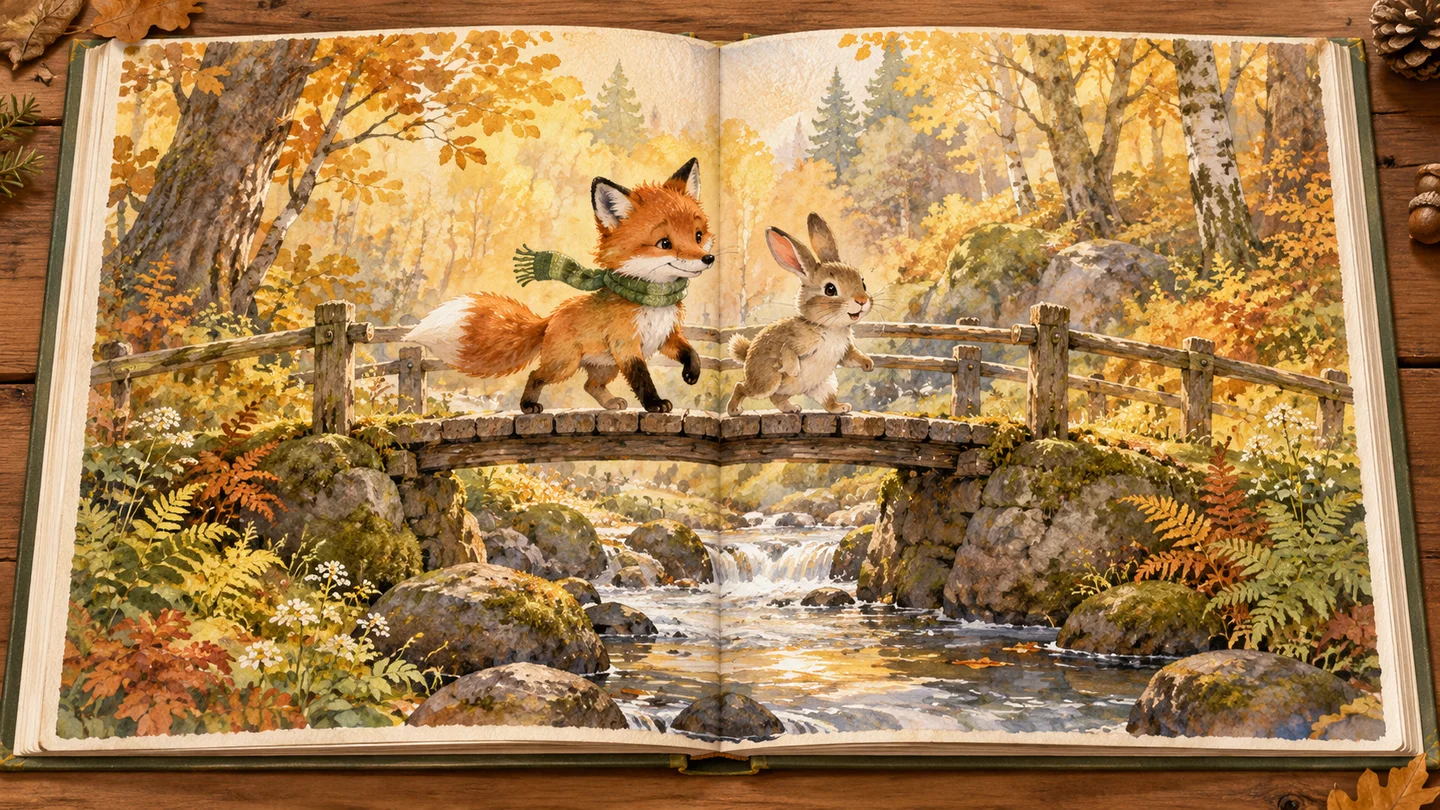
Build consistent illustration anchors, cinematic scenes, educational graphics, and story-driven image sequences.

02Recommended default

Why GPT Image 2 Is Built for Production Image Work

Stronger first-pass quality helps teams spend less time rerunning prompts and more time refining the final asset.

High-Fidelity, Constraint-Aware Editing

High-Fidelity, Constraint-Aware Editing

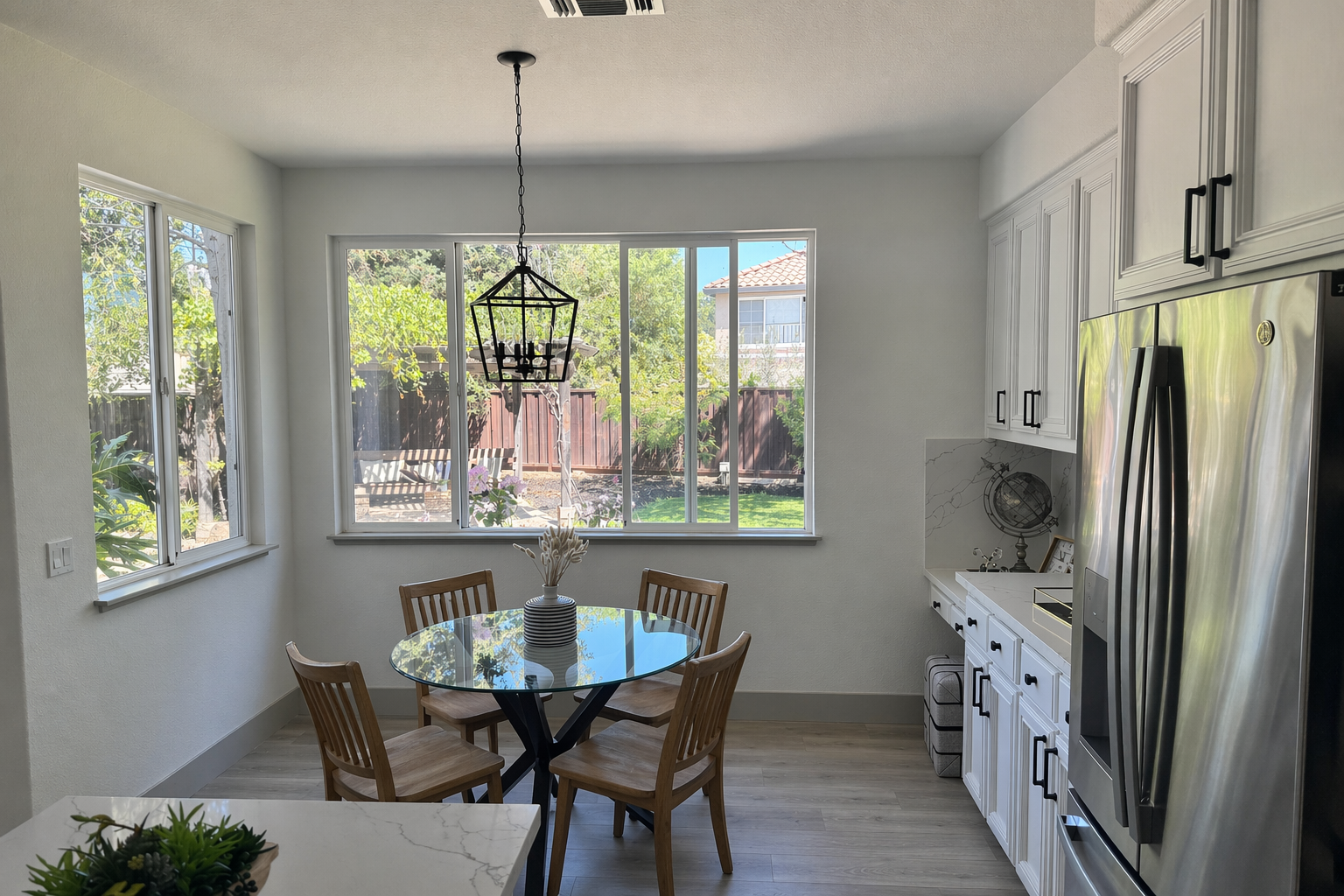
Tell the model what to change and what must stay fixed. Preserve identity, geometry, camera angle, lighting, and brand details while making targeted edits.

Better Text-Heavy Visuals

Better Text-Heavy Visuals

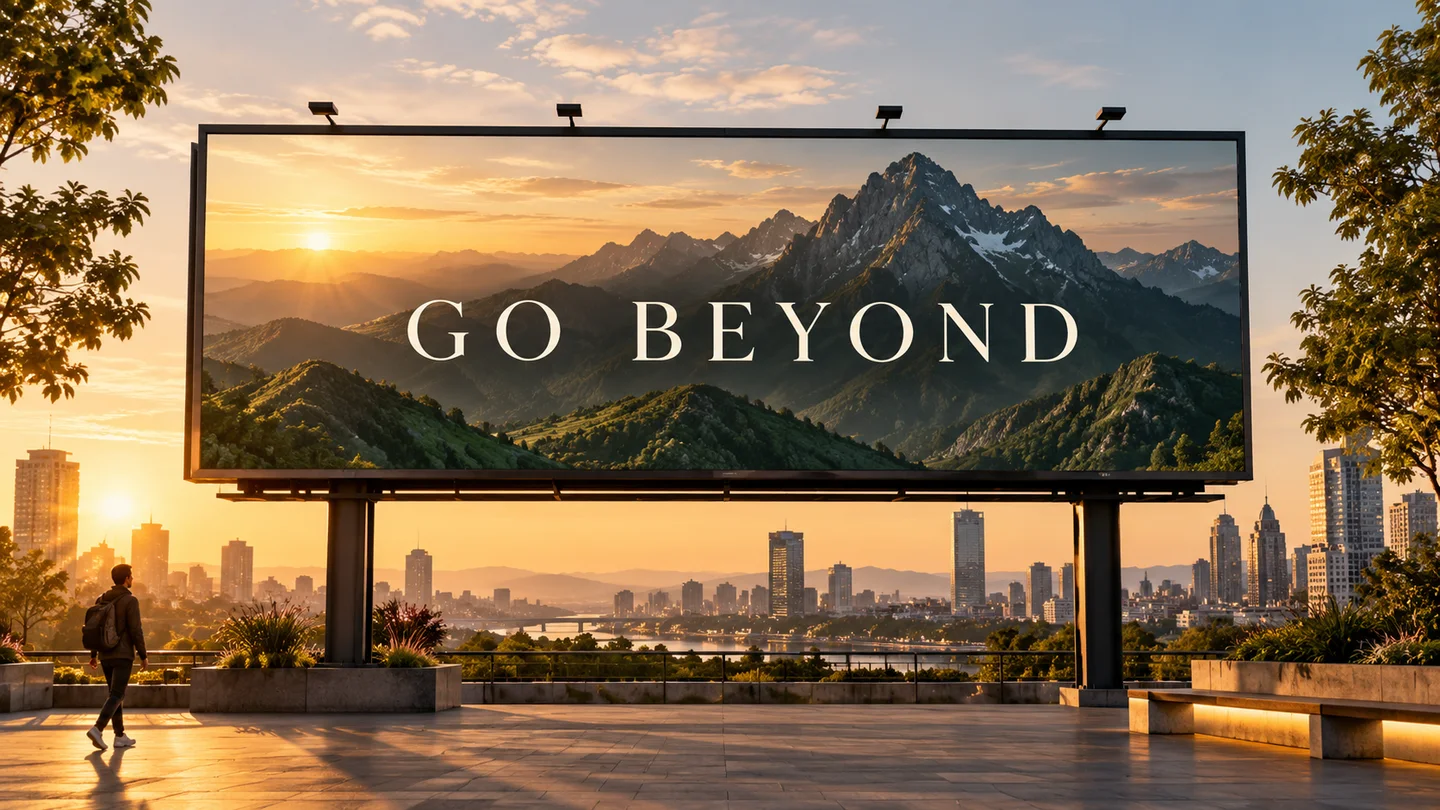
Create posters, packaging concepts, infographics, and campaign layouts with stronger text rendering. Exact wording and placement may still benefit from iteration.

Generation, Editing, and Compositing

Generation, Editing, and Compositing

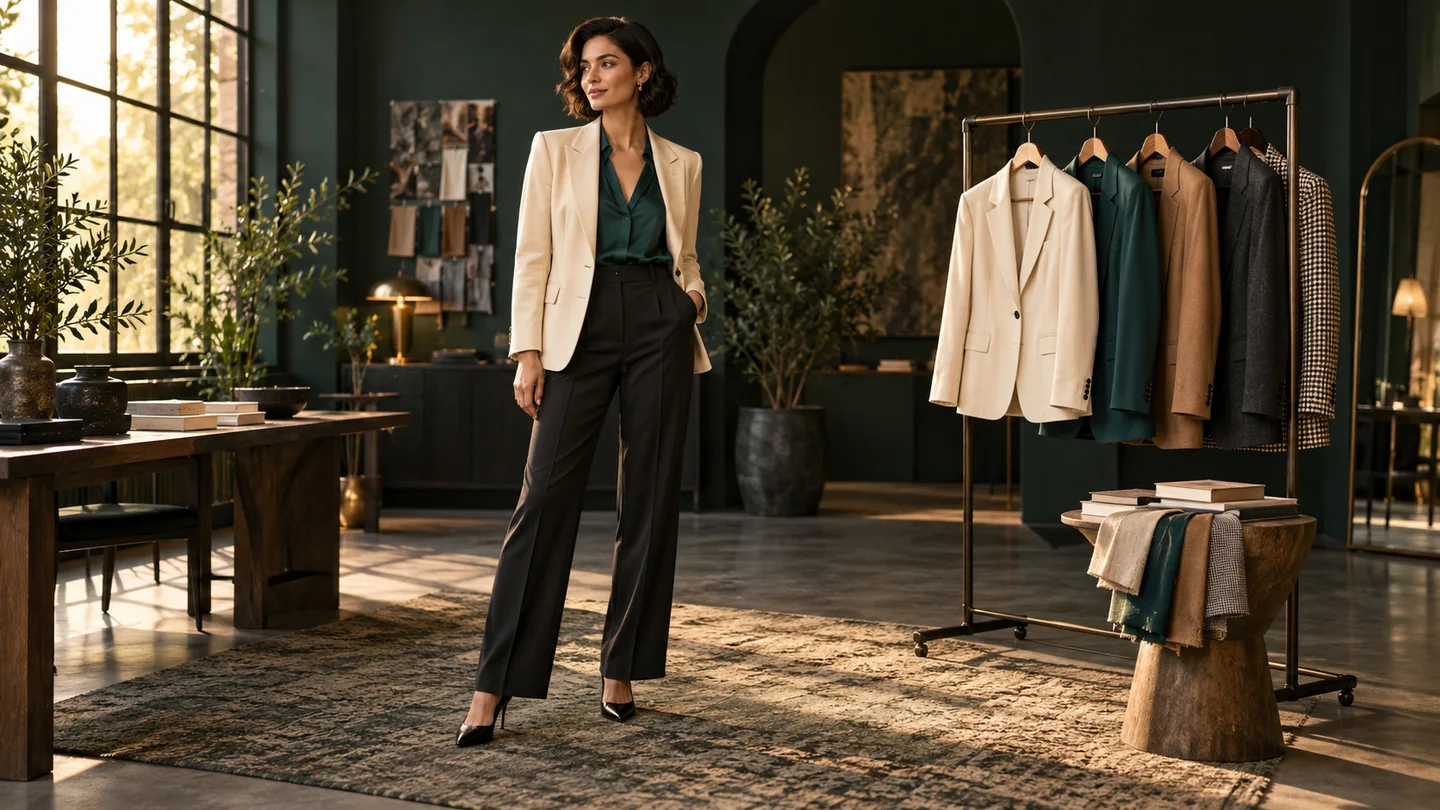
Move from blank-canvas generation to multi-image composition, product mockups, style transfer, virtual try-on, and identity-sensitive scene edits.

GPT Image 2 for Real Creative Workflows

A versatile image model for customer-facing assets, editing-heavy flows, and brand-sensitive creative.

Choose the Right Fidelity

Use lower quality for fast drafts, then move to medium or high when the final asset needs more polish.

Low, medium, or high quality

Edit Without Complex Tools

Describe targeted changes in plain language while preserving the parts of the image that already work.

Natural-language control

Know the Cost Before You Run

Review the required credits in the generator and pay only when you create an image.

Transparent credit cost

Strong First-Pass Results

Better generation and editing reliability can reduce manual review and repeated runs on production assets.

Fewer retries

Fit More Delivery Formats

Create square, portrait, landscape, widescreen, and other valid dimensions for campaigns and content systems.

Flexible aspect ratios

One Model, More Workflows

Handle product visuals, text-led campaigns, compositing, story art, and precision edits from the same workspace.

Generation plus editing

A Reliable GPT Image 2 Workflow

Start with a clear goal, separate changes from invariants, and refine one decision at a time.

Step 1: Start from text or references

Describe a new image or upload one or more references for controlled editing and composition.

Step 2: State the goal and constraints

Specify scene, subject, style, exact text, and intended use. For edits, list what should change and what must remain untouched.

Step 3: Generate, inspect, and refine

Review text, identity, edges, and layout. Make small follow-up changes instead of overloading one prompt.

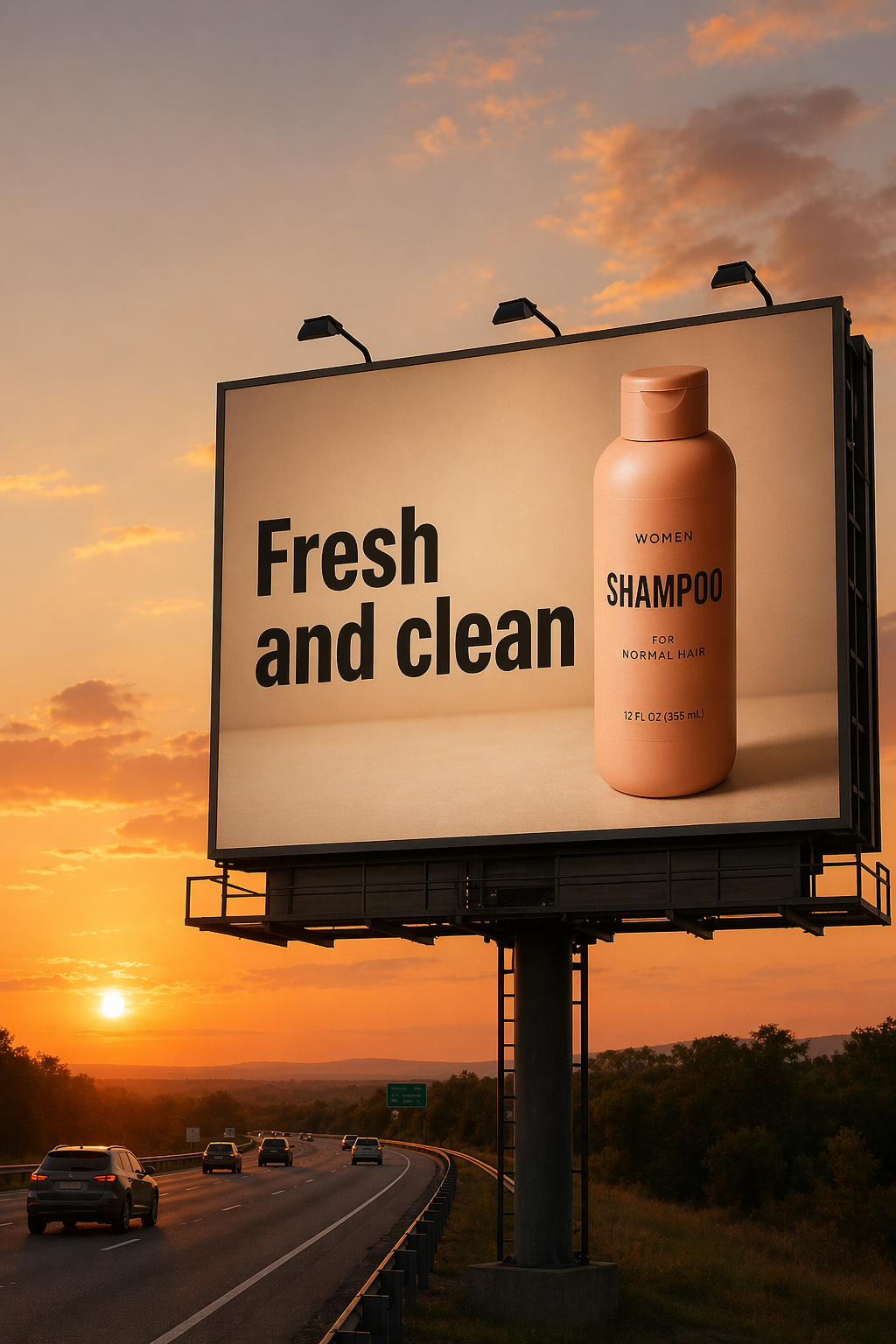
GPT Image 2 advertising image with readable billboard text

GPT Image 2 FAQs

Current answers based on OpenAI's official image generation documentation.

The official Image API model ID is 'gpt-image-2'. OpenAI recommends it as the default for new image generation and editing builds.

Generate and Edit Images with GPT Image 2

Start from a prompt or reference image, keep the details that matter, and refine the result in one workspace.

Meta Muse VideoMeta Muse Video

Meta Muse Video - ネイティブのマルチモーダル画像とビデオの作成

support@musevideo.ai

画像作成

  • テキストから画像
  • 画像編集

Google 画像モデル

  • Nano Banana
  • Nano Banana 2
  • Nano Banana Pro
  • GPT Image 2

動画作成

  • テキストから動画
  • 画像から動画

ワークスペース

  • ワークスペース
  • マイ作品

サポート

  • 料金
  • support@musevideo.ai

法的

  • プライバシーポリシー
  • 利用規約

© 2026 Meta Muse Video. All rights reserved.

料金support@musevideo.ai