Meta Muse VideoMeta Muse Video
  • ホーム
  • AIモデル

    画像モデル

    • Nano BananaGoogle
    • Nano Banana 2Google
    • Nano Banana ProGoogle
    • GPT Image 2OpenAI

    動画モデル

    • Wan 2.5Alibaba
    • Kling 2.6Kuaishou
    • Grok ImaginexAI
  • 料金
  • ツール
    • テキストから画像

      テキストの説明から画像を生成する

    • 画像編集

      画像を編集および強化する

    • テキストから動画

      テキストプロンプトからビデオを作成する

    • 画像から動画

      画像をアニメーションにしてビデオに変換する

無料でサインアップ

xAI video generation

Grok Imagine Video 1.5 Generator

Turn a written scene or a starting image into a short, cinematic video. Direct camera movement, physical action, atmosphere, dialogue, and sound in one focused prompt.

Up to 720pOutput resolution
1–15 secFlexible duration
Native audioSound in the same pass
生成ルート
プロンプト *
0文字
アスペクト比
長さ
解像度
利用可能なクレジット
0
製品 UI が表示されながらスタジオを歩く創設者

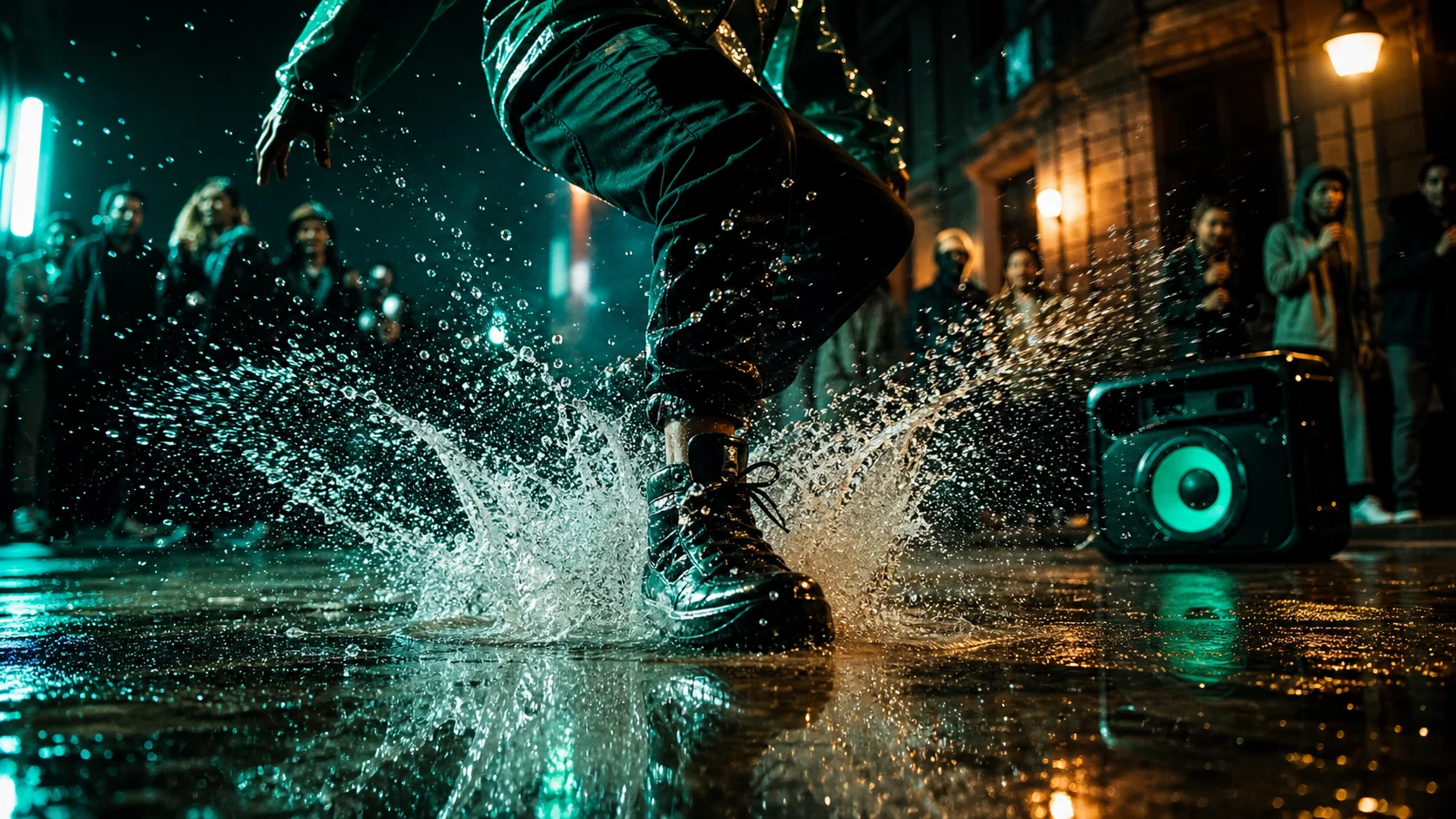
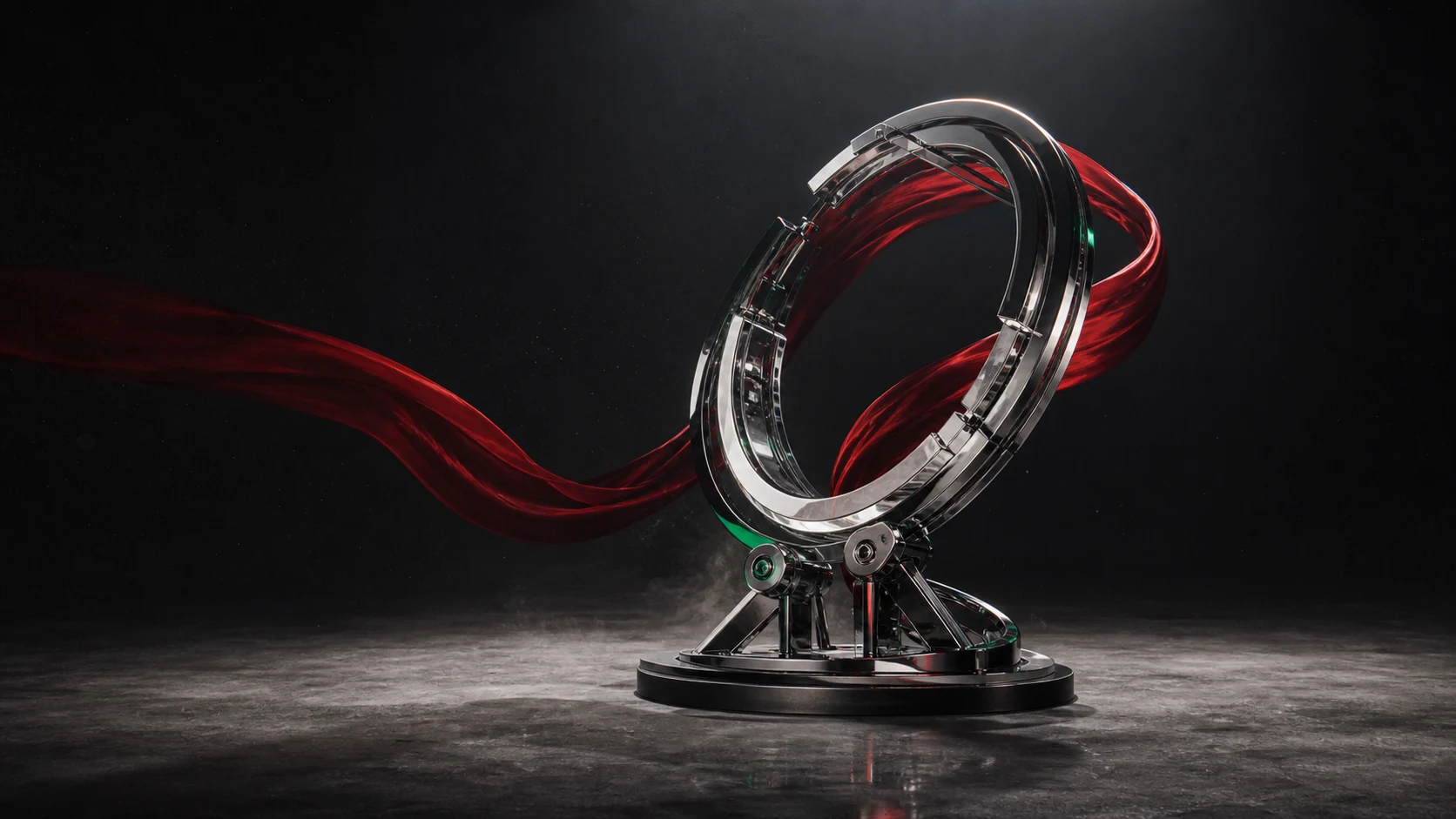
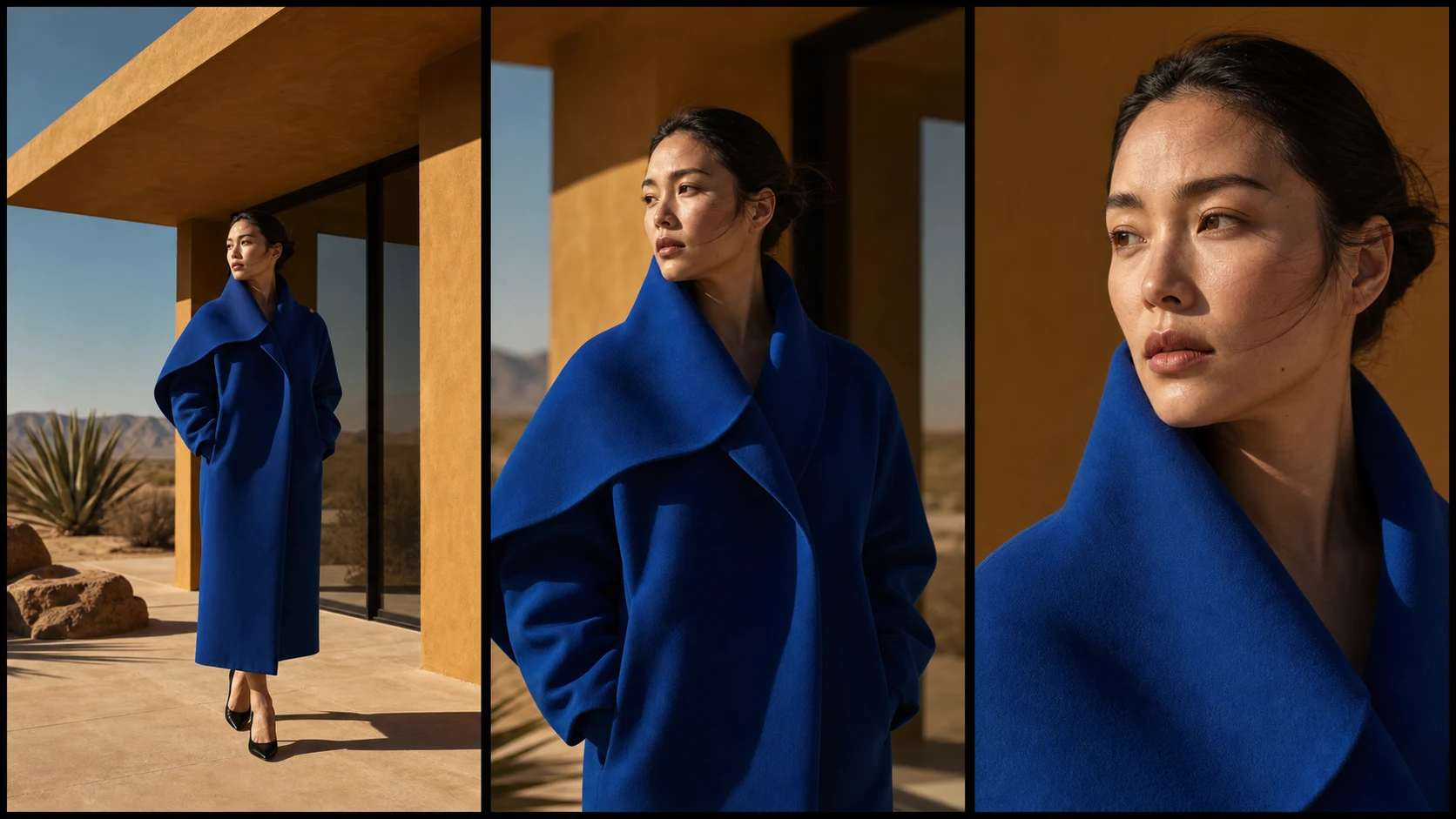
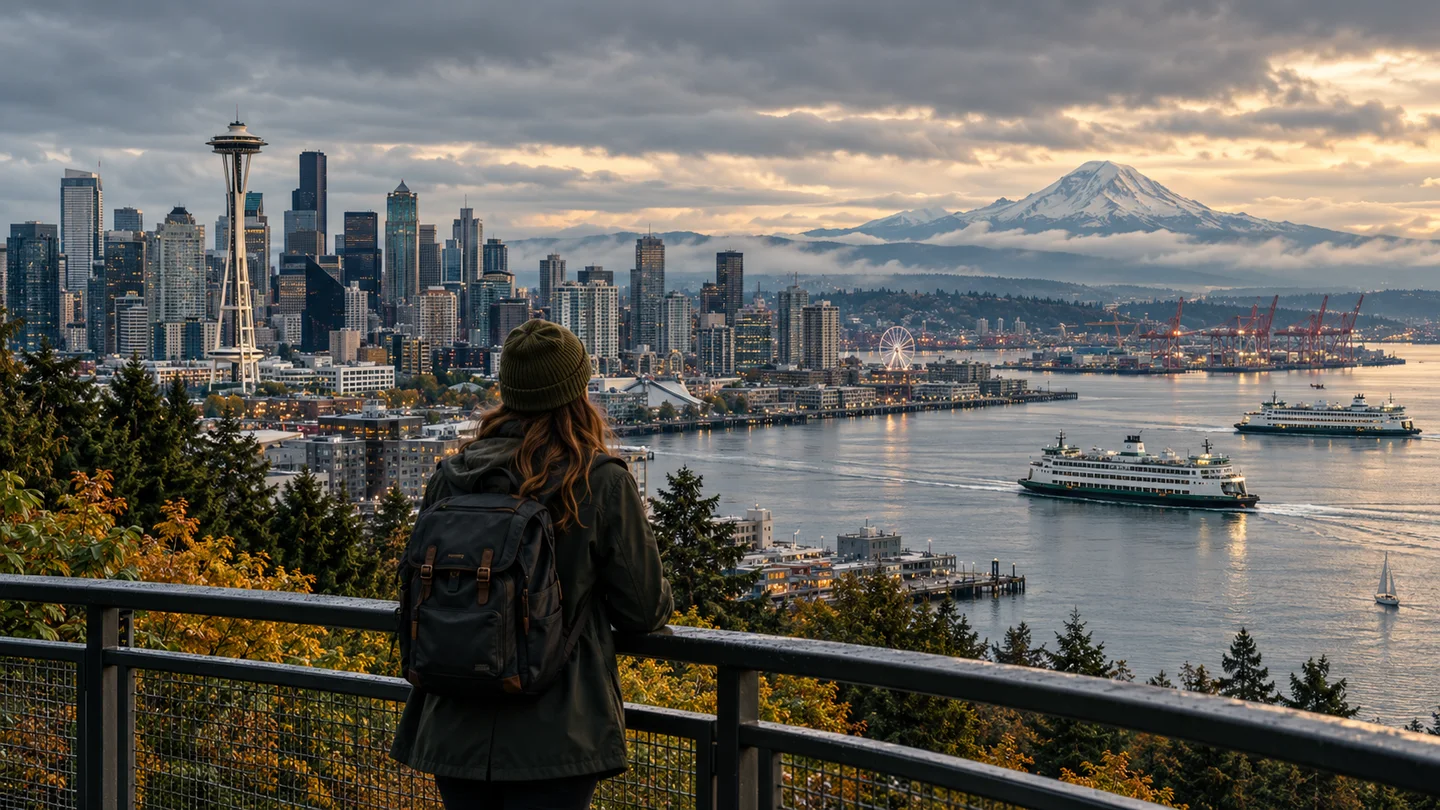
Meta Muse Video ワークスペースでテキストから動画のサンプル出力を参照してください。

Grok Imagine in motion

From a Single Direction to a Complete Shot

Explore cinematic movement, character performance, and sound-aware moments across different visual styles.

00:08

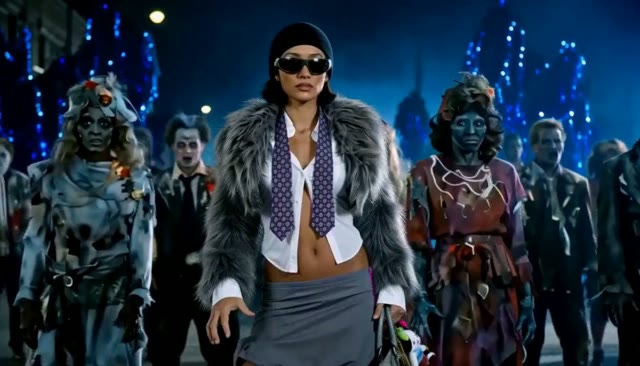
Cinematic motion

Directed Camera Language

Describe framing, lens behavior, camera travel, and the pace of the action in plain language.

00:08

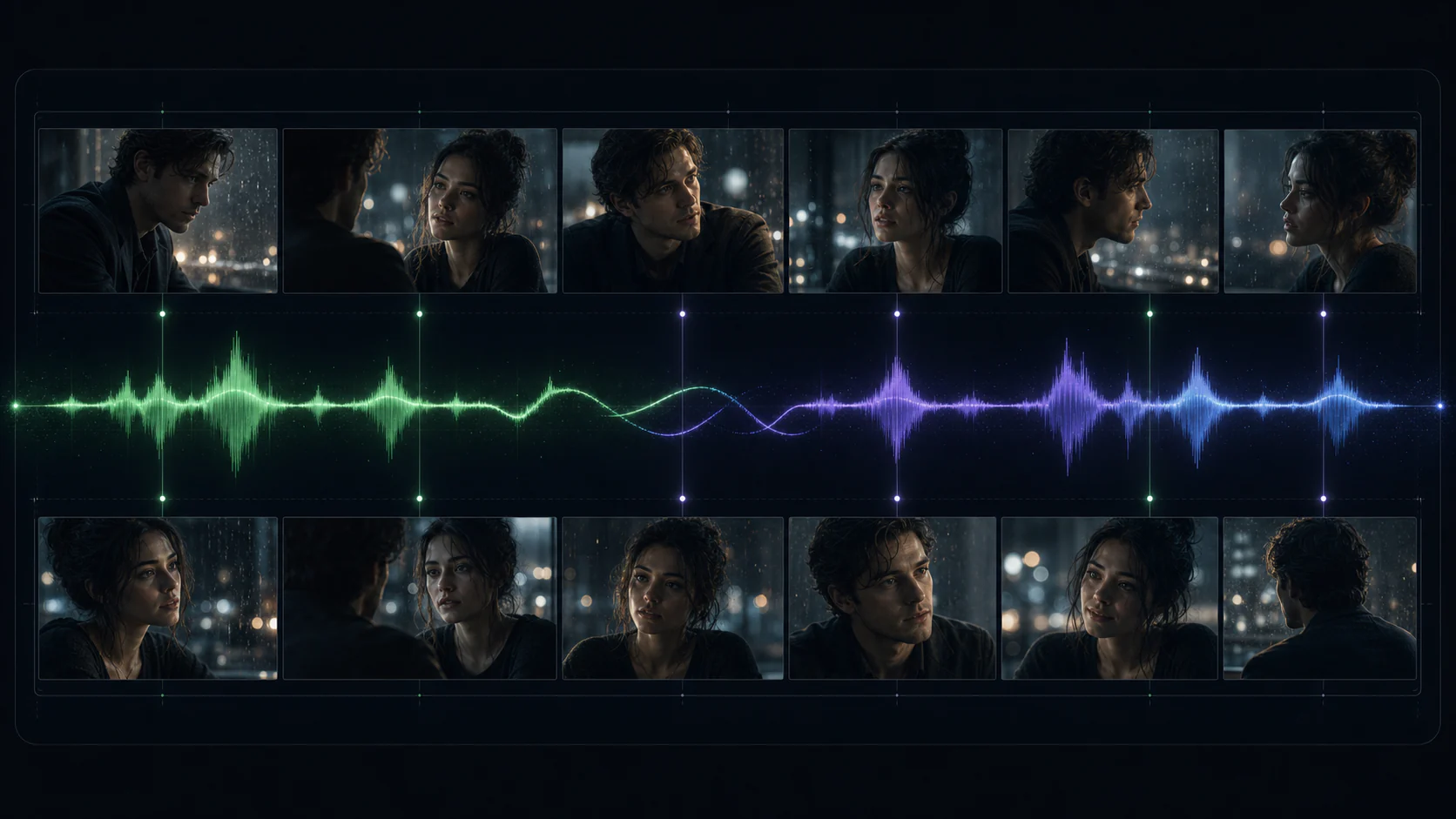
Character beat

Expressive Performance

Build short character moments with coherent movement, ambience, and spoken or environmental audio cues.

00:08

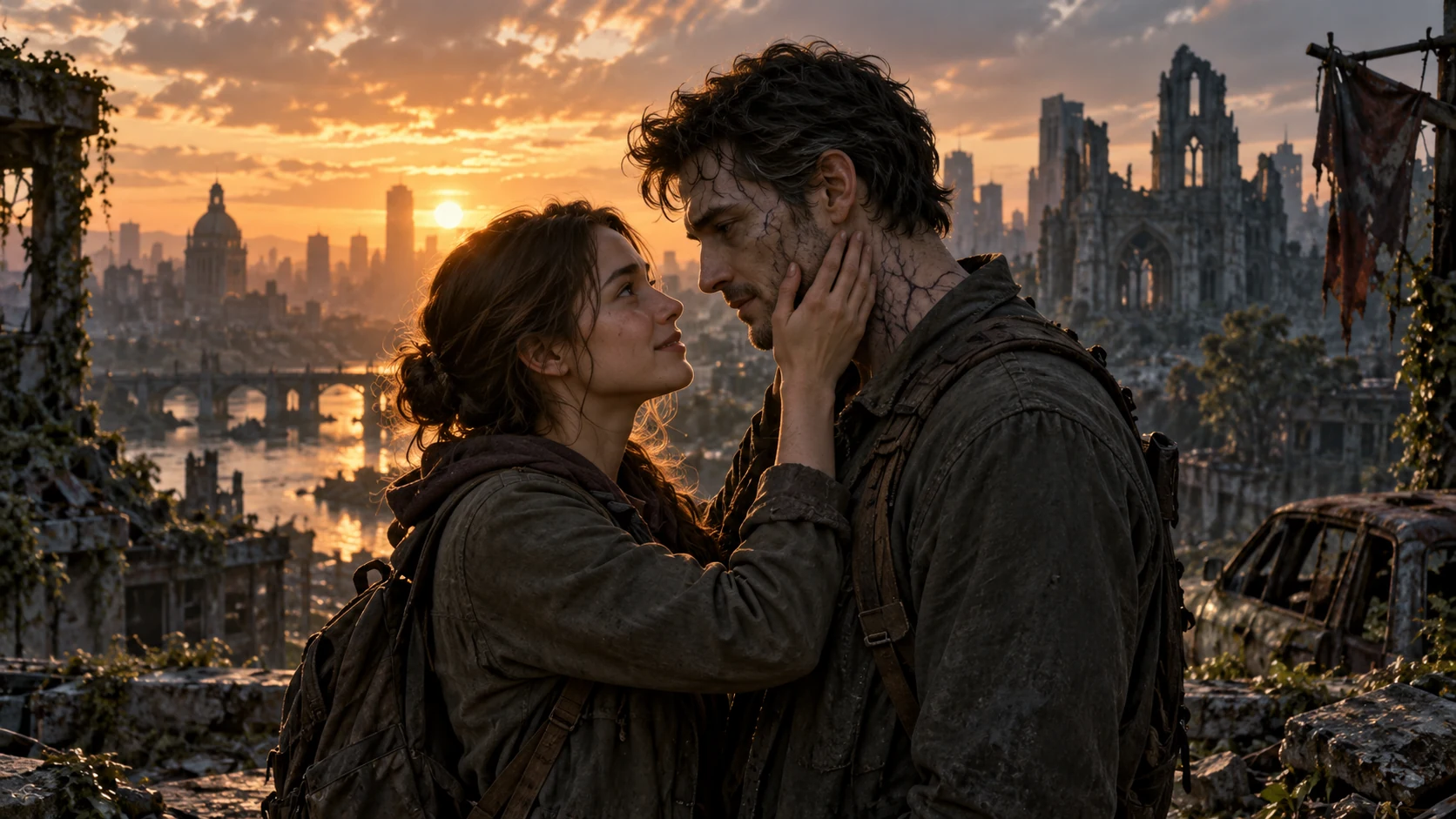
Style continuity

Image-Led Animation

Animate a strong starting frame while preserving its subject, lighting, composition, and visual identity.

Examples are drawn from the provider's public Grok Imagine gallery. Results vary by prompt, source image, and provider availability.

Grok Imagine Video 1.5 capabilities

Direct the Frame, Motion, and Sound Together

The available Grok workflow combines flexible timing with text-to-video and image-to-video creation, so one compact brief can carry the whole shot.

Director's prompt 00:08
Camera

Slow push-in, low angle, subtle handheld energy

Motion

Fabric catches the wind as the subject turns

Audio

Distant city ambience, footsteps, one quiet line

Motion

Improved Physical Coherence

Create more believable character action, object movement, and transitions between moments.

Image to video

Source-Image Fidelity

Use an opening image to anchor subject identity, composition, texture, and lighting.

Native sound

Audio in the Same Pass

Describe ambience, effects, or dialogue alongside the visual action instead of treating sound as an afterthought.

6 ratios

Flexible Social Formats

Choose auto, square, landscape, portrait, 3:2, or 2:3 to match the intended placement.

02Key Features

Grok Imagine Video 1.5: Three Upgrades for Complete Shots

Generate motion, sound, and visual continuity together in one focused creative workflow.

Sound Lands on the Action

Sound Lands on the Action

Sound effects, ambience, and dialogue are generated with the picture, while clearer speech synchronization helps each audible beat arrive where the visible action happens.

Weight and Momentum Hold Together

Weight and Momentum Hold Together

Movement stays more coherent across the clip, giving character actions and object interactions more believable weight, continuity, and physical momentum.

Animate Without Losing the Starting Frame

Animate Without Losing the Starting Frame

Direct camera movement, pacing, atmosphere, and sound from a single image while retaining its subject detail, composition, and lighting instead of reinterpreting the scene.

Built for Fast Visual Exploration

Use Grok Imagine Video 1.5 when a concept needs motion, timing, and atmosphere before a full production commitment.

01

Campaign Concepts

Prototype product moments, branded worlds, and short promotional shots in landscape, square, or vertical formats.

02

Short Narrative Beats

Turn a compact scene description or illustrated keyframe into a character-driven moment with native sound.

03

Animated Storyboards

Test camera direction, blocking, and pacing from a still frame before moving into a longer edit.

A Simple Grok Imagine Workflow

Start with the strongest creative constraint, then add only the motion and sound cues that shape the shot.

Step 1

Choose Text or Image

Start from a written scene, or upload a clear opening frame when composition and subject identity matter.

Step 2

Direct the Shot

Describe the subject, action, camera movement, atmosphere, dialogue, and sound in the order they unfold.

Step 3

Set Format and Generate

Choose 480p or 720p, a duration from one to fifteen seconds, and the aspect ratio for your destination.

Grok Imagine for Complete Short-Form Concepts

Move from a visual idea to a timed, sound-aware video draft in one practical workspace.

Explore Complete Moments

Evaluate motion, timing, and atmosphere together instead of assembling every early concept by hand.

One generation pass

Write Like a Director

Use clear scene language for camera, action, pacing, and sound without learning a node-based workflow.

Natural-language direction

Know the Cost Before You Start

Credit use updates with the selected resolution and duration before the generation is submitted.

Credits shown up front

Review Details Clearly

Generate at 720p for presentation-ready concept review or 480p when rapid iteration matters most.

Up to 720p

Explore or Art-Direct

Use text for open-ended ideation or a source image to preserve a specific creative direction.

Text or image input

Match the Creative Beat

Choose a duration that fits a quick motion test, a product reveal, or a complete short scene.

1–15 second control

Grok Imagine Video 1.5 FAQs

Key details based on xAI's release information and the capabilities available in this generator.

Grok Imagine Video 1.5 is xAI's video generation model for creating short videos from text or a starting image. xAI highlights improved motion, physics, audio, and prompt adherence in this generation.

Give the Shot a Direction. Let It Move.

Create a short video from a scene brief or animate a carefully art-directed starting frame with Grok Imagine Video 1.5.

Meta Muse VideoMeta Muse Video

Meta Muse Video - ネイティブのマルチモーダル画像とビデオの作成

support@musevideo.ai

画像作成

  • テキストから画像
  • 画像編集

Google 画像モデル

  • Nano Banana
  • Nano Banana 2
  • Nano Banana Pro
  • GPT Image 2

動画作成

  • テキストから動画
  • 画像から動画
  • Wan 2.5
  • Kling 2.6
  • Grok Imagine

サポート

  • 料金
  • support@musevideo.ai

法的

  • プライバシーポリシー
  • 利用規約

© 2026 Meta Muse Video. All rights reserved.

料金support@musevideo.ai