

0:00 / 0:00
Try Seedance 2.0 Video Generator Online
Seedance 2.0 is ByteDance's multimodal AI video model. Access it in MuseVideo to generate multi-shot videos, cinematic camera sequences, and audio-synced content.
Creation Engine
Source Image (Optional)
Click / Drag / Paste
0
Quick Prompts
Resolution
Video Duration
Swipe to explore ↓
Seedance 2.0 in Action: Multi-Shot Video Examples
Preview how static frames can become multi-shot, cinematic sequences with camera motion, depth, and audio-first storytelling cues.
0:00 / 0:00
0:00 / 0:00
0:00 / 0:00
Seedance 2.0 Use Cases: Ads, Anime, Demos, and More
Seedance 2.0 is usually evaluated by teams who want more control than a one-shot image animation tool provides.

Commercial and Social Campaigns
Build product reveals, hero ads, and short paid-social sequences that feel more directed than a simple motion filter.
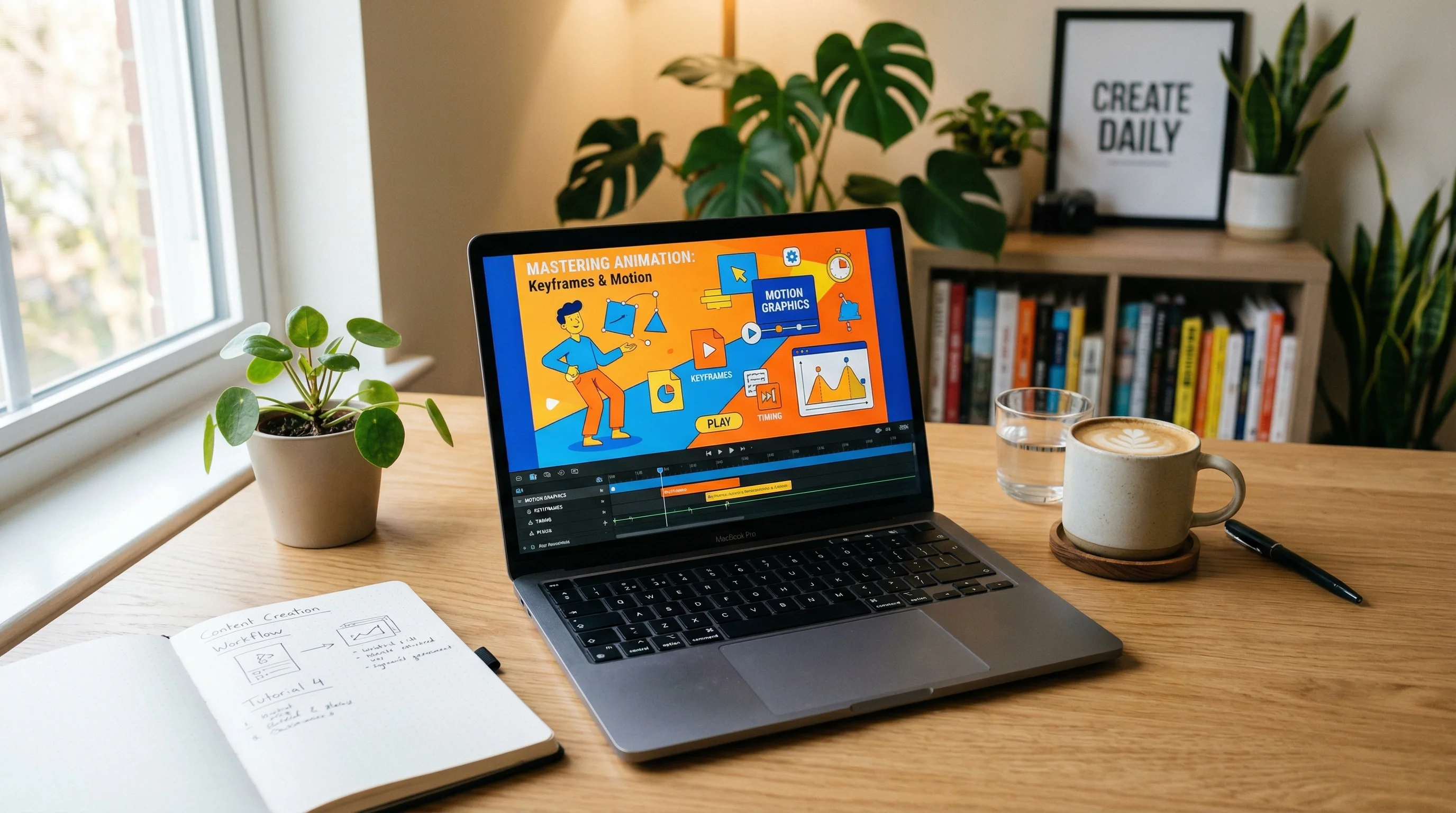
Tutorials and Product Demos
Turn diagrams, interface flows, or process screenshots into more cinematic explainers with depth and camera movement.
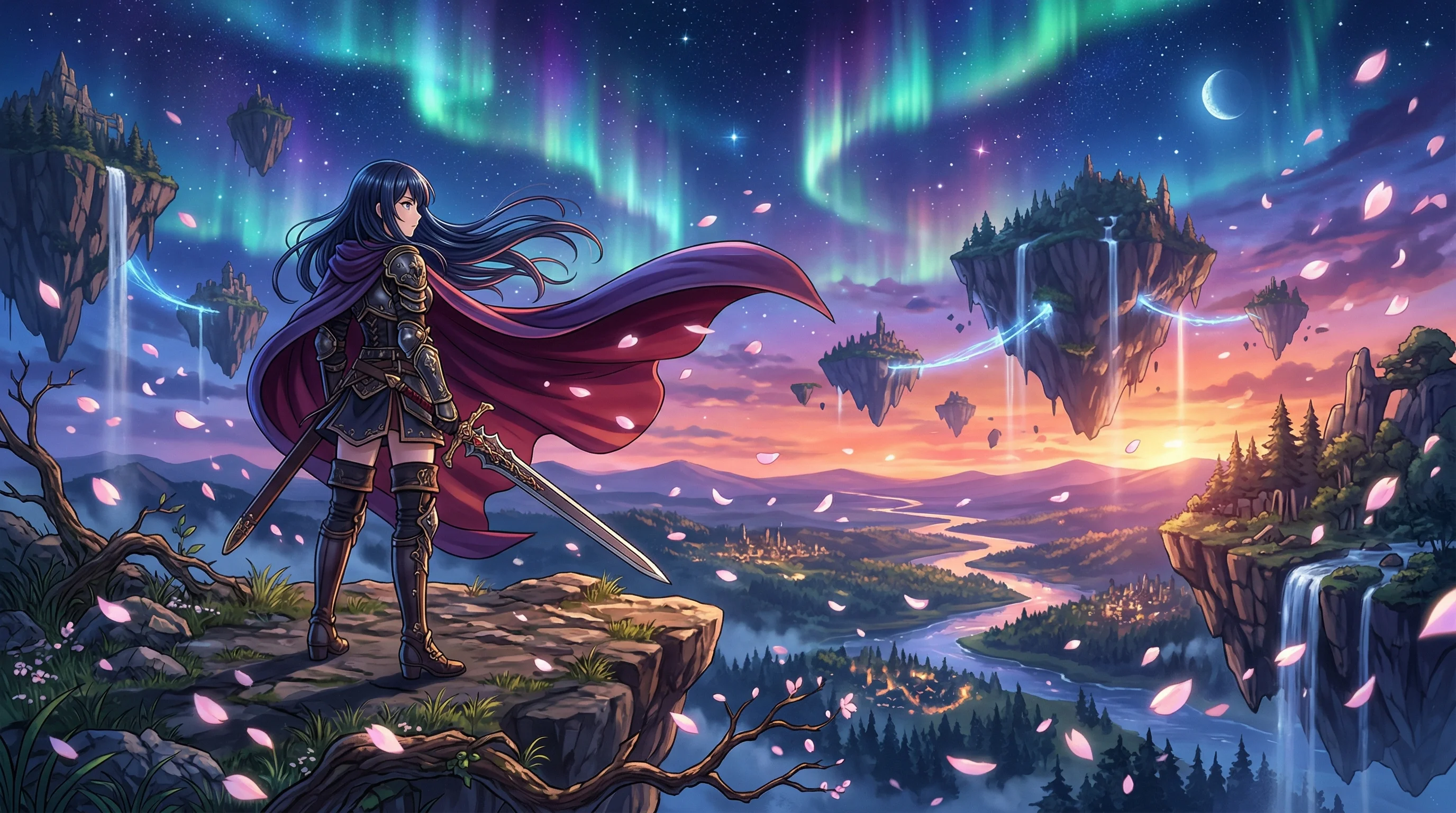
Cinematic Shorts and Edits
Use a single keyframe to develop anime edits, cinematic teasers, or mood-driven short scenes with stronger pacing.
Seedance 2.0 vs Other AI Video Models: Key Differences
These are the capabilities most often associated with Seedance 2.0 by creators comparing new AI video models.
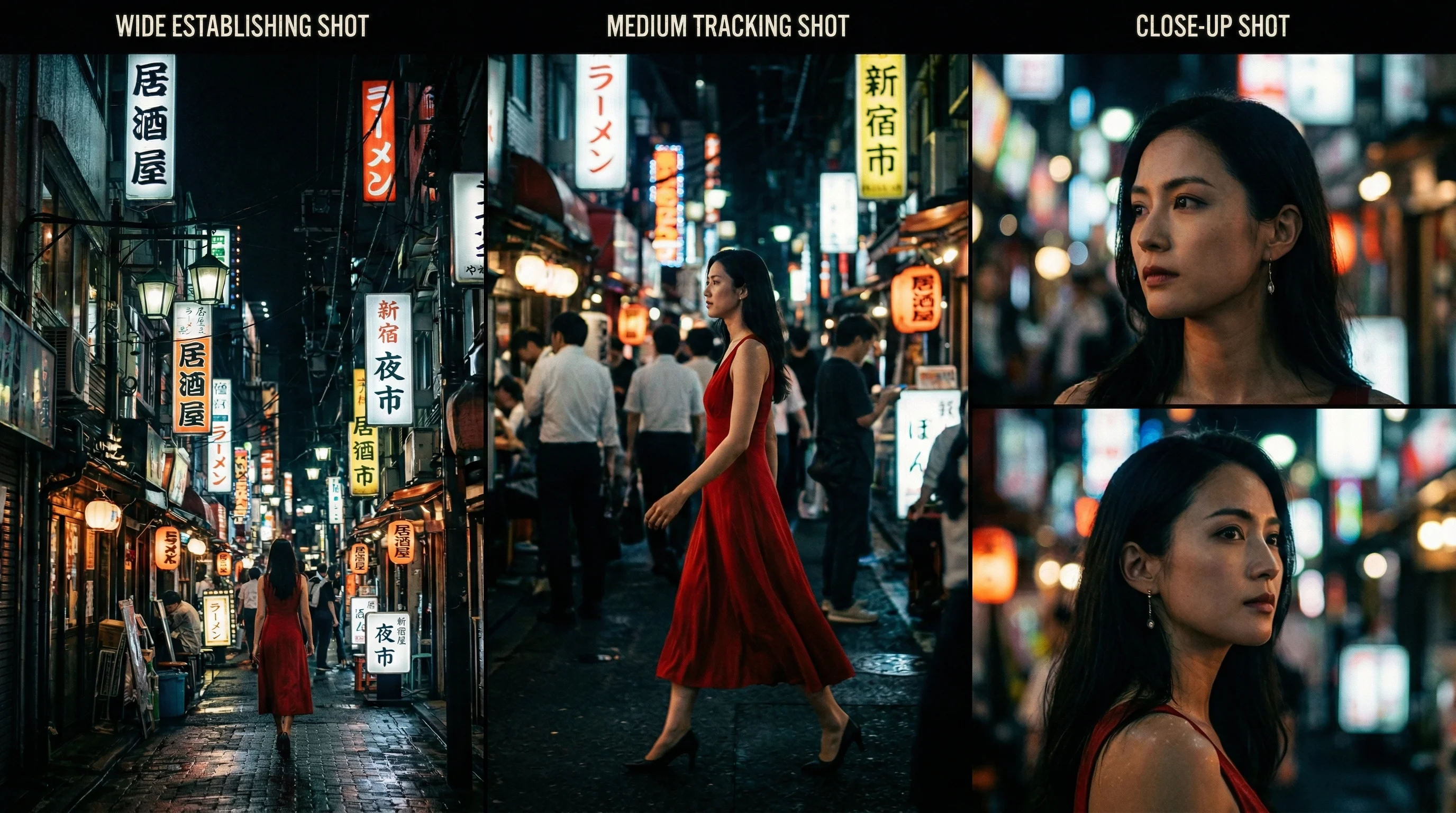
Multi-Shot Narrative Control
Instead of treating every shot like an isolated clip, Seedance 2.0 is often evaluated for continuity across multiple beats, camera moves, and scene transitions.
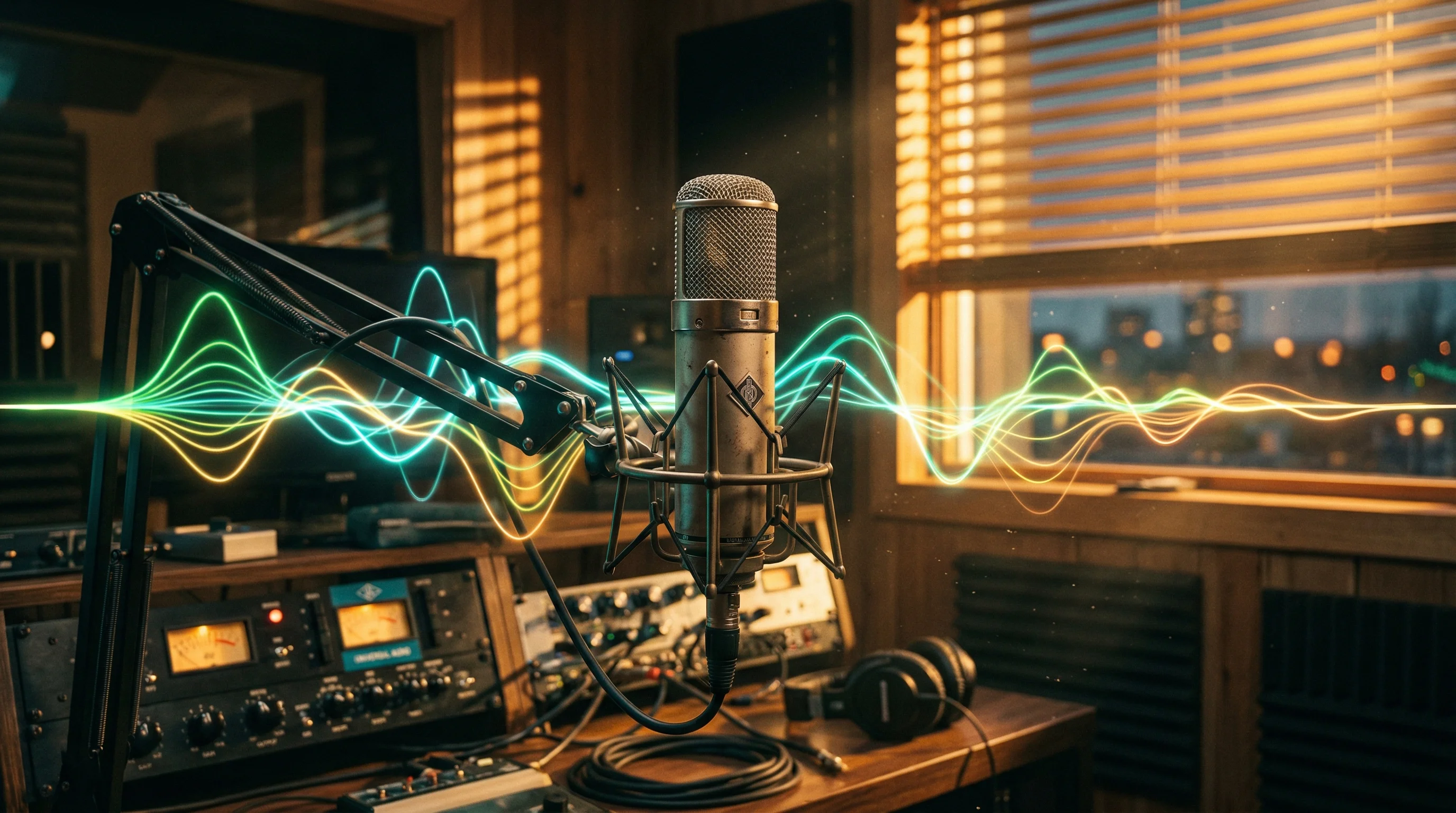
Native Audio-Video Thinking
Seedance 2.0 is associated with synchronized sound cues and motion that feels directed, not randomly animated. That matters for ads, reveals, and teaser sequences.
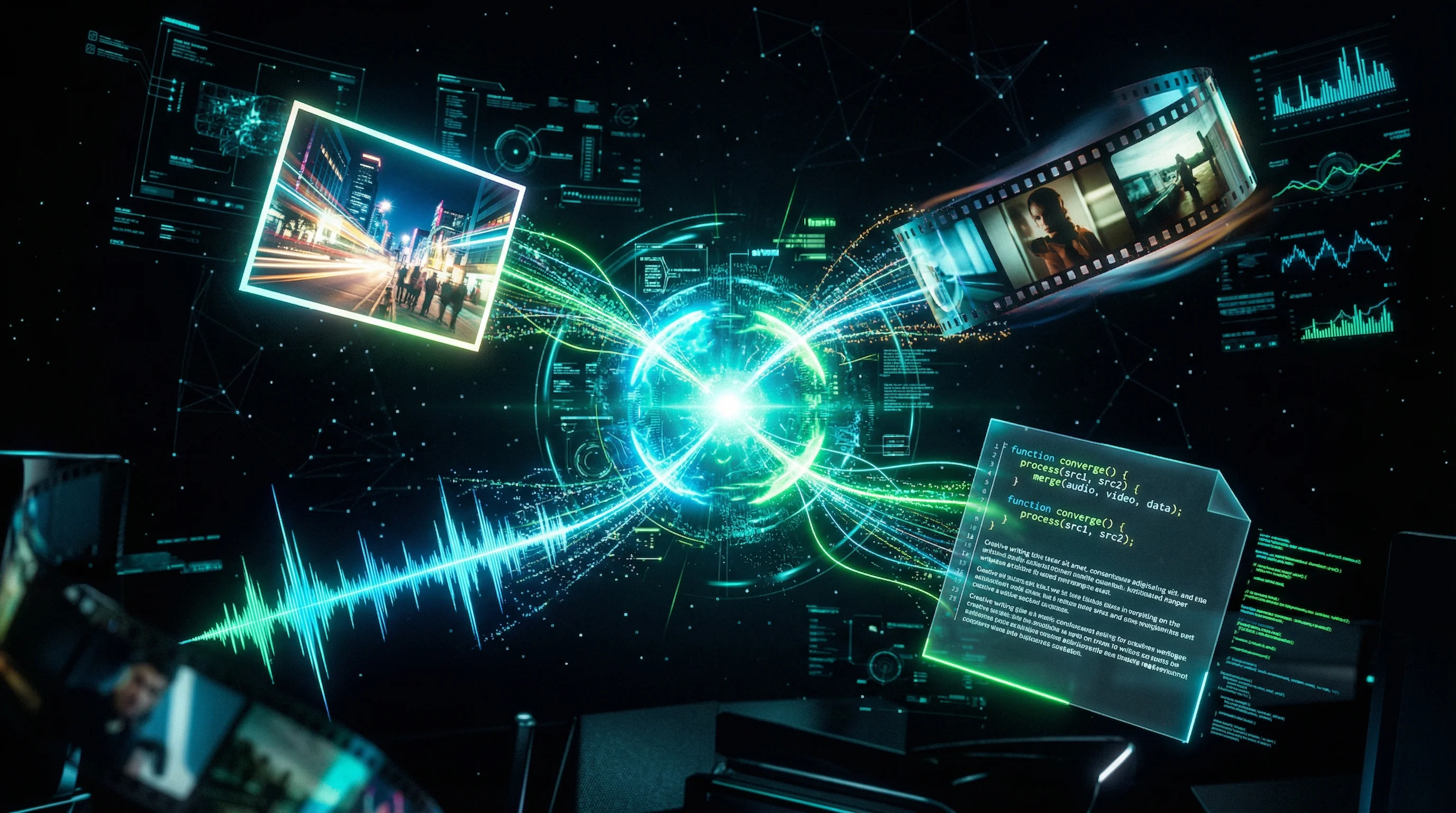
Unified Multimodal Inputs
Text, image, audio, and video references are part of the broader Seedance 2.0 conversation. That multimodal framing gives creators more control over style and pacing.
Why Creators Search for Seedance 2.0
Seedance 2.0 attracts teams that care about cinematic control, scene continuity, and faster creative iteration.
Move from Idea to Preview
Prototype motion language fast so your team can compare directions early and only upscale the shots worth keeping.
Low-Friction Creation
You do not need a complex node graph to explore cinematic motion. Prompt the scene, shape the camera, and render.
Iterate from a Single Frame
Use one reference image to test multiple motion directions before you invest in longer renders or larger campaigns.
Built for Storytelling
Aim for stronger scene continuity, deliberate framing, and polished motion instead of generic single-shot movement.
Adapt to Every Channel
Seedance 2.0-style workflows work for social cuts, widescreen trailers, pitch reels, and product showcases from the same core asset.
Fewer Workflow Breaks
Stay inside one workspace for references, prompts, renders, and retries instead of jumping across fragmented tools.
How to Create a Seedance 2.0 Video in 3 Steps
The fastest way to test a Seedance 2.0-style workflow is to start from one image and direct the motion deliberately.
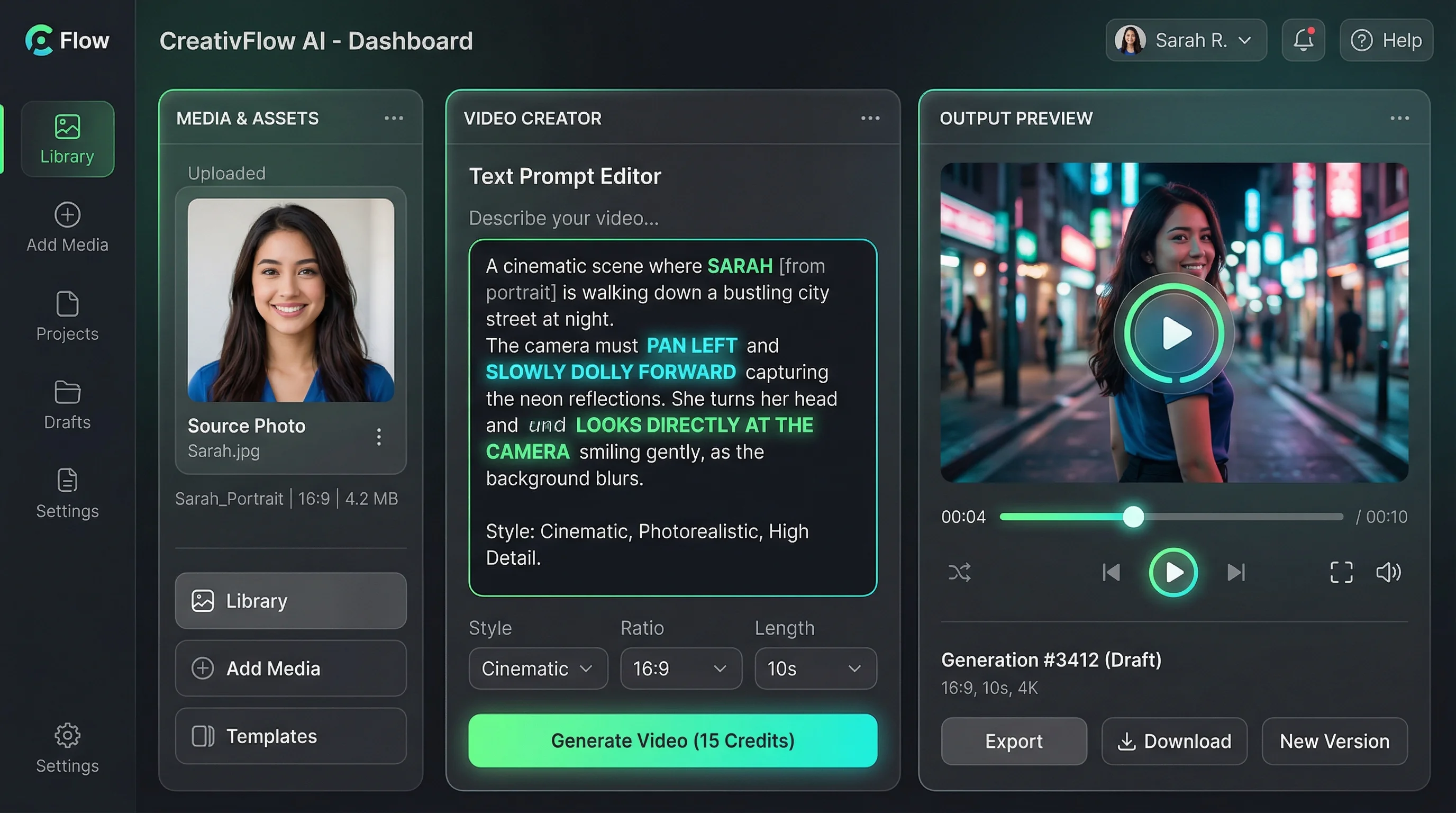
Step 1: Upload a Reference
Upload a still frame, product photo, storyboard, or illustration to anchor the scene before motion begins.
Step 2: Direct Motion and Tone
Describe the camera path, scene transitions, pacing, and sound cues you want. Focus on direction, not just subject matter.
Step 3: Generate and Iterate
Render a preview, compare variants, and download the strongest result for social, ads, or internal review.
Explore Other AI Features


FAQs about Seedance 2.0
Answers to the biggest questions around Seedance 2.0, access paths, capabilities, and image-to-video use cases.
Seedance 2.0 is ByteDance Seed's multimodal AI video model. It is positioned around text, image, audio, and video inputs, with standout strengths in multi-shot consistency, native audio-video generation, cinematic camera language, and physics-aware motion.
Build Your First Seedance 2.0 Video Scene
Start from a still frame, define the motion, and turn a static idea into a camera-led video concept.