• MuseVideoMuseVideo
探索
  • 首页
创建
  • AI 图片生成器
  • AI 视频生成器
  • AI Music Video
AI 特效
  • Hotel Lobby AI
  • Migos AI
工作区
  • 我的作品
  • 价格
Meta Muse VideoMeta Muse Video
  • 首页
  • AI 视频

    视频模型

    • Wan 2.5阿里云
    • Kling 2.6快手
    • Grok ImagineGrok
  • AI 图像

    图像模型

    • Nano BananaGoogle
    • Nano Banana 2Google
    • Nano Banana ProGoogle
    • GPT Image 2OpenAI
  • AI Music
    AI Music Video
  • AI 特效

    AI 特效

    Hotel Lobby AI双照片橙色舞台对唱Migos AI Video Generator双照片 AI 说唱对唱
  • 价格
免费注册

Two photos. One rap duet.

Migos AI Video Generator for Two-Photo Rap Duets

Create the Migos AI video trend with two photos and a fixed orange performance booth. Assign one subject to each side, choose 4–15 seconds, and generate a vertical duet without writing a prompt or editing a timeline.

2 photosOne subject per role
9:16Built for vertical feeds
4–15 secChoose your clip length
Selected AI effectMigos-Style Orange Booth
L · Left performer
R · Right performer
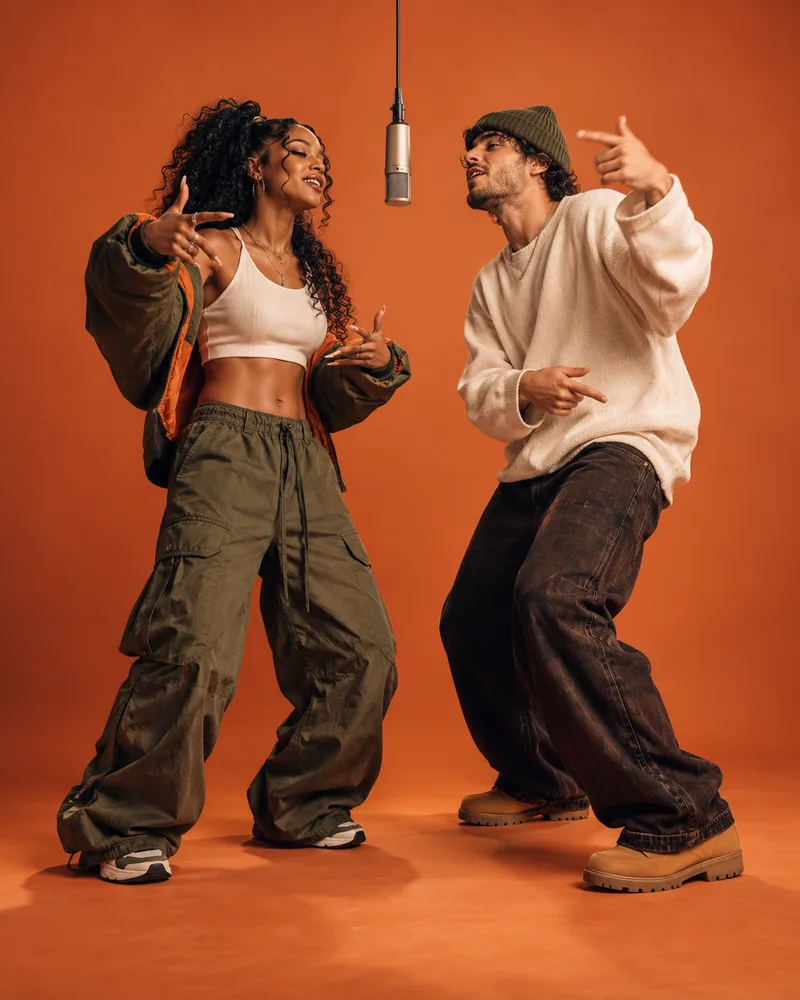
Balance: 0 creditsA fixed full-body shot, hanging microphone, and alternating rap performances.
Migos AI effect previewOriginal performers in an orange booth preview for the Migos AI Video Generator
  • No prompt or timeline editing
  • Separate left and right roles
  • Failed provider jobs release reserved credits

One effect, many casting ideas

Create the Migos AI Trend With Any Duo

The Migos AI video trend turns two source photos into a staged orange-booth performance. Use the two roles for friends, creators, pets, or original characters while keeping each subject visually distinct.

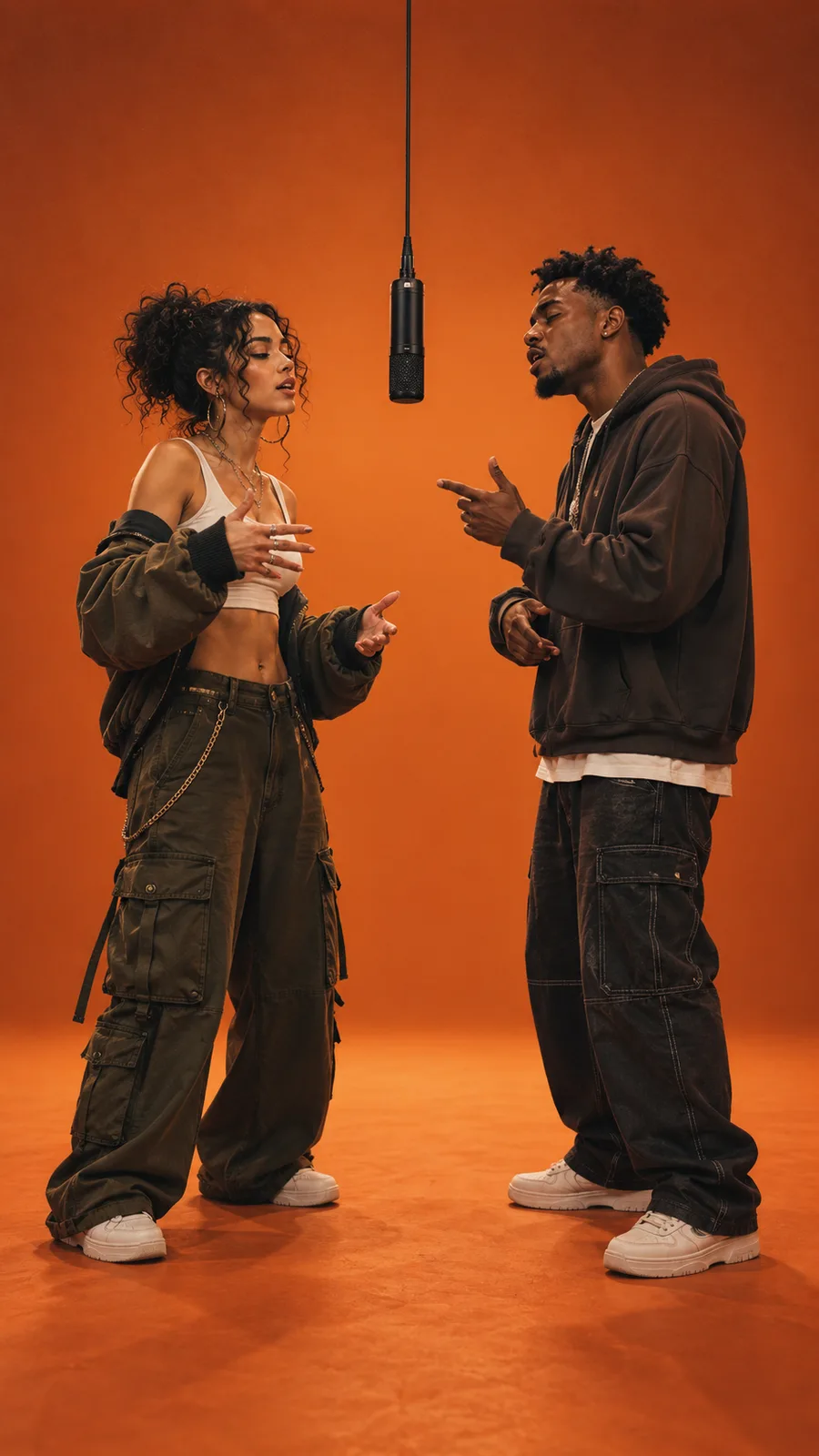
Two friends in an orange booth made with the Migos AI Video Generator

Friends

Cast a friend in your two-photo rap duet

Give each person a dedicated side so expressions, outfits, and reactions remain easy to follow.

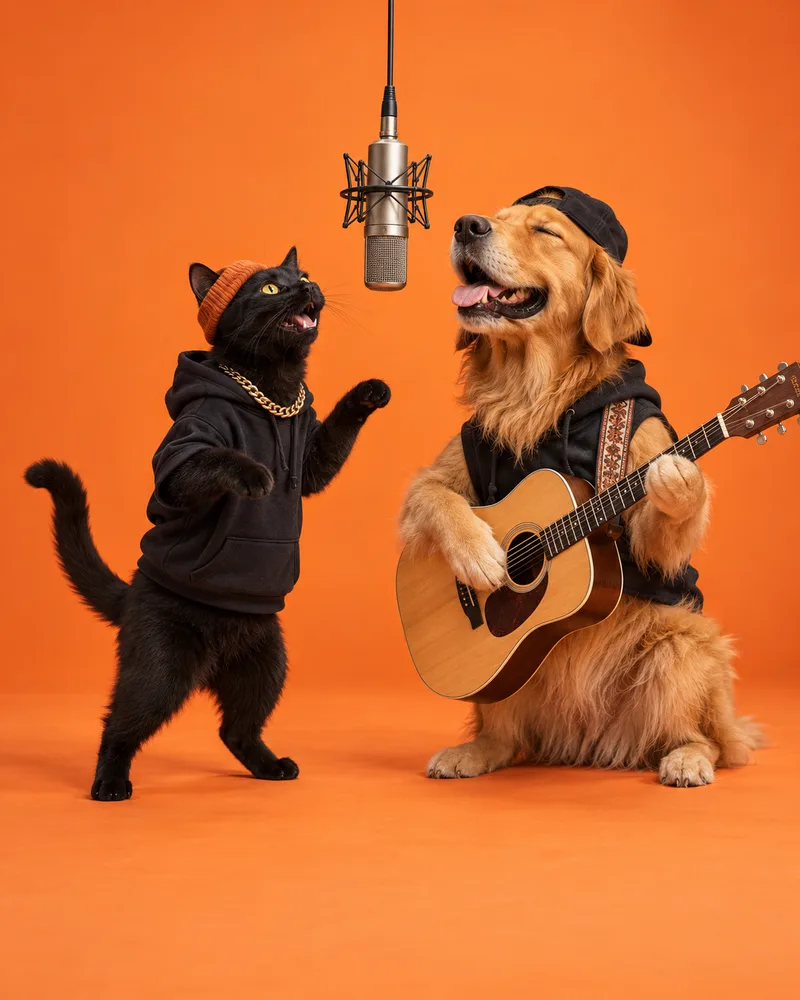
A cat and dog in a Migos AI video generator orange booth

Pets

Turn two pet portraits into a playful performance

Use clean animal portraits to create an unexpected duo against the minimal booth backdrop.

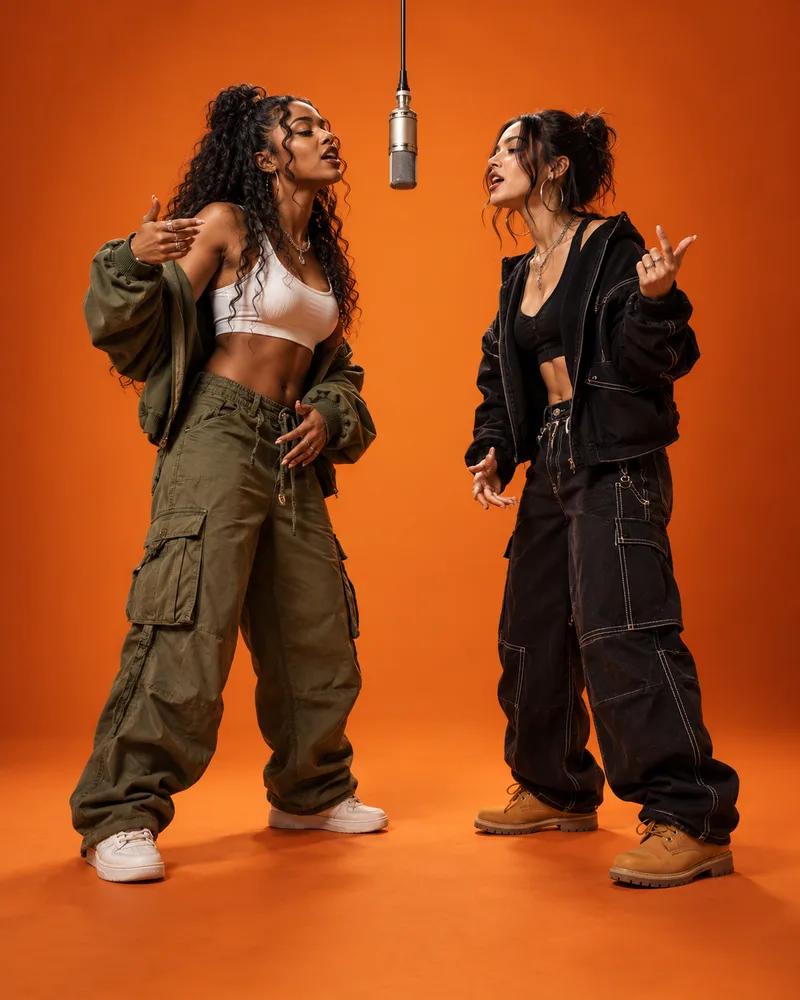
Two original creators performing in a Migos-style AI rap duet

Creators

Pair two original characters without filming

Plan the left and right casting before generation, then review both identities across the full clip.

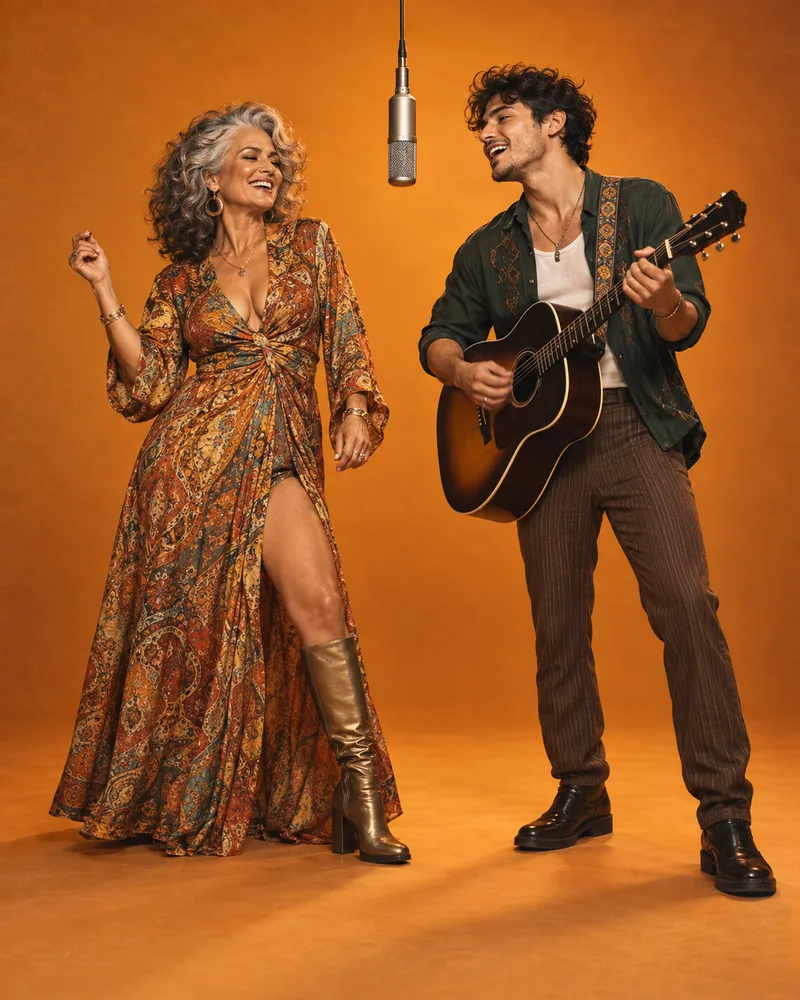
Two original subjects demonstrating stable roles in a Migos AI Video Generator output

Identity-aware casting

A fixed full-body shot, hanging microphone, and alternating rap performances.

Identity-aware casting

Keep Two Faces Stable in a Migos Hotel Lobby Video

Dedicated upload slots make the role assignment explicit before rendering. The fixed camera and simple booth reduce background distractions, helping you focus on face consistency, side order, and performance motion.

01

One source image per subject

Separate portraits prevent the model from having to identify the intended person inside a crowded group photo.

02

Predictable left and right casting

The first upload leads from the left while the second performer remains assigned to the right.

03

Review the entire generated clip

Check for face drift, side swaps, crop problems, unwanted text, and motion artifacts before sharing.

Three-step workflow

How to Make a Migos AI Video From Two Photos

A clear casting order and deliberate source photos replace prompt writing and manual video editing.

01

Upload one clear photo for each role

Choose front-facing images with one visible subject, even light, and enough of the body in frame.

02

Set the duration and output quality

Keep the 9:16 format for short-form feeds, then choose any duration from 4 to 15 seconds.

03

Generate, inspect, and download

Watch both identities through the full Migos AI video, then download the result for your chosen platform.

Make a Migos AI Video From Two Photos

Source-photo checklist

Choose Better Photos for a Two-Person AI Video

The photos do not need identical lighting or framing, but each one should make its intended subject easy to recognize.

Choose photos with

  • One clearly visible subject
  • A front-facing, unobstructed face
  • Even light and natural detail
  • Similar framing for both roles

Avoid photos with

  • Crowded group compositions
  • Hands, masks, or props over faces
  • Heavy blur or extreme filters
  • Tiny subjects near the frame edge

Create responsibly

Use Migos-Style AI Videos Responsibly

Migos is referenced to describe the recognizable internet trend. MuseVideo is not affiliated with the artists. Upload only images you may use, review every generated frame, and secure separate permission for any music added before publishing.

  • Use photos with the subject’s permission
  • Do not assume music or publicity rights are included
  • Label AI-generated media where a platform requires disclosure

Questions creators ask

Migos AI Video Generator Questions

Answers about the trend, two-photo workflow, role order, credits, source photos, music rights, and failed generations.

What is the Migos AI video trend?+

The Migos AI video trend is a two-subject clip inspired by the orange performance booth associated with the Hotel Lobby visual. A generator maps two source photos to left and right performers, then creates a vertical rap-duet scene. It is an internet effect description, not an official Migos product.

How do I make a Migos AI video from two photos?+

Upload one clear image for the left performer and another for the right. Choose a duration between 4 and 15 seconds, select an output resolution, and start the generation. When processing finishes, review the full vertical clip for identity consistency, side order, crops, and motion artifacts before downloading it.

Can I configure the Migos AI generator before purchasing credits?+

You can choose both source images, set duration and quality, and inspect the orange-booth effect before purchasing credits. Rendering a personalized clip requires the credit amount shown on the action button and access to the supported video model. Available subscriptions and one-time credit packs are listed on the pricing page.

Which photo goes on the left and which goes on the right?+

The first upload is assigned to the left performer, and the second upload is assigned to the right performer. Each slot remains labeled while you configure the clip, so you can replace either photo independently. Confirm the casting order before starting a generation because the template preserves that visual arrangement.

What photos work best for a Migos-style AI video?+

Use separate JPG, PNG, or WebP files with one clearly visible subject in each image. Front-facing faces, even lighting, natural detail, and similar framing help the model preserve both identities. Avoid group shots, covered faces, heavy blur, aggressive filters, tiny subjects, and files larger than 10 MB.

Does a generated Migos AI video include the original Hotel Lobby song?+

The generator does not provide rights to the original Hotel Lobby recording or other third-party music. Review the silent or generated result, then add audio through a platform library or another source where you hold the necessary permission. Music availability and usage rules can differ by service, region, account, and post type.

Can I make the Migos AI trend with pets or original characters?+

Yes. The two reference slots can use pets, illustrated characters, or other subjects you are allowed to upload. Clear portraits with one subject per image usually create easier-to-read casting. Results vary because the model must translate each reference into a full-body performance, so inspect identity and anatomy before sharing.

What happens if my Migos AI video generation fails?+

Confirmed provider failures release the credits reserved for that generation. If a job continues after you leave, its task identifier remains in the same browser for your signed-in account. Return to this page and use the resume action to check the existing job rather than submitting and paying for a duplicate render.

Your duo is ready to cast

Make Your Migos AI Video Now

Upload two clear photos, confirm who performs on each side, and generate an original vertical orange-booth duet for your next short-form post.

Create a Migos AI VideoCompare Migos AI video credits
Meta Muse VideoMeta Muse Video

Meta Muse Video - 多模态图像与视频创作

support@musevideo.ai

工具

  • AI Music Video
  • Hotel Lobby AI
  • Migos AI Video Generator

图像创作

  • 文本转图像
  • 图像编辑

Google 图像模型

  • Nano Banana
  • Nano Banana 2
  • Nano Banana Pro
  • GPT Image 2

视频创作

  • 文本转视频
  • 图像转视频
  • Wan 2.5
  • Kling 2.6
  • Grok Imagine

支持

  • 定价
  • support@musevideo.ai

法律声明

  • 隐私政策
  • 服务条款

© 2026 Meta Muse Video 保留所有权利。

定价support@musevideo.ai