• MuseVideoMuseVideo
Explore
  • Home
  • All Tools
  • Image Models
  • Video Models
  • AI Effects
Create
  • AI Image Generator
  • AI Video Generator
  • AI Music Video
Workspace
  • My Creations
  • Pricing
Meta Muse VideoMeta Muse Video
  • Home
  • AI Video

    Video Models

    • Wan 2.5Wan 2.5Alibaba
    • Kling 2.6Kling 2.6Kuaishou
    • Grok ImagineGrok
  • AI Image

    Image Models

    • Nano BananaGoogle
    • Nano Banana 2Google
    • Nano Banana ProGoogle
    • GPT Image 2GPT Image 2OpenAI
  • AI Music
    AI Music Video
  • AI Effects

    Latest effects

    View all effects
    AI Long Hair FilterAI Rap DuoAngry Dance filterCrazy Frog AIAI Face DanceNEON Duo DanceAI Thriller DanceAI Zombie Love StoryMigos AI Video Generator
  • Pricing
Sign up for free
  1. Home
  2. AI Effects
  3. AI Long Hair Filter

AI Long Hair Filter: See Yourself with Long Hair

See how longer hair could look on you. Upload a portrait, choose the length and texture, then generate a photo preview with AI Long Hair Filter.

AI Long Hair Filter

Upload your portrait

Describe the part, texture or ends.0/3000
Image ratio
Resolution
More settings
Hair texture

The prompt asks to preserve your face, hair color and outfit. Choose the background below.
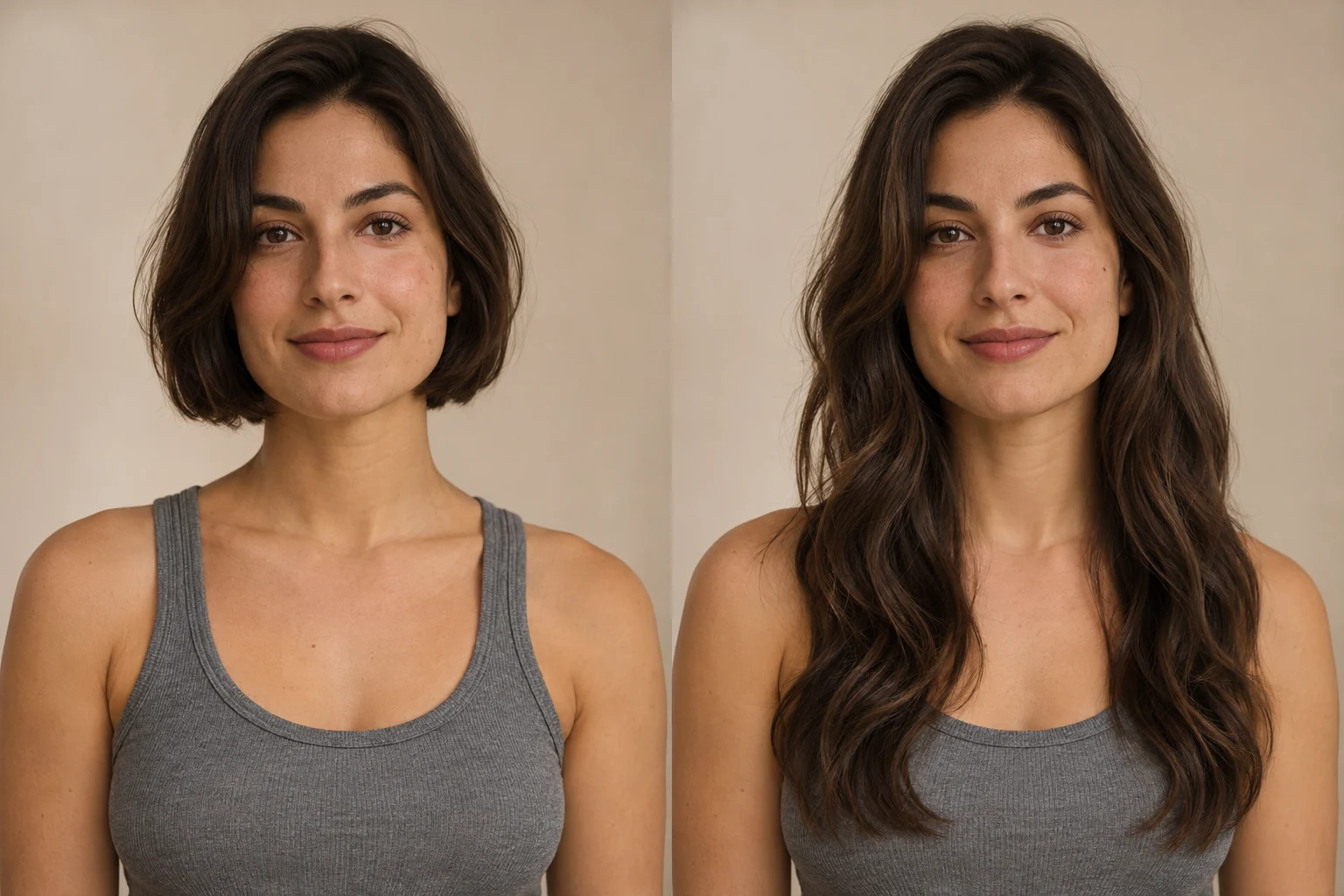
Image ratio

Some ratios are available at 1K only.

Number of images

Each image is generated and charged separately.

Required credits10 credits
10 credits each × 1Balance not loaded

Use an adult portrait you have permission to edit. Photos are sent to the generation provider. Privacy policy

All my creations
The same adult woman with a short bob on the left and long waves on the right.Example previewBeforeAfter

AI-created example comparison. Upload a portrait to create your own still image.

Preview Your Long Hair Picture

Explore the look before you grow it out.

Try shoulder, chest or waist length with straight hair, soft waves, natural coils or layers. The edit asks AI to preserve your face, original hair color and setting; review the result because details can change.

Try AI Long Hair Filter
The same adult woman with a short bob on the left and long waves on the right.
  • Hair length
  • Hair texture
  • Keep the person recognizable
  • Hairstyle preview

Long Hair Photo Previews

AI-created before-and-after illustrations of longer hairstyles. These are examples, not results from uploaded customer photos.

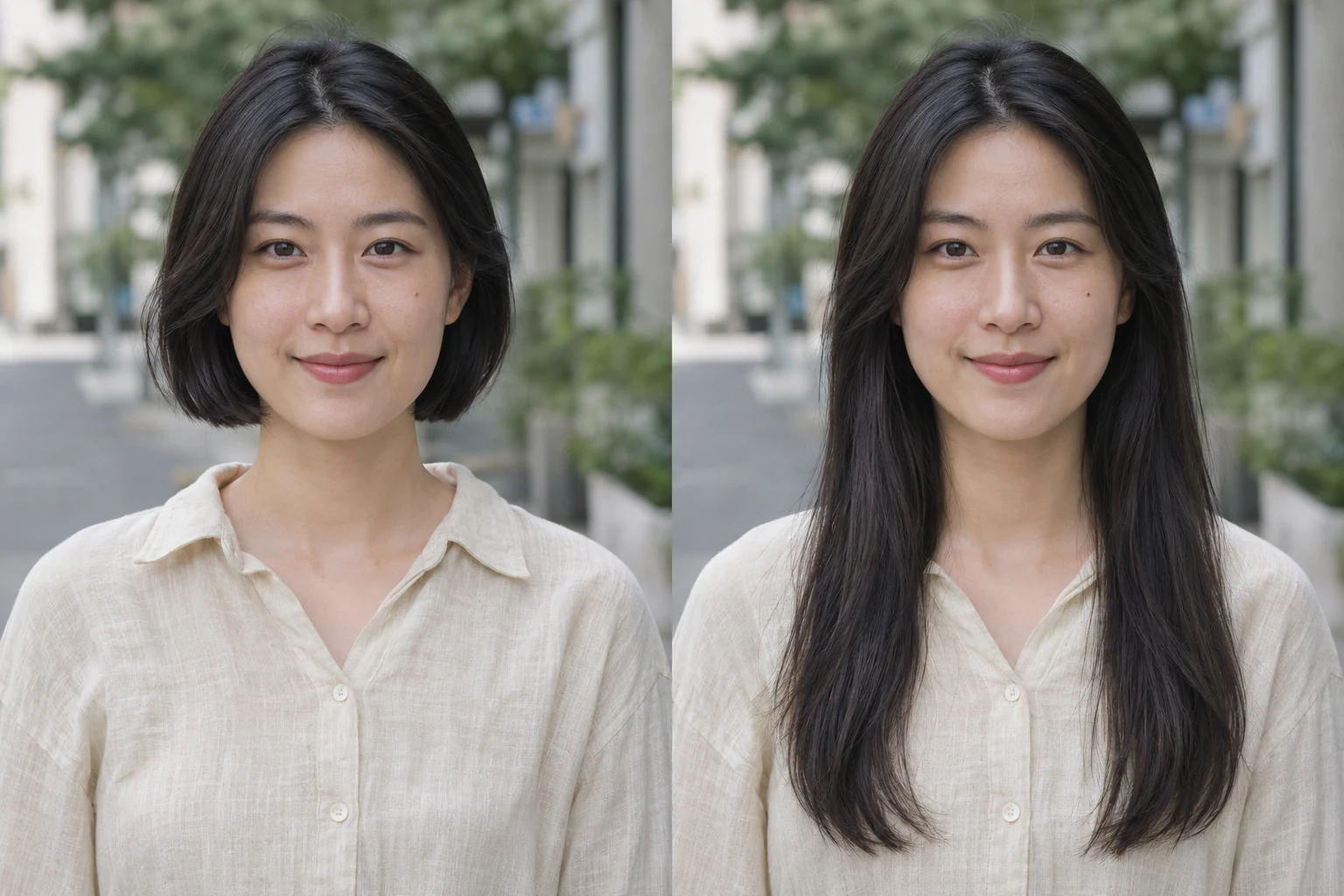
The same adult woman in a street portrait, comparing a short bob with long straight hair.
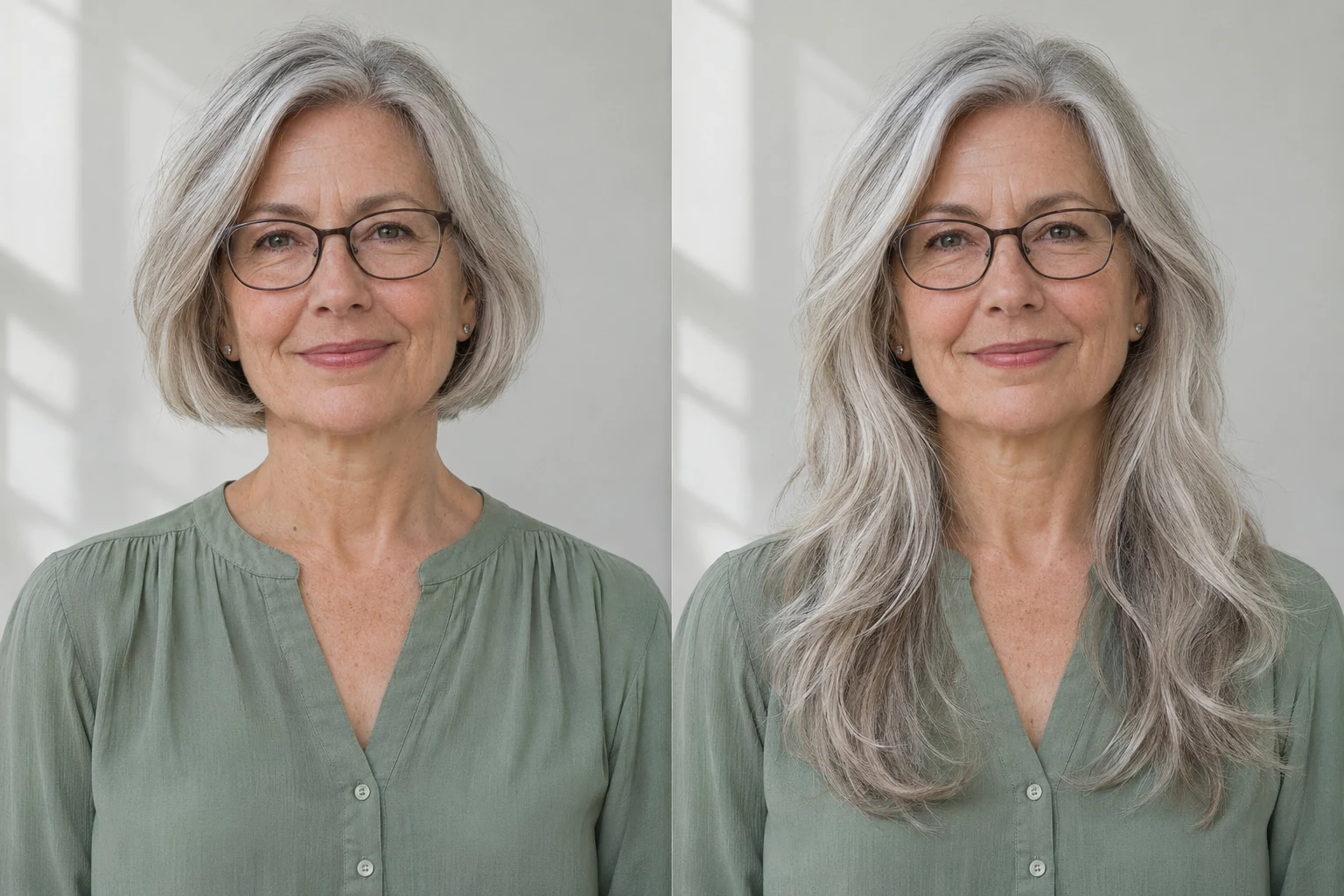
Straight length

The same adult woman in a street portrait, comparing a short bob with long straight hair.

The same adult woman wearing glasses, comparing a silver bob with long silver layers.
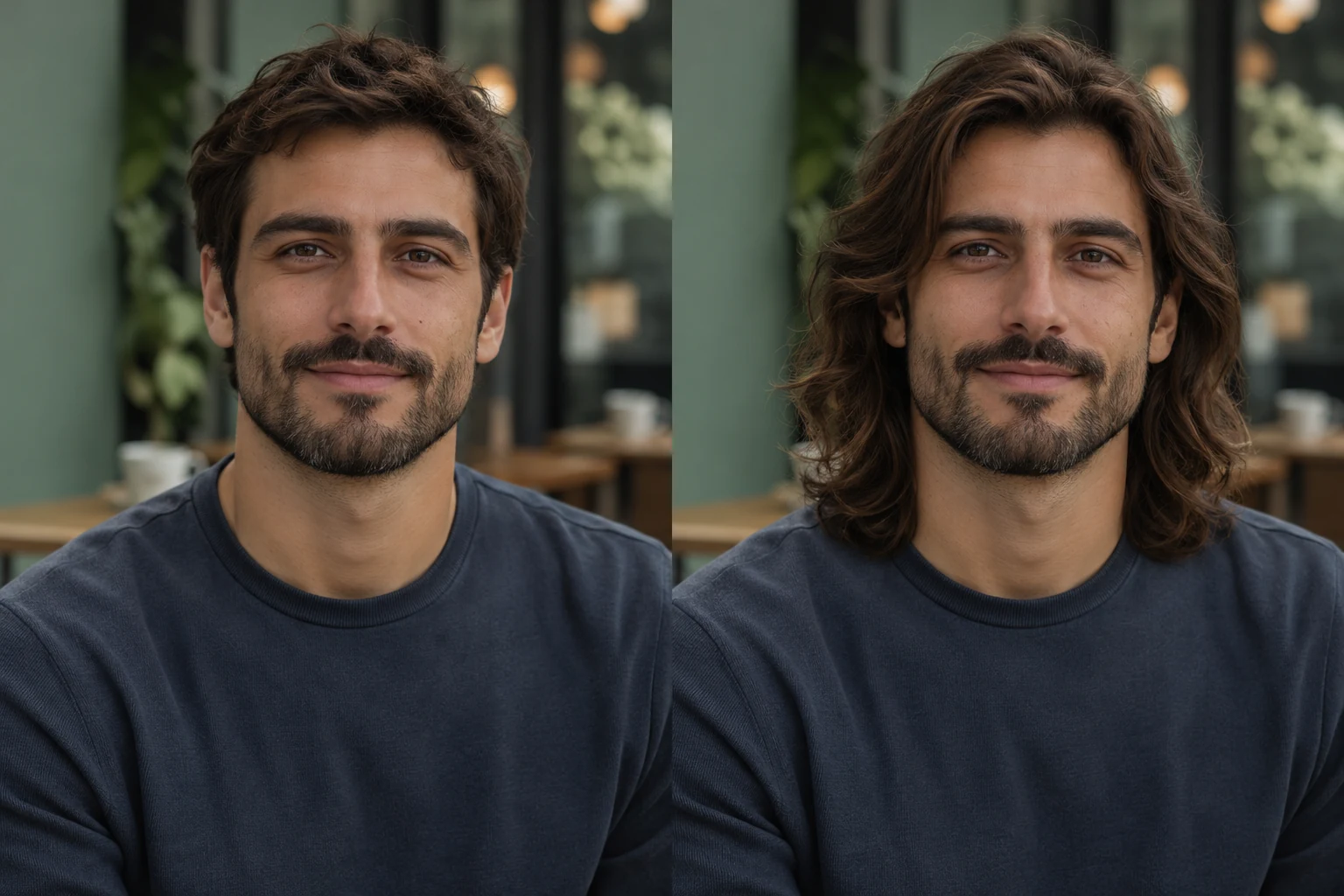
Silver layers

The same adult woman wearing glasses, comparing a silver bob with long silver layers.

The same adult man with a beard in a café portrait, comparing short hair with shoulder-length waves.
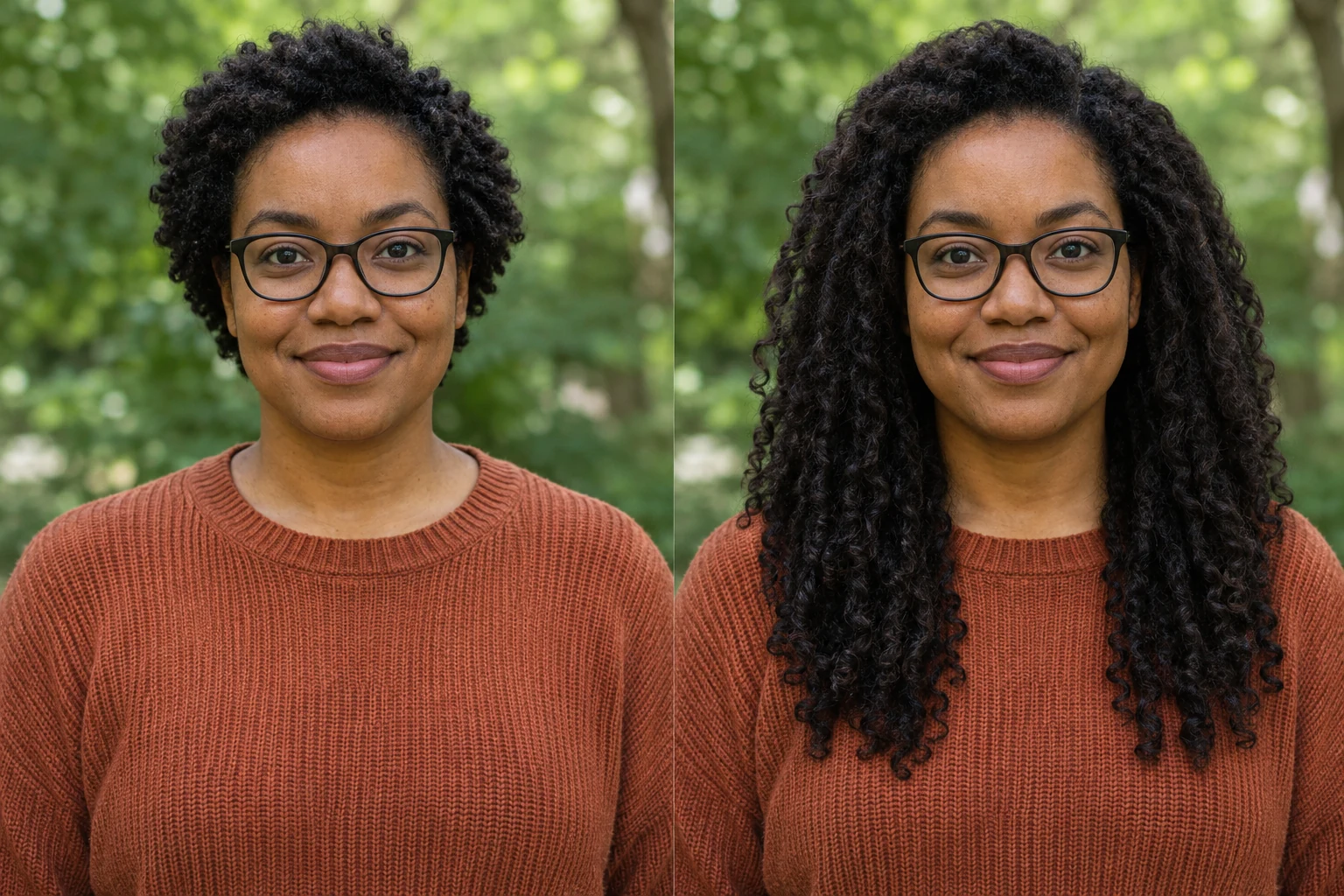
Waves for men

The same adult man with a beard in a café portrait, comparing short hair with shoulder-length waves.

The same adult Black woman wearing glasses, comparing short natural coils with long coils outdoors.

Natural coils

The same adult Black woman wearing glasses, comparing short natural coils with long coils outdoors.

AI Long Hair FilterHairstyle settings

Change Hair Length with AI

Choose a direction, then refine the details.
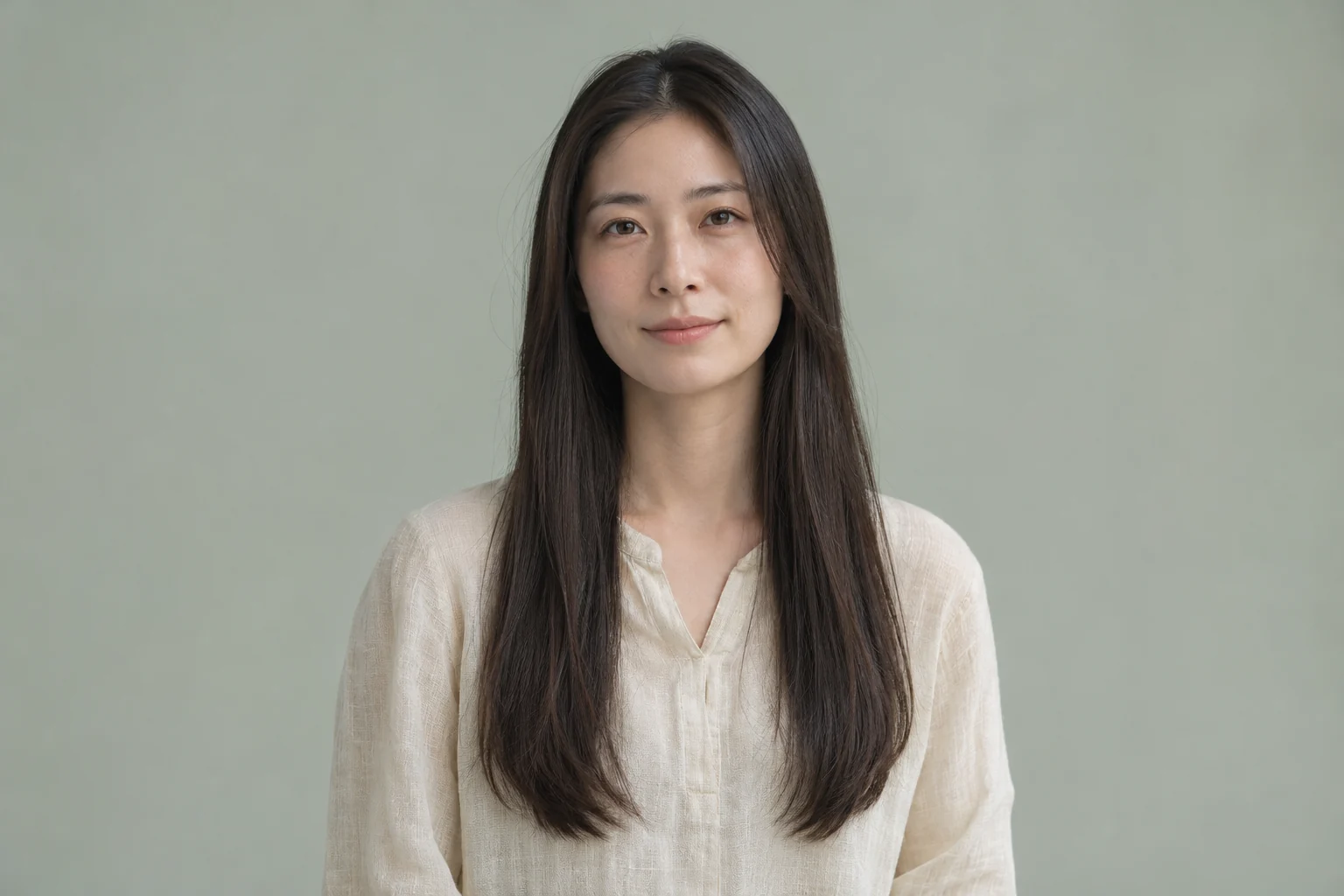
Style illustration of an adult woman with long straight dark hair

Preview length before growing your hair

Compare shoulder, chest and waist length before committing to a grow-out. Keep the same source portrait for each generation, then use the original-photo comparison to judge how the added length frames your face.

Style illustration of an adult man with shoulder-length chestnut waves

Try long hairstyles for men and women

Explore straight hair, waves, natural coils or layers on an adult portrait. Men trying shoulder-length waves can check the result around their beard and ears; short styling preferences let anyone refine a part or the ends.
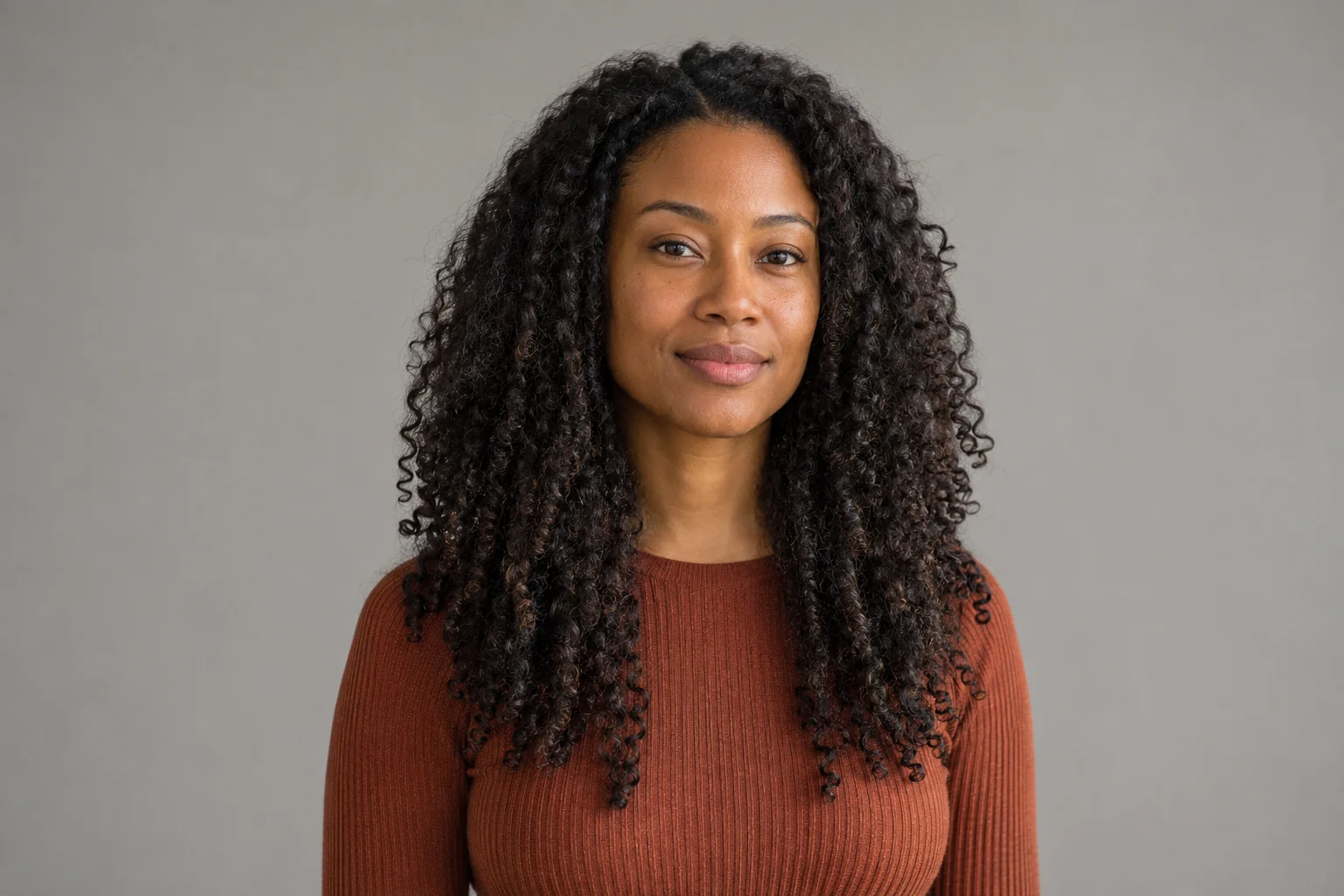
Style illustration of an adult Black woman with long natural coils

Compare your face and hair color

The edit asks AI to preserve your face, original hair color and outfit. Compare each result with the uploaded portrait, especially the hairline, glasses and shoulders. Choose the original background or a solid white background.

Try AI Long Hair Filter

Try a Hair Extension Filter Before a Salon Visit

Use a virtual long hair simulator to prepare visual references, not to predict hair growth or salon results.

Plan a grow-out

Compare longer looks on your portrait before deciding whether to grow out a short cut.

A visual starting point

Bring a salon reference

Show a stylist the length and texture you prefer, alongside your original photo.

Explain your preferred look

Visible credit cost

Check the cost before submitting. Higher resolution uses more credits.

Cost shown up front

Three resolutions

Choose 1K, 2K or 4K for your image preview.

Review fine hair detail

Explore an extension look

Try added length and volume as a visual reference before discussing extensions with a stylist.

Results are illustrative

Return to your task

If processing takes longer, check the existing task again in this browser tab.

Recover without resubmitting

Try AI Long Hair Filter

How to Use AI Long Hair Filter

From one portrait to a hairstyle preview.

  1. Step 1: Upload a clear portrait

    Use a JPEG, PNG or WebP up to 10 MB. Choose one consenting adult, good lighting and an unobstructed face.

  2. Step 2: Choose length and texture

    Select the style, length, image ratio and resolution. Sign in and check the credit cost before generating.

  3. Step 3: Generate, compare and download

    Generate your hairstyle preview, then compare it with the original photo. Check the hairline, face and edges. Download with an eligible plan or top-up; each new variation uses credits.

Try AI Long Hair Filter
Style illustration of an adult woman with long silver layers

AI Long Hair Filter FAQ

Photo tips, long hair looks for men, extension previews and credit costs.

AI Long Hair Filter previews a longer hairstyle on your uploaded portrait. Choose shoulder, chest or waist length and a texture, then generate a still image. Compare it with the original photo to judge the look; the preview does not predict hair growth or guarantee an exact likeness.

Men can use the same length and texture controls on a clear adult portrait. Shoulder-length waves or straight styles offer a starting point. Leave room around the head and shoulders, then check the beard, ears and hairline in the result because AI may change those details.

The editing prompt asks AI to keep your face, hair color, outfit and lighting while changing the hairstyle. You can keep the original background or select solid white. Preservation is not guaranteed: use the original-photo comparison to inspect facial features, glasses and the hairline before saving.

AI Long Hair Filter uses account credits for each generated image. Resolution and image count determine the total shown before submission. Sign in to review your balance and settings. Download access requires an eligible paid plan or top-up; the pricing section lists the available account options.

Use a sharp JPEG, PNG or WebP portrait up to 10 MB with one consenting adult, even lighting and a visible hairline. Leave space around the shoulders for added length. Avoid hats and facial obstructions; the browser checks pixel dimensions, not face visibility or image sharpness.

Choose Check existing task in the same browser tab and account to look up your saved submission. This checks the existing task instead of starting another generation. A slow response or network error does not necessarily mean failure; review the recovered status before submitting a new image.

Your portrait is uploaded to storage and sent to the image generation provider to process your request. Use only adult photos you have permission to edit. Read the Privacy Policy for data handling details; this page does not promise that every uploaded file is deleted immediately.

Use the hair extension filter as a visual planning aid: select a longer length and a texture, then compare the preview with your original portrait. Bring both images to a stylist to discuss the look. AI does not assess hair health, attachment methods or achievable extension results.

Privacy policy

More to explore

Explore more tools

View All Tools

Try another image model for your next visual idea.

  • An architectural model on a sunlit studio desk

    Nano Banana

    Turn a prompt or reference image into a new visual direction.

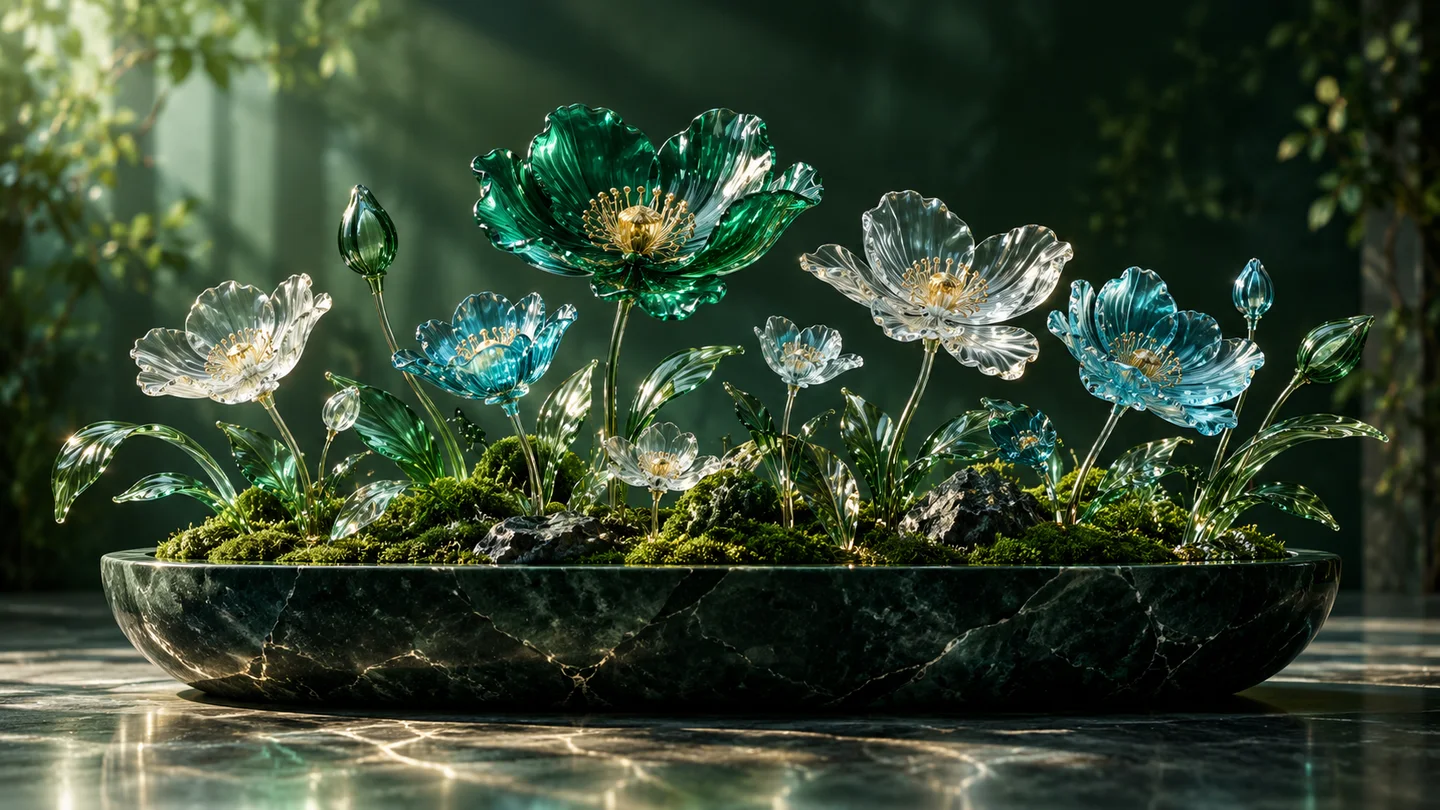
  • A garden of translucent glass flowers

    Nano Banana 2

    Explore image generation and editing in one creative workspace.

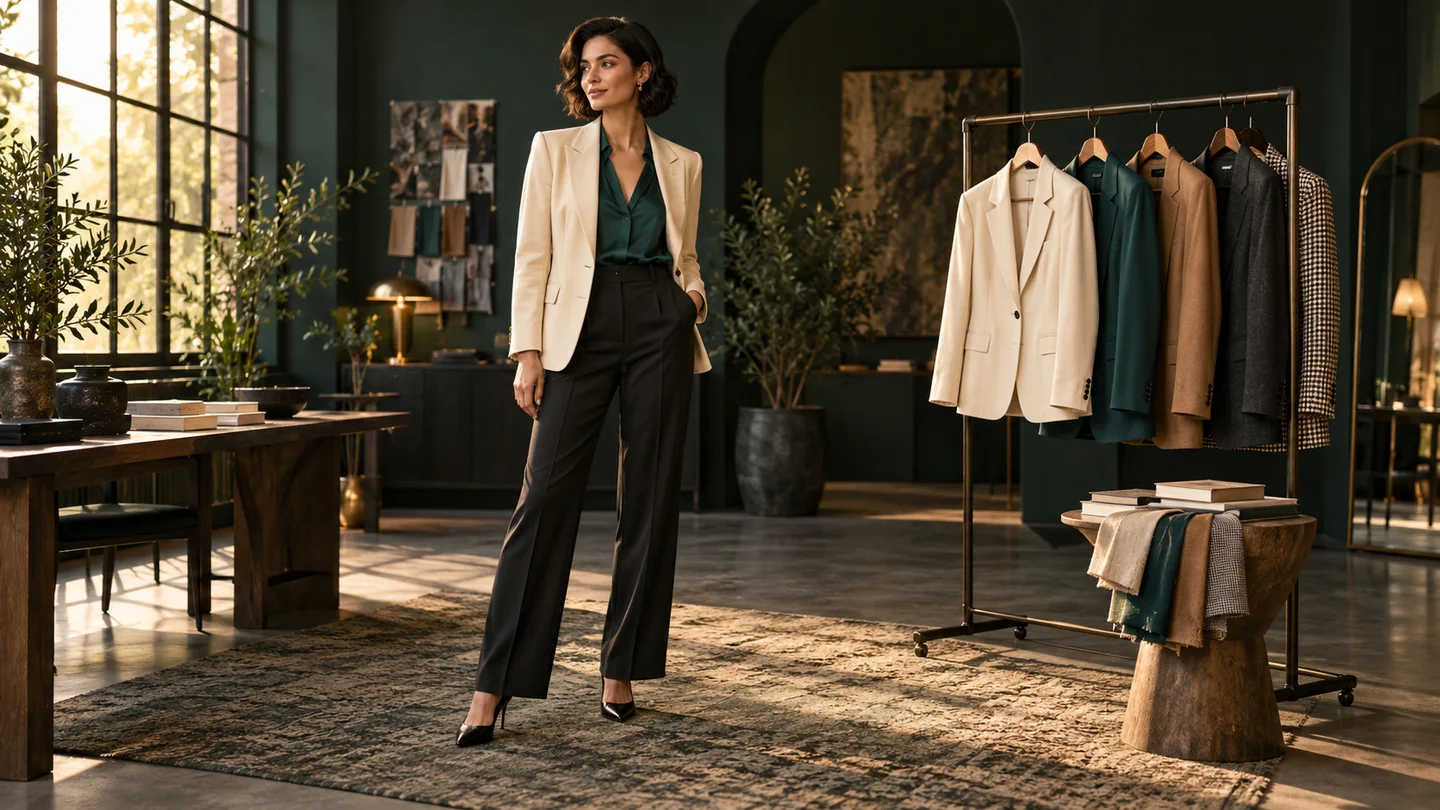
  • A cinematic fashion portrait in a dark atelier

    Nano Banana Pro

    Shape detailed concepts, editorial imagery and campaign visuals.

  • A colorful graphic art print in a creative studio

    GPT Image 2

    Create images from a prompt or rework an existing image.

Try Your Next Long Hair Look

Choose a length and texture, then preview the style on your own photo.
Try AI Long Hair Filter
Meta Muse VideoMeta Muse Video

Meta Muse Video - Native multimodal image & video creation

support@musevideo.ai

Tools

  • All Tools
  • Image Models
  • Video Models
  • AI Effects
  • AI Long Hair Filter
  • AI Rap Duo
  • Crazy Frog AI
  • AI Thriller Dance
  • Angry Dance filter
  • NEON Duo Dance
  • AI Face Dance
  • AI Zombie Love Story
  • AI Music Video
  • Hotel Lobby AI
  • Migos AI Video Generator

Image Creation

  • Text to Image
  • Image Edit

Google Image Models

  • Nano Banana
  • Nano Banana 2
  • Nano Banana Pro
  • GPT Image 2

Video Creation

  • Text to Video
  • Image to Video
  • Wan 2.5
  • Kling 2.6
  • Grok Imagine

Support

  • Pricing
  • About
  • Contact

Legal

  • Privacy Policy
  • Terms of Service
  • Cookie Policy

© 2026 Meta Muse Video All Rights Reserved.

Pricingsupport@musevideo.ai