• MuseVideoMuseVideo
Explore
  • Home
  • All Tools
  • Image Models
  • Video Models
  • AI Effects
Create
  • AI Image Generator
  • AI Video Generator
  • AI Music Video
Workspace
  • My Creations
  • Pricing
Meta Muse VideoMeta Muse Video
  • Home
  • AI Video

    Video Models

    • Wan 2.5Wan 2.5Alibaba
    • Kling 2.6Kling 2.6Kuaishou
    • Grok ImagineGrok
  • AI Image

    Image Models

    • Nano BananaGoogle
    • Nano Banana 2Google
    • Nano Banana ProGoogle
    • GPT Image 2GPT Image 2OpenAI
  • AI Music
    AI Music Video
  • AI Effects

    Latest effects

    View all effects
    Birth Flower Tattoo GeneratorAI Future Baby GeneratorAI Influencer PhotoAI Long Hair FilterAI Rap DuoAngry Dance filterCrazy Frog AIAI Face DanceNEON Duo Dance
  • Pricing
Sign up for free
  1. Home
  2. AI Effects
  3. AI Future Baby Generator

AI Future Baby Generator

Use the AI Future Baby Generator to make an imagined baby portrait from one adult photo. Add a second to blend features, then choose a baby boy, girl or twins.
Baby portrait settings

Upload reference photos

First photo

Second photoOptional

JPEG, PNG or WebP · up to 10 MB

Portrait options
Image ratio
Number of images

Anyone with the link can view the generated image.

More settings
Resolution
Describe the clothing, mood or lighting.0/3,000
Image ratio

Some ratios are available at 1K only.

Required credits10 credits
10 credits per image × 1Balance unavailable

Use adult portraits you have permission to share. Photos are sent to the generation provider. Privacy policy

All my creations
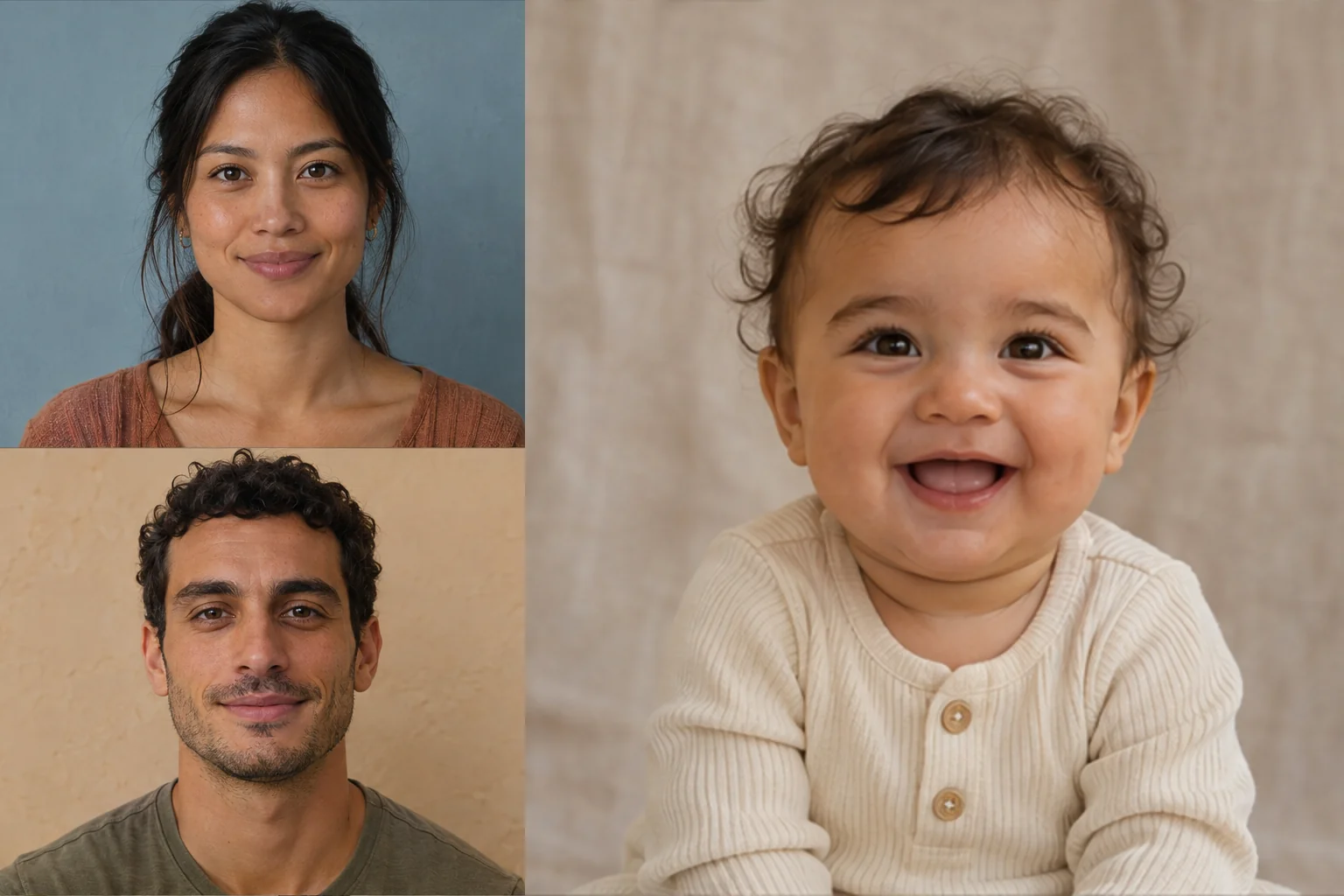
Two fictional adult portraits stacked beside an imagined baby in a cream onesieExample preview

Illustration of two fictional adults and an imagined baby portrait.

What Could Your Future Baby Look Like?

Imagine a baby face inspired by your photos.

Use a selfie for one portrait or add a partner’s photo to see how the AI combines features. The result is a playful illustration for you and your family.

Try AI Future Baby Generator
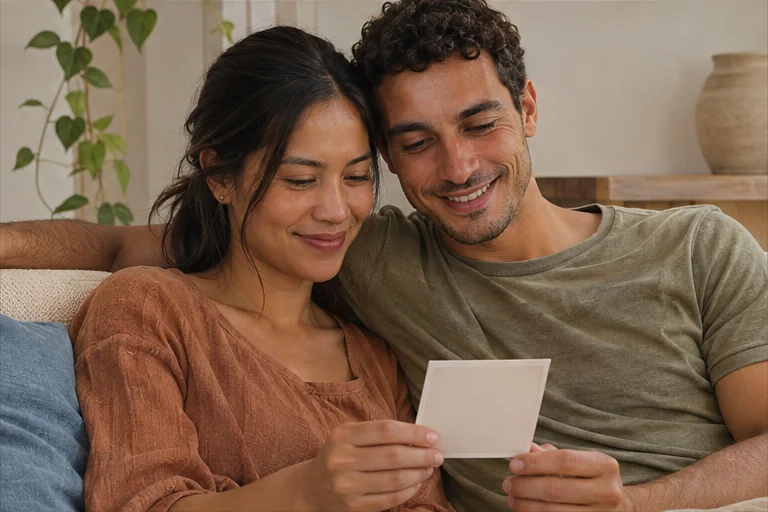
Two adults on a sofa looking together at a small photo print
  • One or two reference photos
  • Portrait choices
  • Image format
  • Baby portrait preview

AI Baby Generator Examples

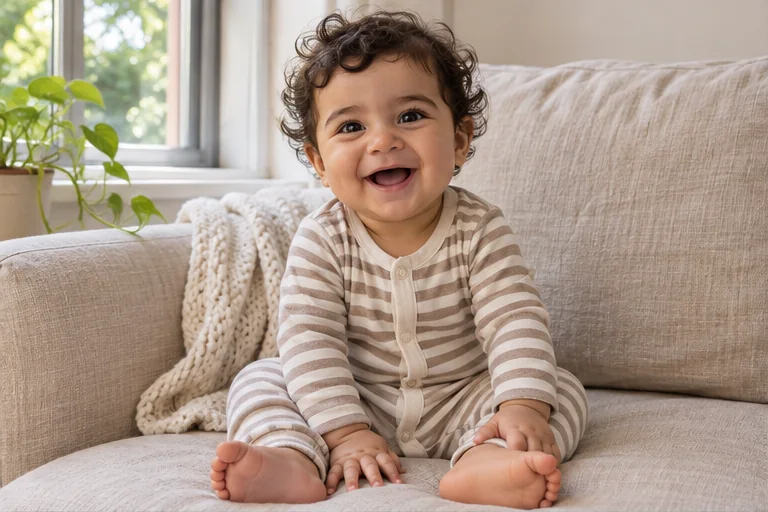
See how different portrait choices look, from an open-ended baby portrait to twins. These illustrations show the options you can try with your own photos.

A smiling baby in a striped onesie on a light sofa
Auto

A smiling baby in a striped onesie on a light sofa

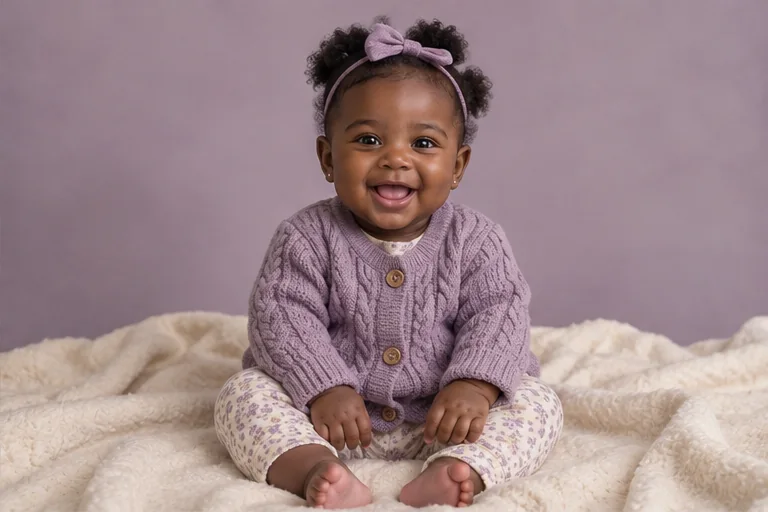
A baby girl in a lavender cardigan on a cream blanket
Baby girl

A baby girl in a lavender cardigan on a cream blanket

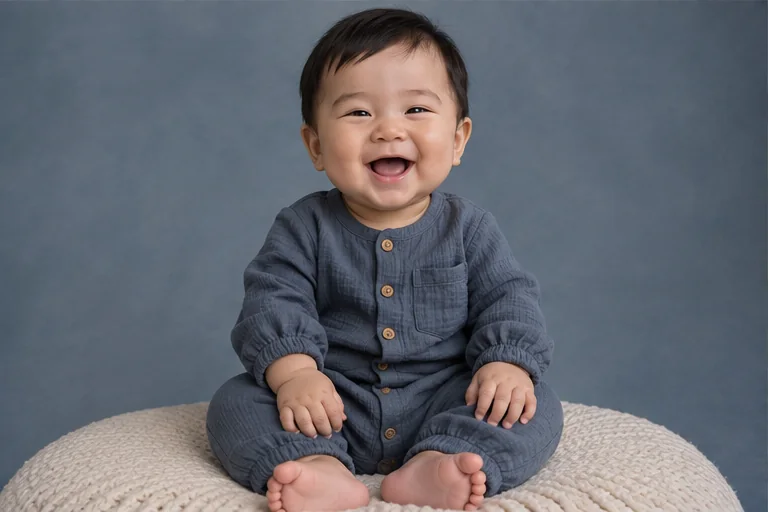
A baby boy in a slate-blue romper against a blue backdrop
Baby boy

A baby boy in a slate-blue romper against a blue backdrop

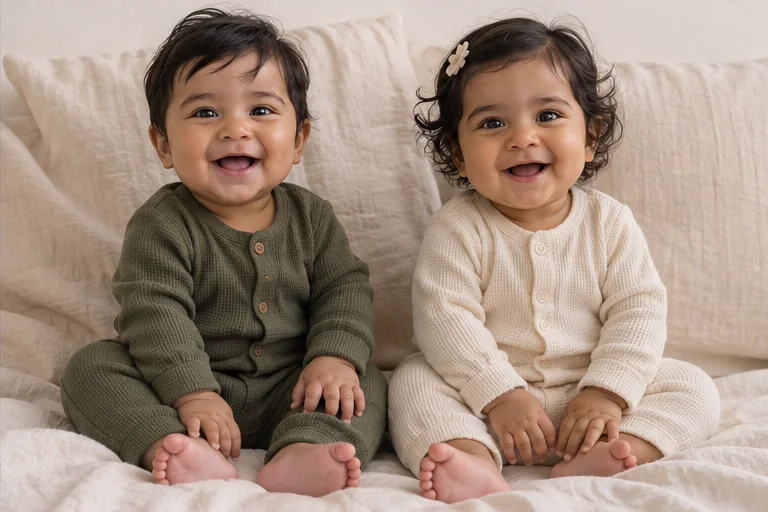
Two babies side by side in olive and cream onesies

Twins

Two babies side by side in olive and cream onesies

AI Future Baby GeneratorBaby portrait settings

AI Baby Face Generator for Couples

Start with your photos and choose how the finished portrait will look and how you’ll share it.
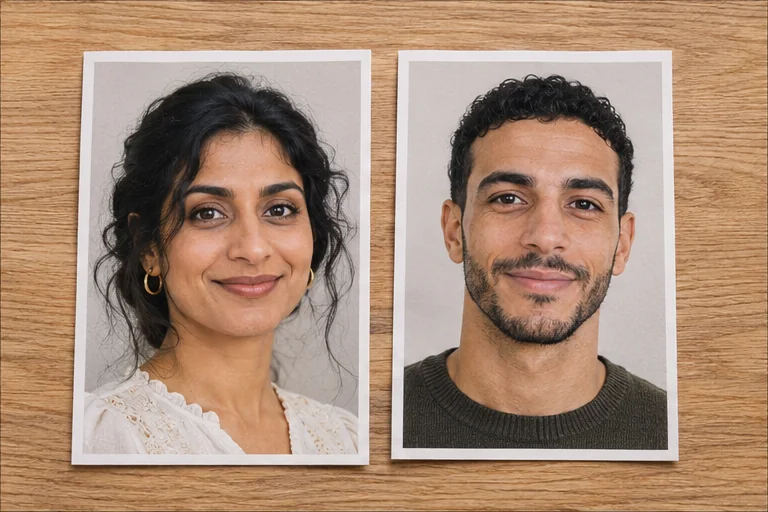
Two front-facing adult headshots printed on paper

Blend Features from Two Adult Photos

Use your own portrait for a baby face inspired by you, or add a partner’s photo to combine visible features from both faces.
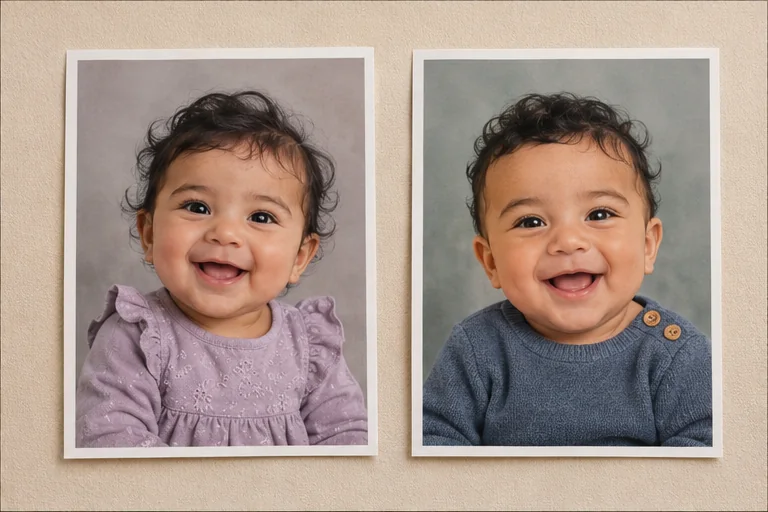
Two printed baby portraits in lavender and slate blue

Imagine a Baby Boy, Girl or Twins

Choose the portrait you want to try. Add details such as soft window light or a knit sweater to give the image a family album feel.
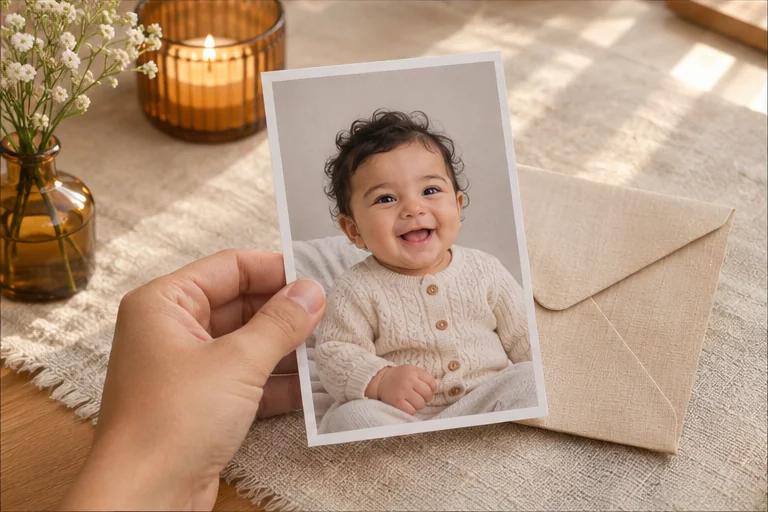
A hand holding a printed baby portrait above an envelope

Share a Favorite Baby Portrait

Choose a square format for a post or a vertical format for your phone. Enable link sharing before generating if you’d like to send the finished portrait to someone.

Try AI Future Baby Generator

Compare Baby Face Variations

Generate several versions from the same photos to see how the AI interprets the faces and details.

Try sample photos

Load a pair of fictional adult portraits to explore the controls.

Sample images included

Check the result side by side

Put the generated portrait next to your reference photos to compare the features it picked up.

Compare with reference photos

Visible credit cost

Check the cost before submitting. Higher resolution uses more credits.

Cost shown up front

Choose the output size

Use a higher resolution when you want more room to crop.

1K · 2K · 4K

Create up to four variations at once

Generate up to four images in one batch so you can choose your favorite expression, framing or background.

1–4 images per batch

Return to your task

If processing takes longer, check the existing task again in this browser tab.

Recover without resubmitting

Try AI Future Baby Generator

How to Generate a Baby Face from Two Photos

Use two adult portraits to blend facial features, or start with one photo to create an imagined baby face.

  1. Step 1: Upload One or Two Adult Photos

    Pick a clear, front-facing photo you have permission to use. Add a second adult portrait to blend features, or load the sample pair to get familiar with the tool.

  2. Step 2: Choose the Look and Review Credits

    Select a baby portrait preset, image ratio and resolution. Choose how many images you want, then review the total credit cost and sign in to generate.

  3. Step 3: Generate and Compare Your Baby Portrait

    Preview each result beside your source photos. Copy the image link if you enabled sharing before generation. The Download button requires an eligible paid plan or credit top-up.
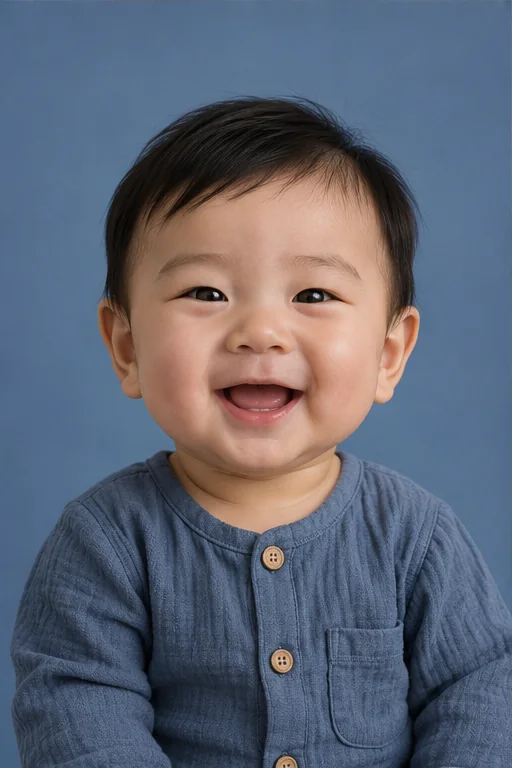
Try AI Future Baby Generator
Example baby boy portrait in a slate-blue romper, illustrating what you can preview after generating

AI Future Baby Generator FAQ

Find out which photos to use, how credits work and what you can share.

One adult portrait is enough to generate a baby face inspired by its features. Add a second adult photo if you want to blend features from two people. You can also load the fictional sample pair to explore the settings before using your own photos.

Use a clear, front-facing portrait with even light and an unobstructed face. If you add a second photo, choose another adult portrait taken from a similar angle. Upload photos you have permission to use in JPEG, PNG or WebP format, up to 10 MB each.

Open More settings and add a short prompt in Portrait details, such as “soft window light, a cream knit sweater and a plain backdrop.” A prompt is optional. Choose Baby boy, Baby girl or Twins separately, or use Auto to leave the look open.

The generator uses visible features from your photos as inspiration, so a portrait may suggest a resemblance. Different images made with the same photos can look different. This is an imagined baby portrait for fun and can’t predict genetics or a real child’s appearance.

Generating uses account credits: 10 per image at 1K, 20 at 2K and 30 at 4K. The form shows the total for your resolution and image count before you submit. The Download button requires an eligible paid plan or credit top-up.

Use the generator in a browser on your phone or computer. There’s no app to install. Load the sample photos to explore the controls, or add your own adult portraits. Sign in and review the credit total when you’re ready to generate.

Your photos are uploaded to storage and sent to the image generation provider to process your request. Use adult portraits you have permission to upload. If you enable link sharing, the result link displays only the generated image. Read the Privacy Policy for details about data handling.

Turn on link sharing before you generate, then copy the link for the result you want to share. Sharing is off by default. Anyone with the link can view that generated image, so only send the link to people you want to share it with.

Privacy policy

More to explore

Explore more tools

View All Tools

Try another image model for your next visual idea.

  • An architectural model on a sunlit studio desk

    Nano Banana

    Turn a prompt or reference image into a new visual direction.

  • A garden of translucent glass flowers

    Nano Banana 2

    Explore image generation and editing in one creative workspace.

  • A cinematic fashion portrait in a dark atelier

    Nano Banana Pro

    Shape detailed concepts, editorial imagery and campaign visuals.

  • A colorful graphic art print in a creative studio

    GPT Image 2

    Create images from a prompt or rework an existing image.

Make an AI Baby Portrait from Your Photos

Start with your own portrait or load the sample pair. Pick a look and review the credits before you generate.
Try AI Future Baby Generator
Meta Muse VideoMeta Muse Video

Meta Muse Video - Native multimodal image & video creation

support@musevideo.ai

Tools

  • All Tools
  • Image Models
  • Video Models
  • AI Effects
  • AI Influencer Photo
  • AI Long Hair Filter
  • Birth Flower Tattoo Generator
  • AI Future Baby Generator
  • AI Rap Duo
  • Crazy Frog AI
  • AI Thriller Dance
  • Angry Dance filter
  • NEON Duo Dance
  • AI Face Dance
  • AI Zombie Love Story
  • AI Music Video
  • Hotel Lobby AI
  • Migos AI Video Generator

Image Creation

  • Text to Image
  • Image Edit

Google Image Models

  • Nano Banana
  • Nano Banana 2
  • Nano Banana Pro
  • GPT Image 2

Video Creation

  • Text to Video
  • Image to Video
  • Wan 2.5
  • Kling 2.6
  • Grok Imagine

Support

  • Pricing
  • About
  • Contact

Legal

  • Privacy Policy
  • Terms of Service
  • Cookie Policy

© 2026 Meta Muse Video All Rights Reserved.

Pricingsupport@musevideo.ai