• MuseVideoMuseVideo
Explore
  • Home
  • All Tools
  • Image Models
  • Video Models
  • AI Effects
Create
  • AI Image Generator
  • AI Video Generator
  • AI Music Video
Workspace
  • My Creations
  • Pricing
Meta Muse VideoMeta Muse Video
  • Home
  • AI Video

    Video Models

    • Wan 2.5Wan 2.5Alibaba
    • Kling 2.6Kling 2.6Kuaishou
    • Grok ImagineGrok
  • AI Image

    Image Models

    • Nano BananaGoogle
    • Nano Banana 2Google
    • Nano Banana ProGoogle
    • GPT Image 2GPT Image 2OpenAI
  • AI Music
    AI Music Video
  • AI Effects

    Latest effects

    View all effects
    Birth Flower Tattoo GeneratorAI Future Baby GeneratorAI Influencer PhotoAI Long Hair FilterAI Rap DuoAngry Dance filterCrazy Frog AIAI Face DanceNEON Duo Dance
  • Pricing
Sign up for free
  1. Home
  2. AI Effects
  3. Birth Flower Tattoo Generator

Birth Flower Tattoo Generator

Use the Birth Flower Tattoo Generator to design a fine-line stem or a family bouquet. Pick birth months, add names and preview a design for your tattoo artist.

Birth Flower Tattoo Generator

Birth flowers
Person 1
Tattoo style
Image model
Describe the composition or other details you want in the design.0/3,000
Image ratio
Resolution
Number of images
Reference image (optional)
More settings
Image ratio
Required credits10 credits
10 credits each × 1Balance not loaded

Only upload images you have permission to use. Reference images are sent to the generation provider. Privacy policy

All my creations
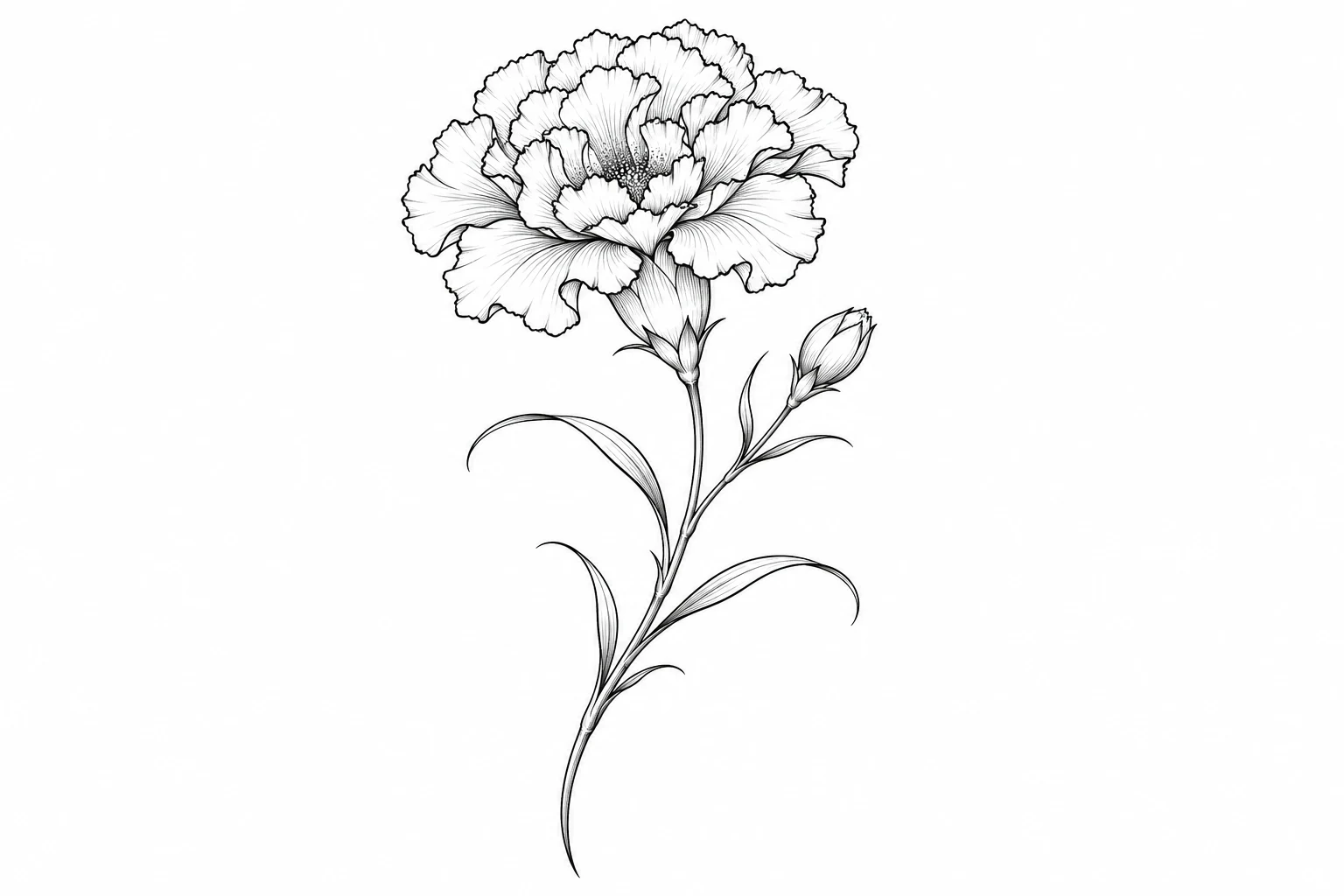
Fine-line black carnation on a white backgroundAI design example
January carnation

Find Your Birth Flower by Month

Start with your birth month, then choose a flower.

Some months have two options in the generator. Use the list to choose a single bloom or find a flower for each person in a family bouquet.
January
Carnation or Snowdrop
February
Violet or Primrose
March
Daffodil or Jonquil
April
Daisy or Sweet pea
May
Lily of the valley or Hawthorn
June
Rose or Honeysuckle
July
Larkspur or Water lily
August
Gladiolus or Poppy
September
Aster or Morning glory
October
Marigold or Cosmos
November
Chrysanthemum
December
Narcissus or Holly
Design a birth flower tattoo
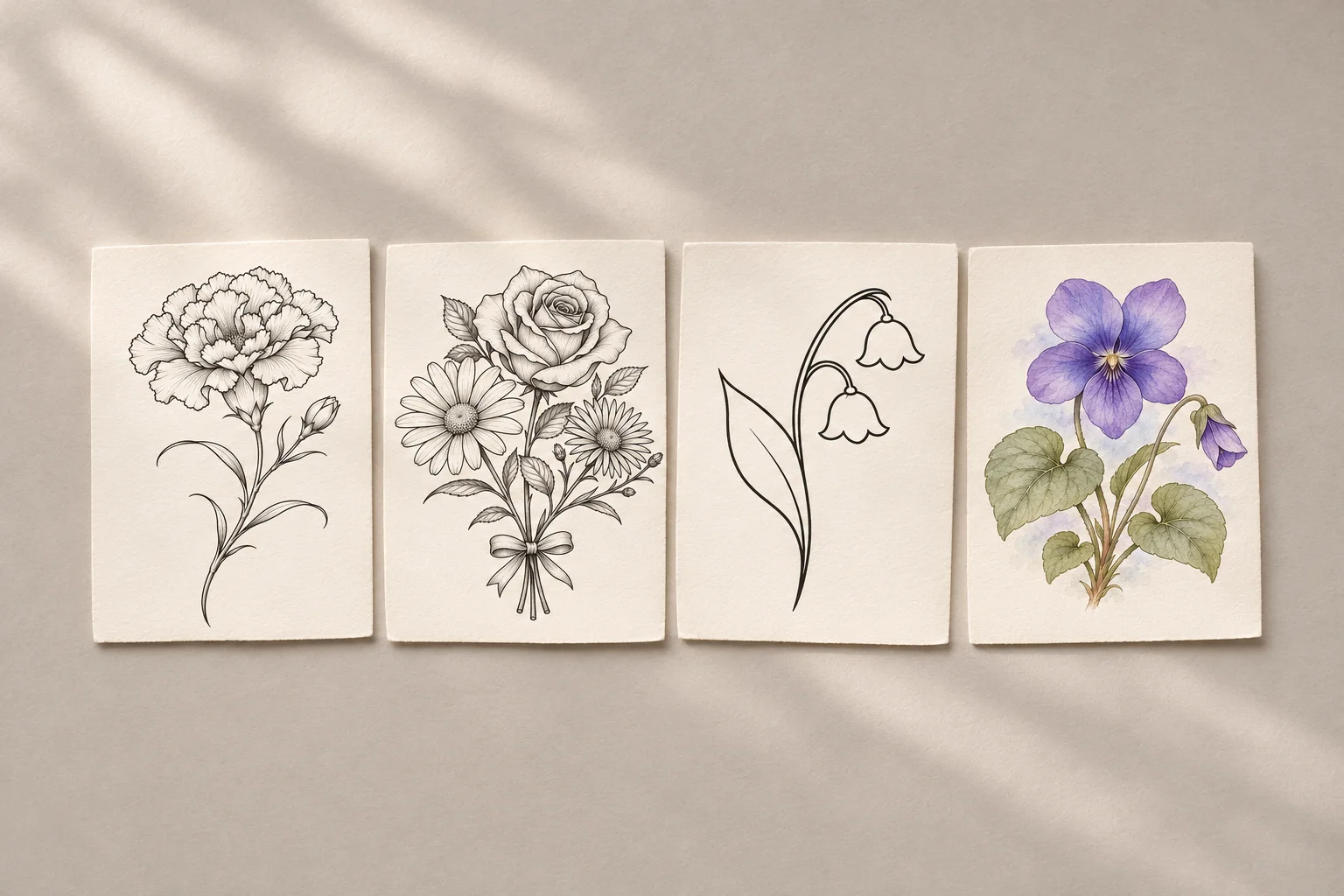
Four tattoo design examples showing a carnation, family bouquet, lily of the valley and violet

Explore Birth Flower Tattoo Ideas

Choose an example to load its flowers and style into the generator.

Fine-line black carnation on a white background

January carnation

A single carnation drawn with fine black lines.
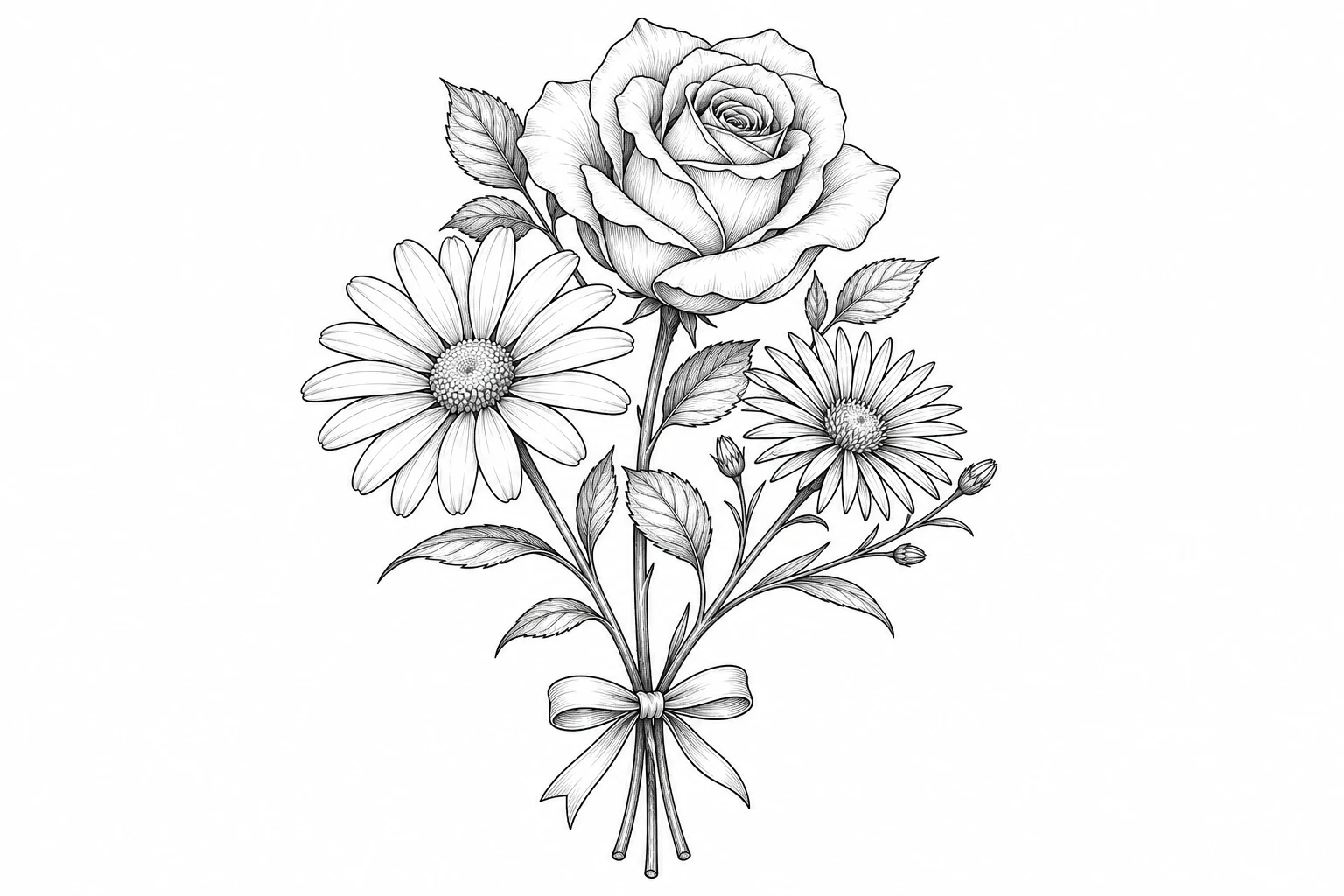
Botanical bouquet of a daisy, rose and aster tied with a ribbon

Family birth flower bouquet

An April daisy, June rose and September aster gathered in one bouquet.

Minimalist lily of the valley with two bell-shaped flowers

May lily of the valley

A small design with delicate bell-shaped blossoms.
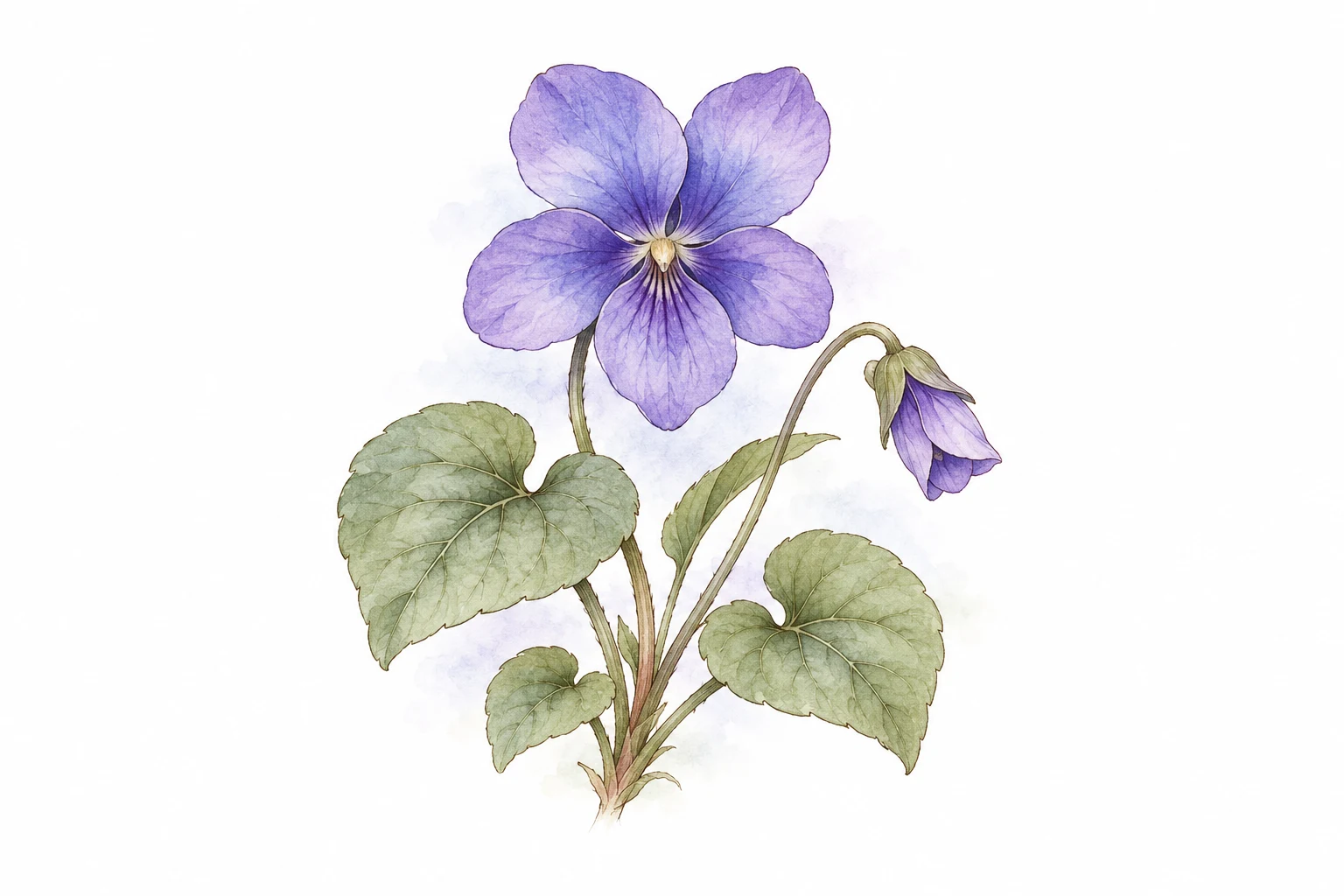
Watercolor violet with green leaves

February violet

A watercolor violet with purple petals and soft green leaves.

Create Birth Flower Tattoos for Family Members

Plan a single-stem design, a family bouquet or a clean sketch for your tattoo appointment.

Fine-line black carnation on a white background

Find your birth month flower

Choose a flower for your own birth month. Try a fine-line stem for a small, simple design and compare the second flower if your month has one.

Botanical bouquet of a daisy, rose and aster tied with a ribbon

Create a family birth flower bouquet

Choose a month and flower for each of up to four people. Add a name to each stem so the bouquet shows who each flower represents.

Minimalist lily of the valley with two bell-shaped flowers

Make a clean reference for your tattoo artist

Choose fine lines or a simple outline and use the notes to ask for a plain white background. Check the lettering and bring the reference to your artist to discuss size and placement.

Design a birth flower tattoo

Prepare a Reference for Your Tattoo Appointment

Explore compositions, lettering and linework before settling on a design.

Start from an example

Load a sample's flowers and style, then adjust the details.

Editable templates

Match each name to its flower

Enter names beside their flowers and check that each name is spelled correctly and sits by the right stem.

Names by stem

Review the credit cost

See the total before submitting. Each image uses credits.

Cost shown up front

Choose a resolution

Choose from the resolutions supported by your image model.

Inspect fine lines

Add a reference if you have one

Use a sketch or saved image to guide the composition.

Optional image upload

Check a saved task

Return to this tab to check a saved task if it takes longer.

Resume in the same tab

Design a birth flower tattoo

How to Make a Birth Flower Tattoo With Names

Choose your flowers, set the style and prepare a reference for your tattoo artist.

  1. Step 1: Choose a month and flower

    Pick a birth month and its flower. For a family bouquet, add up to four stems and choose a month and flower for each person.

  2. Step 2: Set the style and add names

    Choose fine line, botanical, minimalist or watercolor. Add names beside the stems or use the design notes for dates and composition details.

  3. Step 3: Generate and check the reference

    Sign in and review the credit cost before generating. Check the flowers, spelling and linework. Download the result with an eligible plan or top-up.
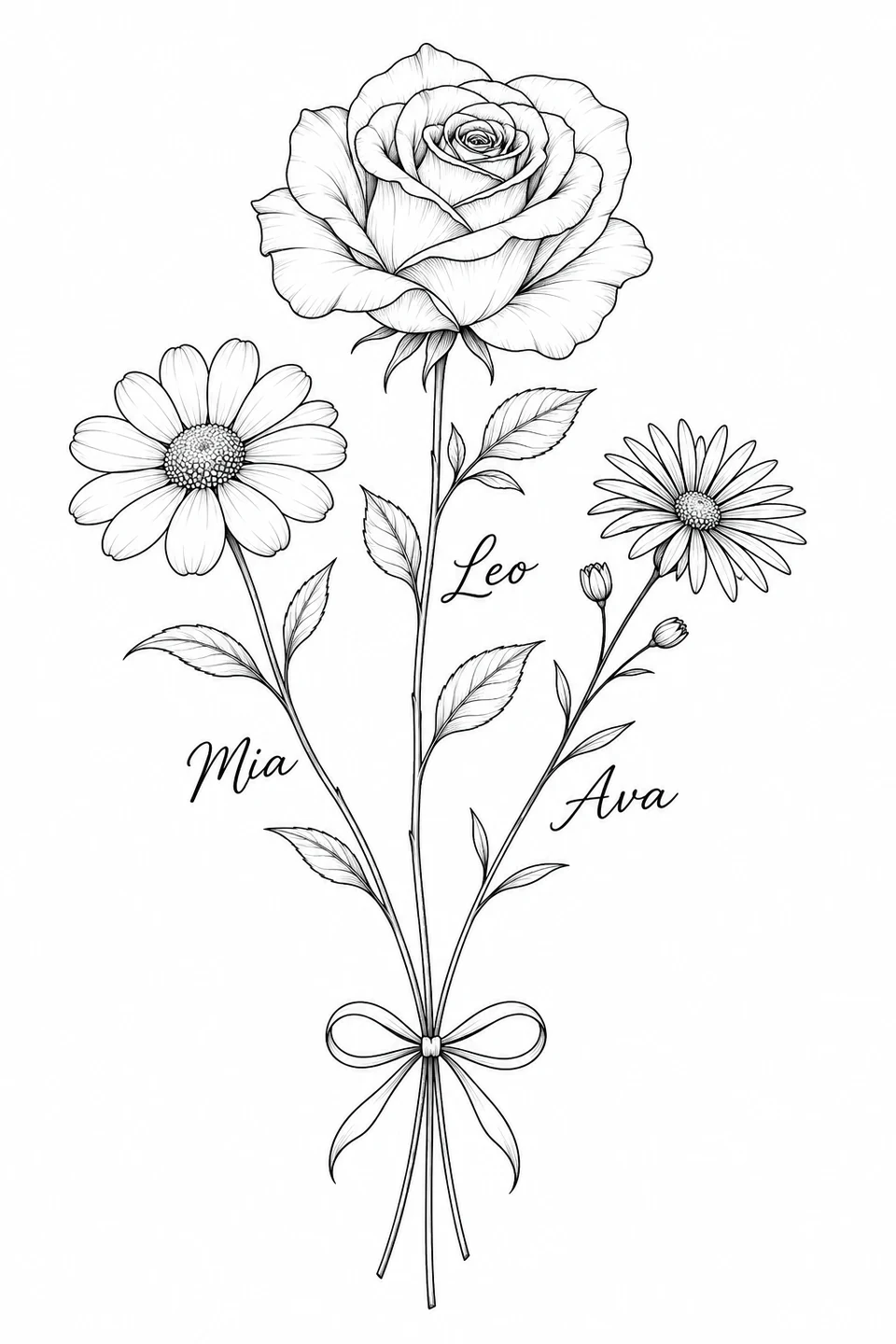
Design a birth flower tattoo
Fine-line daisy, rose and aster bouquet with a name beside each stem

Birth Flower Tattoo Generator FAQ

Birth month flowers, names, credits and saving a design for your tattoo artist.

Use the month-by-month list to find the flowers offered in the generator. January, for example, offers carnation or snowdrop, while May offers lily of the valley or hawthorn. When your month has two options, pick the shape or flower that means more to you.

Add up to four flowers in the family birth flower tattoo generator and assign a birth month and flower to each person. Use the design notes to describe how you want the stems arranged, such as a tied bouquet or side-by-side stems. Choose a style before generating the design.

Enter a name or initials next to the flower they belong to. For a date, write the exact text and where you want it in the design notes. Check the lettering and placement in the generated image before saving or sharing it with your artist.

Start by choosing a birth month, flower and style. You can also describe your idea in the prompt. If you already have a sketch or floral reference, upload it to guide the composition. You can generate a design with your selections alone.

Browse examples and choose flowers and styles without spending credits. Generating an image requires signing in and using credits. The total depends on the image model, resolution and number of images, and the generator shows the cost before you submit.

Open the finished image and use Download with an eligible plan or credit top-up. Share the file as a reference or print it for your appointment. Your artist can use the design to discuss placement, size, line spacing and how to adapt the lettering.

Privacy policy

More to explore

Explore more tools

View All Tools

Try another image model for your next visual idea.

  • An architectural model on a sunlit studio desk

    Nano Banana

    Turn a prompt or reference image into a new visual direction.

  • A garden of translucent glass flowers

    Nano Banana 2

    Explore image generation and editing in one creative workspace.

  • A cinematic fashion portrait in a dark atelier

    Nano Banana Pro

    Shape detailed concepts, editorial imagery and campaign visuals.

  • A colorful graphic art print in a creative studio

    GPT Image 2

    Create images from a prompt or rework an existing image.

Make Your Own Birth Flower Tattoo Design

Create a single stem or a family bouquet with names, then preview a design to discuss with your tattoo artist.

Try Birth Flower Tattoo Generator
Meta Muse VideoMeta Muse Video

Meta Muse Video - Native multimodal image & video creation

support@musevideo.ai

Tools

  • All Tools
  • Image Models
  • Video Models
  • AI Effects
  • AI Influencer Photo
  • AI Long Hair Filter
  • Birth Flower Tattoo Generator
  • AI Future Baby Generator
  • AI Rap Duo
  • Crazy Frog AI
  • AI Thriller Dance
  • Angry Dance filter
  • NEON Duo Dance
  • AI Face Dance
  • AI Zombie Love Story
  • AI Music Video
  • Hotel Lobby AI
  • Migos AI Video Generator

Image Creation

  • Text to Image
  • Image Edit

Google Image Models

  • Nano Banana
  • Nano Banana 2
  • Nano Banana Pro
  • GPT Image 2

Video Creation

  • Text to Video
  • Image to Video
  • Wan 2.5
  • Kling 2.6
  • Grok Imagine

Support

  • Pricing
  • About
  • Contact

Legal

  • Privacy Policy
  • Terms of Service
  • Cookie Policy

© 2026 Meta Muse Video All Rights Reserved.

Pricingsupport@musevideo.ai