
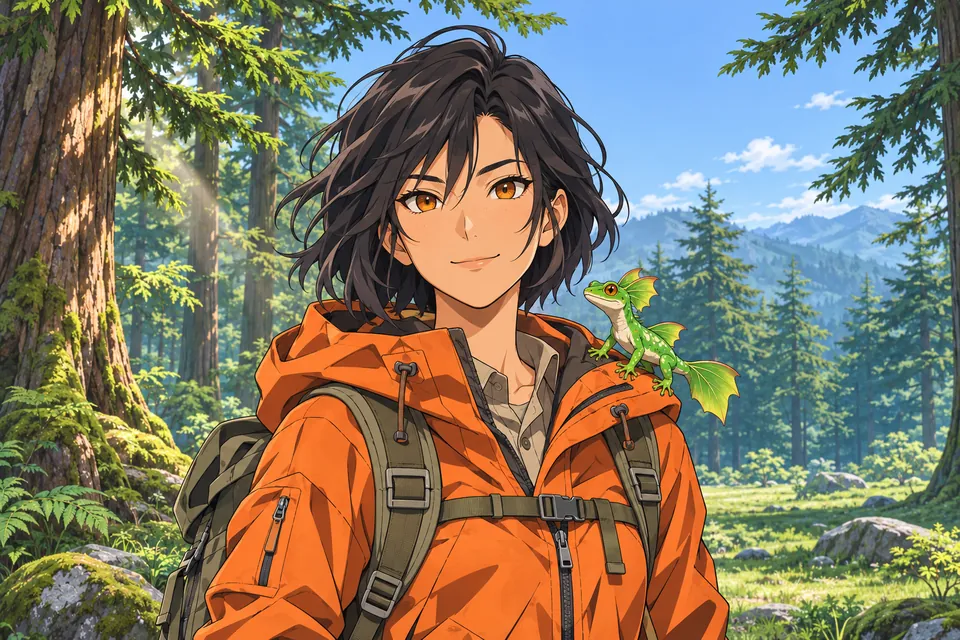
Anime
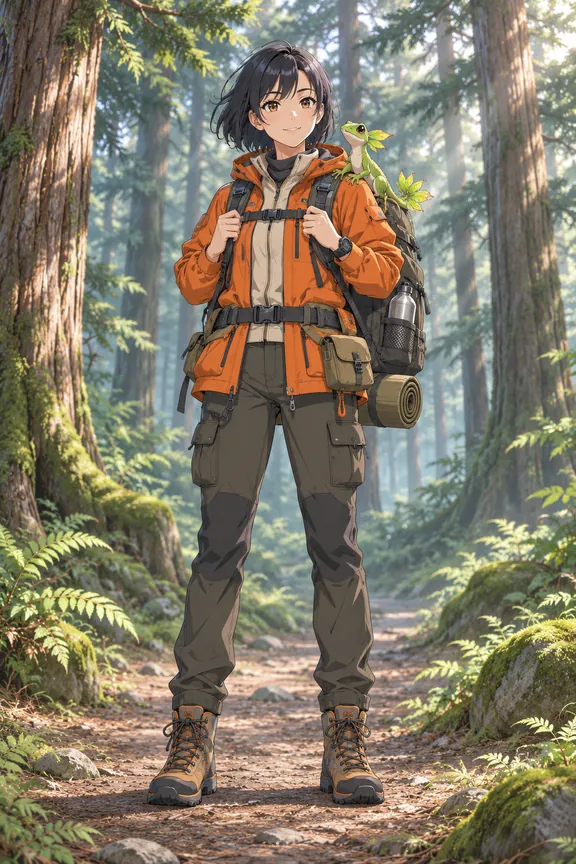
An anime trainer in an orange jacket on a forest trail
Turn one portrait into a trainer avatar or full-body illustration with the AI Pokemon Trainer Generator, available online now. Choose anime, pixel art, watercolor or 3D.
The prompt asks to keep the person recognizable.
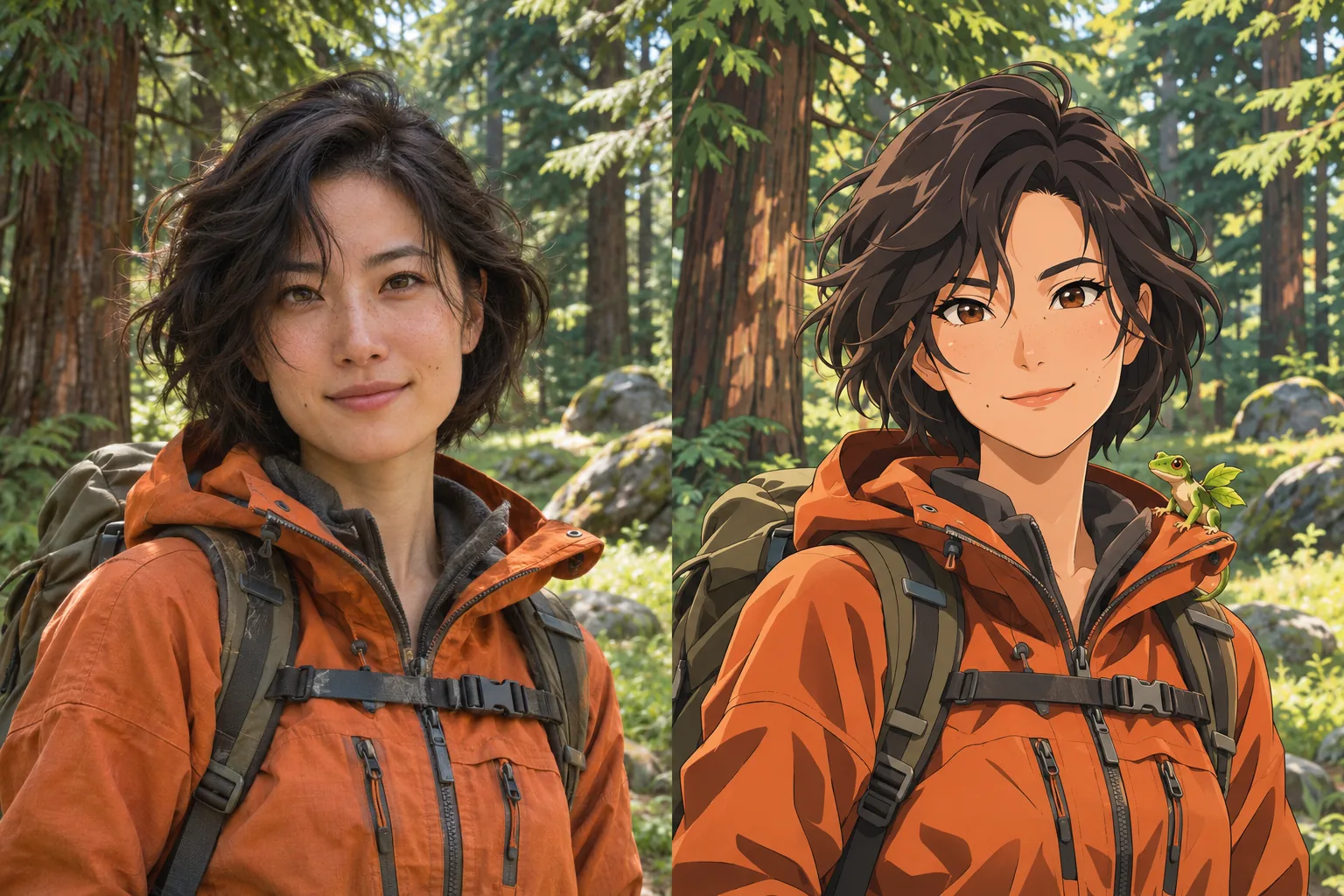 Example previewBeforeAfter
AI-created reference portrait and trainer illustration shown side by side.
Put your portrait in an adventure scene.
Pick an art style and framing, then add optional art direction for the outfit, setting or an original companion. You get a still illustration to use as an avatar or character reference.
Try AI Pokemon Trainer GeneratorFour AI-created trainer illustrations, one for each art style. Choose one to load that style into the generator.
An anime trainer in an orange jacket on a forest trail
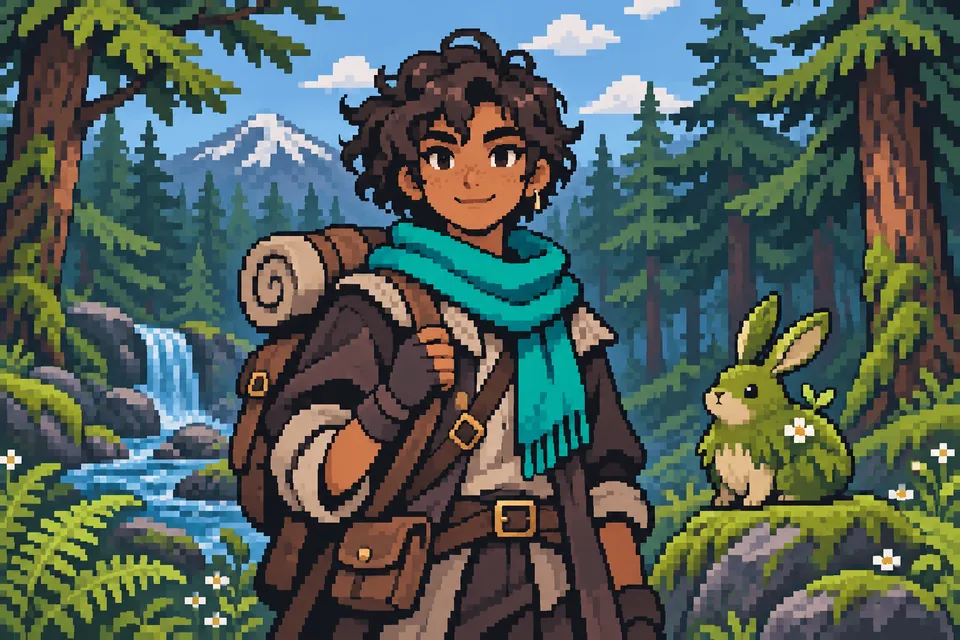
A pixel art trainer with a teal scarf in a forest
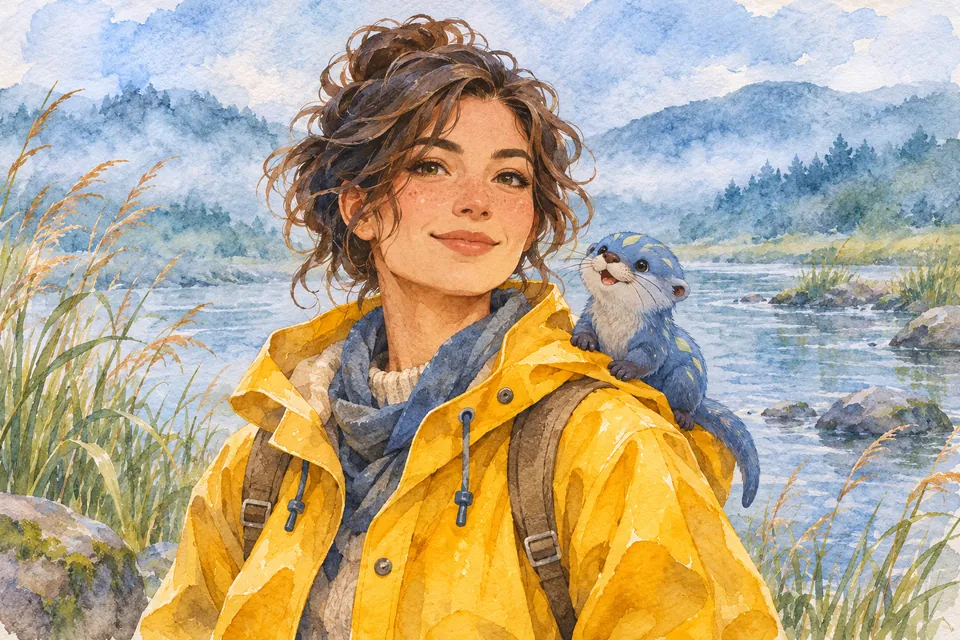
A watercolor trainer in a yellow raincoat by a river
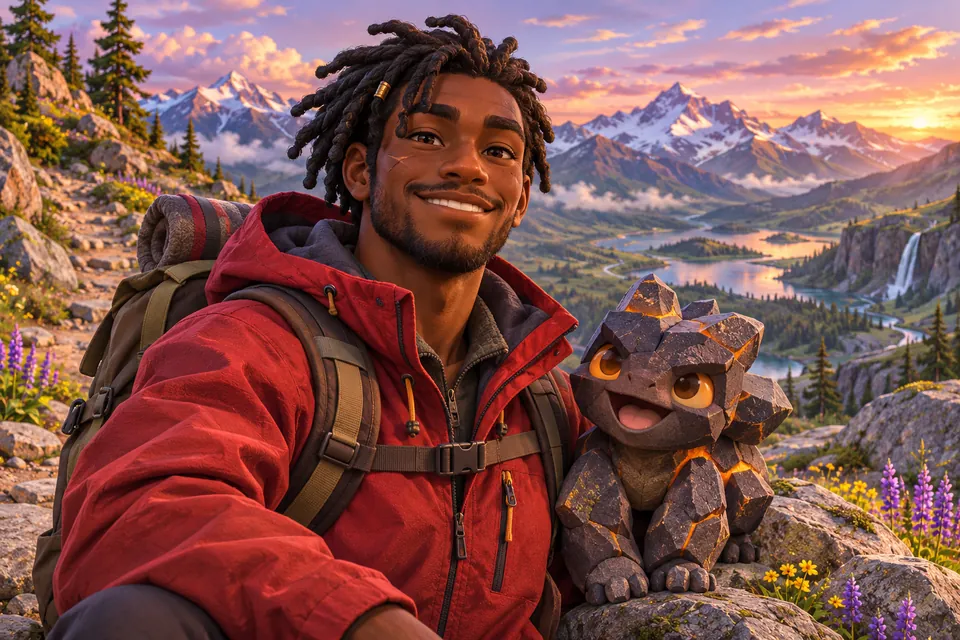
A 3D trainer in a red jacket on a rocky path
AI Pokemon Trainer GeneratorFeatures
Choose an art style, then describe what your trainer wears and where the scene takes place.
Start with a clear portrait and choose Anime for crisp lines and cel shading. Then try the same photo in pixel art, watercolor or 3D to find the best look for your avatar.
Use Art direction to describe a teal scarf, a forest trail or a small original companion. These details give your character concept a clear setting and personality.
Compare the illustration with your original photo to check the face and framing. Keep the original setting for inspiration, or choose a solid white background for a cleaner character reference.
Choose an avatar crop, or leave room for the whole outfit.
Use a 1:1 square crop for a Discord, forum or game profile picture.
1:1 square
Choose Full body and a vertical ratio such as 2:3 to leave room for the outfit, boots and accessories.
Full body · 2:3
The form shows the total credits before you submit. Higher resolutions and more images use more credits.
Cost shown before you generate
Start at 1K to test a style, then step up to 2K or 4K when you want to inspect details up close.
1K · 2K · 4K
Generate one to four images with the same settings and keep the one that looks most like you.
1–4 images
If processing takes longer, return to this browser tab and check the existing task instead of submitting again.
Resume without resubmitting
Go from one adult portrait to an illustrated trainer in three steps.
Add a JPEG, PNG or WebP up to 10 MB that shows one adult you have permission to edit. Use a sharp, well-lit photo with the face unobstructed.
Select an image ratio and how many images to make. Open More settings to set the art style, framing, resolution and optional art direction. Review the total credits before you generate.
Generate the illustration and compare it with your source photo. Downloading requires an eligible paid plan or credit top-up. To share a result by link, turn on Share result by link before you generate.
Find out what you can make, what to upload and how credits work.
More to explore
Explore more portrait effects and image models for your next project.
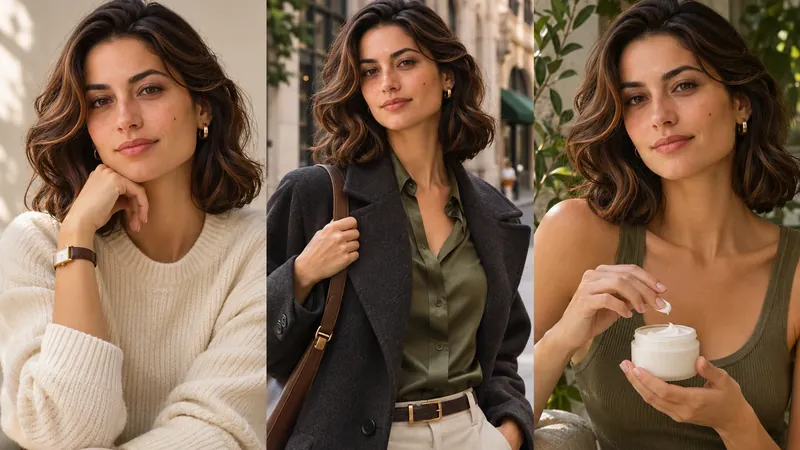
AI Influencer Photo
Turn one portrait into polished profile, lifestyle, fashion or product creator content.
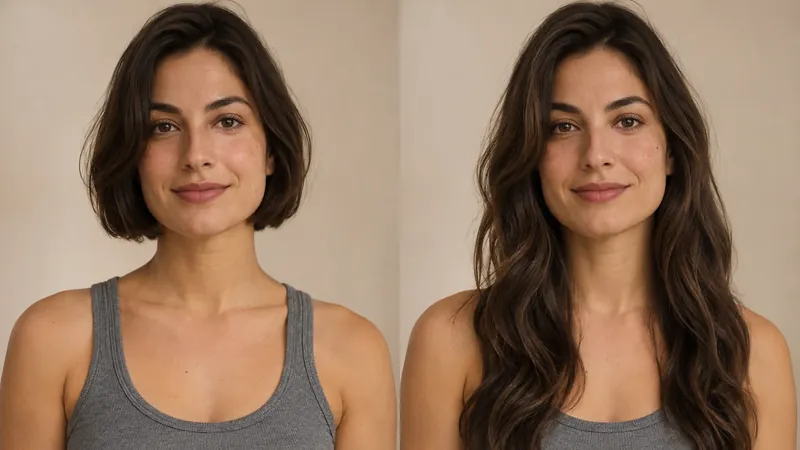
AI Long Hair Filter
See how longer hair could look on you. Upload a portrait, choose the length and texture, then generate a photo preview with AI Long Hair Filter.
AI Future Baby Generator
Create a baby portrait from one adult photo or add a second to combine features. Choose the look, image size and number of results.
GPT Image 2
Create images from a prompt or rework an existing image.
Upload a portrait, pick a style and review the credit total, then generate your trainer illustration with the AI Pokemon Trainer Generator.