
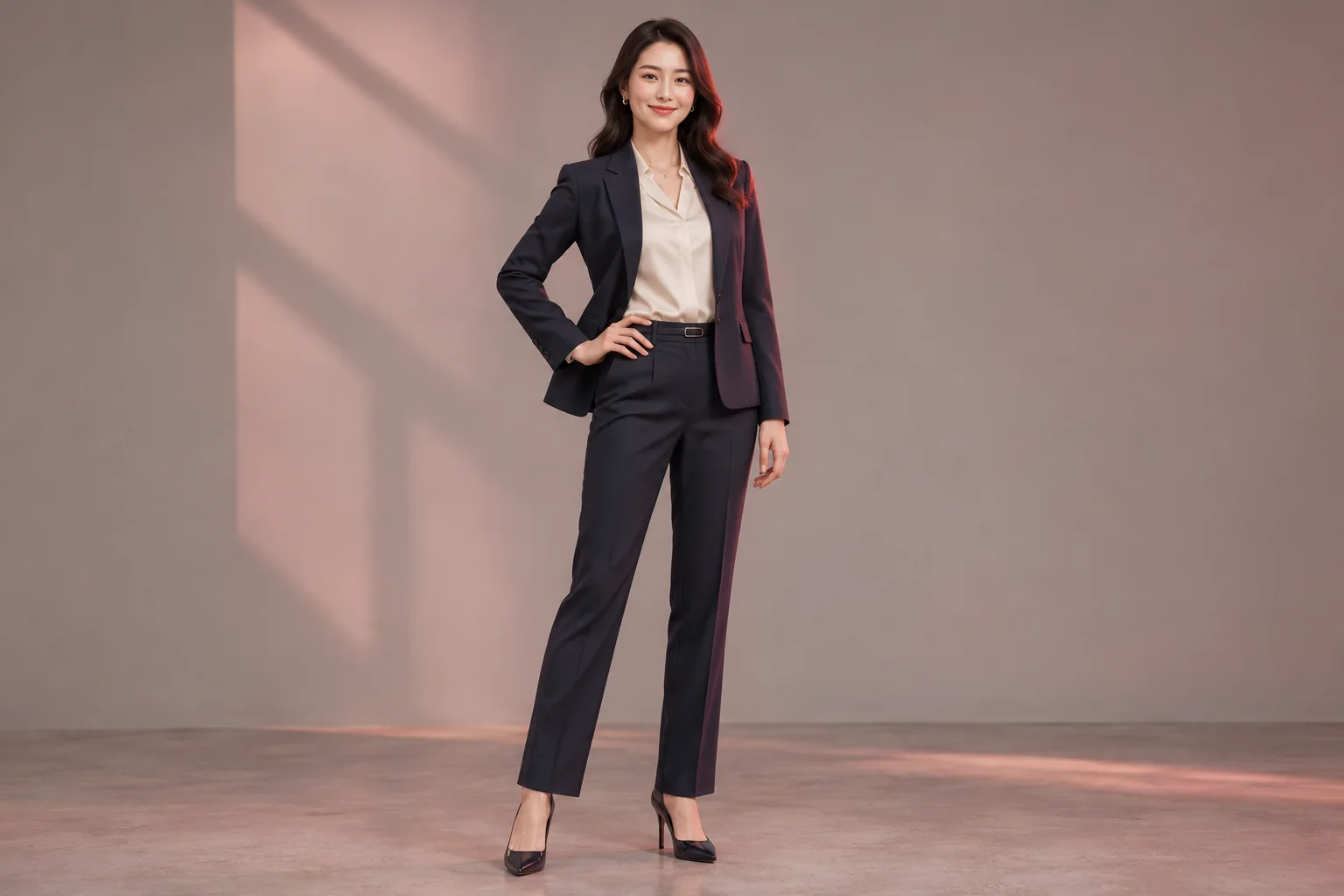
Professional portrait
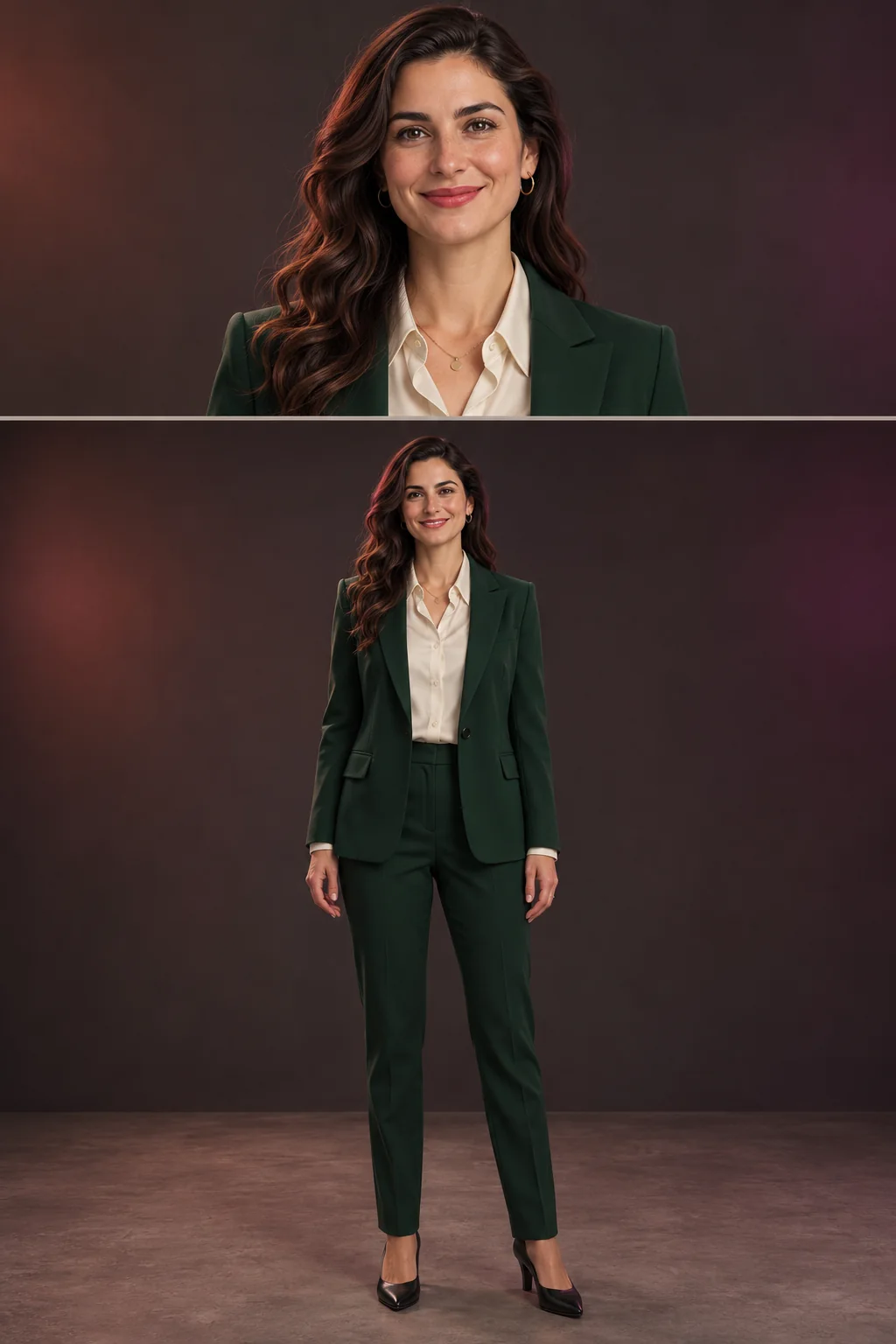
A complete head-to-shoes professional image with balanced studio spacing.
Use Full Body AI Generator to turn a portrait or half-body photo into a head-to-toe image. Guide the pose, outfit, and setting while keeping the person recognizable.
The prompt asks to preserve the person's identity. Review anatomy and appearance before use.
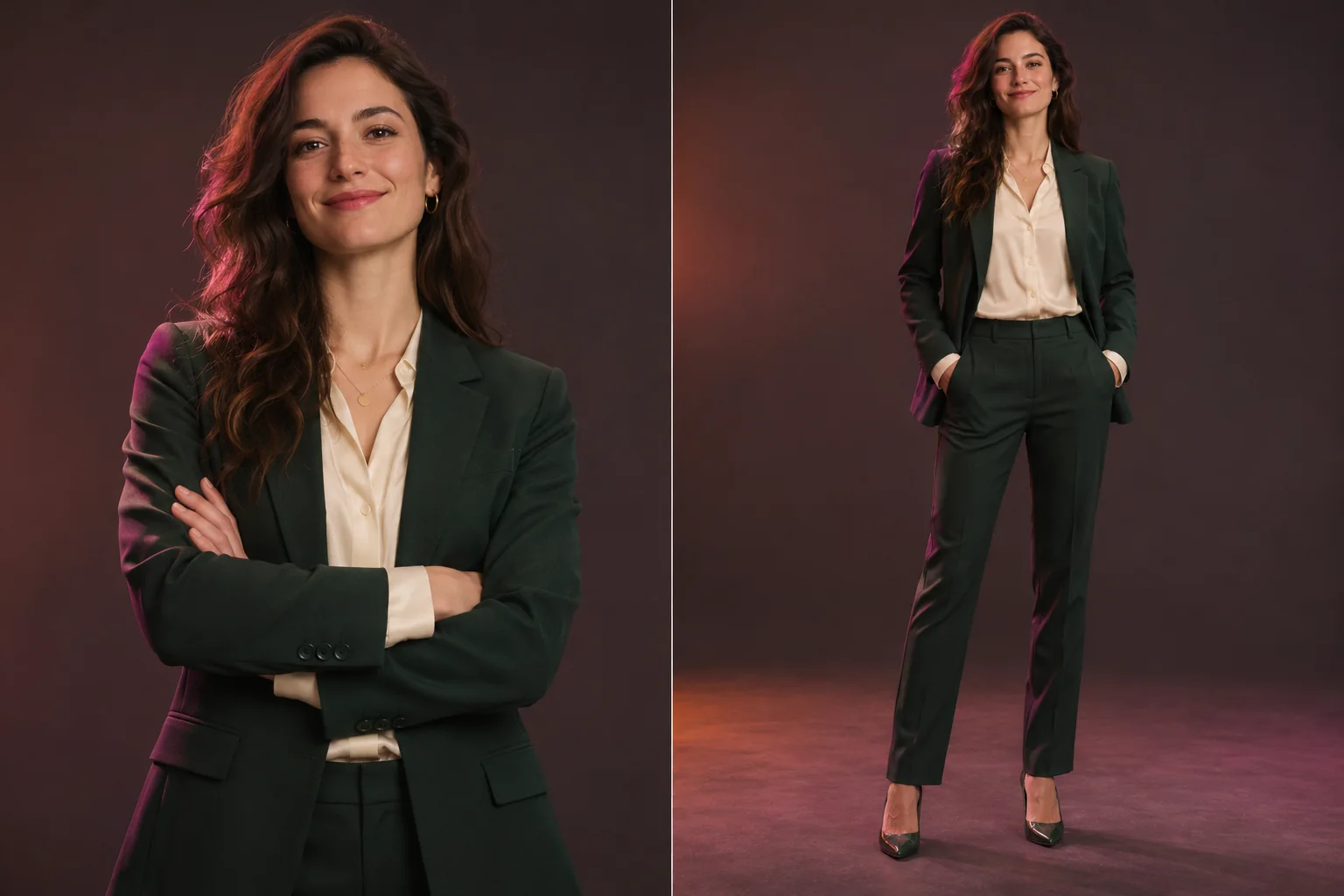 Example previewSourceFull body
AI-created example comparison. Upload a source photo to create your own still image.
Build the missing frame without losing the person in the photo.
Choose a vertical ratio, a visual direction and optional pose or outfit details. The generator asks AI to preserve the person's identity while extending the composition to include a complete outfit, natural hands and both feet.
Try Full Body AI GeneratorReview AI-created professional, casual, fashion, and character-reference compositions for profile photos, social posts, marketing visuals, and design concepts. These examples are illustrations, not customer uploads.
A complete head-to-shoes professional image with balanced studio spacing.
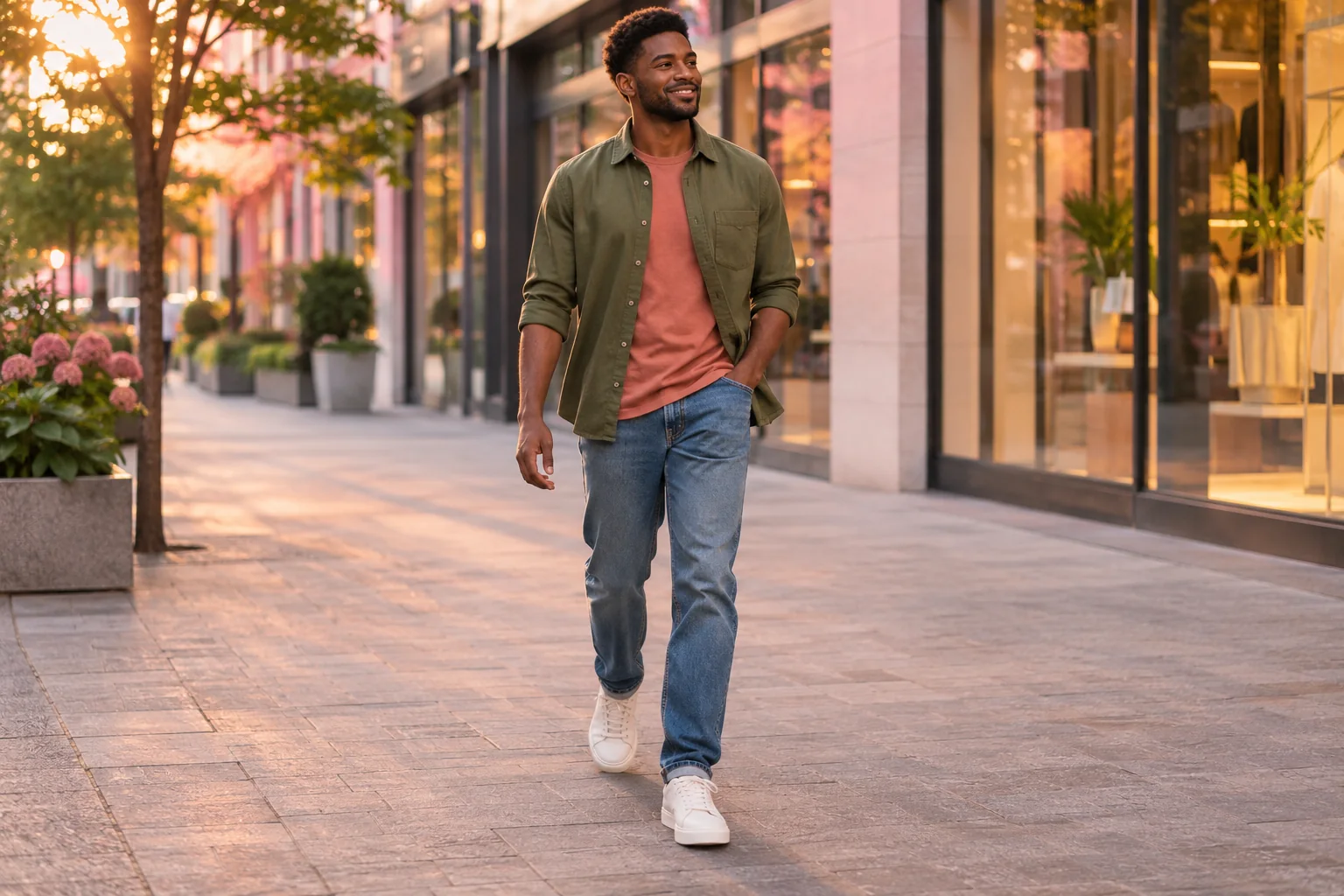
A relaxed full-length walking pose with an everyday outfit.
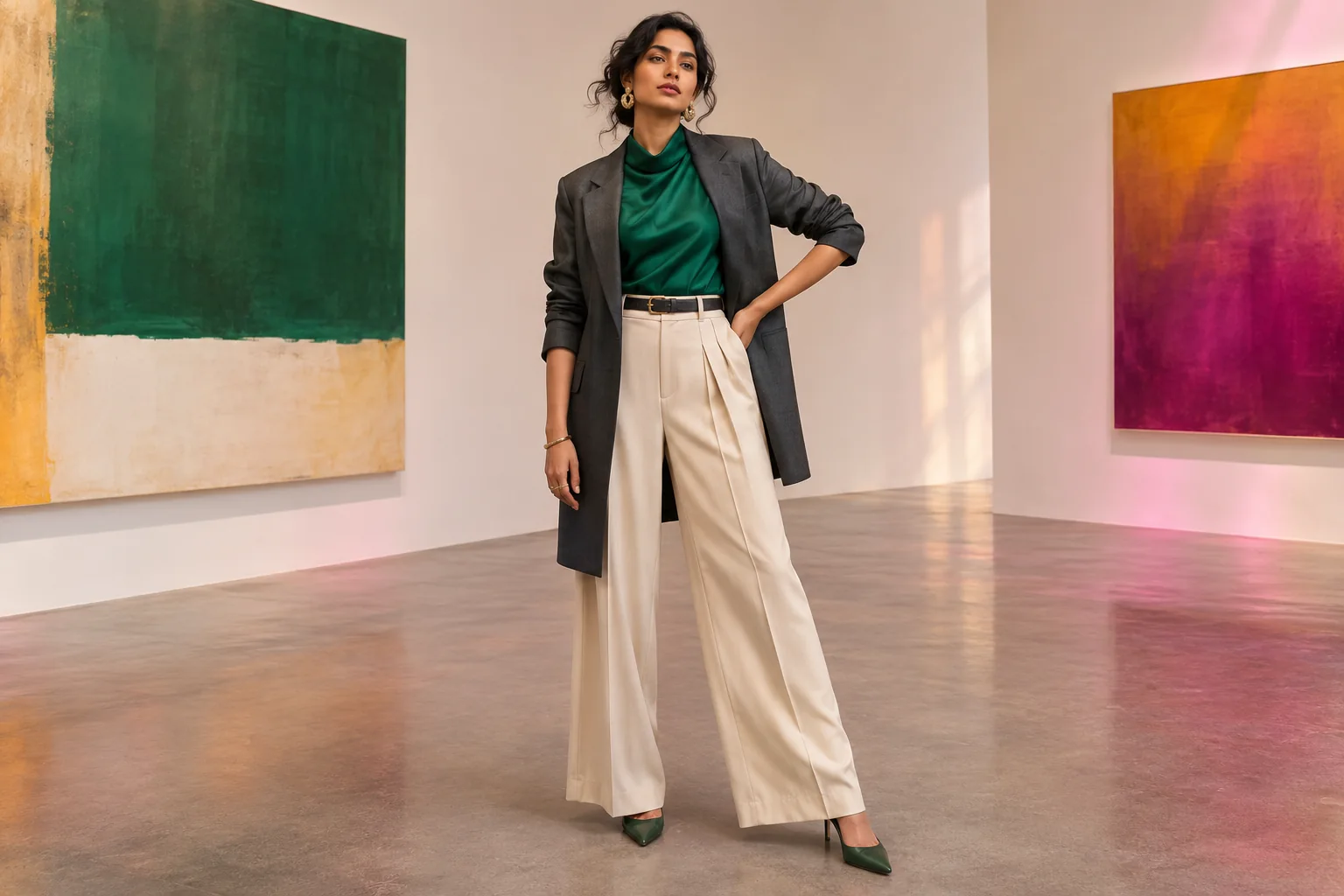
A confident complete outfit presented in a minimal gallery setting.
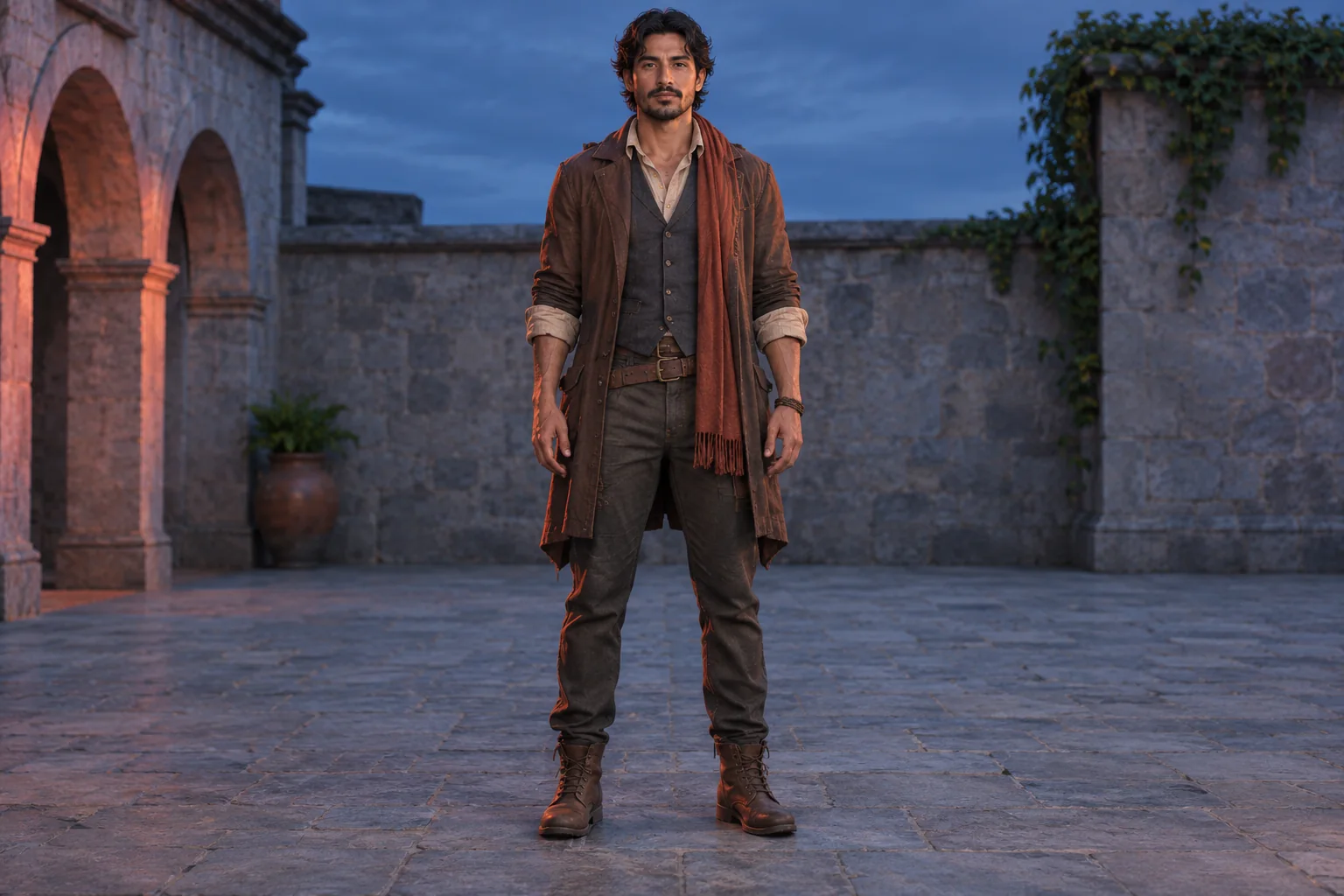
A clear full-body pose that makes the outfit and silhouette easy to review.
Full Body AI GeneratorPhoto extension controls
Guide the frame, outfit, pose, and setting from one permitted source photo.
Start with a portrait or half-body photo and generate a complete vertical composition. Ratios such as 3:4, 2:3 and 9:16 give AI enough room for the outfit, hands, legs and both feet.
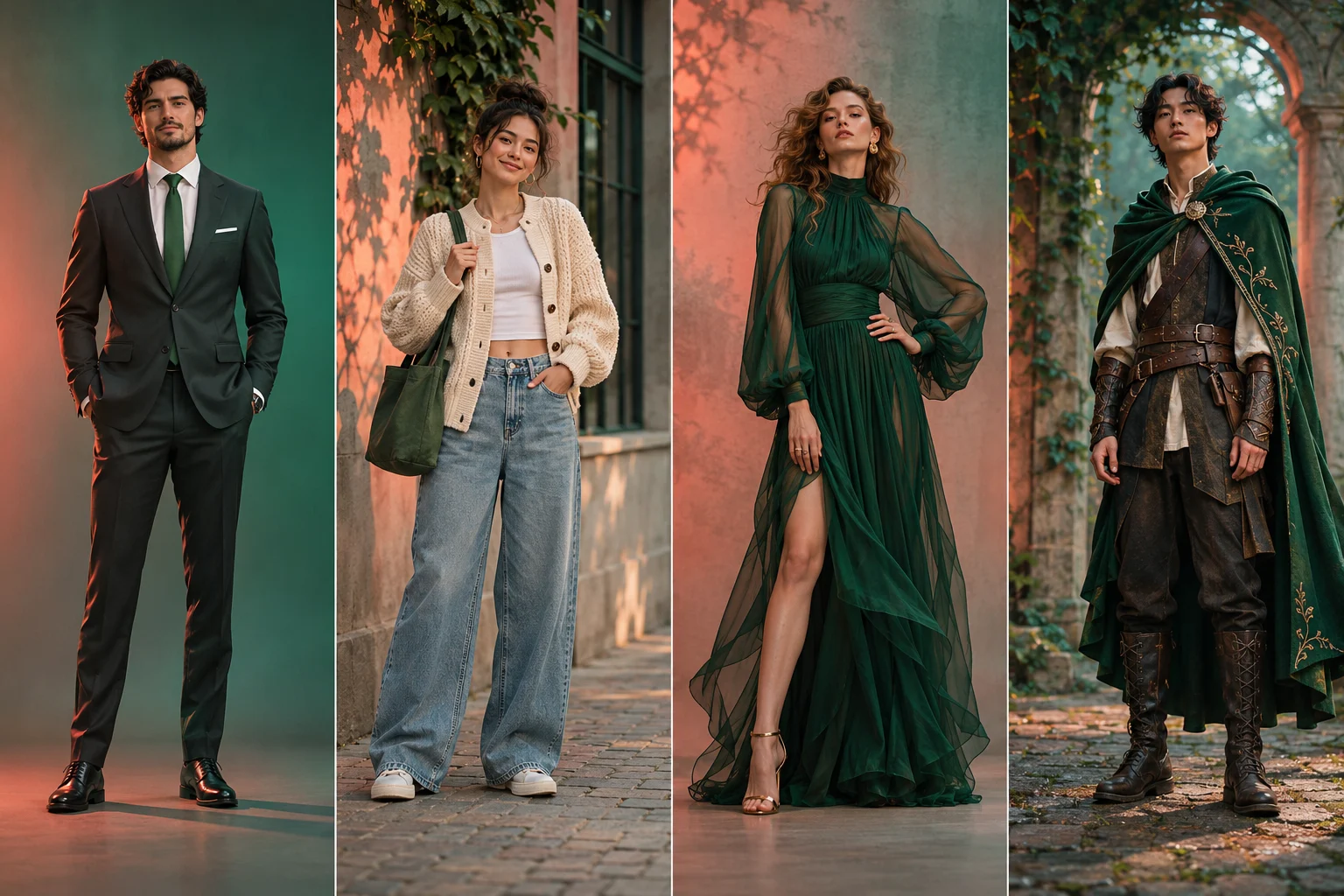
Choose professional, casual, fashion or character direction, then add a short instruction for the pose or clothes. Keep the original setting or use a clean neutral studio background.
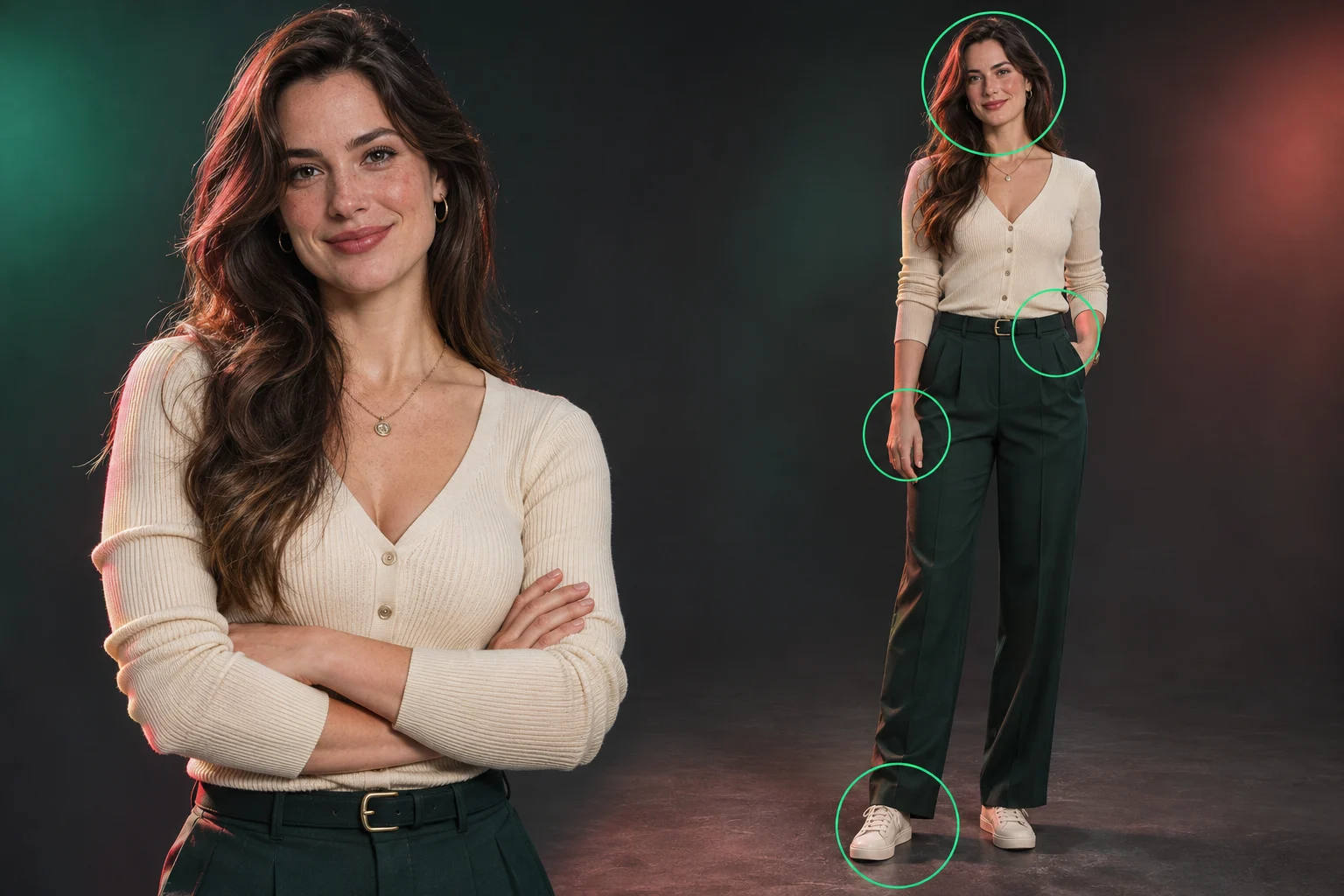
Review the generated image beside the uploaded photo. Check the face, body proportions, hands, outfit edges and feet, because AI can still change visual details.
Create full-length references for profiles, campaigns and character concepts without arranging a new photo shoot.
Turn a cropped portrait into a head-to-shoes composition in one guided workflow.
Start from an existing photo
Choose a preset, then describe only the pose or outfit details that matter.
No complex prompt required
Review the total before submitting. Resolution and image count determine the cost.
Cost shown up front
Choose 1K, 2K or 4K output for quick concepts or more detailed review.
Three resolution options
Explore professional portraits, casual scenes, fashion concepts or character references.
Four starting directions
If processing takes longer, check the saved task again in the same browser tab.
Recover without resubmitting
From a clear source photo to a complete person image.
Use a JPEG, PNG or WebP up to 10 MB. A portrait or half-body photo with one consenting adult, visible features and even lighting works best.
Select the outfit direction, body treatment, vertical ratio, background, resolution and optional pose details. Review the credit cost before generating.
Compare the result with the source photo. Check identity, anatomy, hands, outfit edges and both feet. Download with an eligible plan or top-up; every variation uses credits.
Source-photo tips, identity preservation, complete framing, credits and privacy.
More to explore
Try another image tool for your next visual idea.
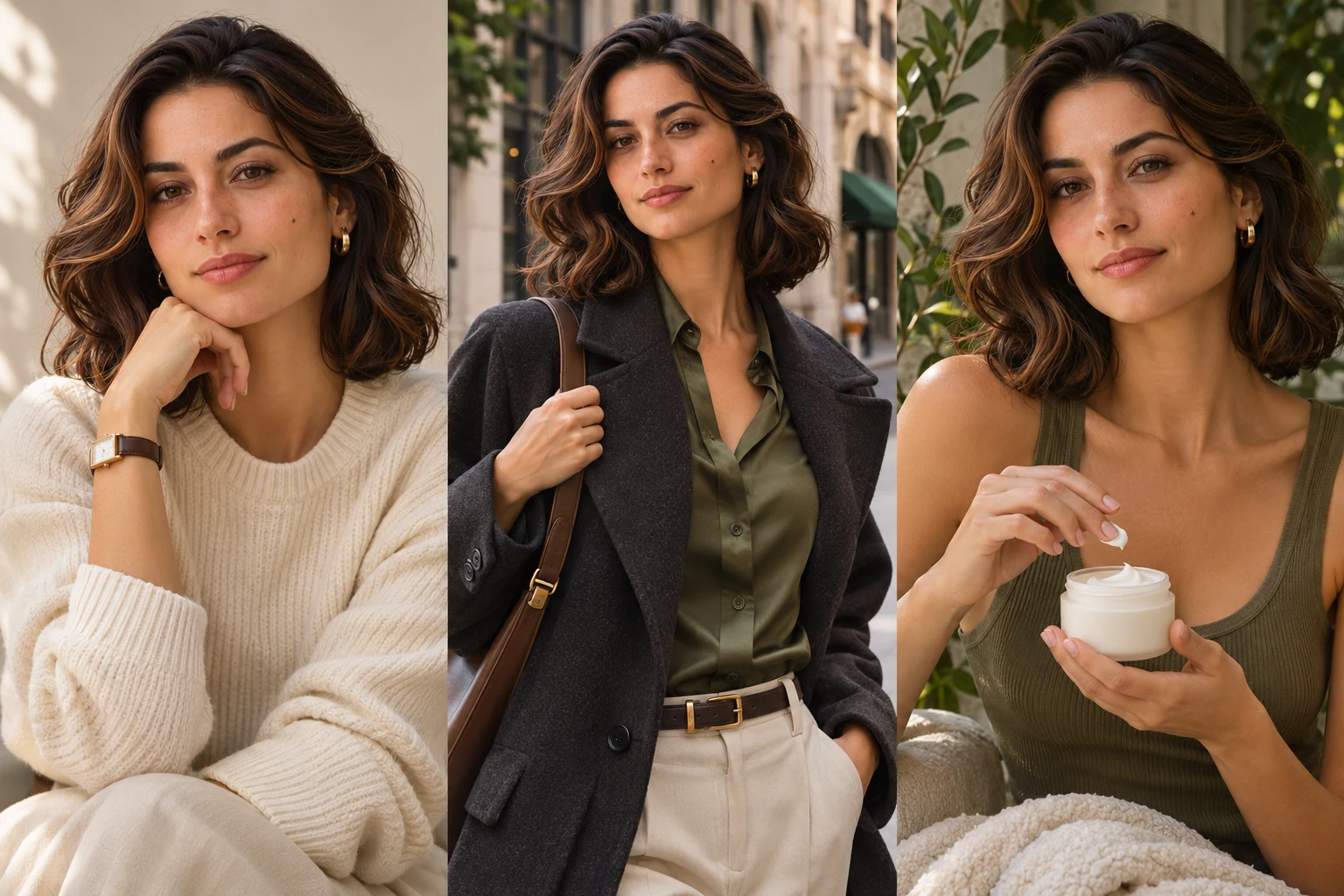
AI Influencer Photo
Turn one portrait into polished profile, lifestyle, fashion or product creator content.
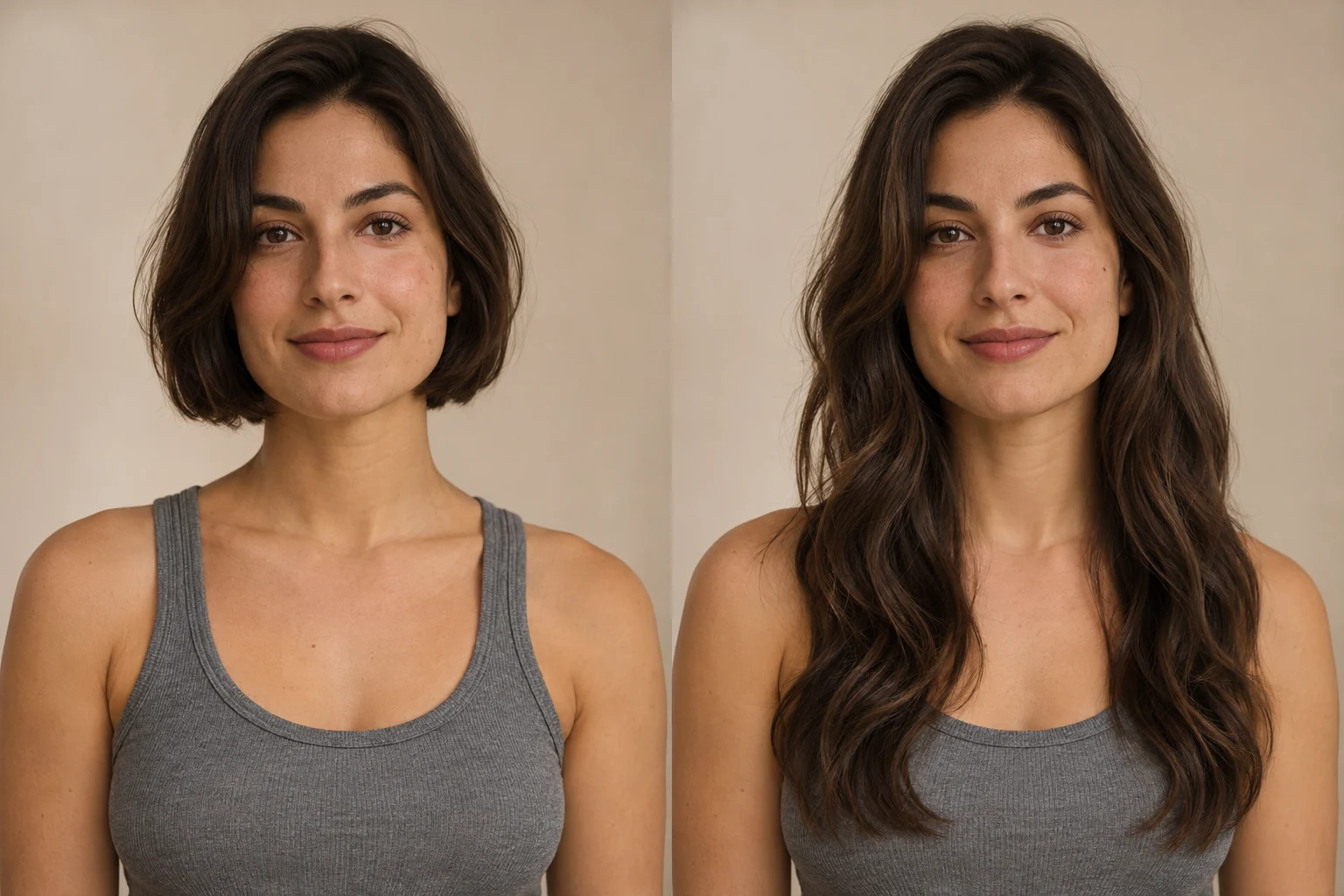
AI Long Hair Filter
See how longer hair could look on you. Upload a portrait, choose the length and texture, then generate a photo preview with AI Long Hair Filter.
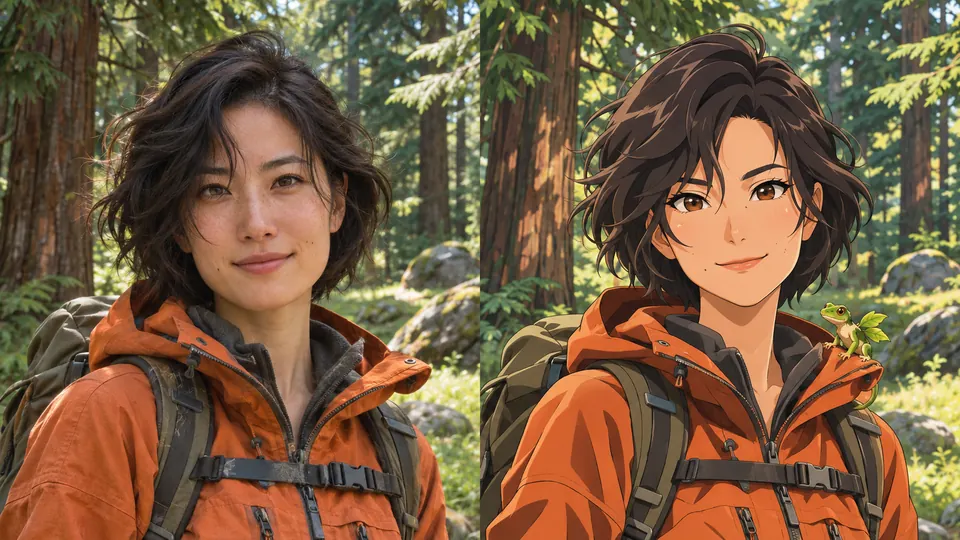
AI Pokemon Trainer Generator
Turn an adult portrait into an illustrated trainer. Choose anime, pixel art, watercolor or 3D, then compare the result with your photo.
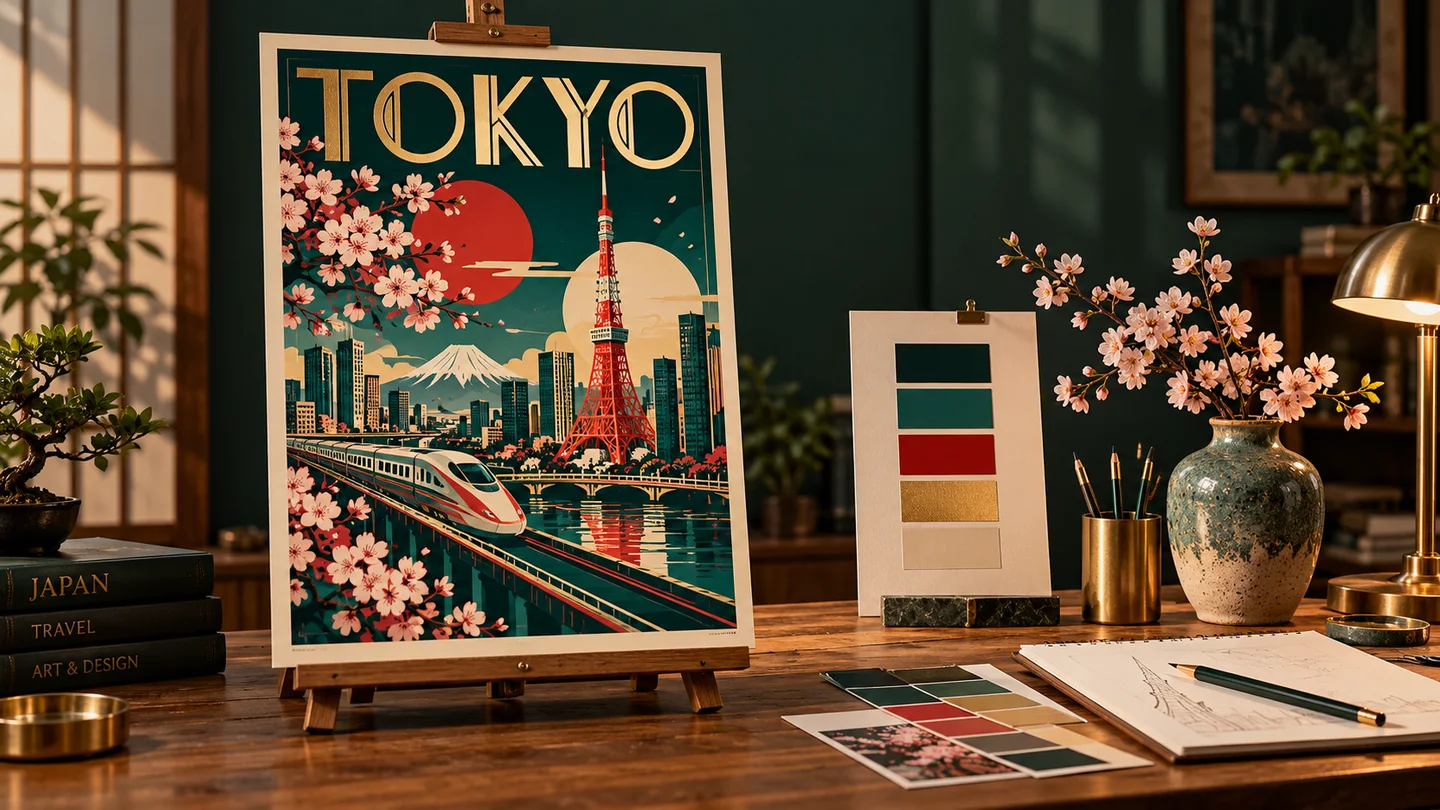
GPT Image 2
Create images from a prompt or rework an existing image.
Upload a portrait, choose a direction and generate a head-to-shoes image.