• MuseVideoMuseVideo
Explore
  • Home
  • All Tools
  • Image Models
  • Video Models
  • AI Effects
Create
  • AI Image Generator
  • AI Video Generator
  • AI Music Video
Workspace
  • My Creations
  • Pricing
Meta Muse VideoMeta Muse Video
  • Home
  • AI Video

    Video Models

    • Wan 2.5Wan 2.5Alibaba
    • Kling 2.6Kling 2.6Kuaishou
    • Grok ImagineGrok
  • AI Image

    Image Models

    • Nano BananaGoogle
    • Nano Banana 2Google
    • Nano Banana ProGoogle
    • GPT Image 2GPT Image 2OpenAI
  • AI Music
    AI Music Video
  • AI Effects

    Latest effects

    View all effects
    AI Fat FilterZootopia OC MakerAI Wedding Dress GeneratorFull Body AI GeneratorAI Pokemon Trainer GeneratorBirth Flower Tattoo GeneratorAI Future Baby GeneratorAI Influencer PhotoAI Long Hair Filter
  • Pricing
Sign up for free
  1. Home
  2. AI Effects
  3. AI Wedding Dress Generator

AI Wedding Dress Generator: Try Bridal Styles on Your Photo

Upload one adult portrait to this AI wedding dress generator, pick a silhouette, neckline and fabric, and see how a bridal look could suit you. Results are visual concepts, not fit or size predictions.

Bridal atelier

AI Wedding Dress Generator

GPT Image 2

Upload your portrait

Dress material
Wedding dress design

Auto Style picks a silhouette and neckline that suit your pose and keeps your proportions.

Describe fabric, sleeves, details or train.0/3000
Image ratio

Some ratios are available at 1K only.

Resolution
Number of images

The AI is asked to keep the same person, pose and lighting. Choose the background below.

Credits needed10 credits
10 credits each × 1Balance not loaded

Upload only an adult portrait you have permission to edit. Your photo is sent to our image generation provider. Privacy policy

All my creations
Example previewSourceBridal concept

This demo video is made from original AI-created stills. The tool itself generates still images from your portrait.

AI Wedding Dress Try-On with Your Photo

Compare bridal silhouettes before a fitting or design consultation.

Upload one clear adult portrait and try A-line, ball gown, mermaid or sheath styles with square, sweetheart, off-the-shoulder or bateau necklines. Using the same photo each time makes the styles easy to compare. Results are visual previews, not a promise of size or fit.

Try AI Wedding Dress Generator
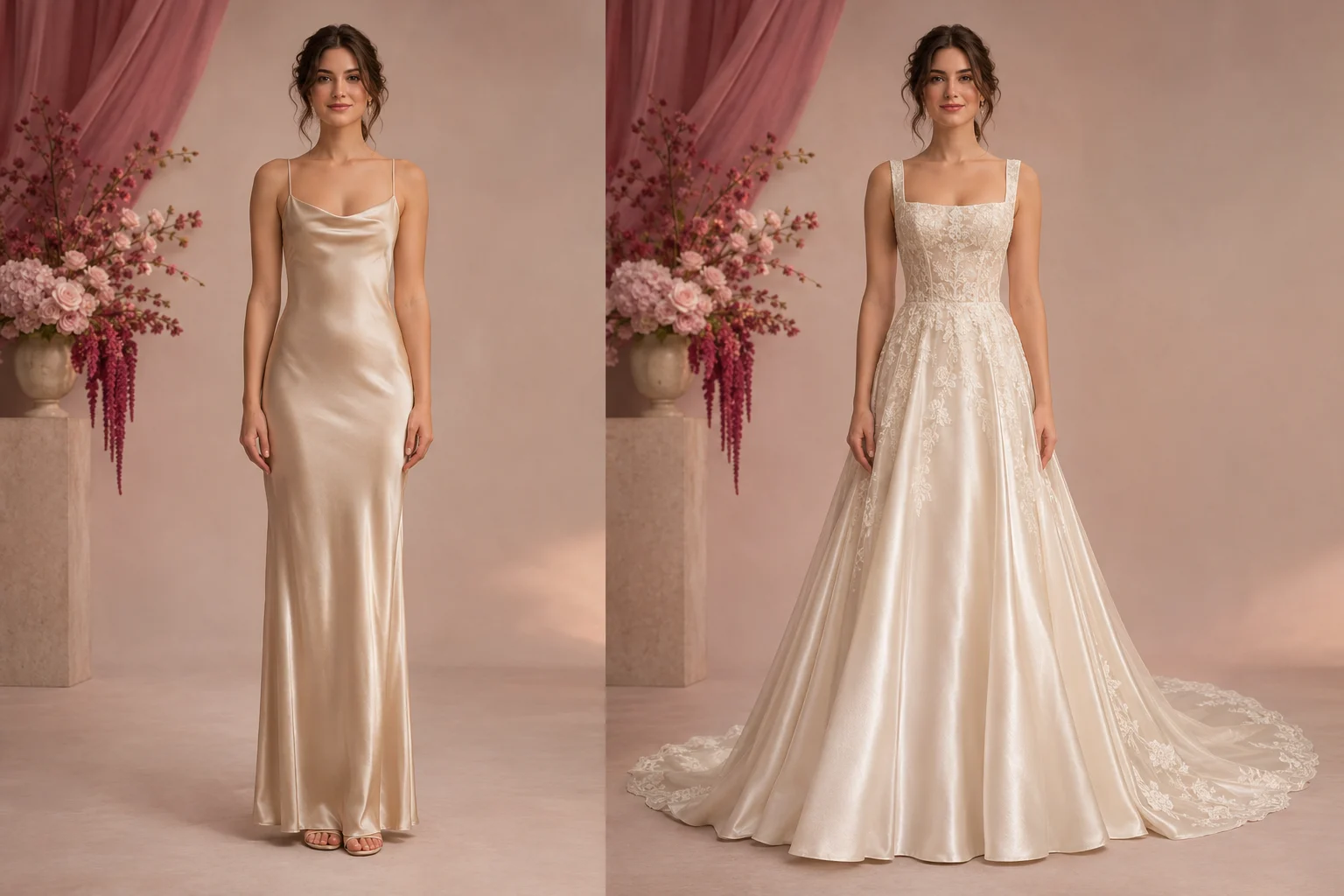
The same woman before and after trying an A-line wedding dress, showing how AI Wedding Dress Generator works
  • Dress silhouette
  • Neckline choice
  • Same person, new dress
  • Bridal gown preview

AI Wedding Dress Examples for Every Style and Setting

Compare original garden, ballroom, beach and city-hall concepts to see how silhouette, fabric and setting change the look. These are visual references, not customer photos or fit guarantees.

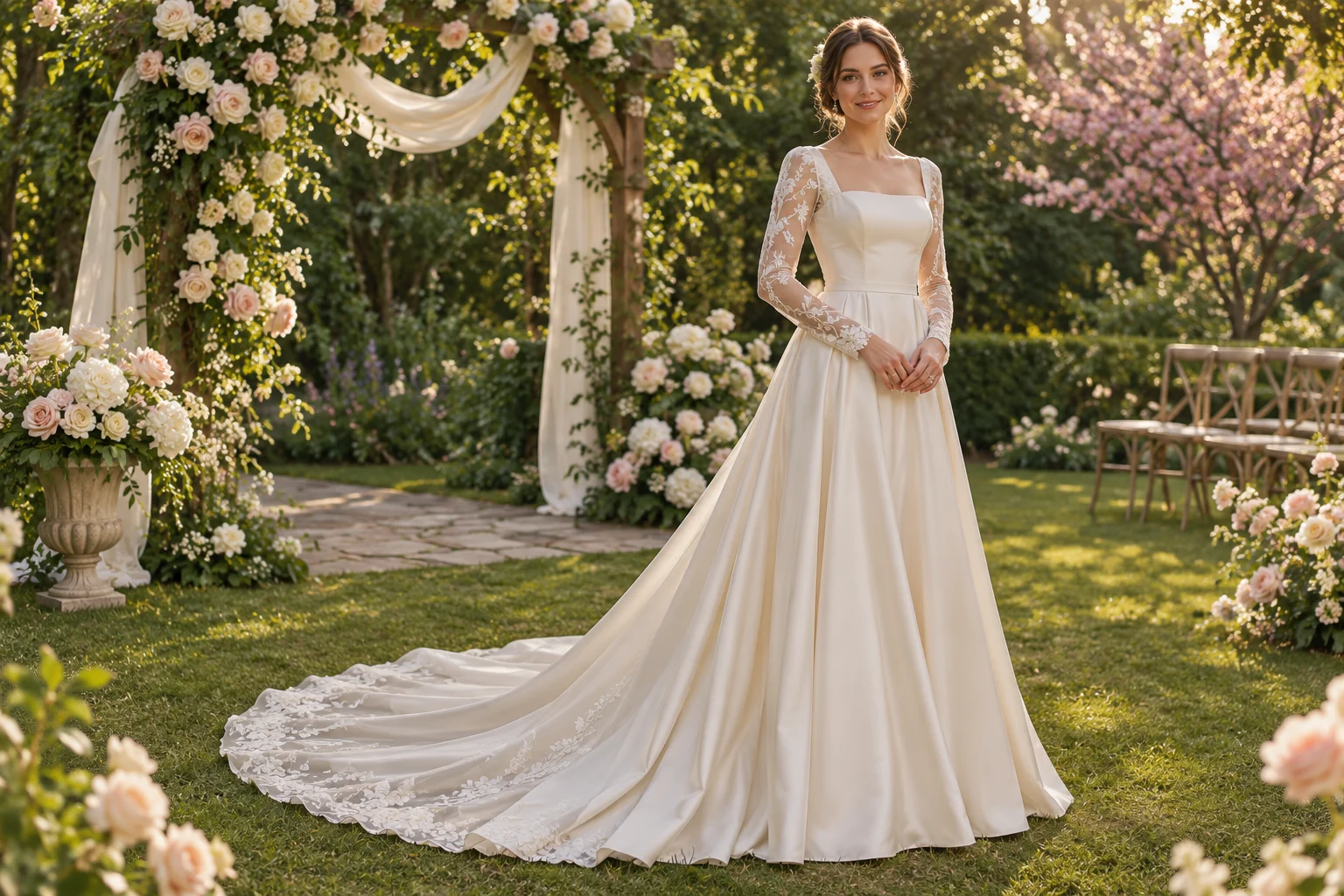
Bride in an A-line gown at a garden ceremony, an AI wedding dress example

Romantic garden ceremony

An original AI-made garden wedding concept in a graceful A-line gown.
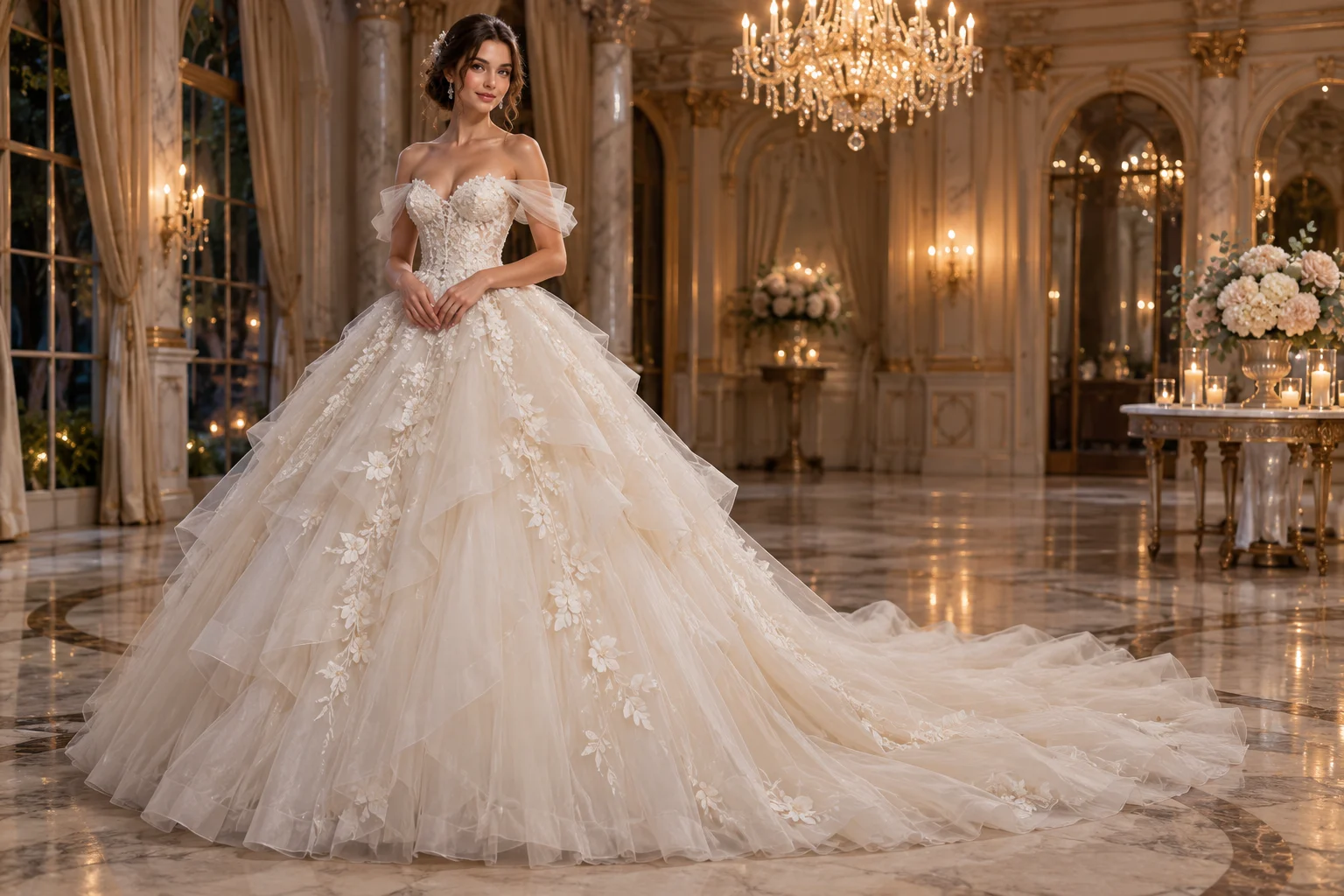
Bride in a tulle ball gown inside a ballroom, an AI wedding dress example

Formal ballroom reception

An original AI-made ball-gown concept for a grand indoor reception.
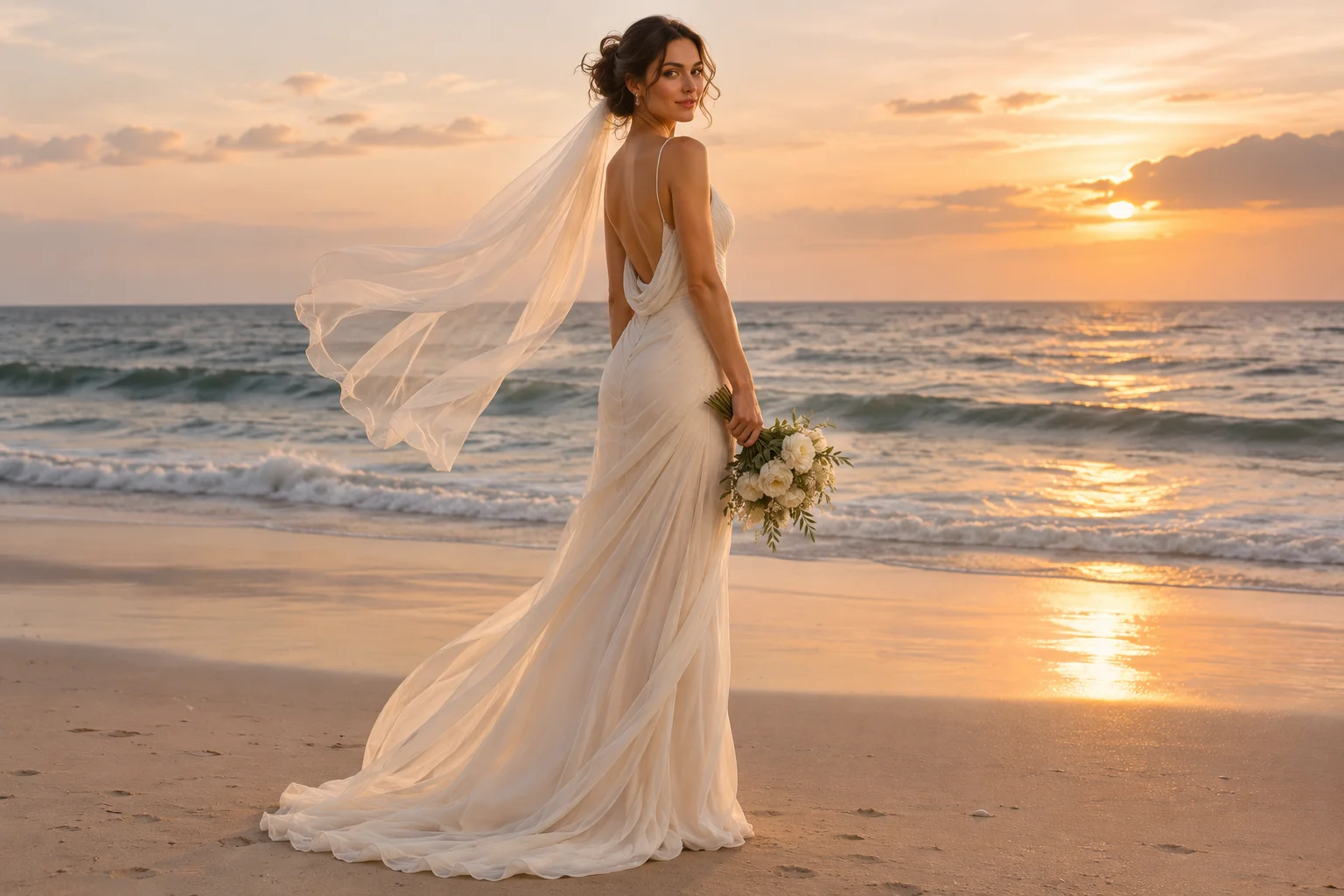
Bride in a flowing sheath dress on a beach, an AI wedding dress example

Modern beach wedding

An original AI-made fitted gown concept in a bright coastal setting.
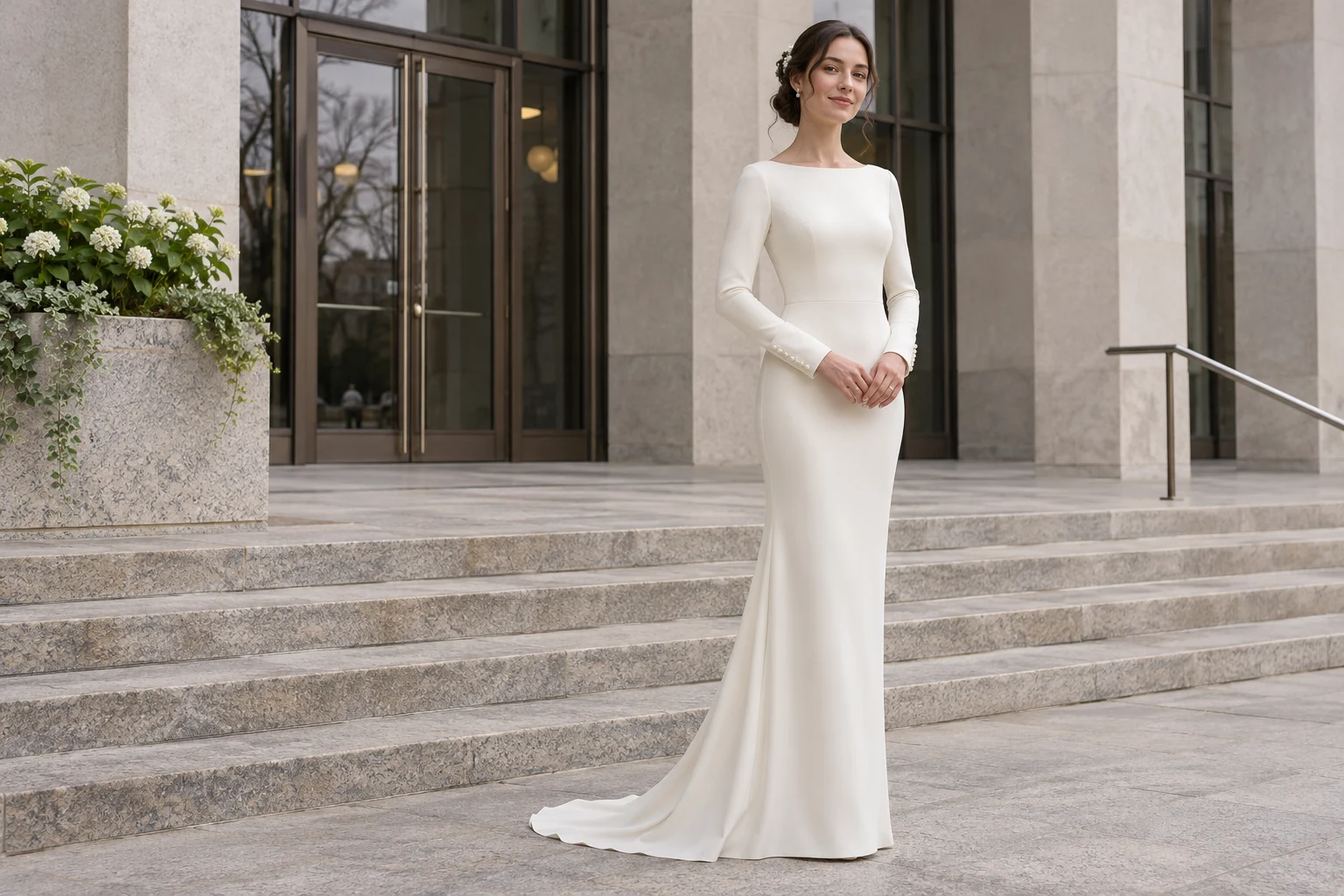
Bride in a minimalist sheath gown at city hall, an AI wedding dress example

Minimal city-hall look

An original AI-made sheath-dress concept with a clean, modern civil-ceremony feel.

AI Wedding Dress GeneratorWedding dress settings

AI Gown Generator Controls: Silhouette, Fabric, Neckline and Train

Pick the look with simple controls, then add your own details in words.
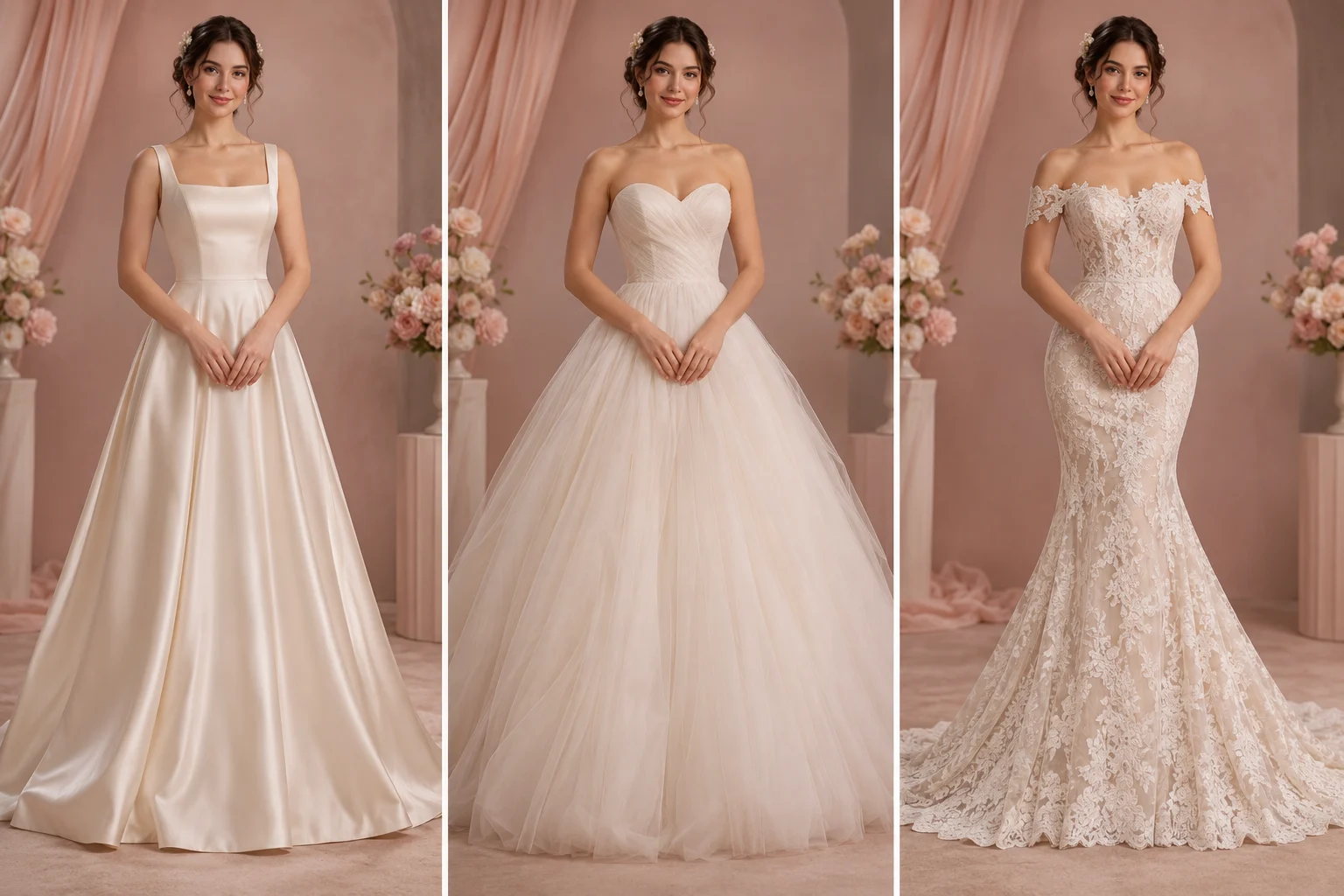
A-line, ball gown and mermaid silhouettes, showing the style controls in AI Wedding Dress Generator

Compare A-Line, Ball Gown, Mermaid and Sheath Dresses

Pair each silhouette with a square, sweetheart, off-the-shoulder or bateau neckline. Reusing the same portrait gives you a clear side-by-side shortlist before you visit a boutique or meet a designer.
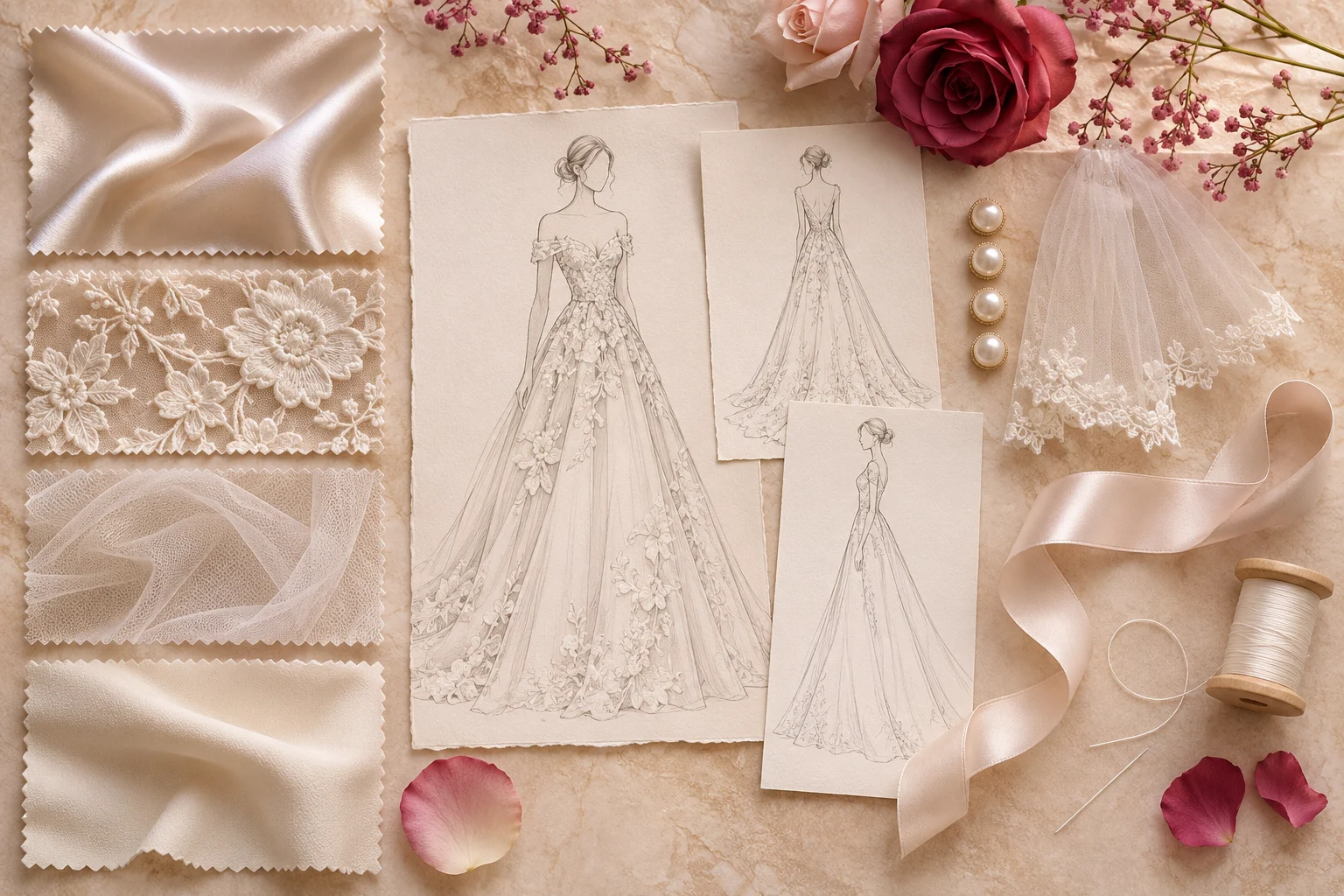
Satin, lace and tulle mood board showing the fabric prompts you can use in AI Wedding Dress Generator

Describe Satin, Lace, Tulle and Train Details

Name the fabric, sleeves, embroidery, pearl buttons or train length to turn a vague idea into a clear reference. Short, specific notes are easier to compare and to explain to a bridal stylist or dressmaker.
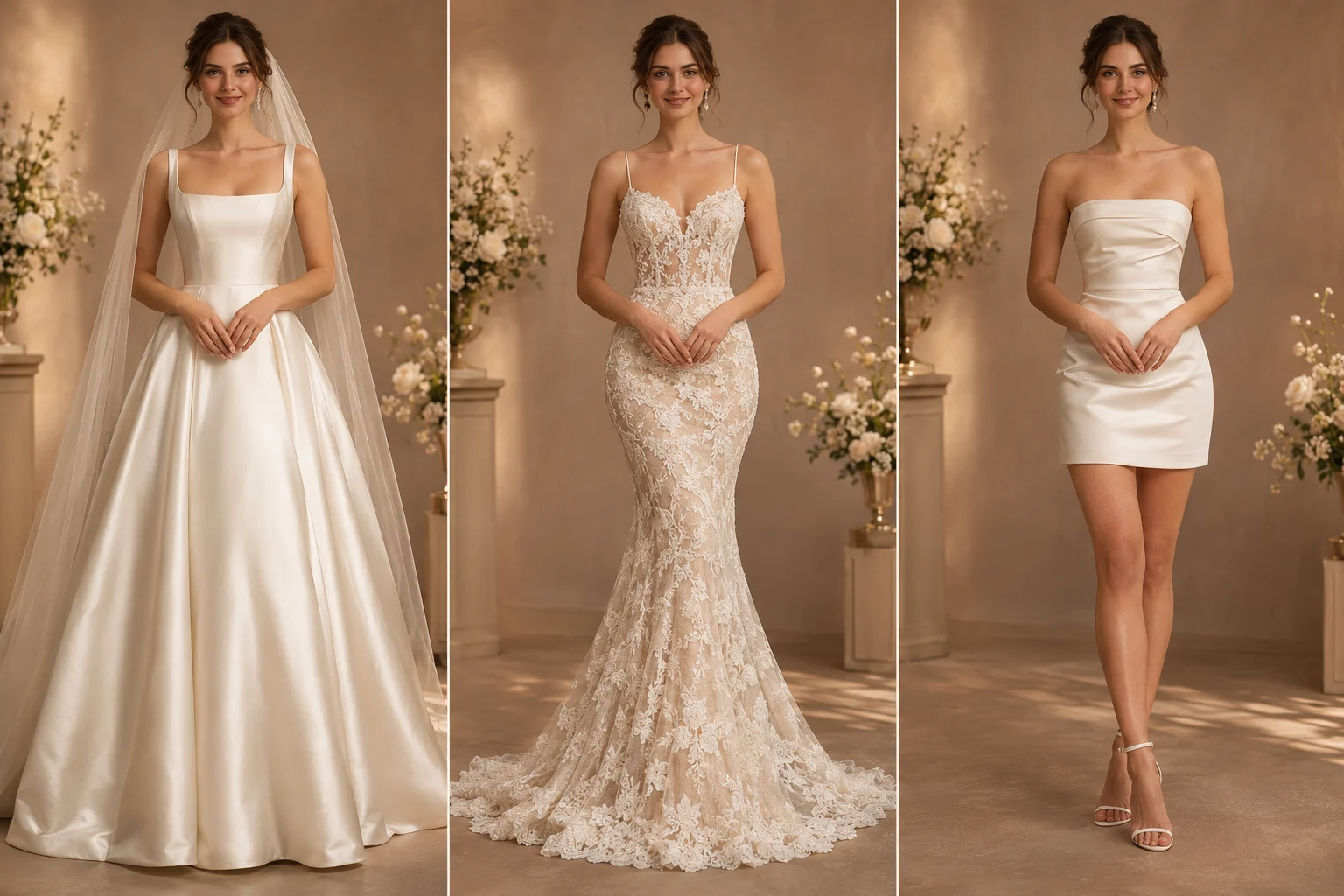
The same bride in three wedding dress styles, showing style comparison in AI Wedding Dress Generator

Keep the Same Bride Across Every Dress Style

Create several looks from the same photo, pose and background. Then check each one against the original, looking at the face, proportions, hands, seams and fabric edges, before you pick a favorite.

Try AI Wedding Dress Generator

From AI Wedding Dress Concept to Real Gown

Use each result to shortlist styles and explain what you like. Then confirm sizing, materials and construction with a qualified professional.

Shortlist Styles Before a Boutique Visit

Try several silhouettes on the same portrait, then decide which real dresses to try on first.

Narrow down your first fitting

Build a Reference for Your Bridal Stylist

Bring your original photo, your favorite concept and your written dress notes to a boutique, stylist or dressmaker.

Show what you have in mind

See the Credit Cost Before You Generate

The total appears before you submit. Resolution and the number of images set the credit cost.

No surprise costs

Inspect Fabric and Seams in 1K, 2K or 4K

Pick a resolution that lets you check lace, satin, hem edges and small construction details.

Check the fine details

Refine Sleeves, Embellishment and Train

Use the optional notes field to change one or two dress details while the portrait stays the same.

Compare focused changes

Find Your Task Again if the Page Closes

Your saved task waits in the same browser and account. Check it before you submit another paid generation.

Avoid a repeat run

Try AI Wedding Dress Generator

How to Create a Wedding Dress with AI

Upload a portrait, choose your bridal details and review the result in three steps.

  1. Step 1: Upload a clear adult portrait

    Use a JPEG, PNG or WebP file up to 10 MB. Pick a photo you have permission to edit, with the upper body visible and nothing blocking the face.

  2. Step 2: Choose a silhouette, neckline and fabric

    Select a silhouette, neckline, image ratio and resolution. Add fabric or construction notes if you like, then check the credit cost.

  3. Step 3: Generate, compare and download your preview

    Compare the result with your original photo and check the face, proportions, hands, seams and hem. Downloading needs an eligible plan or credit top-up, and every image uses credits.
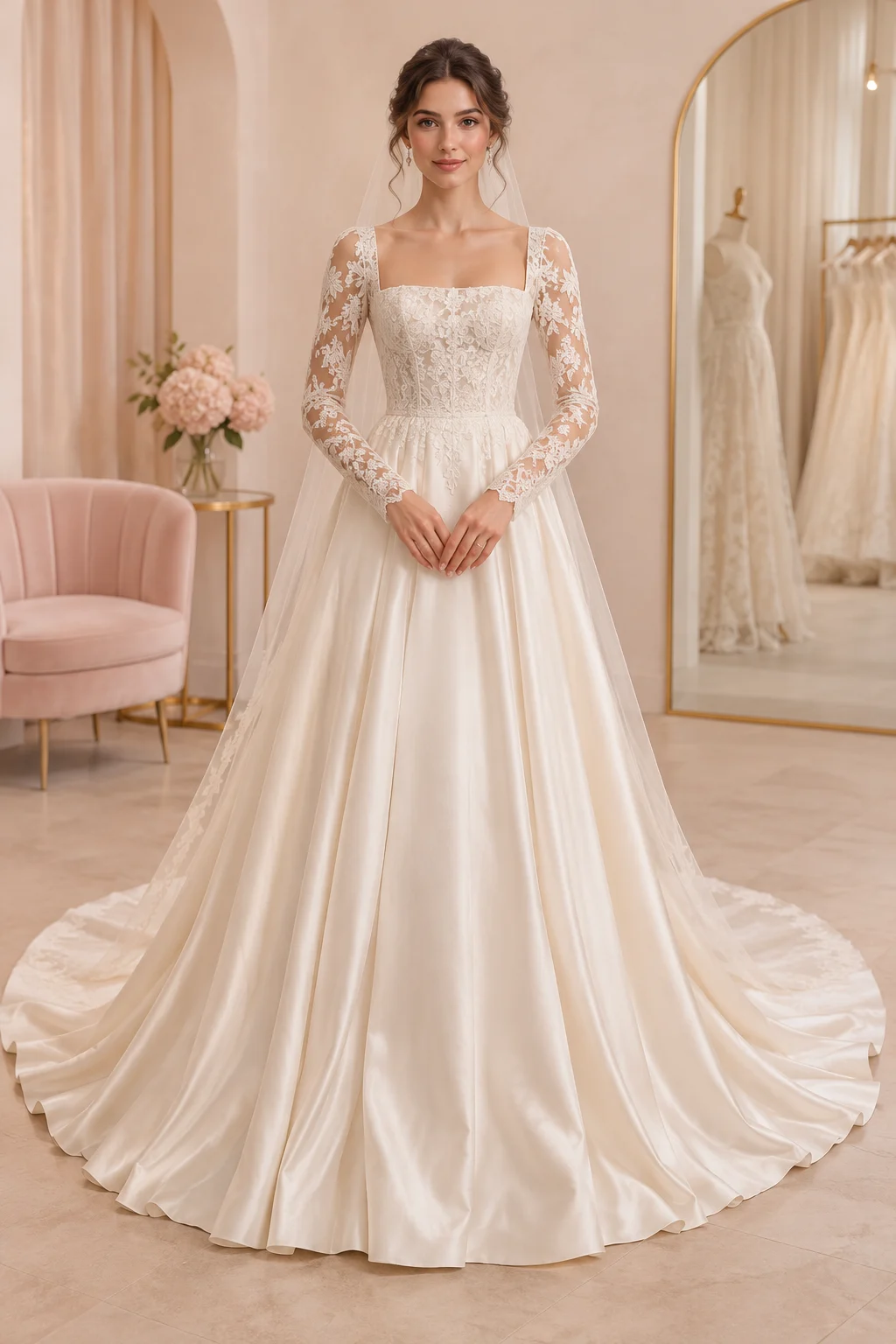
Try AI Wedding Dress Generator
Bride in an A-line gown, the final step of creating a wedding dress with AI Wedding Dress Generator

AI Wedding Dress Generator FAQ

Photo try-on, bridal styles, sketches, real-world fit, dressmakers and credits.

AI Wedding Dress Generator edits one adult portrait you have permission to use into a bridal-style image. Upload the photo, pick a silhouette, neckline, material, ratio, resolution and image count, and add optional notes. Check the credit total, generate, then compare the result with your original before downloading.

Upload a clear adult portrait with your face and upper body visible, even lighting and some space around you. The generator swaps the outfit and asks the model to keep the same person, pose and scene. Compare the face, hands, proportions and garment edges before you save the preview.

The generator takes one adult portrait as its source image and has no separate slot for a sketch or dress reference. Describe your inspiration in the notes field instead, using details like satin, lace, sleeves, neckline, embellishment or train length, then compare the result with your reference.

Start with a silhouette and neckline, then add short details such as satin, lace, sleeves, embroidery, pearl buttons or train length. The built-in controls work like a wedding dress AI prompt generator, combining your choices with the optional notes field before the image is created.

No. An AI wedding dress preview cannot measure your body or predict sizing, fabric behavior, alterations, comfort or construction. Use the image to compare looks and talk through details, then rely on a qualified boutique, tailor or dressmaker for measurements, materials, patternmaking and fittings.

A dressmaker can treat the image as an early visual reference, but it is not a sewing pattern or technical spec. Bring your original photo, your favorite concept and notes on silhouette, neckline, fabric and train. The professional still needs your measurements, construction choices, fabric tests and fittings.

Start every version from the same clear adult portrait and keep the pose, framing, aspect ratio and background consistent. Change only one or two dress details at a time, such as silhouette or neckline. AI can still alter a face or body shape, so check every result against your original photo.

It runs online, but it uses account credits instead of offering unlimited free generation. The total depends on resolution and image count, and it appears before you submit. Set up your portrait and dress options first, then sign in to check your balance, available plans and download access.

Privacy policy

More to explore

Explore more tools

View All Tools

Try another image tool for your next visual idea.
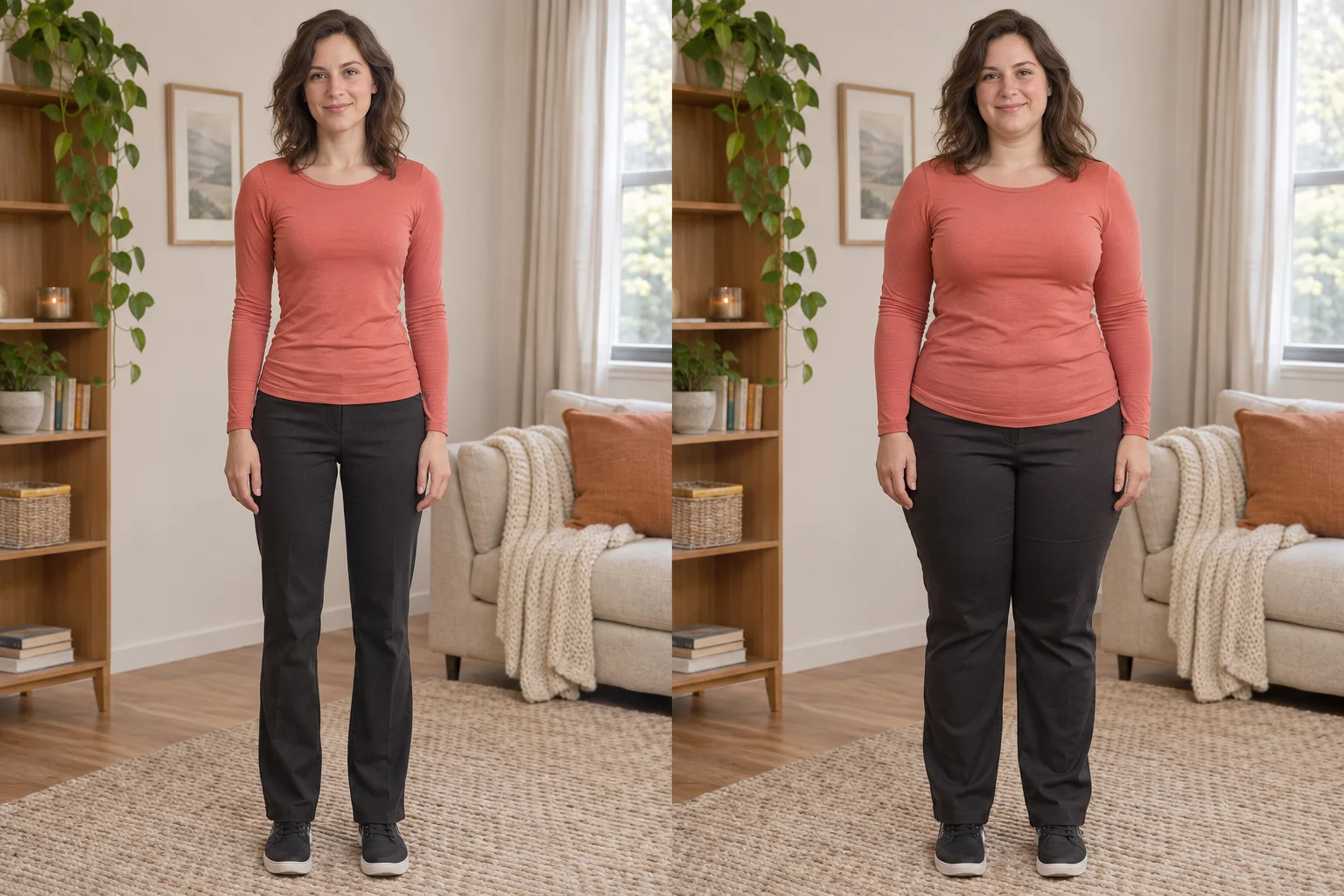
  • Fictional adult shown before and after a balanced fuller-body AI edit

    AI Fat Filter

    Preview a fuller face or body from one adult portrait. Choose the intensity and target area, then compare the result with your original.
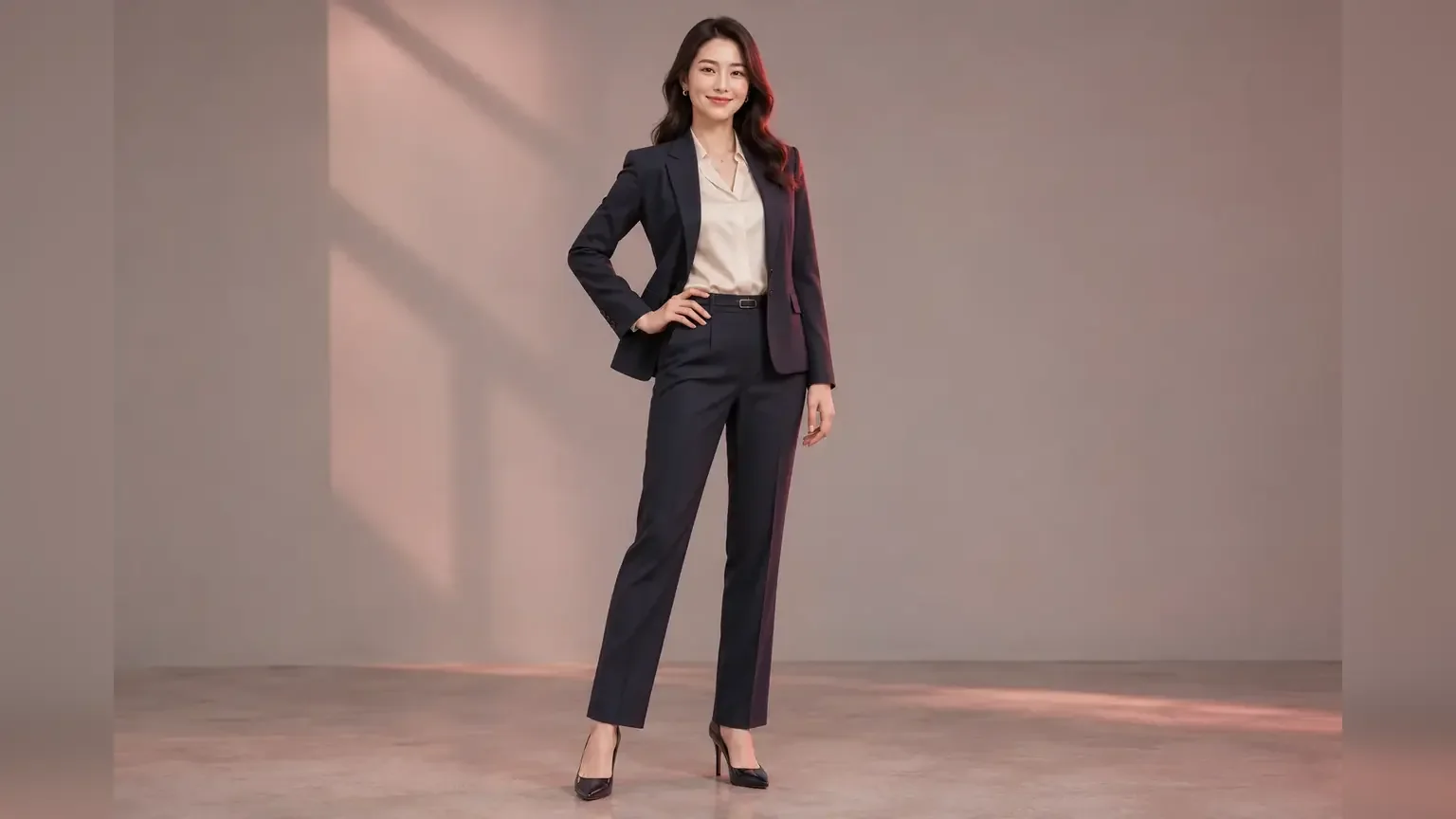
  • Full Body AI Generator

    Full Body AI Generator

    Turn a portrait or half-body photo into a complete head-to-shoes image with pose, outfit, background and resolution controls.
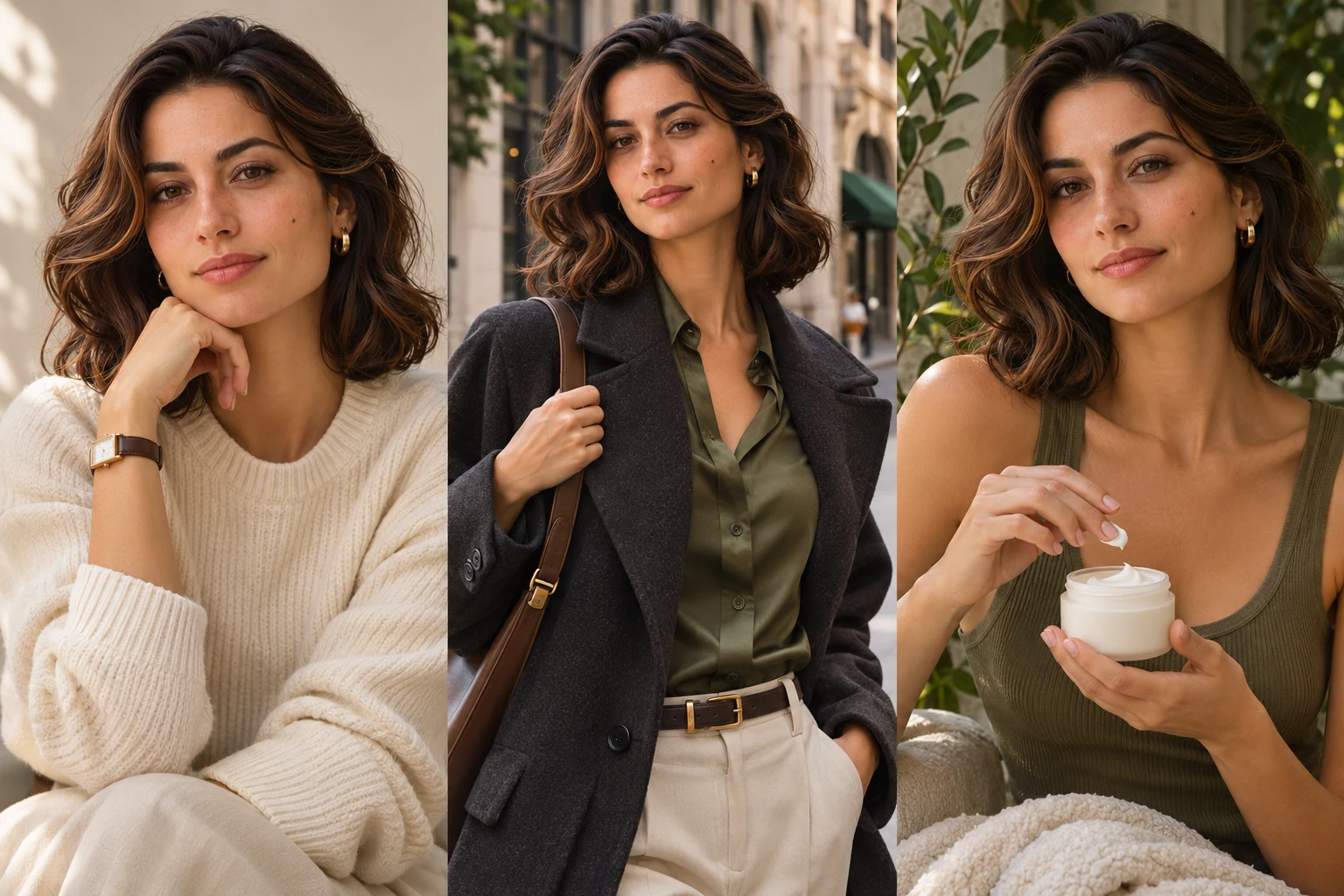
  • AI Influencer Photo

    AI Influencer Photo

    Turn one portrait into polished profile, lifestyle, fashion or product creator content.
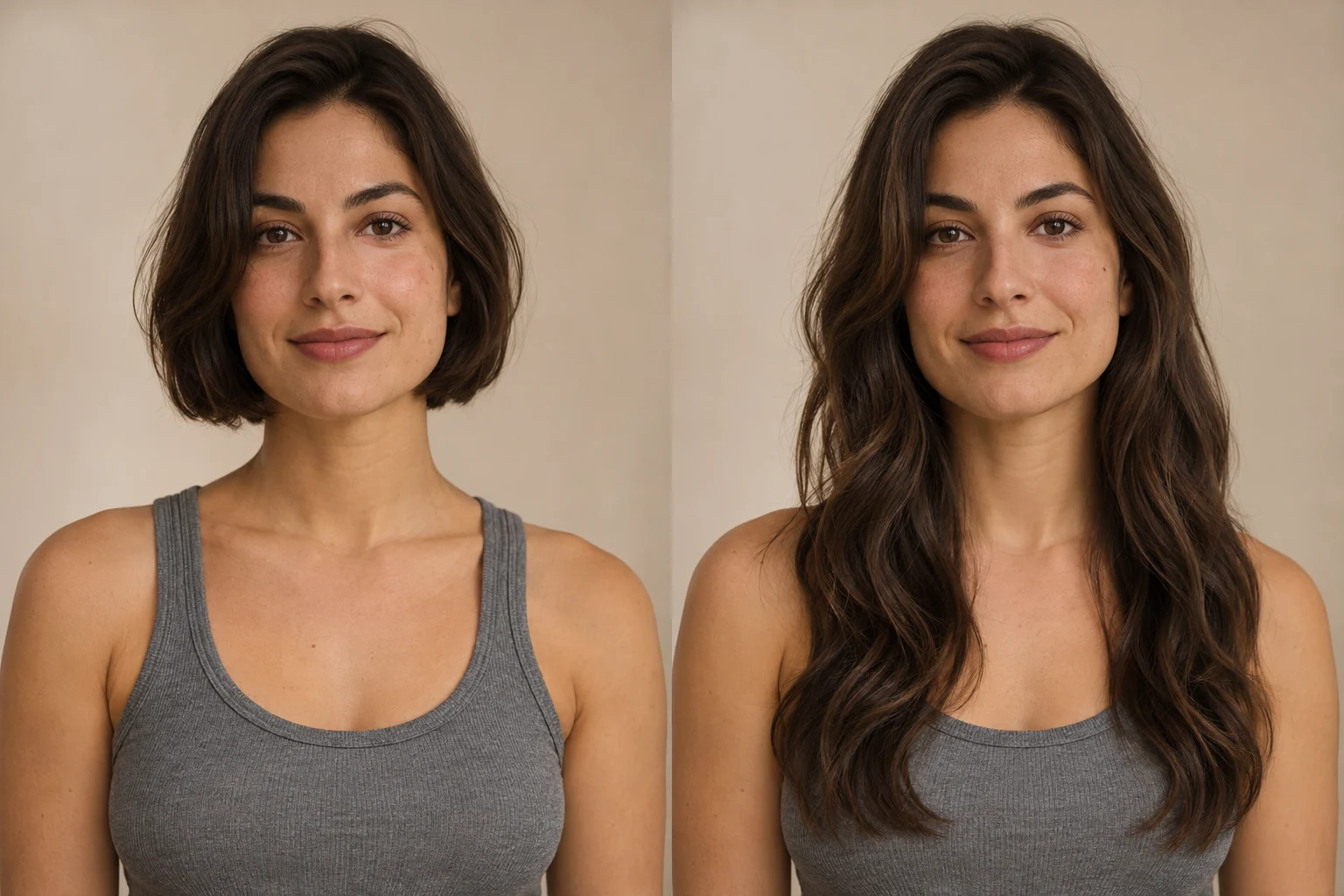
  • AI Long Hair Filter

    AI Long Hair Filter

    See how longer hair could look on you. Upload a portrait, choose the length and texture, then generate a photo preview with AI Long Hair Filter.

Design Your Own Wedding Dress Online

Use AI Wedding Dress Generator to compare silhouettes, necklines and fabrics on your own adult portrait before a fitting or design consultation.

Try AI Wedding Dress Generator
Meta Muse VideoMeta Muse Video

Meta Muse Video - Native multimodal image & video creation

support@musevideo.ai

Tools

  • All Tools
  • Image Models
  • Video Models
  • AI Effects
  • Zootopia OC Maker
  • AI Wedding Dress Generator
  • Full Body AI Generator
  • AI Pokemon Trainer Generator
  • AI Influencer Photo
  • AI Fat Filter
  • AI Long Hair Filter
  • Birth Flower Tattoo Generator
  • AI Future Baby Generator
  • AI Rap Duo
  • Crazy Frog AI
  • AI Thriller Dance
  • Angry Dance filter
  • NEON Duo Dance
  • AI Face Dance
  • AI Zombie Love Story
  • AI Music Video
  • Hotel Lobby AI
  • Migos AI Video Generator

Image Creation

  • Text to Image
  • Image Edit

Google Image Models

  • Nano Banana
  • Nano Banana 2
  • Nano Banana Pro
  • GPT Image 2

Video Creation

  • Text to Video
  • Image to Video
  • Wan 2.5
  • Kling 2.6
  • Grok Imagine

Support

  • Pricing
  • About
  • Contact

Legal

  • Privacy Policy
  • Terms of Service
  • Cookie Policy

© 2026 Meta Muse Video All Rights Reserved.

Pricingsupport@musevideo.ai