
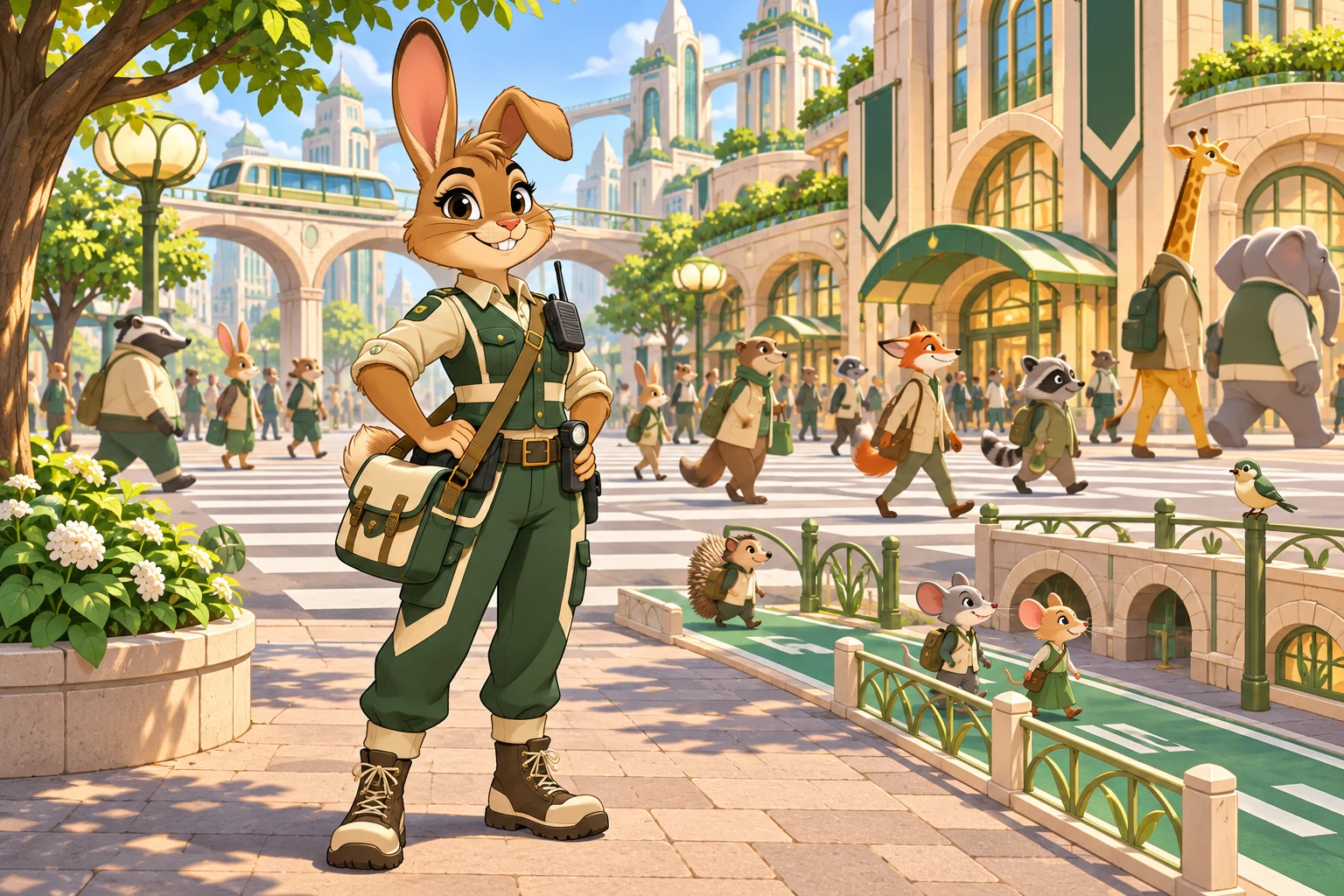
Downtown Officer
A rabbit officer with a uniform and proportions built for a busy, mixed-size downtown.
Zootopia OC Maker turns a short idea, or a portrait you have permission to use, into an original animal-city citizen. Pick a species, job, district and style, then generate your OC.
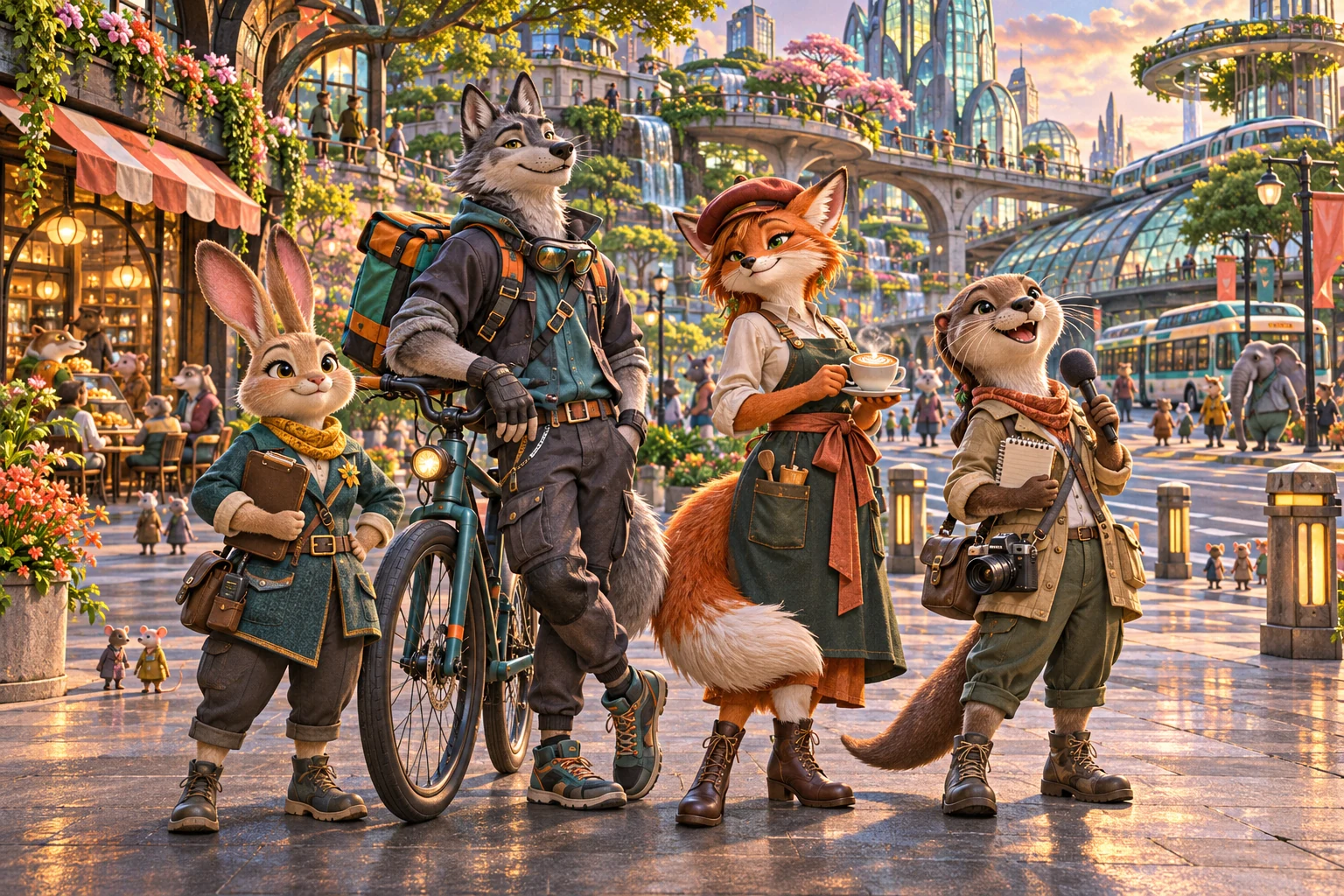 Style previewCharacterWorld
Original AI-created examples. Generate a character from text or add an optional reference.
Turn a short idea into a character with a job, a home district and a look that fits.
Pick the species, job, outfit and neighborhood together, so your OC feels like a real citizen and not a generic animal portrait. Start from a few words of text, or add a reference image for rough pose, outfit or color ideas.
Create a Zootopia OCPick a clean full-body illustration, a cinematic 3D render, a warm storybook look or a reference sheet for comics and roleplay.
A rabbit officer with a uniform and proportions built for a busy, mixed-size downtown.
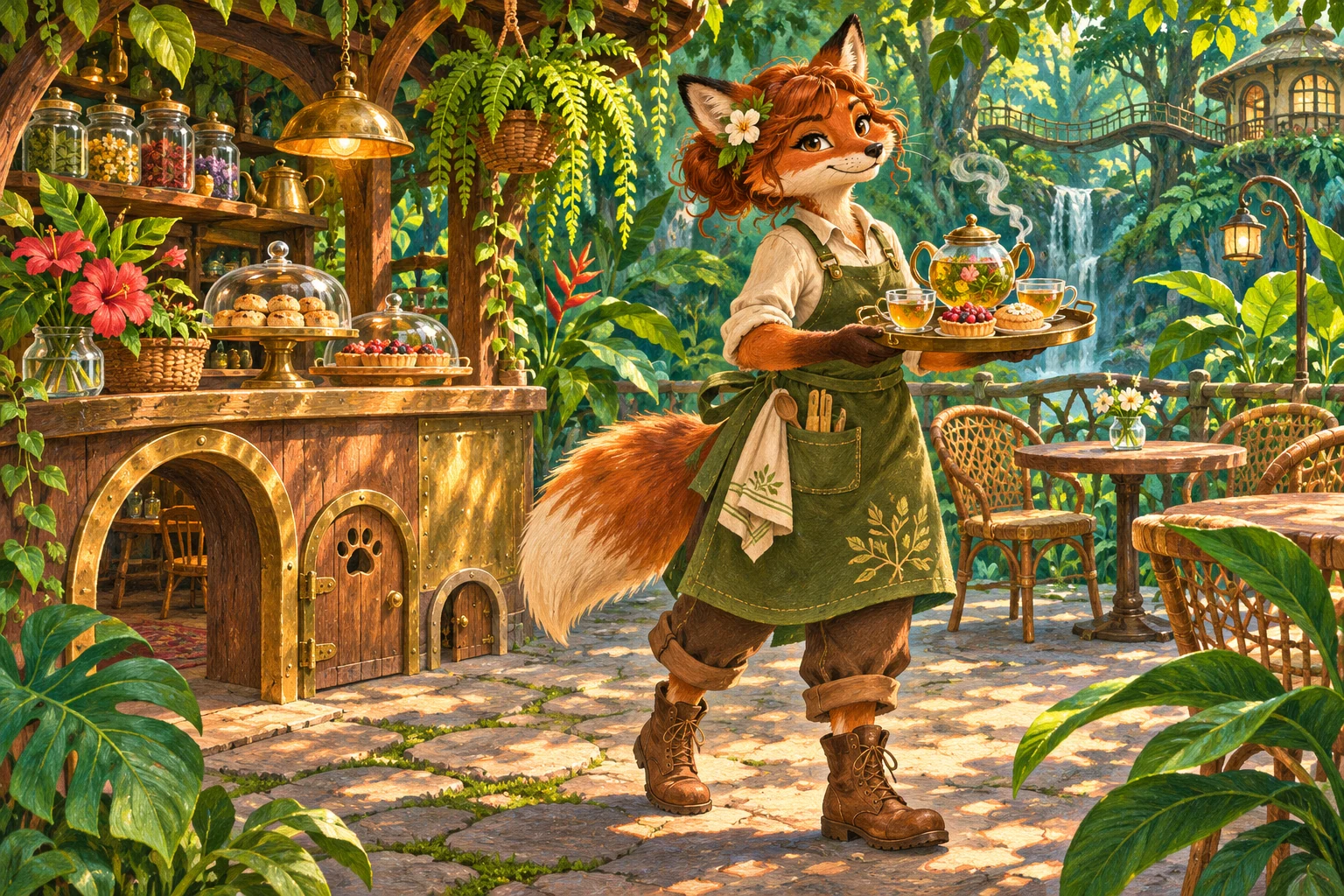
A fox café owner in practical clothes, set in a warm rainforest-district shop.
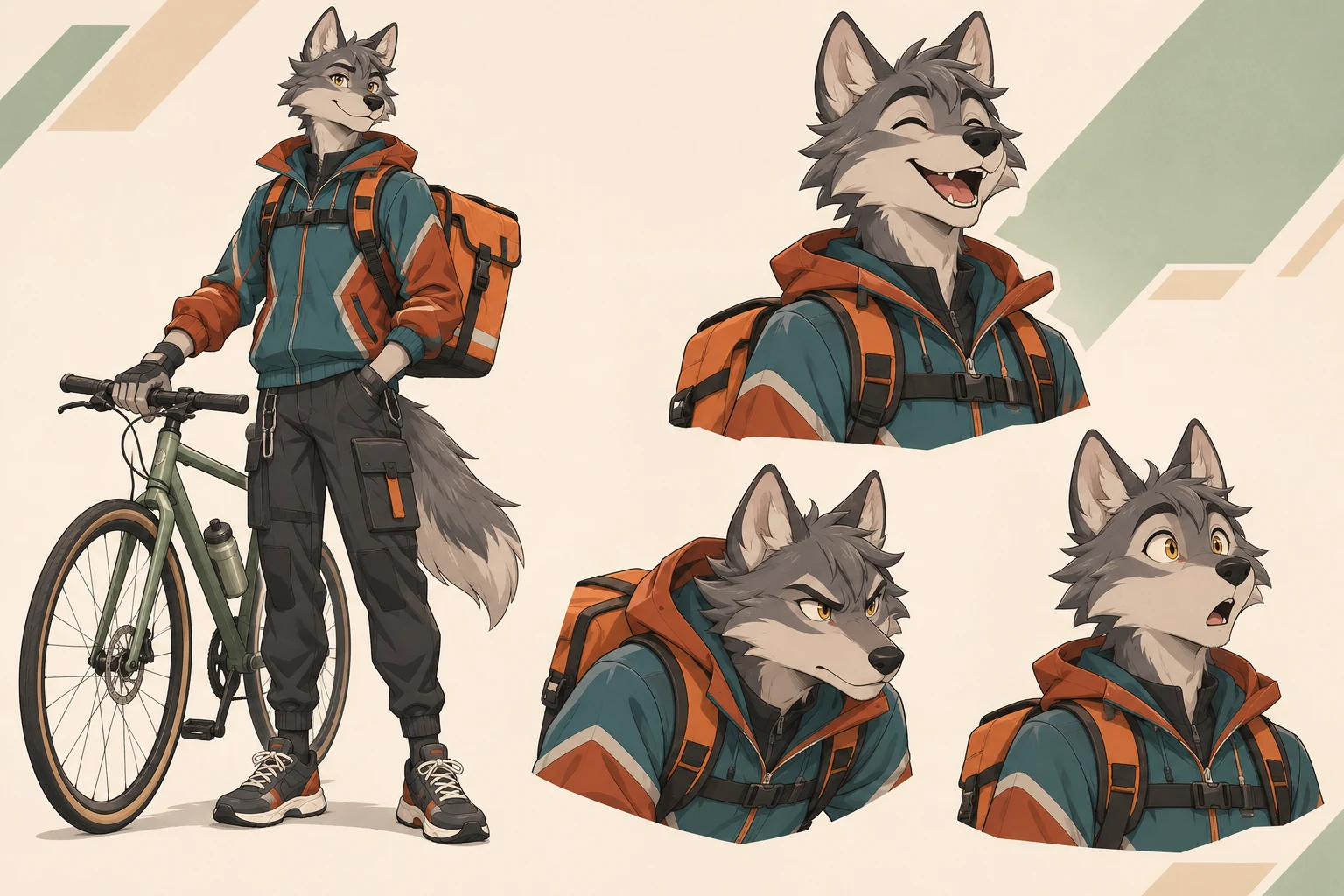
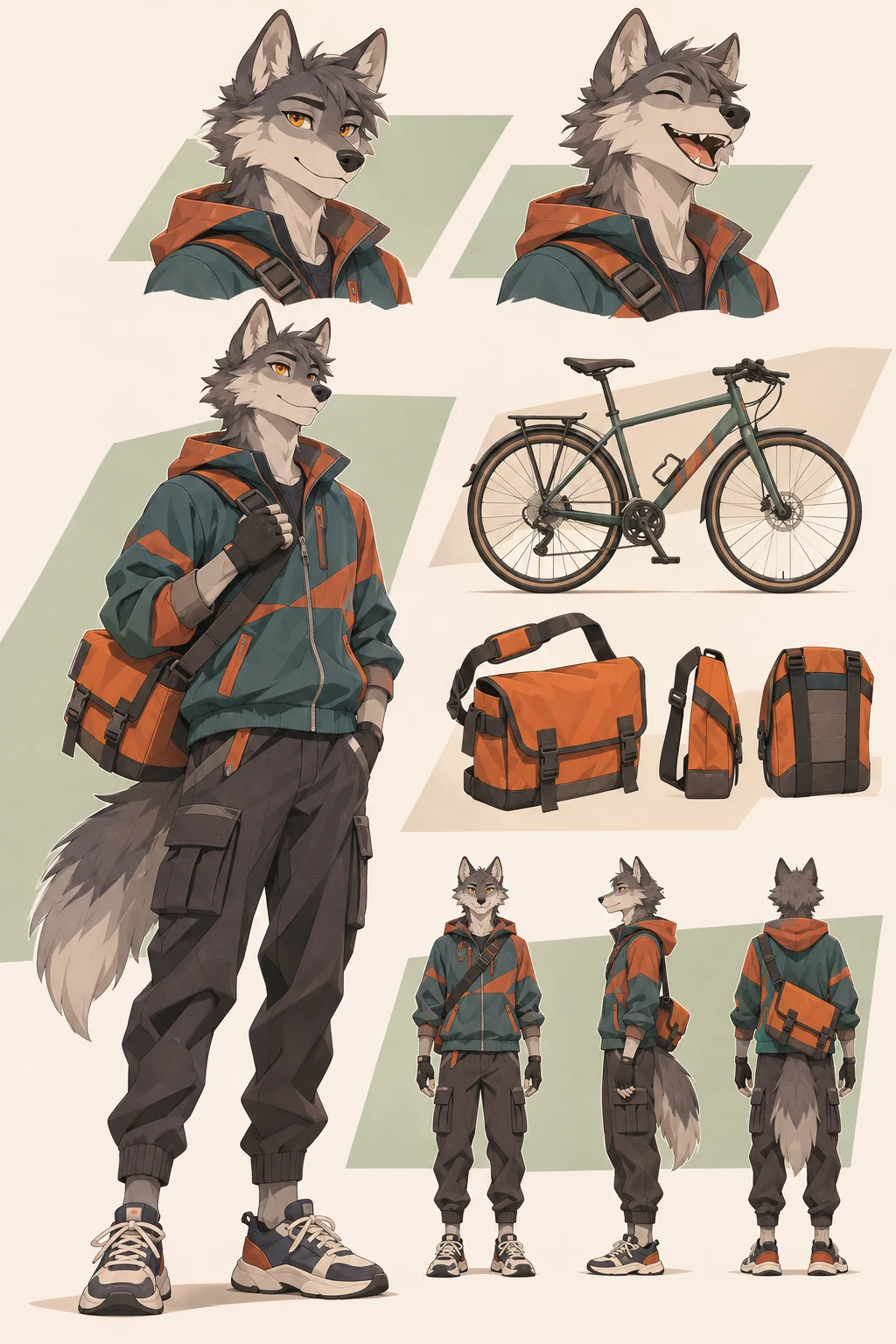
One wolf courier shown as a full-body design with expression studies.
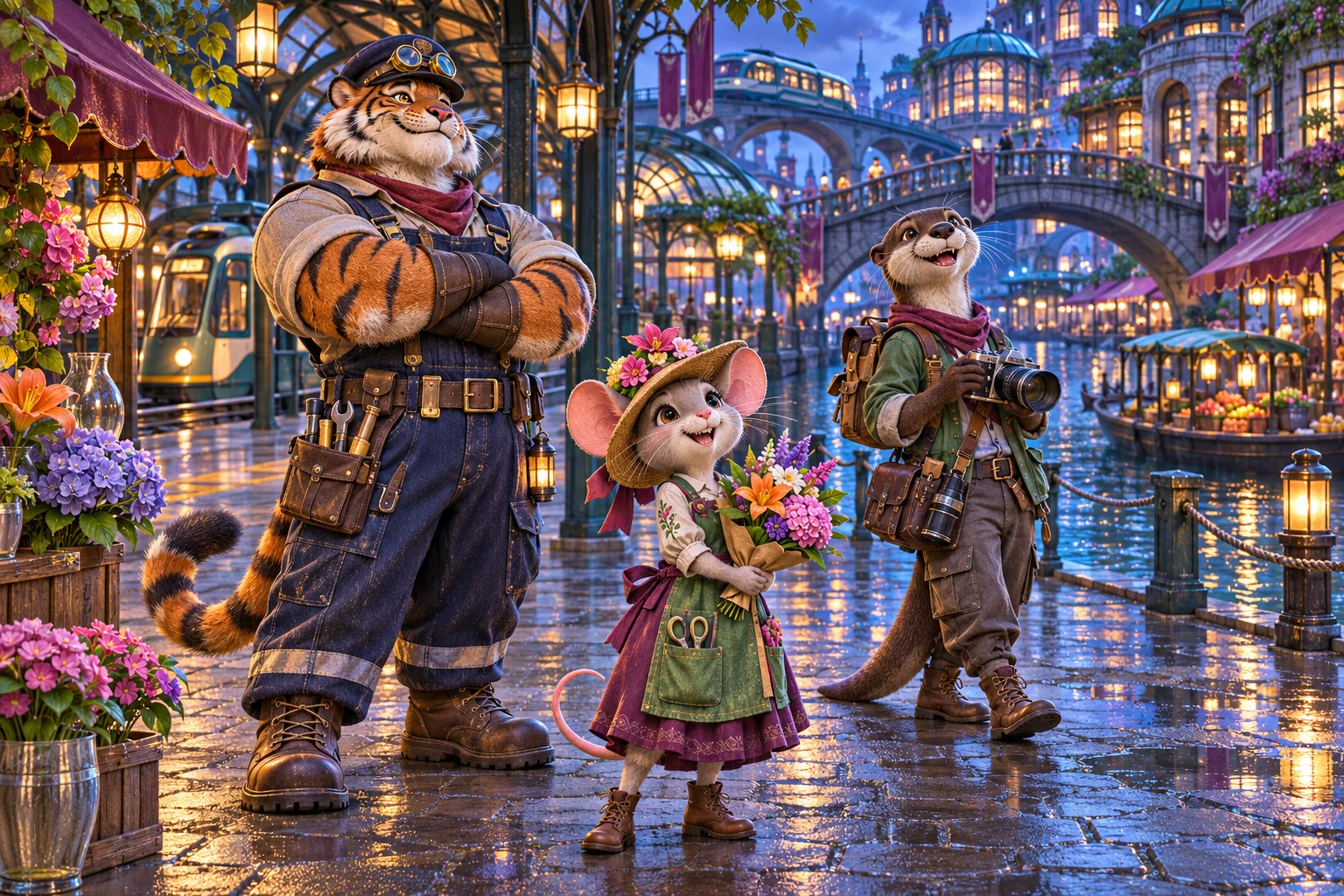
Several original species with different jobs, neighborhoods and body sizes.
Zootopia OC MakerGuided character builder
Set the species, outfit, job and setting together, then add your own details before you generate.
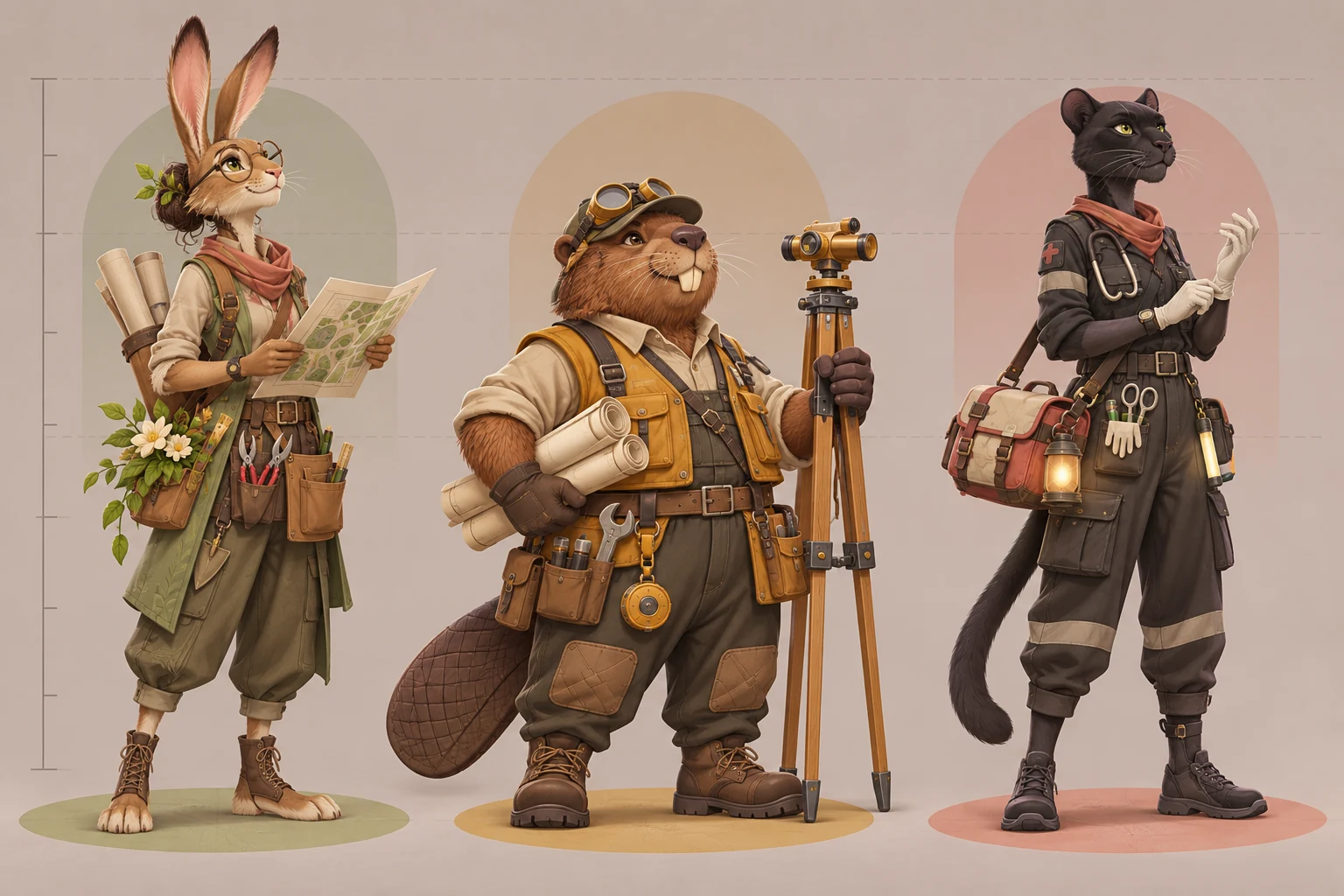
Pick a rabbit, fox, wolf, otter, tiger or a surprise mammal, then give your character a role. The outfit and details match the job you choose, so a police officer and a mural artist look like they do different work.
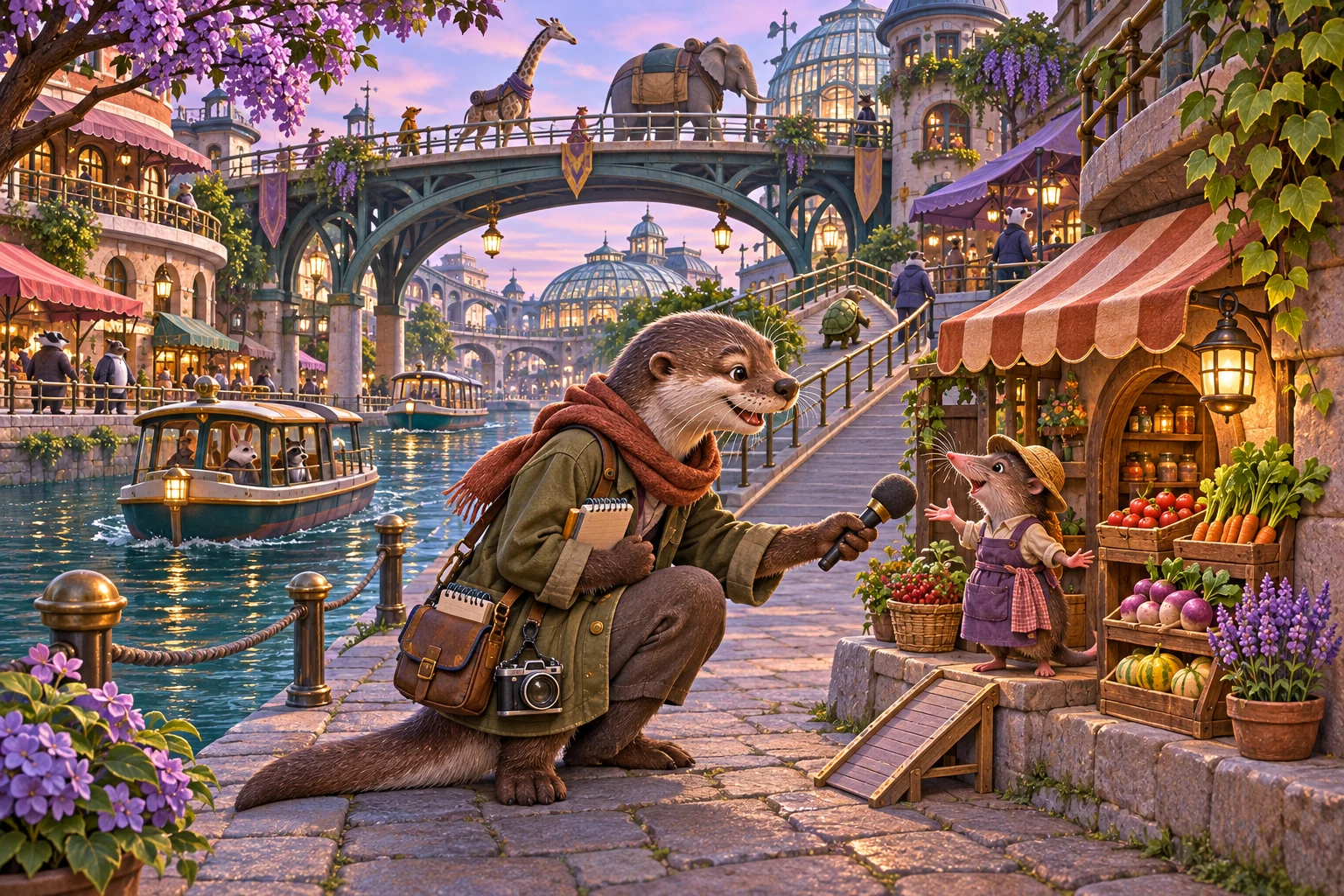
Choose downtown, rainforest, tundra, meadow or canal. Each district is drawn for animals of different sizes, so your OC looks like someone with a daily life, not a mascot on a blank background.
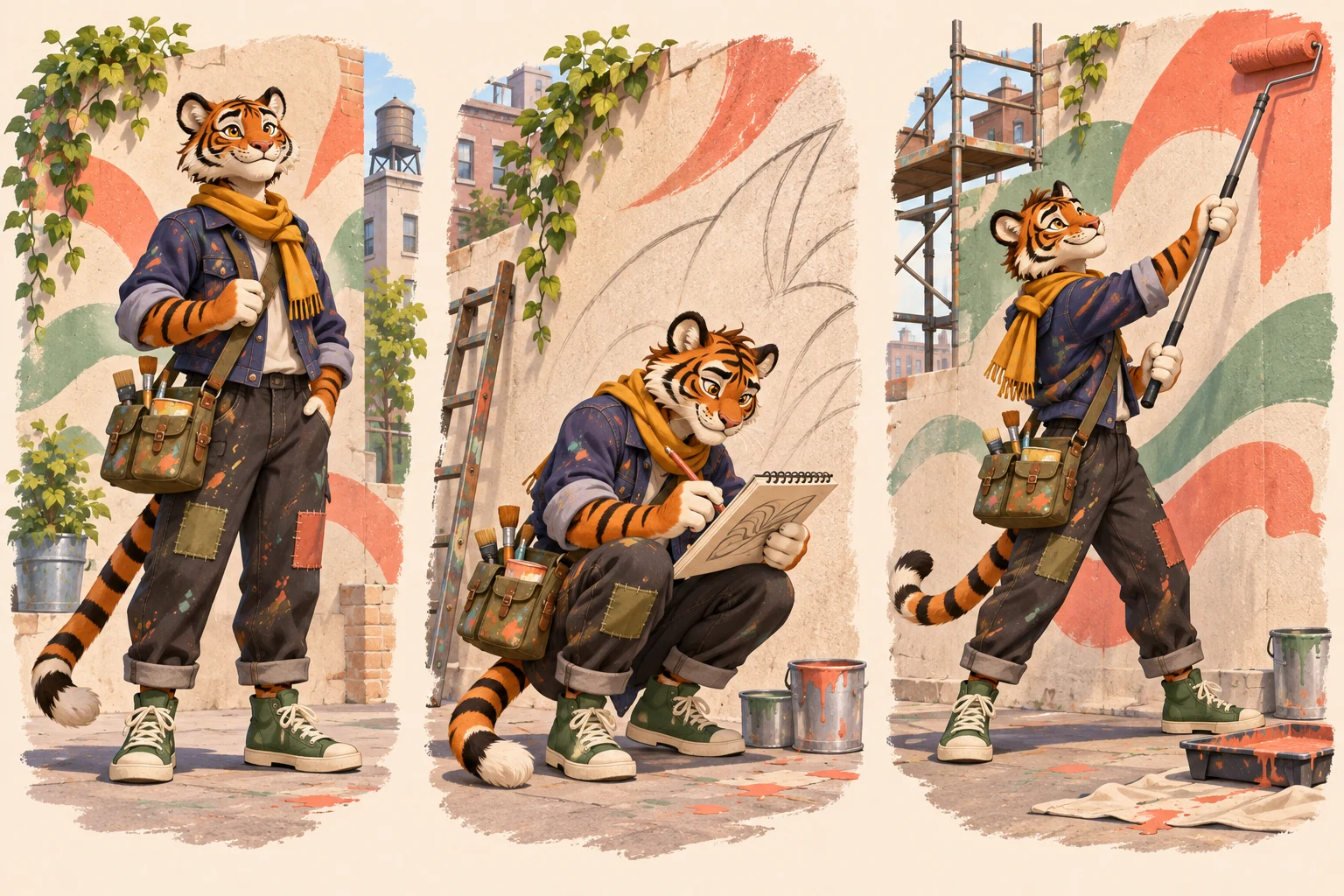
Select Reference Sheet to get a full-body pose with expression studies. Reuse a finished image as an optional reference to try another version while keeping your OC recognizable.
Go from a short idea to a ready-to-use character image for fan fiction, comics, roleplay or storyboards, with no drawing and no long prompt.
A species and one detail, such as orange eyes or a short black beard, are enough. The presets fill in the job, outfit and setting.
No long prompt needed
Choose species, job, district, background and style from simple controls. No drawing skills needed.
Easy for beginners
Check the resolution, image count and total credits before you submit.
Credits shown up front
Choose 1K, 2K or 4K, depending on how much detail your comic panel, cover or profile image needs.
Up to 4K detail
Create from scratch, or add a reference image for rough pose, outfit or color ideas.
Two ways to start
If a task is still processing, return to the same browser tab and check it again without submitting it twice.
Resume running tasks
Go from an idea to a finished animal-city character in three steps.
Select a species, a job and a city district. You can also upload a reference image you have permission to use.
Pick an art style, background, image ratio and resolution. Add a short detail such as personality, colors, accessories or mood.
Create the image and check the anatomy, outfit and setting. Then download it, or use it as a reference for another version.
Answers about original characters, reference images, credits and usage rights.
More to explore
Try another image tool for your next character idea.
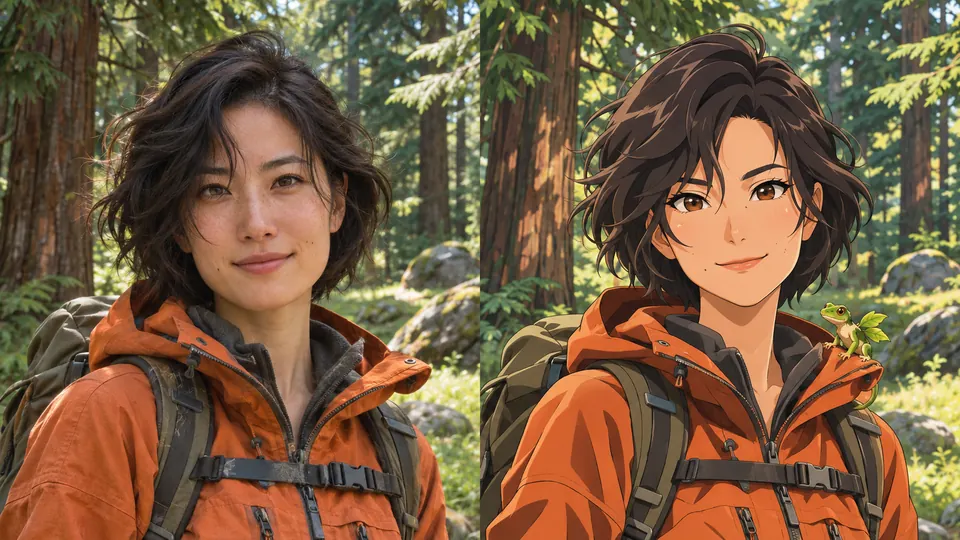
AI Pokemon Trainer Generator
Turn an adult portrait into an illustrated trainer. Choose anime, pixel art, watercolor or 3D, then compare the result with your photo.
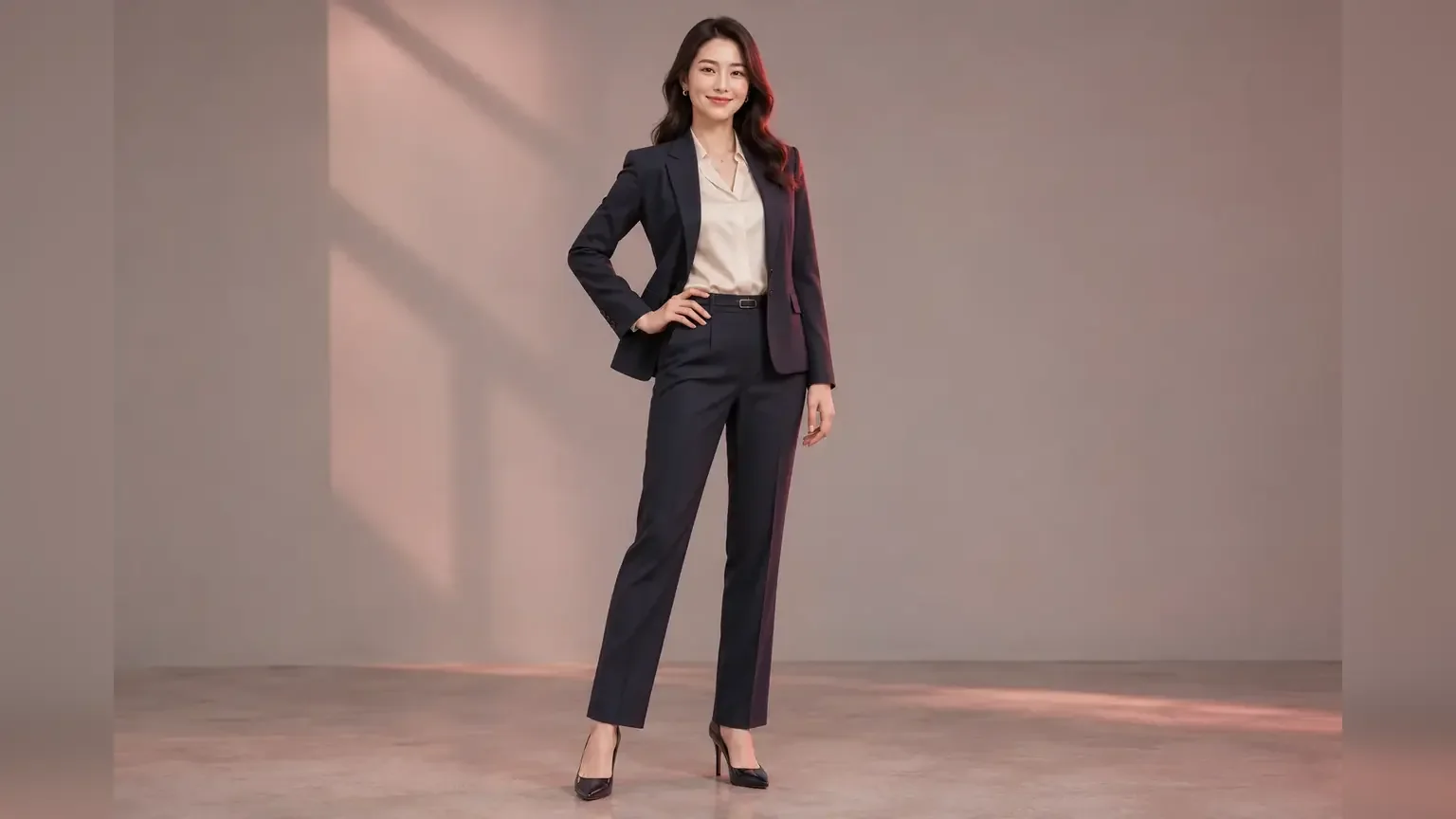
Full Body AI Generator
Turn a portrait or half-body photo into a complete head-to-shoes image with pose, outfit, background and resolution controls.
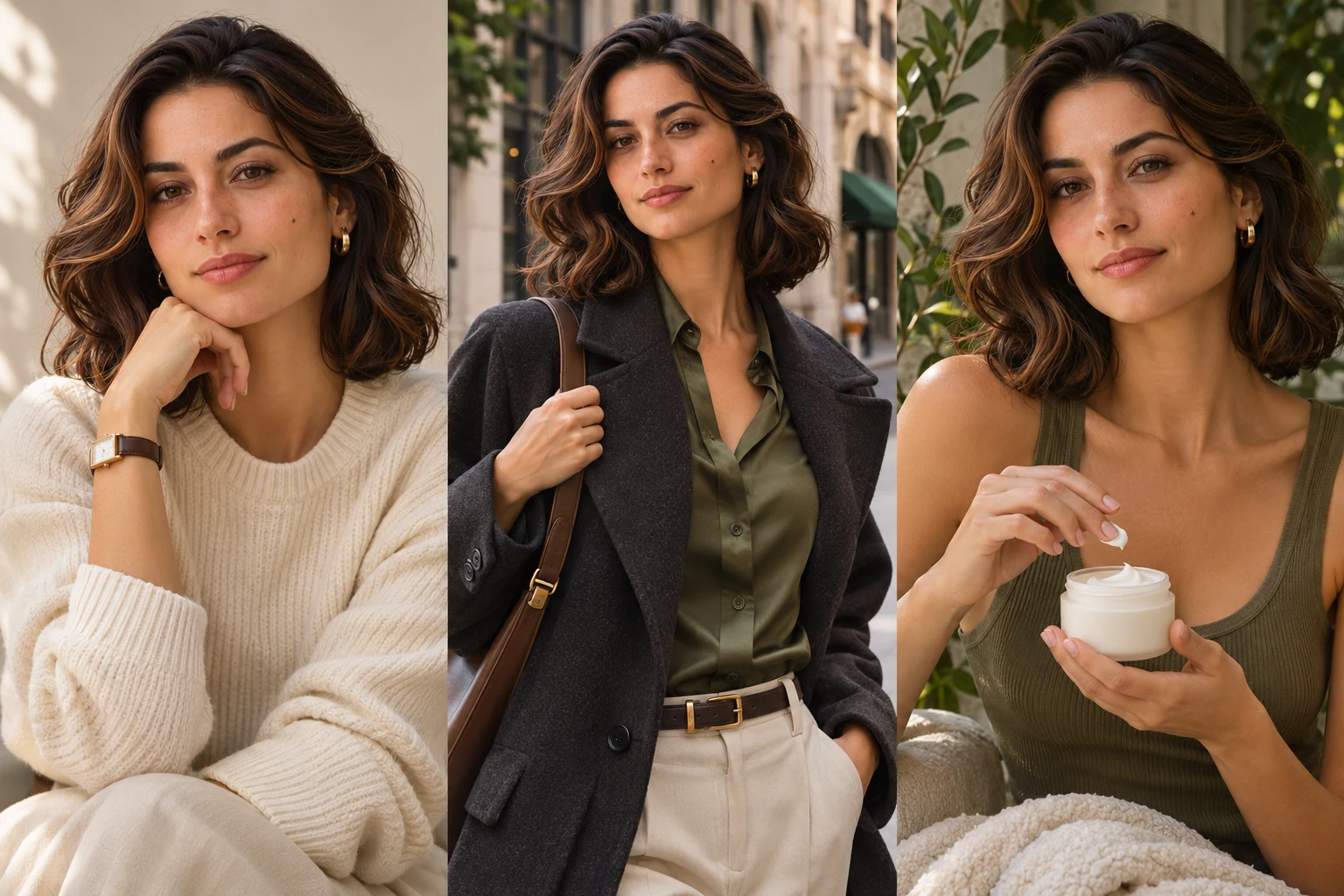
AI Influencer Photo
Turn one portrait into polished profile, lifestyle, fashion or product creator content.
GPT Image 2
Create images from a prompt or rework an existing image.
Pick a species, job and district, then turn your idea into an original full-body animal-city character or reference sheet.