• MuseVideoMuseVideo
Explore
  • Home
  • All Tools
  • Image Models
  • Video Models
  • AI Effects
Create
  • AI Image Generator
  • AI Video Generator
  • AI Music Video
Workspace
  • My Creations
  • Pricing
Meta Muse VideoMeta Muse Video
  • Home
  • AI Video

    Video Models

    • Wan 2.5Wan 2.5Alibaba
    • Kling 2.6Kling 2.6Kuaishou
    • Grok ImagineGrok
  • AI Image

    Image Models

    • Nano BananaGoogle
    • Nano Banana 2Google
    • Nano Banana ProGoogle
    • GPT Image 2GPT Image 2OpenAI
  • AI Music
    AI Music Video
  • AI Effects

    Latest effects

    View all effects
    LEGO PFP MakerAI Spider Man GeneratorAI Fat FilterZootopia OC MakerAI Wedding Dress GeneratorFull Body AI GeneratorAI Pokemon Trainer GeneratorBirth Flower Tattoo GeneratorAI Future Baby Generator
  • Pricing
Sign up for free
  1. Home
  2. AI Effects
  3. LEGO PFP Maker

LEGO PFP Maker: Turn Your Photo into a Minifigure Avatar

LEGO PFP Maker

Reference images

GPT Image 2

Start with one portrait. Add up to seven optional references for clothing, colors or accessories.

JPEG, PNG or WebP · up to 10 MB
Image ratio
Resolution
Number of images

Each image is generated and charged separately.

Anyone with the link can view the generated image.

More settings
Describe an outfit, prop or color.0/3000
Character theme

Start with the square format and a head-and-shoulders view. A close-up emphasizes the face, while a full figure leaves space for the outfit.

Image ratio
Required credits10 credits
10 credits each × 1Balance not loaded

Use an adult portrait you have permission to edit. Photos are sent to the generation provider. Privacy policy

All my creations
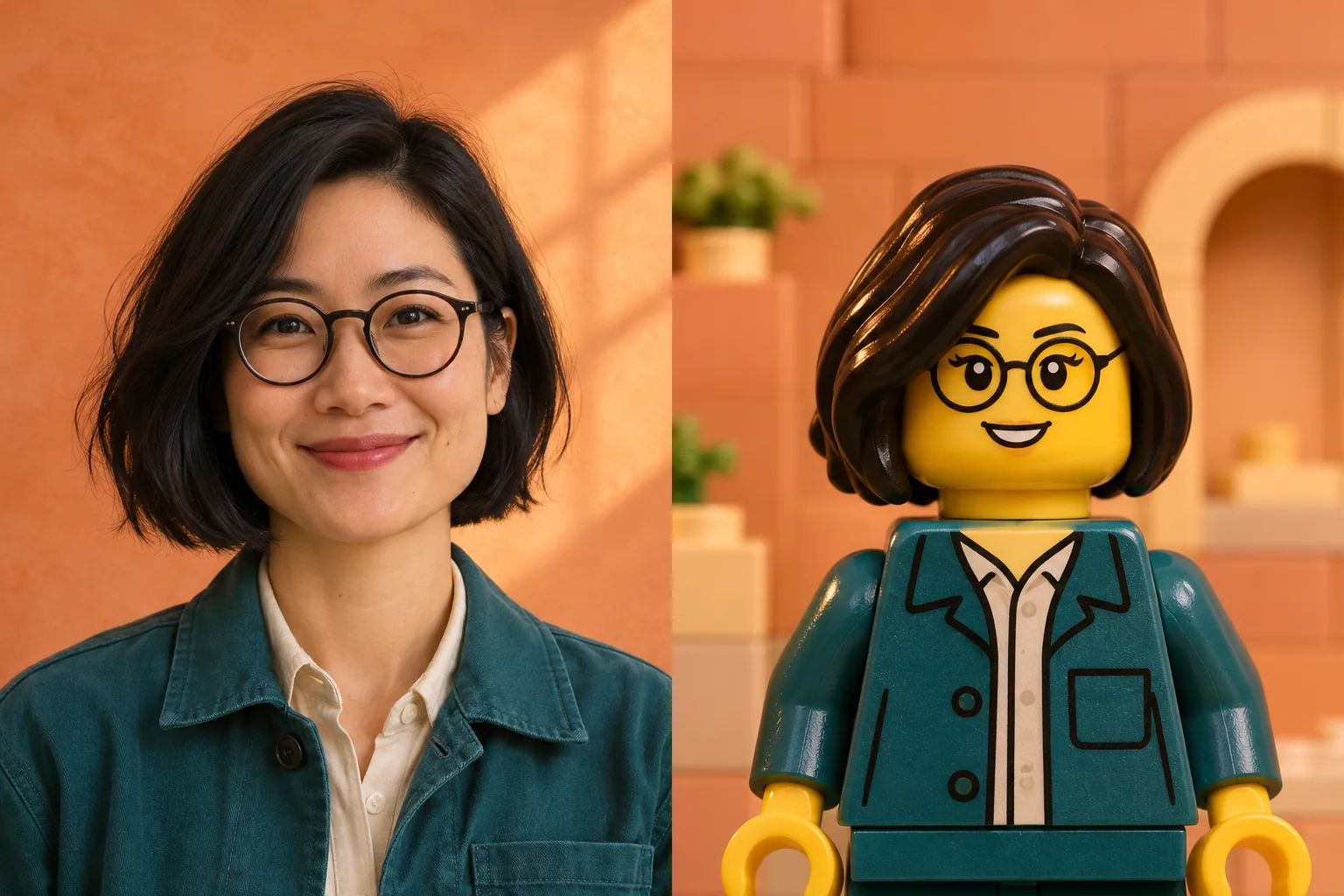
A portrait and its minifigure share the same round glasses and teal jacket.Example previewBeforeAfter

Illustrated example. Upload your own portrait to make a personal avatar.

Use the LEGO PFP Maker to create a LEGO minifigure from a photo. Upload one portrait, keep your glasses and everyday outfit or switch to a space suit, then check it at profile-icon size.

Create a LEGO Minifigure from Your Photo

Keep the details that make it look like you.

The LEGO PFP Maker carries your glasses, hairstyle and clothing colors over to the minifigure. Compare it with your original photo to see which details still look like you.

Create My LEGO PFP
A portrait and its minifigure share the same round glasses and teal jacket.
  • Head-and-shoulders framing
  • Four character themes
  • Recognizable details
  • Circular crop preview

Make a Minifigure Profile Picture from Your Photo

Each example shows a fictional portrait next to its AI-made minifigure. Pick a theme to try the same look on your own photo.

LEGO PFP Maker example pairing a round-glasses selfie with a teal-jacketed minifigure

Classic selfie with round glasses

A portrait and its minifigure share the same round glasses and teal jacket.

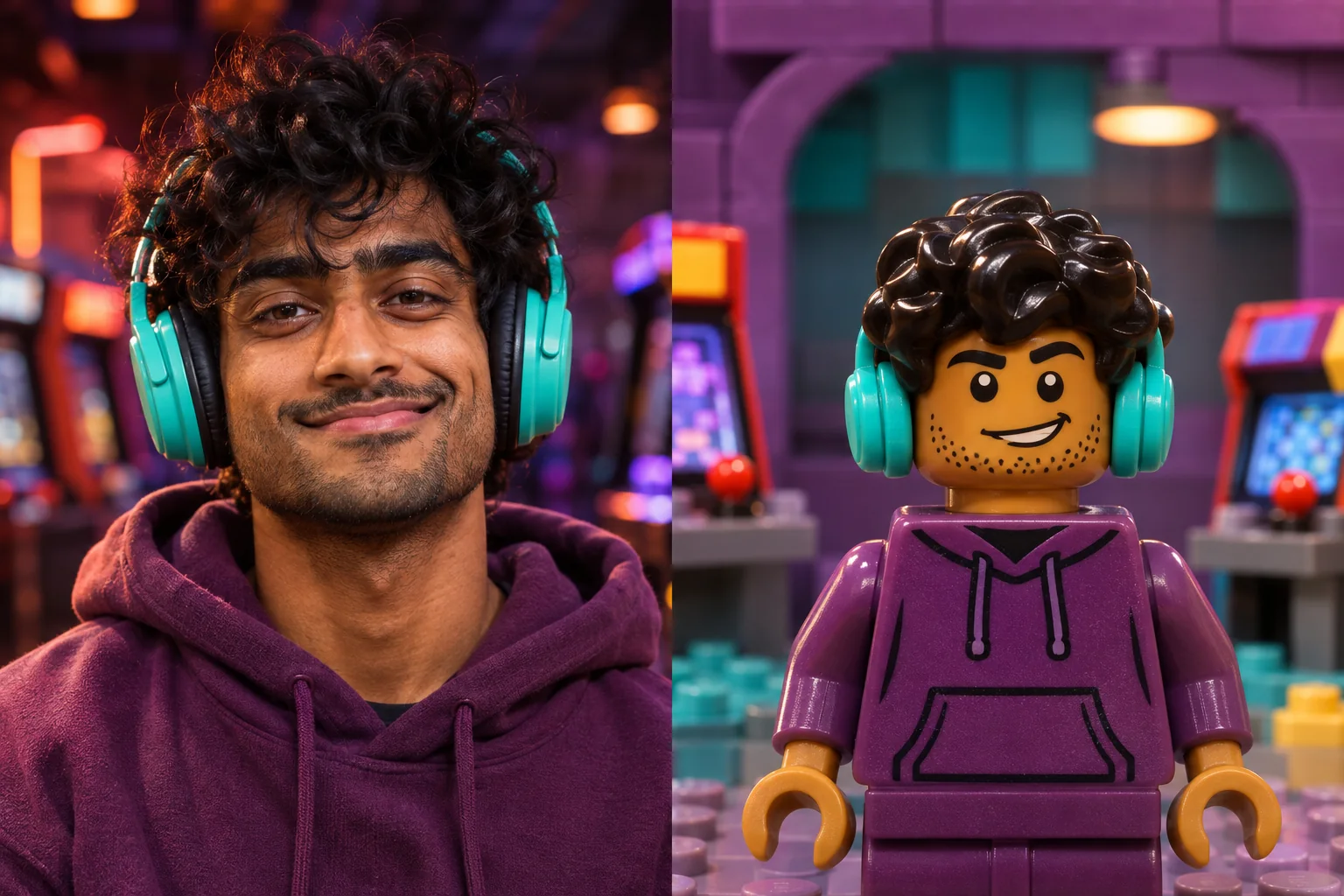
Purple hoodie and turquoise headphones on the gamer and matching arcade minifigure

Arcade avatar with gaming headphones

A purple hoodie and turquoise headphones carry over to the arcade avatar.
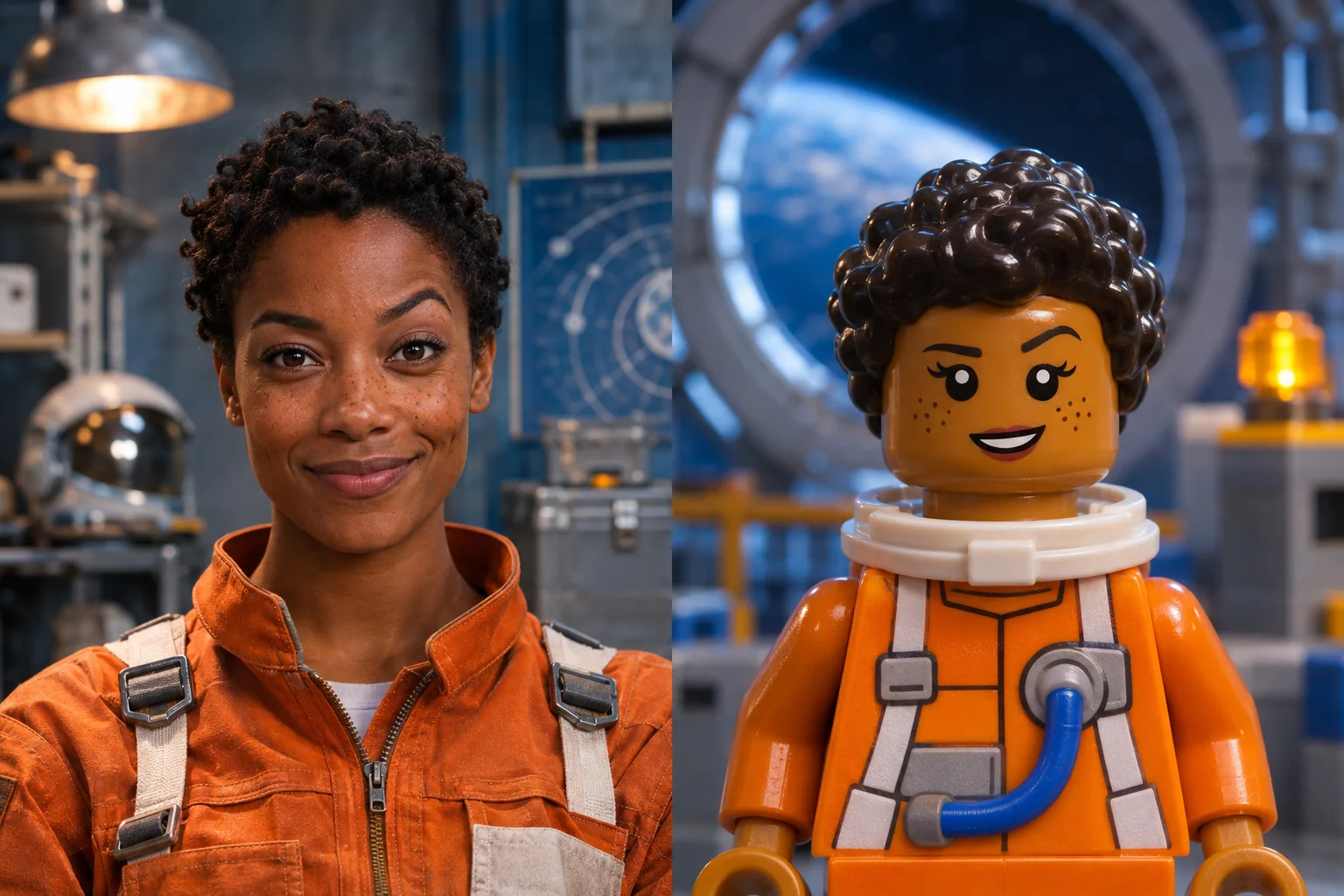
Curly-haired portrait beside an orange-suited minifigure in a space station

Space explorer in an orange suit

An orange top becomes a printed spacesuit on the matching figure.
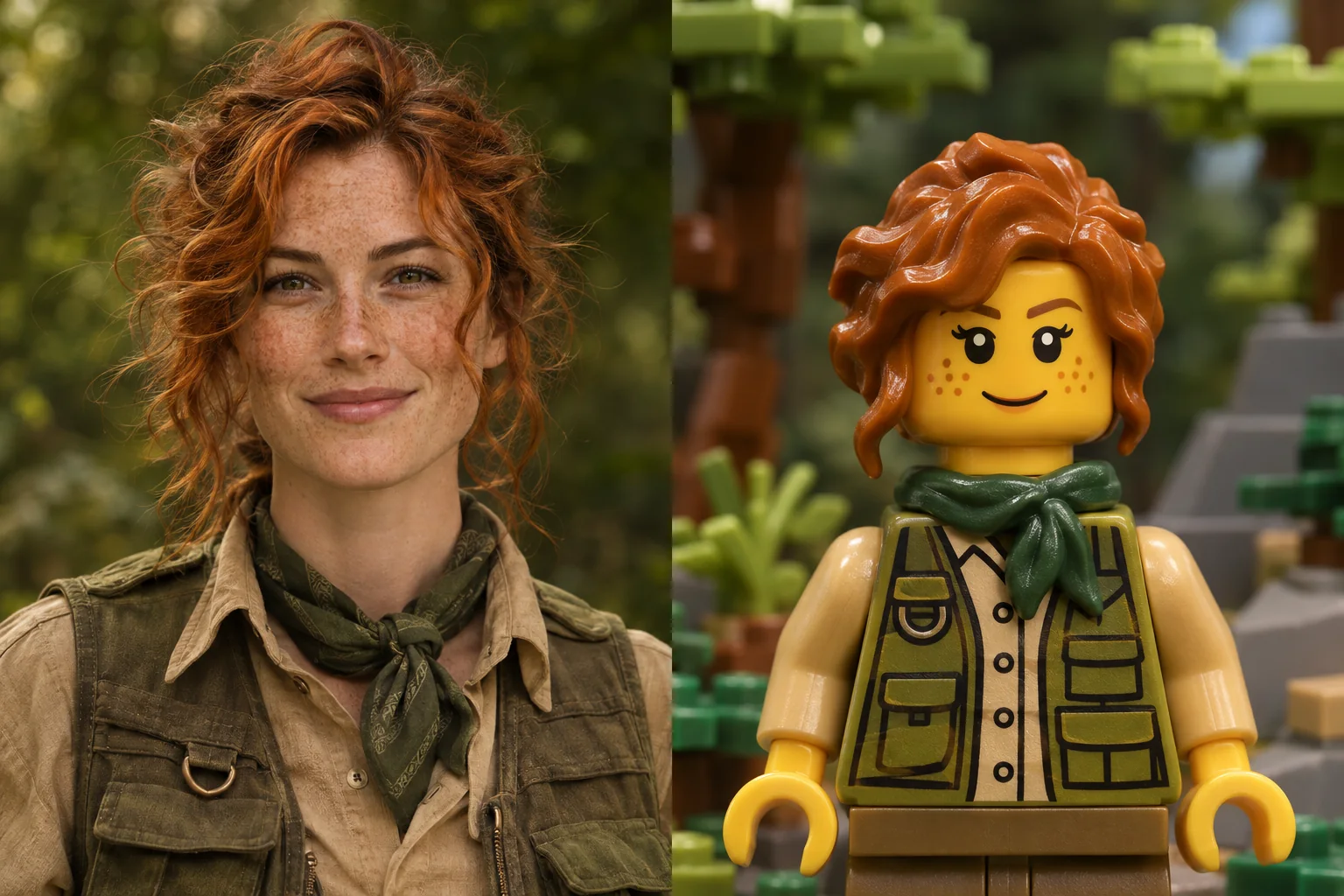
Copper hair, freckles and green scarf repeated on a portrait and its forest minifigure

Freckled forest adventurer

The explorer keeps the green outfit and freckles from the portrait.

LEGO PFP MakerAvatar settings

Customize a Minifigure Avatar for Your Profile

Keep the everyday look or give your character a new role.
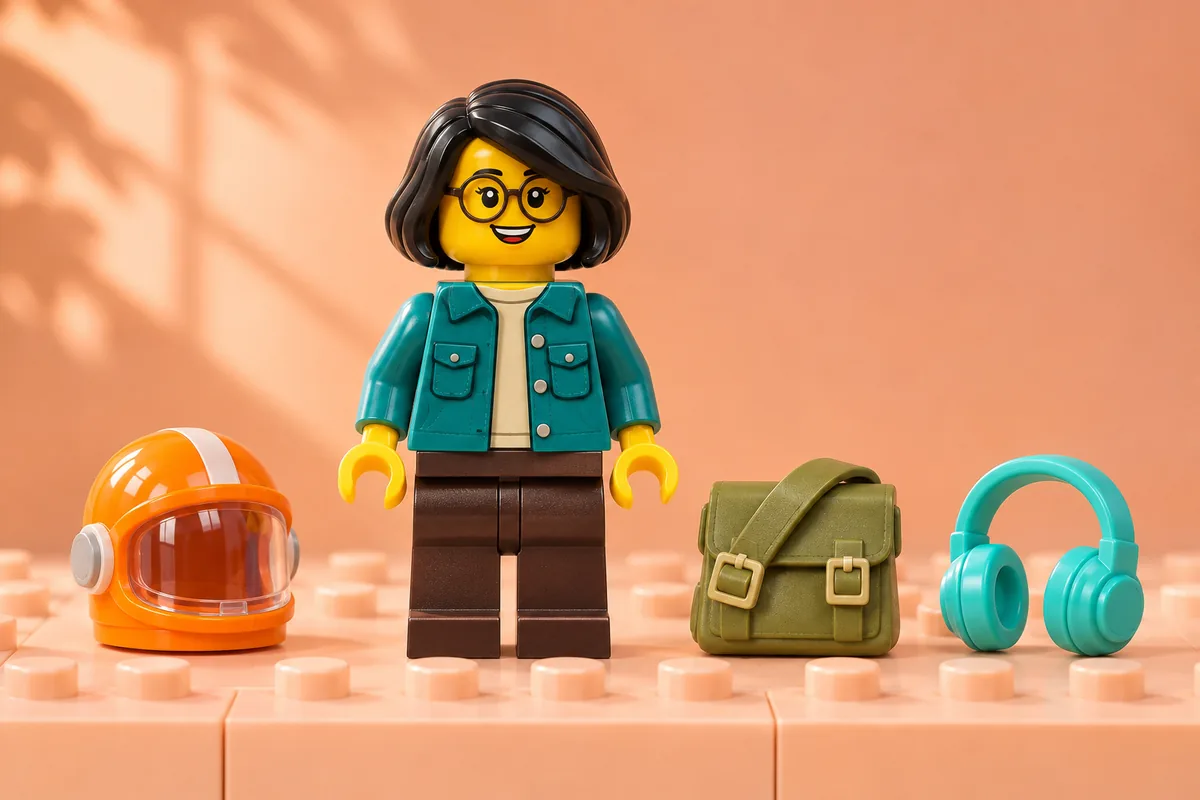
A teal-jacketed minifigure beside a space helmet, satchel and headphones

Keep your everyday look or dress for a game lobby

Classic keeps your outfit as the reference. Space, Adventure and Arcade restyle it with a flight suit, explorer vest or gaming headphones.
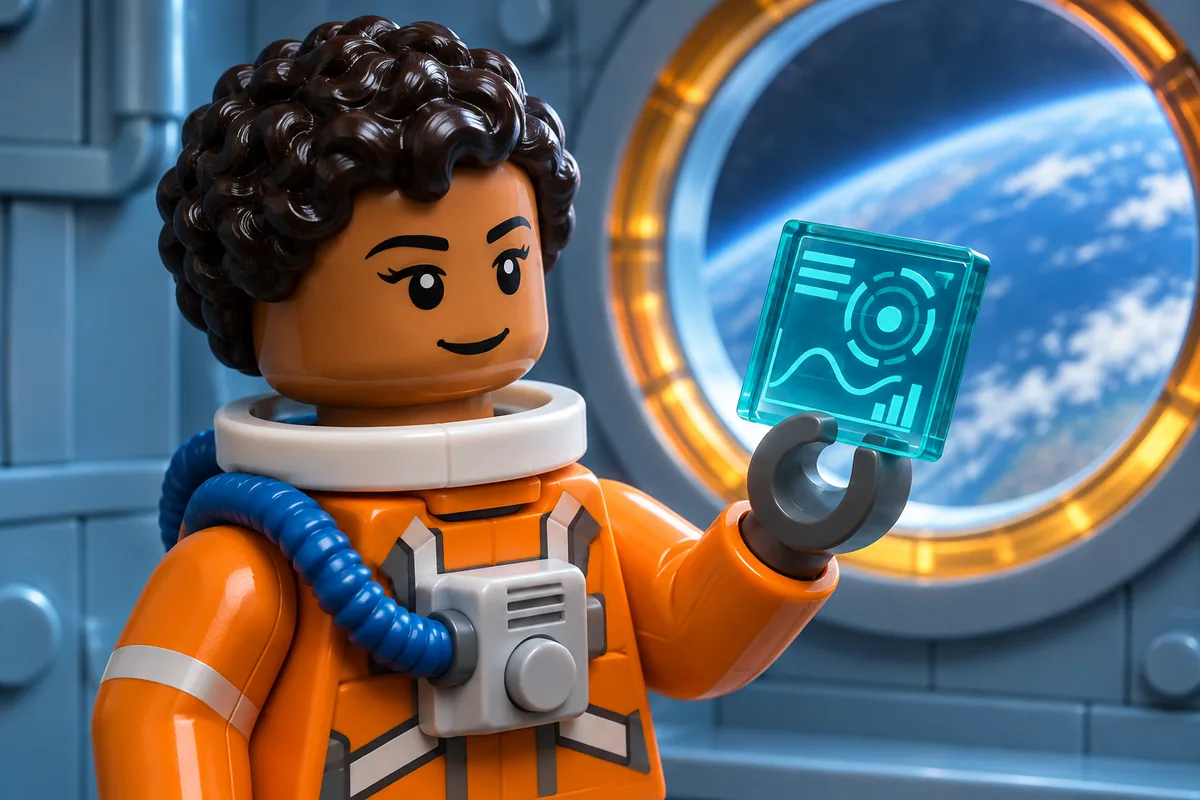
An orange-suited space explorer holding a turquoise scanner

Set the color of glasses, headphones or a jacket

Add a short note about a jacket color, a pair of glasses or a prop. Leave it blank and the theme decides the look.
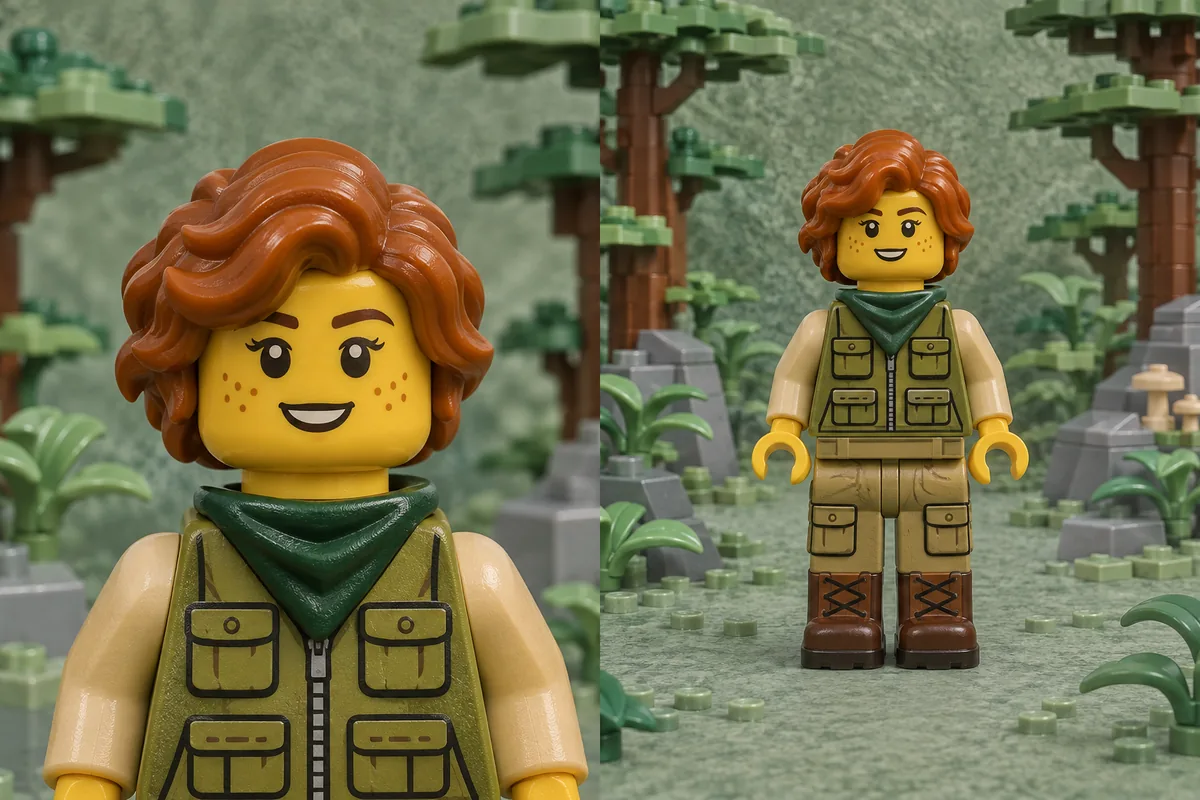
Head-and-shoulders and full-length views of the same freckled explorer

Frame your face so friends can recognize it

Start with a square, head-and-shoulders frame. Choose close-up to focus on your face or full figure to show the whole outfit.

Make My LEGO Profile Picture

Preview Your LEGO PFP for Social and Gaming Profiles

See which details still read at icon size, then pick the version you like best.

Circular crop preview

Switch on the circular preview to see whether glasses, hats or headphones get cut off. The file you download keeps its original frame.

Avatar preview

Made for gaming profiles

Pick a standout outfit or accessory so friends spot you in a game lobby or group chat.

Easy to spot in a lobby

Credit cost shown up front

See the total credits before you generate. Higher resolutions and more images cost more.

Cost shown up front

1K, 2K or 4K output

Choose 1K, 2K or 4K depending on how much detail you want to keep in your avatar.

Up to 4K

Compare with your photo

Put the minifigure next to your original photo and check the expression before you share it.

Side-by-side check

Pick up where you left off

If generation takes a while, return to this tab and check the saved task instead of submitting again.

No need to resubmit

Try the LEGO PFP Maker

How to Make a LEGO PFP from Your Photo Online

Three steps from selfie to profile picture.

  1. Step 1: Upload a clear portrait and optional references

    Upload one clear photo of an adult you have permission to depict. JPEG, PNG or WebP files up to 10 MB each work. Extra reference images let you specify the outfit or accessories.

  2. Step 2: Choose a theme and generate your minifigure

    Select Classic, Space, Adventure or Arcade and keep the default square frame. Sign in, choose a resolution and image count, then check the total credits before you generate.

  3. Step 3: Check the circular crop and save your favorite

    Compare the result with your portrait and switch on the circular preview. Then download the original frame with an eligible plan or credit top-up. If you enabled sharing before generating, you can copy the result link instead.
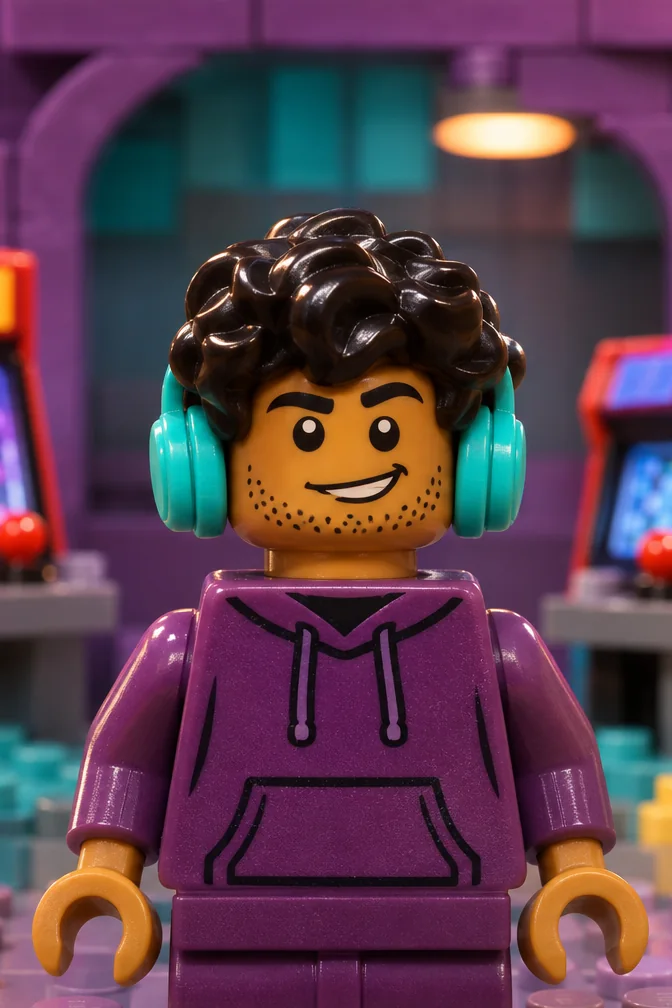
Create a LEGO PFP Now
Arcade minifigure with a purple hoodie and turquoise headphones, framed as a profile picture in the LEGO PFP Maker

LEGO PFP Maker FAQ

Photos, customization, downloads and credits.

Start with a clear selfie and choose Classic to turn yourself into a digital minifigure. Round glasses, a distinctive hairstyle or a favorite jacket give the avatar details your friends can recognize. Use a well-lit JPEG, PNG or WebP of one consenting adult, with a little room around the head.

To make a custom figure for your profile picture, put your portrait in the first slot. Add up to seven optional references for the outfit, colors or accessories. For example, pair a selfie with a photo of your turquoise headphones, then choose Arcade for a gaming avatar.

Choose Space to create an original explorer avatar from your portrait. In the optional note, describe the look you have in mind, such as an orange flight suit with a white collar. Use head-and-shoulders framing so your face stays visible in the round profile icon.

Start with the square format and head-and-shoulders framing. Open the circular preview to check the sides of your glasses, hair or headphones at icon size. If they touch the edge, try a wider framing. The downloaded image keeps the original rectangular or square frame.

Each generated image costs 10 credits at 1K, 20 at 2K or 30 at 4K. Choose one to four images and check the total shown before you submit. Reference images do not add to that total. Downloads require an eligible paid plan or a credit top-up.

Turn on link sharing before you generate if you want a shareable result. After generation, copy the link for the avatar you selected. Anyone with the link can view that finished image. Your source portrait and the optional reference images are excluded from the shared view.

Privacy policy

More to explore

Try More AI Image Tools

View All Tools

Turn portraits into characters or create new images from reference photos with these related tools.
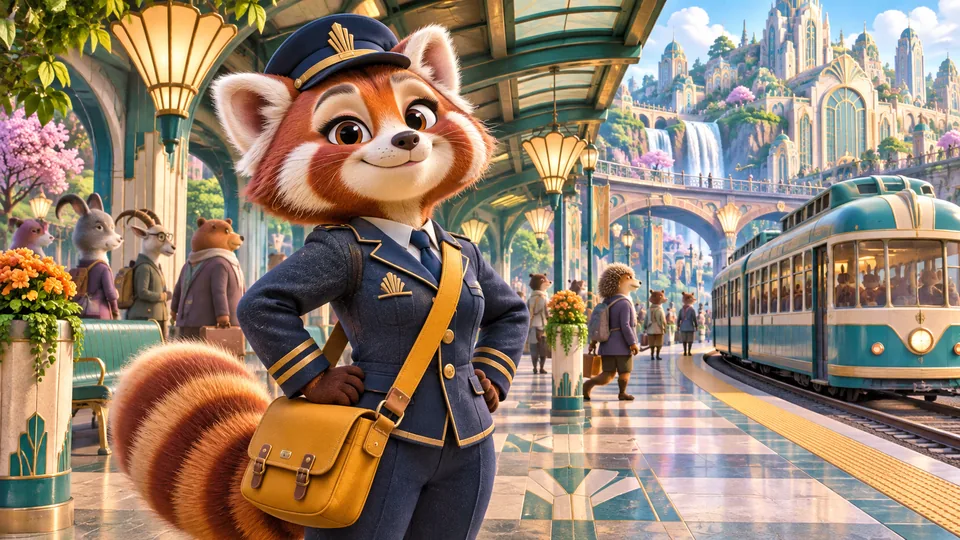
  • Zootopia OC Maker

    Zootopia OC Maker

    Create an original animal-city OC. Choose a species, occupation, district and art style, then generate a full-body character or reference sheet.
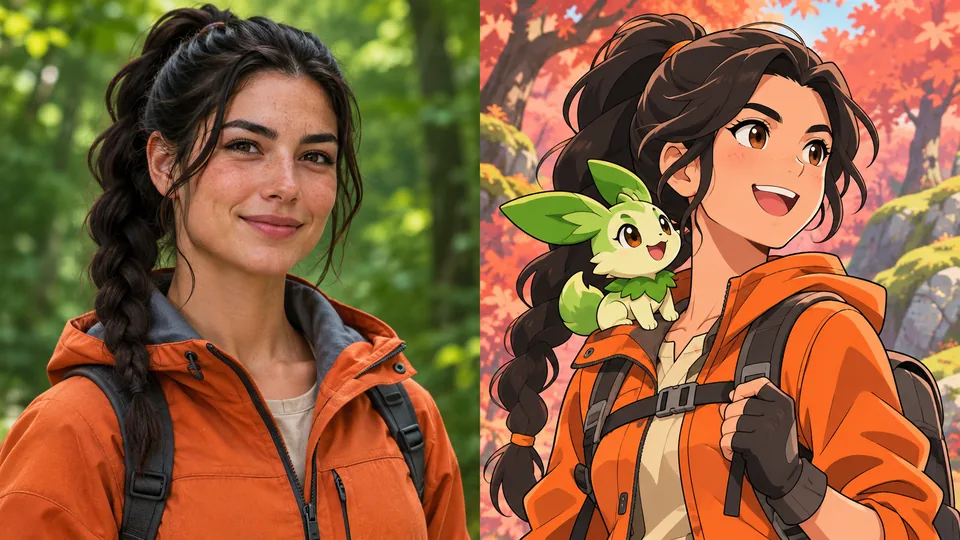
  • A woman in an orange jacket, shown as a photo and as an illustrated trainer with a green creature

    AI Pokemon Trainer Generator

    Turn an adult portrait into an illustrated trainer. Choose anime, pixel art, watercolor or 3D, then compare the result with your photo.
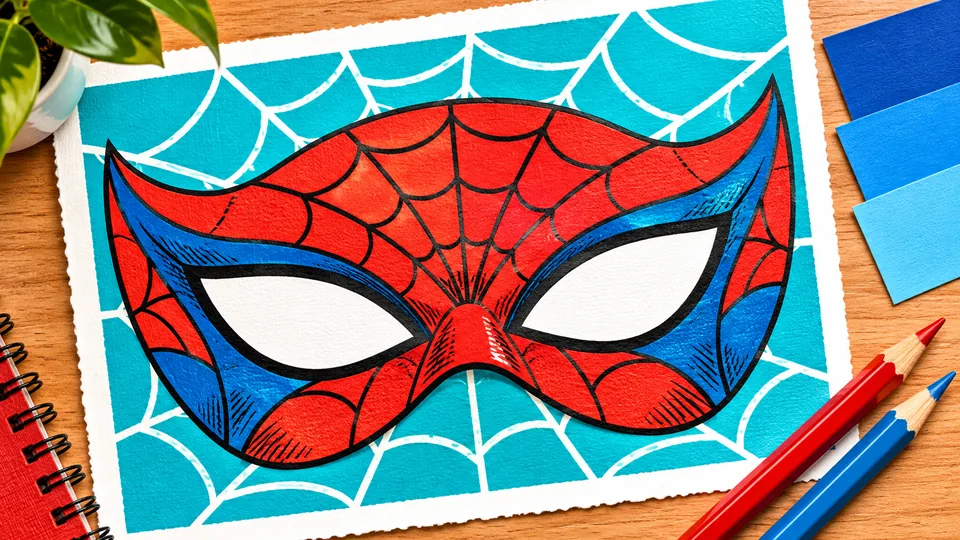
  • AI Spider Man Generator

    AI Spider Man Generator

    Turn a portrait into a spider hero or design an original suit from a description.
  • A colorful graphic art print in a creative studio

    GPT Image 2

    Create images from a prompt or rework an existing image.

Turn Your Photo into a LEGO PFP

Upload one portrait, pick a theme and check the circular crop before you save your new profile picture.

Make My LEGO PFP Now
Meta Muse VideoMeta Muse Video

Meta Muse Video - Native multimodal image & video creation

support@musevideo.ai

Tools

  • All Tools
  • Image Models
  • Video Models
  • AI Effects
  • LEGO PFP Maker
  • AI Spider Man Generator
  • Zootopia OC Maker
  • AI Wedding Dress Generator
  • Full Body AI Generator
  • AI Pokemon Trainer Generator
  • AI Influencer Photo
  • AI Fat Filter
  • AI Long Hair Filter
  • Birth Flower Tattoo Generator
  • AI Future Baby Generator
  • AI Rap Duo
  • Crazy Frog AI
  • AI Thriller Dance
  • Angry Dance filter
  • NEON Duo Dance
  • AI Face Dance
  • AI Zombie Love Story
  • AI Music Video
  • Hotel Lobby AI
  • Migos AI Video Generator

Image Creation

  • Text to Image
  • Image Edit

Google Image Models

  • Nano Banana
  • Nano Banana 2
  • Nano Banana Pro
  • GPT Image 2

Video Creation

  • Text to Video
  • Image to Video
  • Wan 2.5
  • Kling 2.6
  • Grok Imagine

Support

  • Pricing
  • About
  • Contact

Legal

  • Privacy Policy
  • Terms of Service
  • Cookie Policy

© 2026 Meta Muse Video All Rights Reserved.

Pricingsupport@musevideo.ai